here!
here!
I’m your shopping assistant for PC builds, upgrades, and everything tech.
Got questions? Ask away!
Start a conversation
here!
I’m your shopping assistant for PC builds, upgrades, and everything tech.
Got questions? Ask away!
Start a conversation





Any questions? Ask CelesteSM will help you find out quickly.


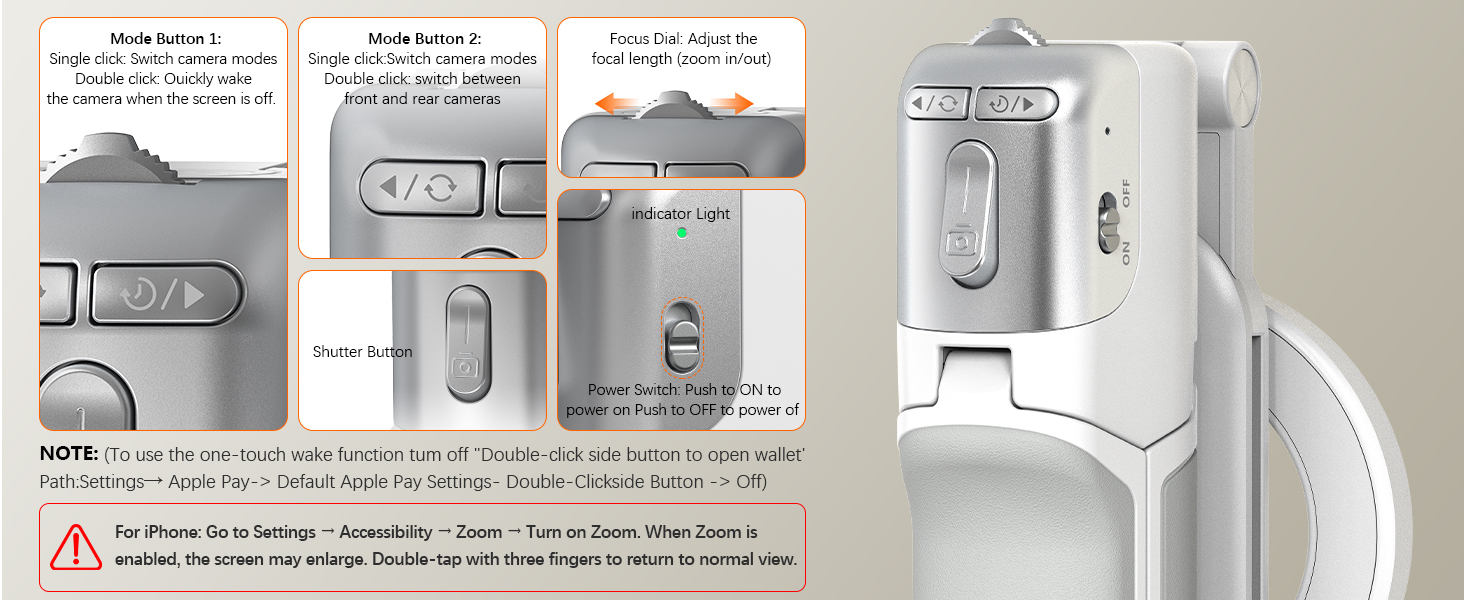
For iPhone one-tap camera wake, disable the Apple Pay double-click shortcut: go to Settings > Wallet & Apple Pay, and switch off “Double-Click Side Button” (or Home Button for older models). This prevents Wallet interference, letting the camera launch with a single press.


At Amazear, we specialize in the independent R&D and innovative design of high-quality camera accessories. Our mission is to enhance your photography experience with practical, user-centric solutions tailored to meet diverse needs. By combining cutting-edge technology with ergonomic design, we deliver reliable and intuitive products that empower creators.
Explore smarter photography with Amazear.









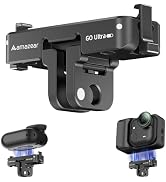

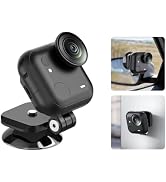
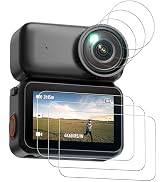
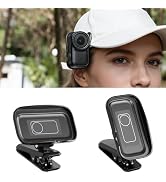


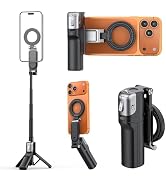
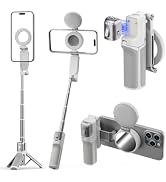









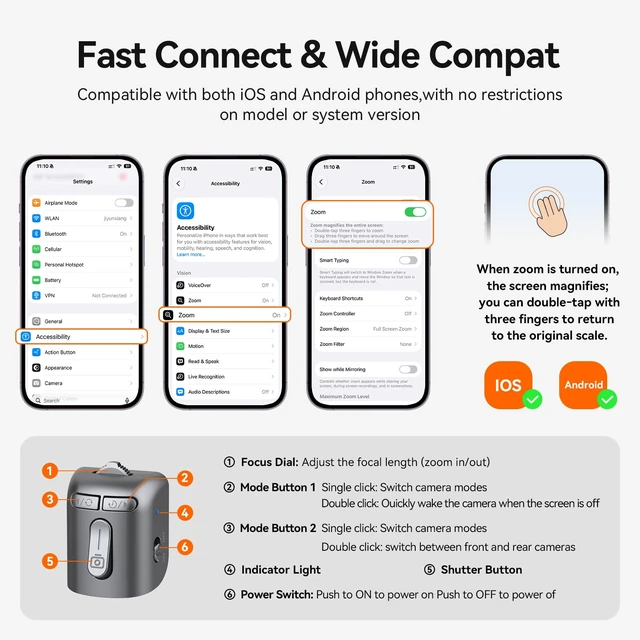
For iPhone Users: To use full operation features, enable Zoom on your iPhone: go to Settings > Accessibility > Zoom, and turn it ON. You can then toggle Zoom with a three-finger double-tap. Adjust according to your iOS version.


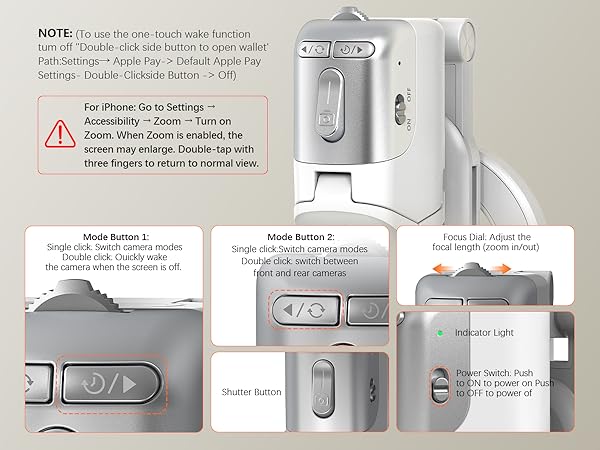
For iPhone one-tap camera wake, disable the Apple Pay double-click shortcut: go to Settings > Wallet & Apple Pay, and switch off “Double-Click Side Button” (or Home Button for older models). This prevents Wallet interference, letting the camera launch with a single press.
At Amazear, we specialize in the independent R&D and innovative design of high-quality camera accessories. Our mission is to enhance your photography experience with practical, user-centric solutions tailored to meet diverse needs. By combining cutting-edge technology with ergonomic design, we deliver reliable and intuitive products that empower creators.
Explore smarter photography with Amazear.