here!
here!
I’m your shopping assistant for PC builds, upgrades, and everything tech.
Got questions? Ask away!
Start a conversation
here!
I’m your shopping assistant for PC builds, upgrades, and everything tech.
Got questions? Ask away!
Start a conversation
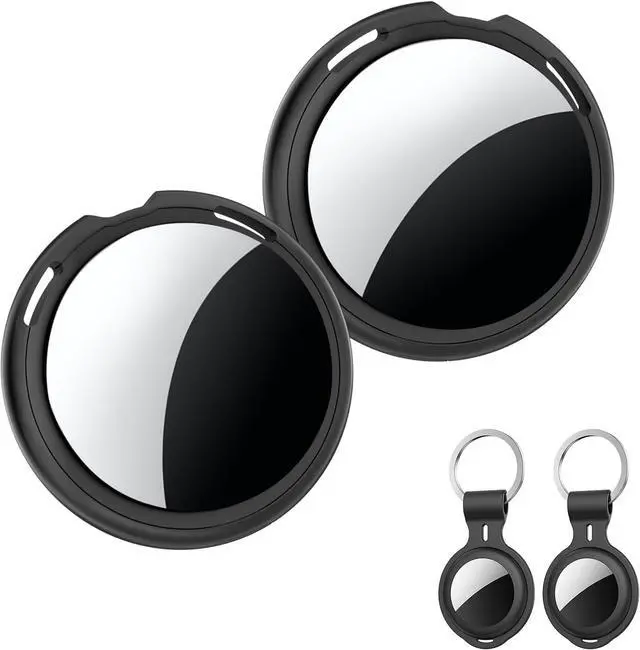
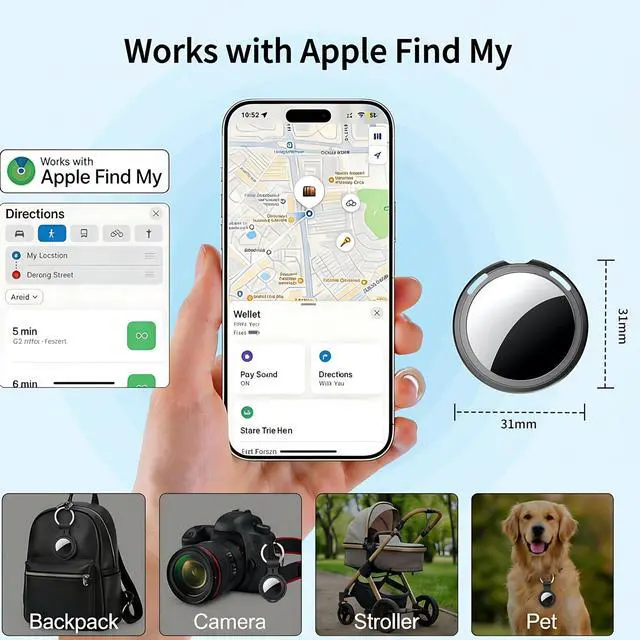
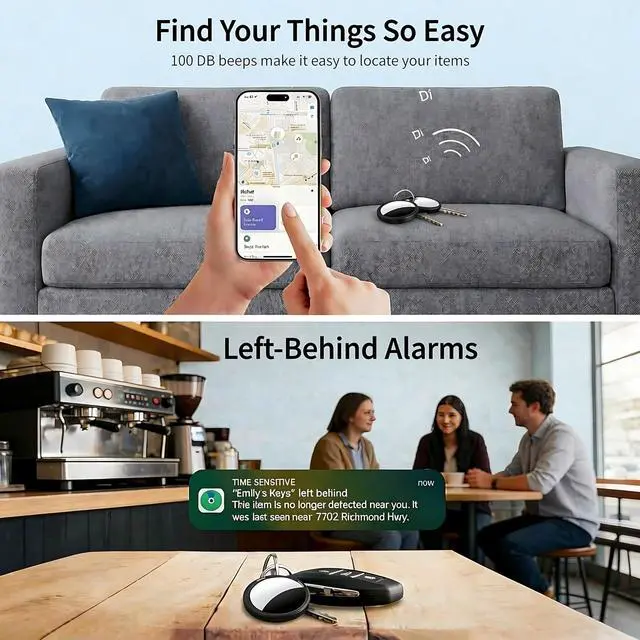
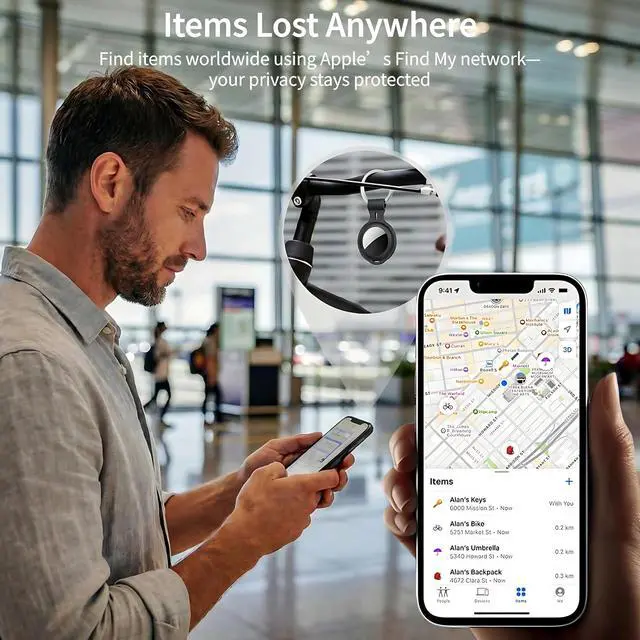
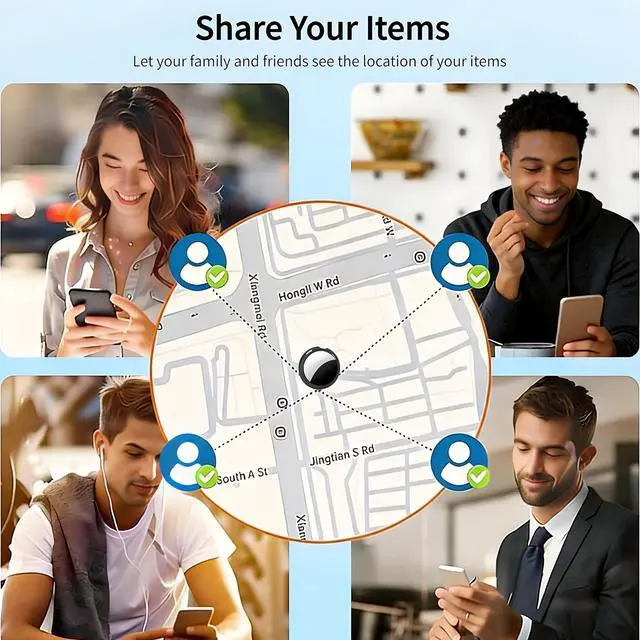
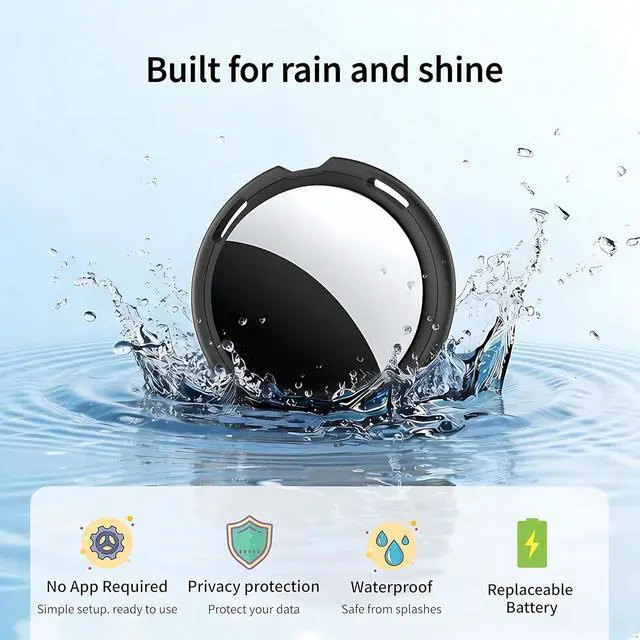




Any questions? Ask CelesteSM will help you find out quickly.
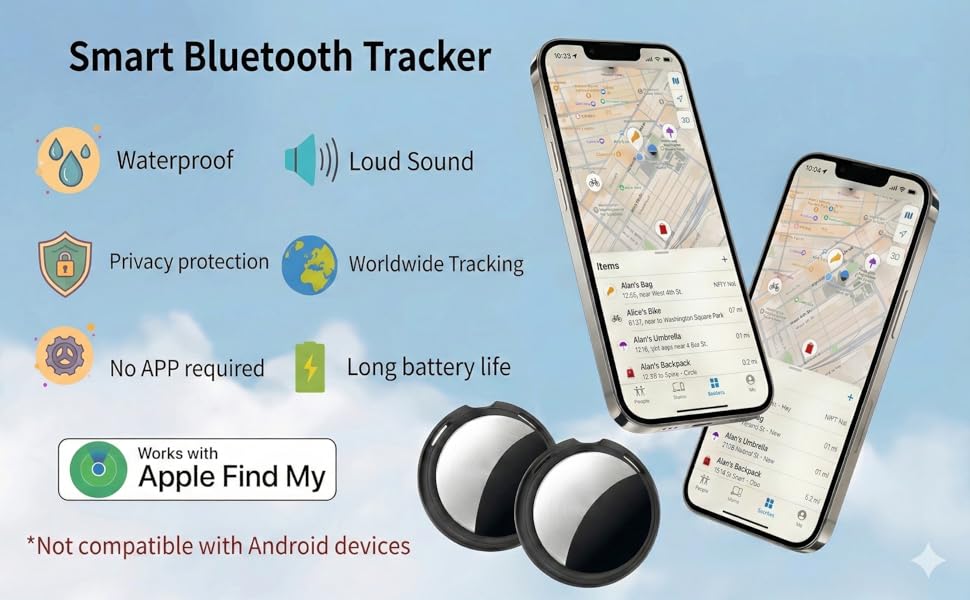
Only support iOS devices, not Android devices
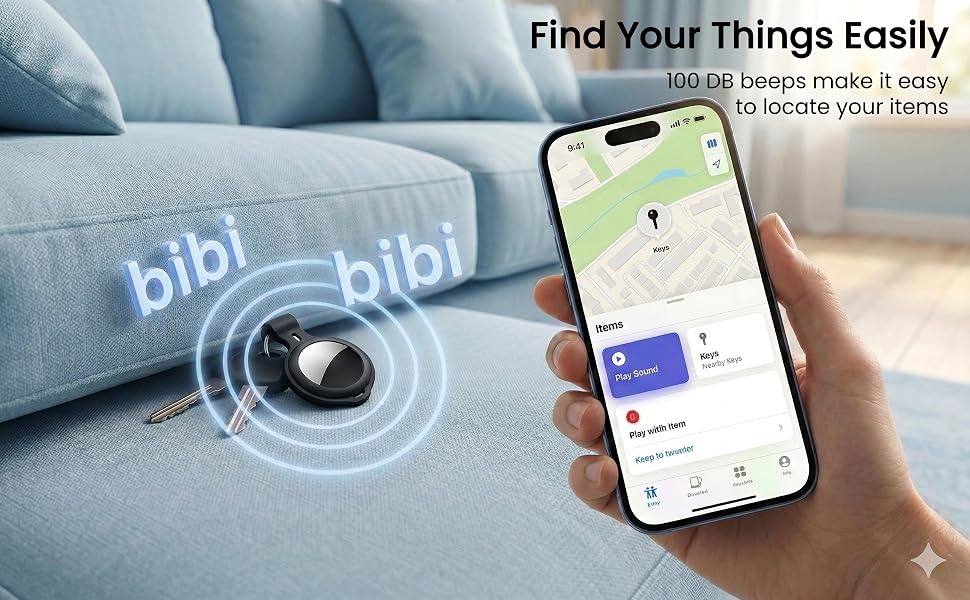
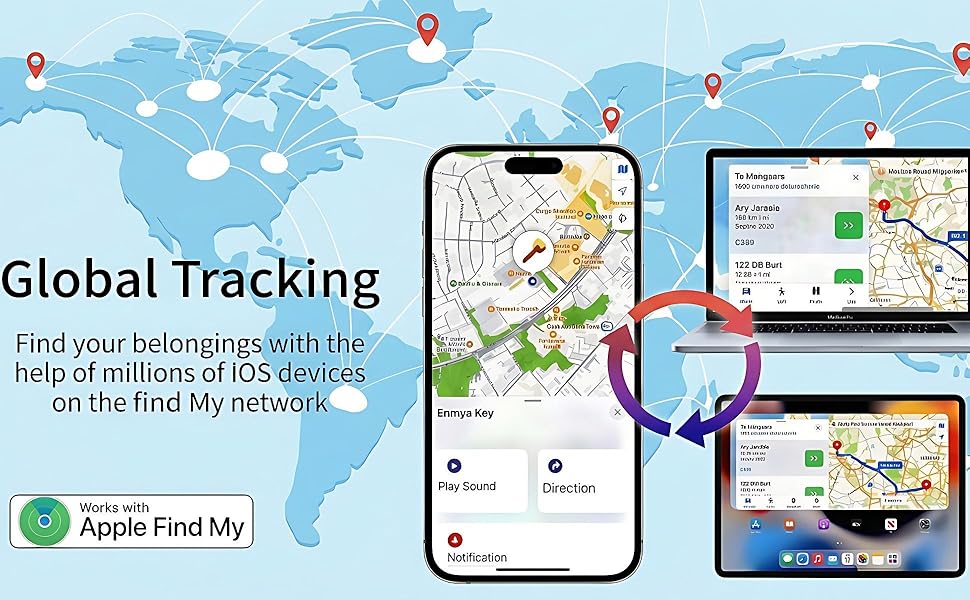
Click "Play Sound" to activate a distinct acoustic signal from the tracker.
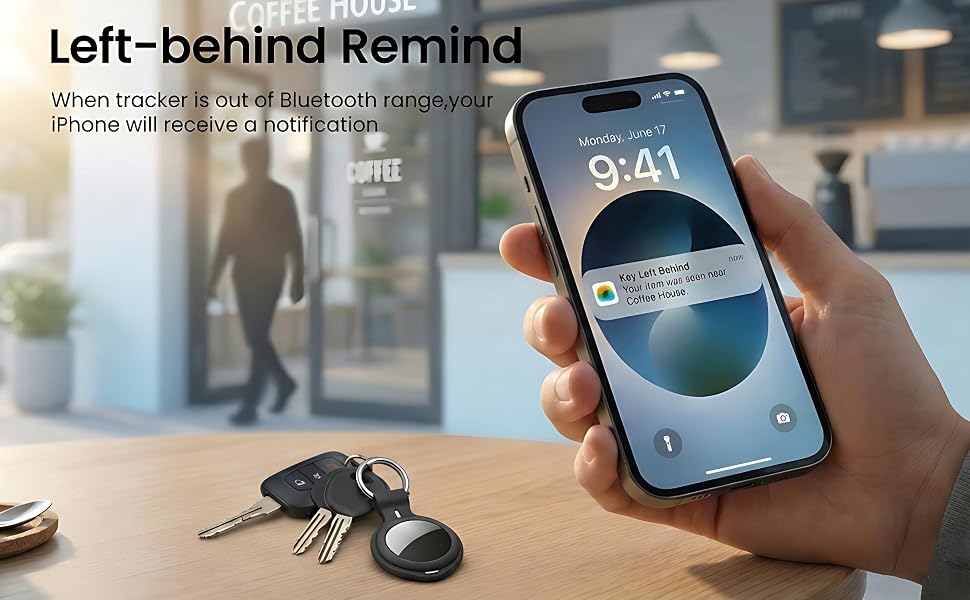
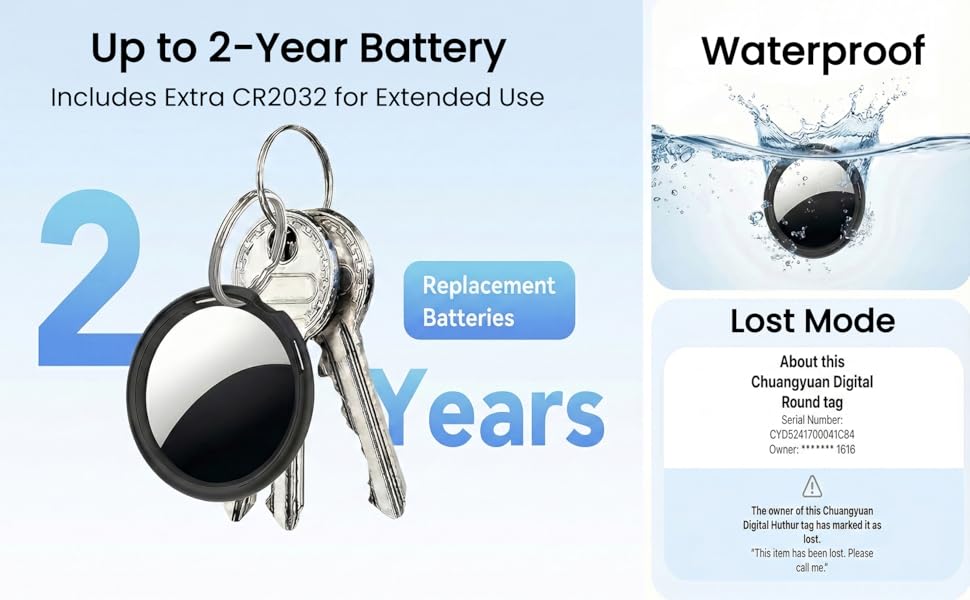
If your item is lost, enable Lost Mode and leave your contact info; nearby Apple devices will help locate your tracker for a quick recovery."
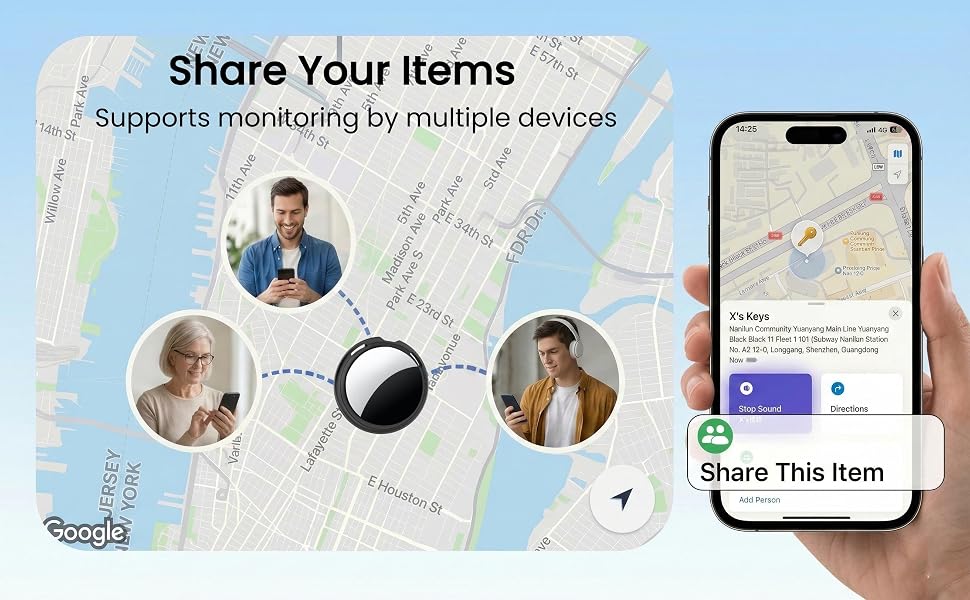
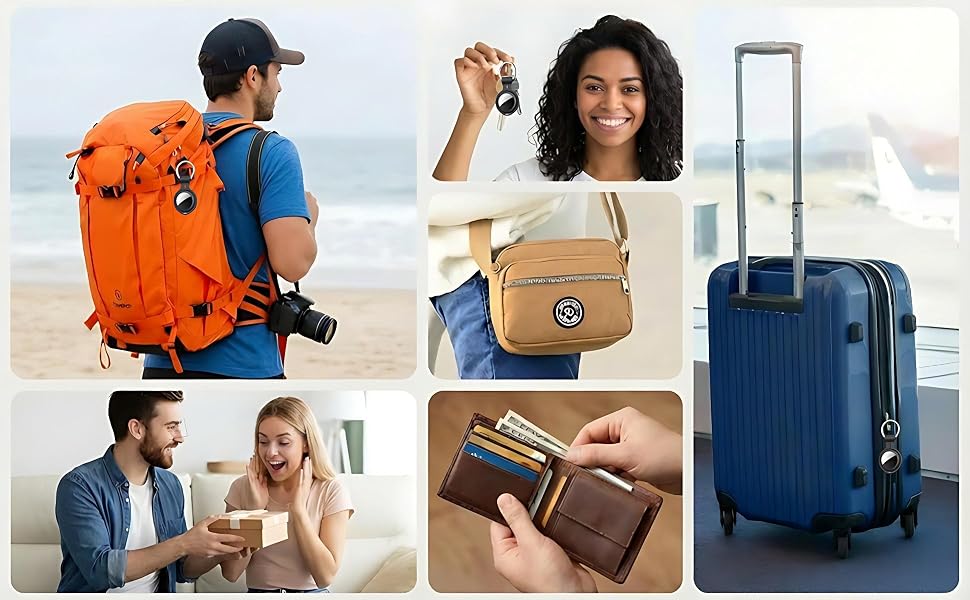
One Apple device can also connect to multiple tags
Q&A
Q1:Why can't I pair the air tracker tag?
A:Please follow the steps below to pair
1.Open the "Find My" app
2.If Bluetooth is off, tap 'Turn On Bluetooth'.
3.Tap "Items", then Tap "Add item"
4.Tap 'Other Supported Items.'
5.Waiting to search for the pairing name "LocatePro” and tap "Connect".
6. Name your Tag.
7. Select an emoji.
8. Tap 'Agree,' and finally tap 'Finish."
Q2:Why is the tag's location not updating?
A: Since our tag is equipped with an Apple MFi-certified chip, when your item is out of your immediate Bluetooth range, a nearby iOS device is required to detect the tag and securely relay its location information to your phone.
Only support iOS devices, not Android devices
Click "Play Sound" to activate a distinct acoustic signal from the tracker.
If your item is lost, enable Lost Mode and leave your contact info; nearby Apple devices will help locate your tracker for a quick recovery."
One Apple device can also connect to multiple tags
Q&A
Q1:Why can't I pair the air tracker tag?
A:Please follow the steps below to pair
1.Open the "Find My" app
2.If Bluetooth is off, tap 'Turn On Bluetooth'.
3.Tap "Items", then Tap "Add item"
4.Tap 'Other Supported Items.'
5.Waiting to search for the pairing name "LocatePro” and tap "Connect".
6. Name your Tag.
7. Select an emoji.
8. Tap 'Agree,' and finally tap 'Finish."
Q2:Why is the tag's location not updating?
A: Since our tag is equipped with an Apple MFi-certified chip, when your item is out of your immediate Bluetooth range, a nearby iOS device is required to detect the tag and securely relay its location information to your phone.