




 here!
here!
I’m your shopping assistant for PC builds, upgrades, and everything tech.
Got questions? Ask away!
Start a conversation
here!
I’m your shopping assistant for PC builds, upgrades, and everything tech.
Got questions? Ask away!
Start a conversation



Any questions? Ask CelesteSM will help you find out quickly.
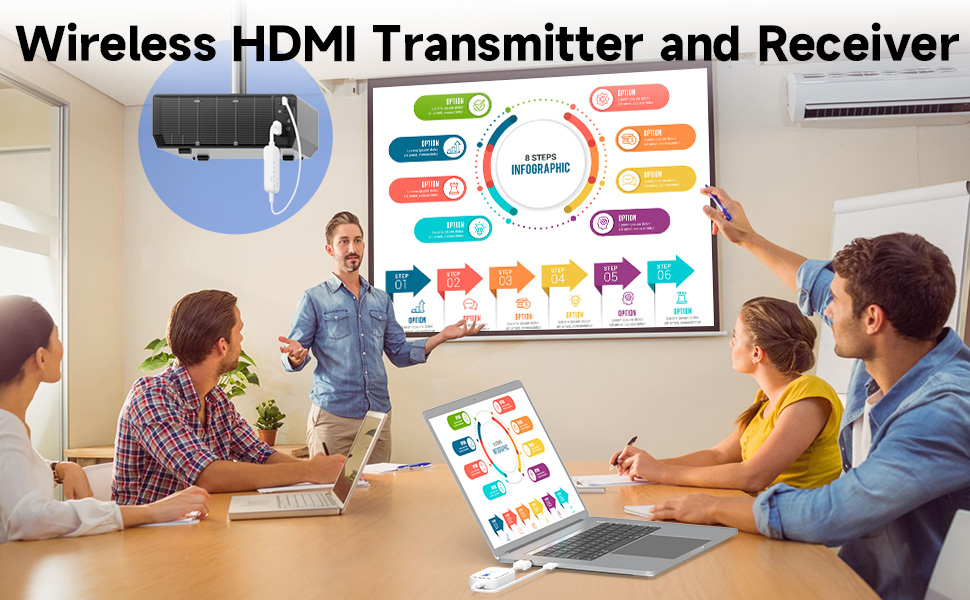
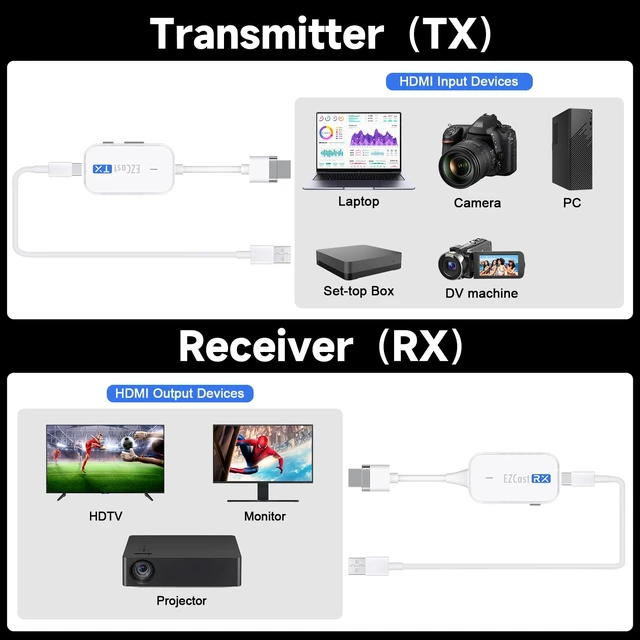
Wireless HDMI transmitter receiver supports video and audio streaming from Laptop, PC, camera, TV box to HDTV, projector, monitor
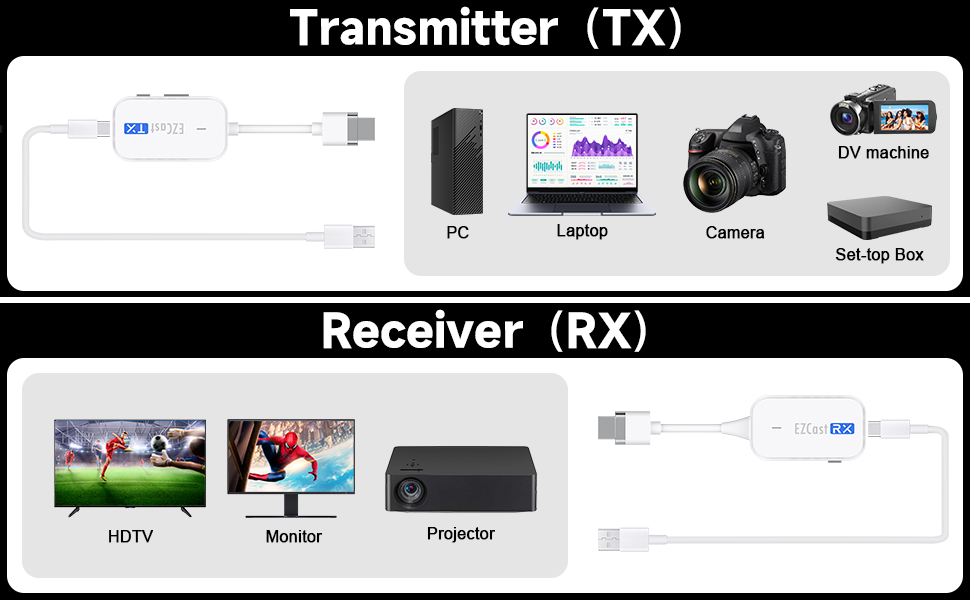
Automatic connection, easy to use, please use 5V DC power adapter to power the USB-C port. After testing, you can also use the USB port of your computer as a power source. If you need to pair a new transmitter or encounter an abnormality during pairing, you can pair it manually.
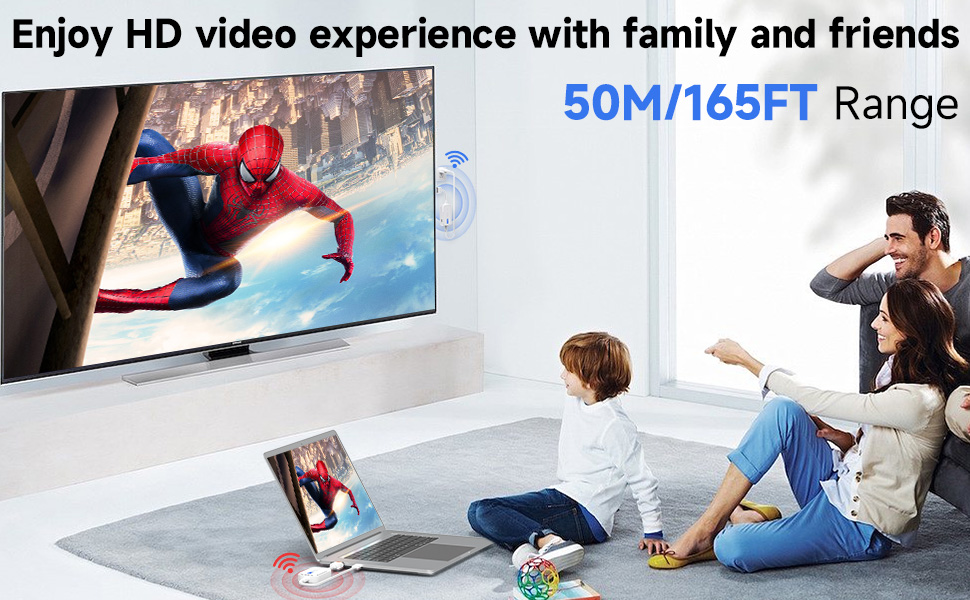
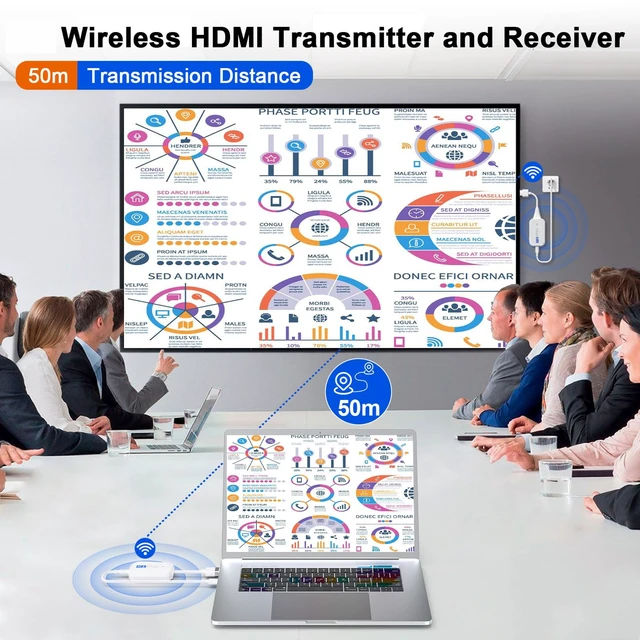
Supports 1920x1080@60Hz, transmission distance 50 meters/165FT. The smaller the distance, the faster and more stable the transmission signal will be. Please do not use it through walls.
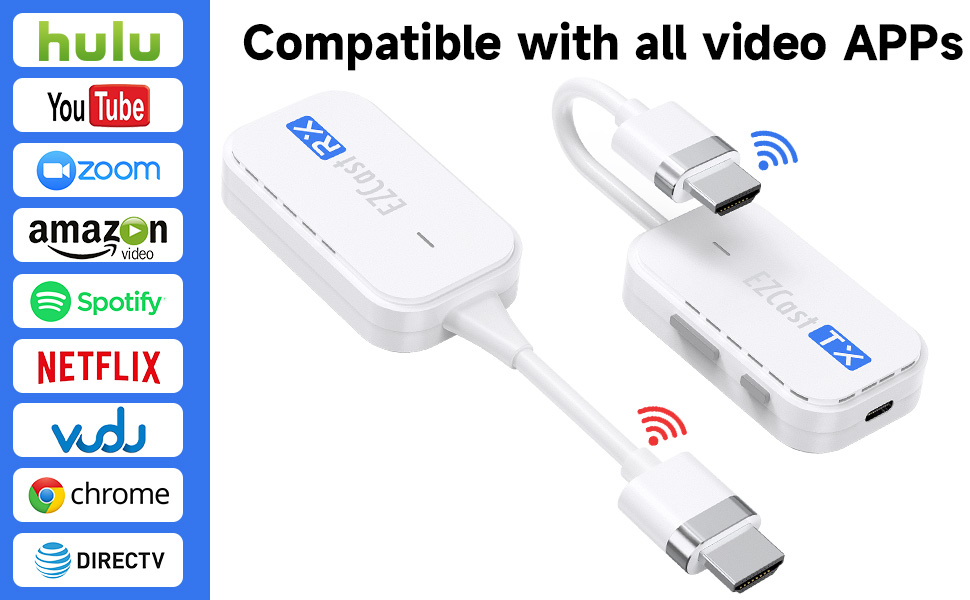
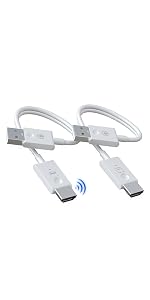 1080P Wireless HDMI | 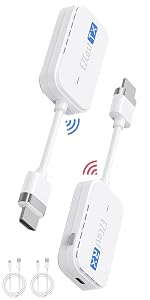 1080P Wireless HDMI Transmitter and 1 Receiver | 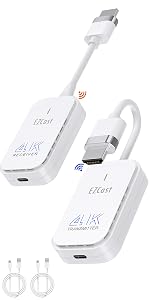 4K Wireless HDMI Transmitter and 1 Receiver | 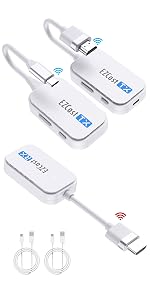 Wireless HDMI Type-C 2 Transmitter and 1 Receiver | |
|---|---|---|---|---|
| Customer Reviews | — | — | — | — |
| Price | — no data | — | — no data | — no data |
| 1080P@60Hz | ? | ? | ? | ? |
| 4K | no data | no data | ? | no data |
| 1080P@120Hz | no data | no data | ? | no data |
| HDMI Transmitter | ? | ? | ? | ? |
| Type C Transmitter | no data | no data | no data | ? |
| 2 Transmitter 1 Receiver | no data | no data | no data | ? |
| 98FT/30M | ? | ? | ? | ? |
| 165FT/50M | no data | no data | ? | no data |
Q1: What devices and monitors are supported?
A1: Supports PC, Laptop, set-top box, camera, DV machine, game console, tablets that transmit signals through HDMI ports, as well as monitors, high-definition TVs, projectors, etc. that receive signals through HDMI ports.
Q2: How far can it be transmitted?
A2: The maximum transmission distance is 50 meters. Please do not use it through walls, otherwise it will reduce the efficiency of transmitting and receiving.
Q3: Will it get hot after being used for a long time? If it breaks or the monitor does not display pictures, does the store provide technical support?
A3: Please connect the 5V DC power adapter. After using it for a period of time, it will become hot. This is normal.
Q4: What is the highest resolution supported? Is the latency high?
A4: Supports 1080P@60Hz. The delay is less than 60ms within a distance of 10 meters. Actual latency is 50-150 ms, depending on distance and environmental equipment.
Q5: Can it be used when traveling, on business trips, or in meetings?
A5: Yes, you can connect your laptop to a hotel TV or conference room monitor via HDMI, which is a huge simplification.
Wireless HDMI transmitter receiver supports video and audio streaming from Laptop, PC, camera, TV box to HDTV, projector, monitor
Automatic connection, easy to use, please use 5V DC power adapter to power the USB-C port. After testing, you can also use the USB port of your computer as a power source. If you need to pair a new transmitter or encounter an abnormality during pairing, you can pair it manually.
Supports 1920x1080@60Hz, transmission distance 50 meters/165FT. The smaller the distance, the faster and more stable the transmission signal will be. Please do not use it through walls.
1080P Wireless HDMI | 1080P Wireless HDMI Transmitter and 1 Receiver | 4K Wireless HDMI Transmitter and 1 Receiver | Wireless HDMI Type-C 2 Transmitter and 1 Receiver | |
|---|---|---|---|---|
| Customer Reviews | — | — | — | — |
| Price | — no data | — | — no data | — no data |
| 1080P@60Hz | ? | ? | ? | ? |
| 4K | no data | no data | ? | no data |
| 1080P@120Hz | no data | no data | ? | no data |
| HDMI Transmitter | ? | ? | ? | ? |
| Type C Transmitter | no data | no data | no data | ? |
| 2 Transmitter 1 Receiver | no data | no data | no data | ? |
| 98FT/30M | ? | ? | ? | ? |
| 165FT/50M | no data | no data | ? | no data |
Q1: What devices and monitors are supported?
A1: Supports PC, Laptop, set-top box, camera, DV machine, game console, tablets that transmit signals through HDMI ports, as well as monitors, high-definition TVs, projectors, etc. that receive signals through HDMI ports.
Q2: How far can it be transmitted?
A2: The maximum transmission distance is 50 meters. Please do not use it through walls, otherwise it will reduce the efficiency of transmitting and receiving.
Q3: Will it get hot after being used for a long time? If it breaks or the monitor does not display pictures, does the store provide technical support?
A3: Please connect the 5V DC power adapter. After using it for a period of time, it will become hot. This is normal.
Q4: What is the highest resolution supported? Is the latency high?
A4: Supports 1080P@60Hz. The delay is less than 60ms within a distance of 10 meters. Actual latency is 50-150 ms, depending on distance and environmental equipment.
Q5: Can it be used when traveling, on business trips, or in meetings?
A5: Yes, you can connect your laptop to a hotel TV or conference room monitor via HDMI, which is a huge simplification.
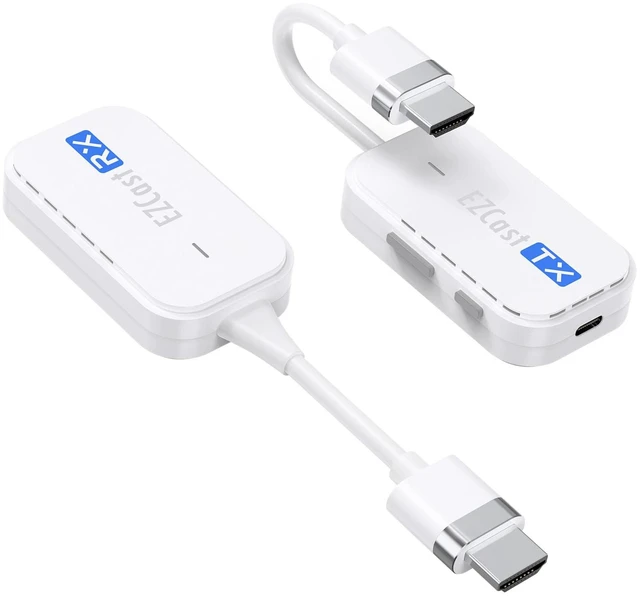
ANGEET Wireless HDMI Transmitter and Receiver
Plug and play, high-definition wireless screen projection device:
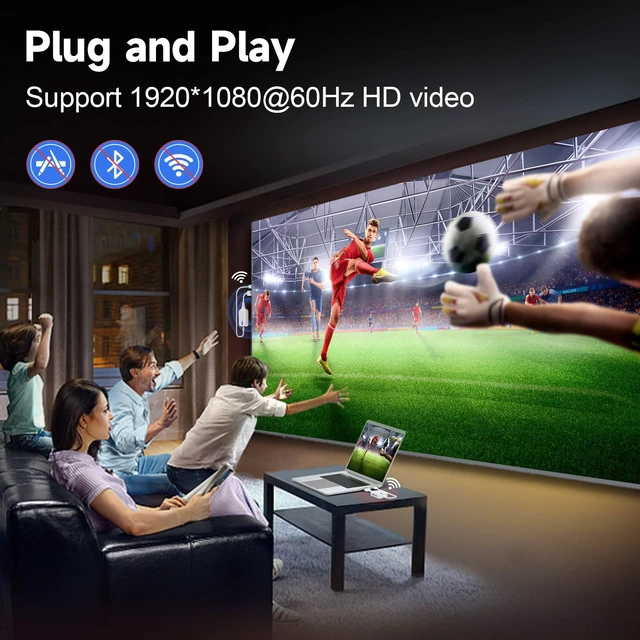
Suitable for most multimedia audio and video equipment, projecting computer and laptop screens to TV, projector, and monitor.
This wireless HDMI extender is a perfect choice for conference projection, multimedia education, sports live broadcast, home theater, and watching football games.
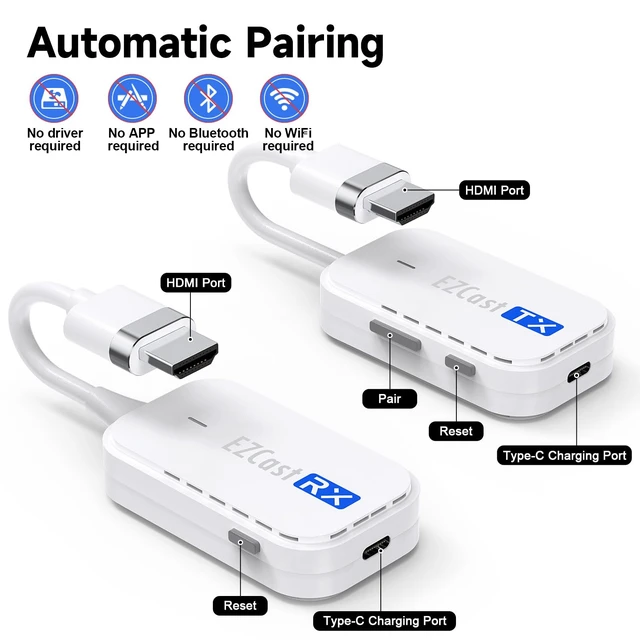
Easy to install: no additional software, no APP, no WiFi, no Bluetooth required.
Applicable Resolutions:
1920x1080@60Hz, 720P@60Hz, 480P/60Hz
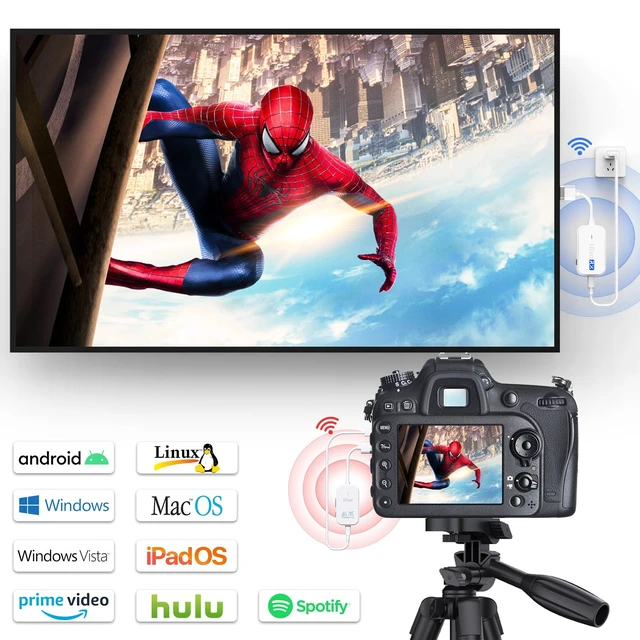
Compatible with windows, Mac OS, ipad OS, android, Linux and other systems
Support HDMI converter, support lightning to HDMI, support Type C to HDMI (need to support DP-Ait)
1 wireless HDMI receiver supports pairing with 8 transmitters
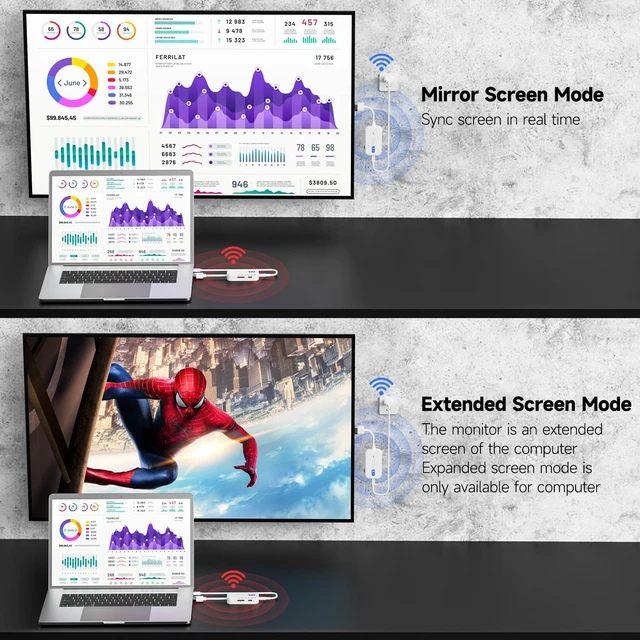
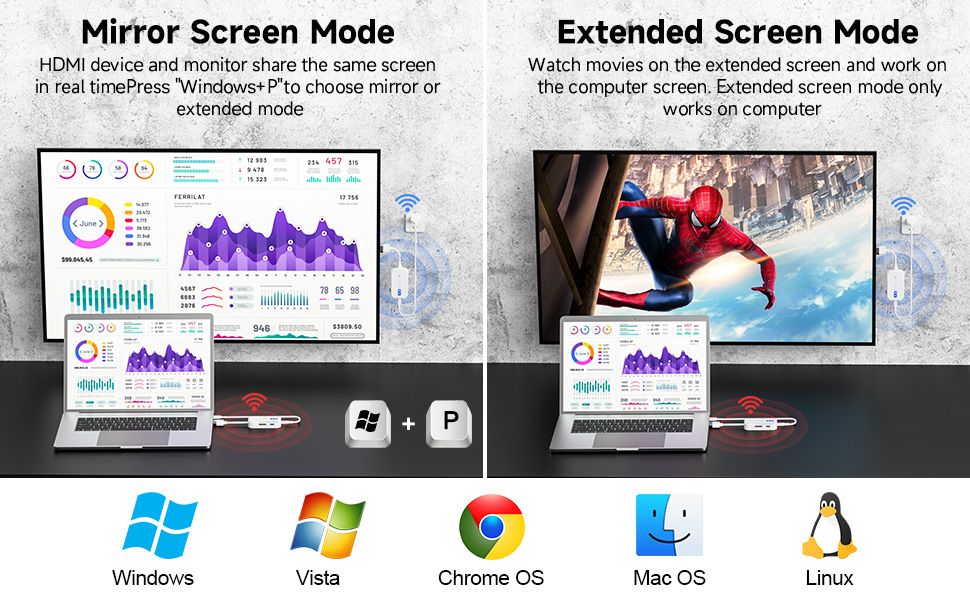
Supports Mirroring or Extended Mode
Mirror screen - share the same screen in real time
Extended screen for computers only
Wireless HDMI Extender supports smart dual-band 2.4G+5G
Low-latency 5Ghz CSA transmission technology automatically identifies network channels with less interference
Support OTA online upgrade, compatible with new equipment and new systems
USB interface: USB 3.1 Gen 1, backward compatible with USB 2.0
Dimensions: 70 x 40 x 20 mm
Do not use through walls
Connection Steps
1. Connect the HDMI receiver (RX) to the monitor
2. Connect the transmitter (TX) to the computer
3. Connect 2 type c cables to the 5V power supply to power the TX and RX ends
4. Wait a few seconds, TX and RX will be paired automatically
The USB ports of laptop, PC, and monitor can be used as power sources. It is best to connect to 5V power supply
Packing List
Transmitter x 1,
Receiver x 1,
Manual x 1,
USB-A to USB-C power cable x 2, (Power adapter not included)


