





Specification
Function: Custom Buttons
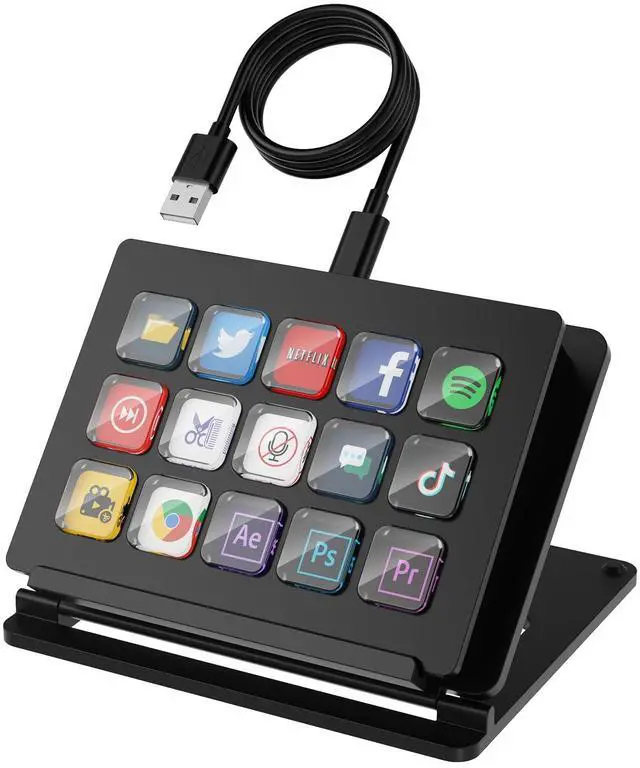
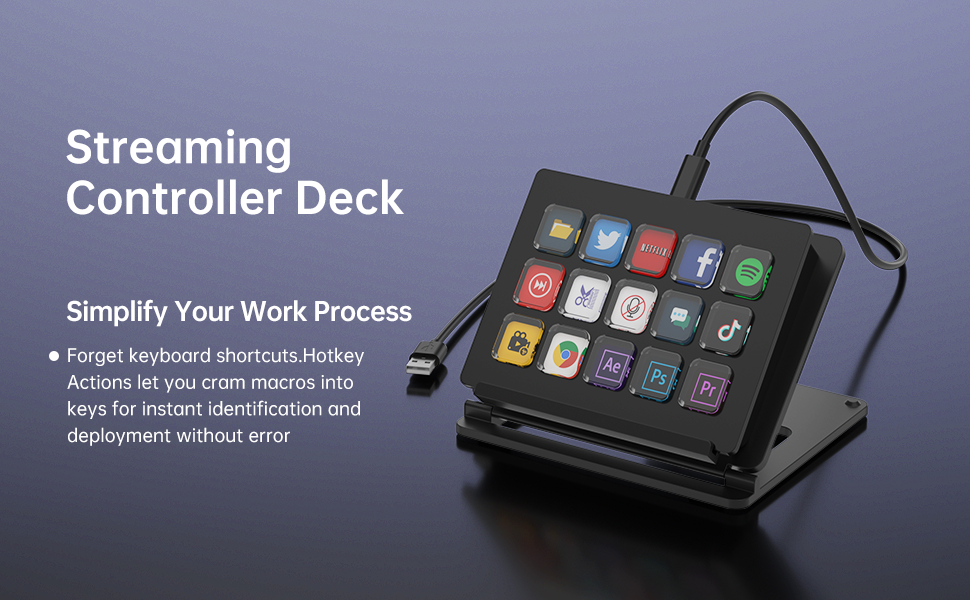
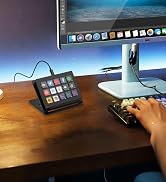
- You can configure these 15 keys to perform a variety of different functions according to your different needs, such as performing specific actions, sending preset messages, and more.
- Realize opening web pages, checking CPU usage, adjusting volume, timer alarm/countdown reminder and so on.
- The desktop logo is customizable and can be set to various graphics of your choice, making your desktop looks better.
- Customizable stream studio controller makes your work and life more efficient and interesting.
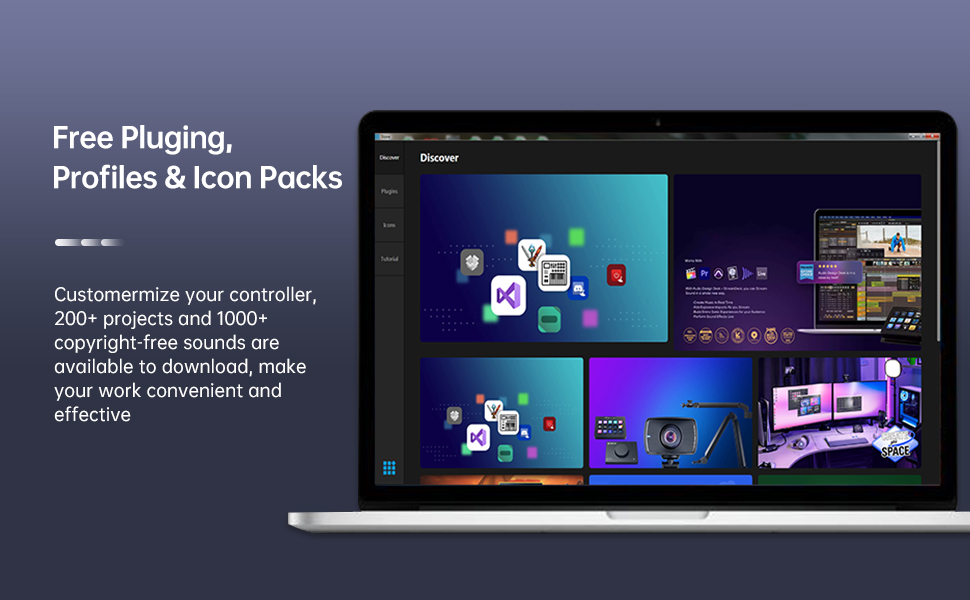
Applications:
Very wide range of usage scenarios, for Triggering Actions in Applications and Software Such As for OBS, for Twitch, for YouTube, Suitable for PC.
How to Use?
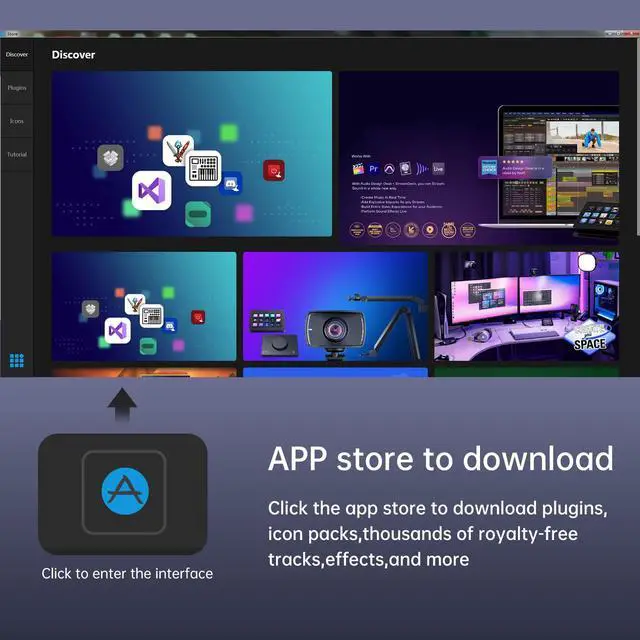
Download and install the application for windows or iOS version.
Note:
Before downloading and installing applications, please disable the antivirus software and firewall. Otherwise, it won't be recognized and will show a virus.
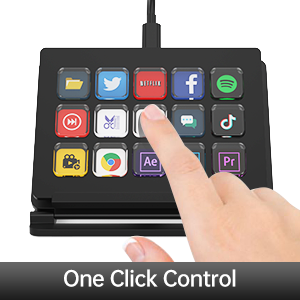
Simple operation
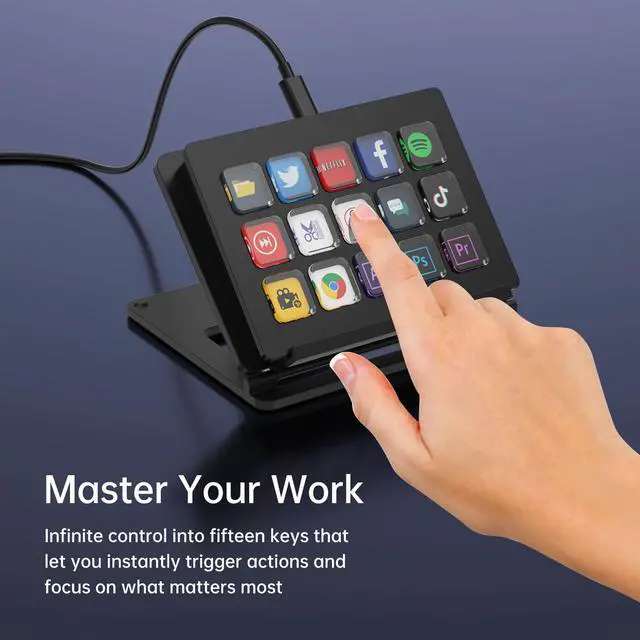
One click to efficiently accomplish complex tasks with a simple touch, control your exclusive apps and tools.
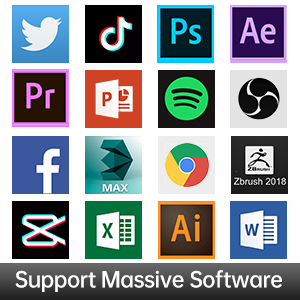
15 custom buttons
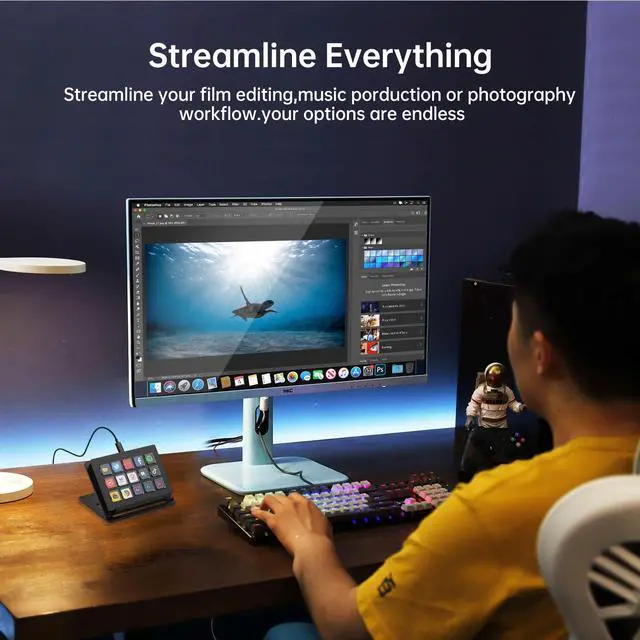
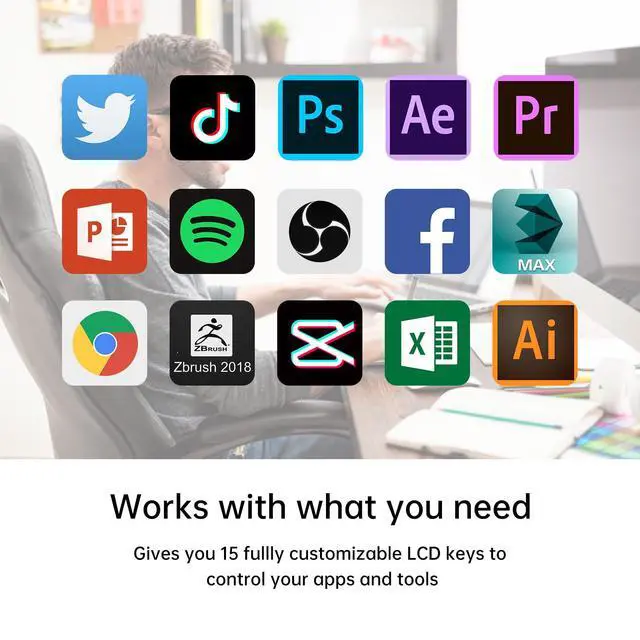
It connects to the computer via USB and also supports integration with different software and platforms, such as video editing software, live streaming software, audio software, etc.
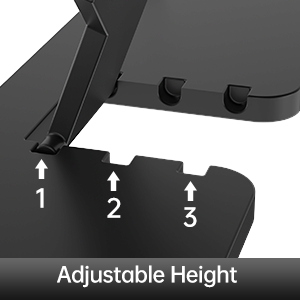
Get the best use of vision
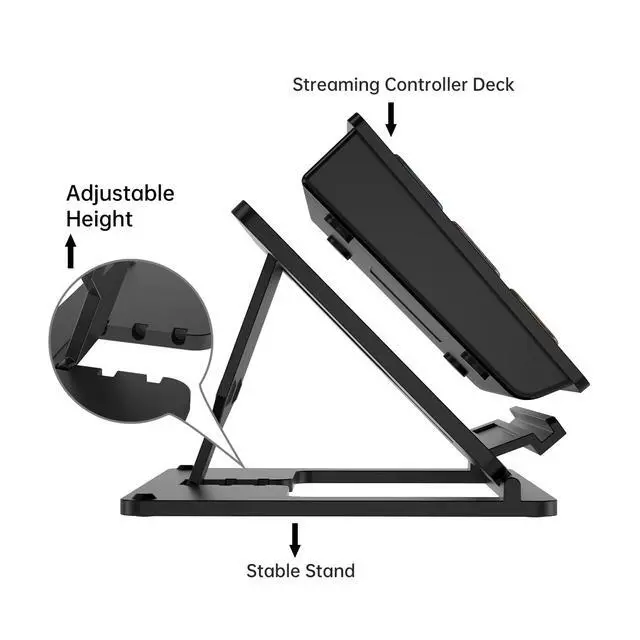
3 adjustable heights, with non-slip bracket, placed on the desk for clear visibility of each button.
Connection with OSB
1. Open "OBS" - "Tools" - "WebSocket Server Settings"
2. Turn on "Enable WebSocket server"
3. Click on "Show Connect Info" and access "Yes"
4. Copy the "Server IP" and "Server Password"
5. Paste them into the "OBS Studio Plugin" from the software.
Specification
Function: Custom Buttons
- You can configure these 15 keys to perform a variety of different functions according to your different needs, such as performing specific actions, sending preset messages, and more.
- Realize opening web pages, checking CPU usage, adjusting volume, timer alarm/countdown reminder and so on.
- The desktop logo is customizable and can be set to various graphics of your choice, making your desktop looks better.
- Customizable stream studio controller makes your work and life more efficient and interesting.
Applications:
Very wide range of usage scenarios, for Triggering Actions in Applications and Software Such As for OBS, for Twitch, for YouTube, Suitable for PC.
How to Use?
Download and install the application for windows or iOS version.
Note:
Before downloading and installing applications, please disable the antivirus software and firewall. Otherwise, it won't be recognized and will show a virus.
Simple operation
One click to efficiently accomplish complex tasks with a simple touch, control your exclusive apps and tools.
15 custom buttons
It connects to the computer via USB and also supports integration with different software and platforms, such as video editing software, live streaming software, audio software, etc.
Get the best use of vision
3 adjustable heights, with non-slip bracket, placed on the desk for clear visibility of each button.
Connection with OSB
1. Open "OBS" - "Tools" - "WebSocket Server Settings"
2. Turn on "Enable WebSocket server"
3. Click on "Show Connect Info" and access "Yes"
4. Copy the "Server IP" and "Server Password"
5. Paste them into the "OBS Studio Plugin" from the software.
Audio & Video Solutions
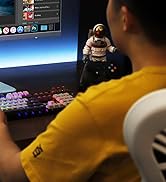
LCD Streaming Controller
Live Streaming Accessories

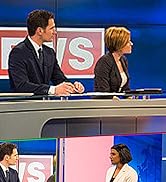
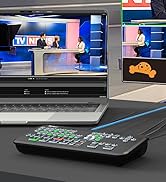
4 Channel Live Stream Switcher
Live Streaming Accessories
Live Streaming Accessories
