













Operating Instructions:
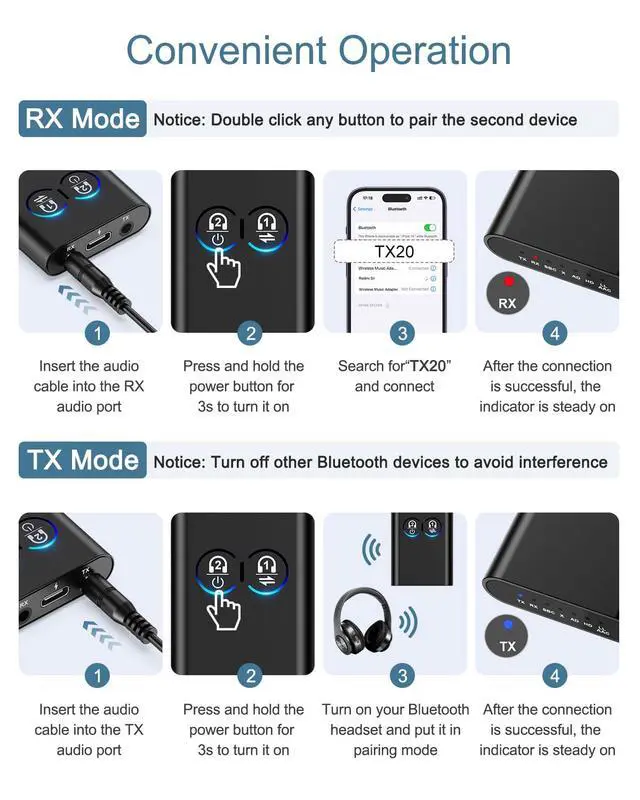
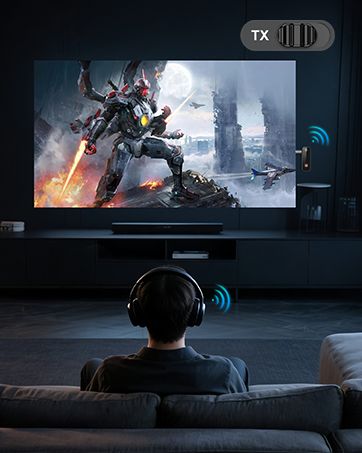
TX Mode
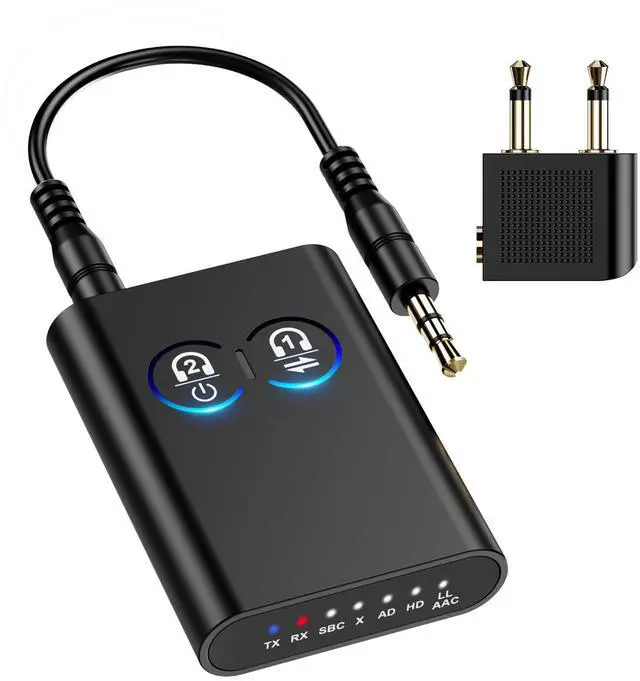
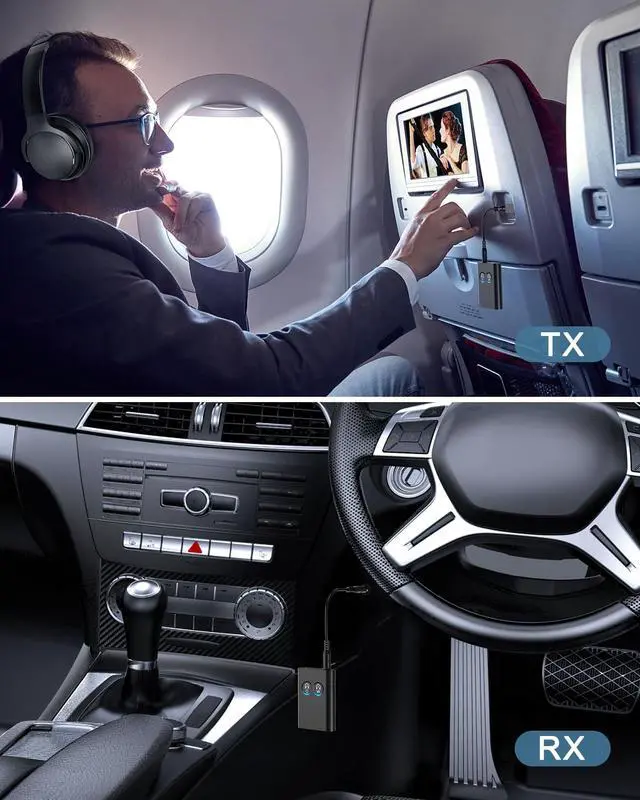
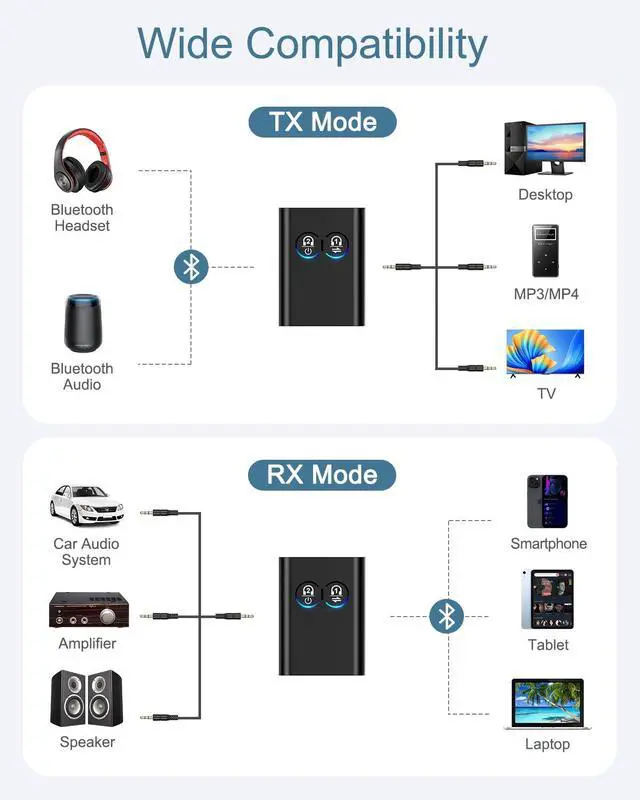
1. Connect the TX hole and the TV's 3.5 MM connector through the 3.5 MM audio cable.
2. Press 3 seconds to turn on the TV, double click to enter pairing mode (red and blue LED blinking).
3. Set your receiving device (Bluetooth headset/Bluetooth stereo) to pairing mode,wait for pairing success(blue light is on).
4. Finish.
RX Mode
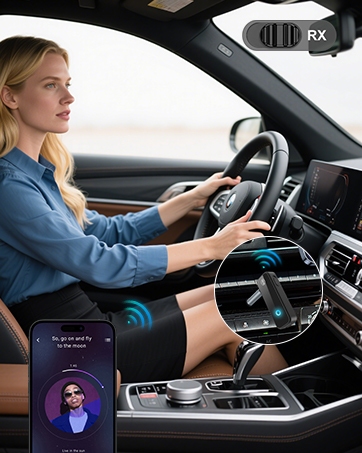
1. Through the 3.5 MM audio cable to connect the RX hole and amplifier or active audio 3.5 MM audio port.
2. Press 3 seconds to turn on the phone, double click to enter pairing mode (red and blue LED blinking).
3. Upgrade the Bluetooth function of cell phone/tablet, click “YET-TX20” to connect, wait for the pairing success (blue light on).
4. Finish.
What should I do if there is audio delay in RX mode?
In RX mode, if there is audio delay, press and hold for 3 seconds to switch to low-latency gaming mode.
Why do I still experience voice delay when using a low-latency Bluetooth adapter and Bluetooth headphones?
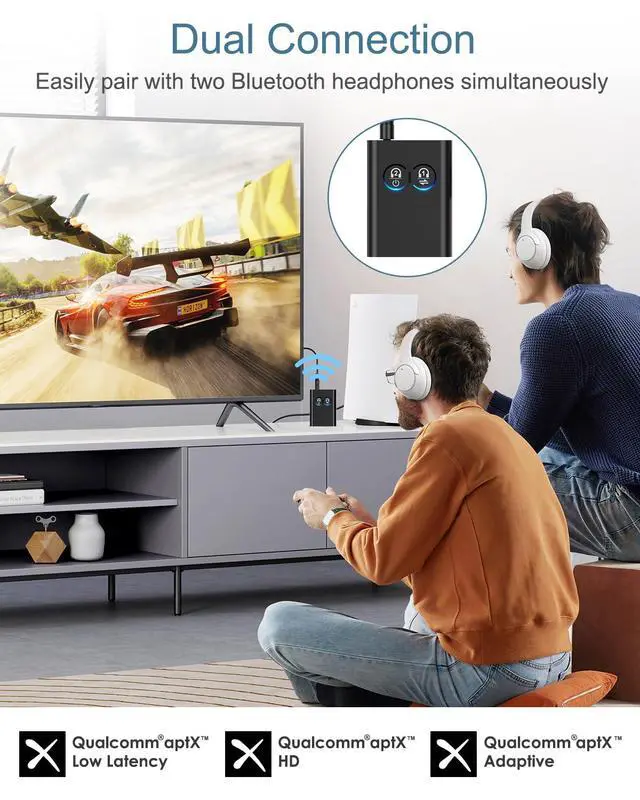
To achieve low latency, your Bluetooth headphones/speakers must also support aptX Low Latency functionality. Otherwise, the receiving device may use other codecs (such as SBC, aptX), resulting in 70-200ms audio latency.
Is it not suitable for wireless headphones?
It is suitable for wireless headphones, but headphones that are not Qualcomm-certified may have poorer compatibility, and there may be a few models that are not supported.
Can it adjust the volume?
During device use, it cannot control volume adjustment; volume must be adjusted via the phone. If the volume is already at maximum, it is recommended to use it in a quieter environment.
What should I do if the connection is lost within 10 metres of the device?
If the receiving device does not support the AptX series format, the SBC LED will light up, and switching will not be possible.
How do I reset the YET-TX20?
Please hold down the Bluetooth button for approximately 7 seconds until all LED indicators light up.
Can it not use AAC mode in transmit mode?
AAC mode is not supported in transmit mode. If the phone supports AAC, the AAC LED will light up, and switching to SBC2 is not supported. RX mode only supports SBC and AAC, but does not support button switching.
Operating Instructions:
TX Mode
1. Connect the TX hole and the TV's 3.5 MM connector through the 3.5 MM audio cable.
2. Press 3 seconds to turn on the TV, double click to enter pairing mode (red and blue LED blinking).
3. Set your receiving device (Bluetooth headset/Bluetooth stereo) to pairing mode,wait for pairing success(blue light is on).
4. Finish.
RX Mode
1. Through the 3.5 MM audio cable to connect the RX hole and amplifier or active audio 3.5 MM audio port.
2. Press 3 seconds to turn on the phone, double click to enter pairing mode (red and blue LED blinking).
3. Upgrade the Bluetooth function of cell phone/tablet, click “YET-TX20” to connect, wait for the pairing success (blue light on).
4. Finish.
| Bluetooth Version | 5.2 |
|---|---|
| Bluetooth Name | TET-TX20 |
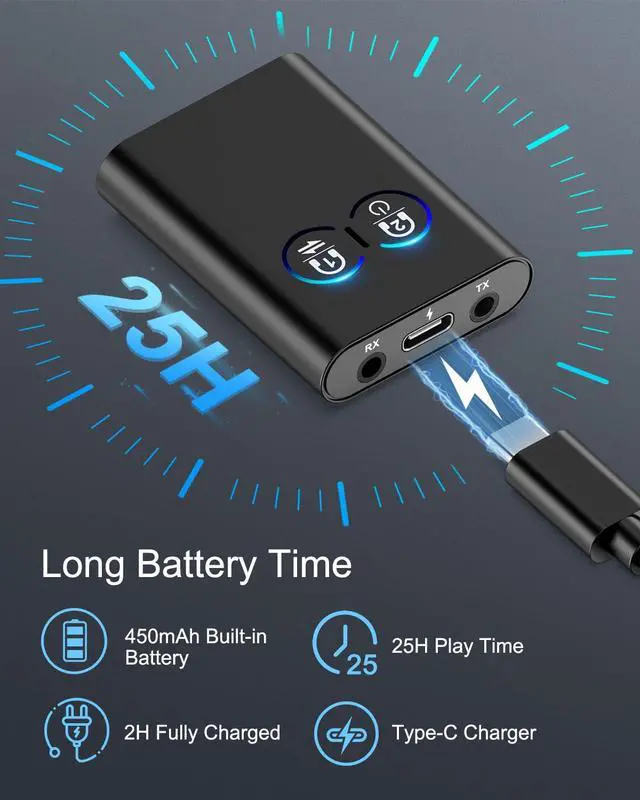
| Battery Capacity | 450 mAh |
| Range | 20-25 H |
| Charging Time | 2-3 H |
| Support Bluetooth Protocol | A2DPP AVRCP |
| Bluetooth Receiving Distance | 10 m |
| Frequency Response | 100 Hz-20 kHz |
| Frequency Range | 2.402 GHz-2.480 GHz |
| Dimension | 52*38*11 mm |
| Input (TX mode) | AUX/USB |
| Output (RX mode) | AUX |
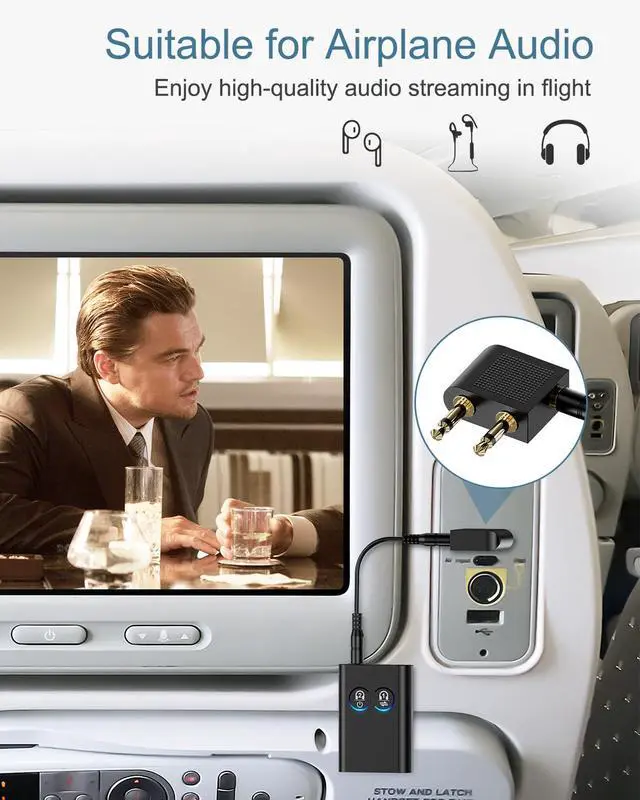
| Package Includes | Bluetooth Adapter *1 Type-C Charging Cable *1 AUX Audio Cable *1 Dual-plug Audio Adapter *1 Product Manual *1 |
What should I do if there is audio delay in RX mode?
In RX mode, if there is audio delay, press and hold for 3 seconds to switch to low-latency gaming mode.
Why do I still experience voice delay when using a low-latency Bluetooth adapter and Bluetooth headphones?
To achieve low latency, your Bluetooth headphones/speakers must also support aptX Low Latency functionality. Otherwise, the receiving device may use other codecs (such as SBC, aptX), resulting in 70-200ms audio latency.
Is it not suitable for wireless headphones?
It is suitable for wireless headphones, but headphones that are not Qualcomm-certified may have poorer compatibility, and there may be a few models that are not supported.
Can it adjust the volume?
During device use, it cannot control volume adjustment; volume must be adjusted via the phone. If the volume is already at maximum, it is recommended to use it in a quieter environment.
What should I do if the connection is lost within 10 metres of the device?
If the receiving device does not support the AptX series format, the SBC LED will light up, and switching will not be possible.
How do I reset the YET-TX20?
Please hold down the Bluetooth button for approximately 7 seconds until all LED indicators light up.
Can it not use AAC mode in transmit mode?
AAC mode is not supported in transmit mode. If the phone supports AAC, the AAC LED will light up, and switching to SBC2 is not supported. RX mode only supports SBC and AAC, but does not support button switching.
Aux Bluetooth Adapter
