









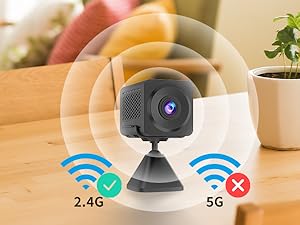
2.4G WiFi Connection
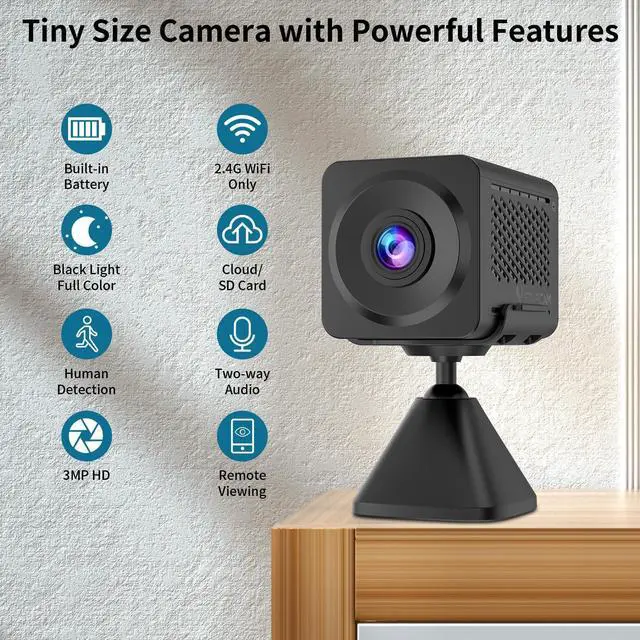
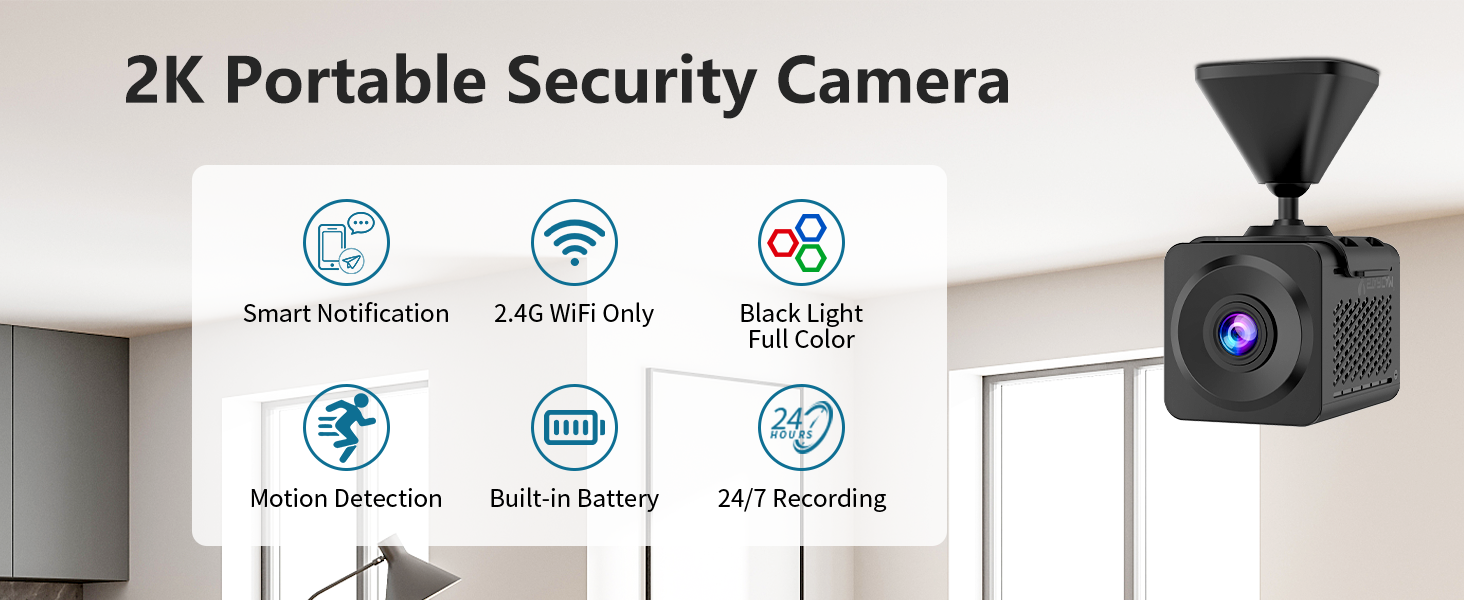
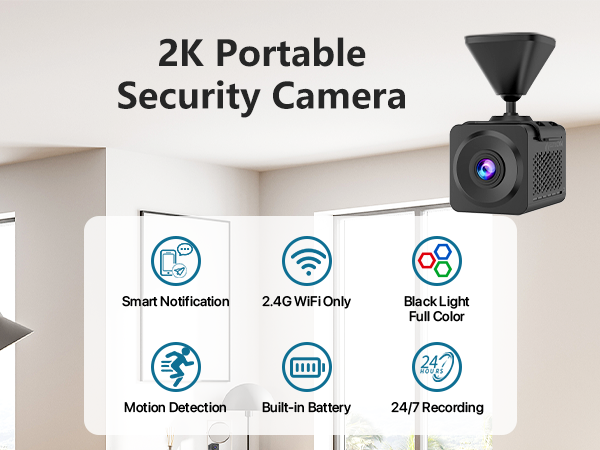
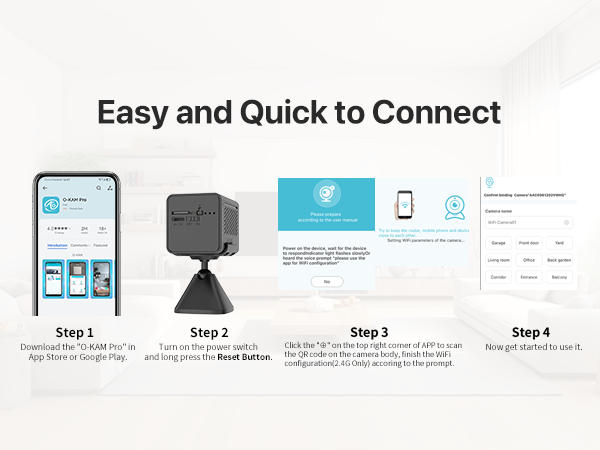
Mini camera is compatible with Supports only the 2.4GHz Wi-Fi band (not 5GHz band). Ensure mobile data is turned off on your phone before connecting.
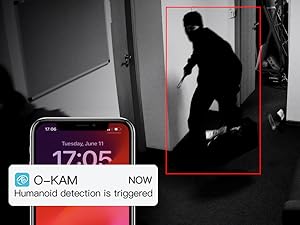
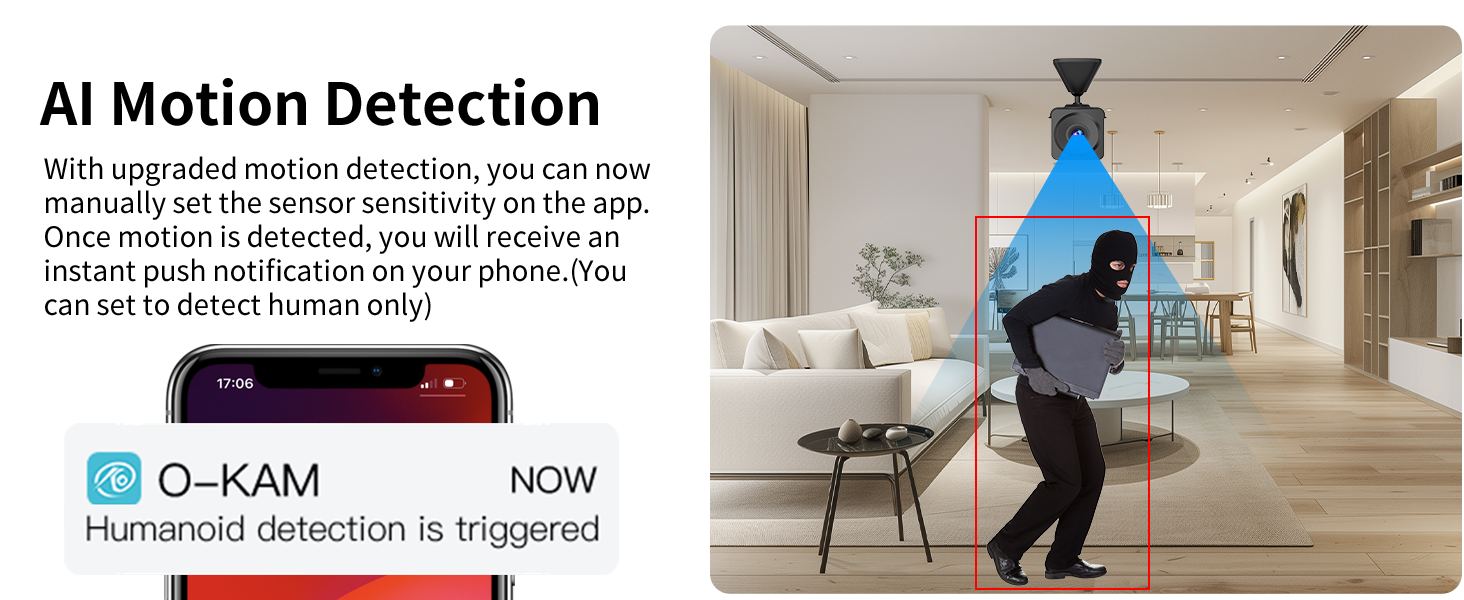
Instant Notification
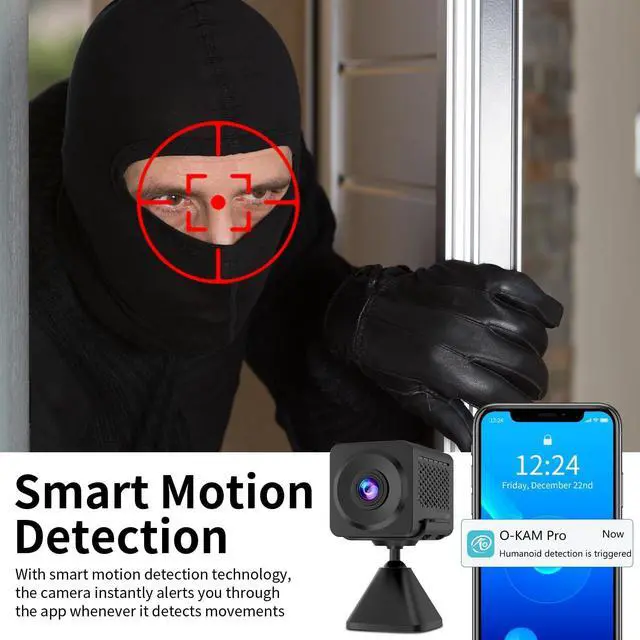
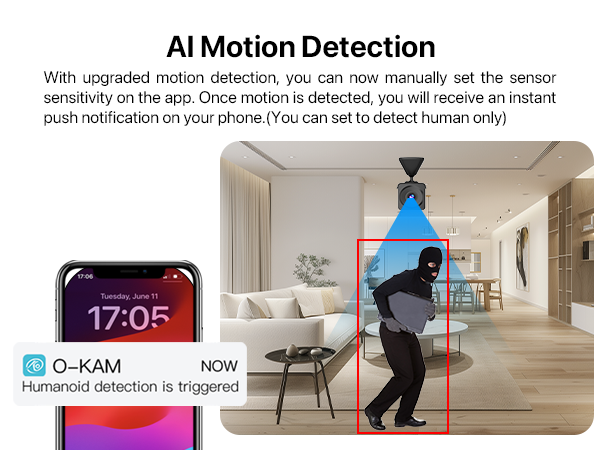
You'll get an instant alert on the phone app ?when motion or human is detected, letting you know if there is suspicious person might try to break in

Share with Your Family
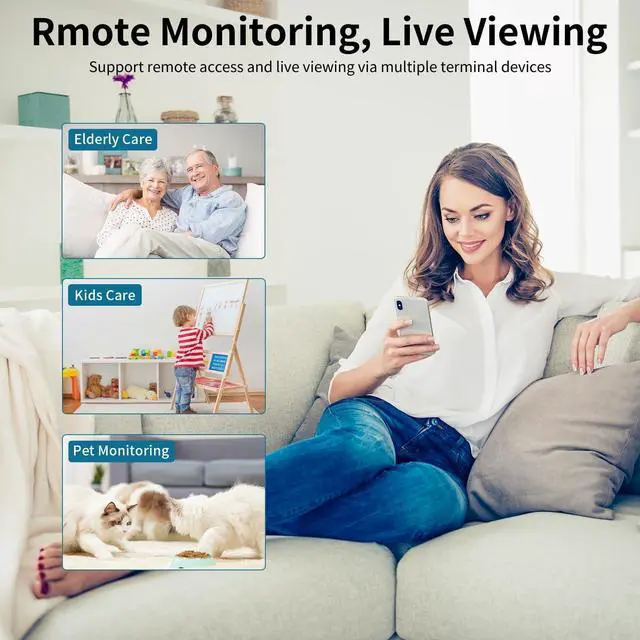
Support multiple users in viewing the camera at the same time, so invite your family members to access it and enjoy the happy moments together

Live View Multiple Cameras
Easily manage all of your Vstarcam security camera on "O-KAM Pro" APP via devices such as Android, iOS, PC, etc, and watch 4 cameras at the same time
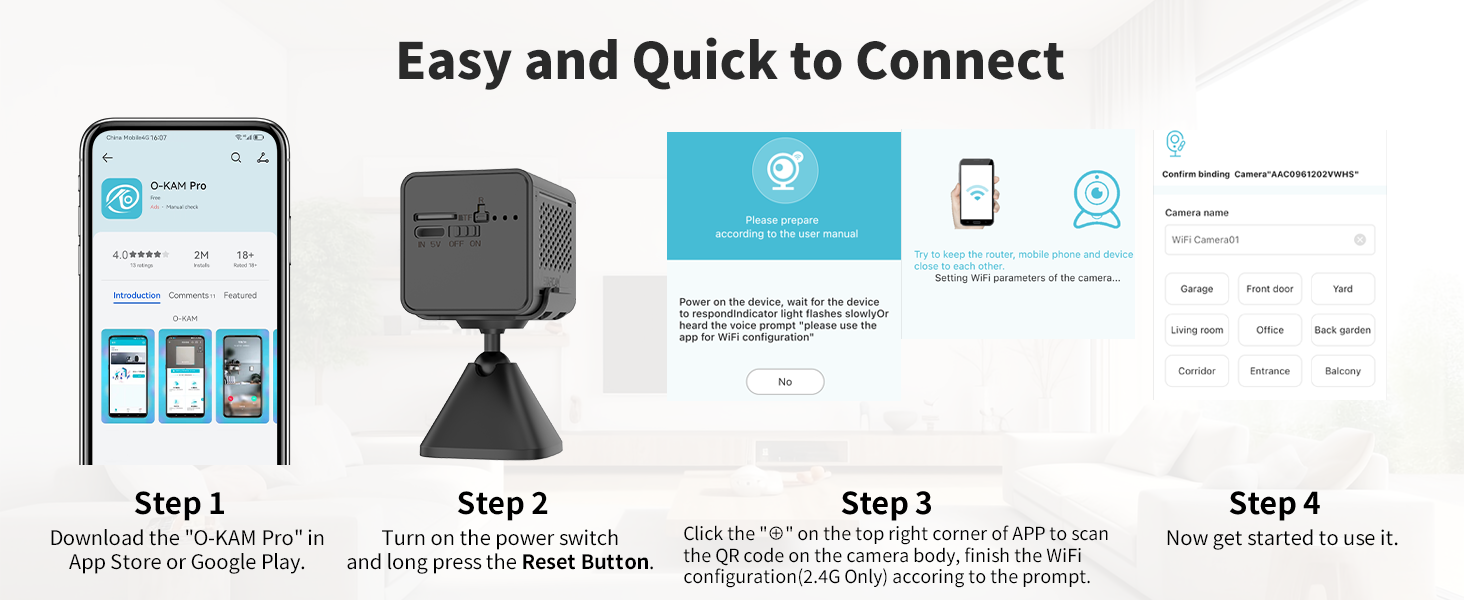
What should I do if my camera cannot connect to the network?
1. Restart the camera: Turn off the camera, wait 10 seconds, then turn it back on.
2. Verify the Wi-Fi name and password are correct.
3. Check if the camera has sufficient battery power.
What should I do if my camera cannot connect to the network?
4. Check the Wi-Fi band: Only supports the 2.4GHz Wi-Fi band (does not support 5GHz).Before connecting, please ensure that your phone's mobile data is turned off.
5. Update the firmware to the latest version.



2.4G WiFi Connection
Mini camera is compatible with Supports only the 2.4GHz Wi-Fi band (not 5GHz band). Ensure mobile data is turned off on your phone before connecting.
Instant Notification
You'll get an instant alert on the phone app ?when motion or human is detected, letting you know if there is suspicious person might try to break in
Share with Your Family
Support multiple users in viewing the camera at the same time, so invite your family members to access it and enjoy the happy moments together
Live View Multiple Cameras
Easily manage all of your Vstarcam security camera on "O-KAM Pro" APP via devices such as Android, iOS, PC, etc, and watch 4 cameras at the same time
What should I do if my camera cannot connect to the network?
1. Restart the camera: Turn off the camera, wait 10 seconds, then turn it back on.
2. Verify the Wi-Fi name and password are correct.
3. Check if the camera has sufficient battery power.
What should I do if my camera cannot connect to the network?
4. Check the Wi-Fi band: Only supports the 2.4GHz Wi-Fi band (does not support 5GHz).Before connecting, please ensure that your phone's mobile data is turned off.
5. Update the firmware to the latest version.