






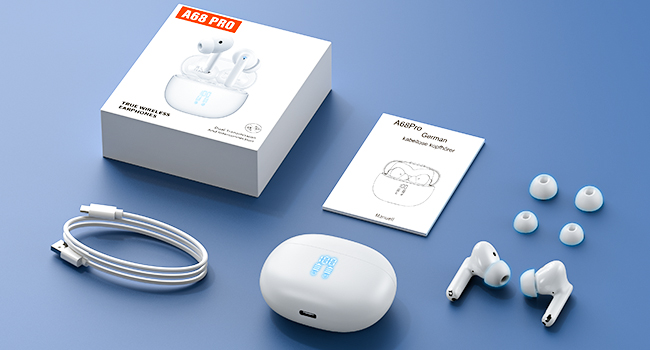
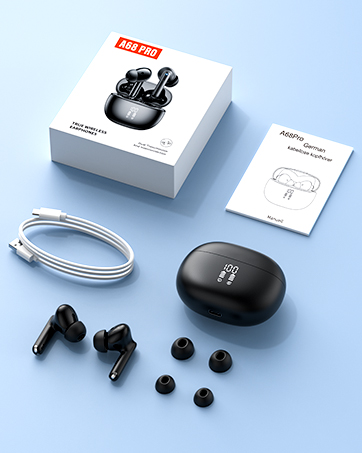
What's in the Box?
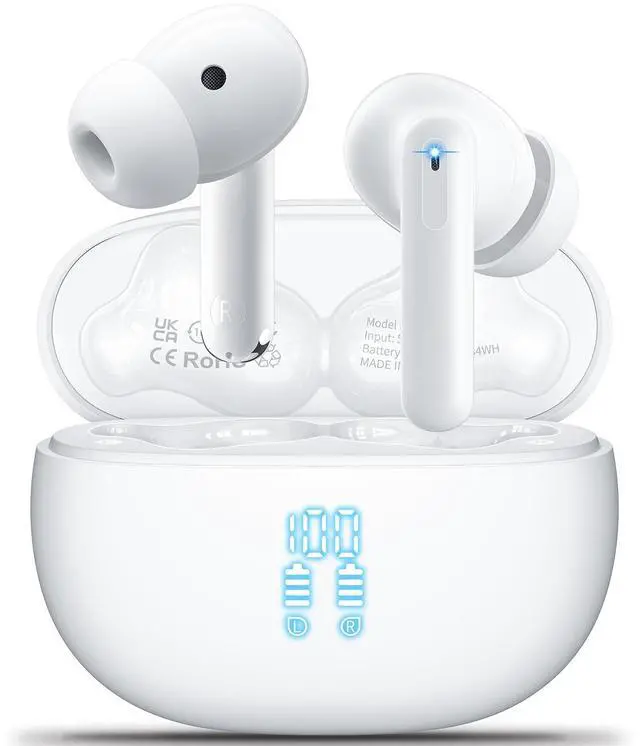
.Wireless Earbuds
.Charging Case
.USB-C Charging Cable
.User Manual
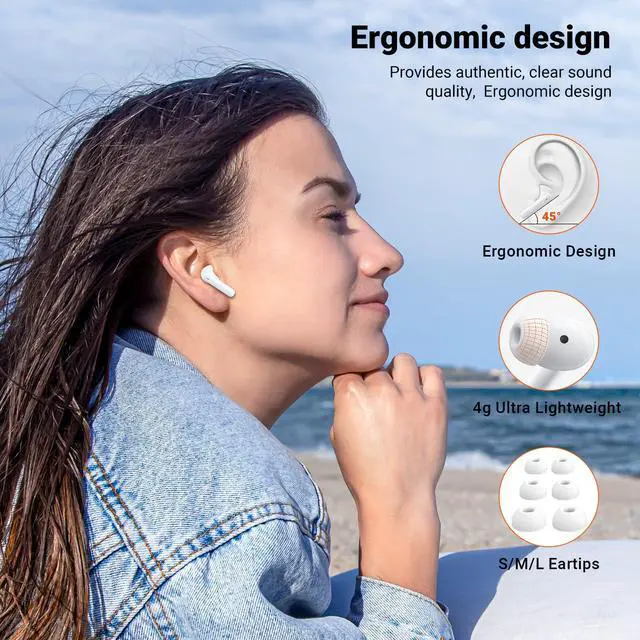
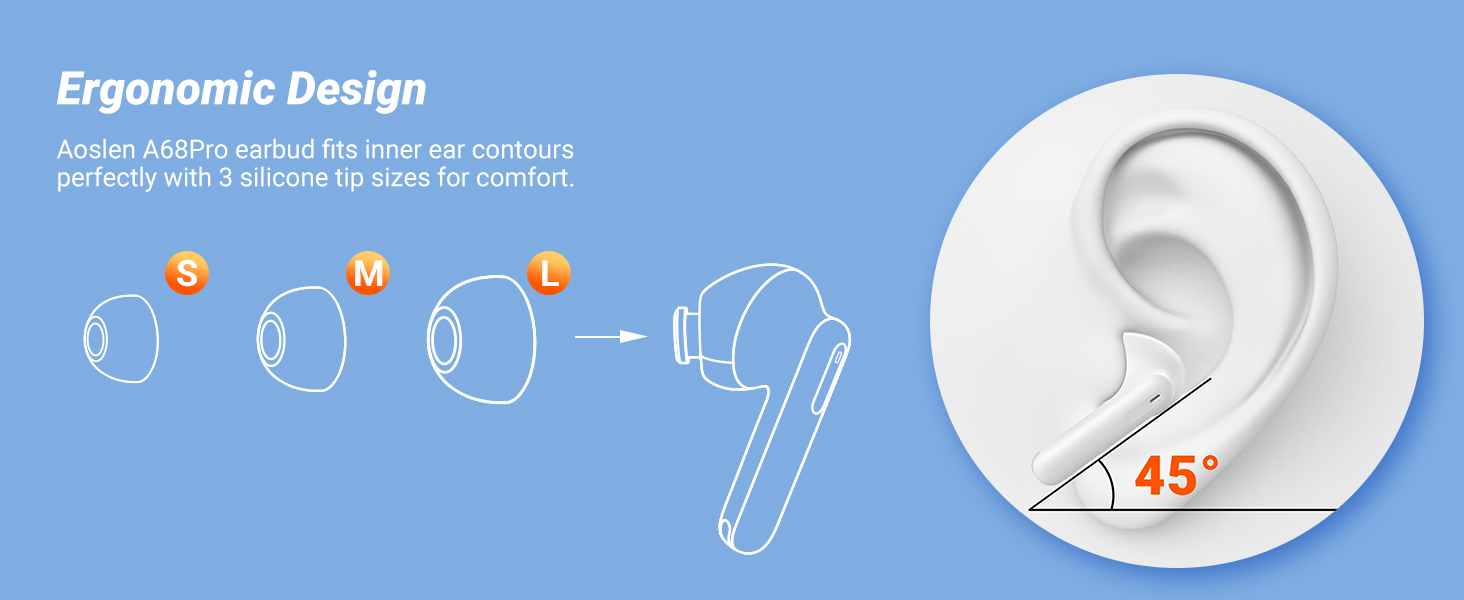
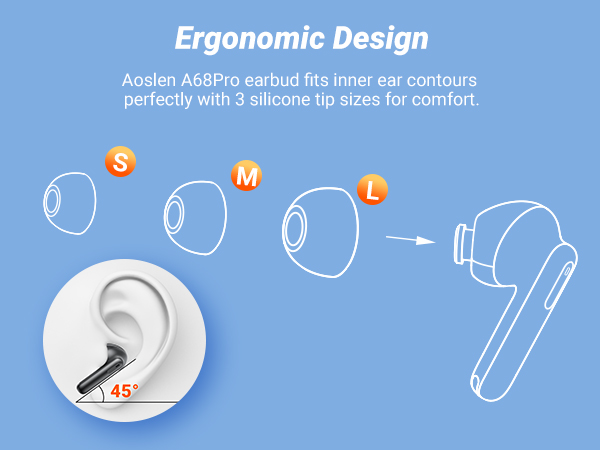
.Earplugs S, M, L
Wide Compatibility
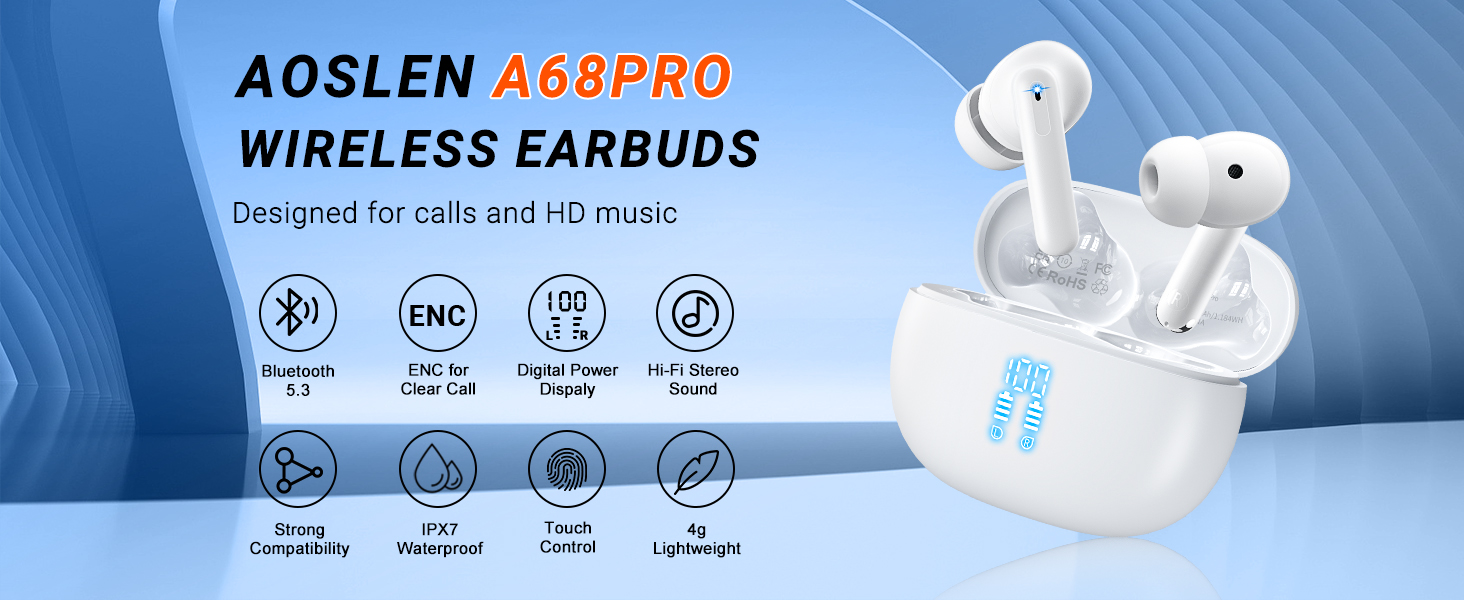
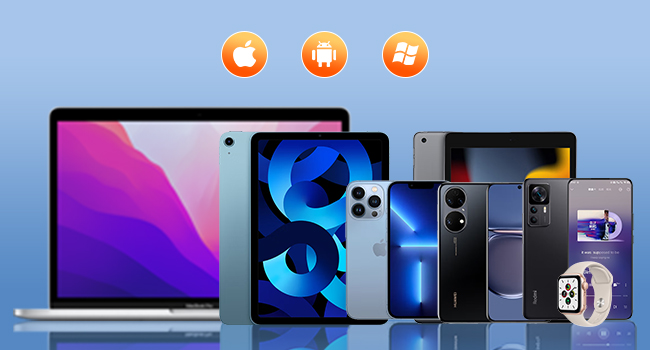
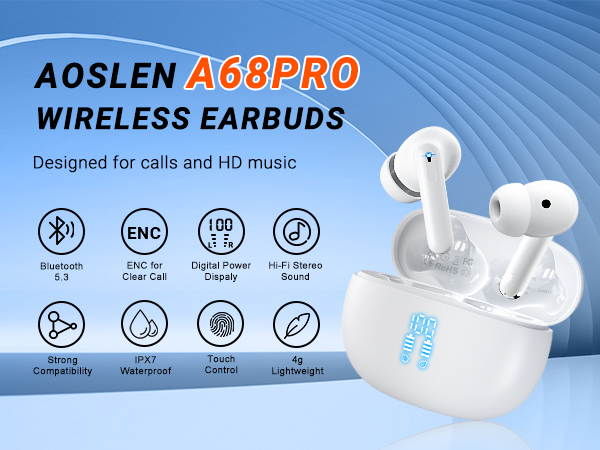
Aoslen A68Pro Bluetooth earbuds are compatible with Android/ Windows and most systems and work
well with your smartphone, tablet, PC, computer, etc.
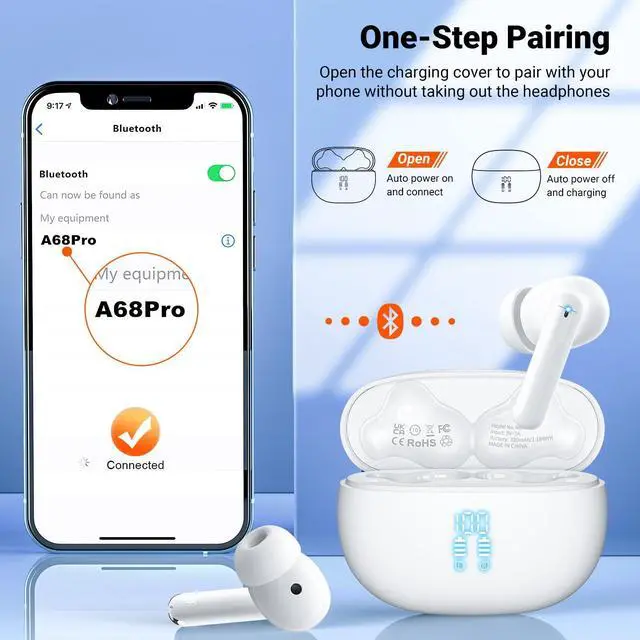
One-step pairing design, just open the A68Pro charging case, they can be auto paired and shown on
your phone Bluetooth list.
What should I do if my A68Pro headphones are not charging?
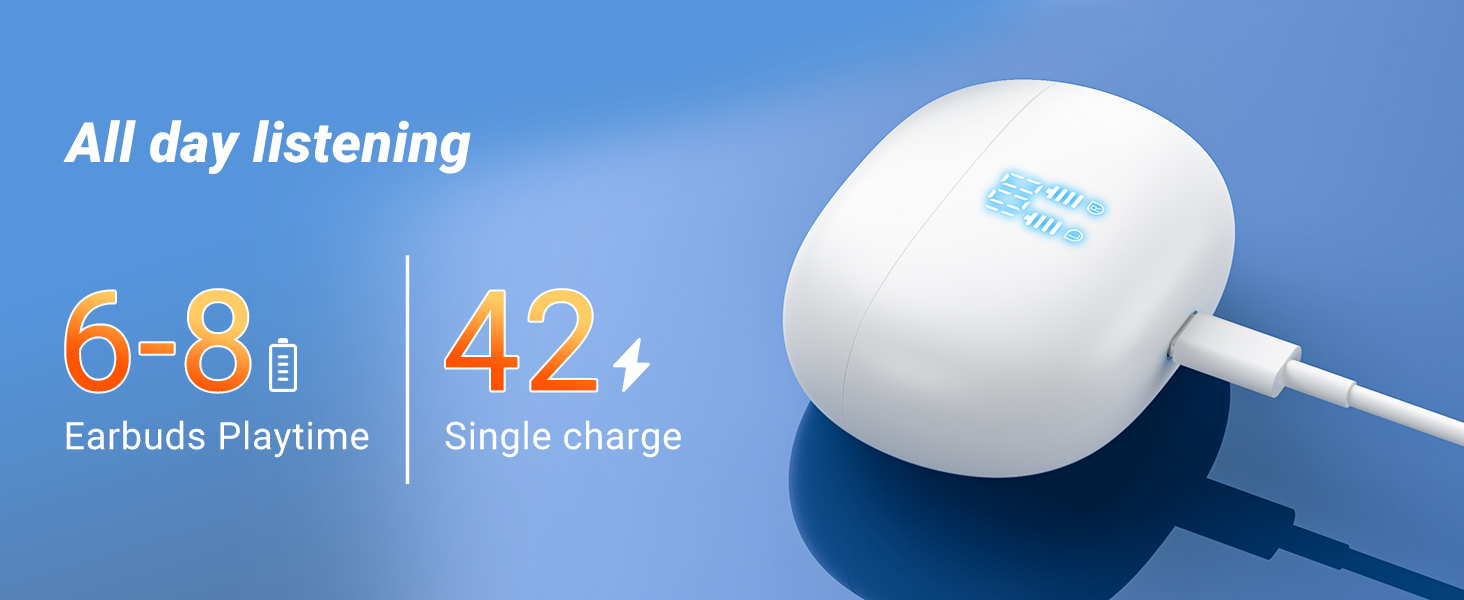
Clean the earbuds' charging contacts and mesh them with an alcohol swab to remove any dust or earwax that could affect charging or volume.
What should I do if one of the headphones won't connect to my phone?
If the Bluetooth headset can be turned on, you can reset it. If the headphones do not turn on, please contact the support team via . We will offer you a solution as soon as possible.
How do I reset the earbuds?
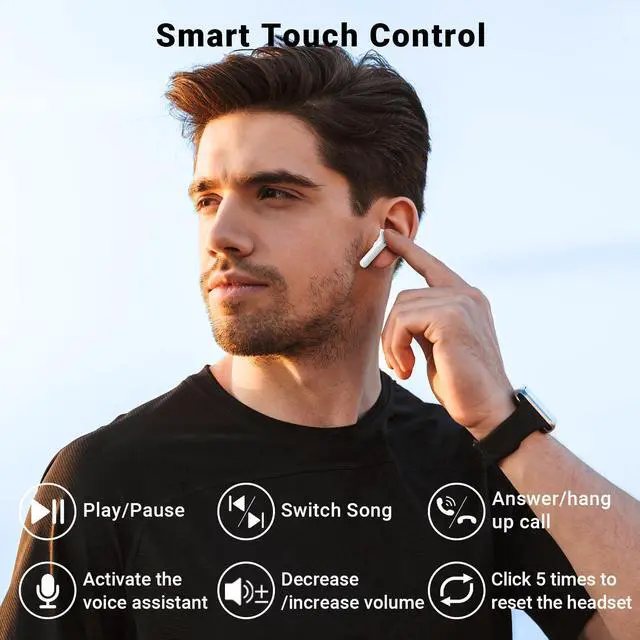
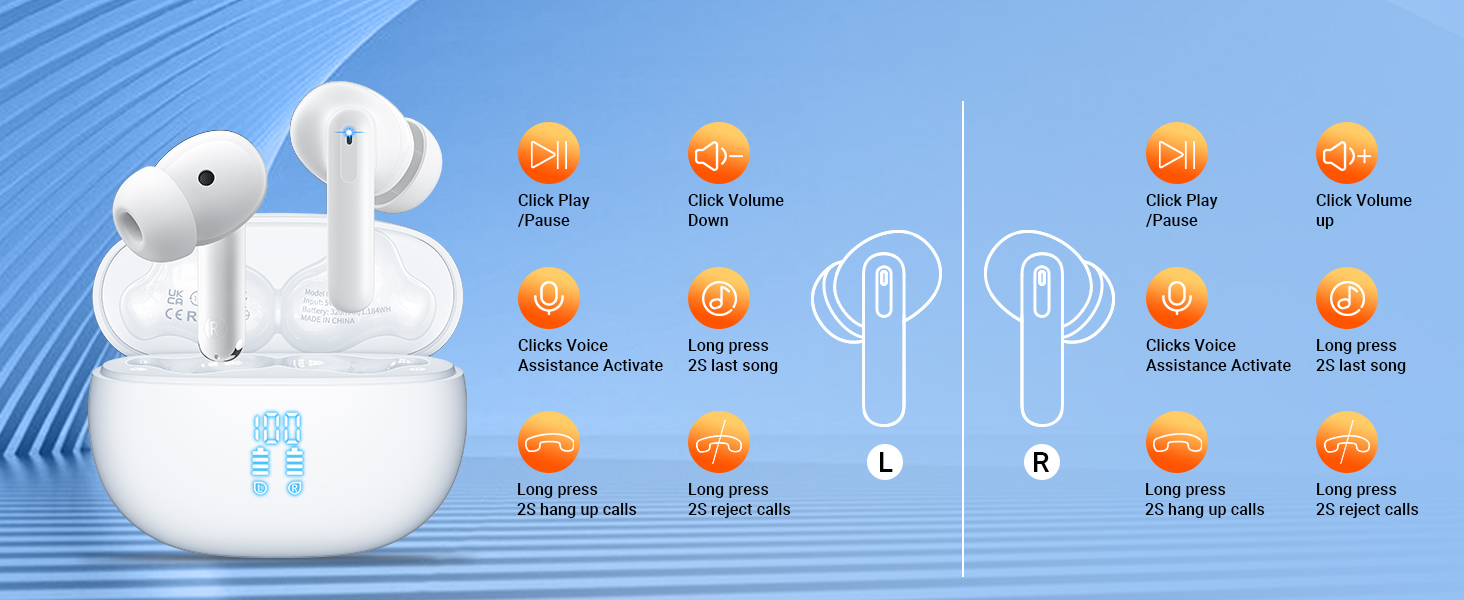
You can first put on the earbuds and quickly tap the touch points five times until you hear the prompt to turn off the earbuds, and then place them in the charging case. The headset can be reset successfully




What's in the Box?
.Wireless Earbuds
.Charging Case
.USB-C Charging Cable
.User Manual
.Earplugs S, M, L
Wide Compatibility
Aoslen A68Pro Bluetooth earbuds are compatible with Android/ Windows and most systems and work
well with your smartphone, tablet, PC, computer, etc.
One-step pairing design, just open the A68Pro charging case, they can be auto paired and shown on
your phone Bluetooth list.
What should I do if my A68Pro headphones are not charging?
Clean the earbuds' charging contacts and mesh them with an alcohol swab to remove any dust or earwax that could affect charging or volume.
What should I do if one of the headphones won't connect to my phone?
If the Bluetooth headset can be turned on, you can reset it. If the headphones do not turn on, please contact the support team via . We will offer you a solution as soon as possible.
How do I reset the earbuds?
You can first put on the earbuds and quickly tap the touch points five times until you hear the prompt to turn off the earbuds, and then place them in the charging case. The headset can be reset successfully