




 here!
here!
I’m your shopping assistant for PC builds, upgrades, and everything tech.
Got questions? Ask away!
Start a conversation
here!
I’m your shopping assistant for PC builds, upgrades, and everything tech.
Got questions? Ask away!
Start a conversation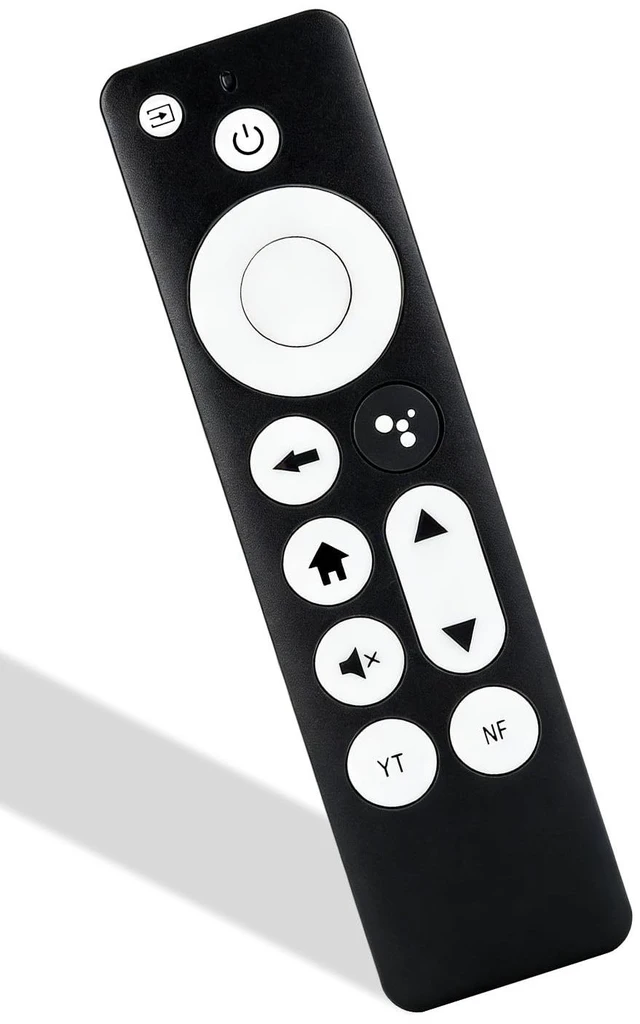
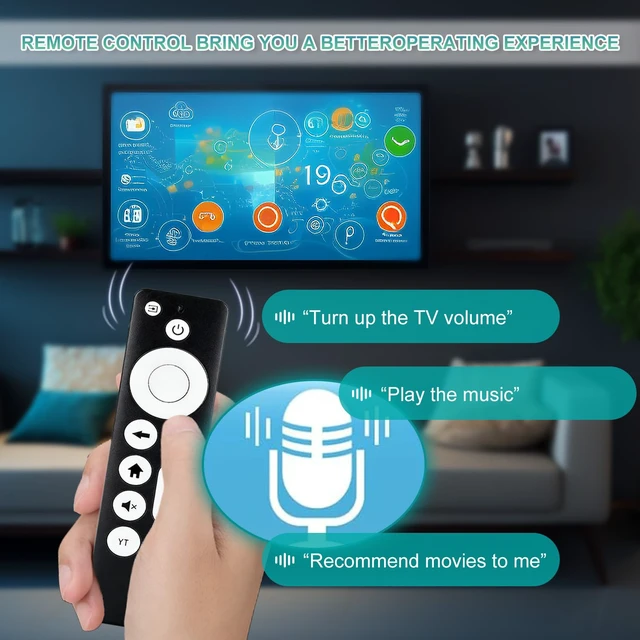
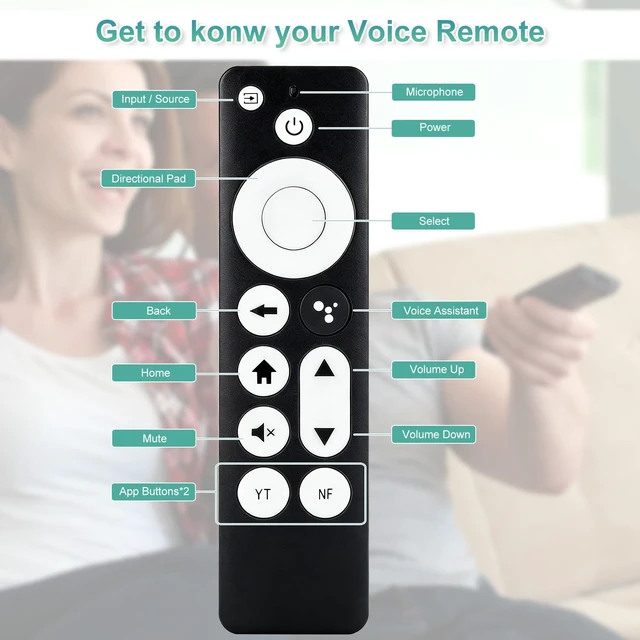



Any questions? Ask CelesteSM will help you find out quickly.
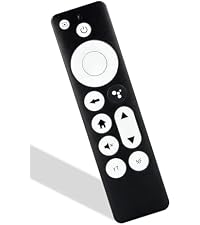 Remote Fit Google TV | 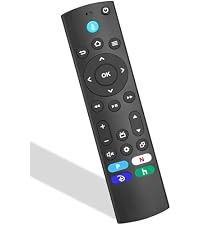 Remote Fit Fire TV Stick | 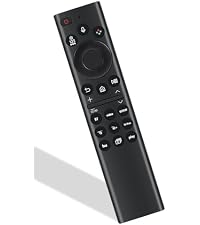 Remote Fit Samsung TV | 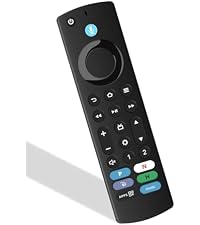 Remote Fit Fire TV Device | 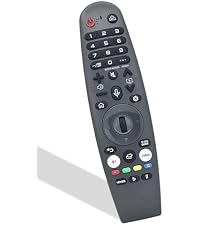 Remote Fit LG webOS TV | 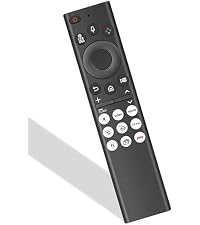 Remote Fit Samsung TVs | 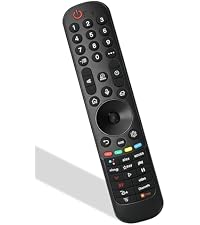 Remote Fit LG smart TVs | |
|---|---|---|---|---|---|---|---|
Price | — | — | — | — | — | — | — |
Compatible TV Models | for Google Chromecast TV | for Fire TV Stick streaming | for Samsung Smart TV series | for Fire TV device & sticks | for LG webOS smart TVs | for Samsung TV All Series | for LG smart TV All Series |
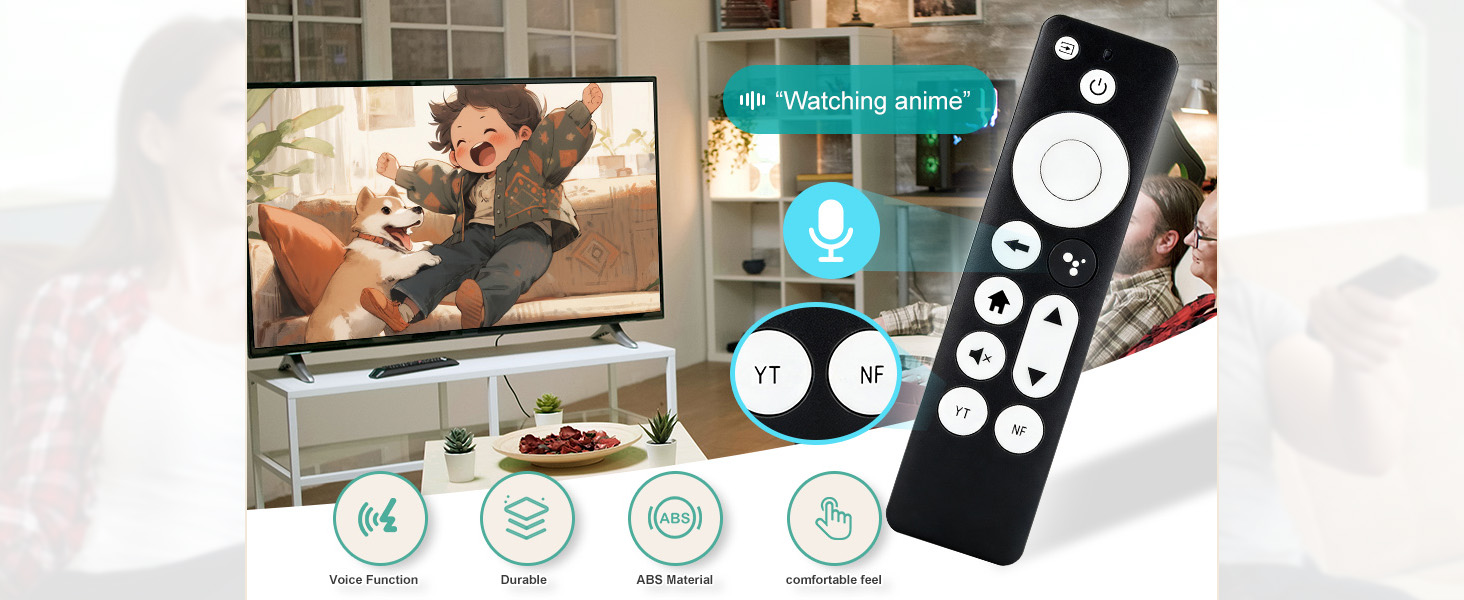
Built-in Voice Control | ? | ? | ? | ? | ? | ? | ? |
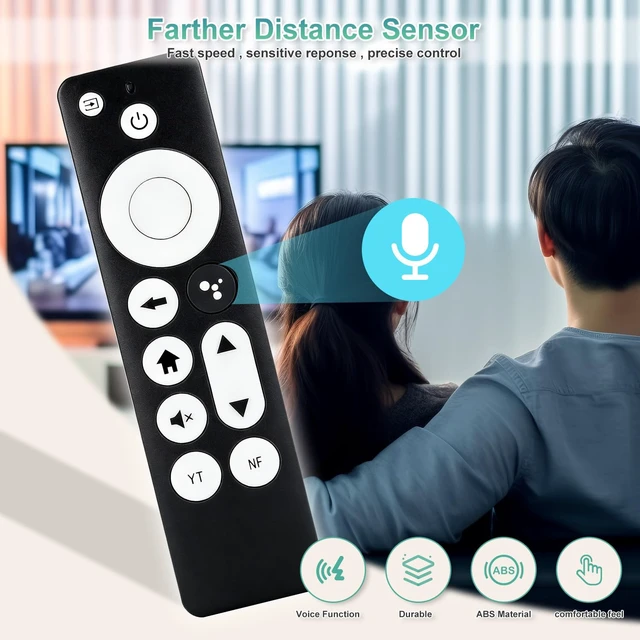
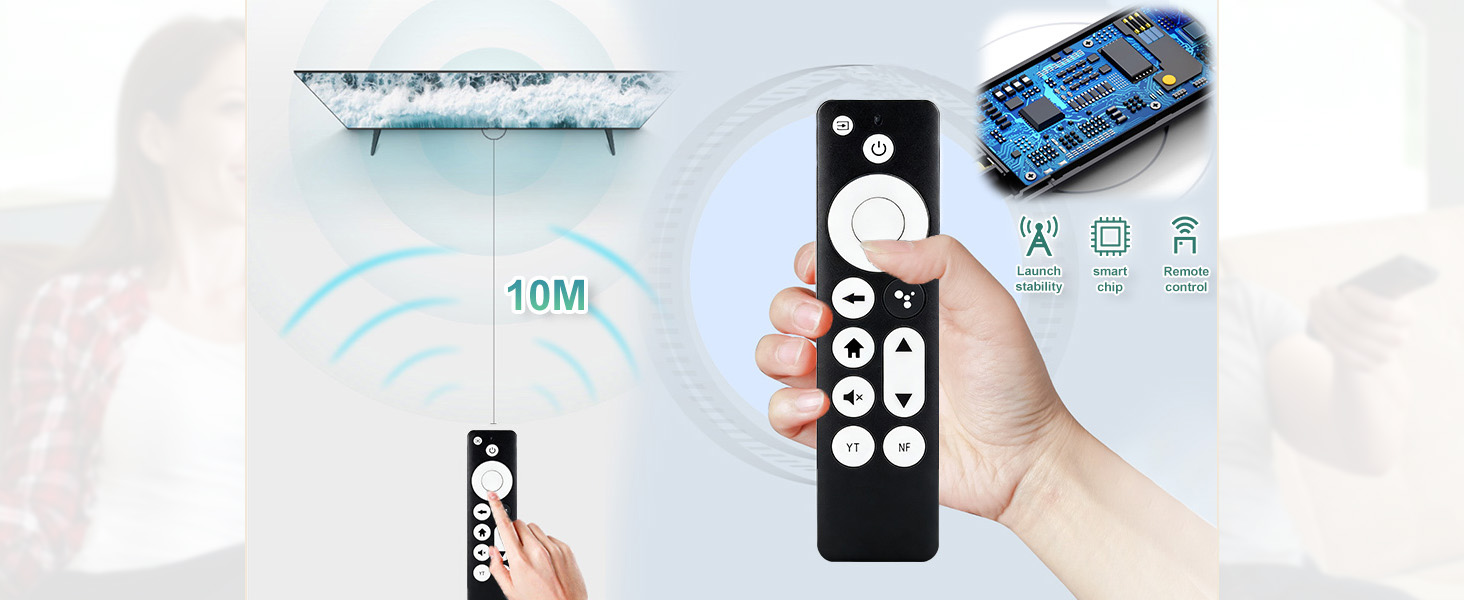
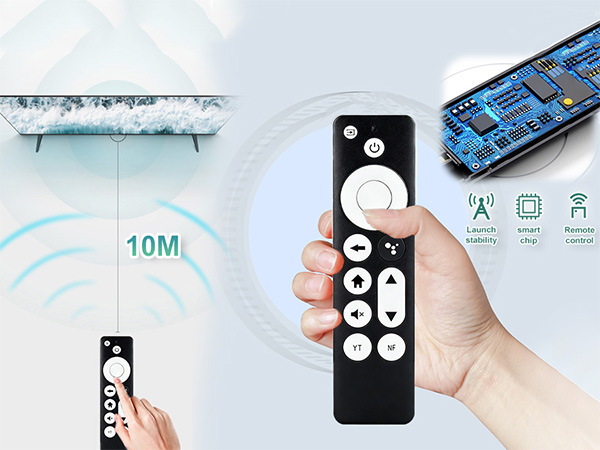
Max Remote Distance | 10M stable remote control | 10M stable remote control | 10M stable remote control | 10M stable remote control | 10M stable remote control | 10M stable remote control | 10M stable remote control |
Shell Material | Durable ABS plastic | Durable ABS plastic | Durable ABS plastic | Durable ABS plastic | Durable ABS plastic | Durable ABS plastic | Durable ABS plastic |
Streaming Shortcut Keys | ? | ? | ? | ? | ? | ? | ? |
How do I pair this remote with my device?
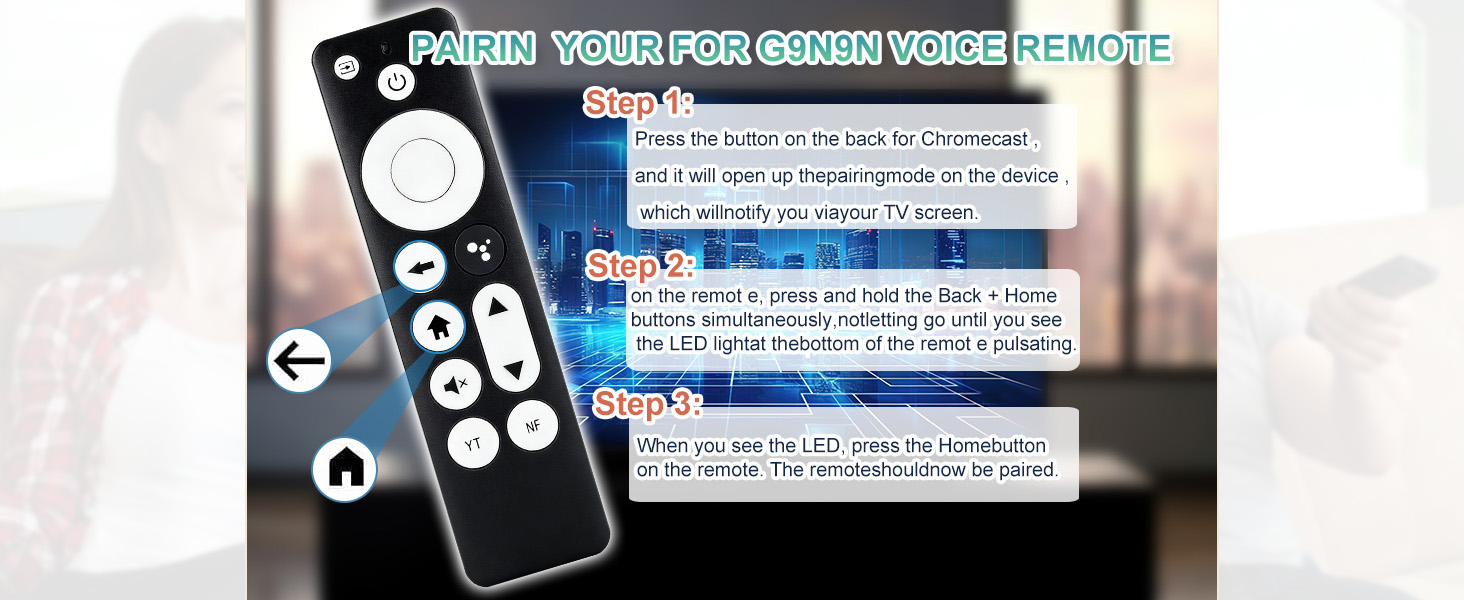
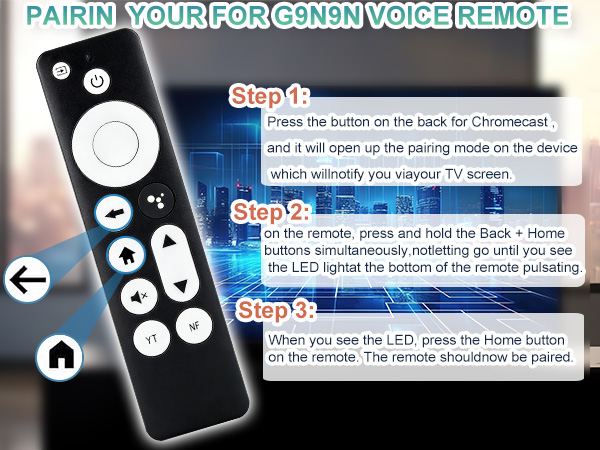
Two simple pairing methods are available: 1.Press the auto-pairing button on your streaming device. 2.Unplug and replug your device to restart it. Once rebooted, press and hold the Return and Home buttons until the LED flashes to initiate pairing.
Will this remote work with all streaming devices?
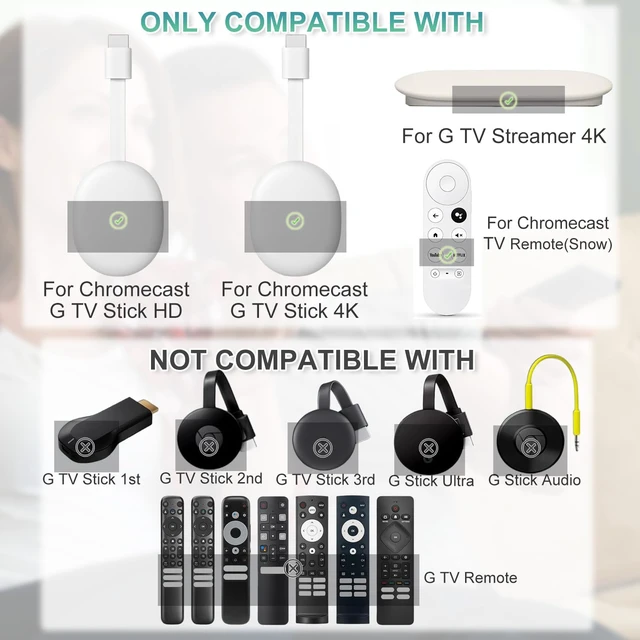
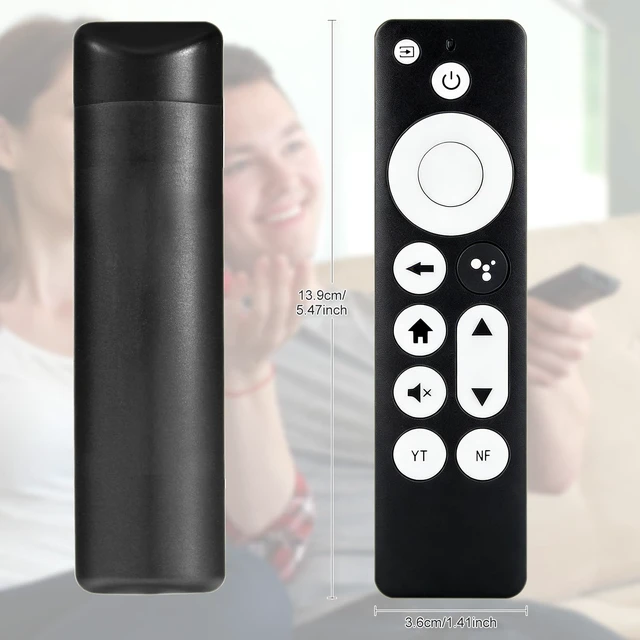
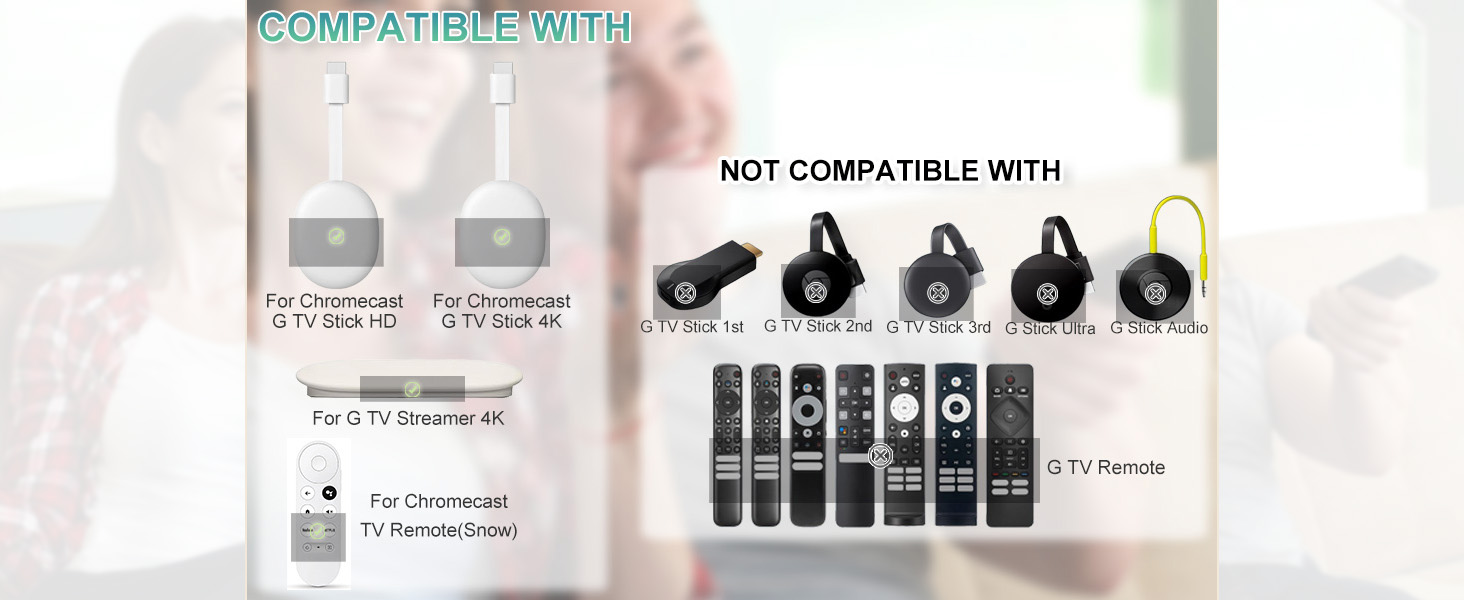
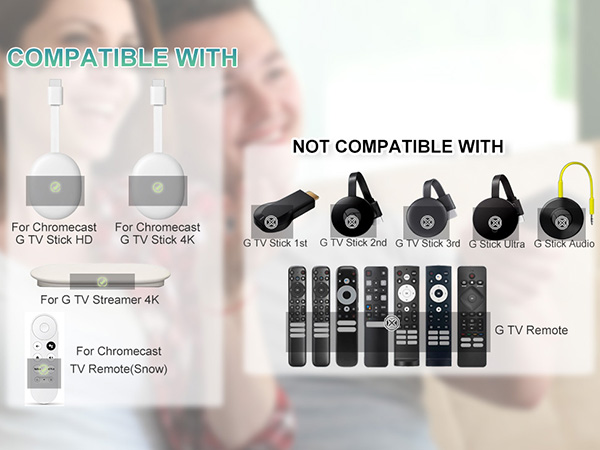
This remote is only compatible with specific streaming stick and TV player models (fits G9N9N and all GA-series model devices).
What if pairing fails and the LED does not flash?
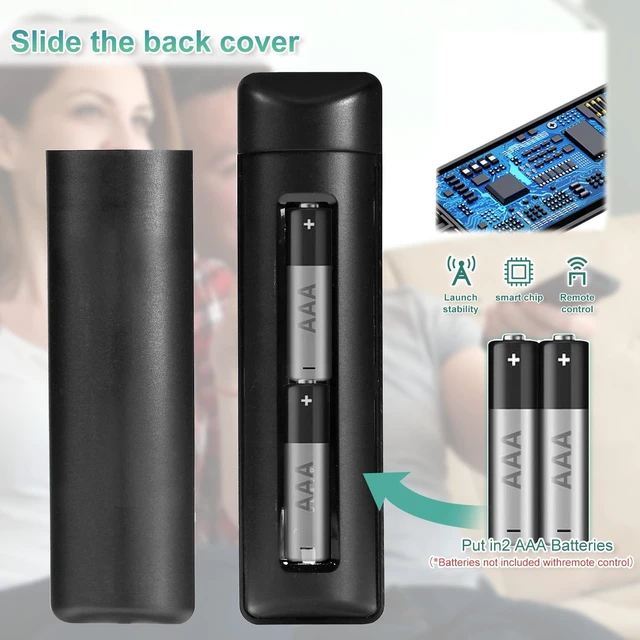
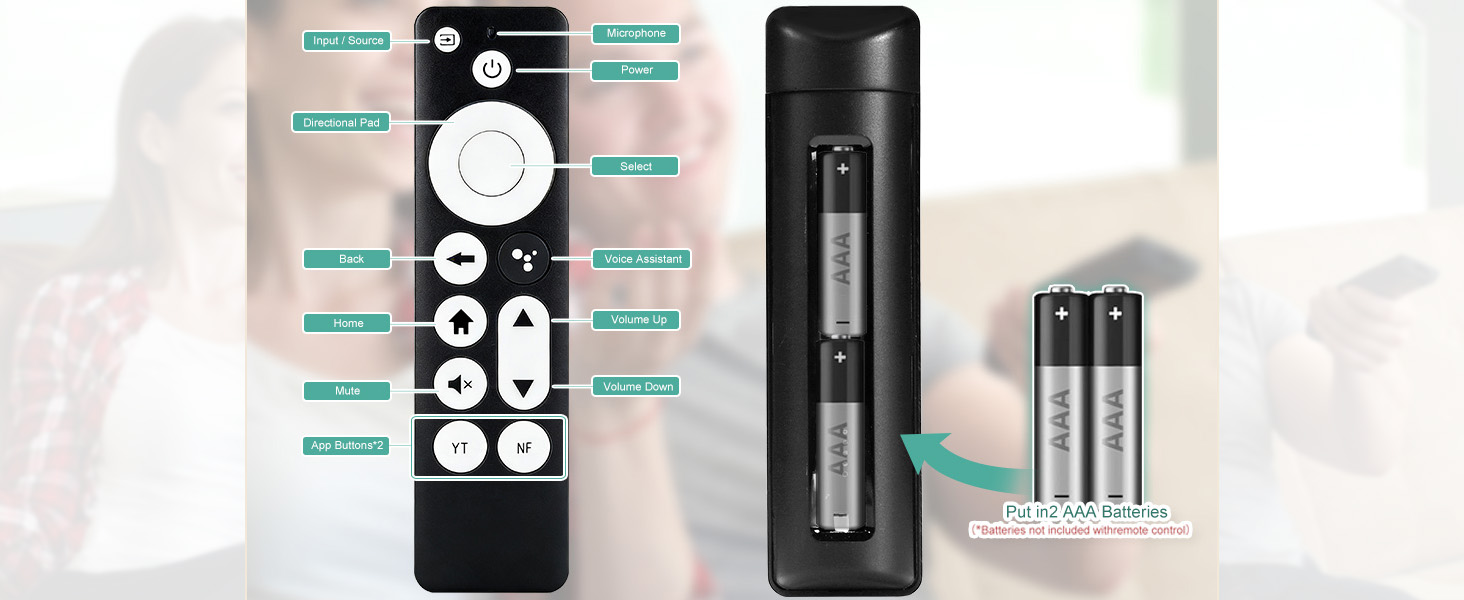
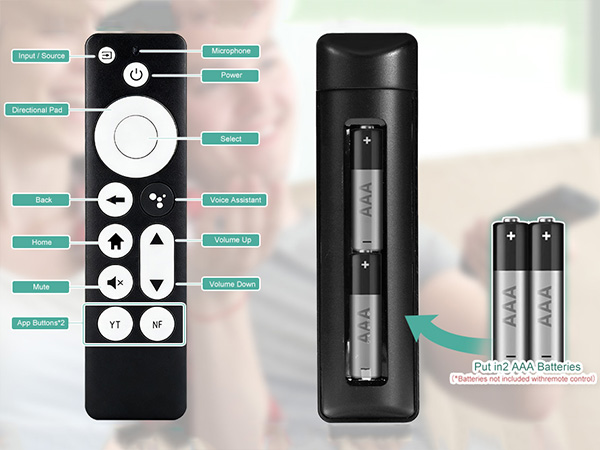
1.Confirm fresh batteries are installed with correct polarity.
2.Operate within 1 meter of the device with no obstructions.
3.Restart your device by unplugging the power supply, then retry the Return + Home pairing sequence.
What should I do if the voice function does not work properly?
Go to the home screen and select Remotes & Accessories.
Choose Add new remote and follow the on-screen instructions to complete setup.
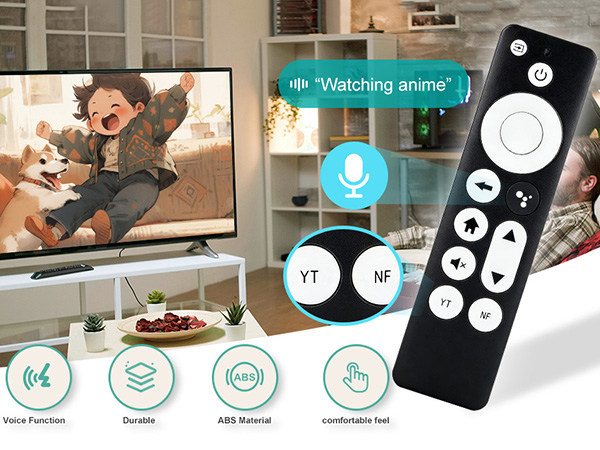
Remote Fit Google TV | Remote Fit Fire TV Stick | Remote Fit Samsung TV | Remote Fit Fire TV Device | Remote Fit LG webOS TV | Remote Fit Samsung TVs | Remote Fit LG smart TVs |
|---|---|---|---|---|---|---|
| Price | ||||||
| — | — | — | — | — | — | — |
| Compatible TV Models | ||||||
| for Google Chromecast TV | for Fire TV Stick streaming | for Samsung Smart TV series | for Fire TV device & sticks | for LG webOS smart TVs | for Samsung TV All Series | for LG smart TV All Series |
| Built-in Voice Control | ||||||
| ? | ? | ? | ? | ? | ? | ? |
| Max Remote Distance | ||||||
| 10M stable remote control | 10M stable remote control | 10M stable remote control | 10M stable remote control | 10M stable remote control | 10M stable remote control | 10M stable remote control |
| Shell Material | ||||||
| Durable ABS plastic | Durable ABS plastic | Durable ABS plastic | Durable ABS plastic | Durable ABS plastic | Durable ABS plastic | Durable ABS plastic |
| Streaming Shortcut Keys | ||||||
| ? | ? | ? | ? | ? | ? | ? |
How do I pair this remote with my device?
Two simple pairing methods are available: 1.Press the auto-pairing button on your streaming device. 2.Unplug and replug your device to restart it. Once rebooted, press and hold the Return and Home buttons until the LED flashes to initiate pairing.
Will this remote work with all streaming devices?
This remote is only compatible with specific streaming stick and TV player models (fits G9N9N and all GA-series model devices).
What if pairing fails and the LED does not flash?
1.Confirm fresh batteries are installed with correct polarity.
2.Operate within 1 meter of the device with no obstructions.
3.Restart your device by unplugging the power supply, then retry the Return + Home pairing sequence.
What should I do if the voice function does not work properly?
Go to the home screen and select Remotes & Accessories.
Choose Add new remote and follow the on-screen instructions to complete setup.



