







Specifications
Lens
How to use it
For Raspberry Pi Bookworm users running on Pi 5, please do the following:
sudo nano /boot/firmware/config.txt
#Find the line: camera_auto_detect=1, update it to:
camera_auto_detect=0
#Find the line: [all], add the following item under it:
dtoverlay=imx219
#Save and reboot.
If you want to enable the camera kit on the cam0 port of Pi5, the difference from that used on cam1 is that the dtoverlay should be replaced with
dtoverlay=imx219,cam0
For other Raspberry Pi boards and the OSs they run, please refer to the manual the product comes with.
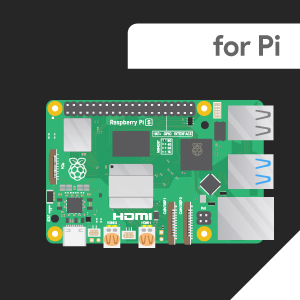
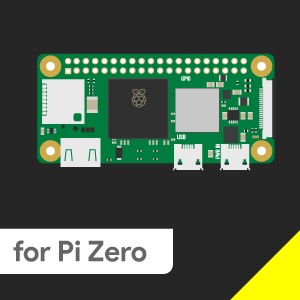
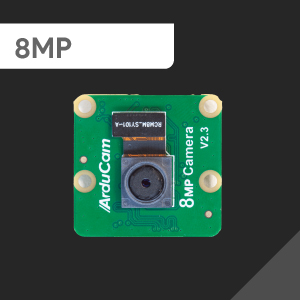
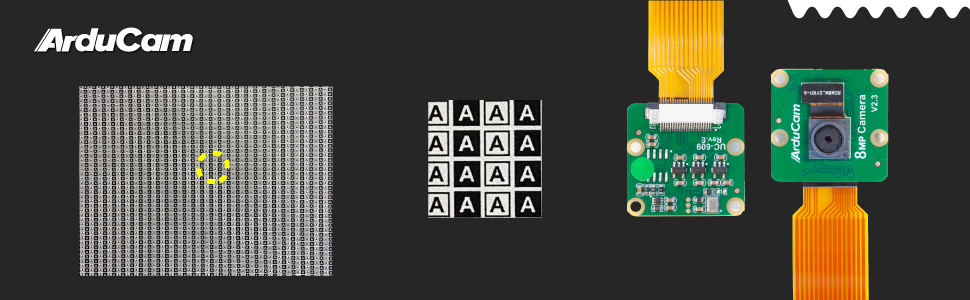
Package Including
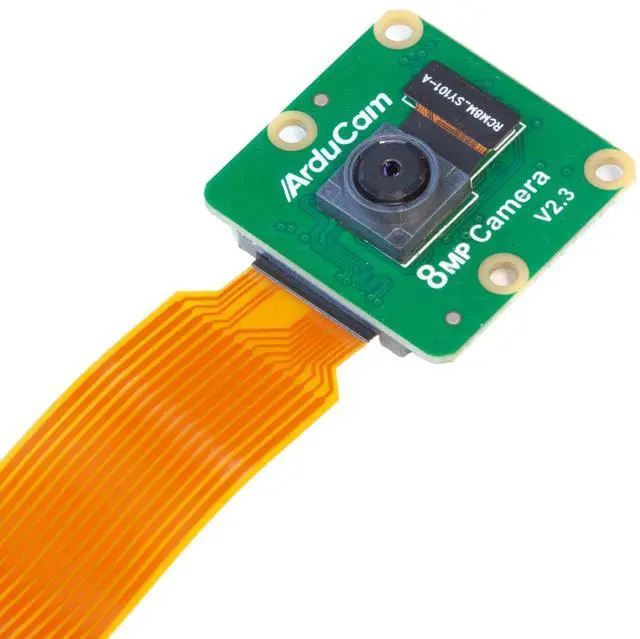
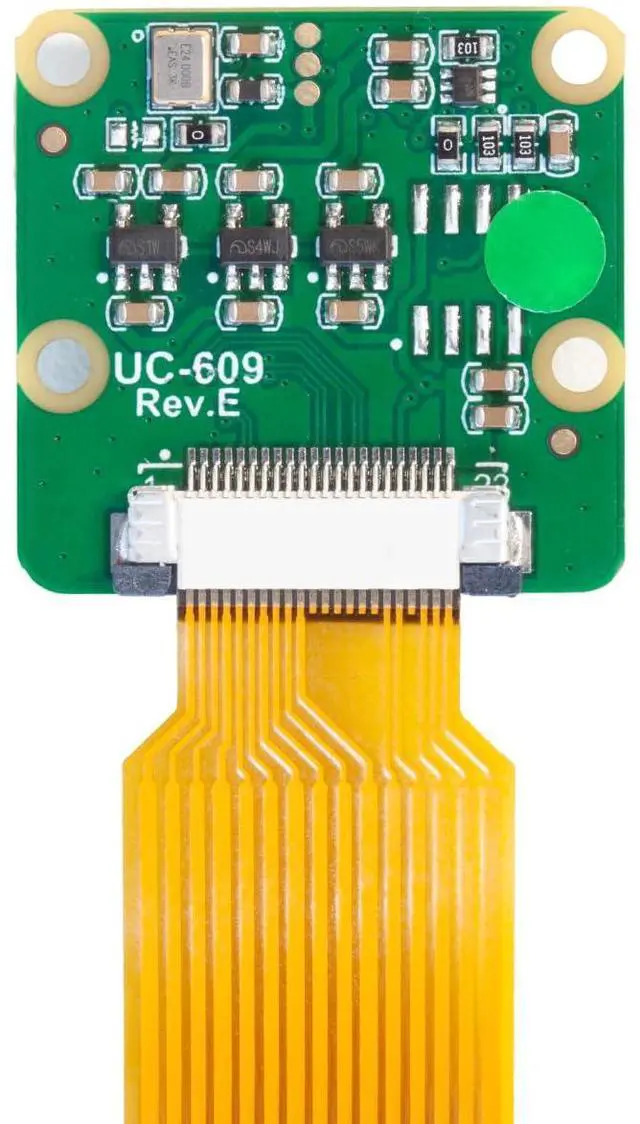
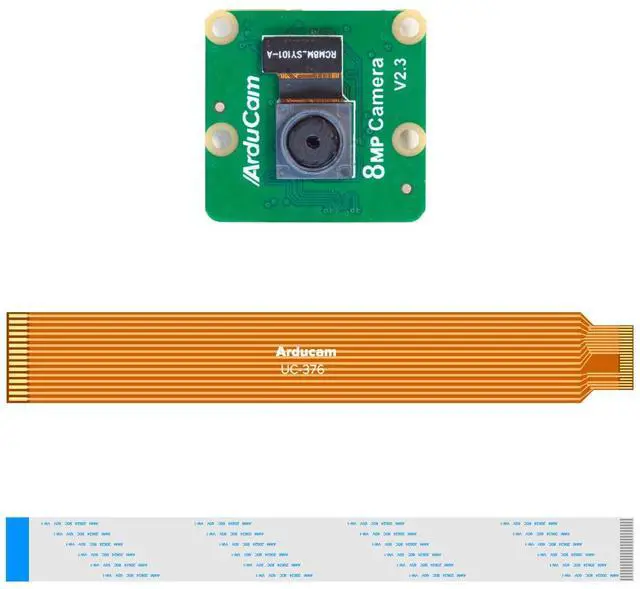
- 1× Arducam IMX219 Camera Module
- 1× 15cm 22-22pin FFC Cable
- 1× 15cm 15-22pin FPC Cable
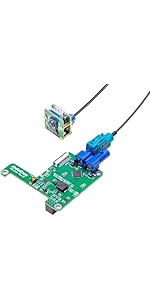 Arducam GMSL2 8MP IMX219 Raspberry Pi Camera Extension Kit | 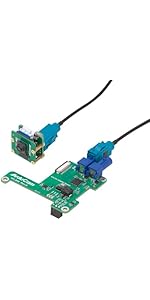 8MP IMX219 FPD-Link SerDes V3Link | 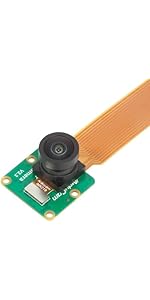 Arducam 8MP IMX219 175 Degree Ultra Wide Angle Camera for Raspberry Pi, Compa... | 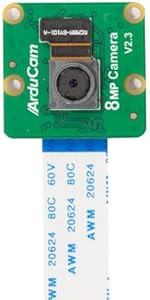 Arducam 8MP IMX219 Camera Module Compatible with NVIDIA Jetson Orin NX/AGX Or... | 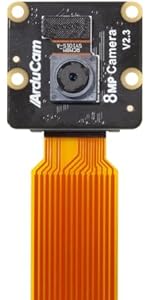 Arducam for Raspberry Pi Noir Camera Module, 8MP IMX219 RPi-CAM-V2 Night Visi... | 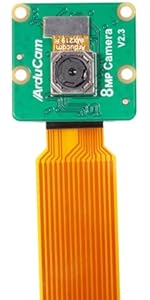 Arducam for Raspberry Pi Camera, 8MP IMX219 Auto Focus Camera Module with Mot... | |
|---|---|---|---|---|---|---|
| Price | — | — | — | — | — | — |
| Interface | MIPI | MIPI | MIPI | MIPI | MIPI | MIPI |
| Focus Type | Fixed Focus | Fixed Focus | Manual Focus | Fixed Focus | Fixed Focus | Autofocus |
| SKU | B0549 | B0491 | B0392 | B0191 | B0395 | B0393 |
Specifications
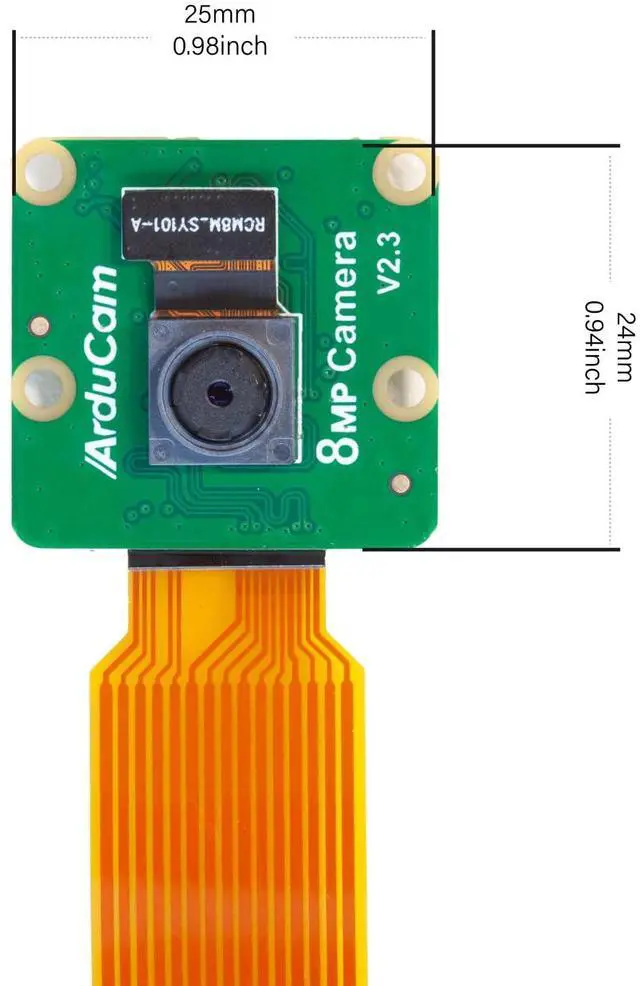
| Image Sensor | IMX219 |
| Still Resolution | 8 Megapixels |
| Video Modes | 1080p47, 1640 × 1232p41 and 640 × 480p206 |
| Sensor Resolution | 3280 × 2464 pixels |
| Sensor image area | 3.68 x 2.76 mm (4.6 mm diagonal) |
| Pixel Size | 1.12 µm x 1.12 µm |
| Optical Size | 1/4" |
| IR Sensitivity | Integral IR-cut Filter, visible light only |
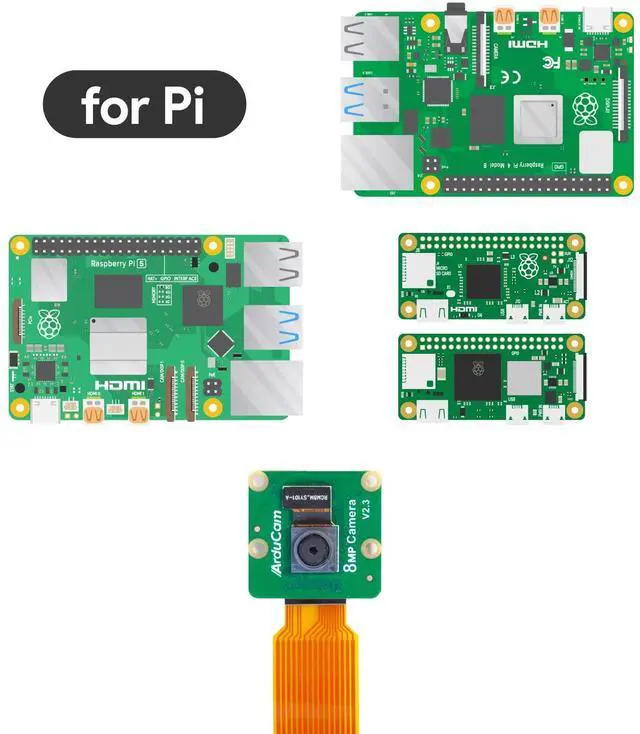
| Supported Platform | Raspberry Pi 5/4B/3B+/3/2/CM3/CM4/Zero W/Zero 2 W |
Lens
| FOCUS TYPE | FIXED FOCUS |
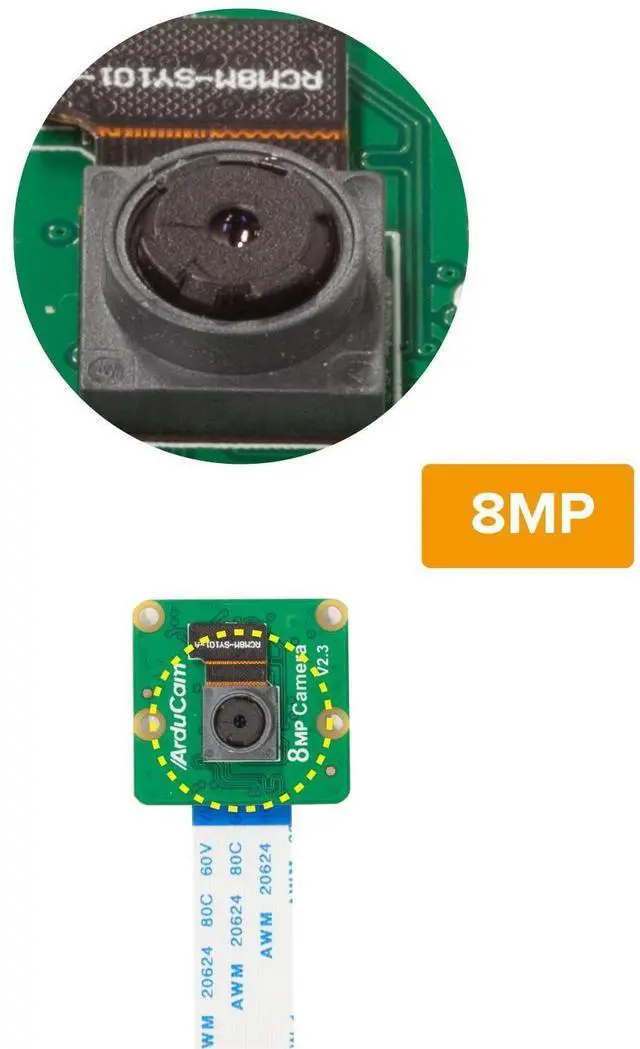
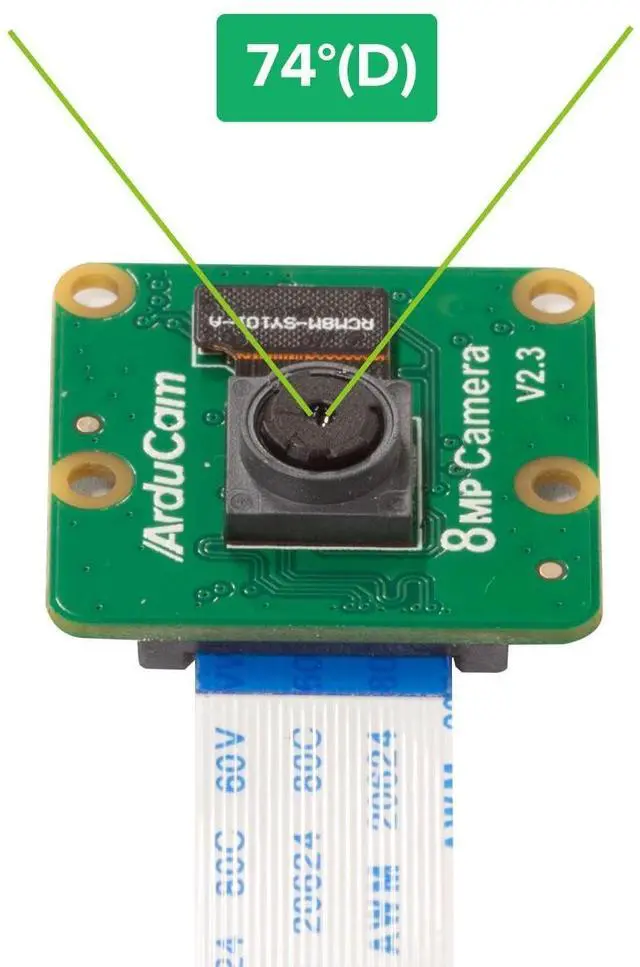
| Focal Length | 3.04mm |
| F.NO | F2.0 |
| Field of View(FOV) | 62.2°(H)×48.8°(V) |
| Lens Type | Stock Lens |
| Focus Distance | 200mm to infinity |
How to use it
For Raspberry Pi Bookworm users running on Pi 5, please do the following:
sudo nano /boot/firmware/config.txt
#Find the line: camera_auto_detect=1, update it to:
camera_auto_detect=0
#Find the line: [all], add the following item under it:
dtoverlay=imx219
#Save and reboot.
If you want to enable the camera kit on the cam0 port of Pi5, the difference from that used on cam1 is that the dtoverlay should be replaced with
dtoverlay=imx219,cam0
For other Raspberry Pi boards and the OSs they run, please refer to the manual the product comes with.
Package Including
- 1× Arducam IMX219 Camera Module
- 1× 15cm 22-22pin FFC Cable
- 1× 15cm 15-22pin FPC Cable
Arducam GMSL2 8MP IMX219 Raspberry Pi Camera Extension Kit | 8MP IMX219 FPD-Link SerDes V3Link | Arducam 8MP IMX219 175 Degree Ultra Wide Angle Camera for Raspberry Pi, Compa... | Arducam 8MP IMX219 Camera Module Compatible with NVIDIA Jetson Orin NX/AGX Or... | Arducam for Raspberry Pi Noir Camera Module, 8MP IMX219 RPi-CAM-V2 Night Visi... | Arducam for Raspberry Pi Camera, 8MP IMX219 Auto Focus Camera Module with Mot... | |
|---|---|---|---|---|---|---|
| Price | — | — | — | — | — | — |
| Interface | MIPI | MIPI | MIPI | MIPI | MIPI | MIPI |
| Focus Type | Fixed Focus | Fixed Focus | Manual Focus | Fixed Focus | Fixed Focus | Autofocus |
| SKU | B0549 | B0491 | B0392 | B0191 | B0395 | B0393 |