here!
I’m your shopping assistant for PC builds, upgrades, and everything tech.
Got questions? Ask away!
Start a conversation
here!
I’m your shopping assistant for PC builds, upgrades, and everything tech.
Got questions? Ask away!
Start a conversation





Any questions? Ask CelesteSM will help you find out quickly.
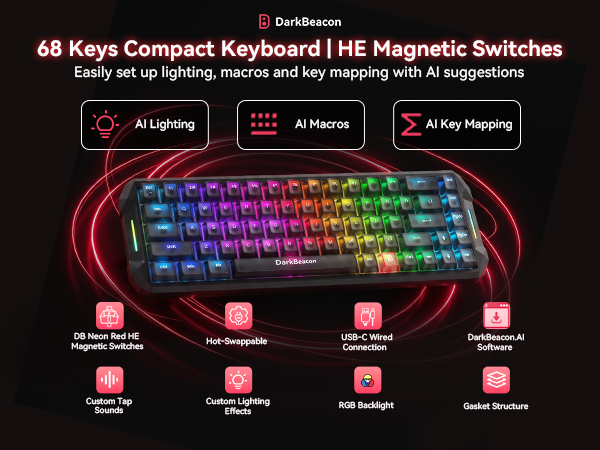
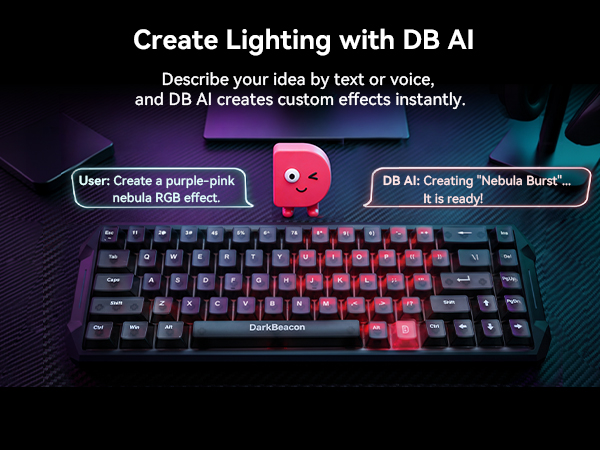


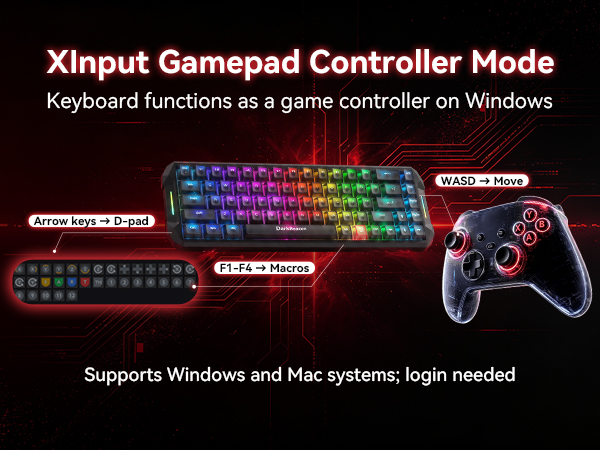
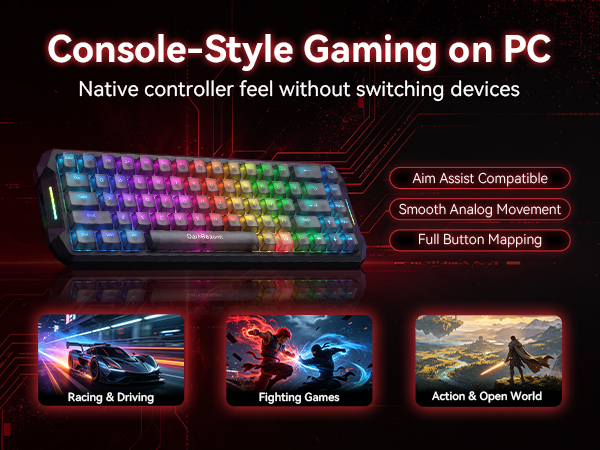
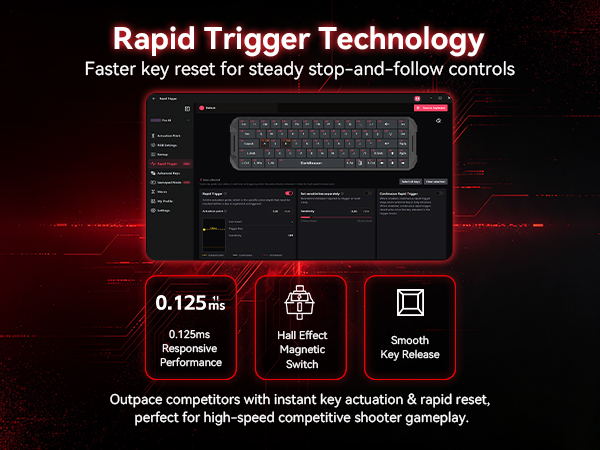

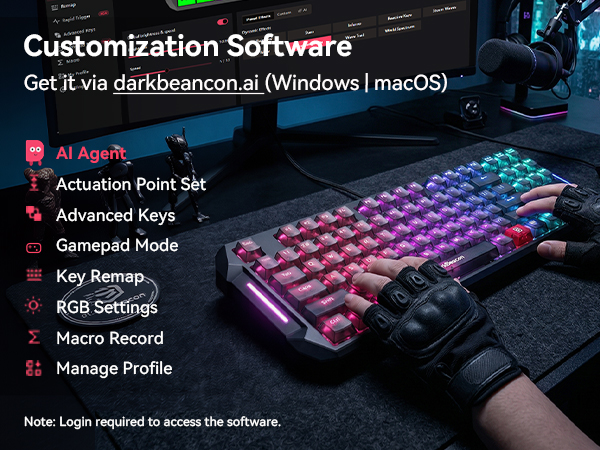
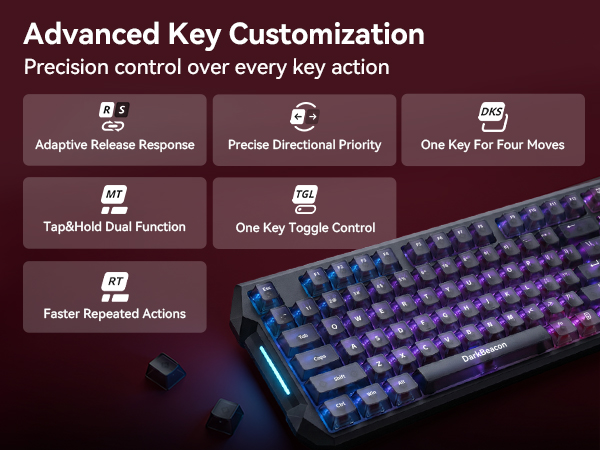
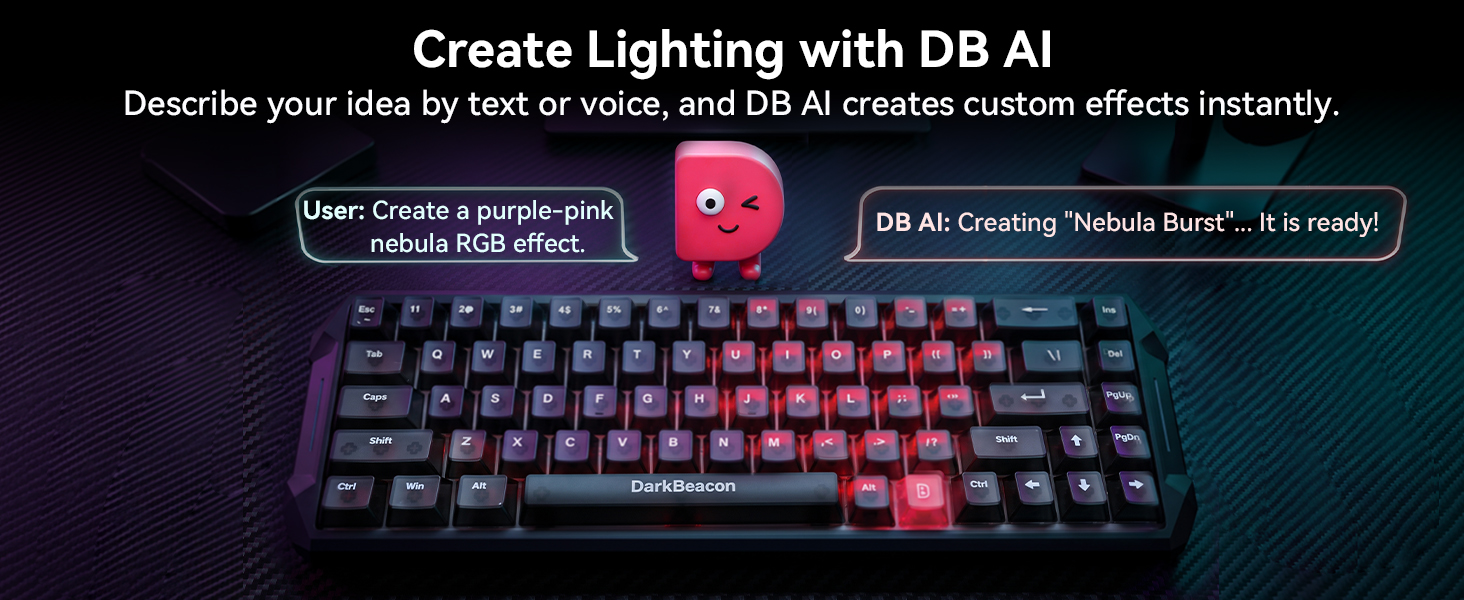
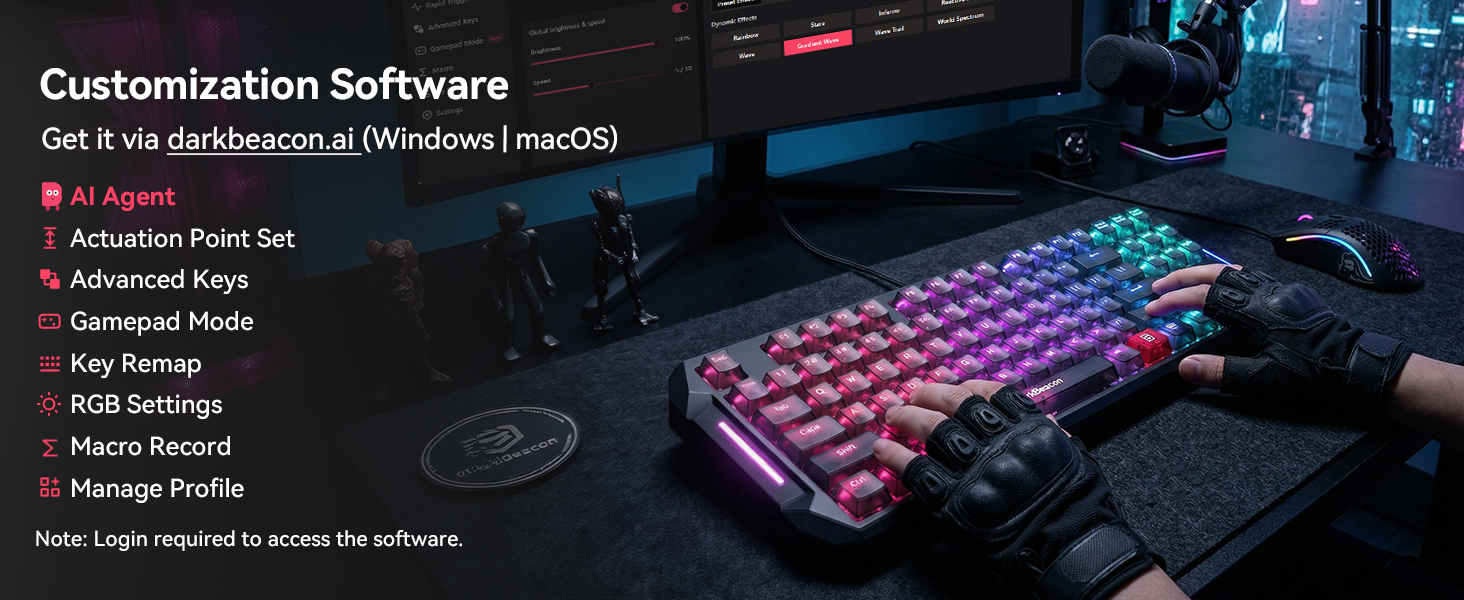
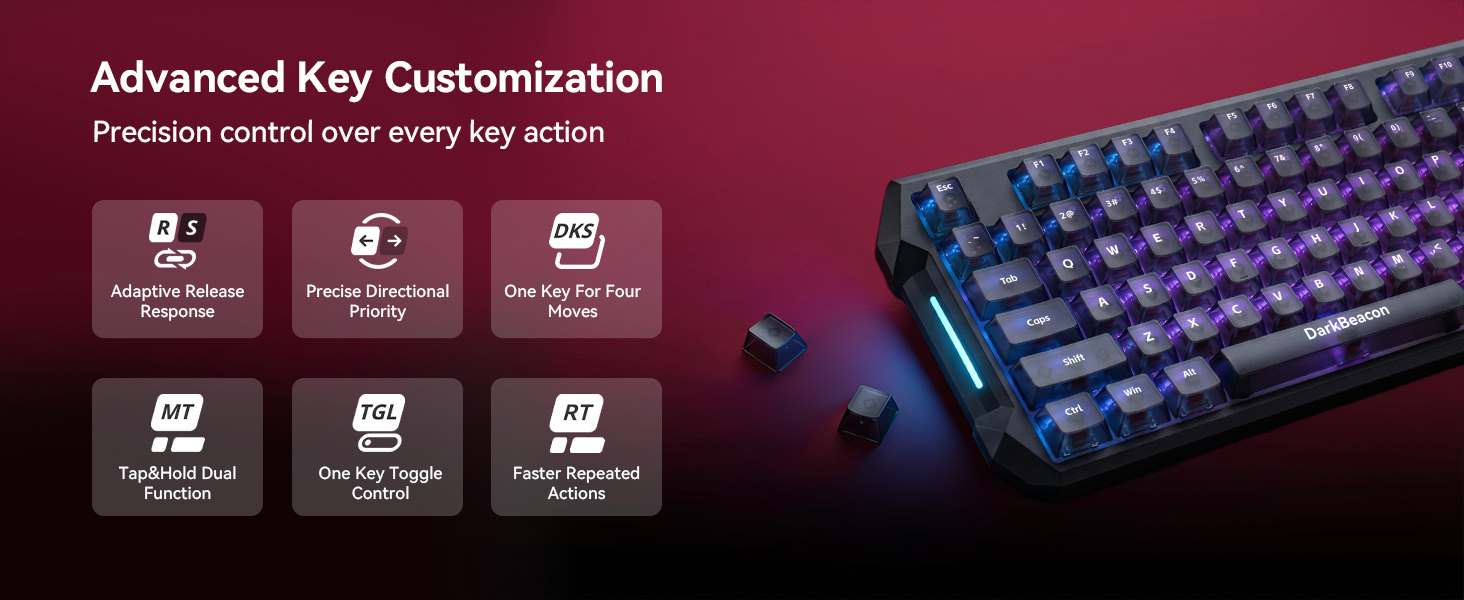
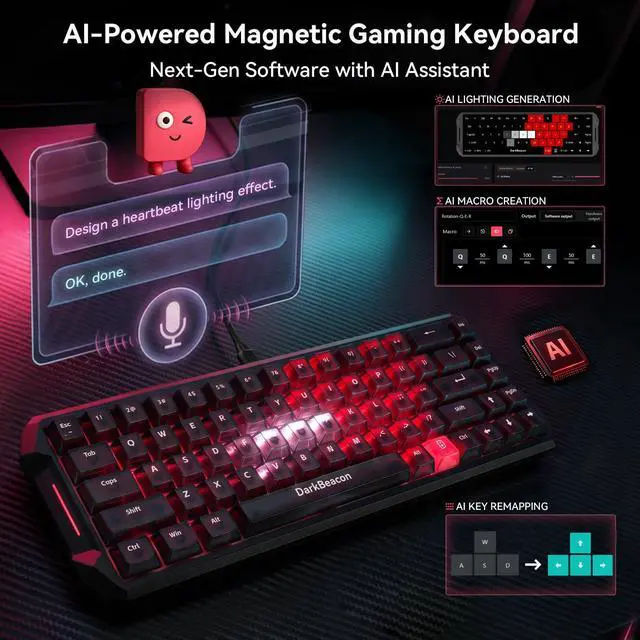
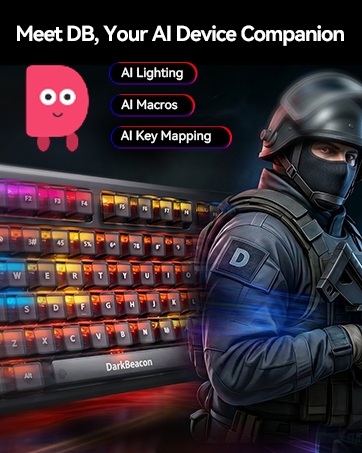
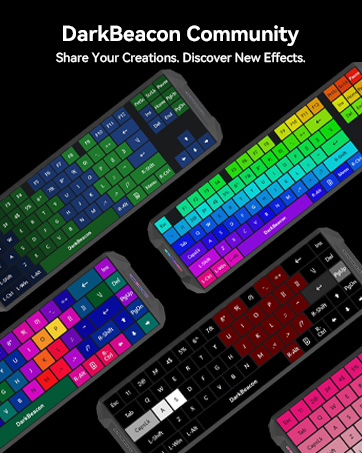
Turn ideas into personalized experiences with DB AI Companion. Chat with AI using text or voice to create custom lighting effects, generate macros, and remap keys. Share your creations with the community, discover ideas from other users, and apply them to your own devices.
AI Lighting·AI Macros·AI Remapping·Community Sharing
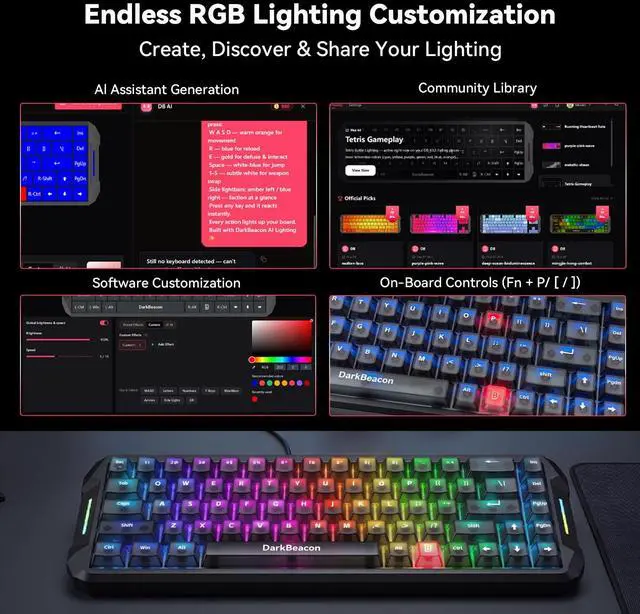
| Light Effect Control | Fn + P / [ / ] for (Before firmware update)switch 3 preset light effects; (After firmware update) switch preset effects/switch custom effects/light ON&OFF |
|---|---|
| Light Speed Control | Fn + K / L (Control keys can be customized via software) |
| Light Brightness Control | Fn + ;: / '" (Control keys can be customized via software) |
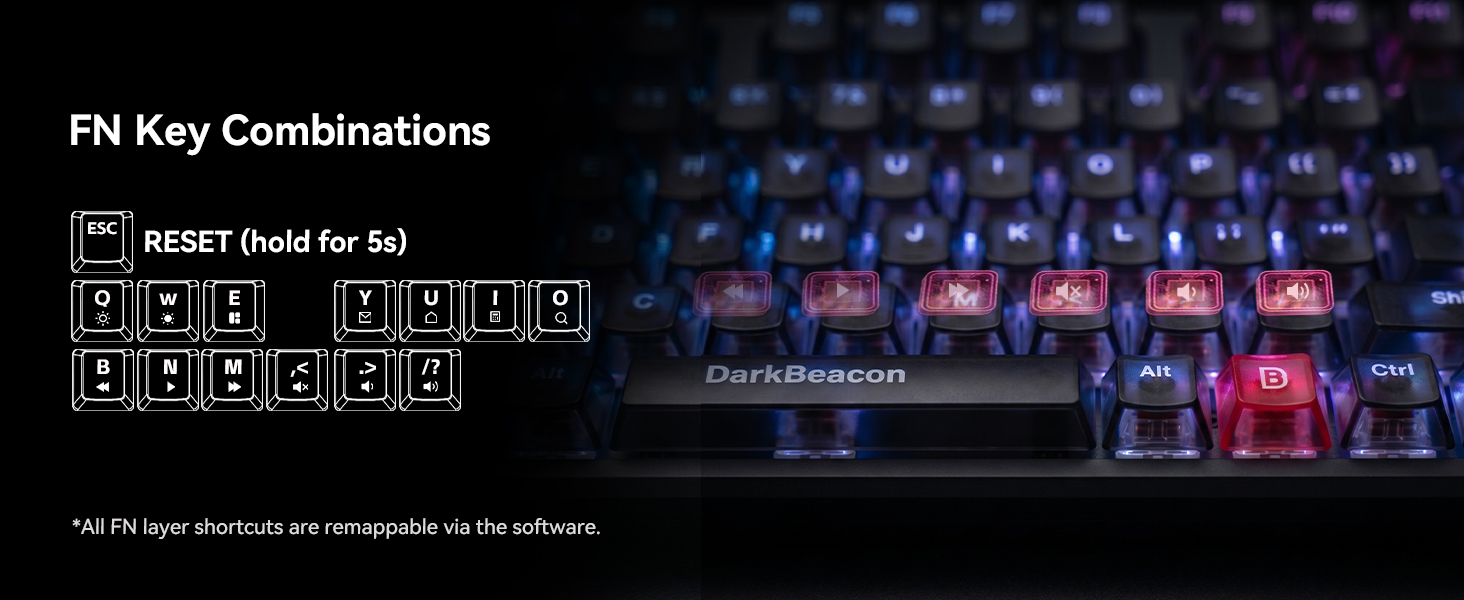
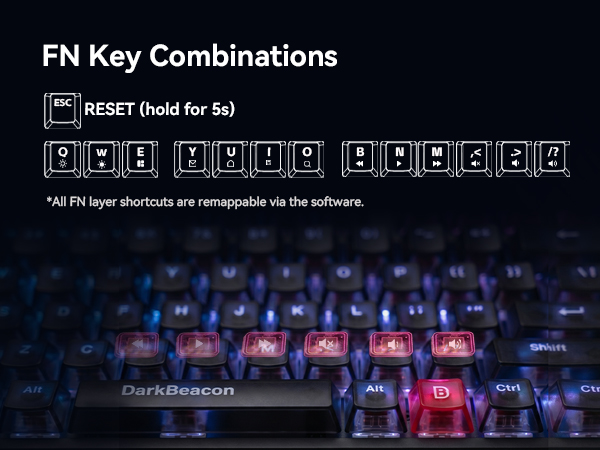
| Volume Control | Fn + < / > / /? for Mute, Volume Down, Volume Up |
| Playback Control | Fn + B/N/M for Previous, Play/Pause, Next |
| Media Launch & Switch | Fn + T/Y/U/I for mail, Home, Calculator, Search |
| Reset Keyboard | Press and hold Fn+Esc for 5 seconds |
| Other | Fn+Tab for PrtSc, Fn+Q/W for Brightness Down/Up |
| Keyboard is not working? | Try to reset the keyboard and make sure that both the software and the keyboard firmware are updated to the latest versions. |
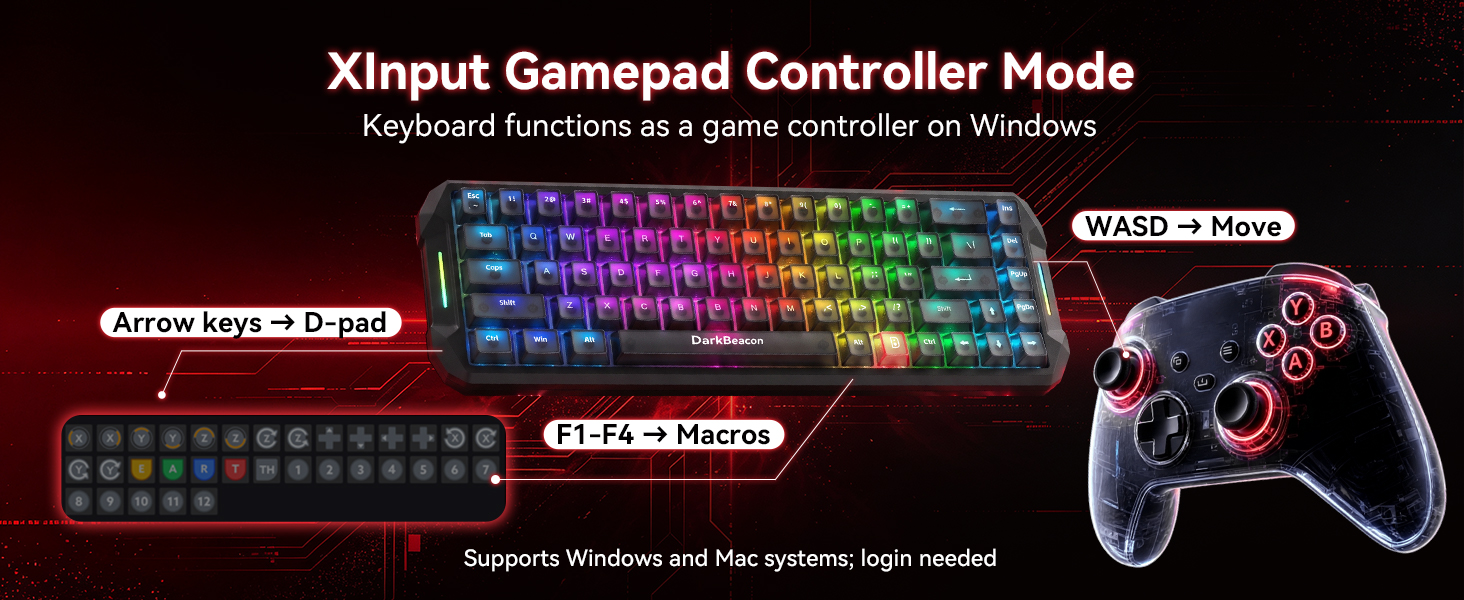
| Customize Keyboard | The Windows software is stable and supports AI agent and configuration synchronization.(Download at “darkbeacon.ai".) |
| Save Custom Settings | After customizing settings in the software, please click “Save to Keyboard” in the top-right corner to apply and store the configuration on the keyboard. |
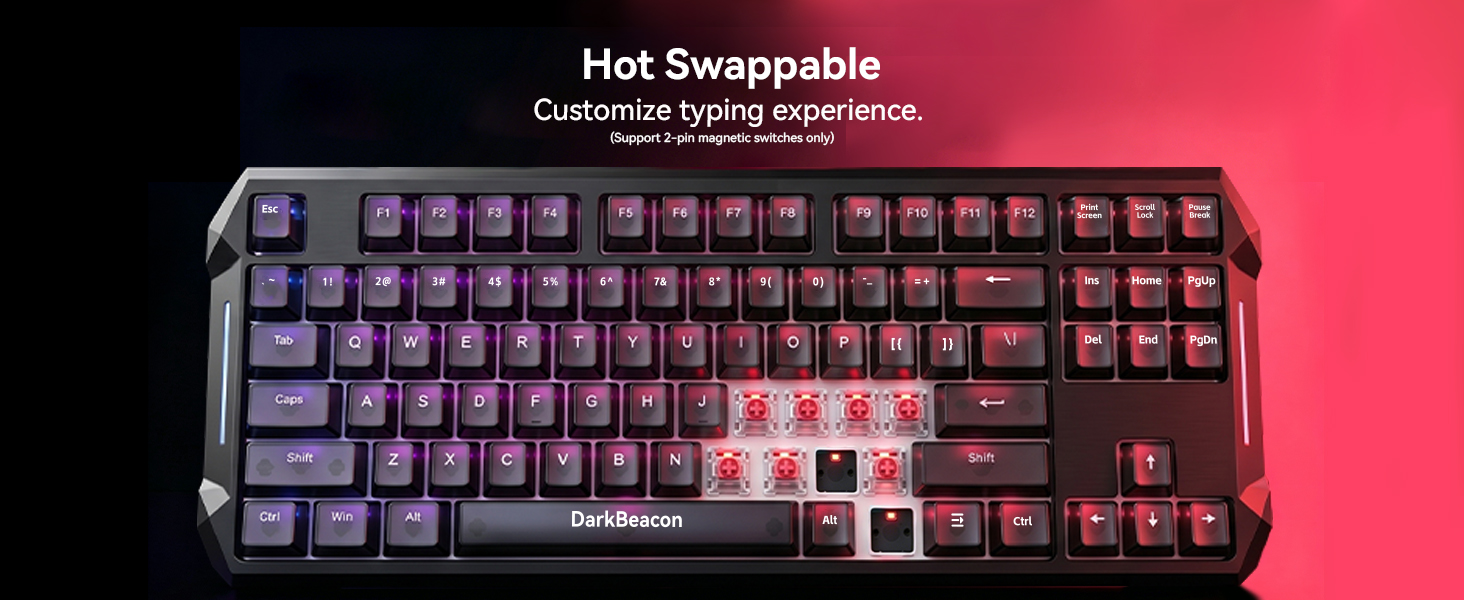
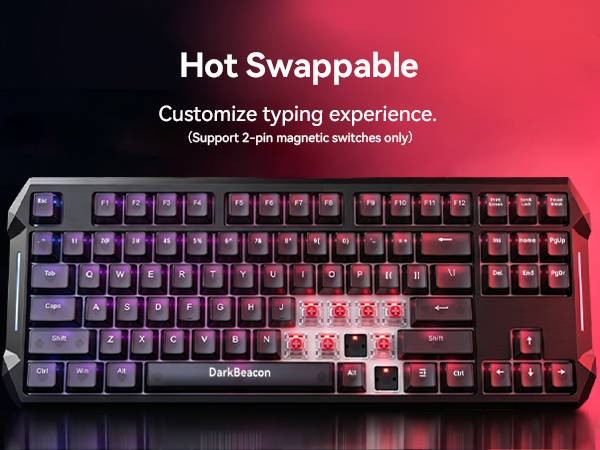
| Switches Support | Only compatible with 2-pin magnetic switches (5 spare magnetic switches are included in the package). |
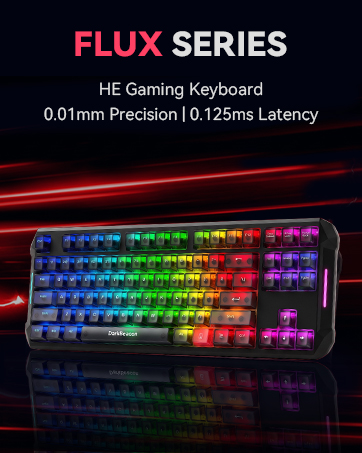
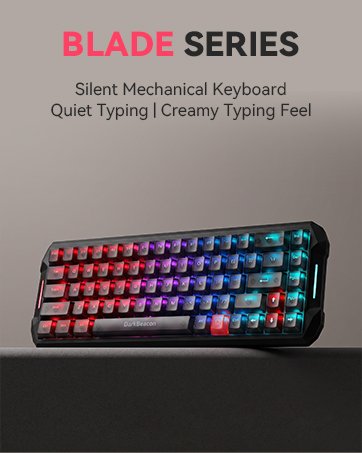
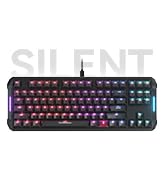
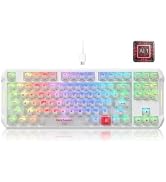
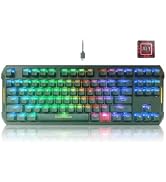
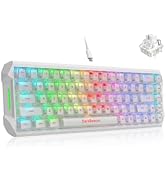
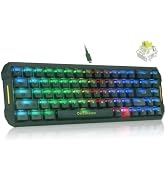
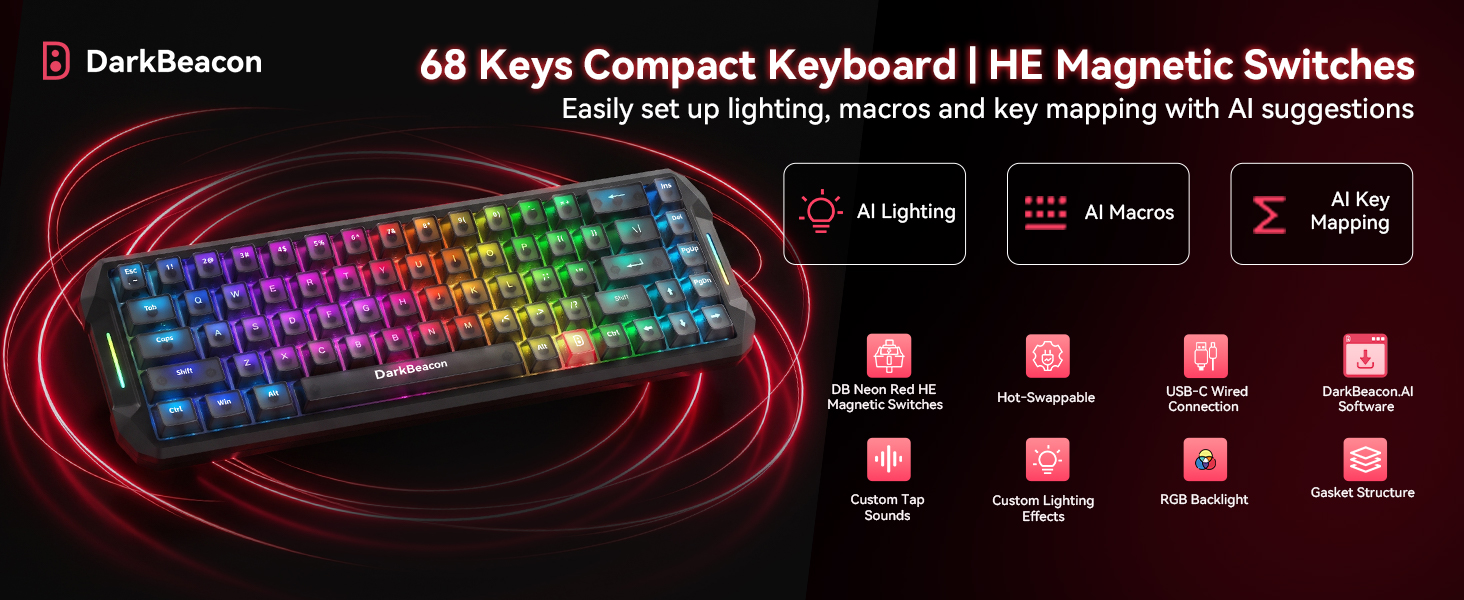
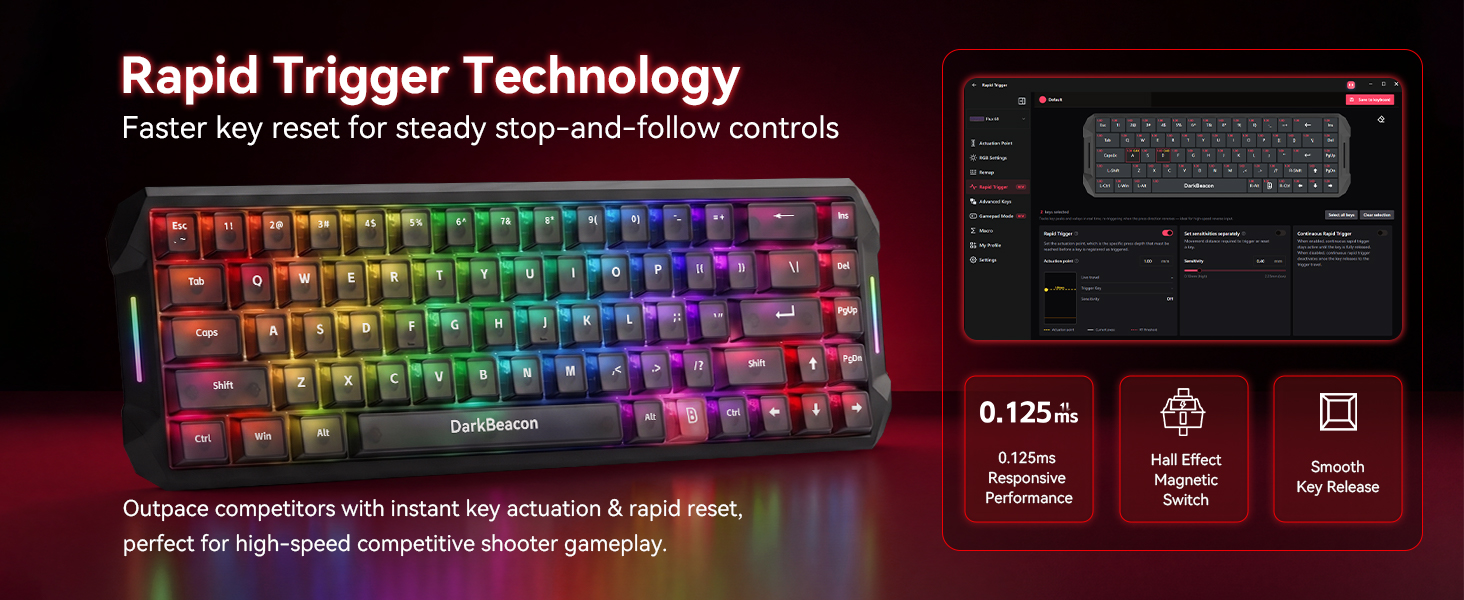
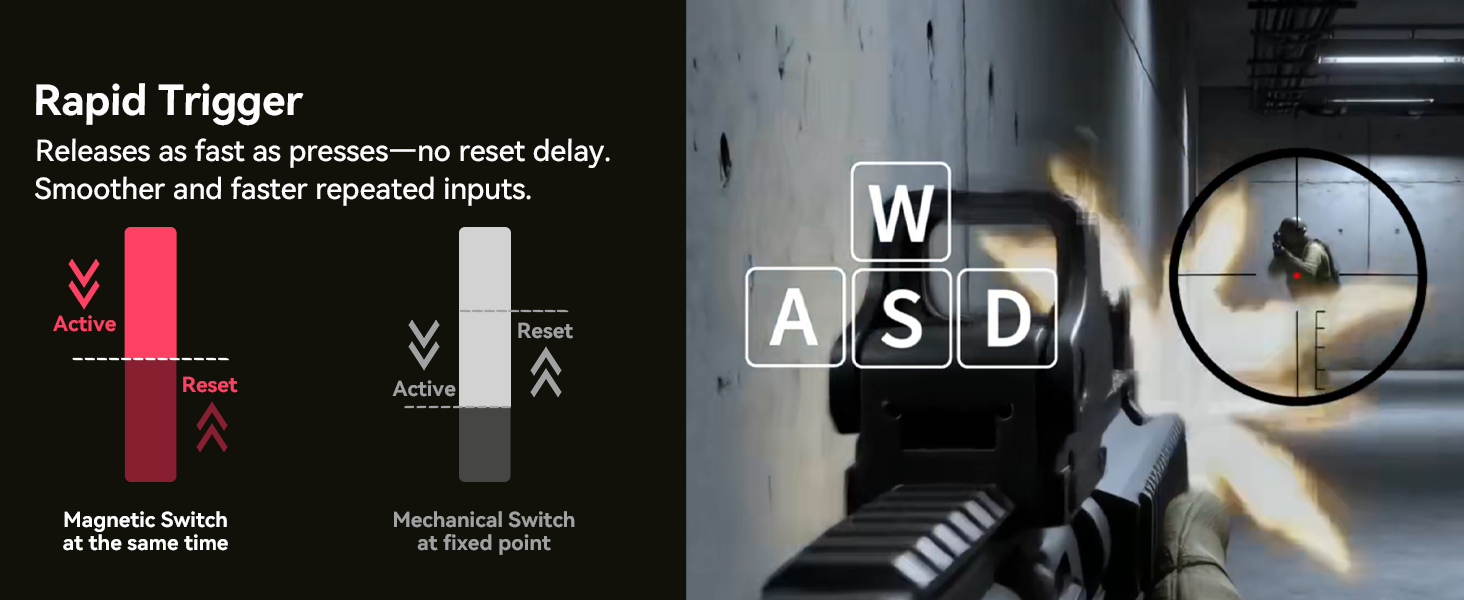
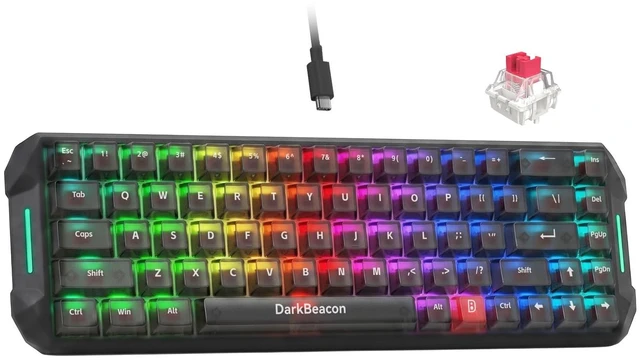
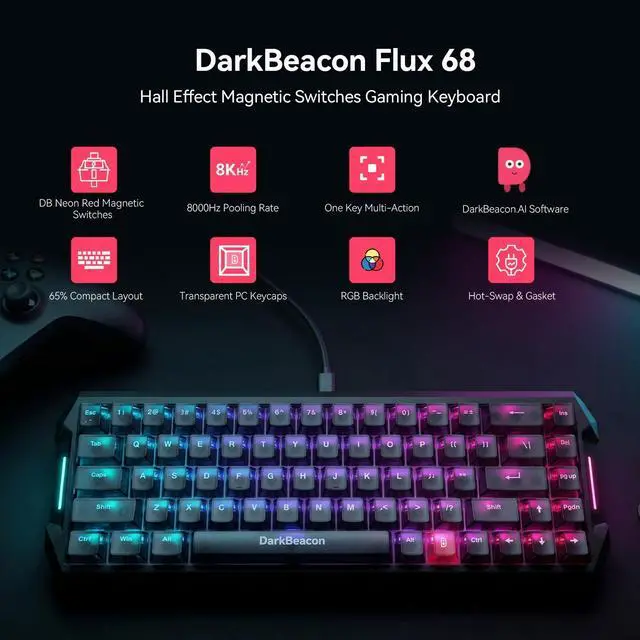
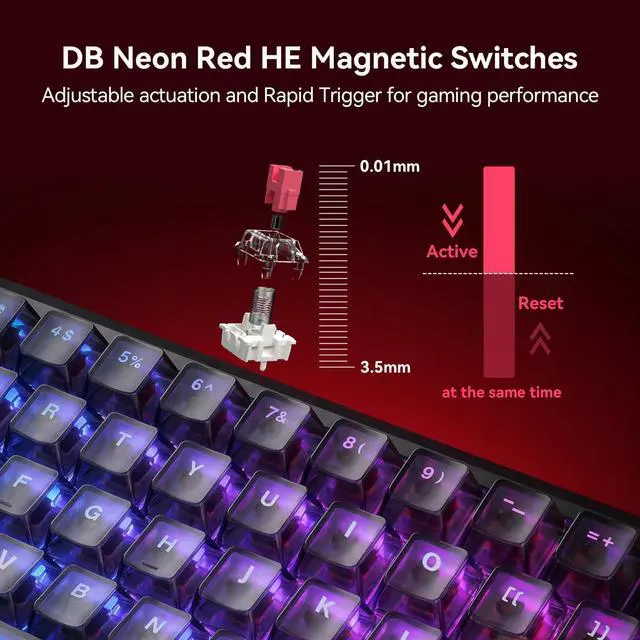
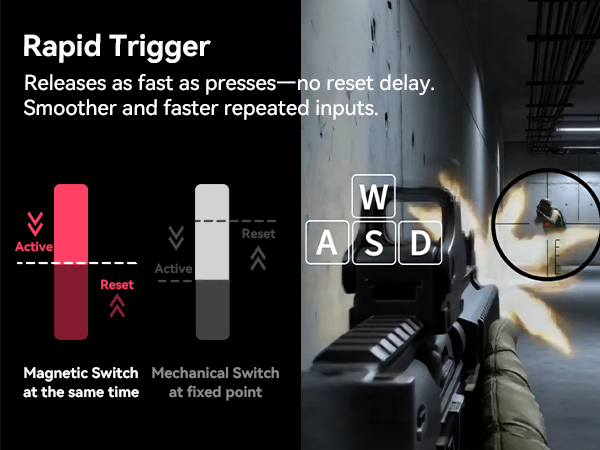
DarkBeacon Flux 68 Mechanical Gaming Keyboard, Rapid Trigger, USB-C Wired RGB 65% Compact Keyboard Hall Effect Switches (Fast Trigger & Zero Dead Zone); Advanced Gaming Functions (SOCD & DKS); Ultra-Fast Performance with 8000Hz polling rate and 0.125ms low latency; Fully Customizable Actuation (from 0.01mm to 3.5mm); Comprehensive Custom Driver (supports Windows and Mac); Shine-Through RGB Backlighting; Premium Acoustic Design (Gasket Mount)soft, quiet, and smooth typing experience.