• $73.99
  • Free 30-day Returns
  • Shipped by BrightMart Shop

    Price alert
    Shop it at NeweggBusiness.

    Meet Your Seller

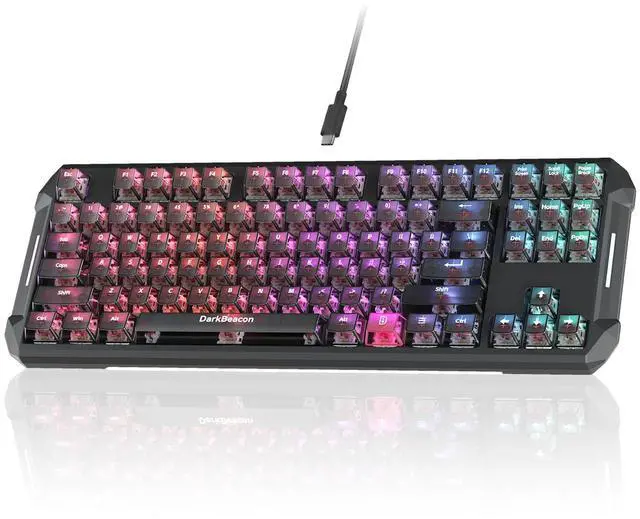
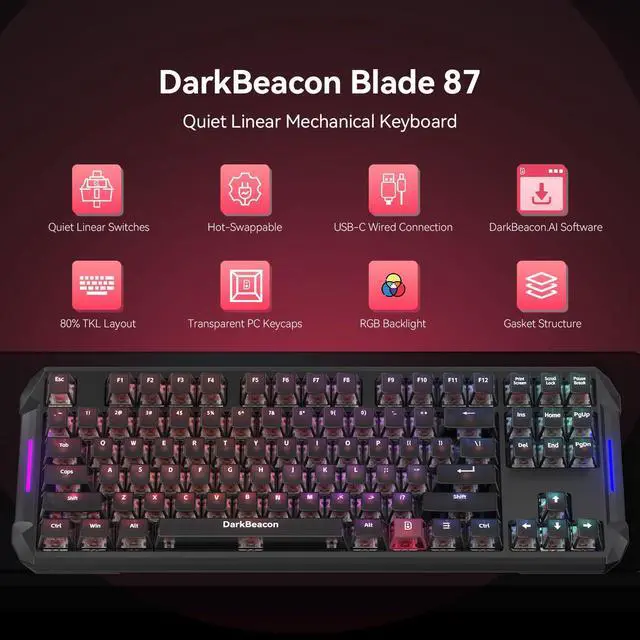
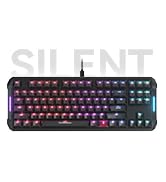
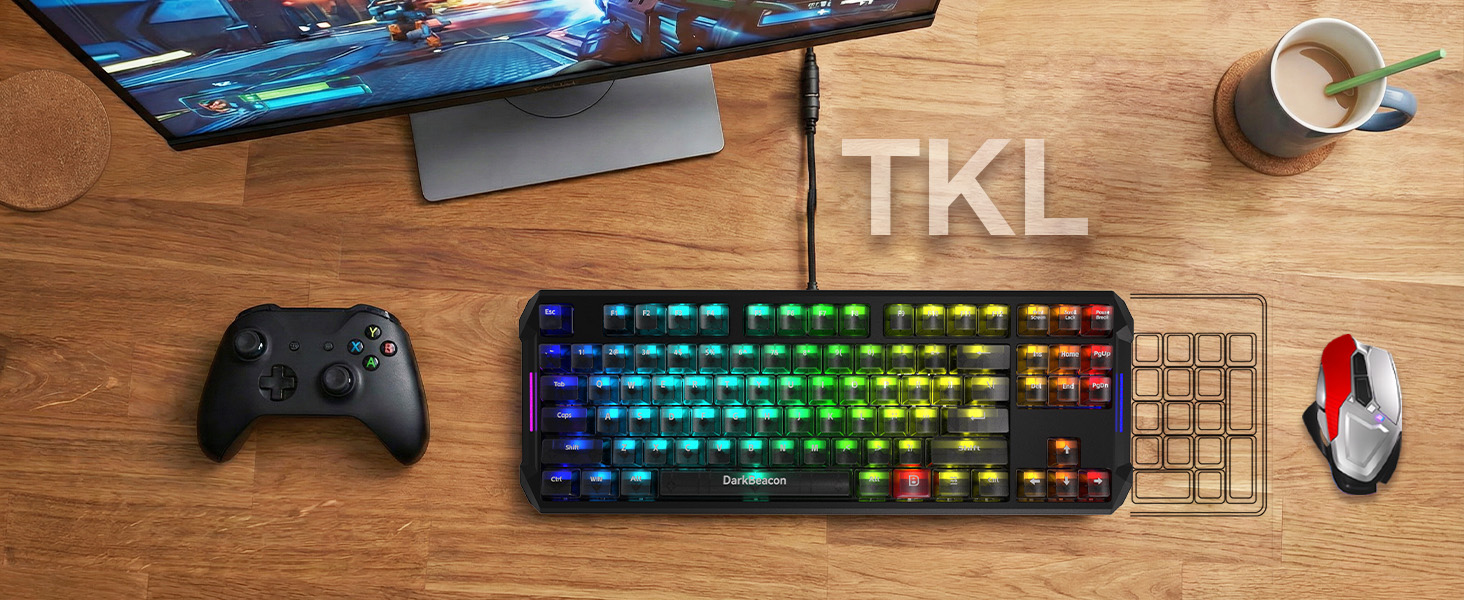
    Blade87 TKL Mechanical Keyboard with Silent Switches, Quiet Typing 87 Keys, Hot Swappable, Gasket Structure, 8000Hz, N-Key Rollover, RGB Backlit, USB Wired Gaming Keyboards for Win/Mac

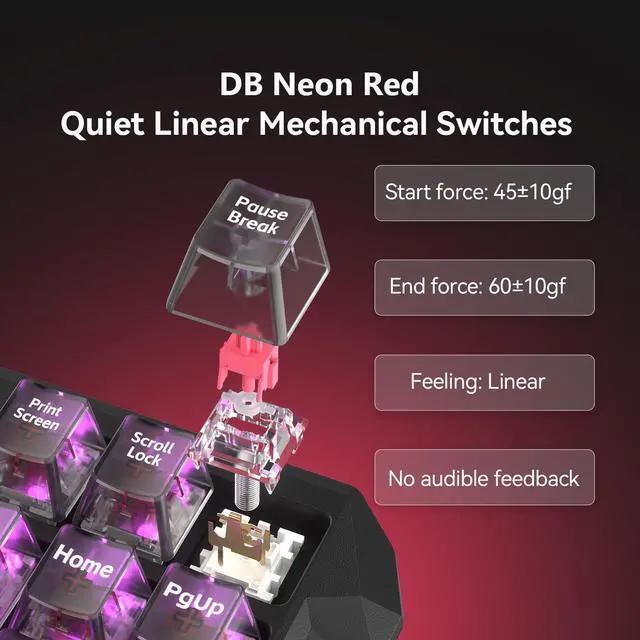
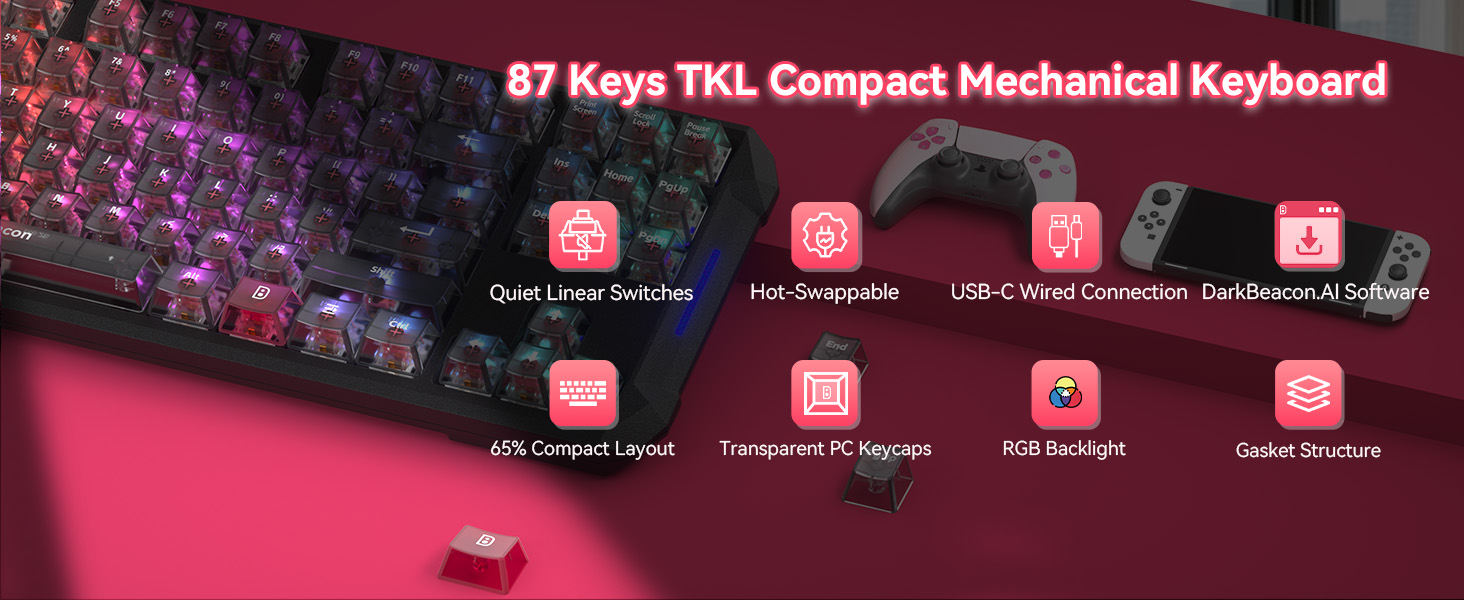
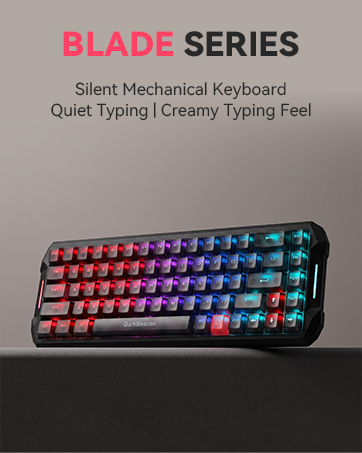
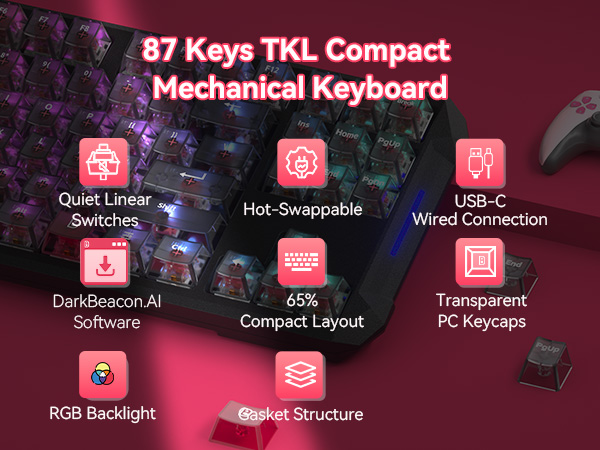
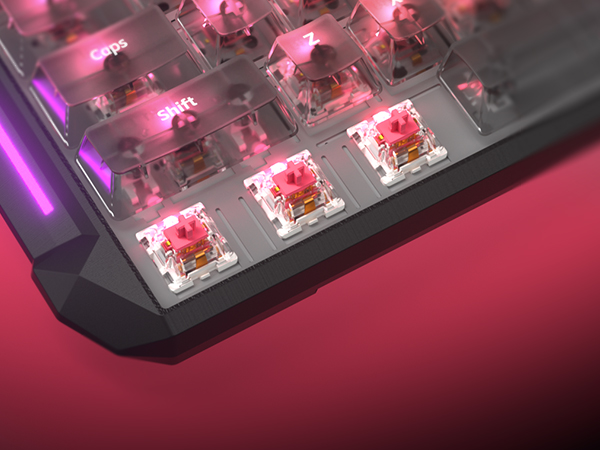
    • [Whisper-Quiet Typing with Silent Switches] The Blade 87 mechanical keyboard features custom Pre-Lubed linear silent switches, eliminating metallic noise and scratchiness for ultra-quiet and buttery-smooth typing. Ideal for open-office keyboard use, libraries, dorms, and late-night gaming without disturbing others.
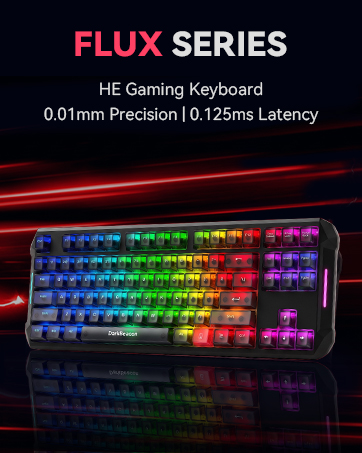
    • [NKRO Gaming Keyboard, High Accuracy] Featuring Full NKRO (N-Key Rollover) and anti-ghosting, every keystroke is registered with precision. With an 8000Hz polling rate and 0.125ms low-latency for faster response, this computer keyboard is a powerhouse for complex gaming combos, high-speed typing, or intense programming.
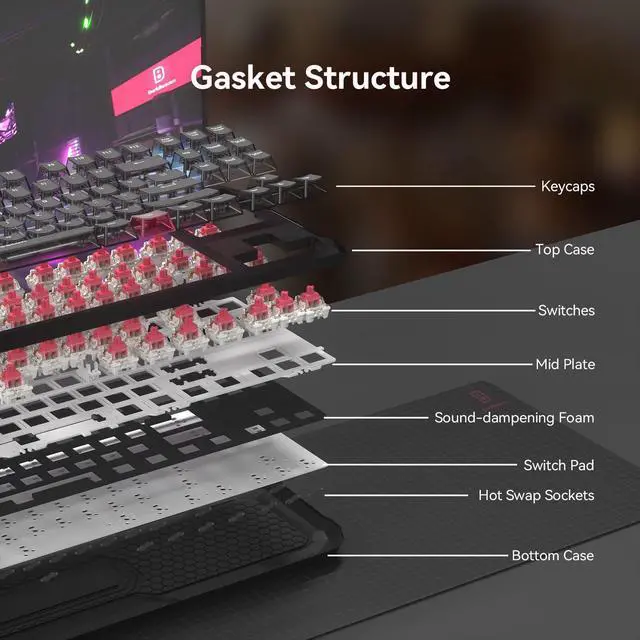
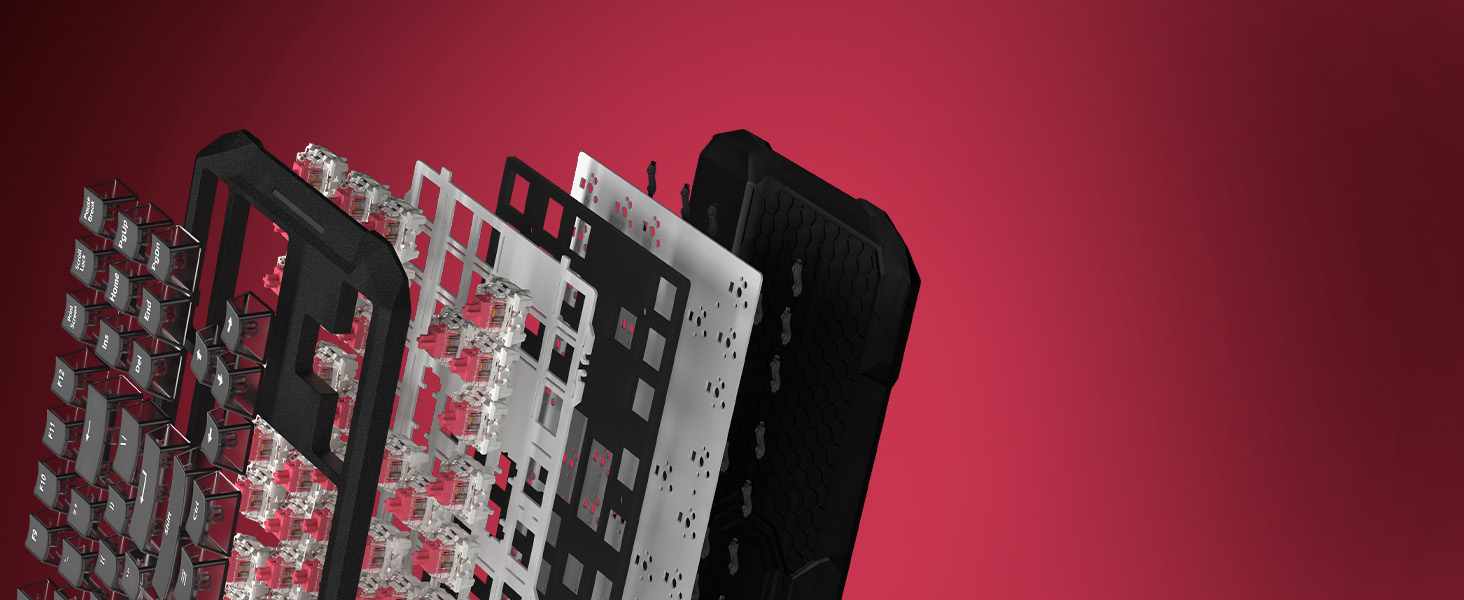
    • [Gasket Mount for Soft Cushioned Feel] Less Noise, Less Fatigue. Built with a gasket structure (with sound-dampening foams), the game keyboard reduces internal vibration and hollow noise while providing a softer, "bouncy" typing experience. Enjoy ergonomic comfort and reduced finger fatigue during long hours of work or play.
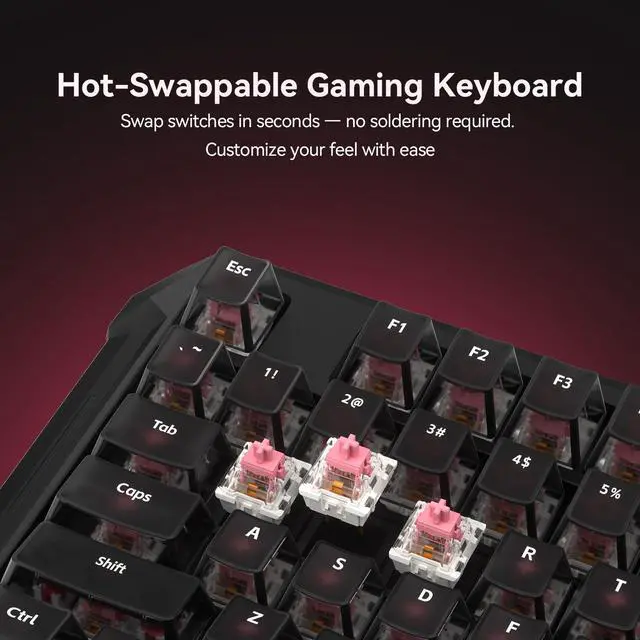
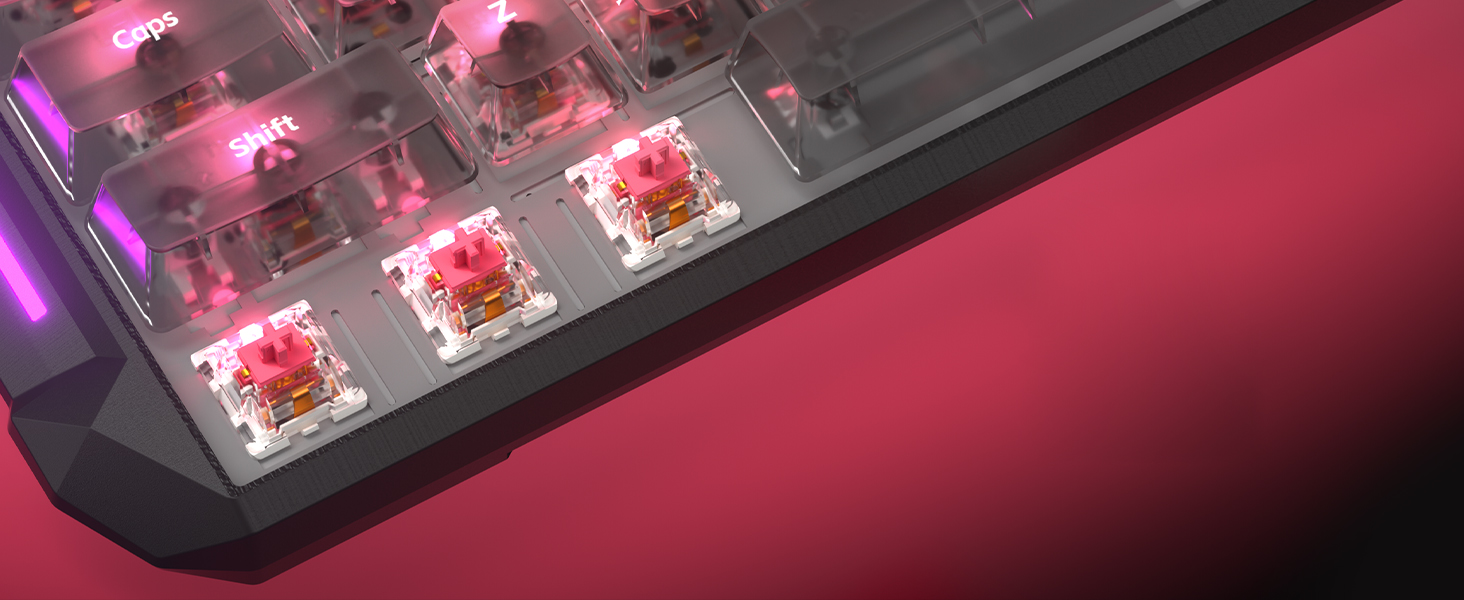
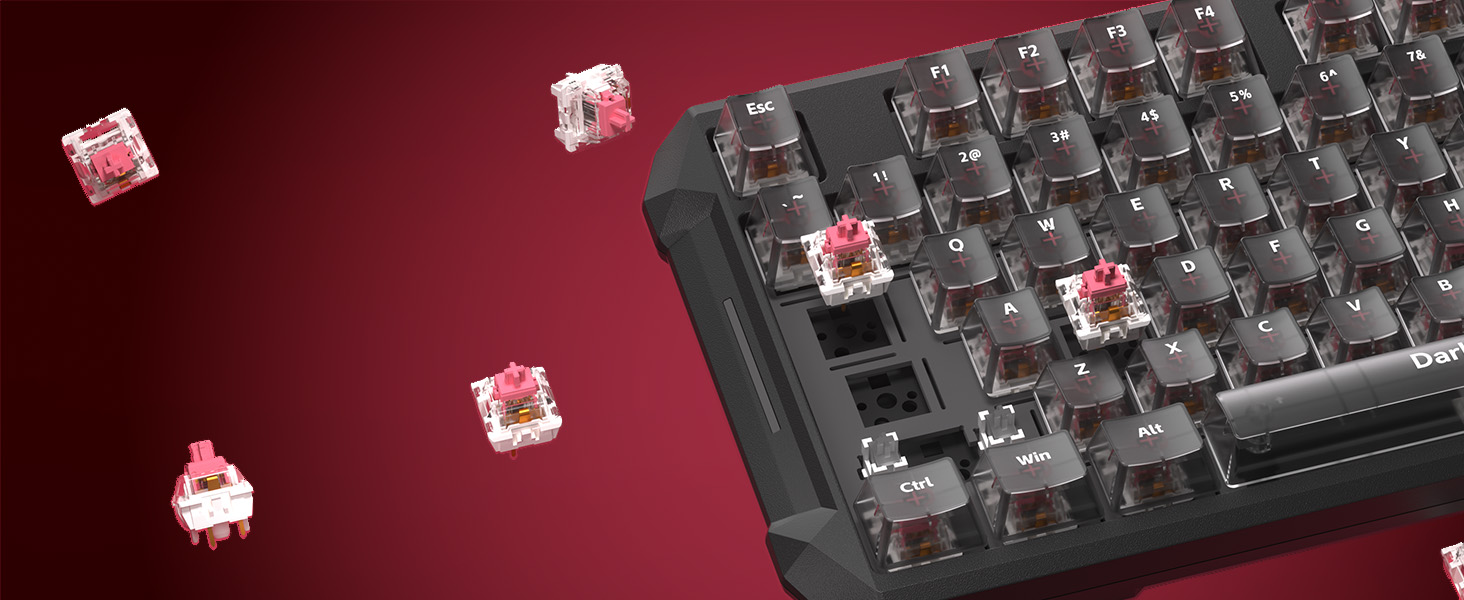
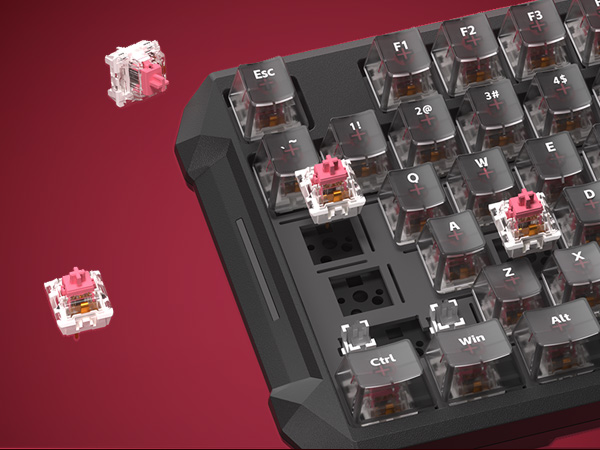
    • [Hot Swappable Keyboard] This custom keyboard supports both 3-pin and 5-pin mechanical switches, allowing you to change switches in seconds without soldering (switch puller included). Customize your typing feel anytimewhether you prefer silent, tactile, or linear switches.
    +
    +
    Overview
    Specs
    Reviews
    avatar

    Any questions? Our AI mode will help you find out quickly.

    DarkBeacon Blade 87 Silent Mechanical Keyboard

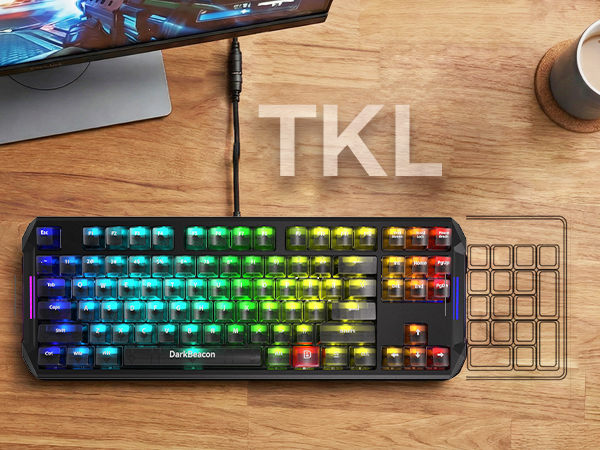
    87 keys tenkeyless mechanical keyboard silent version
    keyboard with Pre-lubed Linear Switches

    Silent Switch

    Equipped with Pre-lubed Linear Switches

    Experience ultimate stealth with custom linear silent switches. Factory pre-lubed for a buttery-smooth feel, it provides fast response and reduces noise, which makes it popular among office workers and team game players.
    Gasket Structure Computer Keyboards

    Gasket Structure

    Equipped with a sound-dampening panel

    The dampening foam absorbs impact and noise, delivering a soft, cushioned typing experience. Enjoy ergonomic comfort that reduces finger fatigue during long hours of work or competitive play.
    keyboard micro

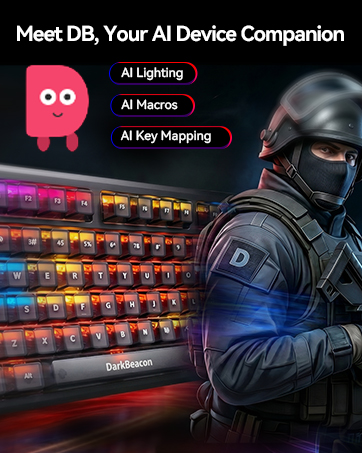
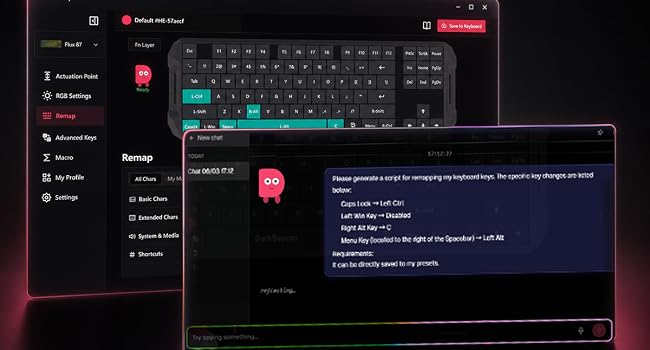
    Meet DB, Your AI Device Companion

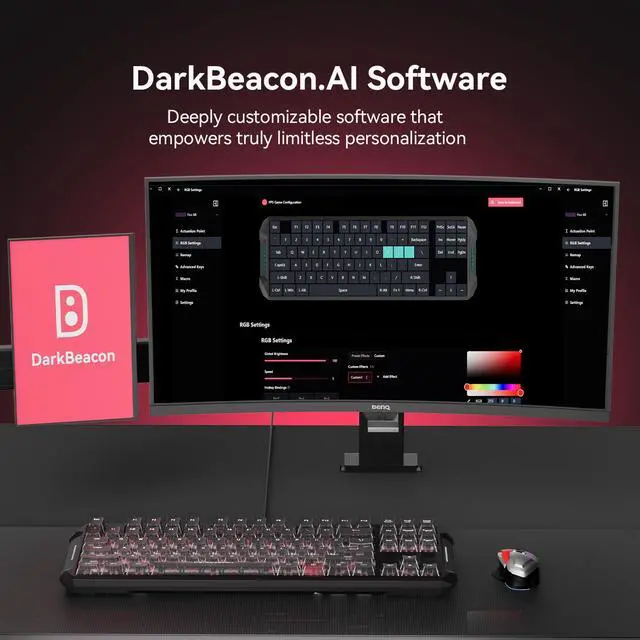
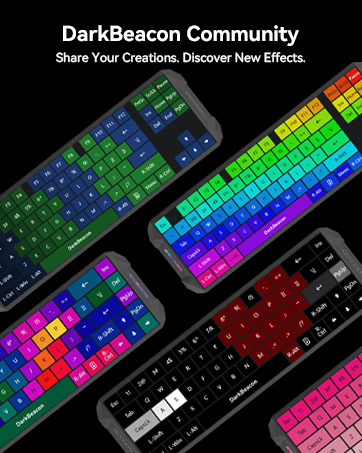
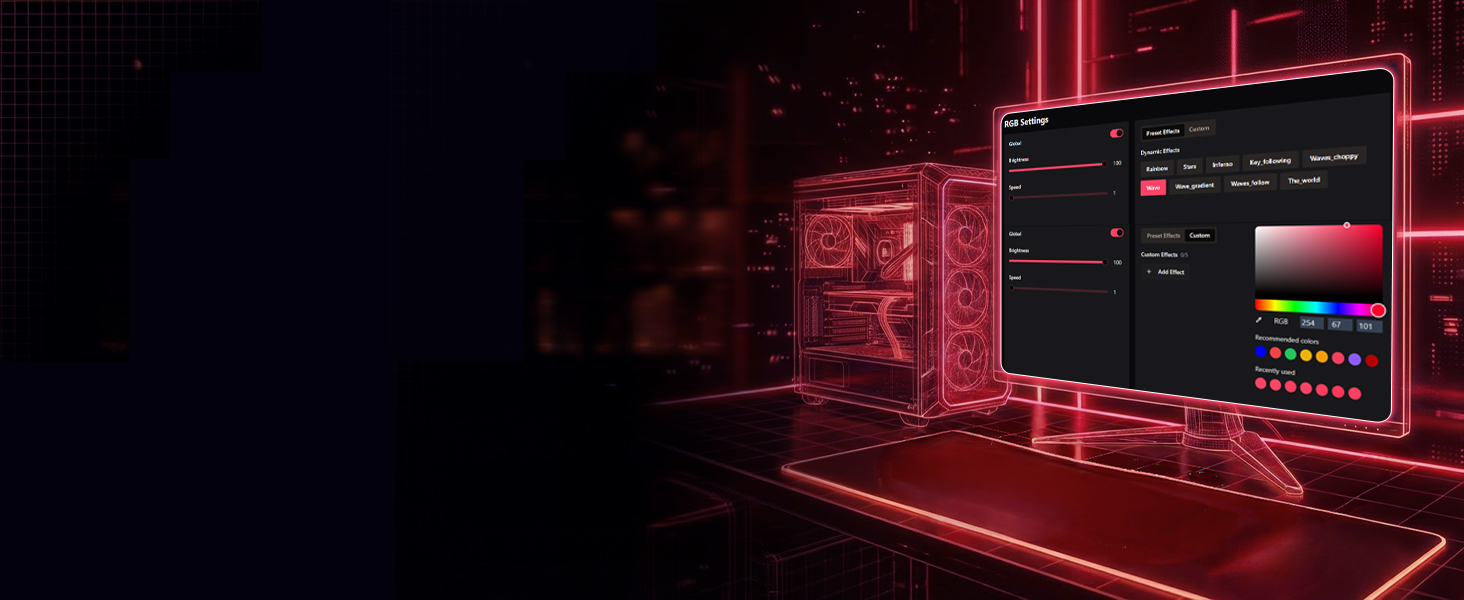
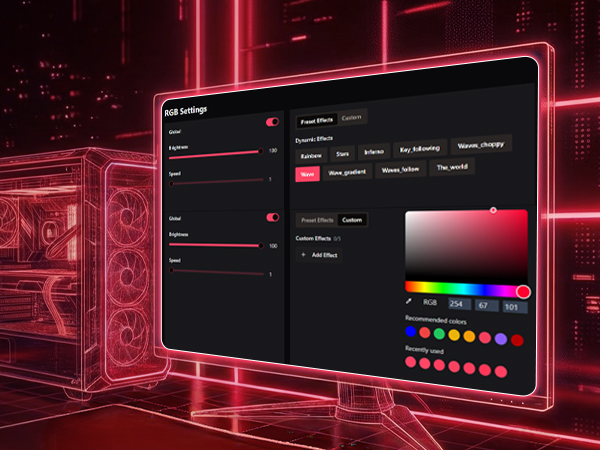
    The software includes a built-in AI assistant. Chat with AI using text or voice to create custom lighting effects, generate macros, and remap keys. Share your creations with the community, discover ideas from other users, and apply them to your own devices.
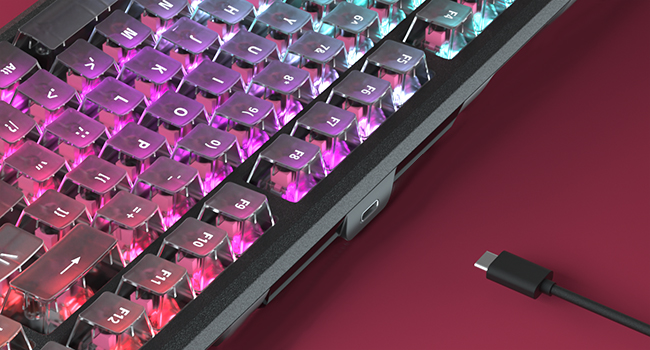
    USB C keyboard

    Detachable USB Type-C cable

    Durable cable ensures a rock-solid connection during intense gaming sessions, while its detachable design makes transport and storage effortless.
    Backlit Control & Instructions

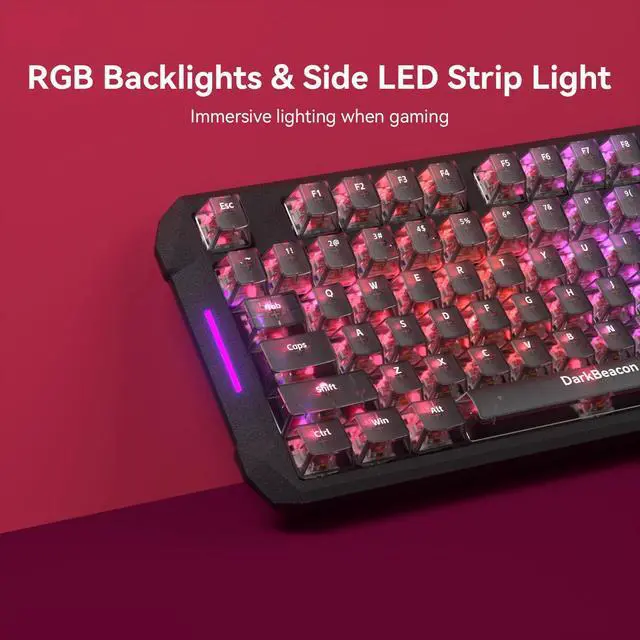
    Light Effect Control Fn + P / [ / ] for (Before firmware update)switch 3 preset light effects; (After firmware update) toggle preset effect/toggle custom effects/ light ON&OFF
    Light Speed Control Fn + K / L (Control keys can be customized via software)
    Light Brightness Control Fn + ;: / '" (Control keys can be customized via software)
    Volume Control Fn + < / > / /? for Mute, Volume Down, Volume Up
    Playback Control Fn + B/N/M for Previous, Play/Pause, Next
    Media Launch & Switch Fn + T/Y/U/I for mail, Home, Calculator, Search
    Reset Keyboard Press and hold Fn+Esc for 5 seconds
    Other Fn+Tab for PrtSc, Fn+Q/W for Brightness Down/Up
    Keyboard is not working? If the keyboard isn't working or the software customization fails, please make sure that both the software and the keyboard firmware are updated to the latest versions.
    Customize Keyboard Download at “darkbeacon.ai". The Windows software is stable and supports configuration synchronization, allowing to save and restore your settings on another computer without reconfiguring.
    Save Custom Settings After customizing settings in the software, please click “Save to Keyboard” in the top-right corner to apply and store the configuration on the keyboard.

    DarkBeacon Blade 87 Silent Mechanical Keyboard

    87 keys tenkeyless mechanical keyboard silent version
    Keyboard with Pre-lubed Linear Switches
    Silent Switch

    Equipped with Pre-lubed Linear Switches

    Experience ultimate stealth with custom linear silent switches. Factory pre-lubed for a buttery-smooth feel, it provides fast response and reduces noise, which makes it popular among office workers and team game players.
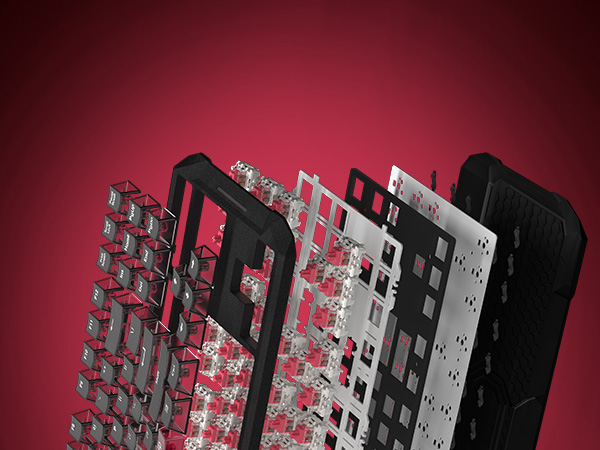
    Gasket Structure Computer Keyboards
    Gasket Structure

    Equipped with a sound-dampening panel

    The dampening foam absorbs impact and noise, delivering a soft, cushioned typing experience. Enjoy ergonomic comfort that reduces finger fatigue during long hours of work or competitive play.
    keyboard micro

    Meet DB, Your AI Device Companion

    The software includes a built-in AI assistant. Chat with AI using text or voice to create custom lighting effects, generate macros, and remap keys. Share your creations with the community, discover ideas from other users, and apply them to your own devices.

    USB C keyboard

    Detachable USB Type-C cable

    Durable cable ensures a rock-solid connection during intense gaming sessions, while its detachable design makes transport and storage effortless.

    Backlit Control & Instructions

    Light Effect Control Fn + P / [ / ] for (Before firmware update)switch 3 preset light effects; (After firmware update) toggle preset effect/toggle custom effects/ light ON&OFF
    Light Speed Control Fn + K / L (Control keys can be customized via software)
    Light Brightness Control Fn + ;: / '" (Control keys can be customized via software)
    Volume Control Fn + < / > / /? for Mute, Volume Down, Volume Up
    Playback Control Fn + B/N/M for Previous, Play/Pause, Next
    Media Launch & Switch Fn + T/Y/U/I for mail, Home, Calculator, Search
    Reset Keyboard Press and hold Fn+Esc for 5 seconds
    Other Fn+Tab for PrtSc, Fn+Q/W for Brightness Down/Up
    Keyboard is not working? If the keyboard isn't working or the software customization fails, please make sure that both the software and the keyboard firmware are updated to the latest versions.
    Customize Keyboard Download at “darkbeacon.ai". The Windows software is stable and supports configuration synchronization, allowing to save and restore your settings on another computer without reconfiguring.
    Save Custom Settings After customizing settings in the software, please click “Save to Keyboard” in the top-right corner to apply and store the configuration on the keyboard.
    Blade87 TKL Mechanical Keyboard with Silent Switches, Quiet Typing 87 Keys, Hot Swappable, Gasket Structure, 8000Hz, N-Key Rollover, RGB Backlit, USB Wired Gaming Keyboards for Win/Mac

    Warranty & Returns

    Warranty, Returns, And Additional Information

    Warranty

    • Please contact the Seller directly for warranty information. Warranty information may also be found on the Manufacturer's website.
    • CONTACT

    Return Policies

    Manufacturer Contact Info

    LOADING...