





Love Life, Love Music

Lossless Sound Quality
Adopts professional intelligent digital noise reduction technology, ensuring high-quality sound effect. (Both earphone and speaker supported)

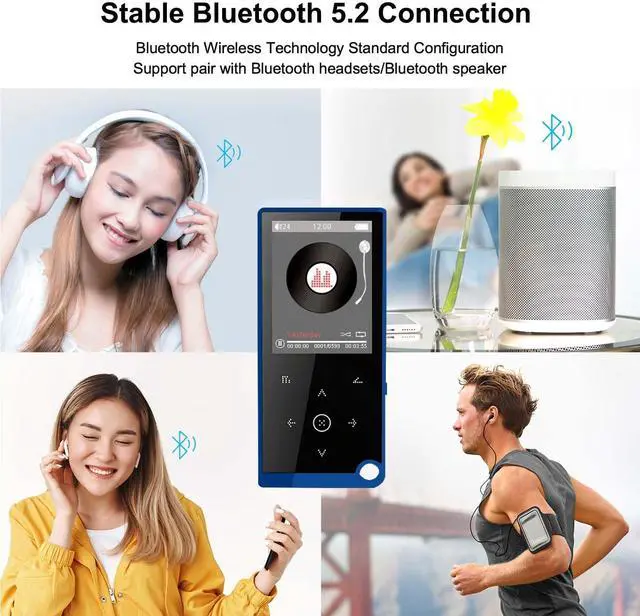
Using anywhere anytime
When you're running, riding or learning, anywhere anytime, you could enjoy your favorite music.

Play Speed Adjustment
Adjust the speed of the audio file playing at any time(The range is from 8 to -8).

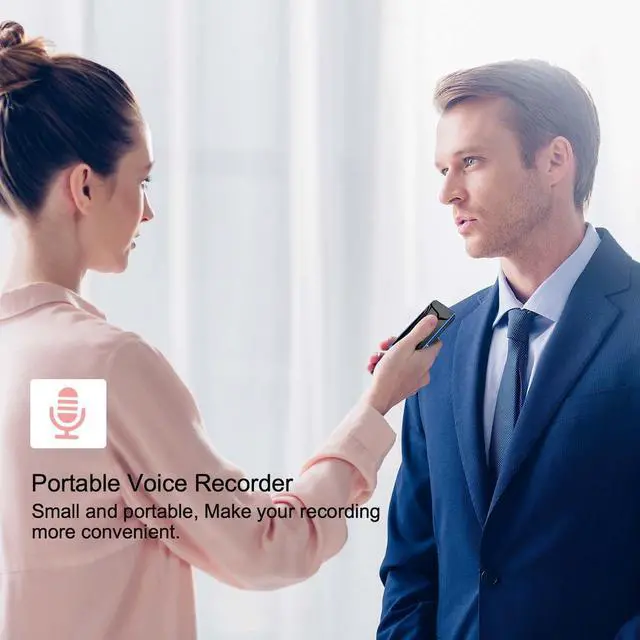
Recording Function
With noise reduction technology, you can enhance human speech recognition and isolate annoying background noise for high-definition recording.
Specification
After loading the music, the music file cannot be found in the music menu.
Enter the music menu, then press down key, find the local folder and card folder submenu, then click the local folder or card folder, let the mp3 player to search files from one of the folder.
How to transfer file to the mp3 player?
Please connect the player to your computer via the USB cable, your computer will recognize the mp3 player as a U-drive. So you could download the files into the mp3 player. Please note that the files' format needs to be supported by the mp3 player.
MP3 player cannot be connected with Bluetooth headset/speaker.
Please ensure that the Bluetooth headset/speaker is not connected to other devices. Reset it, let its Bluetooth function is in matching mode. Then put it next to MP3 Player to search and connect.
What's in the box?
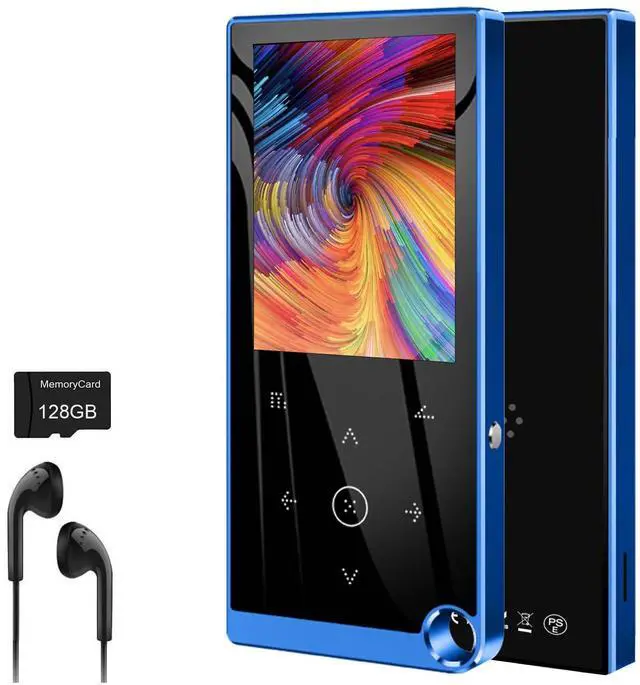
1*MP3 Player / 1*earhpones / 1*Micro USB cable / 1*User manual

ARUNGO Music Player
ARUNGO has consistently strived to deliver the best but most affordable products since its beginning.
Founded in 2019, ARUNGO has consistently strived to deliver the best but most affordable products since its beginning. We create remarkable high-quality Music players for our customers and use superior hardware compared with our competitors.
We will develop more great products and provide our customers with a better user experience and higher quality.
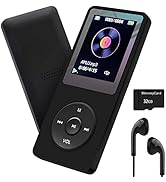
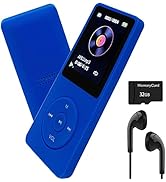
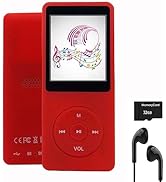
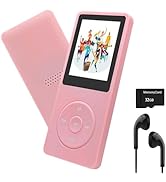
ARUNGO MP3 PLAYER
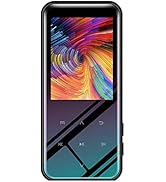
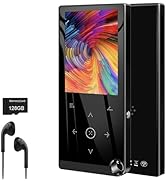

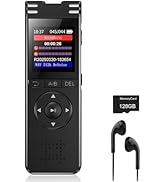
Highly Recommend
About US
Founded in 2019, ARUNGO has consistently strived to deliver the best but most affordable products since its beginning. We create remarkable high-quality Music players for our customers and use superior hardware compared with our competitors.
About Products
Each of our products is sold after strict quality inspection to ensure that there are no problems, ensuring that every consumer can buy our products with confidence.
About After-sales Service
If you have any usage issues, you can send message to our seller message box or our after-sales email, and we will reply within 24 hours.


Love Life, Love Music
Lossless Sound Quality
Adopts professional intelligent digital noise reduction technology, ensuring high-quality sound effect. (Both earphone and speaker supported)
Using anywhere anytime
When you're running, riding or learning, anywhere anytime, you could enjoy your favorite music.
Play Speed Adjustment
Adjust the speed of the audio file playing at any time(The range is from 8 to -8).
Recording Function
With noise reduction technology, you can enhance human speech recognition and isolate annoying background noise for high-definition recording.
Specification
| Display Screen | 2.4 inch TFT |
|---|---|
| Resolution | 240*320 pixels |
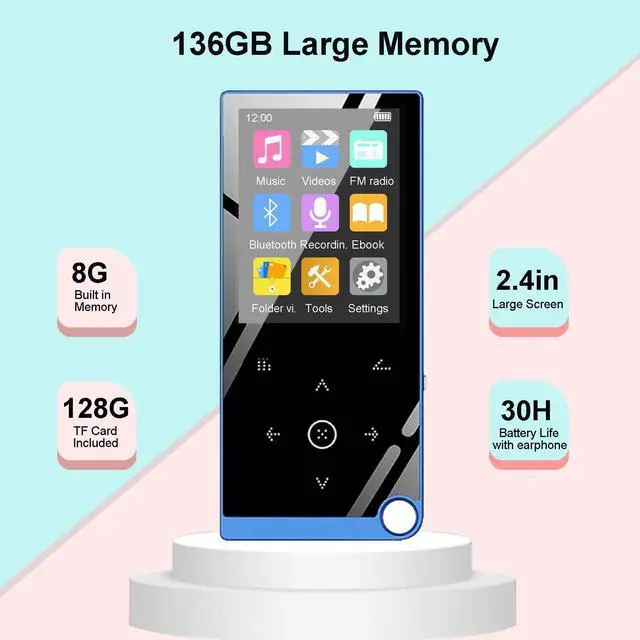
| Storage Capacity | Built in 8GB with a 128GB SD Card |
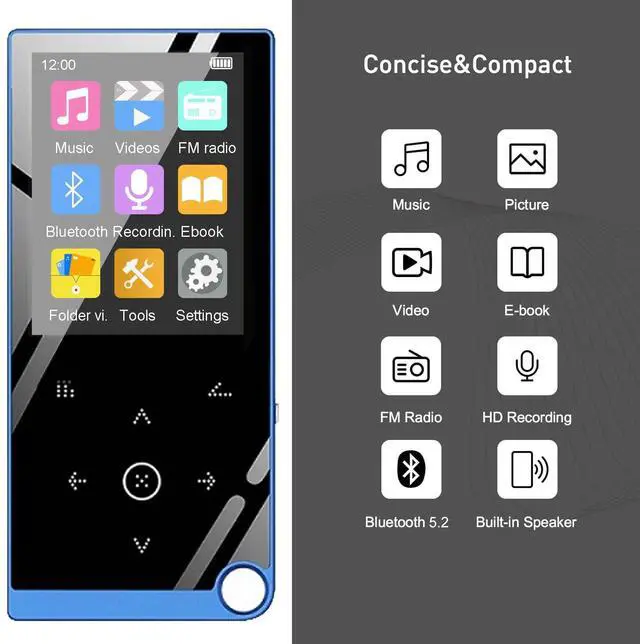
| Bluetooth | 5.2 |
| Music Format | MP3, WMA, FLAC, APE, OGG |
| Lyrics Format | LRC |
| Record Format | MP3,WAV |
| Video Format | AMV,AVI |
| Picture Format | JPG |
| E-book format | TXT |
| USB | Micro USB2.0 |
| Earphone Jack | 3.5mm |
| Battery | 500 mAh |
After loading the music, the music file cannot be found in the music menu.
Enter the music menu, then press down key, find the local folder and card folder submenu, then click the local folder or card folder, let the mp3 player to search files from one of the folder.
How to transfer file to the mp3 player?
Please connect the player to your computer via the USB cable, your computer will recognize the mp3 player as a U-drive. So you could download the files into the mp3 player. Please note that the files' format needs to be supported by the mp3 player.
MP3 player cannot be connected with Bluetooth headset/speaker.
Please ensure that the Bluetooth headset/speaker is not connected to other devices. Reset it, let its Bluetooth function is in matching mode. Then put it next to MP3 Player to search and connect.
What's in the box?
1*MP3 Player / 1*earhpones / 1*Micro USB cable / 1*User manual
ARUNGO Music Player
ARUNGO has consistently strived to deliver the best but most affordable products since its beginning.
Founded in 2019, ARUNGO has consistently strived to deliver the best but most affordable products since its beginning. We create remarkable high-quality Music players for our customers and use superior hardware compared with our competitors.
We will develop more great products and provide our customers with a better user experience and higher quality.
ARUNGO MP3 PLAYER
Highly Recommend
About US
Founded in 2019, ARUNGO has consistently strived to deliver the best but most affordable products since its beginning. We create remarkable high-quality Music players for our customers and use superior hardware compared with our competitors.
About Products
Each of our products is sold after strict quality inspection to ensure that there are no problems, ensuring that every consumer can buy our products with confidence.
About After-sales Service
If you have any usage issues, you can send message to our seller message box or our after-sales email, and we will reply within 24 hours.