• $127.26
  • Free 30-day Returns
  • Price alert
    Shop it at NeweggBusiness.

    Meet Your Seller

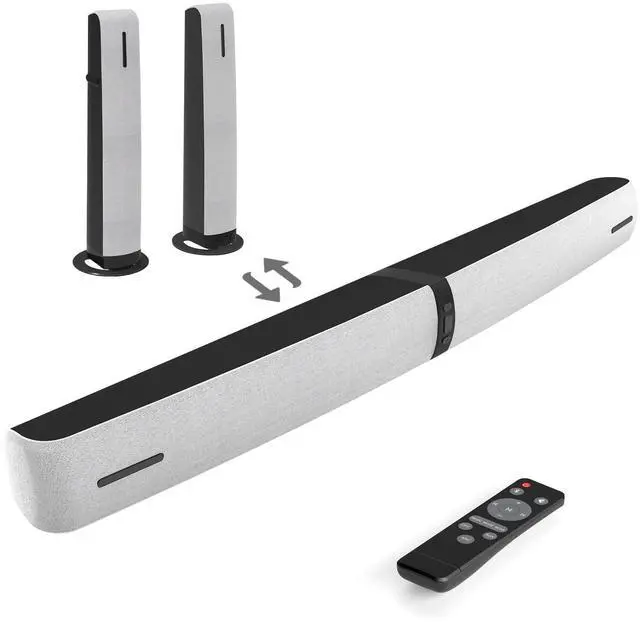
    Assistrust Sound Bar for Smart TV, 90W Soundbar with Bluetooth/ARC/Optical/AUX Connect, Auto Volume Boost, 3 Equalizer Modes, 2 in 1 Detachable Soundbar for TV for TV/PC/Gaming/Projectors

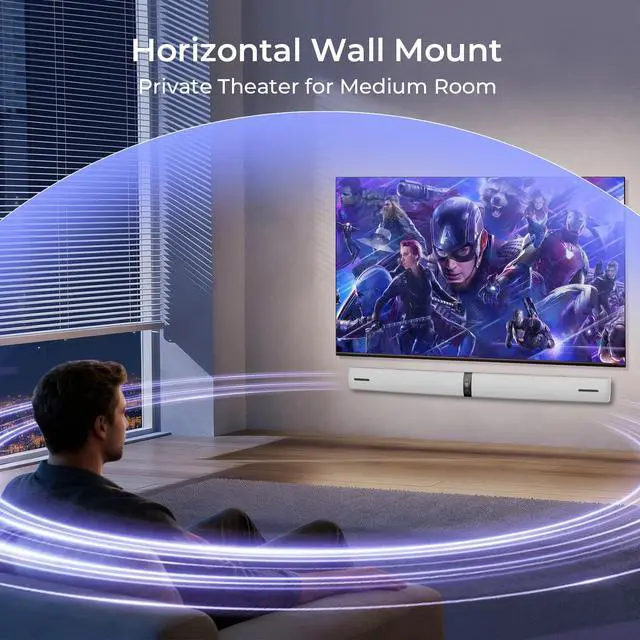
    • 4 placing ways, 4 sound feels. Standing Tabletop: Stereo sound + Natural voice, ideal for streaming & TV shows. Wall Mount: Heavy rumble for movie & game fun. Flat Tabletop: Balanced mid + Silky tone, great for bedroom. Wall Mount: Clean bass+ Sparkling treble, perfect for living room. Every seat gets great even audio.
    • Feel sound - not only hear it. 90W delivers Balanced bass + Clear crisp mid + Sparkling bright treble, brings out hidden little sound details. Catch light game footsteps, hear quiet whispers clearly. Turn dull flat audio into full stereo sound, make your TV sound richer and fuller. Each volume press jumps 3 levels. Loud faster, fewer press.
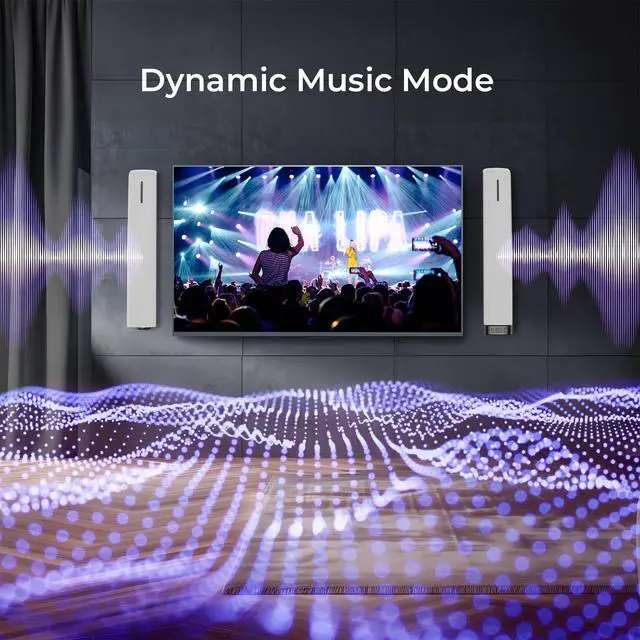
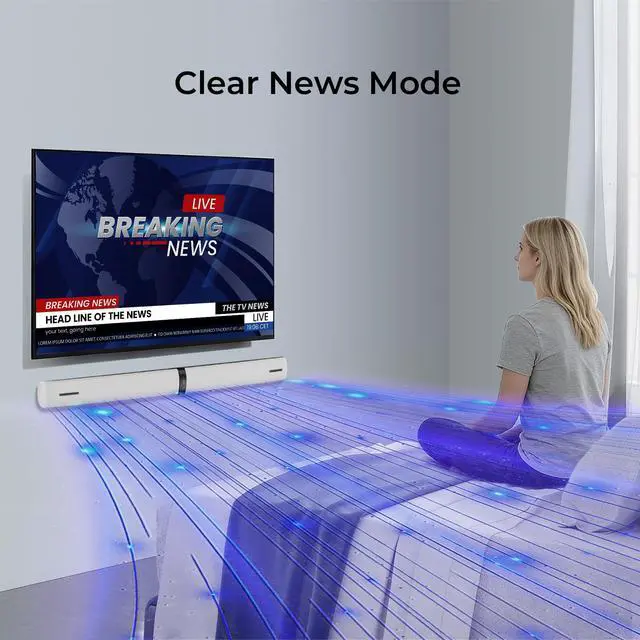
    • - Movie mode Bold depth + Clear tone. Music mode Lively vocal + Full melody. News mode Natural speaking. 3 ready-to-use EQ presets. No confusing bass setting, just pick and play. All modes keep natural balance - no heavy boom or sharp high pitch.
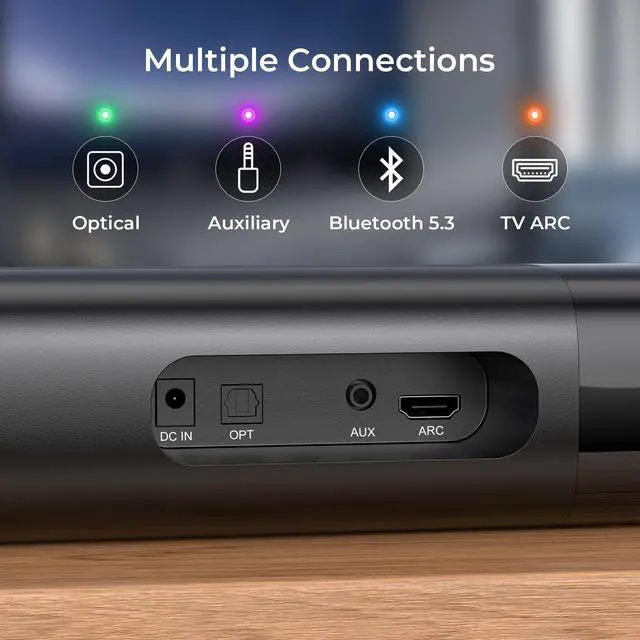
    • Smooth Bluetooth 5.3, stable ARC, OPT, AUX connection. Use ARC mode, control the soundbar directly with your TV remote. Important check before you buy: 1) Your TV must have ARC / OPT / AUX ports. 2) Use the dedicated ARC port, not regular HDMI. 3) Read full manual before first installation.
    +
    +
    Overview
    Specs
    Reviews

    Any questions? Ask CelesteSM will help you find out quickly.

    Sound Bar Technical Data:

    Sound Output: 90W

    Input: 100 240 V

    Friendly Reminder:

    1. No subwoofer included.

    2. Your TV needs ARC / OPT / AUX ports.

    3. Use dedicated ARC port (not regular HDMI).

    4. Manual TV settings are required for TV compatibility. Contact us anytime for quick setting tips.

    5. For streaming Apps, disable Dolby/DTS sound effect in BOTH TV and APPs setting.

    6. Battery not included in remote.

    Warranty & Returns

    Warranty, Returns, And Additional Information

    Warranty

    • Please contact the Seller directly for warranty information. Warranty information may also be found on the Manufacturer's website.
    • CONTACT

    Return Policies

    Manufacturer Contact Info

    LOADING...