




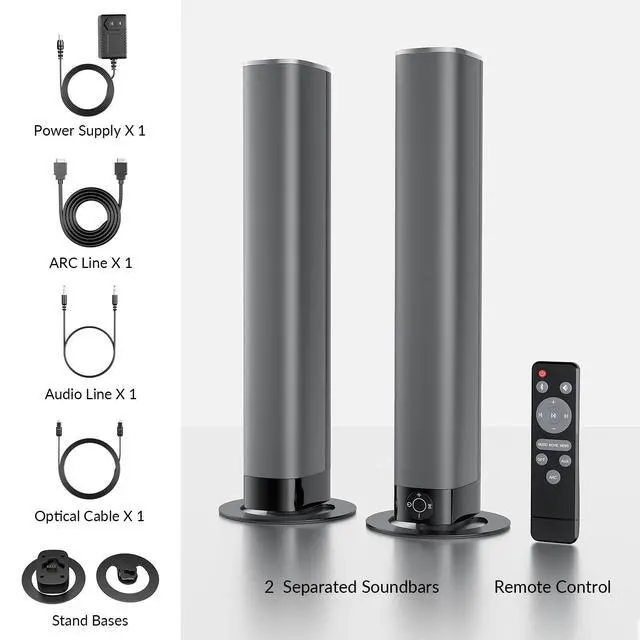


What U Will Get
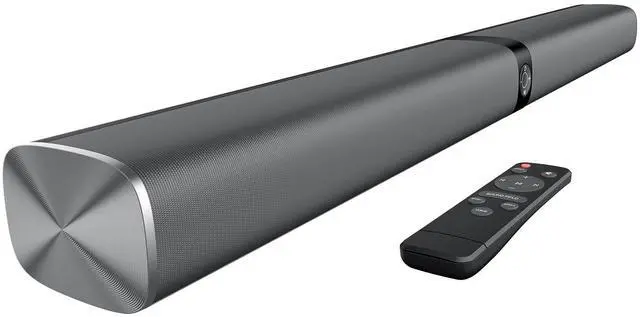
- 2 Joinable Sound Bars
- 1 Remote (Battery not included)
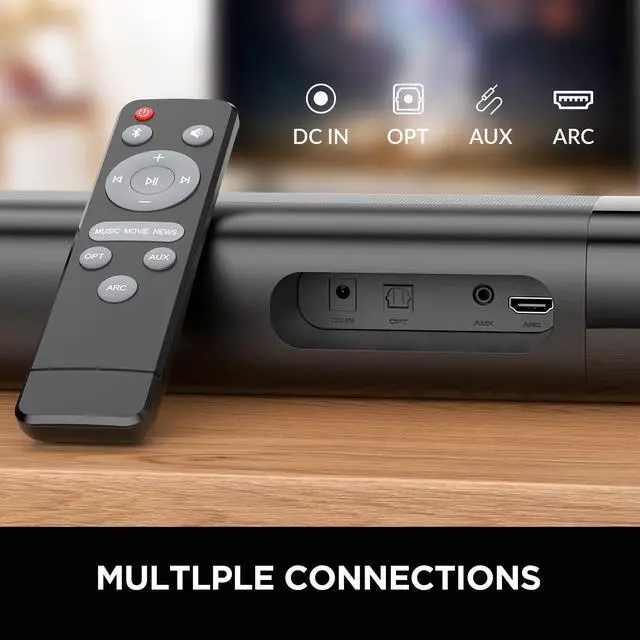
- 1 ARC/OPT/AUX Cable
- 1 Power Adapter
- 2 Bases

Manual TV Settings are Necessary
- Manual TV settings are required for TV & Soundbar more compatible.
- Must use TV remote to select correct TV connection.
- Must use TV remote to set TV audio output format to PCM.
Where is soundbar? Only 2 speakers? Any subwoofer?
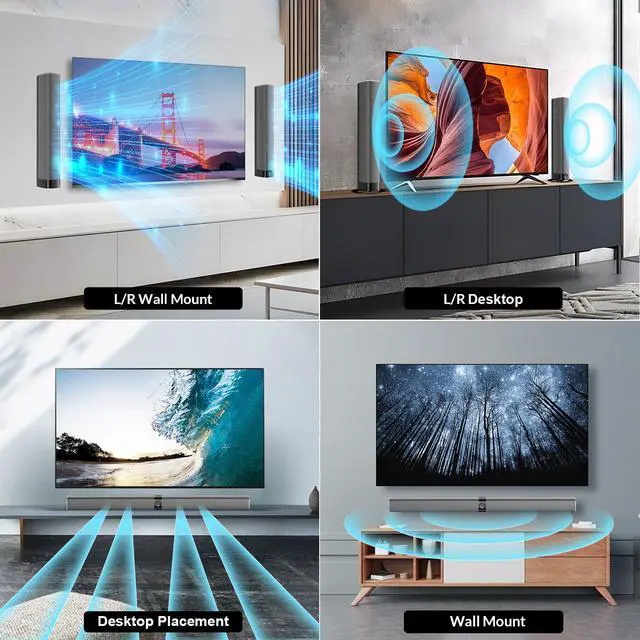
1. 2 separate soundbars that can be joined to 1 long soundbar.
2. No subwoofer. Try our updated version with wired subwoofer.
Support streaming Apps? Why sound static?
1. Supports streaming APPS.
2. Disable Dolby/DTS in BOTH TV and APPs setting.
No Sound? Other Sound Issues? (u must miss TV settings)
1. Set TV audio/connection: ARC/OPT
2. Set TV output format:PCM/stereo, disable Dolby/DTS
3. Settings differ by TV brand, provide TV model for specific guidance
Can't connect?
1. Remov Protective Cap of cable
2. Must be 'ARC' TV port (NOT HDMI 1, HDMI 2, or HDMI)
3. Select correct connect mode in BOTH TV & soundbar
Sync with other remote? Battery included?
1. No.
2. Only in ARC mode, you can use TV remote control soundbar.
3. Battery not included - rules.
Turn Flat Sound To Stereo
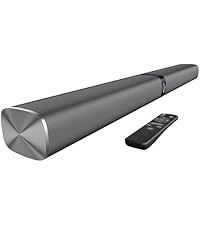 80W Sound Bar | 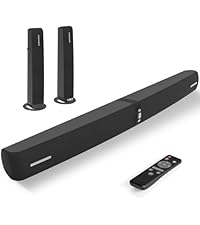 90W Sound Bar | 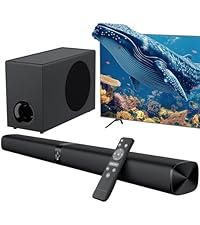 110W Sound Bar & Sub | 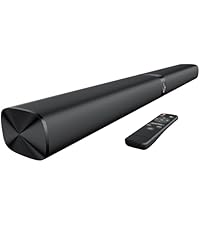 80W Sound Bar |  80W Sound Bar | |
|---|---|---|---|---|---|
Customer Reviews | — | — | — | — | — |
Price | — | — | — | — | — |
Sound Output | 80W | 90W | 110W | 80W | 80W |
Channel | 2.0 | 2.0 | 2.1 | 2.0 | 2.0 |
Wired Connectivity | ARC/OPT/AUX | ARC/OPT/AUX | ARC/OPT/AUX | ARC/OPT/AUX | ARC/OPT/AUX |
Bluetooth Connectivity | Bluetooth 5.3 | Bluetooth 5.3 | Bluetooth 5.3 | Bluetooth 5.3 | Bluetooth 5.3 |
With Subwoofer | ? | ? | ? | ? | ? |
Built-in bass diaphragm | ? | ? | ? | ? | ? |
Supports Dolby/DTS | ? | ? | ? | ? | ? |
TV Remote Control Soundbar | In ARC Mode | In ARC Mode | In ARC Mode | In ARC Mode | In ARC Mode |
Power Supply | 110V-240V | 110V-240V | 110V-240V | 110V-240V | 110V-240V |
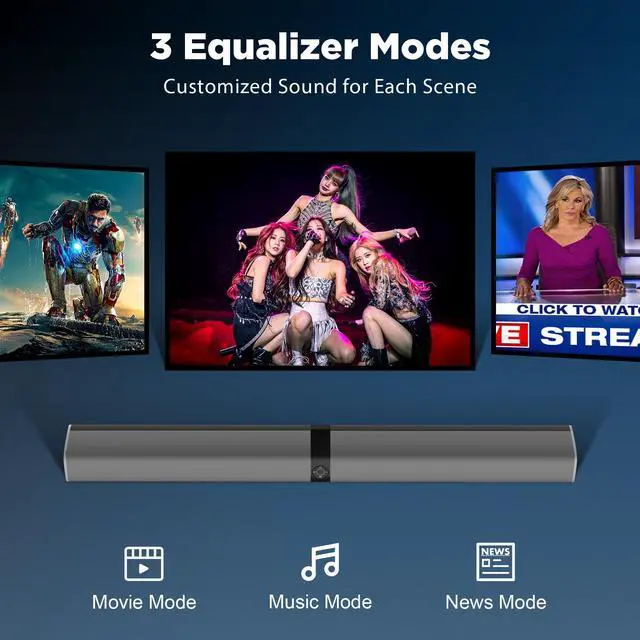
EQ Modes | Movie, Music, News | Movie, Music, News | Movie, Music, News | Movie, Music, News | Movie, Music, News |




What U Will Get
- 2 Joinable Sound Bars
- 1 Remote (Battery not included)
- 1 ARC/OPT/AUX Cable
- 1 Power Adapter
- 2 Bases
Manual TV Settings are Necessary
- Manual TV settings are required for TV & Soundbar more compatible.
- Must use TV remote to select correct TV connection.
- Must use TV remote to set TV audio output format to PCM.
Where is soundbar? Only 2 speakers? Any subwoofer?
1. 2 separate soundbars that can be joined to 1 long soundbar.
2. No subwoofer. Try our updated version with wired subwoofer.
Support streaming Apps? Why sound static?
1. Supports streaming APPS.
2. Disable Dolby/DTS in BOTH TV and APPs setting.
No Sound? Other Sound Issues? (u must miss TV settings)
1. Set TV audio/connection: ARC/OPT
2. Set TV output format:PCM/stereo, disable Dolby/DTS
3. Settings differ by TV brand, provide TV model for specific guidance
Can't connect?
1. Remov Protective Cap of cable
2. Must be 'ARC' TV port (NOT HDMI 1, HDMI 2, or HDMI)
3. Select correct connect mode in BOTH TV & soundbar
Sync with other remote? Battery included?
1. No.
2. Only in ARC mode, you can use TV remote control soundbar.
3. Battery not included - rules.
Turn Flat Sound To Stereo
80W Sound Bar | 90W Sound Bar | 110W Sound Bar & Sub | 80W Sound Bar | 80W Sound Bar |
|---|---|---|---|---|
| Customer Reviews | ||||
| — | — | — | — | — |
| Price | ||||
| — | — | — | — | — |
| Sound Output | ||||
| 80W | 90W | 110W | 80W | 80W |
| Channel | ||||
| 2.0 | 2.0 | 2.1 | 2.0 | 2.0 |
| Wired Connectivity | ||||
| ARC/OPT/AUX | ARC/OPT/AUX | ARC/OPT/AUX | ARC/OPT/AUX | ARC/OPT/AUX |
| Bluetooth Connectivity | ||||
| Bluetooth 5.3 | Bluetooth 5.3 | Bluetooth 5.3 | Bluetooth 5.3 | Bluetooth 5.3 |
| With Subwoofer | ||||
| ? | ? | ? | ? | ? |
| Built-in bass diaphragm | ||||
| ? | ? | ? | ? | ? |
| Supports Dolby/DTS | ||||
| ? | ? | ? | ? | ? |
| TV Remote Control Soundbar | ||||
| In ARC Mode | In ARC Mode | In ARC Mode | In ARC Mode | In ARC Mode |
| Power Supply | ||||
| 110V-240V | 110V-240V | 110V-240V | 110V-240V | 110V-240V |
| EQ Modes | ||||
| Movie, Music, News | Movie, Music, News | Movie, Music, News | Movie, Music, News | Movie, Music, News |