Your Browsing History
Best Sellers
CHROMEBOOK ASUS CHROMEBOOK/BLUE/14.0 FHD NON-TOUCH/N150/4GB/INTEL UMA/32GB/CHROM
- Chromebook CX14 CX1405CTA-DS42F Chromebook
- Lithium Ion Battery
- AC Adapter
+
+
Overview
Specs
Reviews
See all Q & A
Any questions? Ask CelesteSM will help you find out quickly.
Try me now
CHROMEBOOK ASUS CHROMEBOOK/BLUE/ 14.0 FHD NON-TOUCH/N150/4GB/INTEL UMA/32GB/CHROM
Warranty & Returns
Warranty, Returns, And Additional Information
Warranty
- Limited Warranty period (parts): 1 year
- Limited Warranty period (labor): 1 year
- Read full details
Return Policies
- Return for refund within: 15 days
- Return for replacement within: 15 days
- This item is covered by Newegg.com's 15-Day Return Policy.
- Read full return policy for details.
Manufacturer Contact Info
- Manufacturer Website
- Support Phone: 812-282-2787
- Support Website
- View other products from ASUS
LOADING...
LOADING...
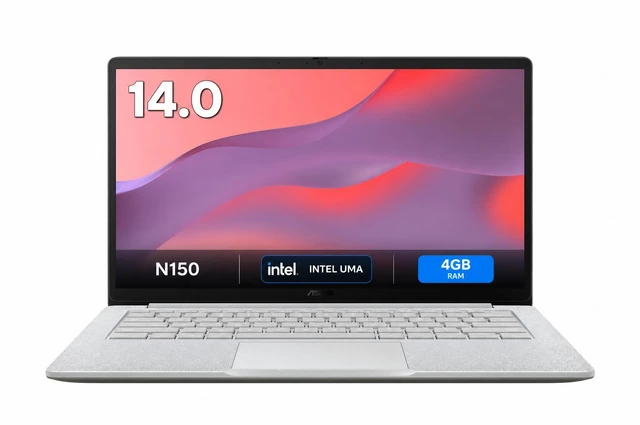
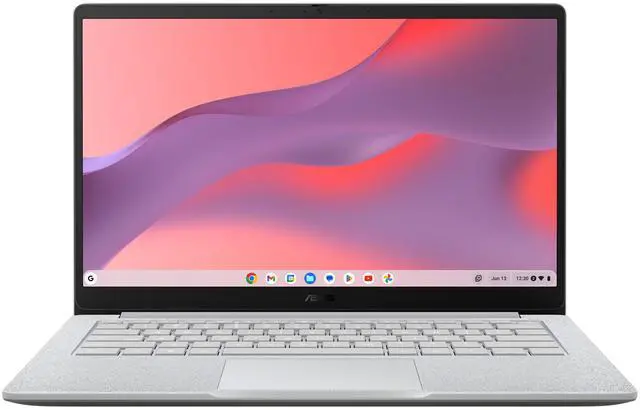
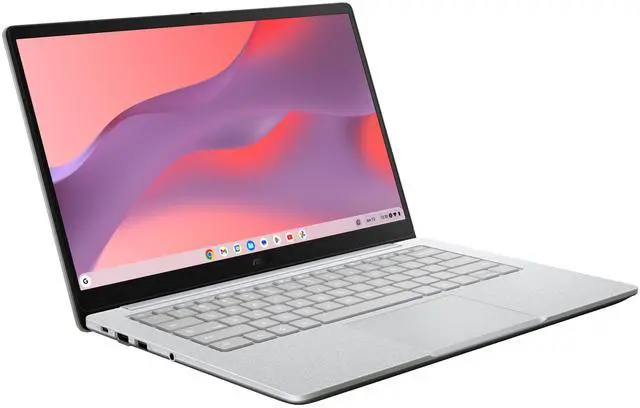
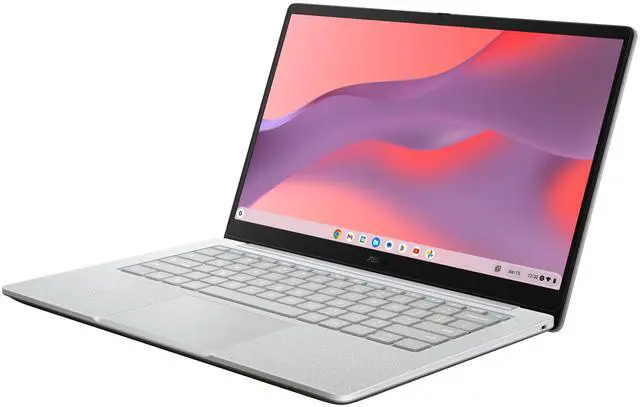
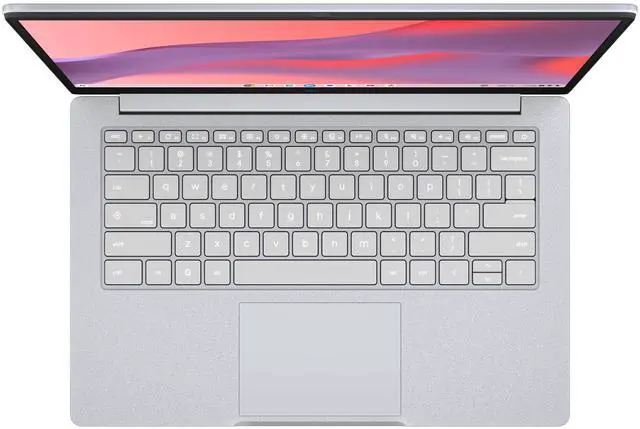
The ASUS Chromebook CX14 (CX1405CTA-DS42F) is a 14-inch FHD non-touch Chromebook with an Intel N150 processor, 4GB of memory, and 32GB of storage, suited to students and everyday users focused on web browsing, email, and basic online tasks.
Recommended For
- Students whose schoolwork is mainly browser-based—such as learning platforms, online documents and research with a manageable number of tabs—rather than demanding local applications.
- Web-first home-office users who work in online documents, email and video calls, and keep simultaneous tabs and apps to a modest number.
- People who want a 14-inch screen for everyday browsing and streaming, and are comfortable using ChromeOS and cloud-based services for most tasks.
- Buyers seeking a straightforward ChromeOS laptop for basic online tasks, with the Intel N150 suited to everyday browsing and office web apps when multitasking stays limited.
Real-World Use Scenarios
- For schoolwork or study, use it to read PDFs, research in Chrome, and write assignments in Google Docs; those browser-based tasks should feel responsive when you keep the number of open tabs and apps moderate.
- For everyday home-office tasks, handle email, web-based documents, and a video call; these cloud-focused tasks suit the CX14, though running many tabs or apps at once may feel constrained.
- For watching online videos or streaming music between tasks, use it as a straightforward media device; streaming is within its everyday workload, but the built-in speakers are best suited to casual listening.
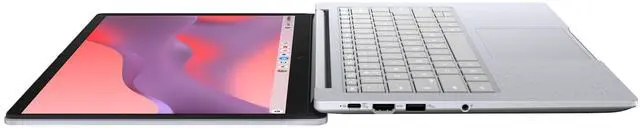
- For a simple desk setup, connect an external display for a larger workspace or presentation; the reviewed CX1405CTA configuration includes HDMI, so a separate display adapter may not be needed.
- For commuting between home, class, or work, carry it for browser-based tasks and take notes on the go; reviewers describe the 14-inch CX14 as portable and quiet, while its battery is better suited to a typical workday than unusually long stretches away from an outlet.
Spec Summary
| Attribute | Value |
|---|---|
| Best For | Chromebook use with a 14-inch display |
| Display | 14-inch screen |
| Brand | ASUS |