






What should i do before getting this mouse?
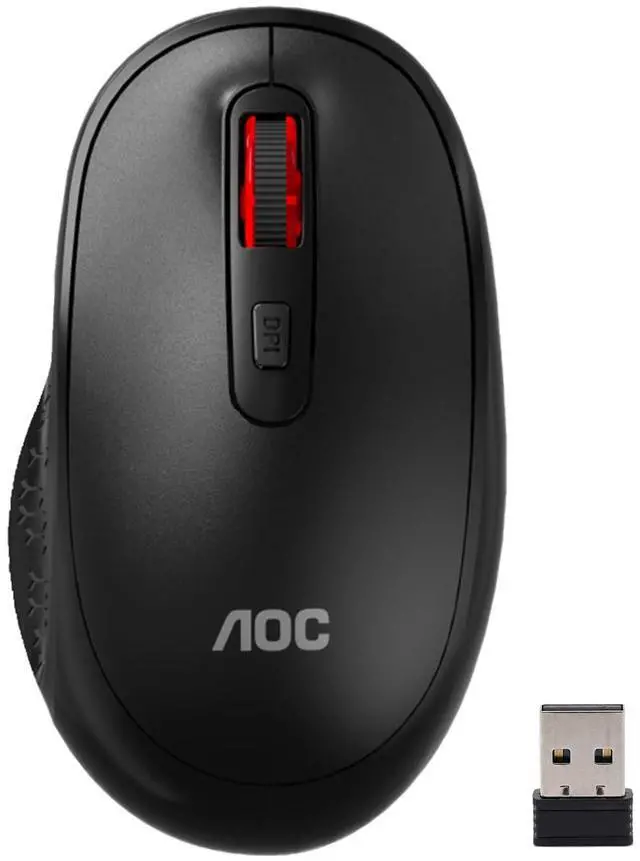
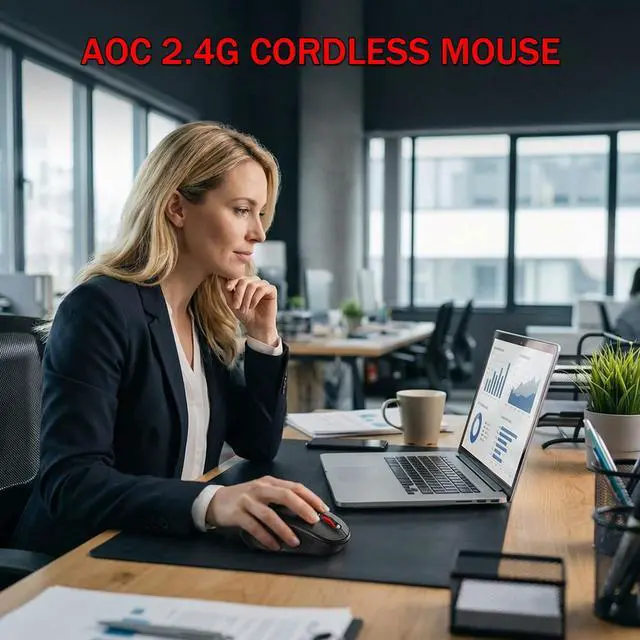
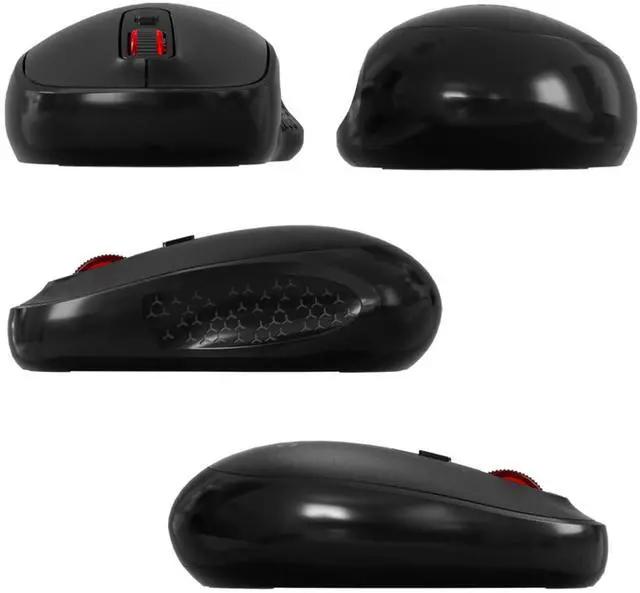
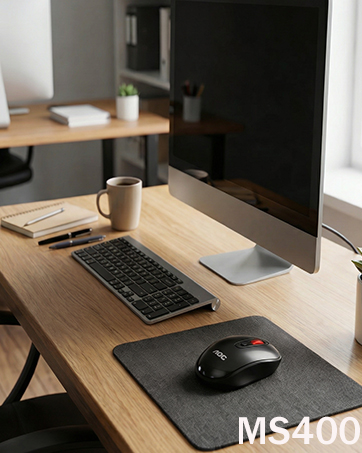
Please measure your hand size before purchasing. This AOC MS400 2.4G wireless mouse is designed for medium hands and NOT ideal for small or extra-large hands. Check your palm length with the size chart to avoid sizing issues.
How do I connect this mouse? Is it compatible with my laptop?
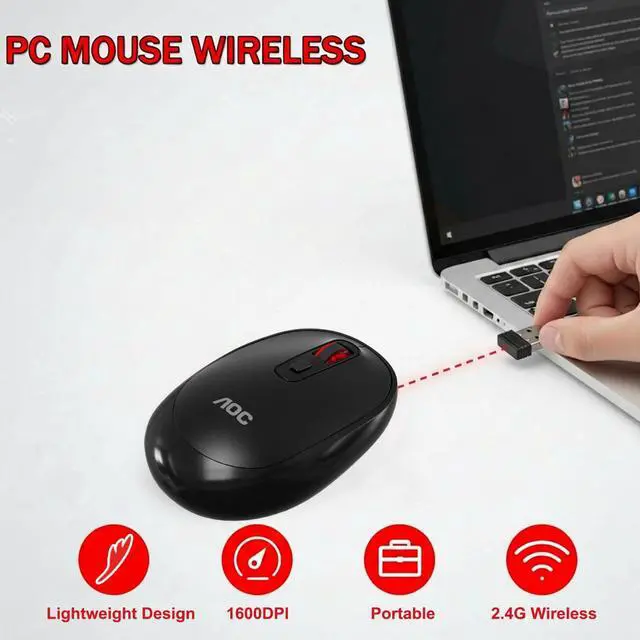
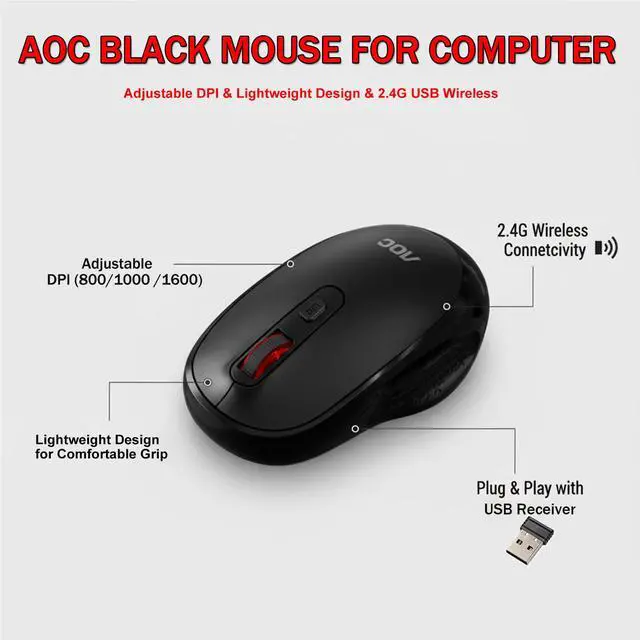
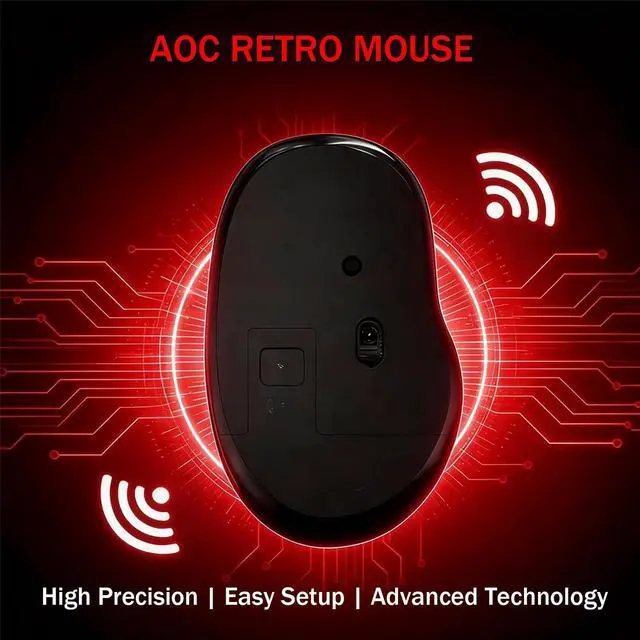
Plug the nano USB receiver into any USB-A port. It auto-pairs instantly via stable 2.4G wireless—no Bluetooth needed! Works with Windows, macOS, Linux, and Chromebooks.
Can I adjust cursor speed? How does the DPI switching work?
Yes! Press the DPI button behind the scroll wheel to cycle through 3 settings: 800 DPI, 1000 DPI (default), 1600 DPI.
Is this mouse silent?
No. MS400 is not a silent mouse, but this mouse makes a relatively sound while providing a satisfying click feel.
Can this mouse be connected via Bluetooth?
No, it can only be connected with the included USB receiver.


Welcome to Ruyuan Brand, your authorized destination for premium AOC gaming and productivity peripherals in the US. As an official AOC-licensed seller, we bring you 100% genuine products—from high-performance mice and immersive headsets to responsive keyboards and value-packed combos—all backed by AOC’s legacy of innovation and quality.
Game on. Work smart. Live connected by Ruyuan Brand.
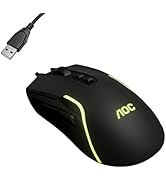
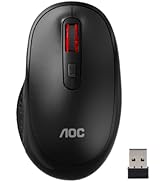
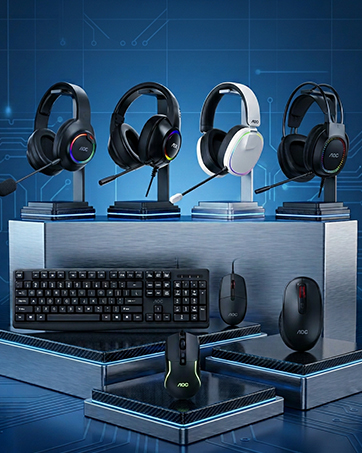
AOC Gaming Headset and Mice
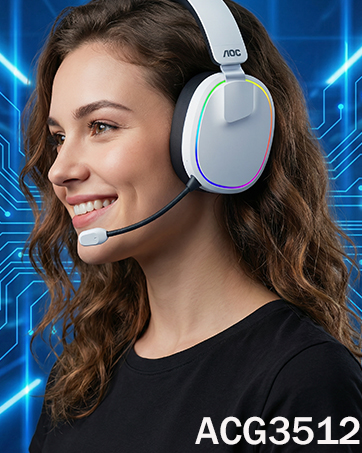
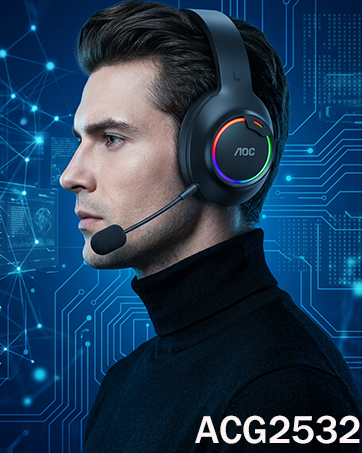
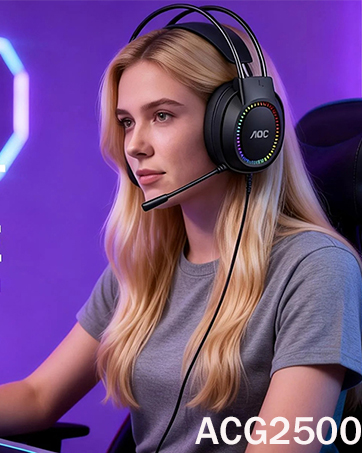
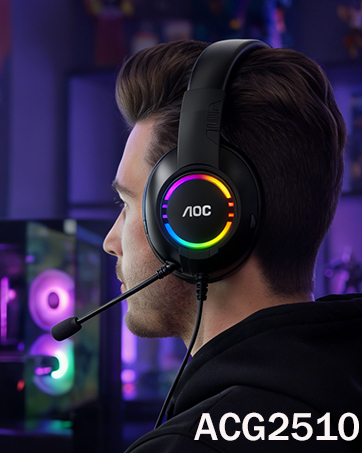
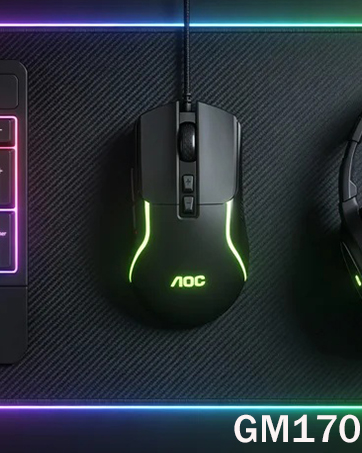
Are your AOC products genuine and authorized?
All products shipped from AOC’s official supply chain with full manufacturer warranties. Authenticity assured.
Why choose your store over other sellers or generic brands?
Unlike unauthorized sellers, we assured authenticity, exclusive bundles, and expert curation. We focus solely on AOC’s top-tier peripherals, rigorously testing each item for quality.
How do AOC gaming peripherals enhance my competitive edge?
AOC Redefines Pro-level Performance: Tournament-grade responsiveness; Cross-platform precision; Durability beyond standards; Pro-vetted tuning.


What should i do before getting this mouse?
Please measure your hand size before purchasing. This AOC MS400 2.4G wireless mouse is designed for medium hands and NOT ideal for small or extra-large hands. Check your palm length with the size chart to avoid sizing issues.
How do I connect this mouse? Is it compatible with my laptop?
Plug the nano USB receiver into any USB-A port. It auto-pairs instantly via stable 2.4G wireless—no Bluetooth needed! Works with Windows, macOS, Linux, and Chromebooks.
Can I adjust cursor speed? How does the DPI switching work?
Yes! Press the DPI button behind the scroll wheel to cycle through 3 settings: 800 DPI, 1000 DPI (default), 1600 DPI.
Is this mouse silent?
No. MS400 is not a silent mouse, but this mouse makes a relatively sound while providing a satisfying click feel.
Can this mouse be connected via Bluetooth?
No, it can only be connected with the included USB receiver.
Welcome to Ruyuan Brand, your authorized destination for premium AOC gaming and productivity peripherals in the US. As an official AOC-licensed seller, we bring you 100% genuine products—from high-performance mice and immersive headsets to responsive keyboards and value-packed combos—all backed by AOC’s legacy of innovation and quality.
Game on. Work smart. Live connected by Ruyuan Brand.
AOC Gaming Headset and Mice
Are your AOC products genuine and authorized?
All products shipped from AOC’s official supply chain with full manufacturer warranties. Authenticity assured.
Why choose your store over other sellers or generic brands?
Unlike unauthorized sellers, we assured authenticity, exclusive bundles, and expert curation. We focus solely on AOC’s top-tier peripherals, rigorously testing each item for quality.
How do AOC gaming peripherals enhance my competitive edge?
AOC Redefines Pro-level Performance: Tournament-grade responsiveness; Cross-platform precision; Durability beyond standards; Pro-vetted tuning.