




 here!
I’m your shopping assistant for PC builds, upgrades, and everything tech.
Got questions? Ask away!
Start a conversation
here!
I’m your shopping assistant for PC builds, upgrades, and everything tech.
Got questions? Ask away!
Start a conversation






Any questions? Ask CelesteSM will help you find out quickly.
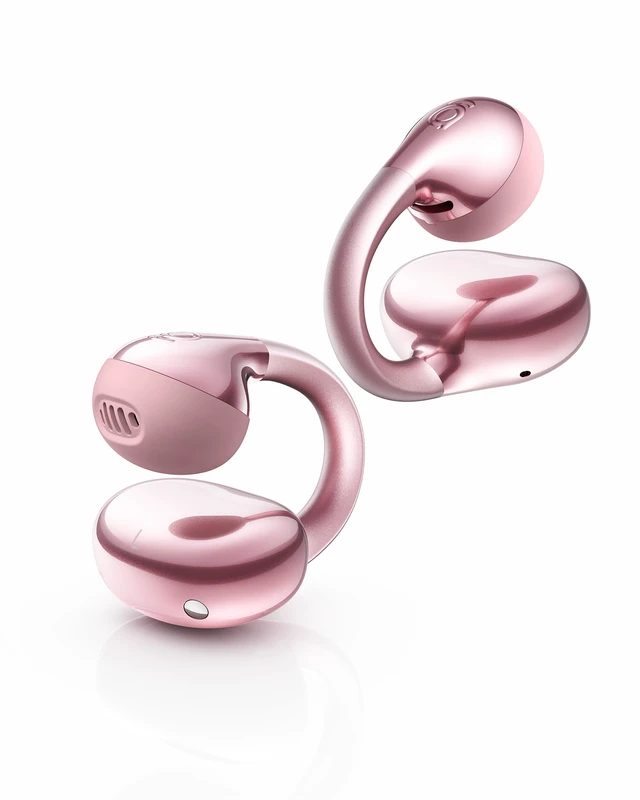
Designed for everyday listening, Baseus BC2s clip-on earbuds feature a slim open-ear design
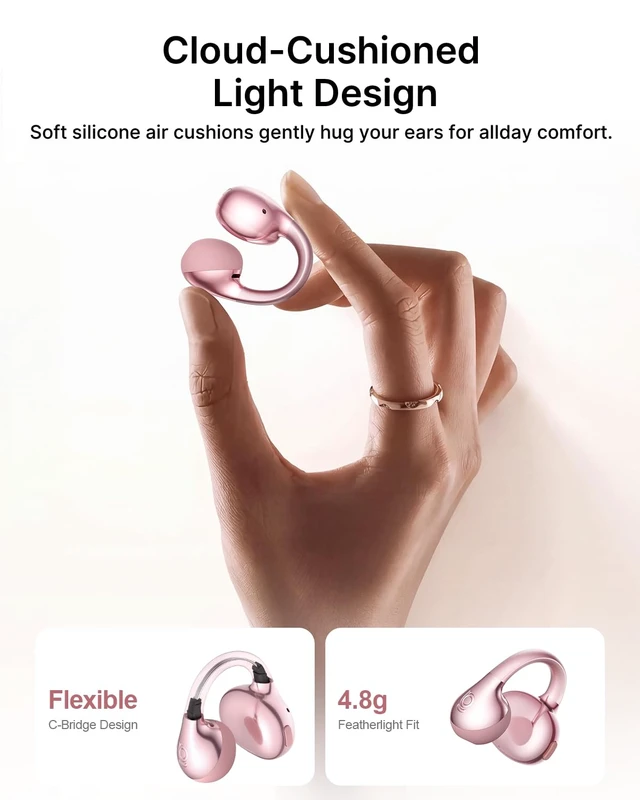
with a refined look and no bulky feel. At just 4.8g, these lightweight wireless earbuds are built
for all-day wear, with CloudComfort cushioning and a flexible fit that helps reduce pressure.
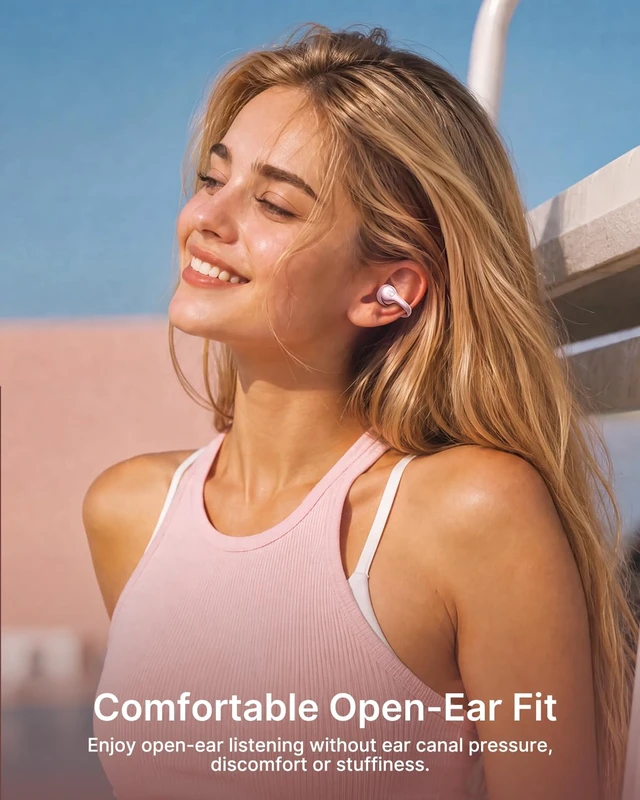
The slim ear-clip design fits different ear shapes, including smaller ears, and works
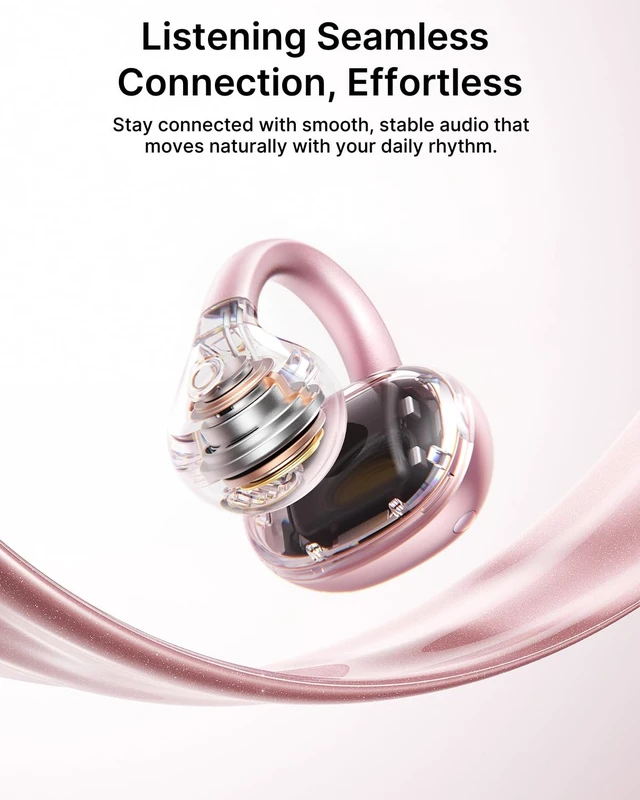
comfortably with glasses while staying securely in place during workouts. Bluetooth 6.0
provides a fast, stable connection, while IP55 water and dust resistance helps protect
against everyday moisture and dust.
Baseus Bass BC2s Open Ear Earbuds Q&A
How do I connect my device to the Bass BC2s for the first time?
For first-time use, please first remove the insulation stickers, then place the earbuds back into
the charging case. Second, open the lid, take out the earbuds, and they will enter pairing mode
automatically. Finally, turn on Bluetooth on your device and select "Baseus Bass BC2s" to connect.
Is the air cushion on the earbuds detachable?
The BC2s air cushion is a pre-installed fixed structure and is secured with physical snap-fit
fasteners (no adhesive). To maintain structural stability and wearing performance, please do not
touch or remove the air cushion arbitrarily.
How do I troubleshoot if my Bass BC2s doesn't seem right?
For most issues, a reset can help: Disconnect the earbuds from all devices, take both earbuds out of
the charging case, and simultaneously press and hold the buttons on both earbuds for
8 seconds until you hear a prompt tone.
How to ensure clear calls on my Bass BC2s?
Wear earbuds on the correct L/R sides with buttons always facing upward. Keep mic ports clean
and free of debris. For clearest call quality, use in quieter environments. Call clarity may also
vary slightly depending on your connected device. Enable Call Enhancement function
in Baseus APP is also a good way.
Is a charging cable included in the BC2s earbuds package?
To avoid resource waste, reduce unnecessary e-waste, and do our part for the planet, the BC2s
do not include a charging cable in the package. The earbuds feature a USB-C port and
can be charged directly with the USB-C charging cable used by most phones and electronic devices.
How can I increase the volume on my Bass BC2s?
For iPhone: Turn off "Reduce Loud Sounds": Settings > Sounds & Haptics > Headphone Safety.
For Samsung: Turn off "Media volume limit": Settings > Sounds and Vibration > Volume > More (or the three-dot menu).
For Android: In Bluetooth settings, enable "Absolute Volume". Properly wearing earbuds can
effectively help achieve a normal volume level.
Can it fit in a pocket?
Yes


