



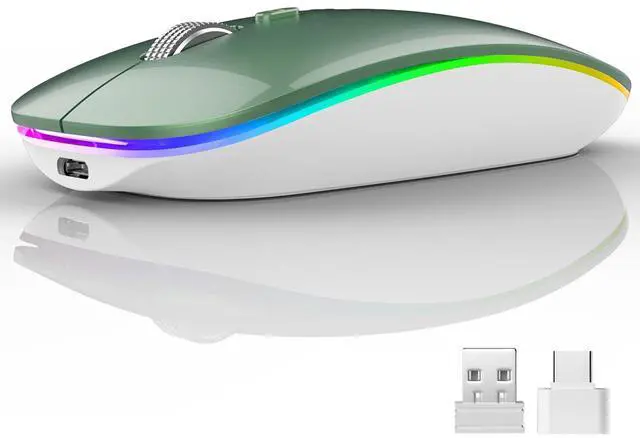
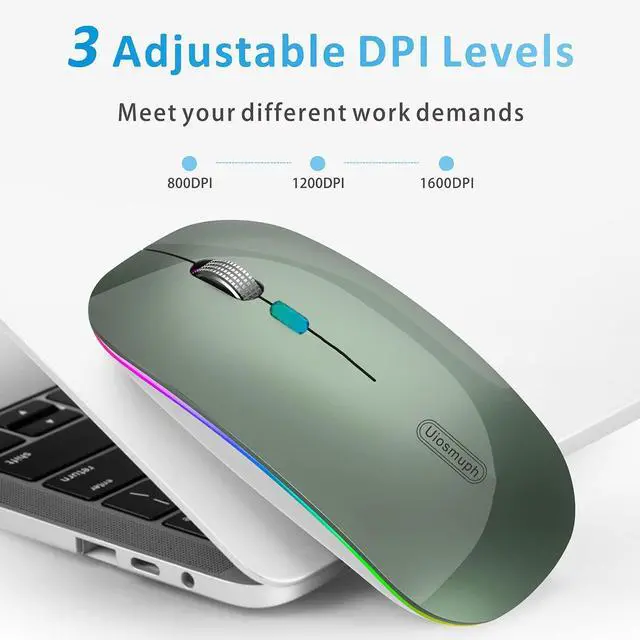


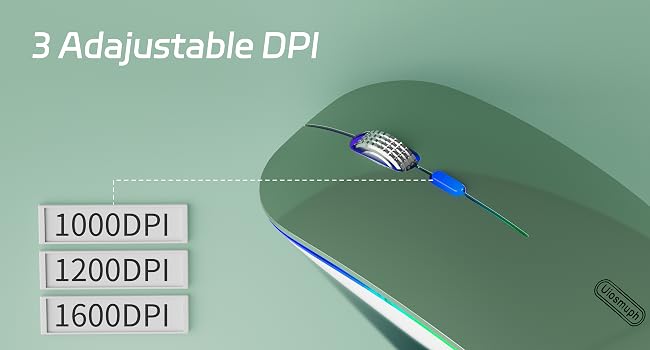
With 1000-1200-1600, 3 adjustable DPI with optical sensor settings, press the button behind the scroll wheel to switch, making it precise and sensitive cursor movement that suits different use environments.
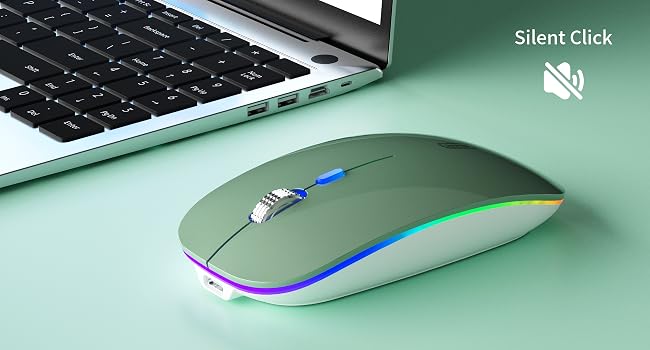
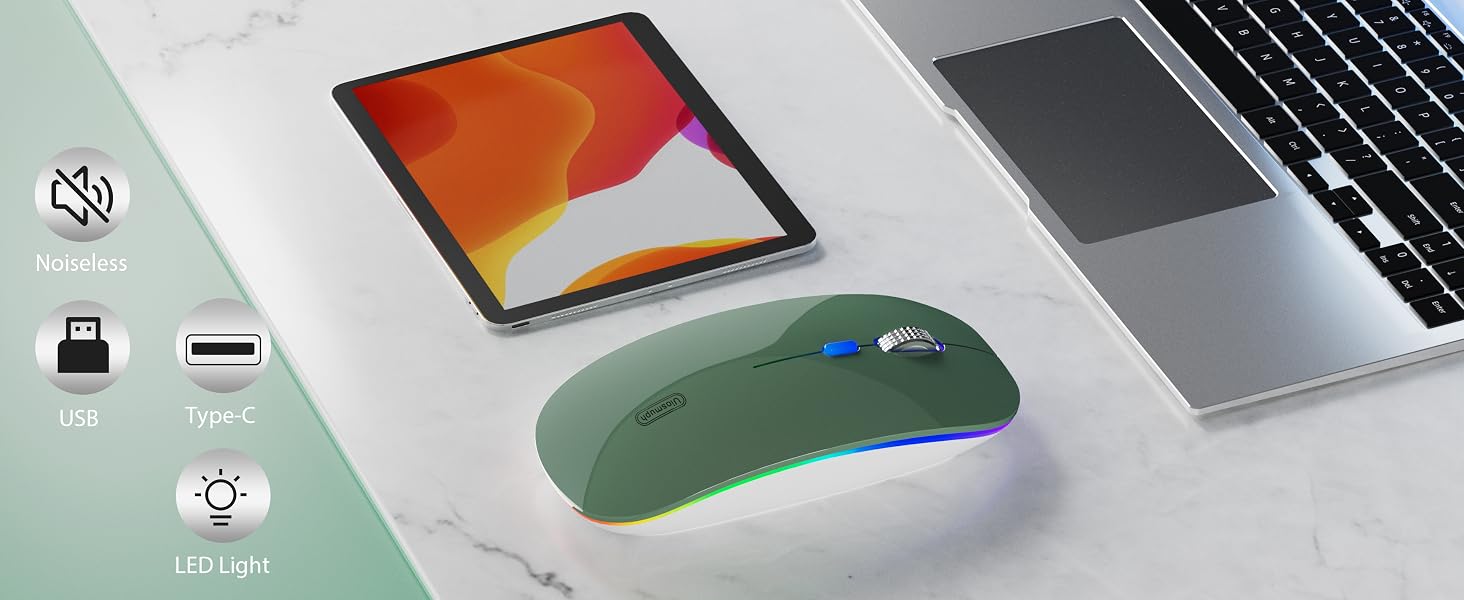
Silent click for left and right buttons creates a quiet environment at home or office.
Yon can use the mouse efficiently and won’t be bothered by the annoying clicking sound.
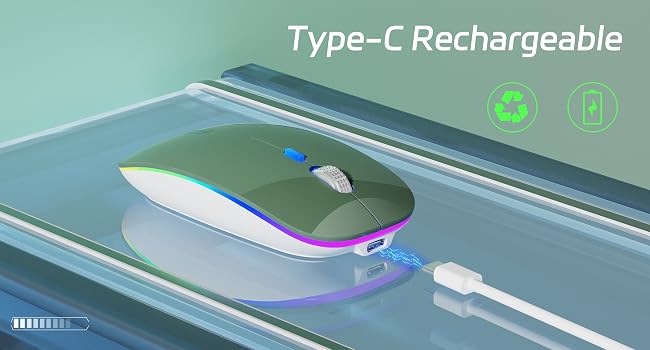
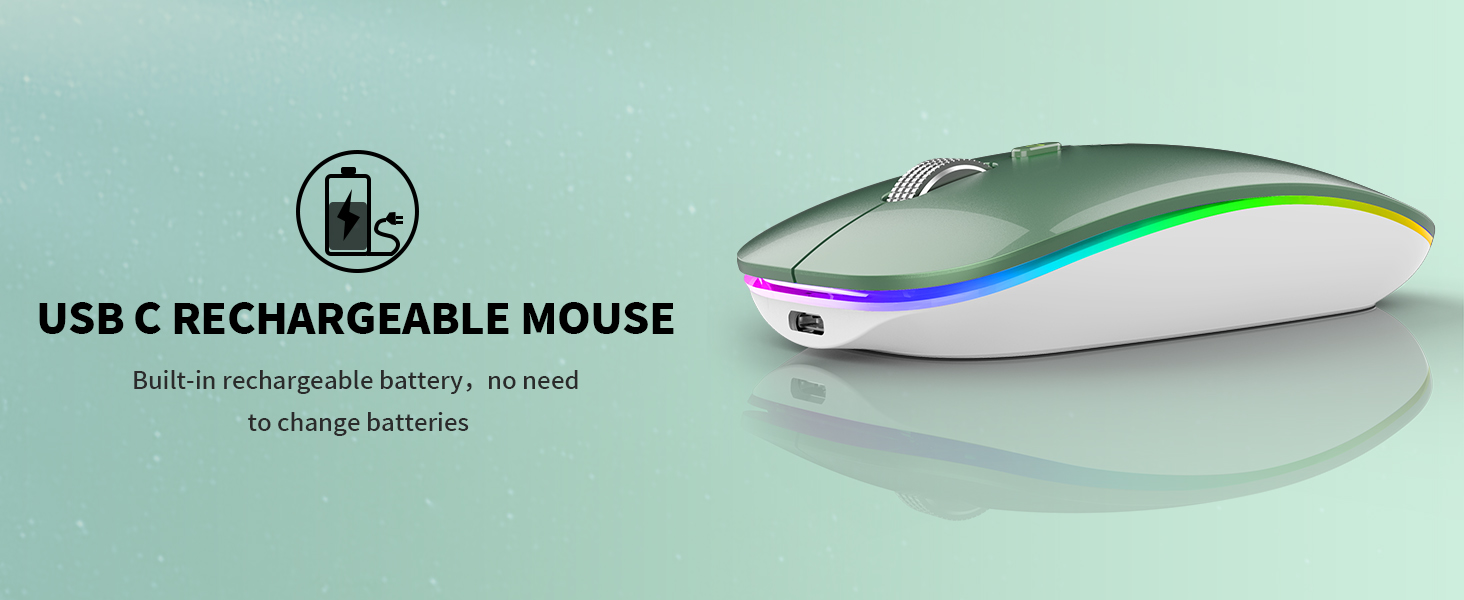
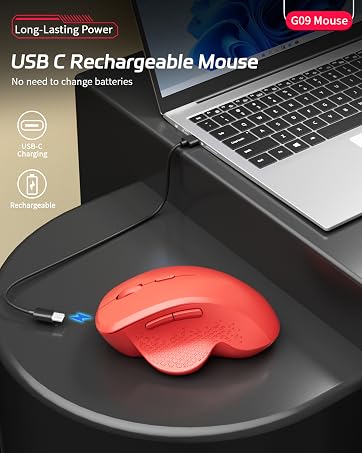
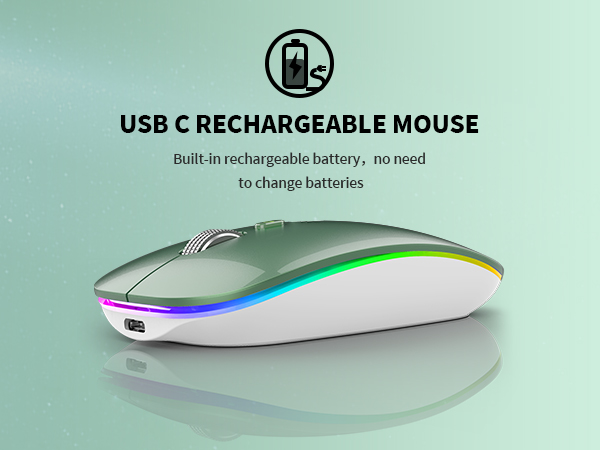
With built-in rechargeable battery, simply charge the mouse with Type C charging cable (included).
No need to change batteries.
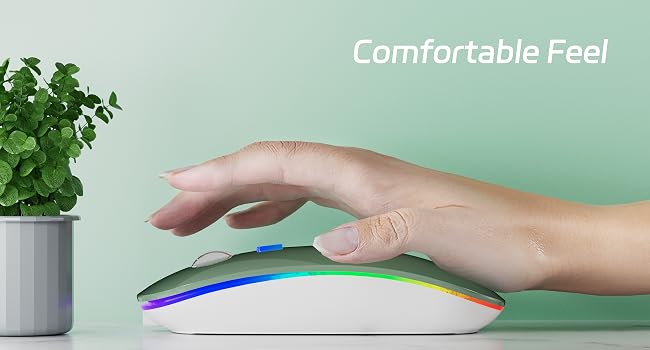
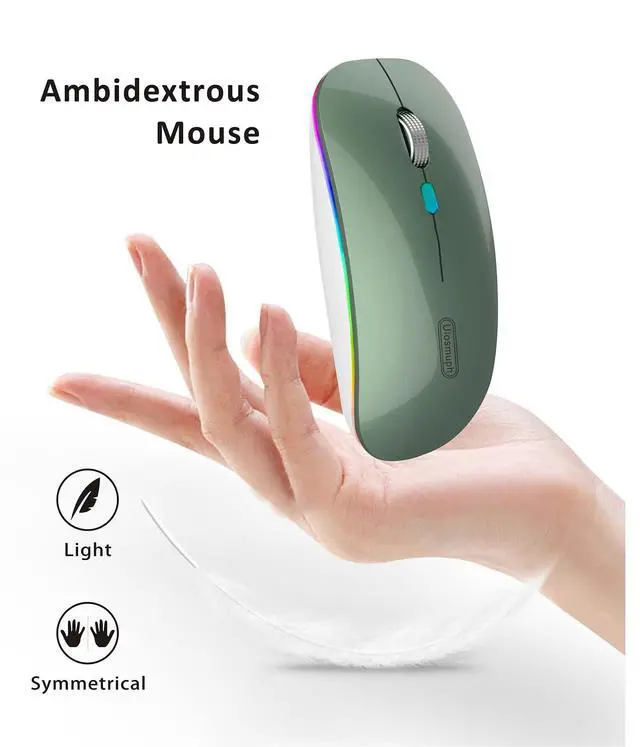
Designed with your comfort in mind, the smooth touching of this mouse ensures a comfortable grip for long time use.
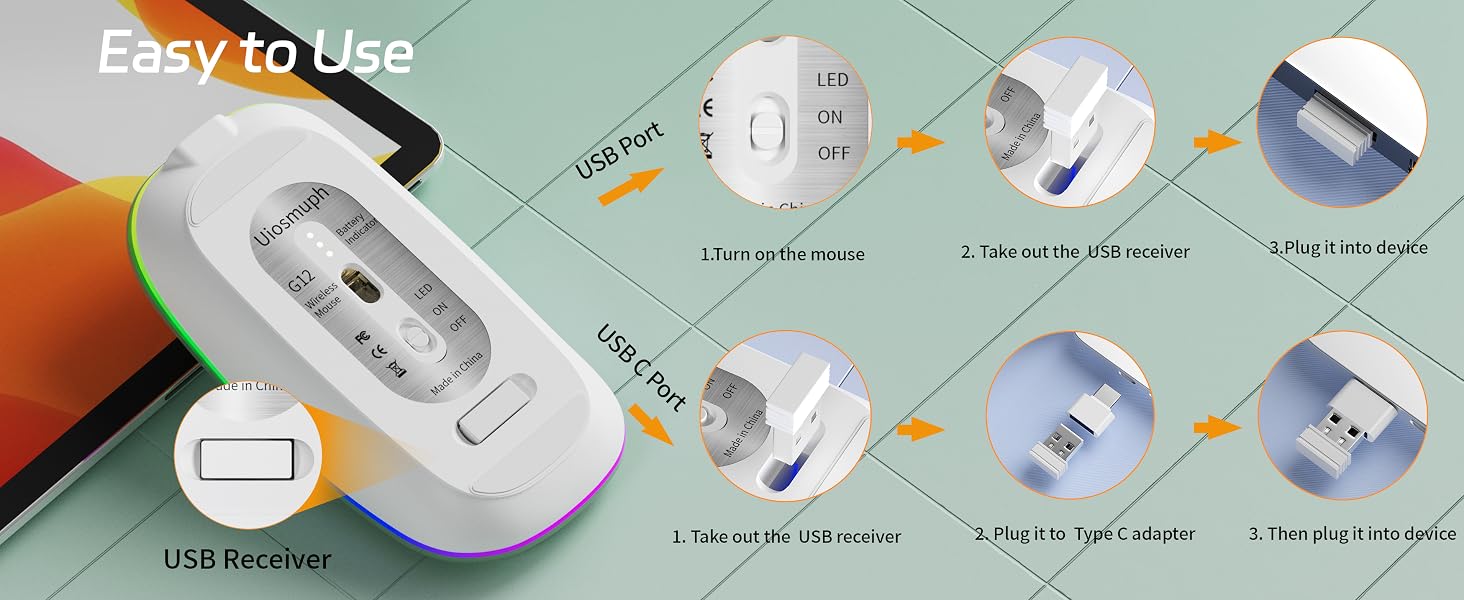
How to Use
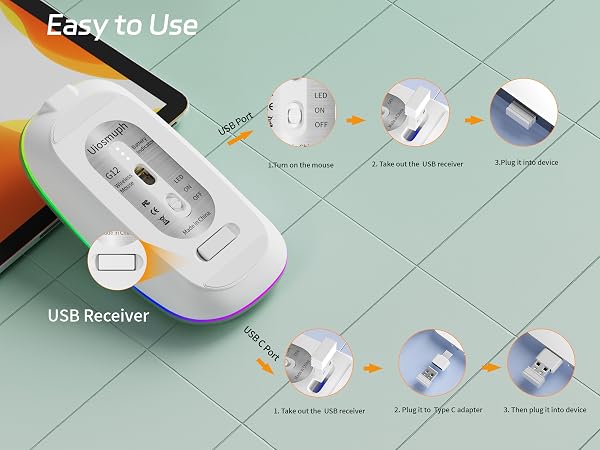
1. Charge the mouse for about 2 hours before using it for the first time.
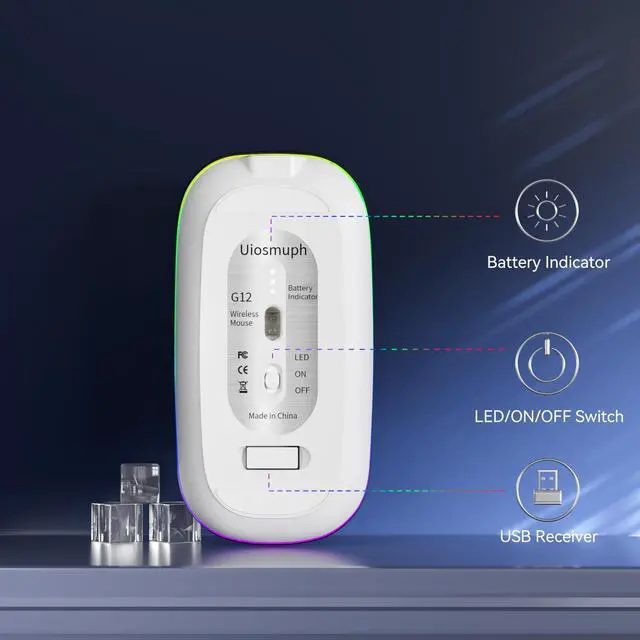
2. Take the dongle out, which is stored under the back of the mouse.
3. Insert the dongle into the USB port of your PC.
4. Turn on the mouse, the switch is at the bottom of the mouse.
5. Allow a few seconds for installing, no action needed, just wait. Then you can use it.
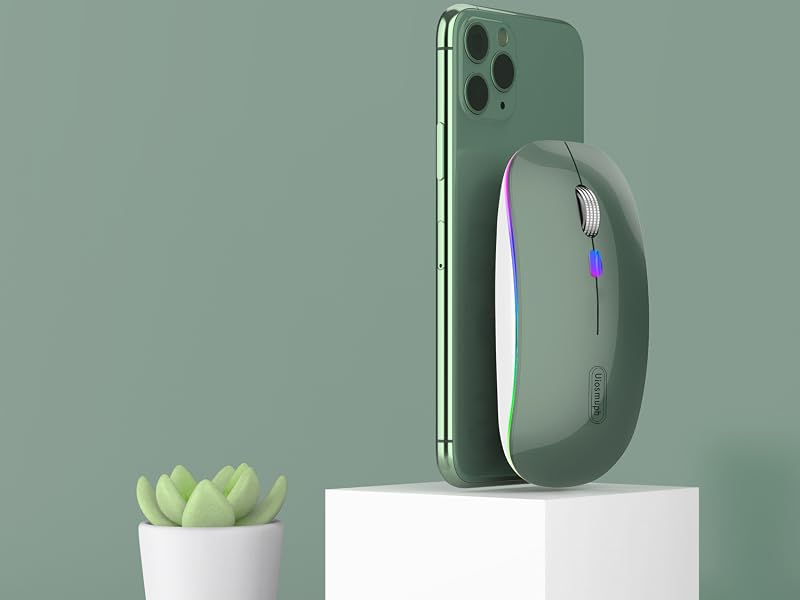
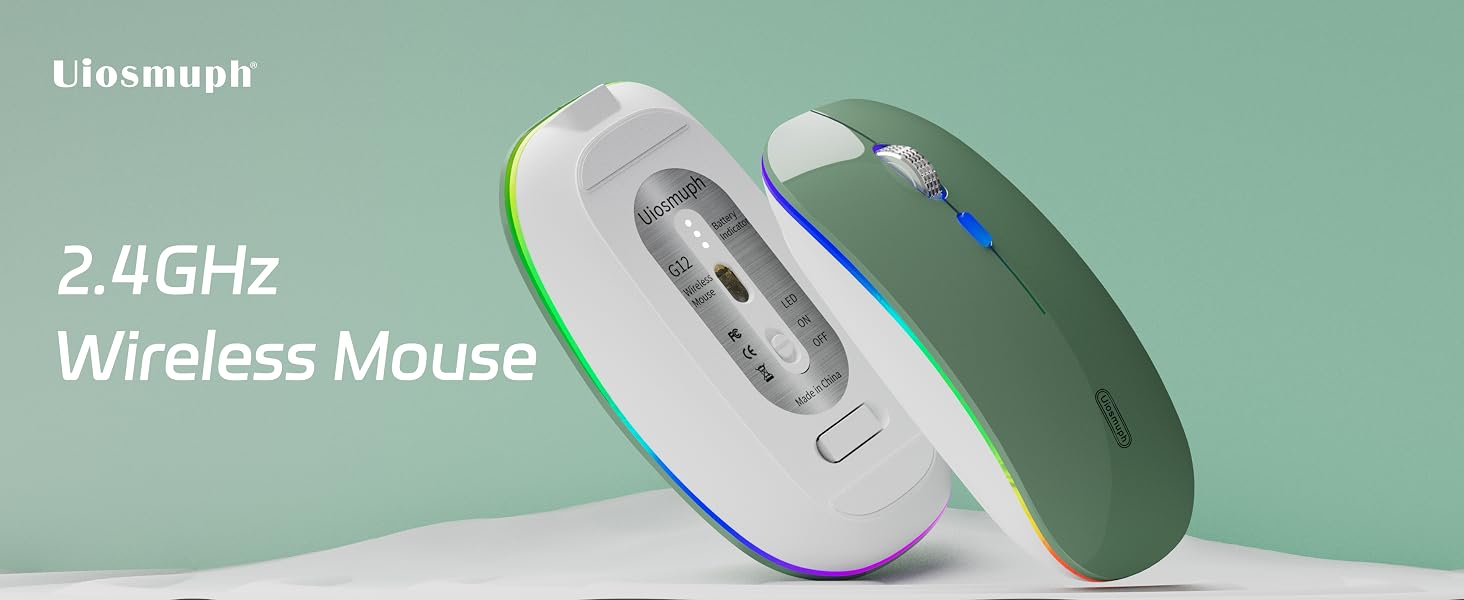
Uiosmuph Wireless Mouse
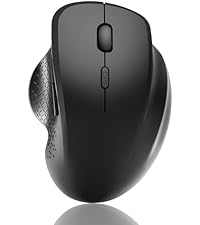 G09 Bluetooth Mouse Black | 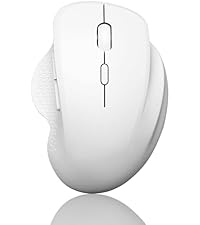 G09 Bluetooth Mouse White | 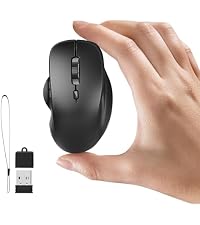 Mini Bluetooth Mouse | 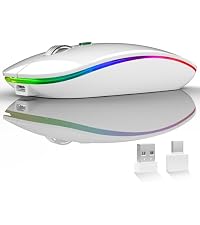 G12 LED Wireless Mouse |  LED Wireless Mouse | 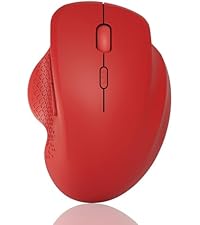 G09 Bluetooth Mouse | 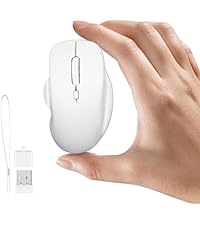 Mini Bluetooth Mouse | |
|---|---|---|---|---|---|---|---|
Customer Reviews | — | — | — | — | — | — | — |
Price | — | — | — | — | — | — | — |
Connection | Bluetooth / USB Receiver | Bluetooth / USB Receiver | Dual Bluetooth / USB Receiver | USB Receiver / Type C Adapter | USB Receiver / Type C Adapter | Bluetooth / USB Receiver | Dual Bluetooth / USB Receiver |
LED Light | No LED Light | No LED Light | No LED Light | 7 color LED Light | 7 color LED Light | No LED Light | No LED Light |
DPI Level | 800 - 1200 - 1600 | 800 - 1200 - 1600 | 800 - 1200 - 1600 | 1000 - 1200 - 1600 | 1000 - 1200 - 1600 | 800 - 1200 - 1600 | 800 - 1200 - 1600 |
USC C Charging | ? | ? | ? | ? | ? | ? | ? |
Side Button | ? | ? | ? | ? | ? | ? | ? |

Enjoy Wireless Life in Your Hand
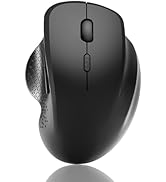
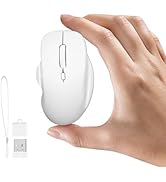
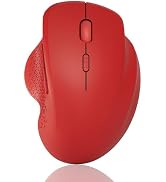
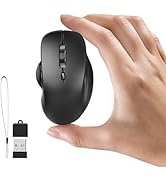
Uiosmuph Wireless Mouse
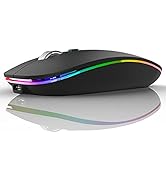
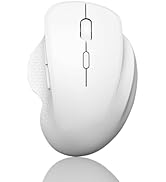
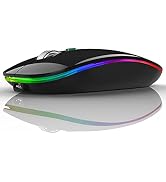
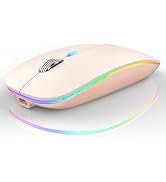
Uiosmuph Wireless Mouse

Uiosmuph consistently devote to making quality wireless and Bluetooth mouse with high performance. Our company has always insist on independent research and development, and strictly control the quality of our products. We are always committed to satisfying high-quality products and services for our customers.
Making life easier, simpler, convenient and more enjoyable is mission and original intention!
G09 Bluetooth Wireless Mouse
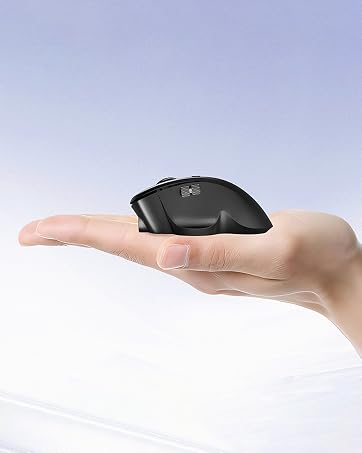
Mini Bluetooth Wireless Mouse
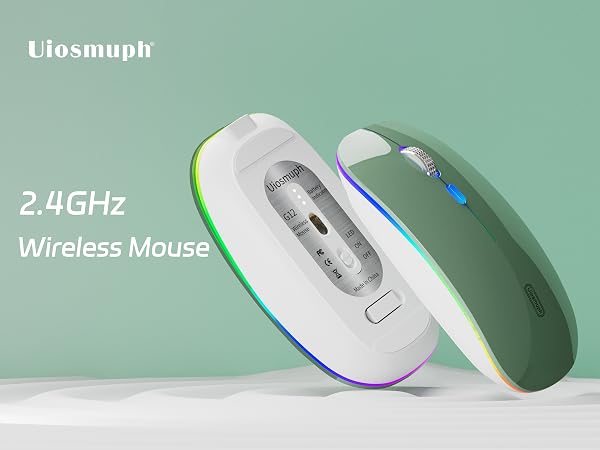
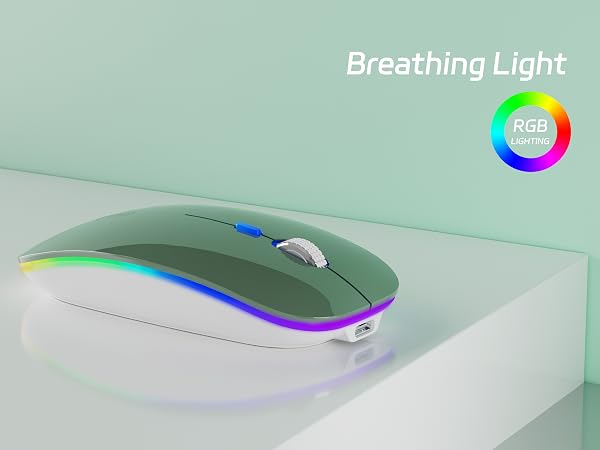
With 1000-1200-1600, 3 adjustable DPI with optical sensor settings, press the button behind the scroll wheel to switch, making it precise and sensitive cursor movement that suits different use environments.
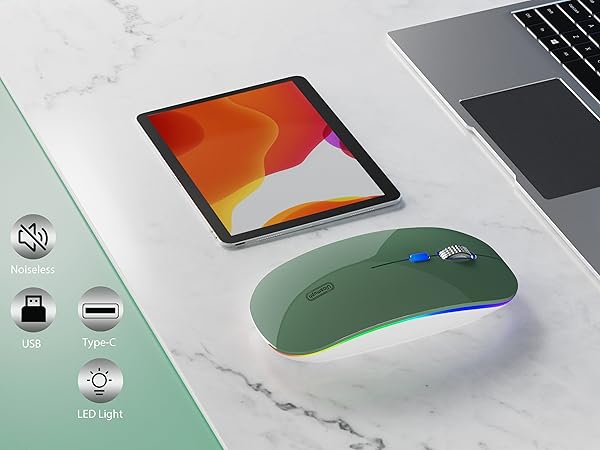
Silent click for left and right buttons creates a quiet environment at home or office.
Yon can use the mouse efficiently and won’t be bothered by the annoying clicking sound.
With built-in rechargeable battery, simply charge the mouse with Type C charging cable (included).
No need to change batteries.
Designed with your comfort in mind, the smooth touching of this mouse ensures a comfortable grip for long time use.
How to Use
1. Charge the mouse for about 2 hours before using it for the first time.
2. Take the dongle out, which is stored under the back of the mouse.
3. Insert the dongle into the USB port of your PC.
4. Turn on the mouse, the switch is at the bottom of the mouse.
5. Allow a few seconds for installing, no action needed, just wait. Then you can use it.
Uiosmuph Wireless Mouse
G09 Bluetooth Mouse Black | G09 Bluetooth Mouse White | Mini Bluetooth Mouse | G12 LED Wireless Mouse | LED Wireless Mouse | G09 Bluetooth Mouse | Mini Bluetooth Mouse |
|---|---|---|---|---|---|---|
| Customer Reviews | ||||||
| — | — | — | — | — | — | — |
| Price | ||||||
| — | — | — | — | — | — | — |
| Connection | ||||||
| Bluetooth / USB Receiver | Bluetooth / USB Receiver | Dual Bluetooth / USB Receiver | USB Receiver / Type C Adapter | USB Receiver / Type C Adapter | Bluetooth / USB Receiver | Dual Bluetooth / USB Receiver |
| LED Light | ||||||
| No LED Light | No LED Light | No LED Light | 7 color LED Light | 7 color LED Light | No LED Light | No LED Light |
| DPI Level | ||||||
| 800 - 1200 - 1600 | 800 - 1200 - 1600 | 800 - 1200 - 1600 | 1000 - 1200 - 1600 | 1000 - 1200 - 1600 | 800 - 1200 - 1600 | 800 - 1200 - 1600 |
| USC C Charging | ||||||
| ? | ? | ? | ? | ? | ? | ? |
| Side Button | ||||||
| ? | ? | ? | ? | ? | ? | ? |
Enjoy Wireless Life in Your Hand
Uiosmuph Wireless Mouse
Uiosmuph Wireless Mouse
Uiosmuph consistently devote to making quality wireless and Bluetooth mouse with high performance. Our company has always insist on independent research and development, and strictly control the quality of our products. We are always committed to satisfying high-quality products and services for our customers.
Making life easier, simpler, convenient and more enjoyable is mission and original intention!
G09 Bluetooth Wireless Mouse
Mini Bluetooth Wireless Mouse
