




 here!
I’m your shopping assistant for PC builds, upgrades, and everything tech.
Got questions? Ask away!
Start a conversation
here!
I’m your shopping assistant for PC builds, upgrades, and everything tech.
Got questions? Ask away!
Start a conversation Top Rated

Make informed decisions with expert advice. Learn More





Any questions? Ask CelesteSM will help you find out quickly.
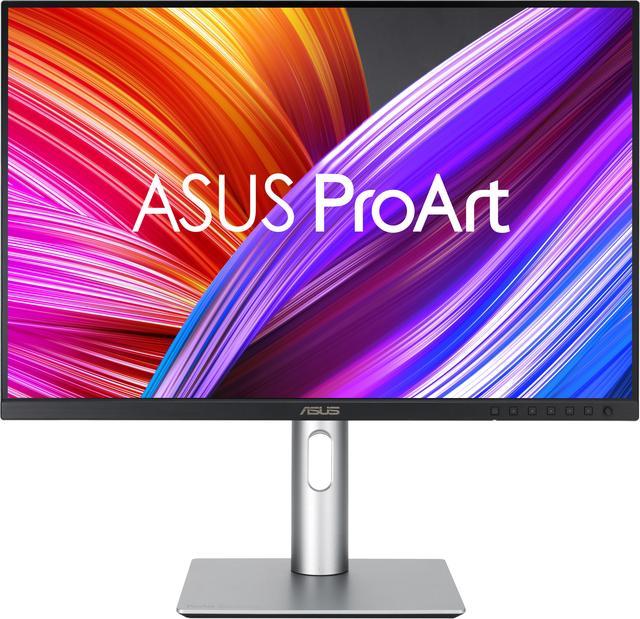
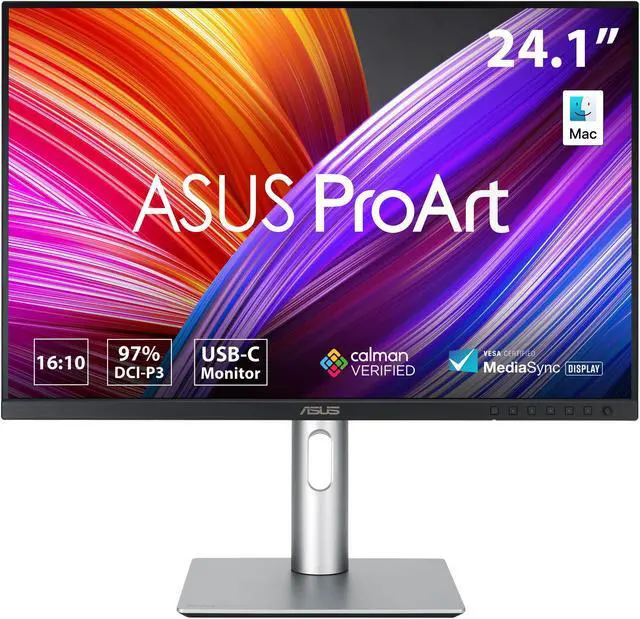
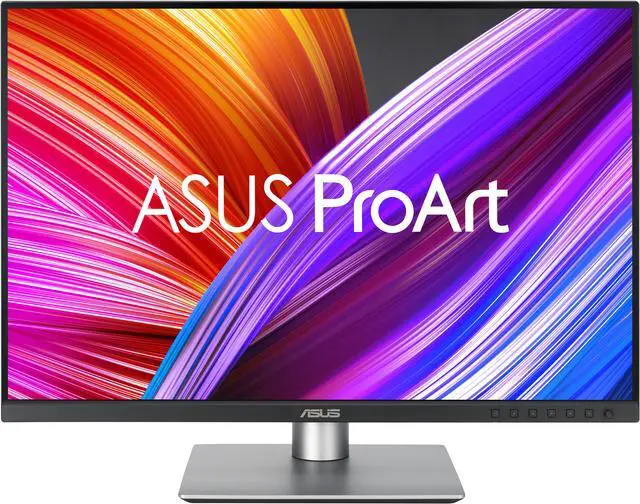
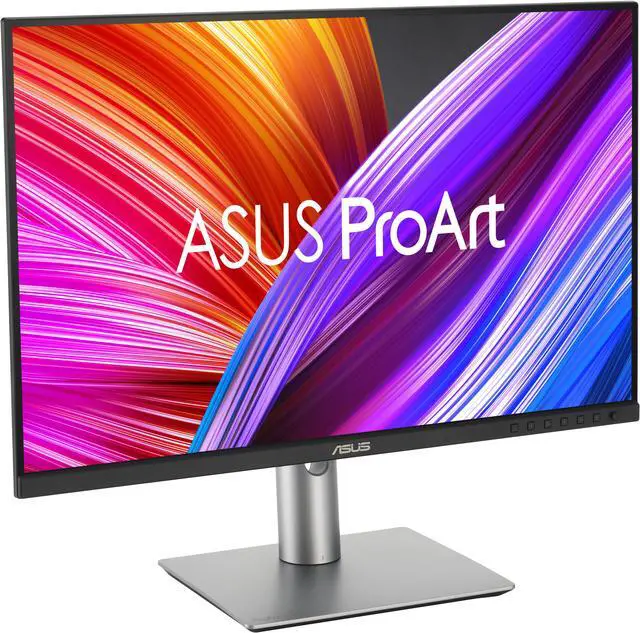
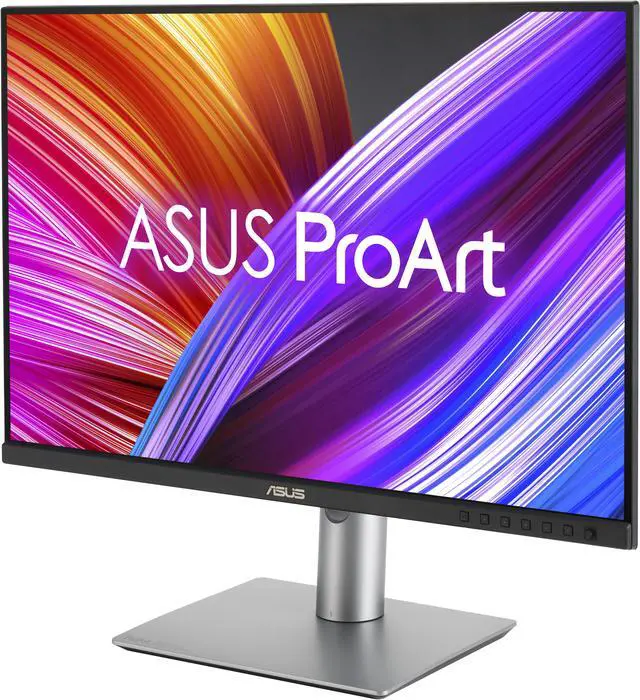
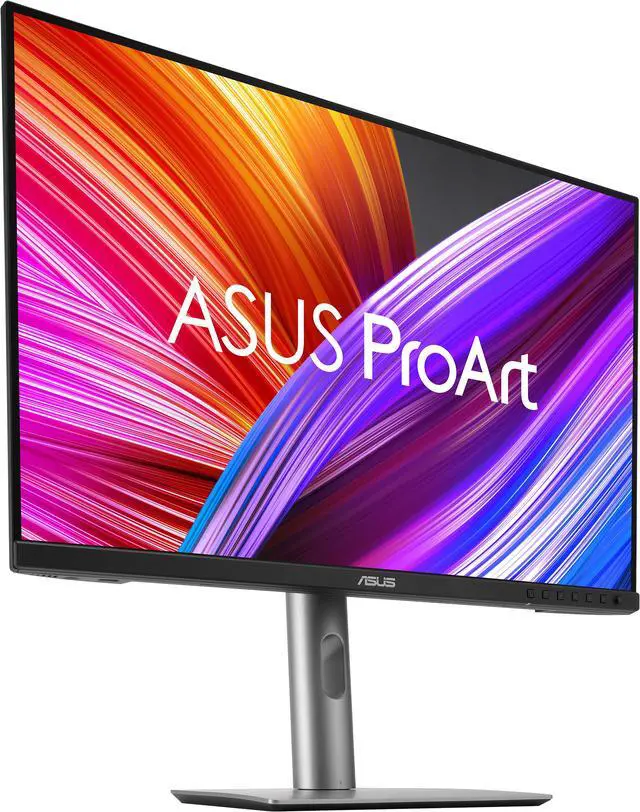
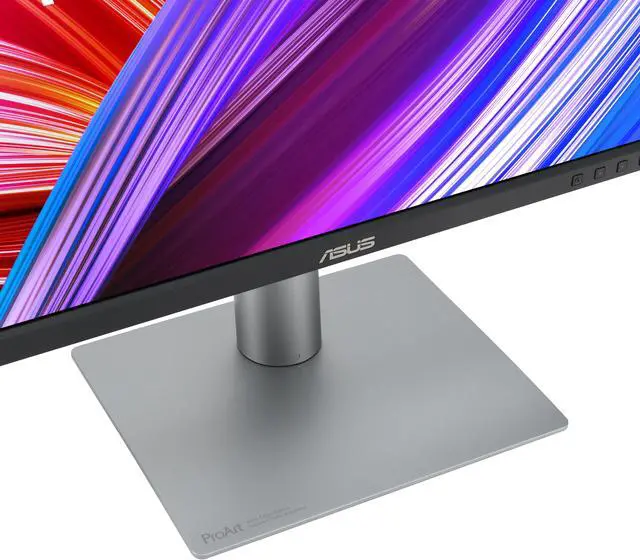
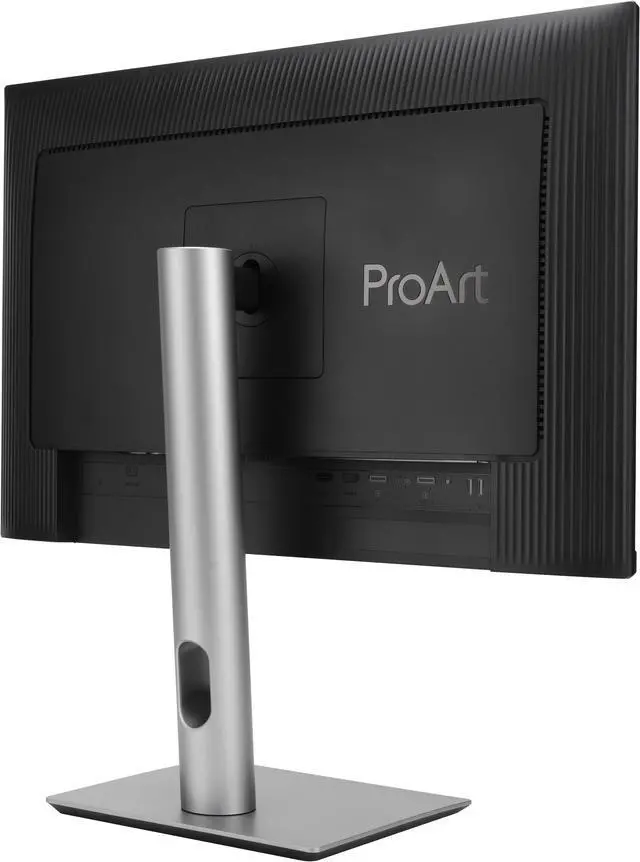
The ASUS ProArt PA248CRV is a 24.1-inch 16:10 WUXGA IPS monitor for designers, photographers, and other color-focused work, with 97% DCI-P3 coverage, 100% sRGB coverage, and factory-calibrated Delta E < 2 accuracy.
| Attribute | Value |
|---|---|
| Best For | Photo and video editing, business, and desktop use with a 16:10 WUXGA display and color-calibration features |
| Panel And Resolution | 24.1-inch flat IPS panel with a non-glare finish, 1920 × 1200 WUXGA resolution, 16:10 aspect ratio, 178° horizontal and vertical viewing angles, 350 cd/m² brightness, 1,000:1 contrast ratio, and 16.7 million colors |
| Color And Calibration | 100% sRGB and Rec. 709, 97% DCI-P3, and Delta E < 2 color accuracy; Calman Verified with ProArt Palette and QuickFit Plus |
| Refresh Rate And Response | 75Hz refresh rate, 5ms GTG response time, and FreeSync adaptive sync |
| HDR And Eye Care | HDR10 support with flicker-free and low blue light features |
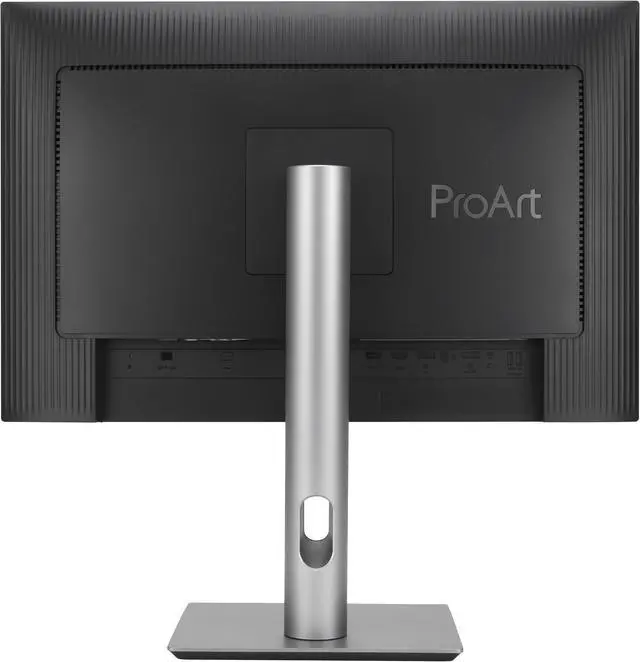
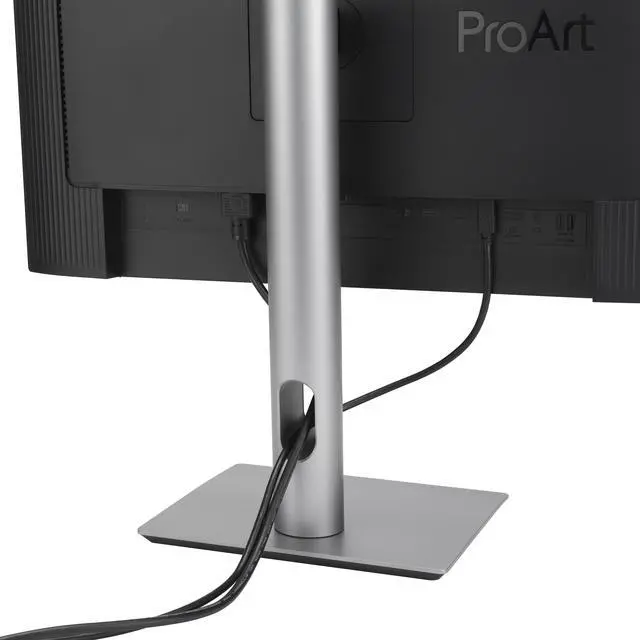
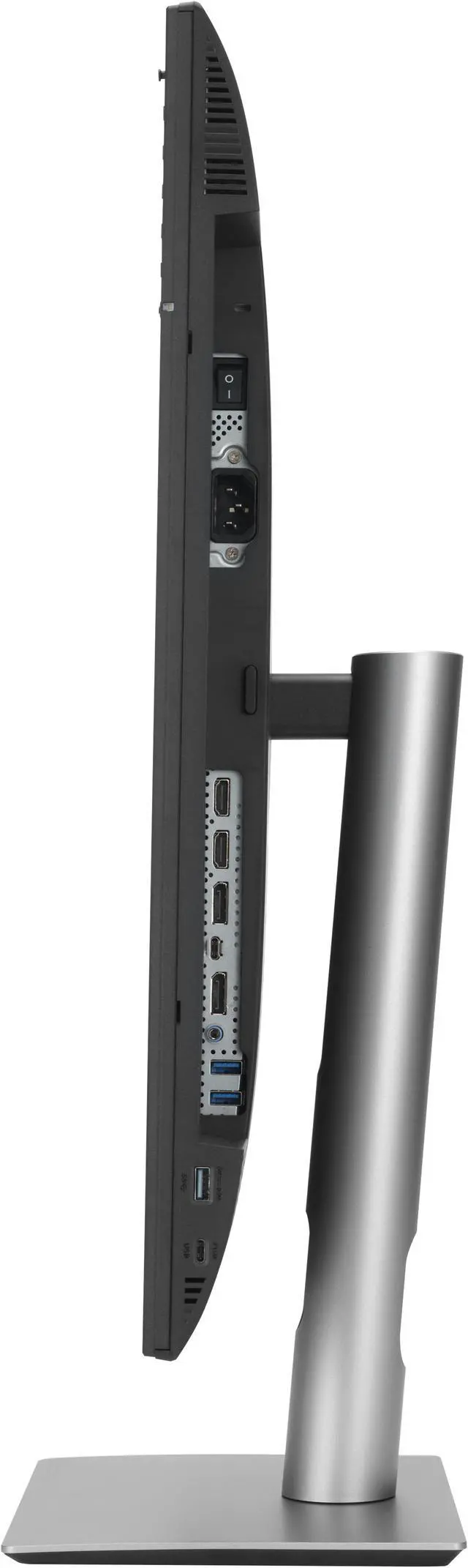
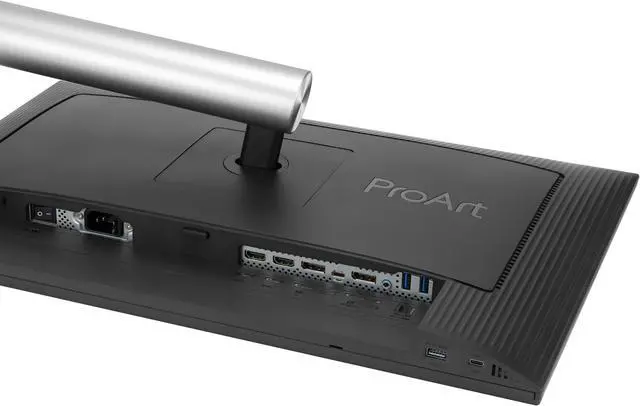
| Ports And Connectivity | 1 USB-C port with DisplayPort Alt Mode, 2 DisplayPort 1.4 inputs, 2 HDMI 1.4 inputs, 3 USB 3.2 Gen 1 Type-A ports, and an earphone jack; USB-C supports 96W Power Delivery |
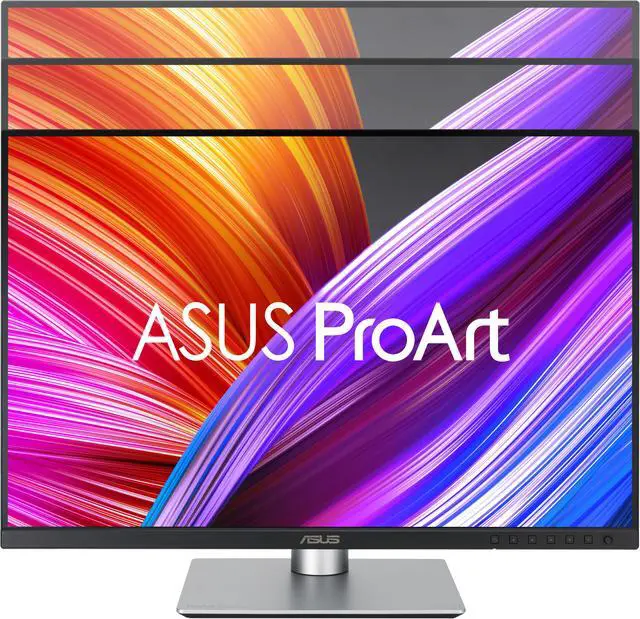
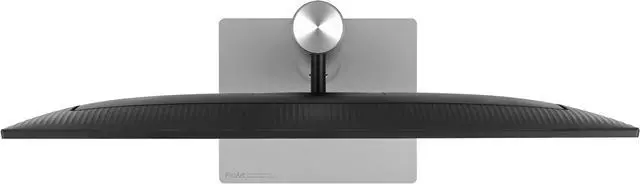
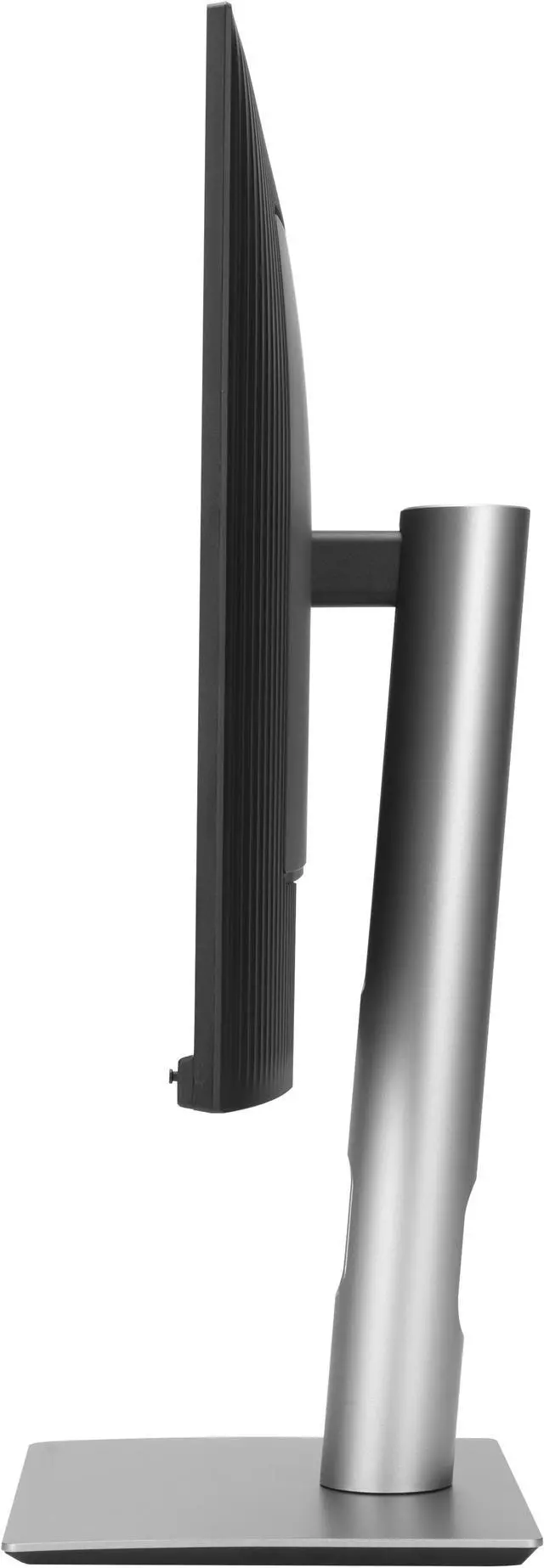
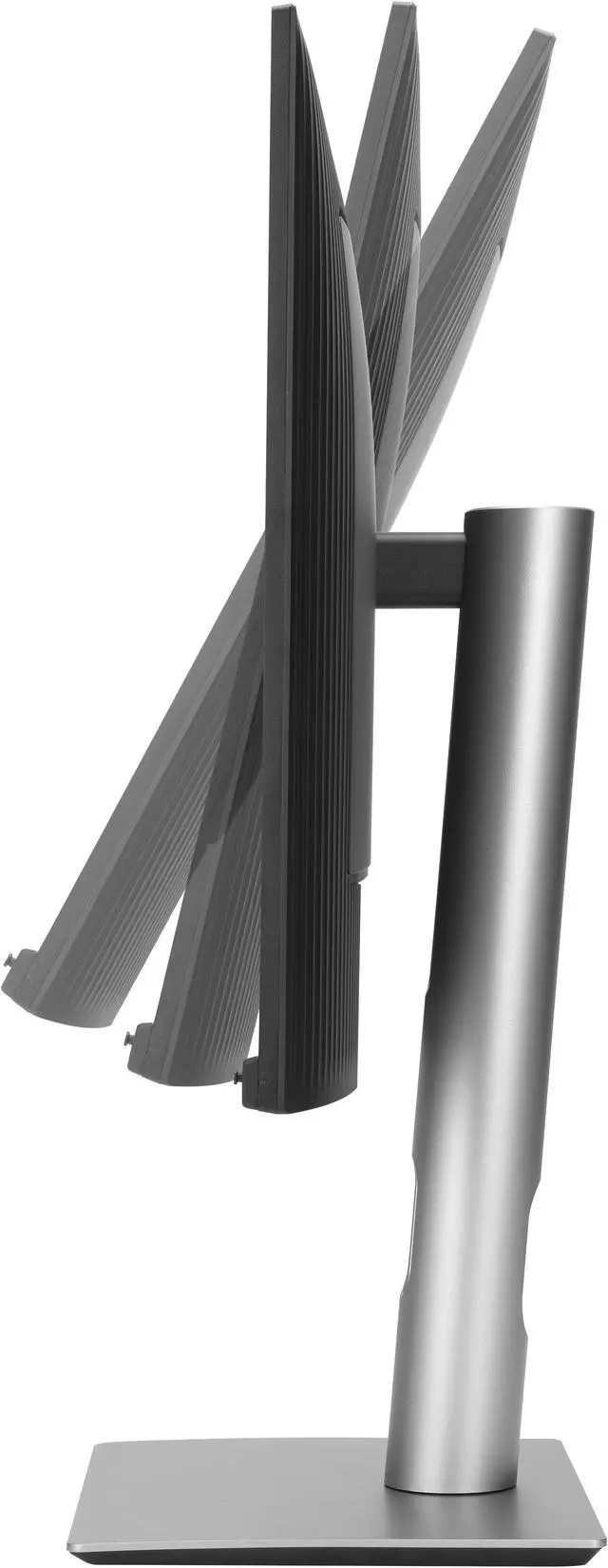
| Stand And Mounting | Stand adjusts for tilt (+23° to −5°), swivel (±30°), pivot (90° clockwise or counterclockwise), and 0–130mm height adjustment; VESA 100 × 100mm mount compatible |
| Audio | Two built-in 2W speakers |
| Power And Consumption | 100–240VAC, 50/60Hz input; typical power consumption under 12.35W, under 0.5W in power-saving mode, and 0W when switched off |
| Dimensions And Weight | With stand: 15.72–20.84 × 20.93 × 7.49 inches and 13.03 lb; without stand: 13.79 × 20.93 × 1.74 inches and 9.26 lb |
| Included Accessories | Power cord, USB-C cable, HDMI cable, DisplayPort cable, color pre-calibration report, quick start guide, warranty card, and welcome card |
| Certifications And Compliance | Includes TÜV Flicker-free and TÜV Low Blue Light certifications, Energy Star, EPEAT Gold, TCO, RoHS, and Mac compliance |
| Model Identifiers | ASUS ProArt PA248CRV; part number 90LM05K0-B01KB0 |
Q: ASUS ProArt PA248CRV vs PA247CV: which is better for laptop-based creative work?
A: Choose the PA248CRV for a 24-inch creative setup that benefits from a 16:10, 1920 × 1200 workspace, 97% DCI-P3 coverage, and 96W USB-C power delivery. The PA247CV is a 23.8-inch, 16:9 Full HD option with 100% sRGB and Rec. 709 coverage and 65W USB-C power delivery. Both offer factory-calibrated Delta E < 2 color accuracy; the PA248CRV is the more fitting choice when wider-gamut video work and higher laptop charging power matter.
Q: Should I choose the PA248CRV or the larger PA278CV for a design workspace?
A: Choose the PA248CRV for a compact 24.1-inch 16:10 display with 97% DCI-P3 coverage and 96W USB-C power delivery. Choose the PA278CV if your priority is a larger 27-inch QHD workspace at 2560 × 1440, with 100% sRGB and Rec. 709 coverage and 65W USB-C power delivery. Both are IPS ProArt displays with Delta E < 2 color accuracy.
Q: PA248CRV or PA279CRV: when is the 24-inch model the right choice?
A: Choose the PA248CRV for a compact 24.1-inch 16:10 WUXGA workspace with 97% DCI-P3 coverage and 96W USB-C power delivery. The PA279CRV is the larger, higher-resolution option, with a 27-inch 4K panel and 99% DCI-P3 and Adobe RGB coverage. Both are factory calibrated to Delta E < 2 and provide 96W USB-C power delivery.
Q: Is this monitor suitable for photo and video editing?
A: It is suited to color-focused creative work: the PA248CRV has an IPS panel, 100% sRGB and 97% DCI-P3 coverage, and factory calibration to Delta E < 2. Its 1920 × 1200 resolution is WUXGA, not 4K, so it may be less suitable if high pixel resolution is a priority.
Q: Can I connect and charge a laptop through USB-C?
A: Yes, if the laptop’s USB-C port supports DisplayPort video output. The monitor’s USB-C connection carries DisplayPort video and provides up to 96 W of Power Delivery for a compatible connected laptop.
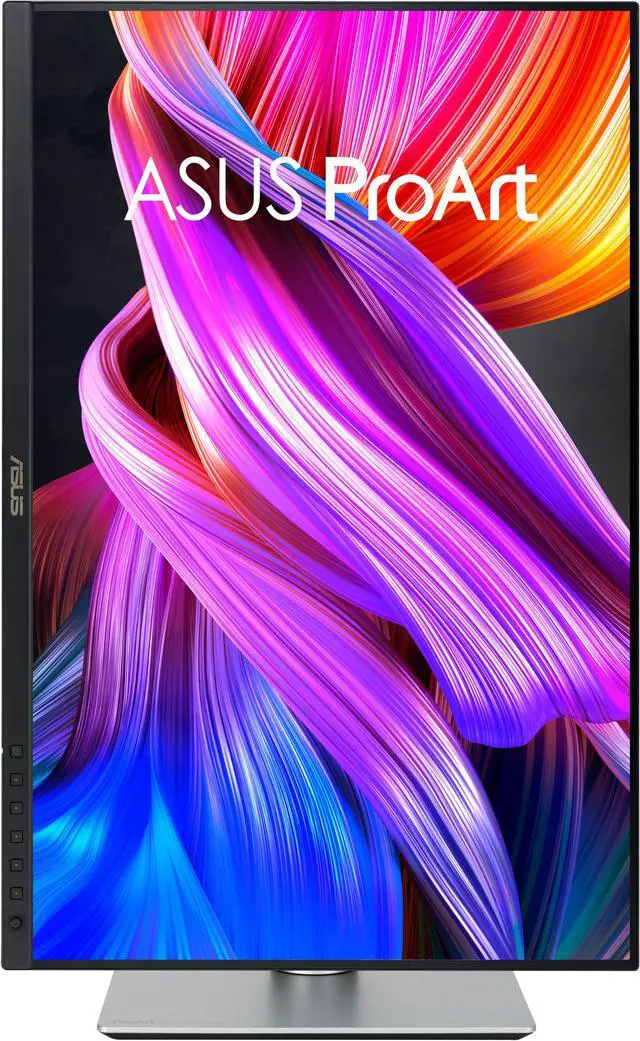
Q: Can the monitor rotate into portrait orientation?
A: Yes. The included stand supports 90-degree pivot in either direction, as well as height, tilt, and swivel adjustments. It also supports 100 × 100 mm VESA mounting.
Q: Does it have speakers for meetings?
A: It has two built-in 2 W speakers for basic audio. The provided specifications do not list a built-in webcam or microphone, so plan to use separate equipment for video calls.
Q: Is the PA248CRV a good fit for using a MacBook and a Windows laptop at the same desk?
A: It can suit a compact two-laptop work setup: the monitor has USB-C with DisplayPort video and up to 96W Power Delivery, plus a USB hub. Check that each laptop’s USB-C port supports video output. Its 1920 × 1200 resolution offers more vertical workspace than 1080p, but some Mac users may prefer a higher-resolution screen for sharper text.
Q: Is 1920 × 1200 sharp enough for text, especially with a Mac?
A: The 24.1-inch 1920 × 1200 panel is about 94 pixels per inch. Reddit discussions raise concerns that this may look less sharp than higher-resolution displays, particularly for Mac users accustomed to a denser built-in screen. It may be adequate for everyday work, but compare text sharpness in person if fine text is a priority.
Q: Should I check the PA248CRV for screen uniformity or backlight glow?
A: Yes, inspect the screen across its full area soon after setup. Reddit users have reported shaded or tinted corners, backlight glow, and uneven results on individual units. These are anecdotal reports, not evidence of how often the issue occurs; factory color calibration does not guarantee uniformity across the whole panel.


