






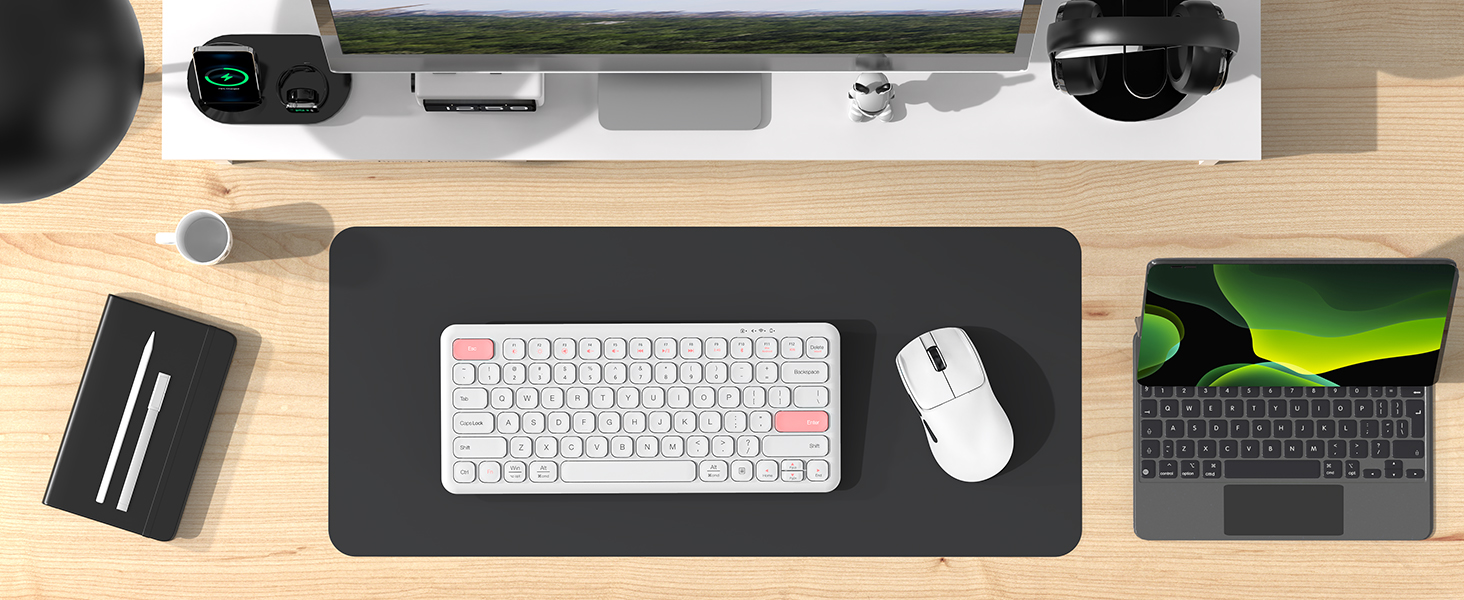
Designed for Modern Life
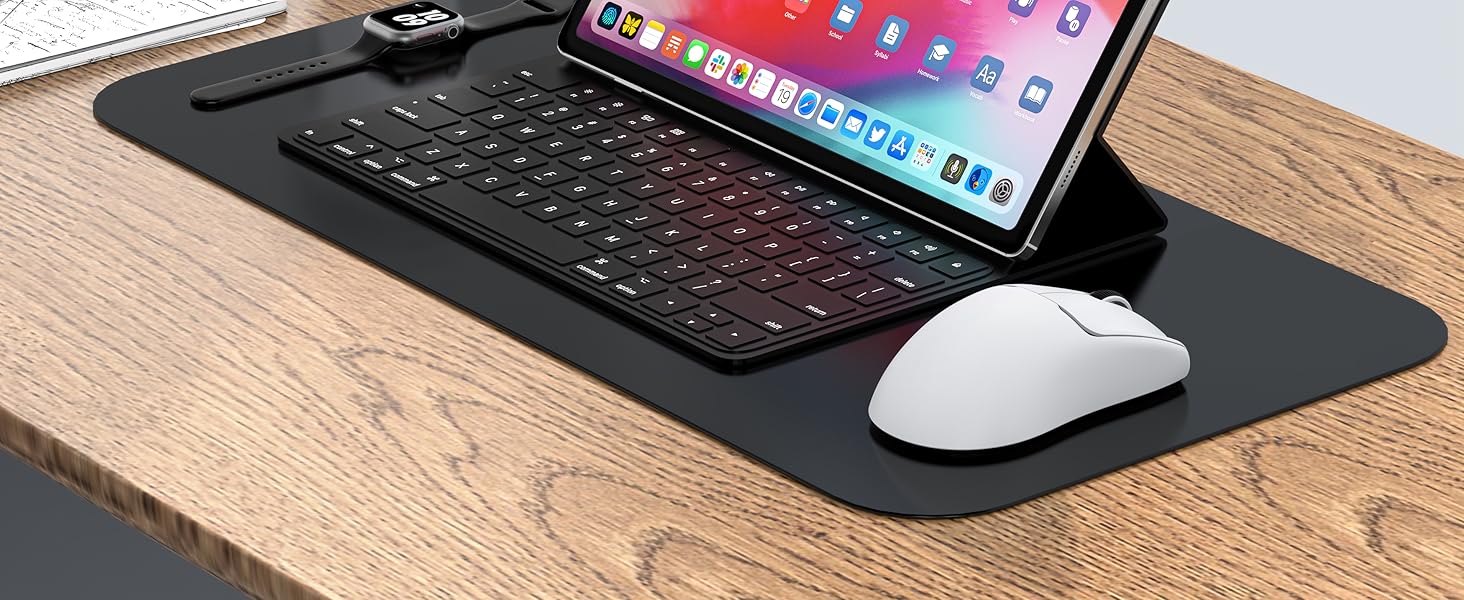
Wide Compatibility
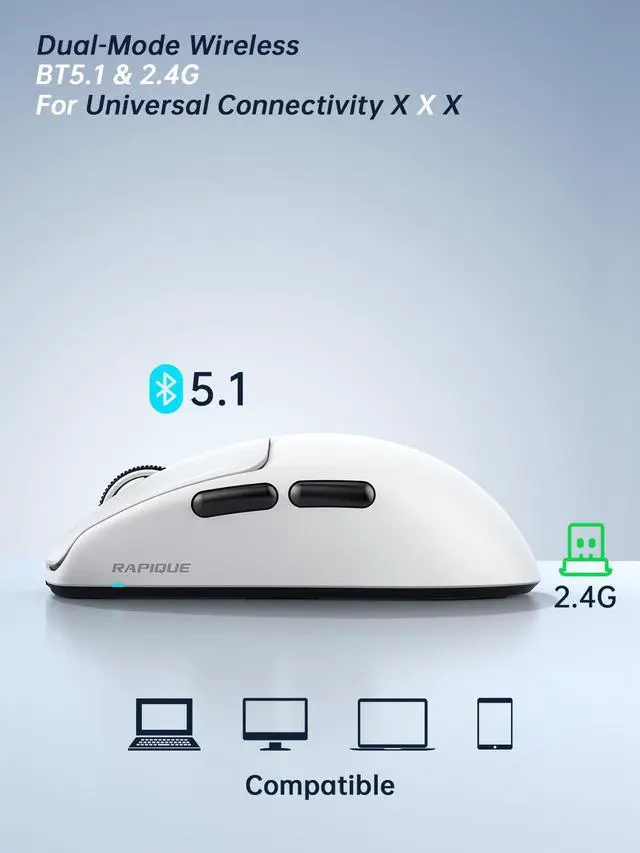
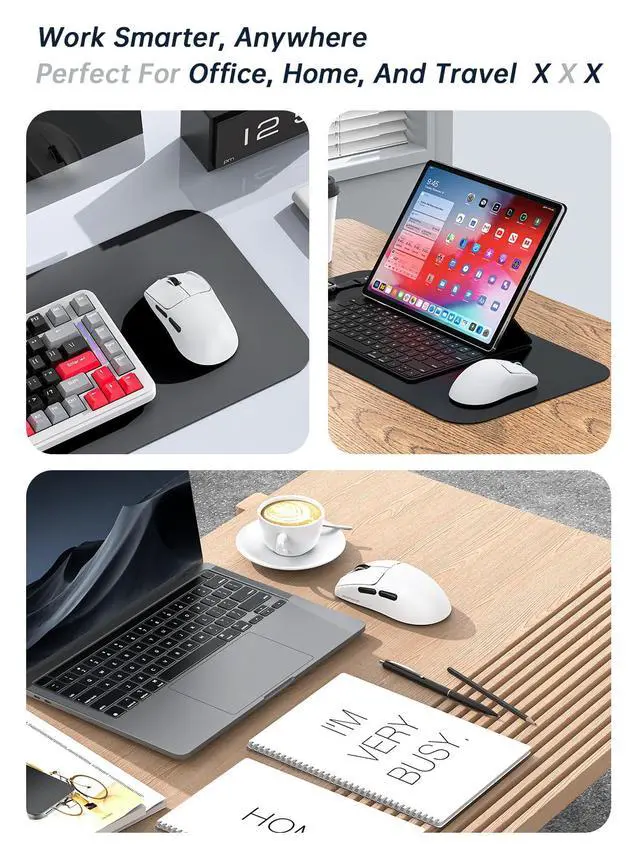
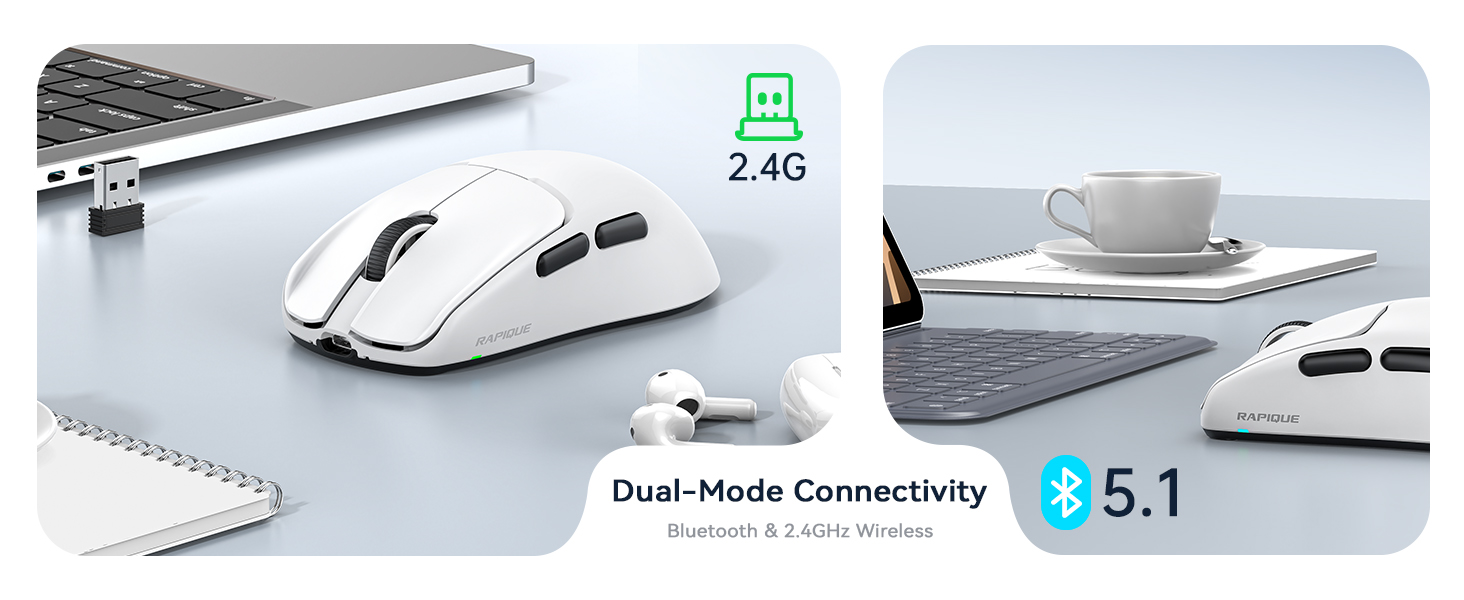
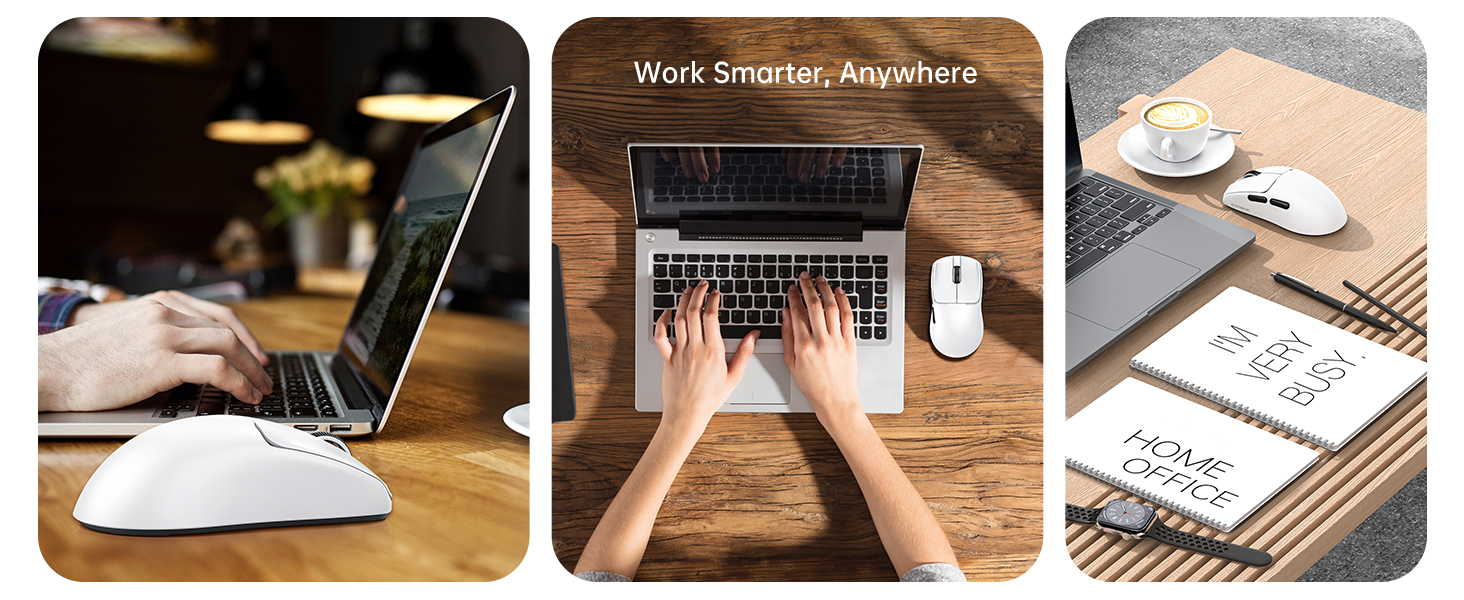
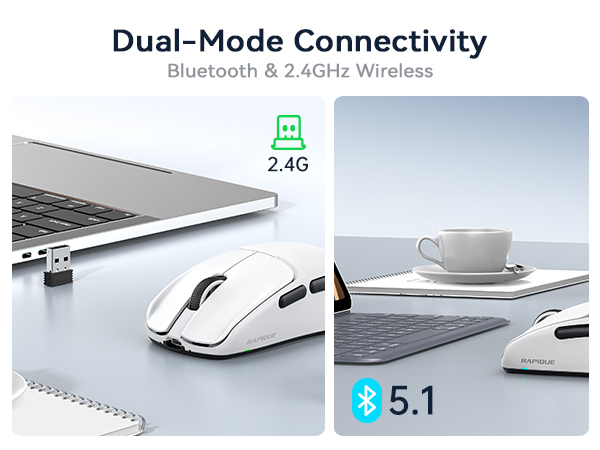
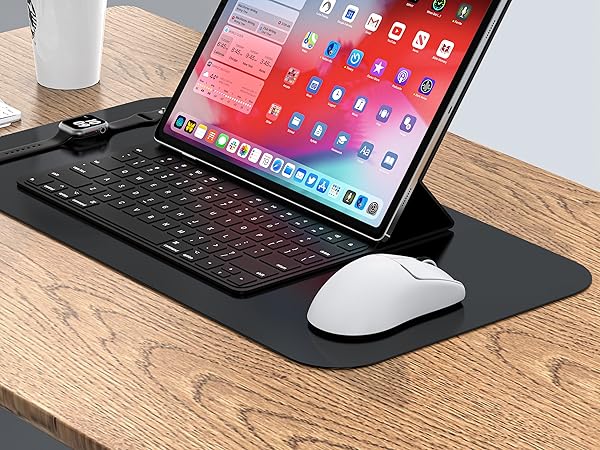
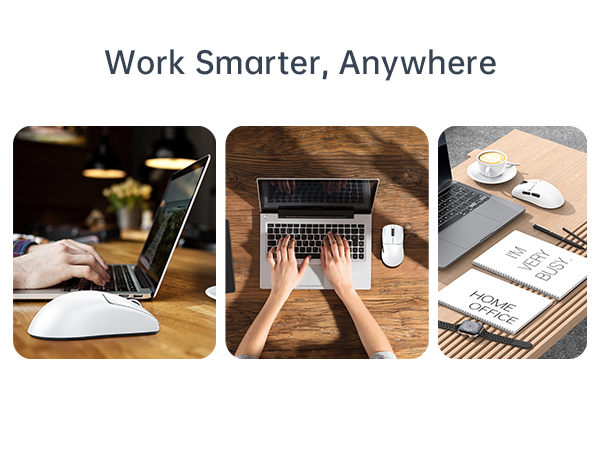
It is compatible with various devices, including Chromebook, MacBook Pro/Air, Surface Pro, Laptop, and Tablet. The Bluetooth mode is compatible with Win8/10/11, iPad/iPhone iOS 14 and above, and Mac OS 10.10/ Android 5.0 or above. The 2.4GHz mode is compatible with any device with a USB port.
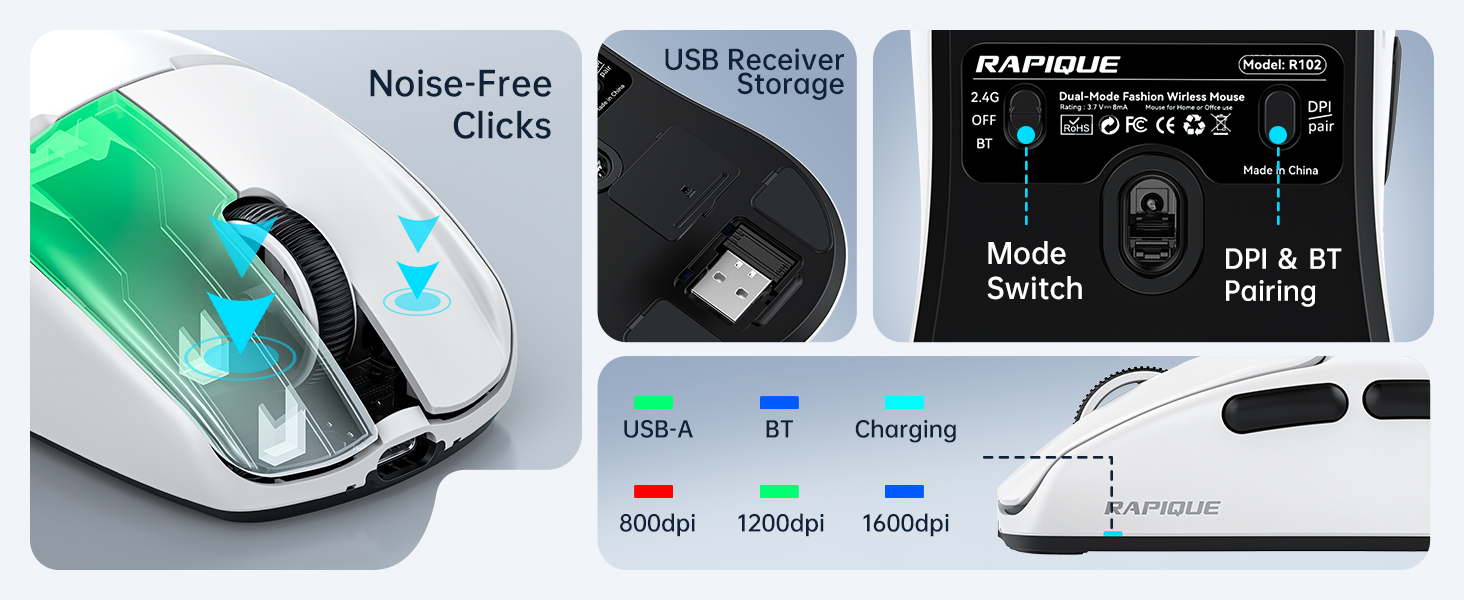
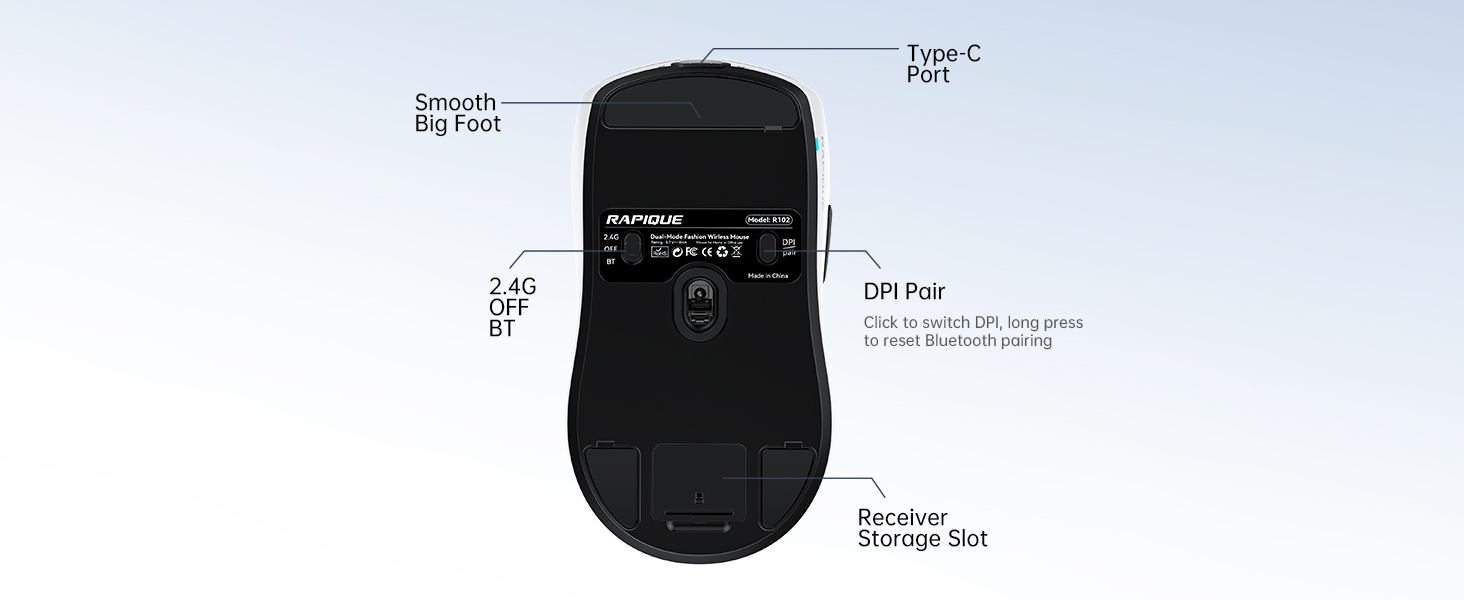
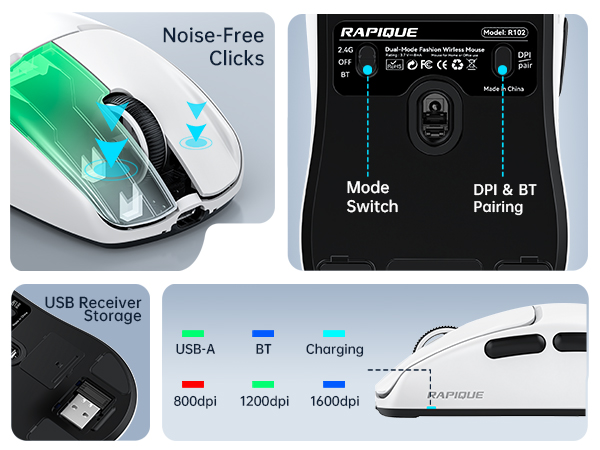
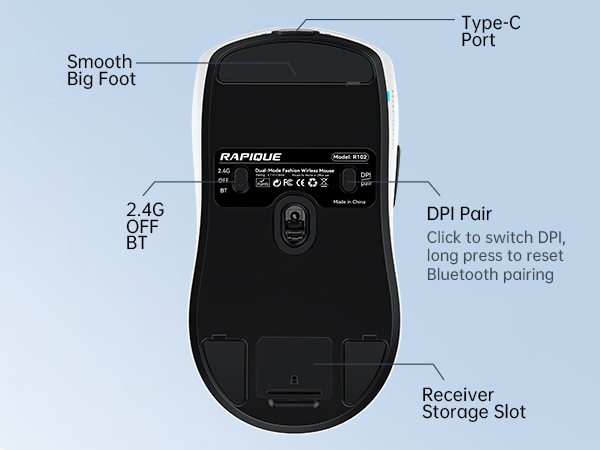
How do I pair the R102 via Bluetooth?
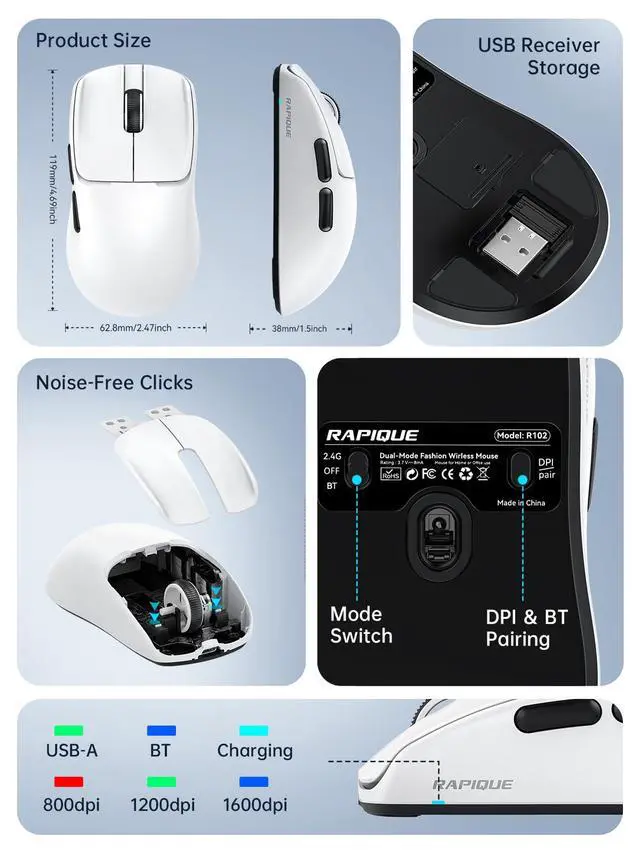
1. Slide switch to Bluetooth mode (icon with “BT”).
2. Hold the pairing button(DPI) on the bottom for 3 seconds.
3. On your device, go to Bluetooth settings and select “R102 Mouse”. Connected and ready to use!


RAPIQUE is a keyboard and mouse brand created in 2017 by a group of young people with dreams whose average age is in their 30s. It is young, fashionable and easy to use. It has a range of computer mice, such as Bluetooth mouse, ergonomic mouse, business mouse, travel mouse and compact mouse. It can be a gift to your friends, a good computer input device in the office, a good device for your kid's online class and can be used when playing games.
Noiseless Click
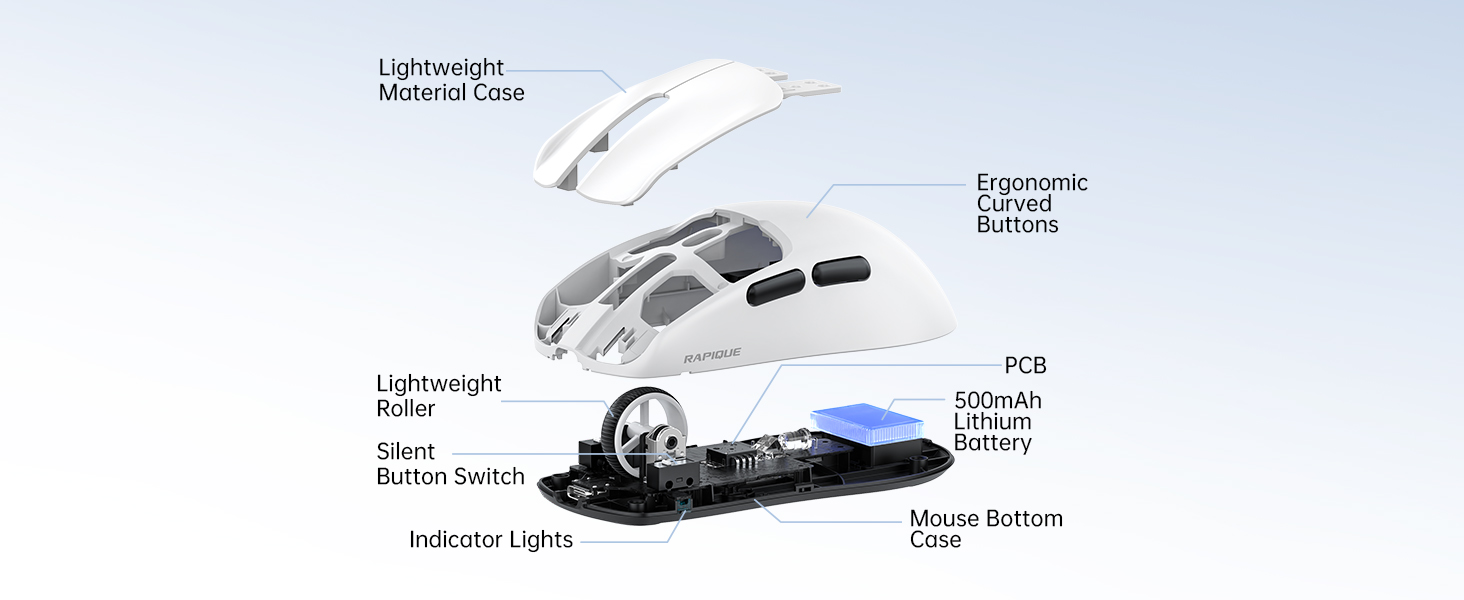
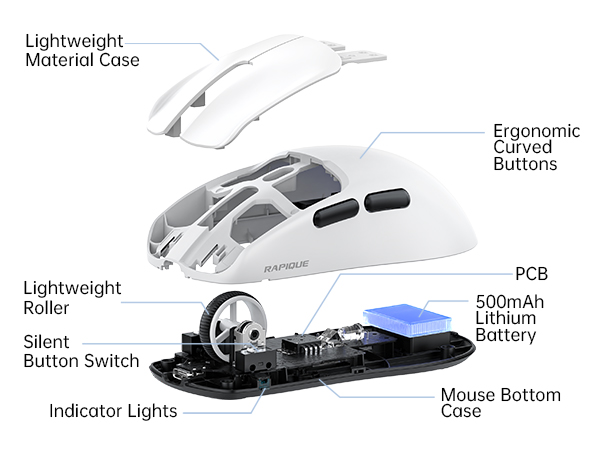
We truly understand your demands for a quiet mouse, so we have reduced the clicking and scrolling noise up to 90% while you enjoy the same click feel. You will never hear any click or scroll noise whether you are in the office, library, or at home.
Ergonomic Design
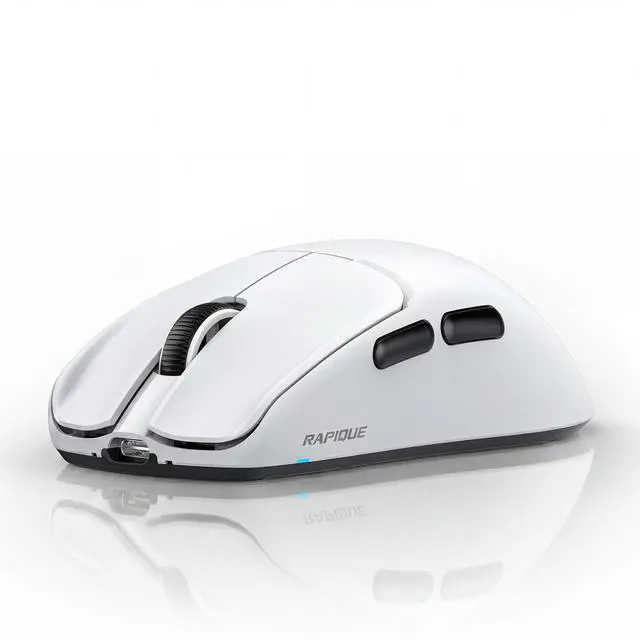
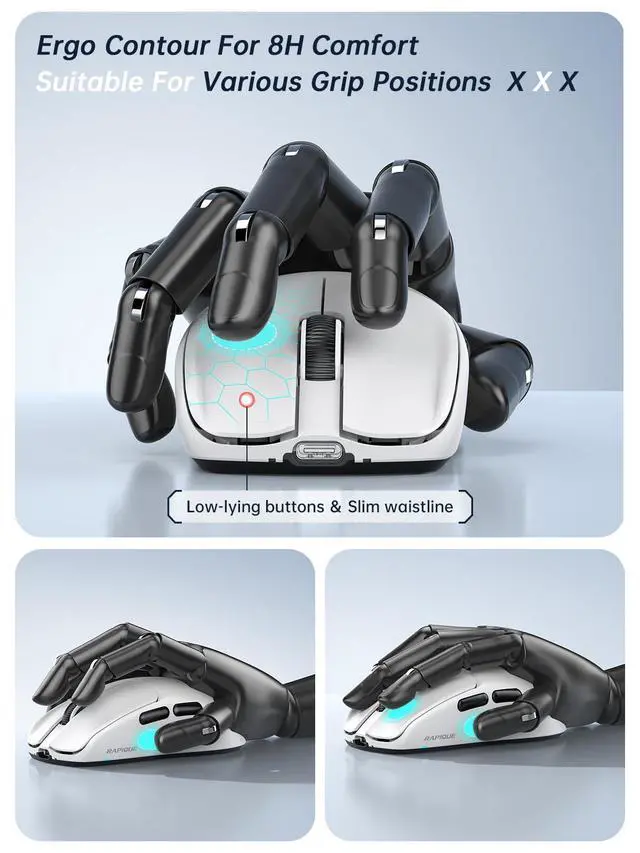
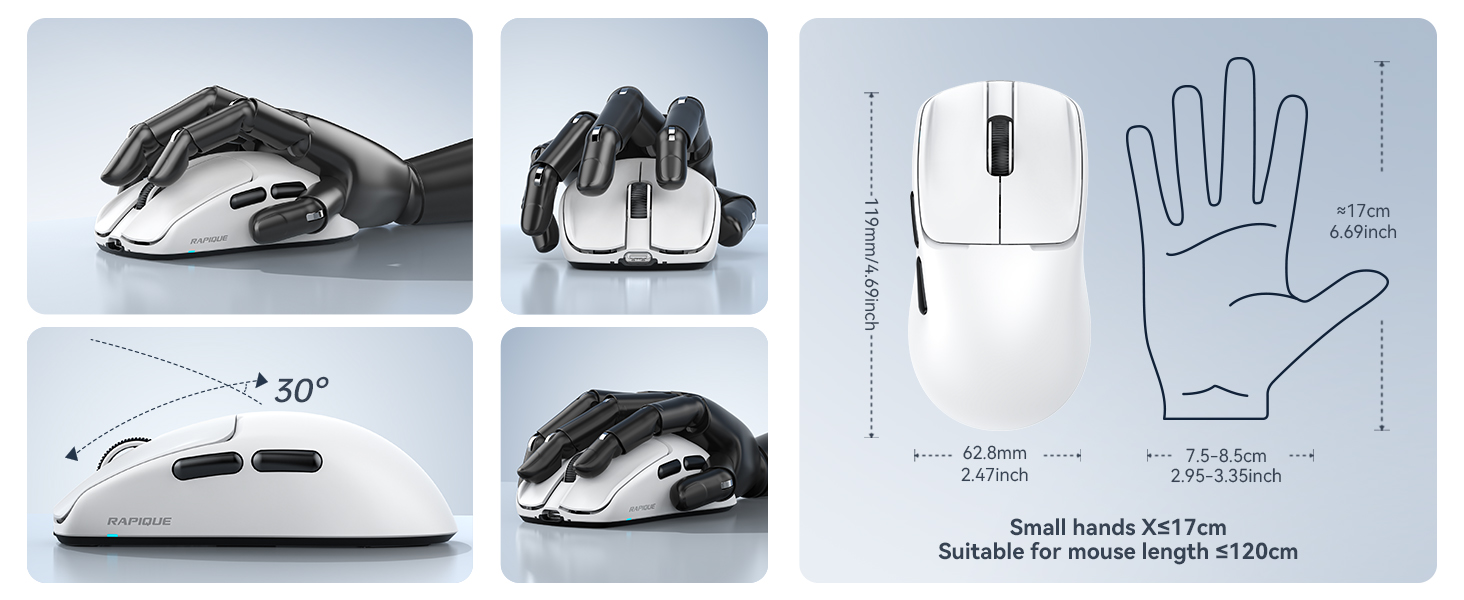
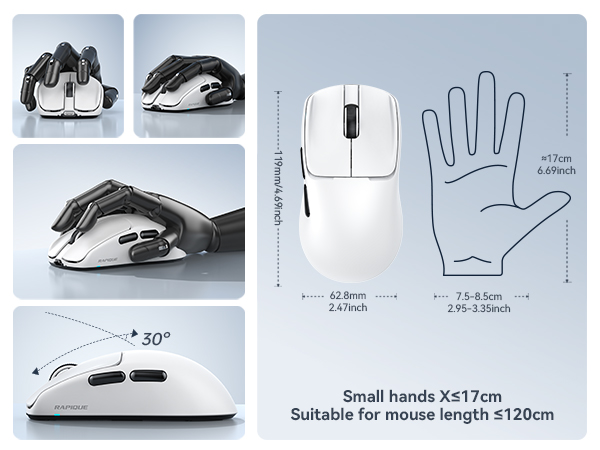
The ergonomic & compact design will fit comfortably in your palm which will keep your hand from getting tired.
Multiple colors and styles to choose
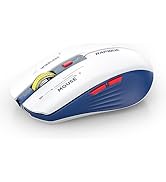
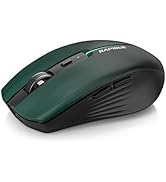
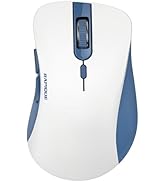
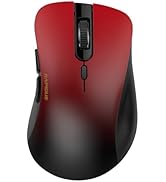
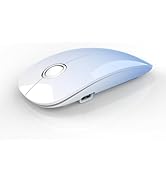
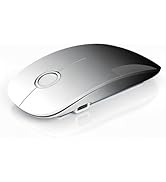
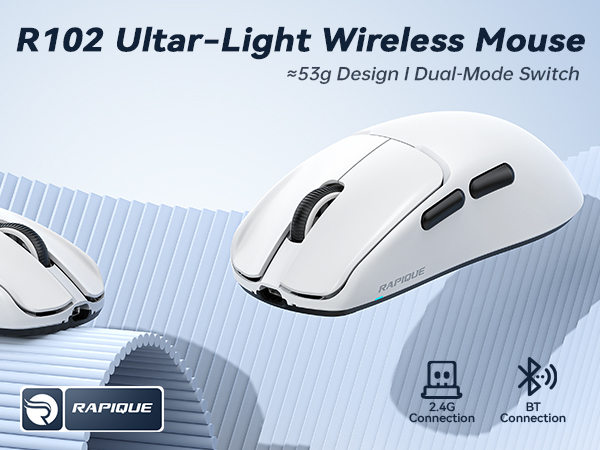
We offer various wireless mice: dual-mode (R306), multi-device (R110, R09), USB-C (R306C), and ultra-light (R102)—in diverse sizes, shapes, and colors for any setup.
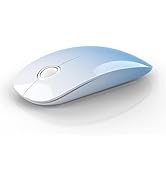
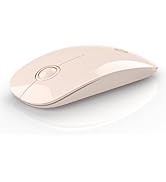
R306 Dual Mode Wireless Mouse
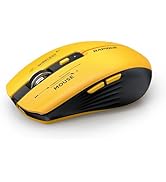
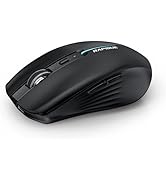
R110 Multi-Device Mouse
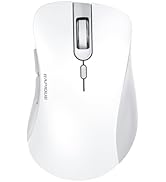
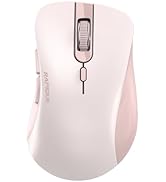
R09 Multi-Device Mouse
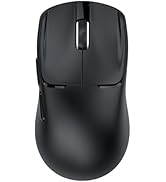
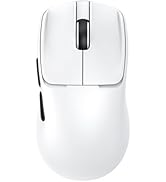
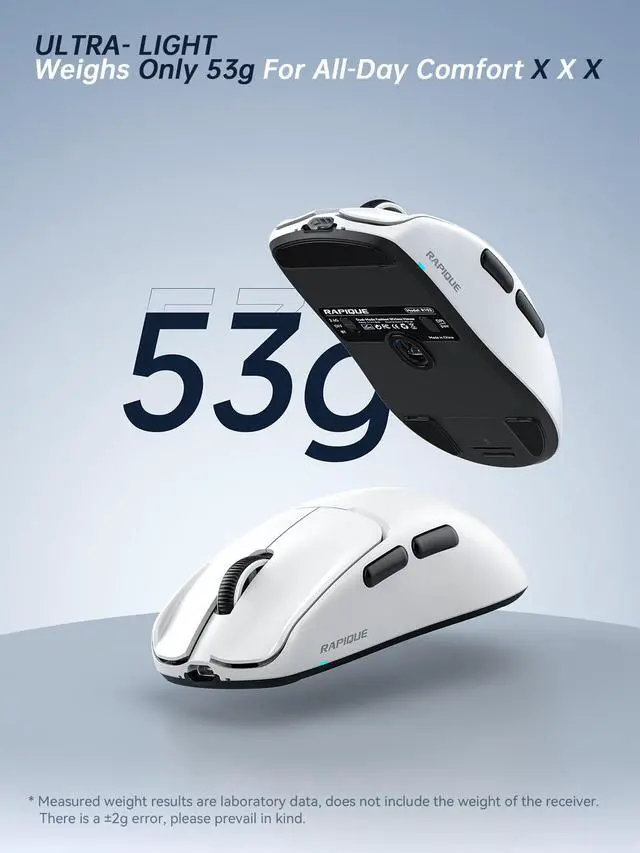
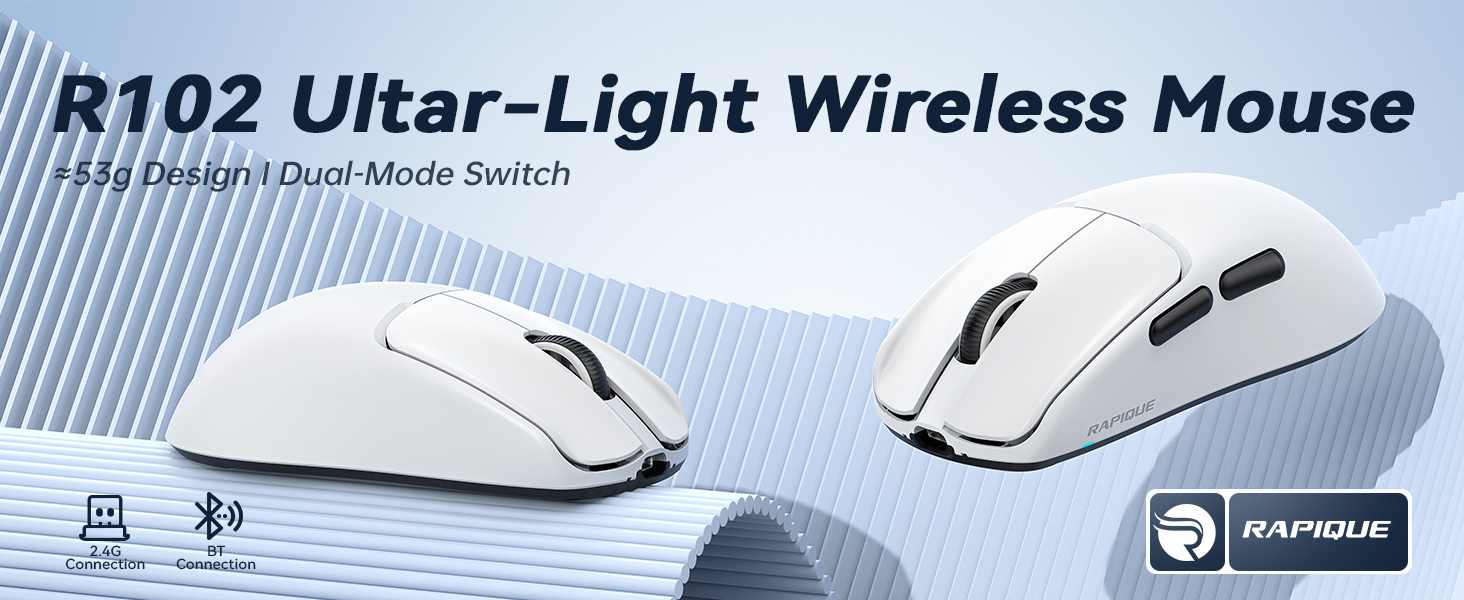
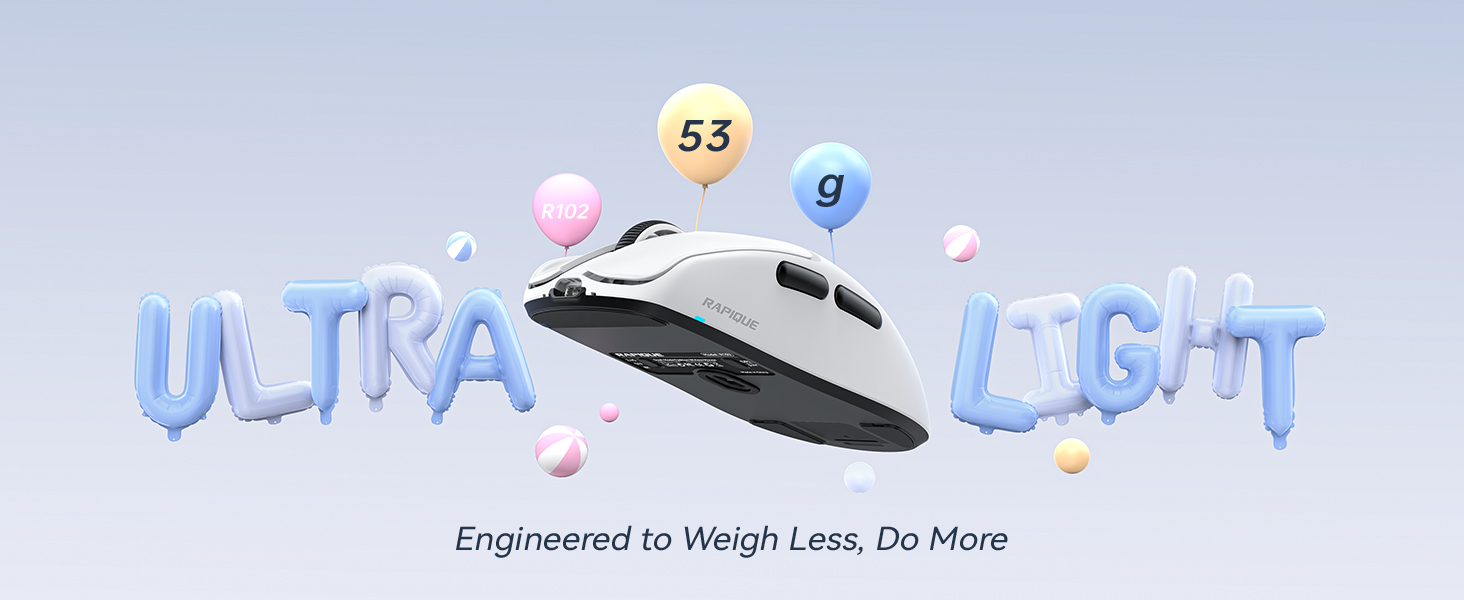
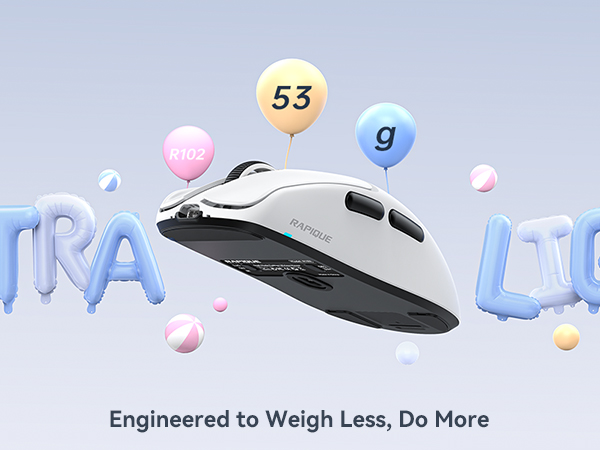
R102 Ultra-Light Wireless Mice
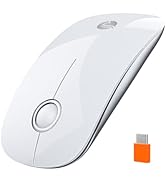
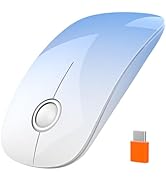
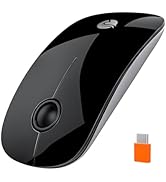
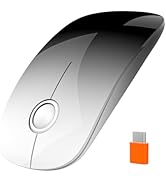
R306C USB C Wireless Mouse
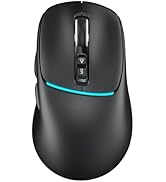
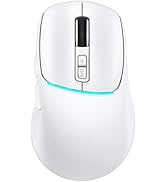
R108 Multi-Device Mouse
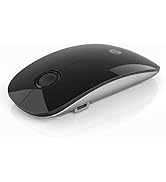
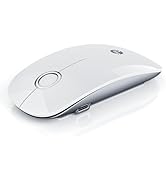
R306 PRO Multi-Device Mouse
Ergo Contour for 8H Comfort
Designed for Modern Life
Wide Compatibility
It is compatible with various devices, including Chromebook, MacBook Pro/Air, Surface Pro, Laptop, and Tablet. The Bluetooth mode is compatible with Win8/10/11, iPad/iPhone iOS 14 and above, and Mac OS 10.10/ Android 5.0 or above. The 2.4GHz mode is compatible with any device with a USB port.
Feature-Packed for Modern Demands
How do I pair the R102 via Bluetooth?
1. Slide switch to Bluetooth mode (icon with “BT”).
2. Hold the pairing button(DPI) on the bottom for 3 seconds.
3. On your device, go to Bluetooth settings and select “R102 Mouse”. Connected and ready to use!
RAPIQUE is a keyboard and mouse brand created in 2017 by a group of young people with dreams whose average age is in their 30s. It is young, fashionable and easy to use. It has a range of computer mice, such as Bluetooth mouse, ergonomic mouse, business mouse, travel mouse and compact mouse. It can be a gift to your friends, a good computer input device in the office, a good device for your kid's online class and can be used when playing games.
Noiseless Click
We truly understand your demands for a quiet mouse, so we have reduced the clicking and scrolling noise up to 90% while you enjoy the same click feel. You will never hear any click or scroll noise whether you are in the office, library, or at home.
Ergonomic Design
The ergonomic & compact design will fit comfortably in your palm which will keep your hand from getting tired.
Multiple colors and styles to choose
We offer various wireless mice: dual-mode (R306), multi-device (R110, R09), USB-C (R306C), and ultra-light (R102)—in diverse sizes, shapes, and colors for any setup.
R306 Dual Mode Wireless Mouse
R110 Multi-Device Mouse
R09 Multi-Device Mouse
R102 Ultra-Light Wireless Mice
R306C USB C Wireless Mouse
R108 Multi-Device Mouse
R306 PRO Multi-Device Mouse