



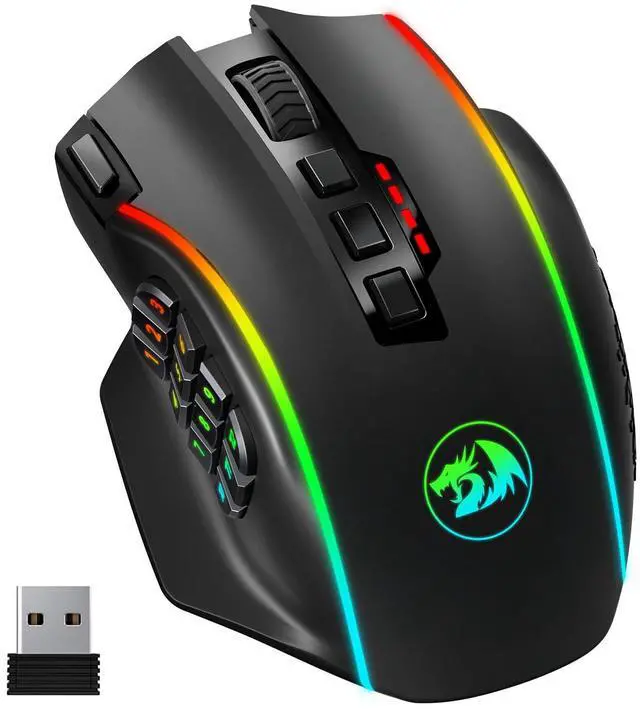
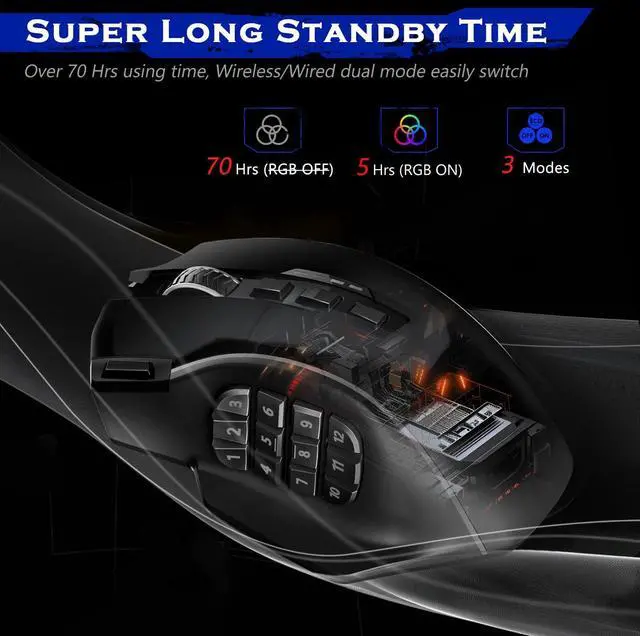
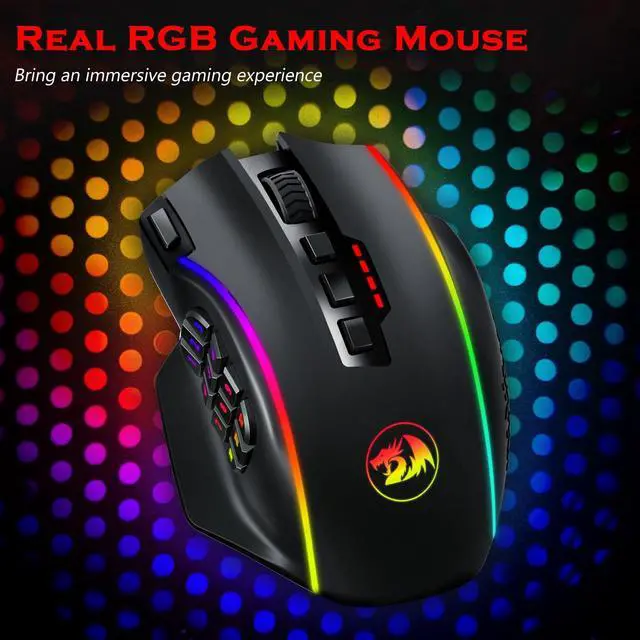


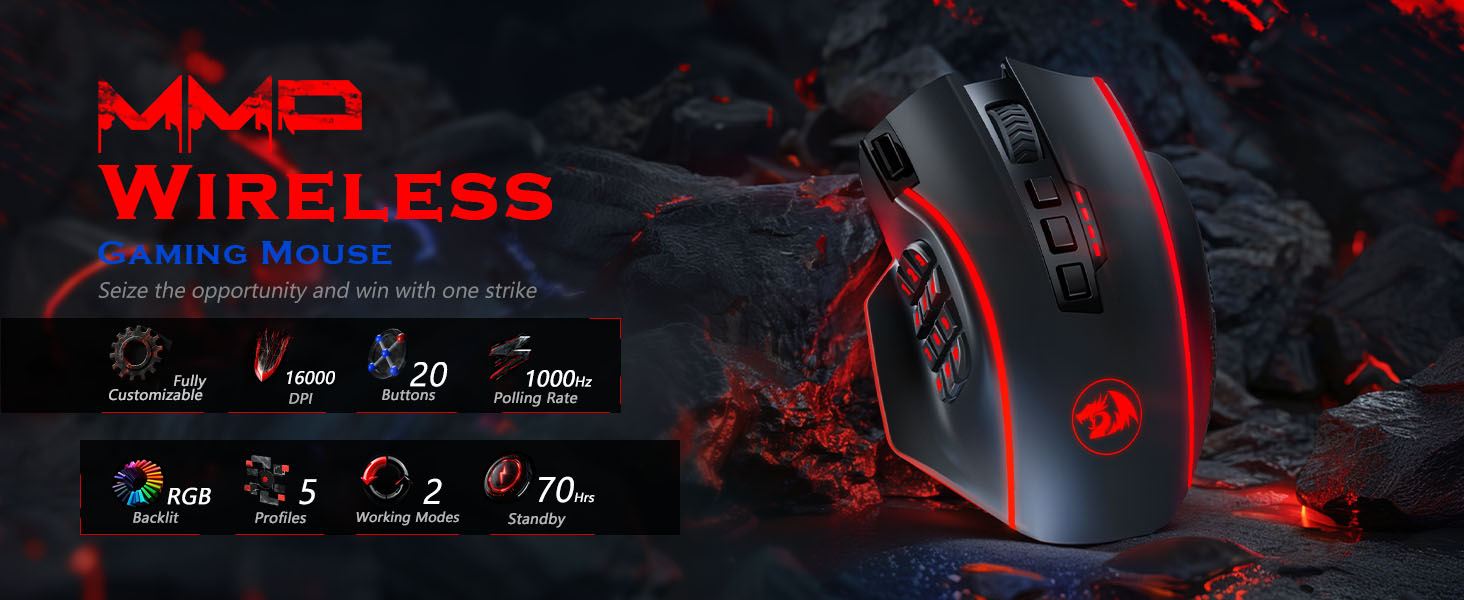
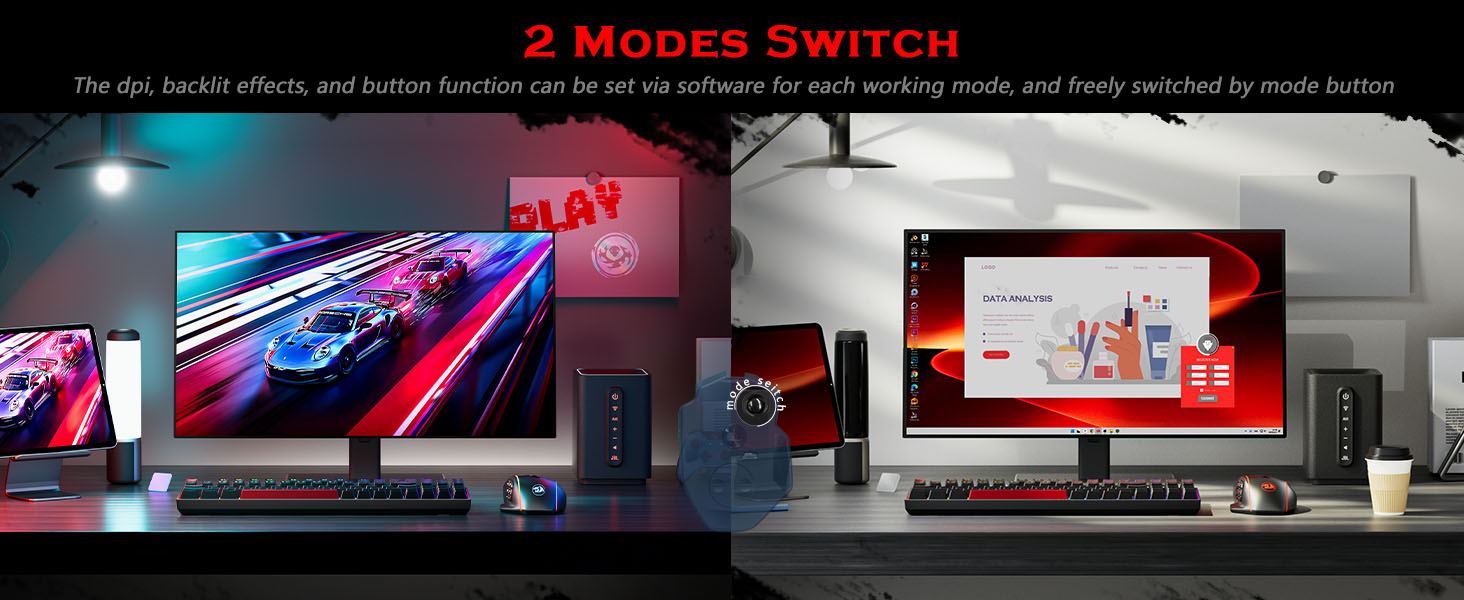
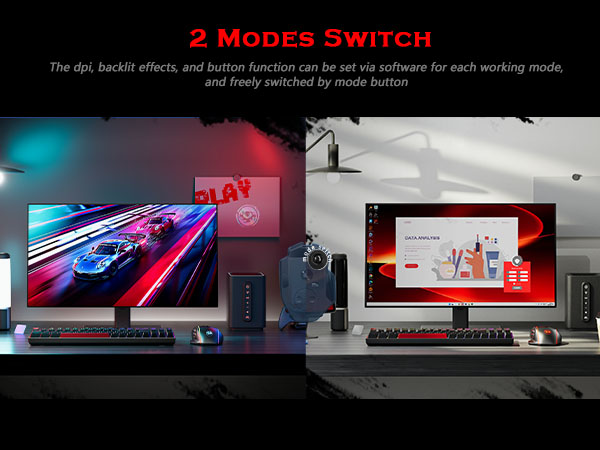
2 Modes to switch, Ideal for Gaming & Working.
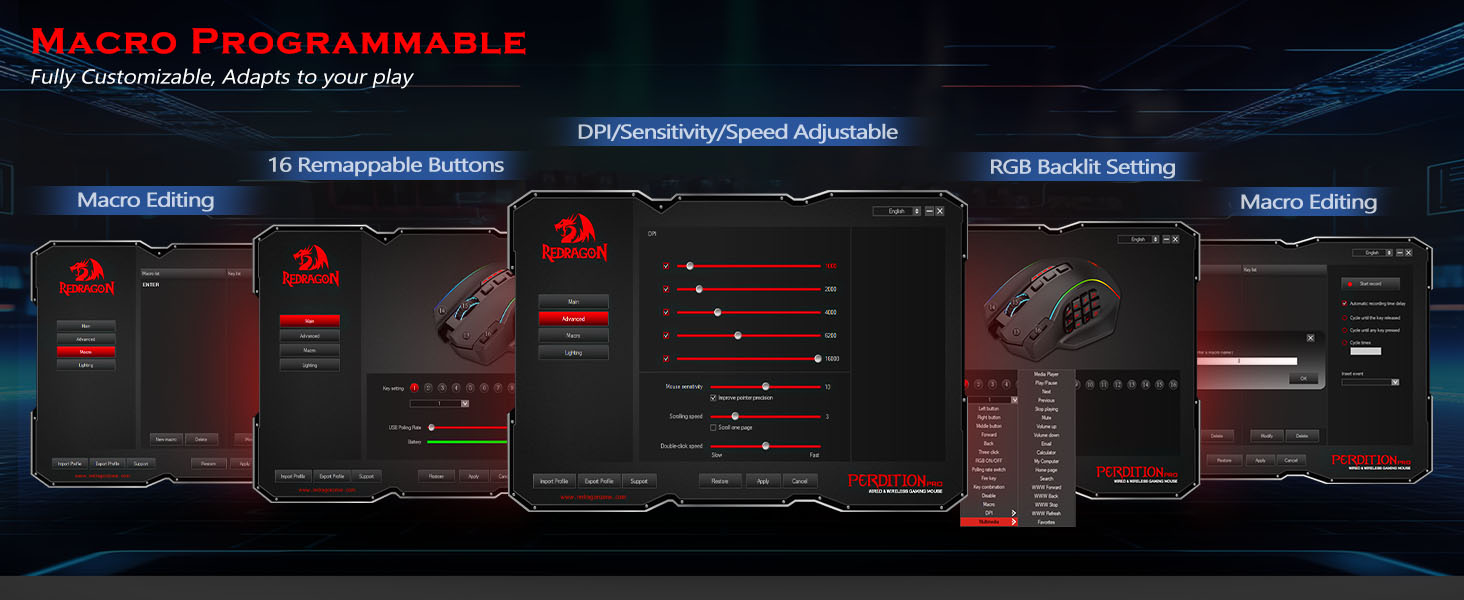
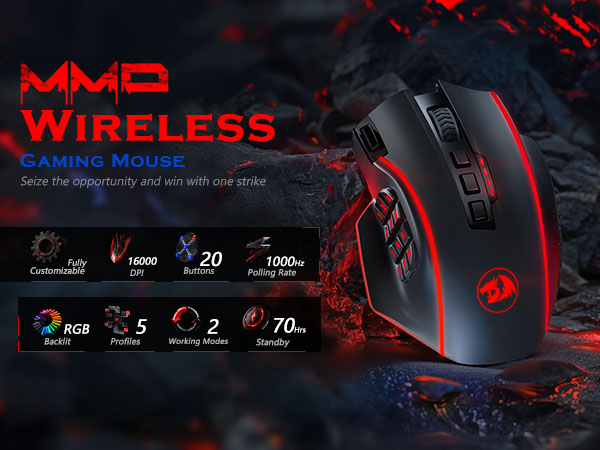
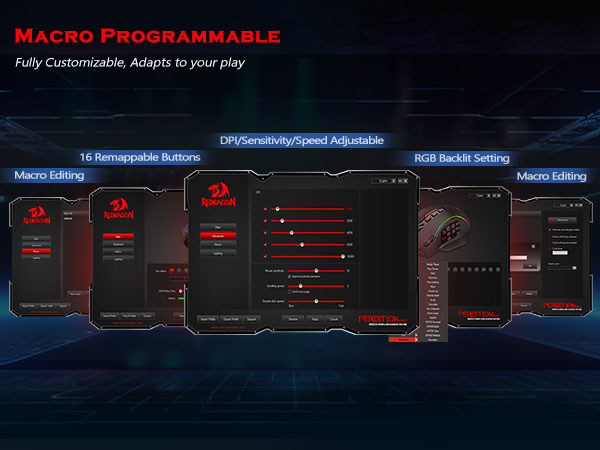
The DPI, backlight, and button functions can be set via software for each working mode. With just one click(on the mouse bottom), the gaming mouse changes to an office mouse. No more steps to fit different occasions.
How do I download the mouse software/driver? I can't find it on the official website.
1.Visit redragon.com and go to "Download".
2.Select "Gaming Mouse", then search for your model (e.g., M901P-KS).
3.Click on it, download & Install. PS: Video guide available on listing for reference.
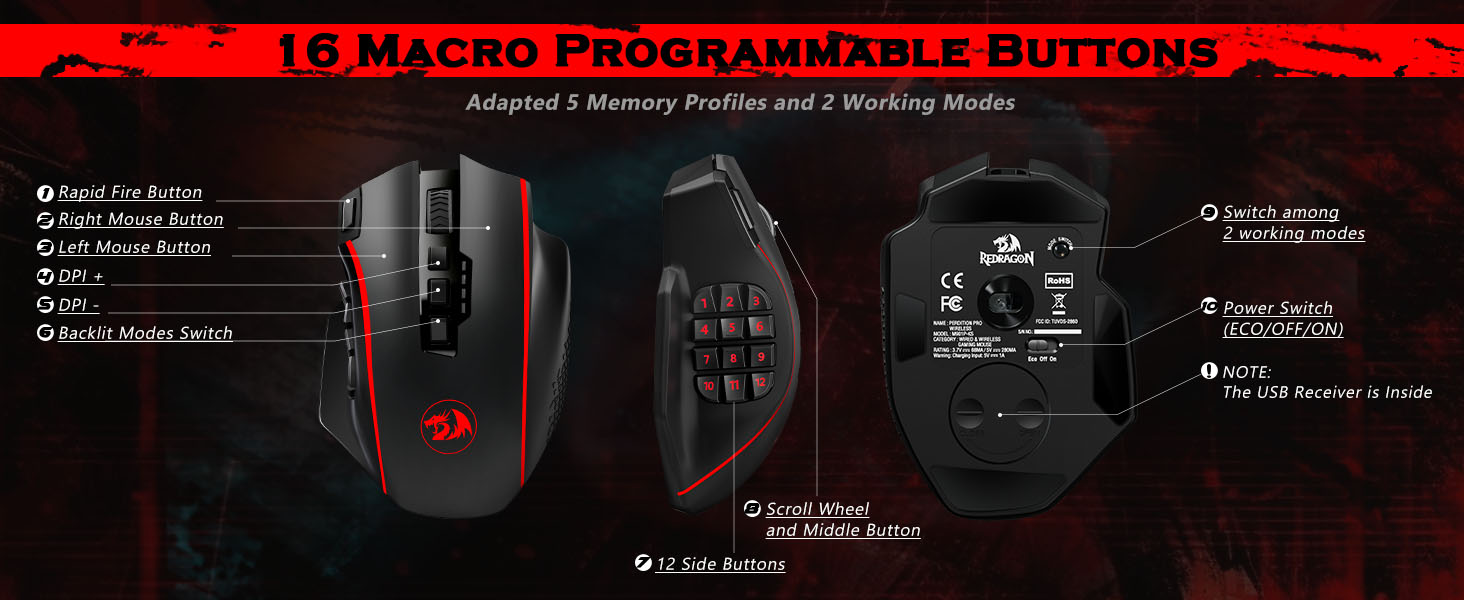
Which buttons are programmable?
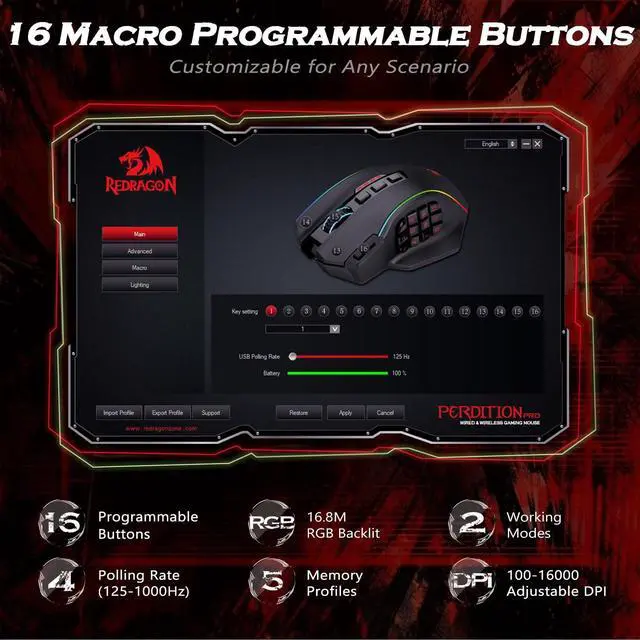
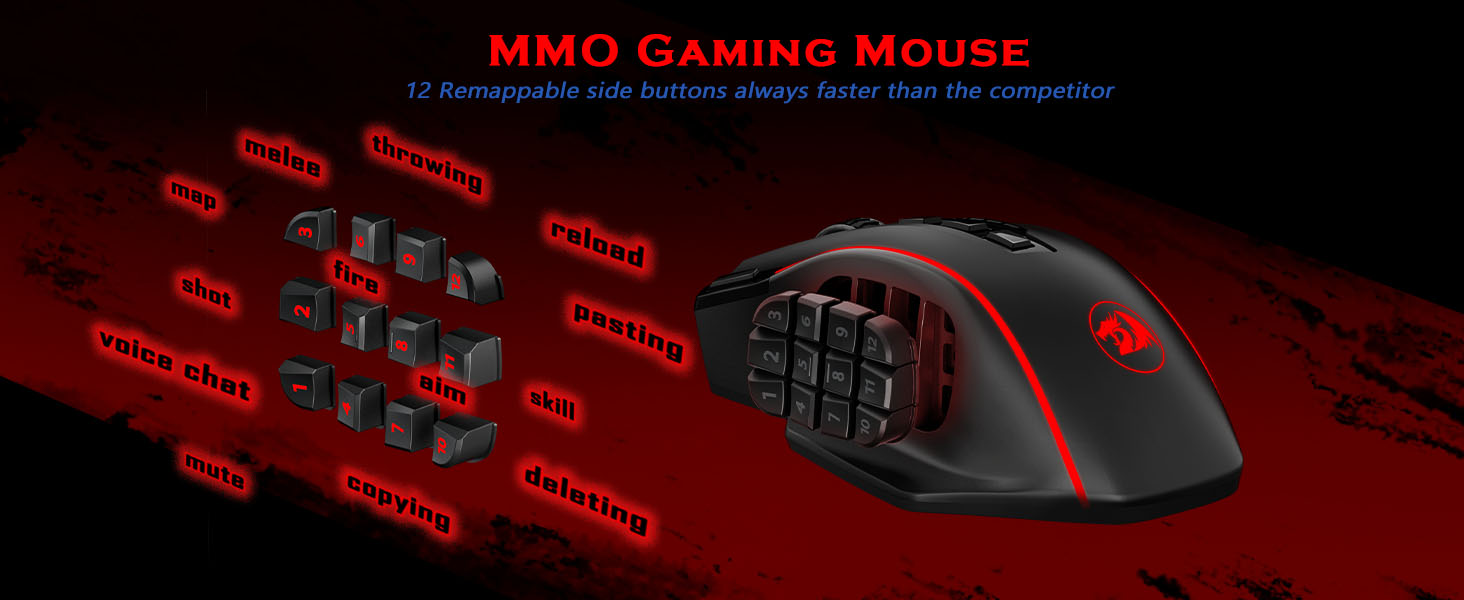
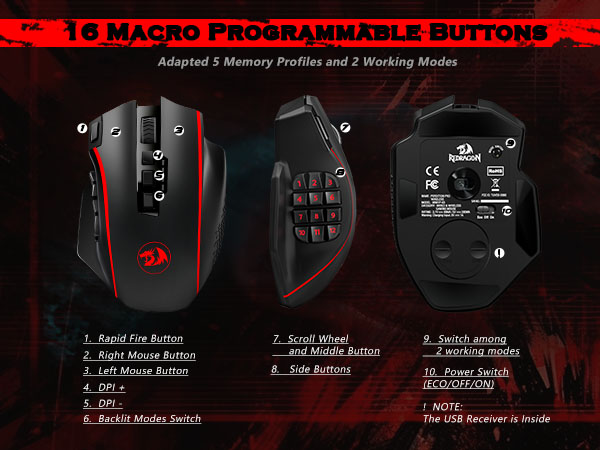
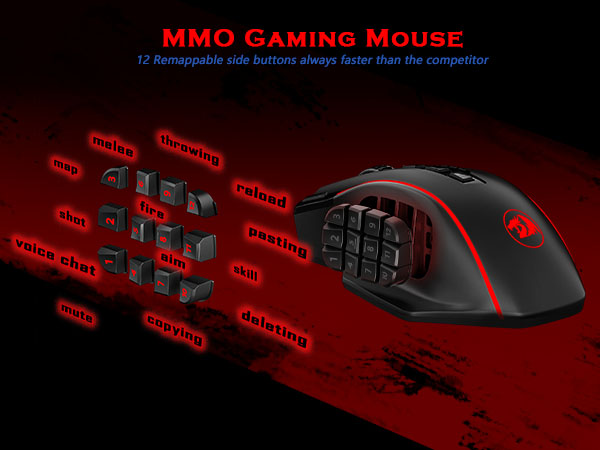
Wireless (M901P-KS): 16 buttons (12 side + main clicks + fire button). Wired (M901K): All 19 buttons. Note: Top DPI buttons on wireless models are fixed, not reprogrammable. Choose according to your needs.
The software does not recognize my mouse after installation. What should I do?
Ensure the mouse is connected and try the following steps:
1.Run the software as an administrator.
2.Try a different USB port.
3.Restart your computer and reinstall the driver.
If the issue persists, please tell us.
Is this mouse the right size for my hand?
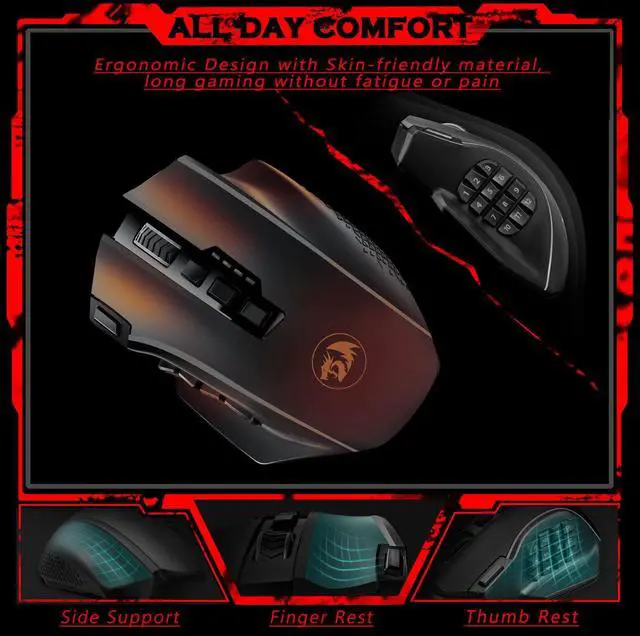
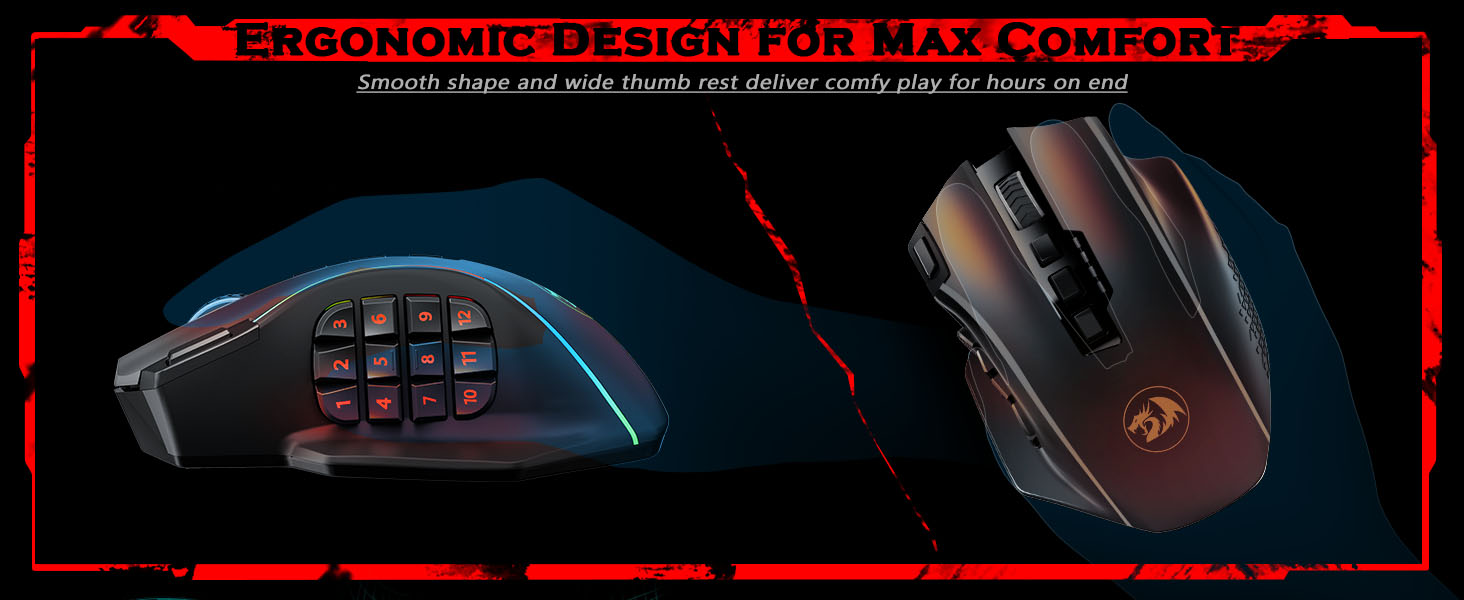
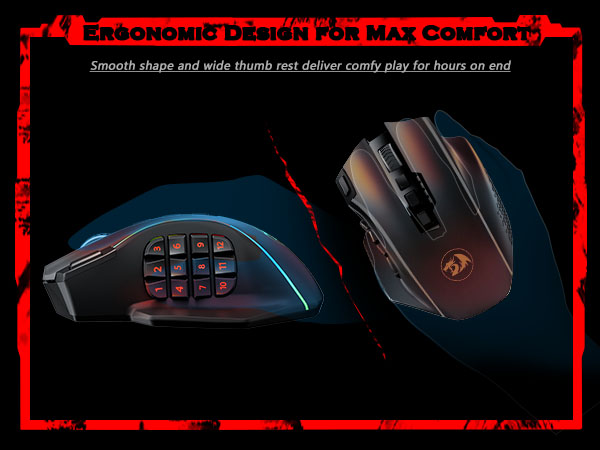
Designed for medium to large hands. Recommended for hand length =18cm (˜7.1"). If your hand is small or you use a claw grip, we recommend considering a smaller model for optimal comfort.
Is this mouse compatible with Mac OS?
Yes, it supports basic functions (movement, clicking, scrolling). However, custom button programming and RGB customization must be done on a Windows PC and saved to the mouse's onboard memory to work on Mac.
More Redragon Gaming Mouse
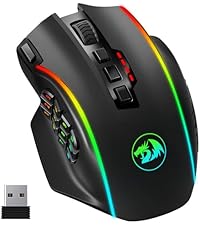 MMO Gaming Mouse | 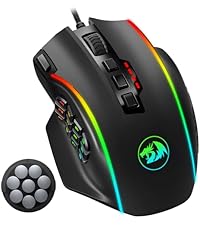 MMO Weighted Gaming Mouse | 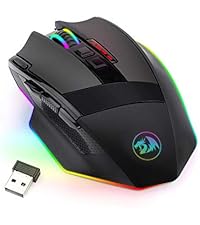 Wireless Gaming Mouse | 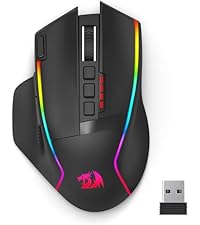 Ergonomic Wireless Mouse | 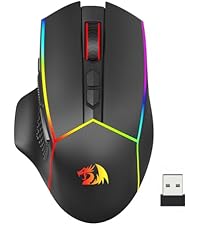 Tri-Mode Wireless Mouse | |
|---|---|---|---|---|---|
Customer Reviews | — | — | — | — | — |
Price | — | — | — | — | — |
Model Number | M901P-KS | M901K | M801P | M915WL | M814 |
Connectivity Technology | 2.4G/Wired | Wired | 2.4G/Wired | 2.4G/Wired | Bluetooth/2.4G/Wired |
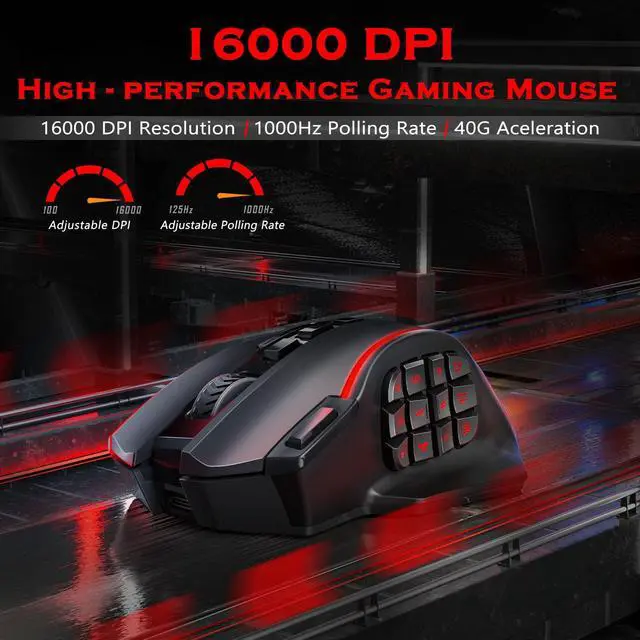
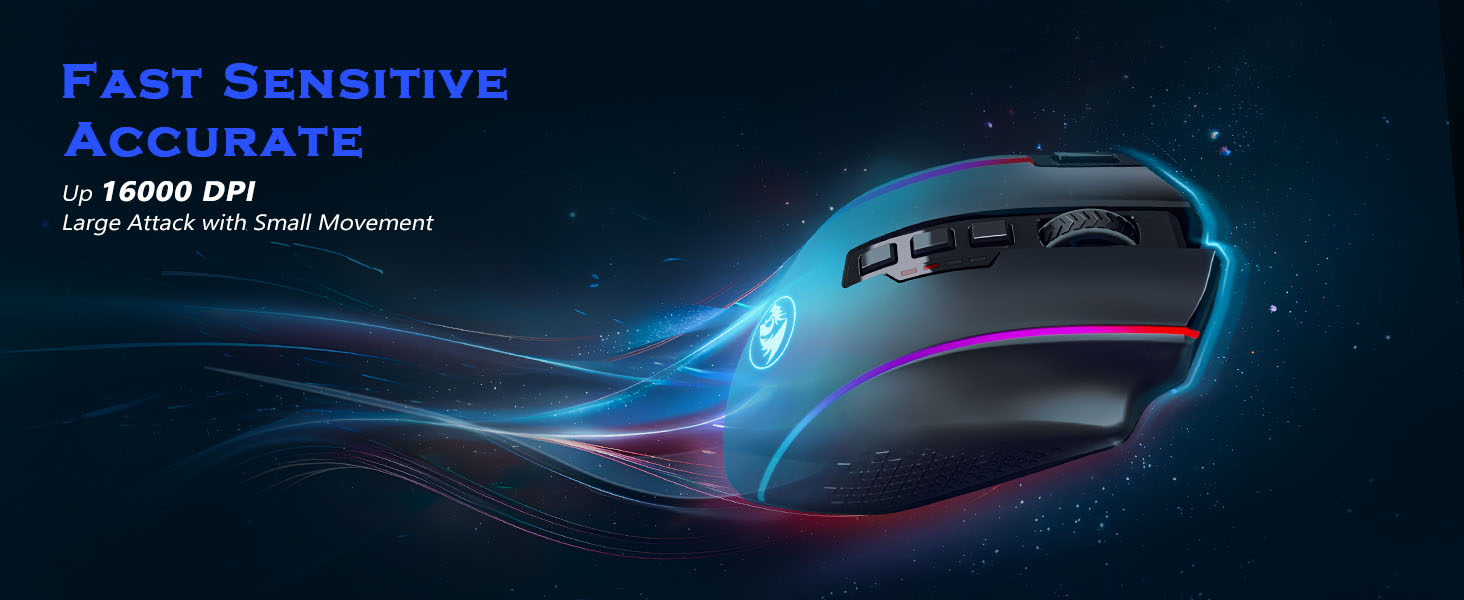
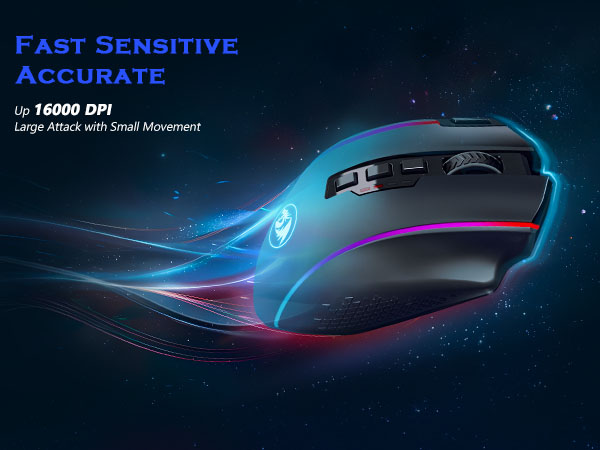
DPI | 100-16000 | 100-12400 | 1000-16000 | 1000-16000 | 800-8000 |
Customize Buttons | 16 | 19 | 9 | 10 | 11 |
RGB | ? | ? | ? | ? | ? |
Programmable | ? | ? | ? | ? | ? |
Rechargeable | ? | ? | ? | ? | ? |
2 Modes to switch, Ideal for Gaming & Working.
The DPI, backlight, and button functions can be set via software for each working mode. With just one click(on the mouse bottom), the gaming mouse changes to an office mouse. No more steps to fit different occasions.
How do I download the mouse software/driver? I can't find it on the official website.
1.Visit redragon.com and go to "Download".
2.Select "Gaming Mouse", then search for your model (e.g., M901P-KS).
3.Click on it, download & Install. PS: Video guide available on listing for reference.
Which buttons are programmable?
Wireless (M901P-KS): 16 buttons (12 side + main clicks + fire button). Wired (M901K): All 19 buttons. Note: Top DPI buttons on wireless models are fixed, not reprogrammable. Choose according to your needs.
The software does not recognize my mouse after installation. What should I do?
Ensure the mouse is connected and try the following steps:
1.Run the software as an administrator.
2.Try a different USB port.
3.Restart your computer and reinstall the driver.
If the issue persists, please tell us.
Is this mouse the right size for my hand?
Designed for medium to large hands. Recommended for hand length =18cm (˜7.1"). If your hand is small or you use a claw grip, we recommend considering a smaller model for optimal comfort.
Is this mouse compatible with Mac OS?
Yes, it supports basic functions (movement, clicking, scrolling). However, custom button programming and RGB customization must be done on a Windows PC and saved to the mouse's onboard memory to work on Mac.
More Redragon Gaming Mouse
MMO Gaming Mouse | MMO Weighted Gaming Mouse | Wireless Gaming Mouse | Ergonomic Wireless Mouse | Tri-Mode Wireless Mouse |
|---|---|---|---|---|
| Customer Reviews | ||||
| — | — | — | — | — |
| Price | ||||
| — | — | — | — | — |
| Model Number | ||||
| M901P-KS | M901K | M801P | M915WL | M814 |
| Connectivity Technology | ||||
| 2.4G/Wired | Wired | 2.4G/Wired | 2.4G/Wired | Bluetooth/2.4G/Wired |
| DPI | ||||
| 100-16000 | 100-12400 | 1000-16000 | 1000-16000 | 800-8000 |
| Customize Buttons | ||||
| 16 | 19 | 9 | 10 | 11 |
| RGB | ||||
| ? | ? | ? | ? | ? |
| Programmable | ||||
| ? | ? | ? | ? | ? |
| Rechargeable | ||||
| ? | ? | ? | ? | ? |