

Your Browsing History
- Free 30-day Returns
$32.99


Meet Your Seller

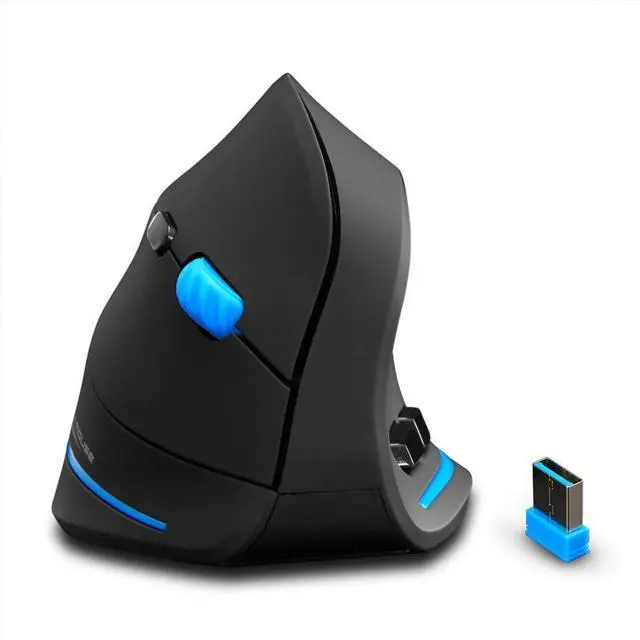
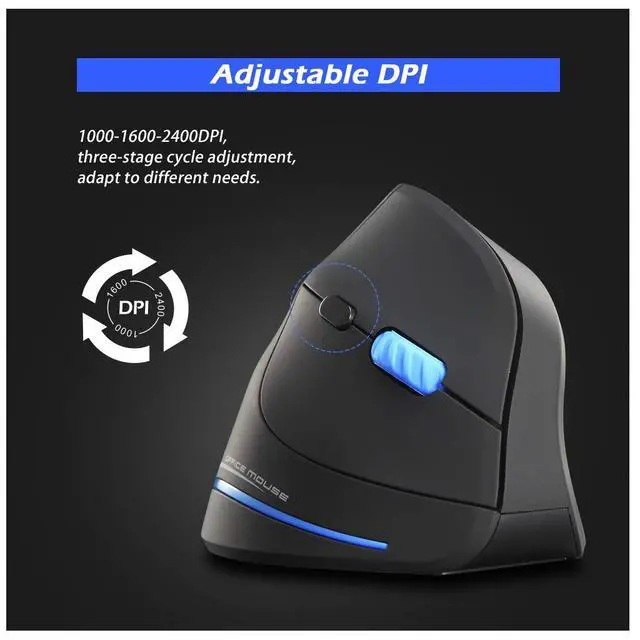


Vertical Wireless Mouse,2.4G USB Optical Ergonomic Mice with 3 Adjustable DPI 1000/1600/2400 and 6 Buttons for Laptop, PC, Computer, Desktop, Black
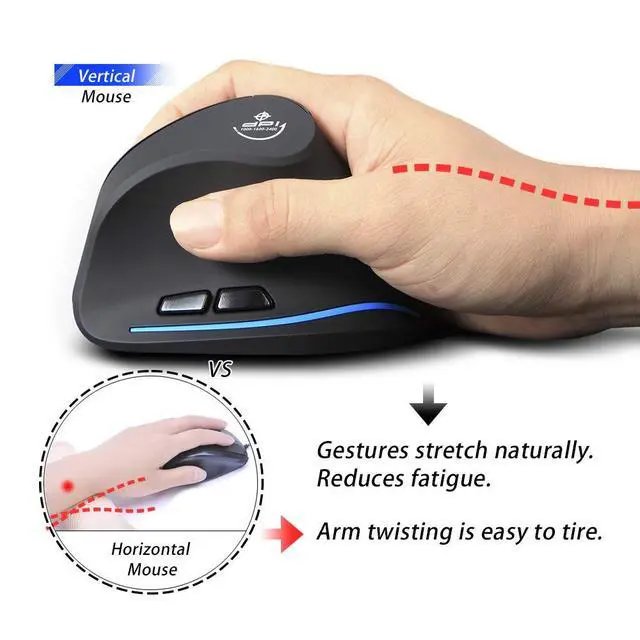
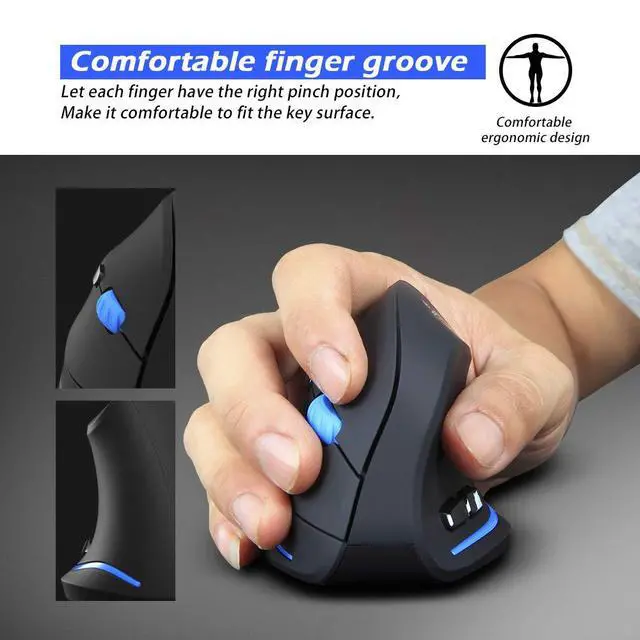
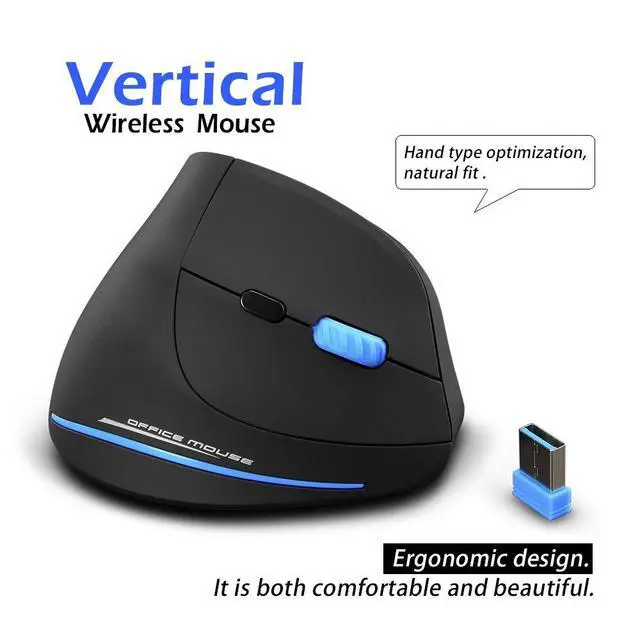
- Ergonomic Vertical Design.Unlike those traditional ones which strain wrist and arm over time, causing great pain. The vertical design provides better support for your forearm minimizing wrist pain that can come from twisting.
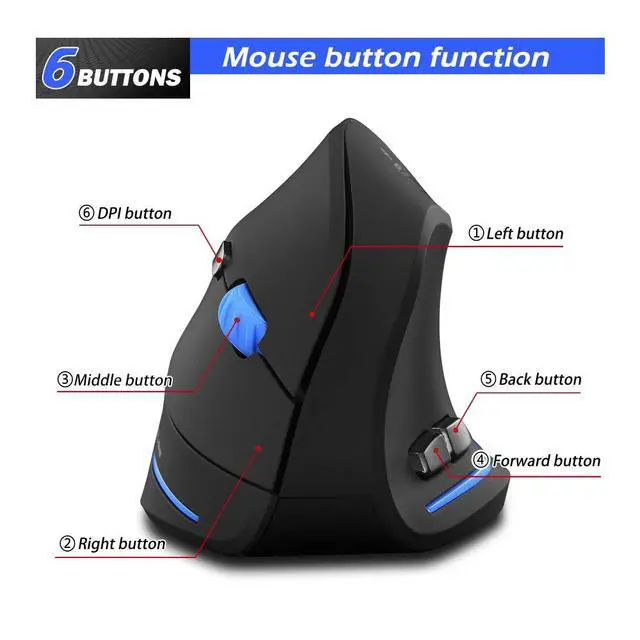
- Added Forward-Back buttons (Only Used for Windows)provide convenience when webpage browsing; the superior choice for internet surfers, gamers and people who work at length at the computer.
- Widely Compatible with Windows 2000/ME/XPx64/Vista/7/8/10/Mac OS Xover V10.4)/Linux.(The Forward-Back thumb buttons are not recognized on the Mac OS X).
- Kindly Note: The USB receiver is inserted in the battery compartment of the mouse; 1 AA battery required but not included.No lights on both sides of the mouse,just blue decorative strips.Please peel off the transparent protective film on the bottom of the mouse before use.This is a right-handed mouse.
- Warranty & Support: Follow the platform's return policy, we provide the full technical support after selling and any questions about the product, feel freely to contact us.
+
+
Overview
Specs
Reviews

Any questions? Our AI mode will help you find out quickly.
Try me now
Specification:
Button number6 buttons
Tracking System: optical
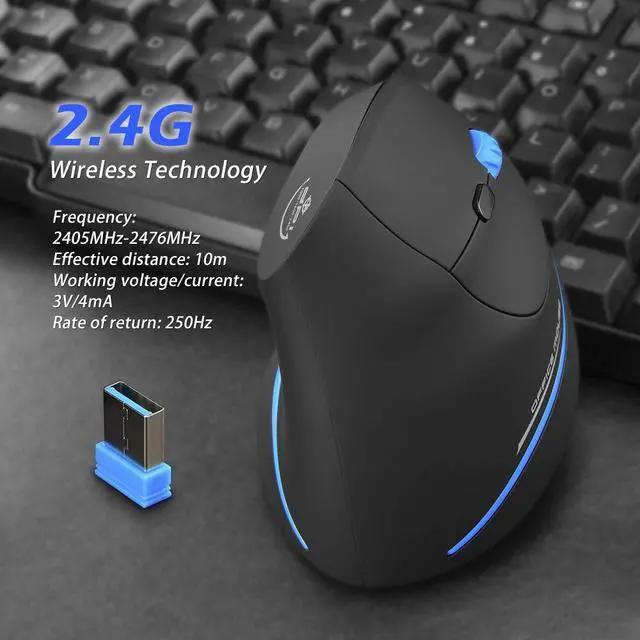
Connection Mode: 2.4G USB
Effective distance: 10m
Working voltage/current: 3V/4mA
Size: 4.33 * 2.83 * 2.95 (in)
Item weight: 100g
DPI Levels: 1000-1600-2400
Polling Rate: 250Hz
System requirements
Windows2000/ME/XPx64/Vista/7/8/10/Mac OS Xover V10.4)/Linux.(The Forward-Back thumb buttons are not recognized on the Mac OS X.)
An available USB port
Package includes:
Mouse x1 USB Receiver x1 Instructions x1(The USB receiver is inserted in the battery compartment of the mouse)
(1 AA battery required but not included)
What to do if the mouse has no response?
1.According to the positive and negative sign, please install it in the battery box correctly.
2.Please try to replace the receiver with an USB interface.
3.Make sure the power switch at the bottom of the mouse is onposition.
4.Try to restart the computer.
5.Press the leftmiddleright key when the power is on, and put the receiver into the computer, waiting for 5 seconds, and then you could rematch code successfully.
6.If it is still unsuccessful, please contact us for technical assistance.
Note: When matching code, please make sure that the power switch has been turned on and the distance between the mouse and receiver is limited in 30CM.
Warranty & Returns
Warranty, Returns, And Additional Information
Warranty
- Please contact the Seller directly for warranty information. Warranty information may also be found on the Manufacturer's website.
- CONTACT
Return Policies
- Return for refund within: 30 days
- Return for replacement within: 30 days
- This item is covered by "Deal Mall" Return Policy
Manufacturer Contact Info
- For a directory of all our manufacturers, please click below.
- Manufacturers Directory
LOADING...