

Your Browsing History
- Free 30-day Returns
$27.58

Meet Your Seller

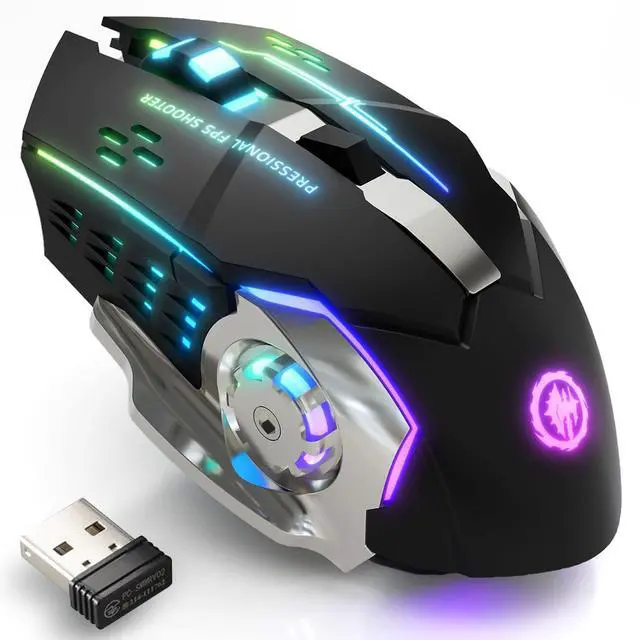



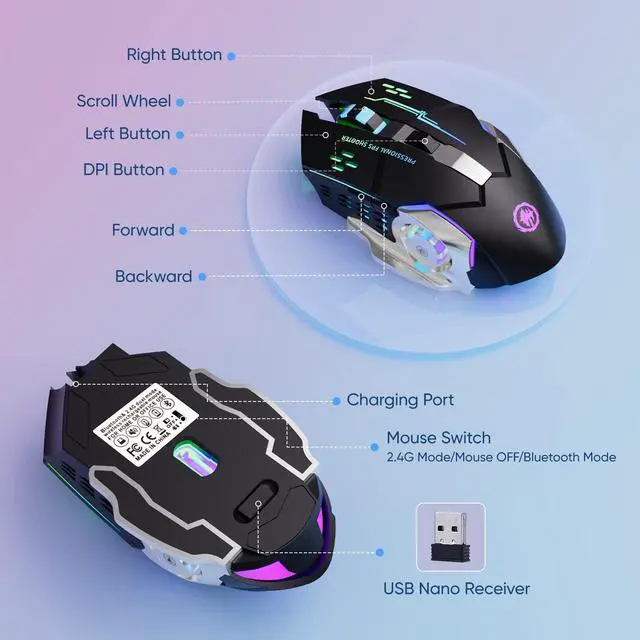


Wireless Gaming Mouse Bluetooth Mouse RGB Rechargeable 2.4G USB Cordless Computer Mice with 7 Color Backlit, 6 Buttons & Silent Click for Laptop, iPad, Mac OS, PC, Windows -Black
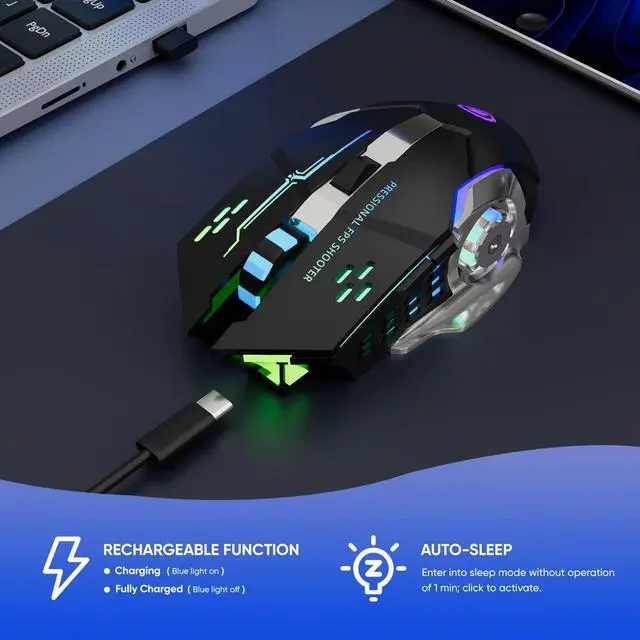
- Please Pay Attention (1) If the mouse responds slowly or works improperly, this might be caused by a low battery and will be solved by charging it. (2) The mouse will enter into sleep mode without operation 10 minutes, please click the left/right button to awake it. (3) Please charge the mouse for 2 hours before the first time to use it. The blue light beside the scroll wheel will be on while charging and then goes off when the mouse is fully charged.
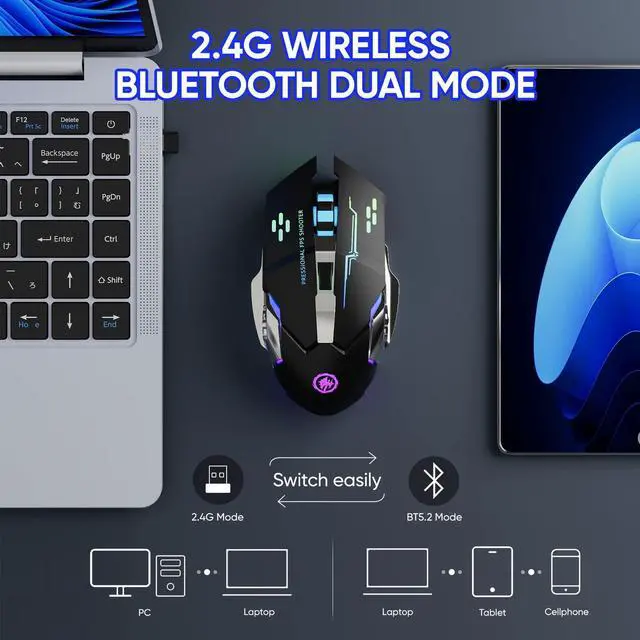
- Stable Bluetooth/2.4G Wireless Connection The gaming mouse supports dual-mode connection, and meet your need on different devices. Bluetooth mode: support Windows 8/10, Mac OS, iPad, or iPhone Series (NOTE: NOTE: It is required to update your system to iPad OS 13/ iOS 13 or Above and Turn on the Assistive Touch on the iPad/ iPhone: Setting - Accessibility - Assistive Touch for an iPad usage.) 2.4G Wireless Mode: just plug the USB receiver to your PC, no additional driver or software is needed.
- RGB 7-Color Breathing Backlit Designed with an RGB 7-color auto-switching breathing backlight mode, the wireless mouse can offer you a pretty cool visual feast when using it, especially at night. The RGB lights will auto turn off at sleep mode for power saving.
+
+
Overview
Specs
Reviews

Any questions? Our AI mode will help you find out quickly.
Try me now
Bluetooth & 2.4GHz Wireless Gaming Mouse
Bluetooth Connection: Support Windows 8/10, Mac OS, iPad, or iPhone Series ( NOTE: It is required to update your system to iPad OS 13/ iOS 13 or Above and Turn on the Assistive Touch on the iPad/ iPhone: Setting - Accessibility - Assistive Touch for an iPad usage. )
2.4G wireless: Just plug the USB receiver into your laptop/computer, and the mouse will auto-connect with your device, no additional driver or software is needed.
NOTE
1. Please charge the mouse with the computer interface for about 2 hours before the first time uses it. Do not use the mobile phone charger or fast charger to charge the mouse.
2. It's out of power if the mouse cursor moves slowly or stops moving. Please charge it in time.
3. The blue light beside the scroll wheel will be on while charging, and then goes off when the mouse is fully charged.
4. When you do not use it for over 1 minute, the mouse will enter into sleeping mode, you can click the left and right buttons to wake it up.
5. The mouse side buttons are not available for Mac OS as Mac OS does not support it.
Warranty & Returns
Warranty, Returns, And Additional Information
Warranty
- Please contact the Seller directly for warranty information. Warranty information may also be found on the Manufacturer's website.
- CONTACT
Return Policies
- Return for refund within: 30 days
- Return for replacement within: 30 days
- This item is covered by Average-price store Return Policy
Manufacturer Contact Info
- For a directory of all our manufacturers, please click below.
- Manufacturers Directory
LOADING...