here!
here!
I’m your shopping assistant for PC builds, upgrades, and everything tech.
Got questions? Ask away!
Start a conversation
here!
I’m your shopping assistant for PC builds, upgrades, and everything tech.
Got questions? Ask away!
Start a conversation



Any questions? Ask CelesteSM will help you find out quickly.


How to restore the keyboard to factory settings?
Press and hold the key combination "FN+Caps Lock" for 3 seconds to restore the keyboard to factory settings
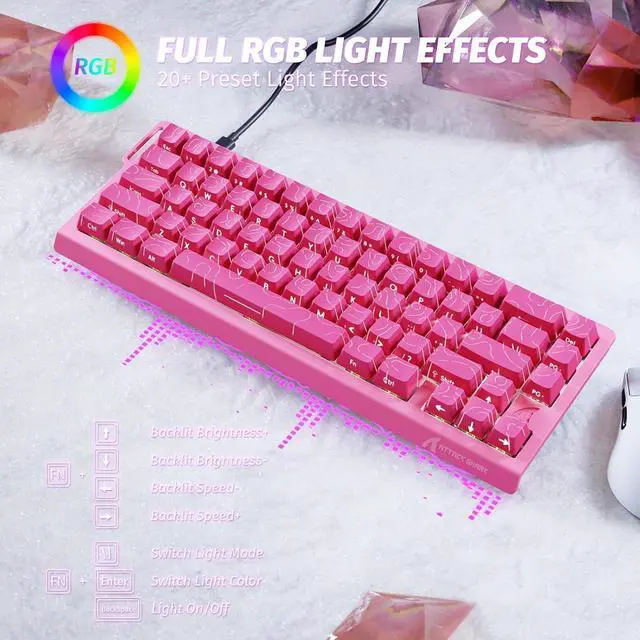
Key combination for adjusting the keyboard light (can also be adjusted in the software)
FN+\|: Switch Light Mode
FN+Enter: Switch Light Color
FN+Backspace: Light On/Off
FN+Tab: All key lights turn white
Is the X68 HE automatically on 8k polling or is there somewhere to set it?
The X68 HE is set to 8k polling rate by default, so you don’t need to make any adjustments
Do I need to calibrate the keyboard before using it?
We recommend running a quick calibration before first use. This helps the keyboard detect keystrokes more accurately and ensures the best typing experience.
How do I switch between the F-keys (F1–F12) and the number keys on the top row?
You can toggle between them by pressing FN + Right Shift. This allows you to choose whether the top row functions as number keys or as F-keys, depending on your needs.


| Number of Keys | 66 Keys(Arrow keys included) |
|---|---|
| Supported Connections | Type-C Wired |
| Software Link | www.qmk.top |
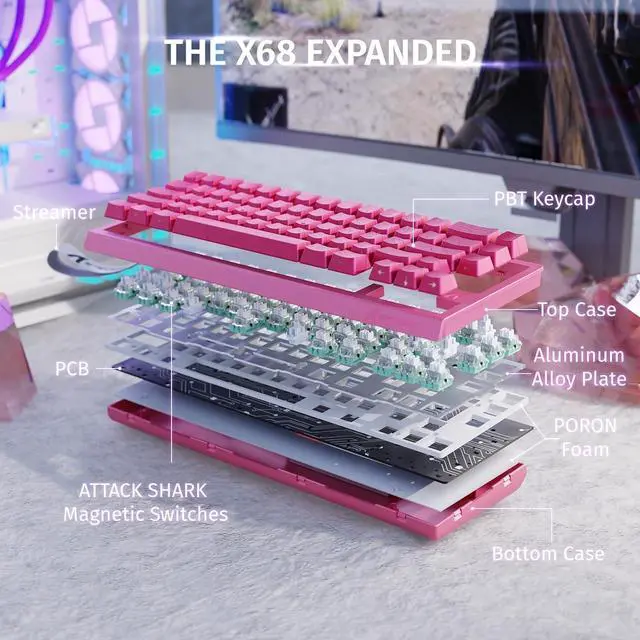
| Switches Type | Outemu Magnetic Amber Switch |
| Backlit | 16.8 Million Chroma RGB South Facing Light |
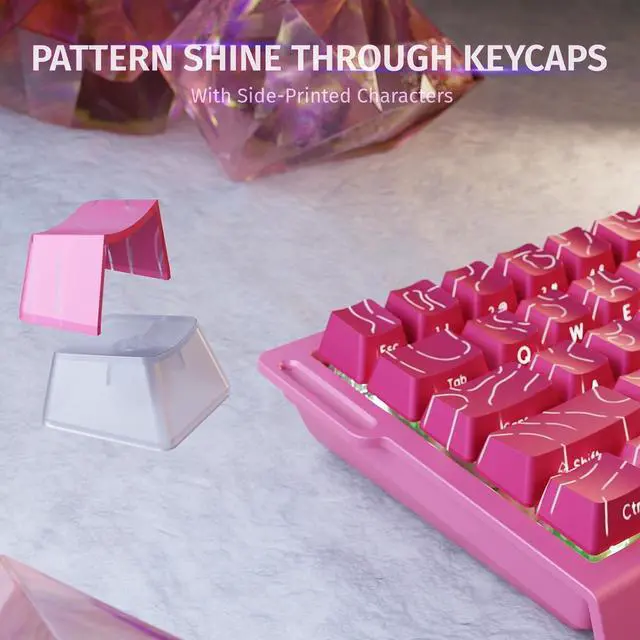
| Keycap Materials | Cherry Profile PBT Keycap |
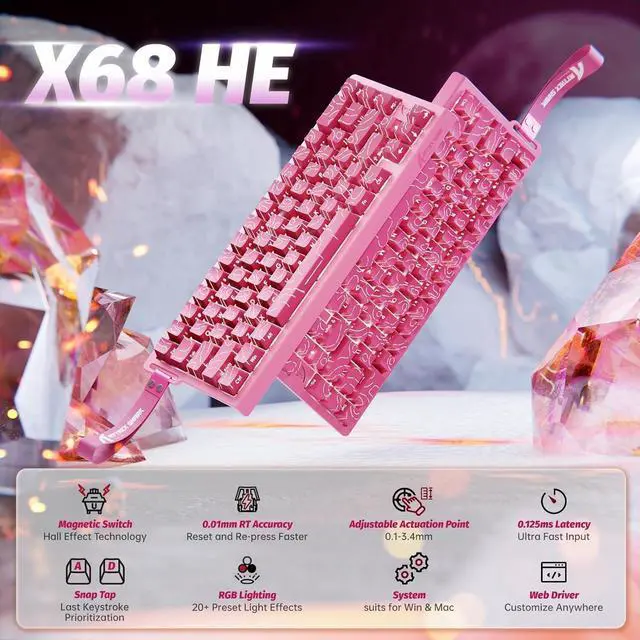
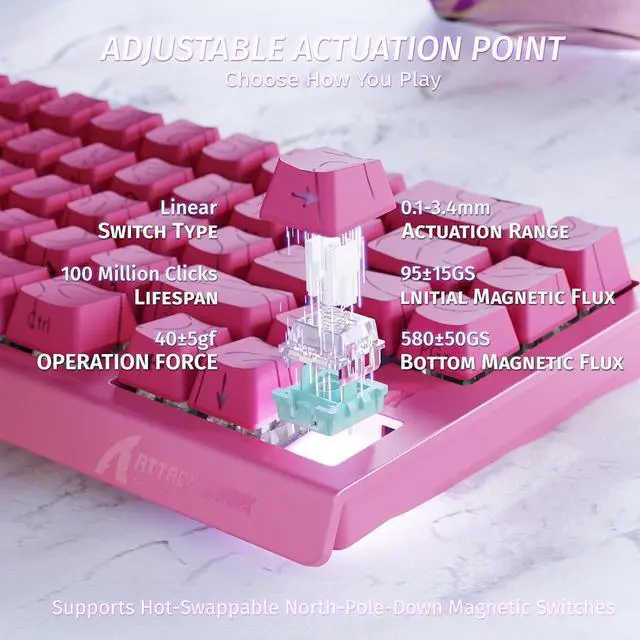
| Actuation Point | from 0.1mm to 3.4mm |
| RT Accuracy | 0.01mm |
| Polling Rate | 8000HZ |
| Scan Rate | 128KHZ |
How to restore the keyboard to factory settings?
Press and hold the key combination "FN+Caps Lock" for 3 seconds to restore the keyboard to factory settings
Key combination for adjusting the keyboard light (can also be adjusted in the software)
FN+\|: Switch Light Mode
FN+Enter: Switch Light Color
FN+Backspace: Light On/Off
FN+Tab: All key lights turn white
Is the X68 HE automatically on 8k polling or is there somewhere to set it?
The X68 HE is set to 8k polling rate by default, so you don’t need to make any adjustments
Do I need to calibrate the keyboard before using it?
We recommend running a quick calibration before first use. This helps the keyboard detect keystrokes more accurately and ensures the best typing experience.
How do I switch between the F-keys (F1–F12) and the number keys on the top row?
You can toggle between them by pressing FN + Right Shift. This allows you to choose whether the top row functions as number keys or as F-keys, depending on your needs.
| Connectivity Technology | USB-C |
| Switch Type | Magnetic |
| Model Name | ATTACK SHARK X68 HE |
| Package Quantity | 1 |
| Brand | ATTACK SHARK |
| Hardware Platform | PC |
| Total USB 2.0 Ports | 0 |
| Number of Items | 1 |
| Item Package Dimensions | 5 L x 15.7 W x 36 H centimeters |
| Antenna Location | Multimedia, Video Editing, Everyday Use, Gifts for gamers or computer workers, Personal, Education, Competitive Gaming, Daily office working, Programming, Student, Business |
| Size | Keyboard |
| Compatible Operating System Family | windows |
| Style Name | Classic |
| Item Highlight | Adjustable Actuation,Hall Effect Magnetic Switch,8KHz Polling Rate,RGB Backlit,Top Mount, Web Driver for PC Mac Esport Gamer |
| Minimum Required Operating System Version / 0 | windows_10 |
| Minimum Required Operating System Version / 1 | mac_os_10_12_sierra |
| Color | Black |
| Button Quantity | 66 |
| Package Weight | 1.04 kilograms |
| Manufacturer | ATTACK SHARK |
| Number of Batteries Required | 0 |
| Theme | Rainbow |
| Model Number | ATTACK SHARK X68 HE |
| Keyboard Layout | qwerty |
| Number of Packs | 1 |
| Additional Features | Hall Effect Magnetic Switch, 0.01mm RT Accuracy, Rapid Trigger&Adjustable Actuation, 8K Hz Polling Rate, Programmable Web Driver, Top Mounted |
| Keyboard Backlighting Color Support | rgb |
| Keyboard Plate Material | Aluminum |
| Keyboard Description | Mechanical |
| Are Batteries Required | false |
| Power Source | Type-C Wired |
| Compatible Devices | PC/MAC |
| Enclosure Material / 0 | Aluminum |
| Enclosure Material / 1 | Polybutylene Terephthalate |
| Unit Count Type | Count |
| Unit Count | 1 |
| Are Batteries Included | false |
| Hand Orientation | Ambidextrous |