







hero-video
Merchant Video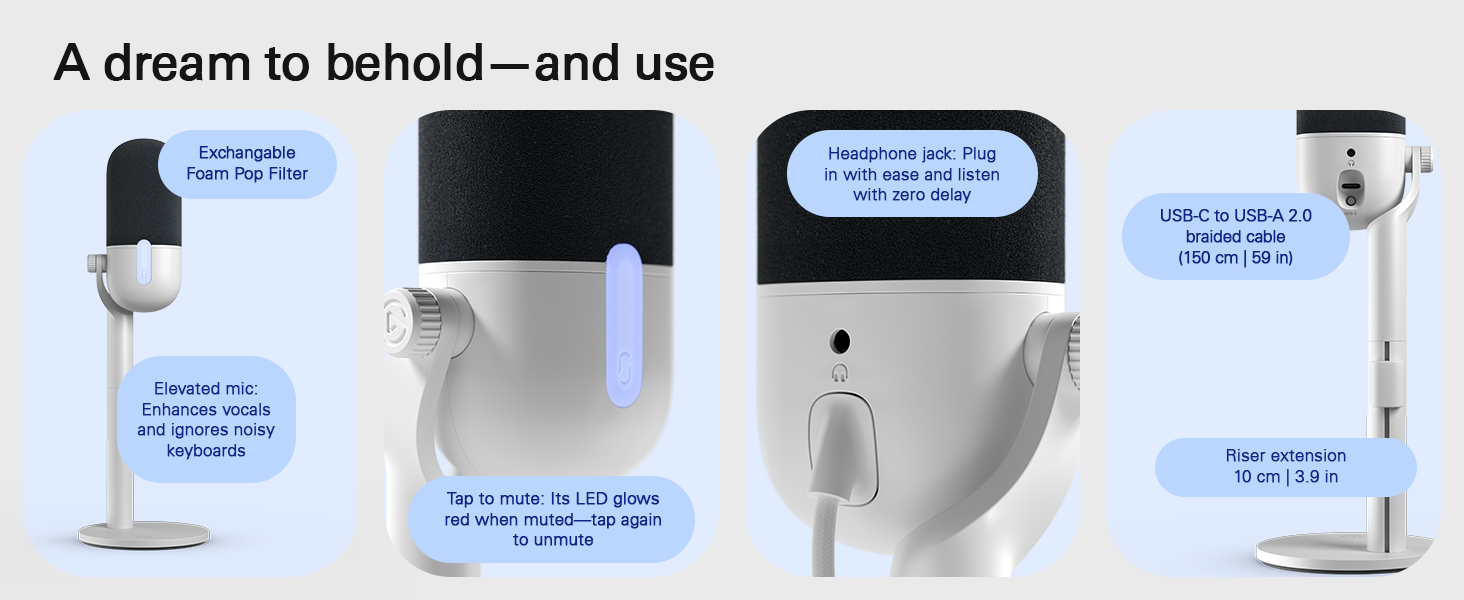
Sound incredible no matter your setup or skills
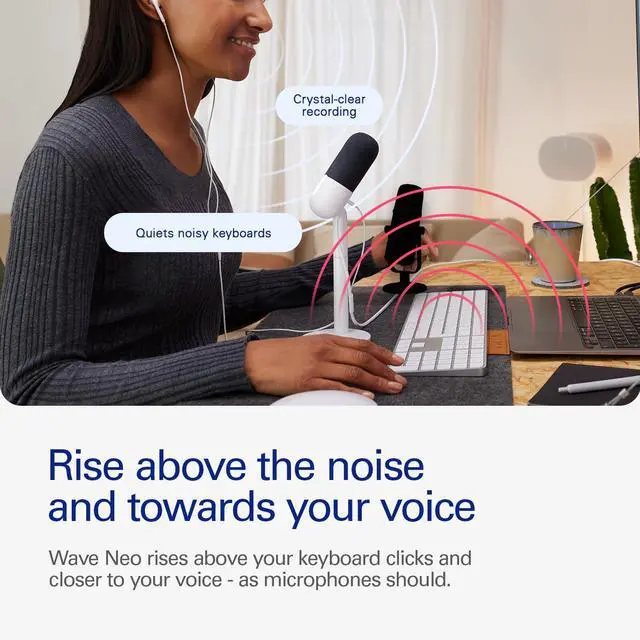
Voice Focus—AI-powered noise cancellation that makes your voice shine in any meeting, video call, or recording. It eliminates background noise and echo, ensuring you sound crystal-clear, natural, and distraction-free.
*Voice Focus is built into Wave Link—no setup needed. Just download from the Elgato website and sound your best.
Sound incredible no matter your setup or skills
Merchant VideoHow quickly can I get set up?
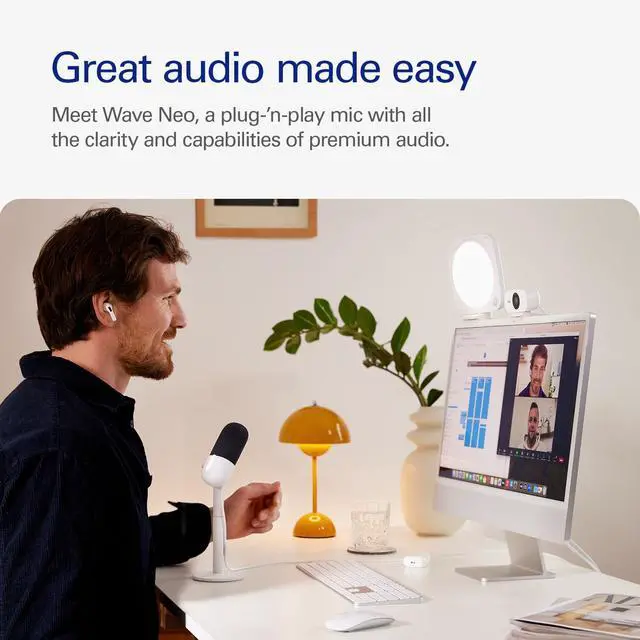
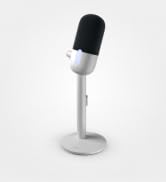
Get started in as little as a few seconds. Just plug in and select Wave Neo as your microphone. It’s as easy as that—there’s no additional setup or equipment needed.
Do I need an Elgato microphone connected to use Wave Link?
Pretty much. The only exception is with Stream Deck +. Wave Link needs an Elgato Mic to perform its low-latency audio mixing. Compatible devices include Wave:1, Wave:3, Wave Neo, Wave XLR, and XLR Dock for Stream Deck +.
How far should it be from my mouth?
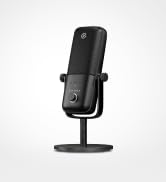
For best performance, place Wave Neo 10–20cm (4–8in) from your mouth. A simple way to measure this is by extending your hand in front of your face, fingers up. The ideal position is where your thumb touches your mouth.
Which part do I speak into?
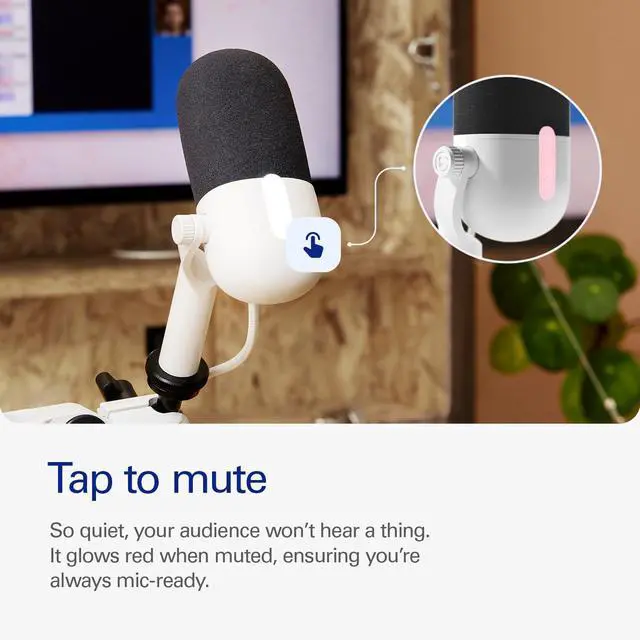
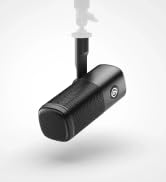
Always speak into the front, not the top, of Wave Neo—aiming your voice just above the mute button. Ensure the microphone is positioned upright in front of your mouth, not horizontally.
Can I hear my voice when using headphones?
No, Wave Neo’s headphone jack is made for listening to your system audio, not voice monitoring.
Technical Specifications
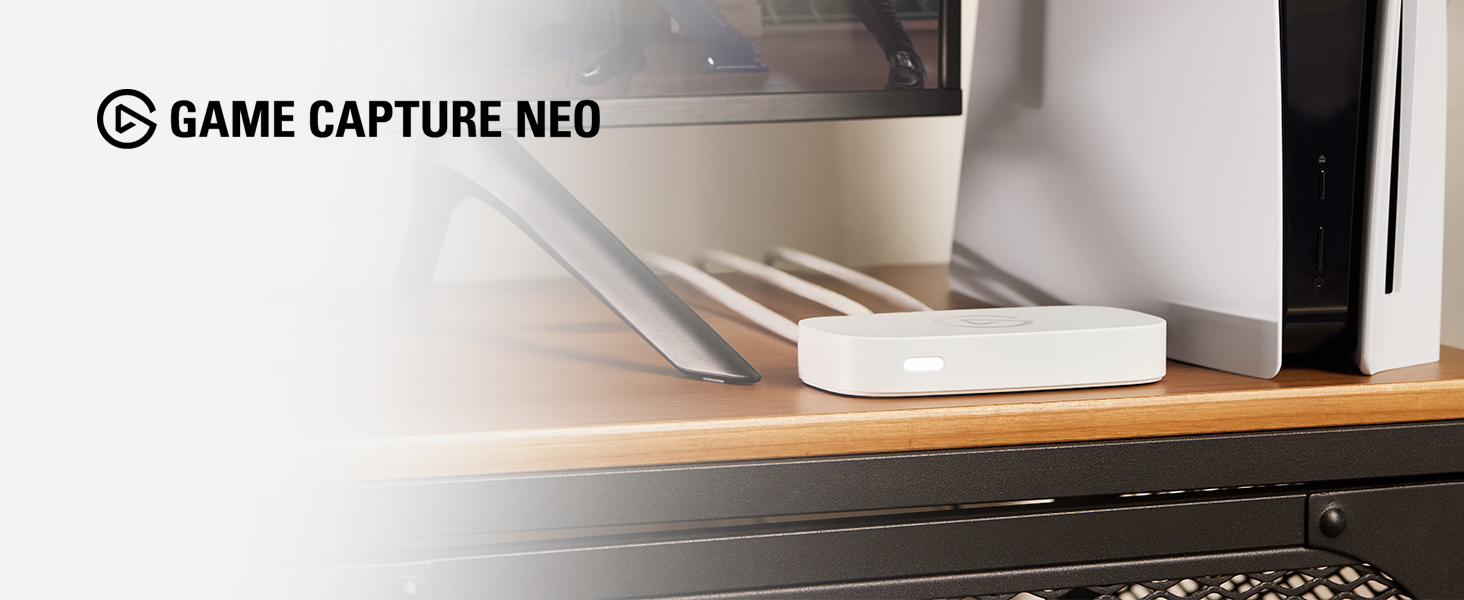
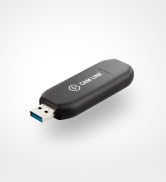
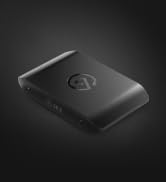
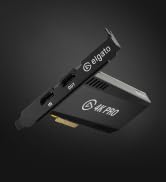
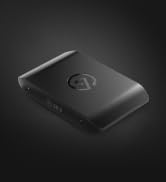
Got an iPad or a laptop? With Game Capture Neo, that’s all you need to stream or record your console adventures in full HD—on Twitch, YouTube, anywhere.
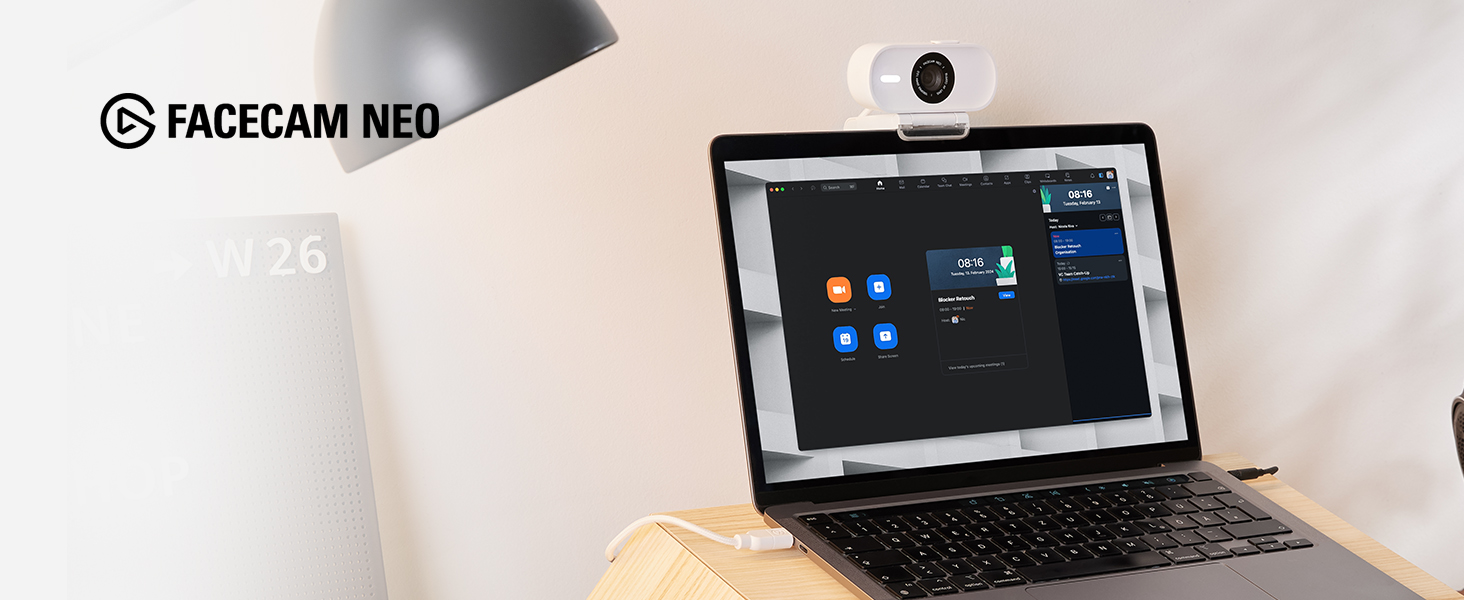
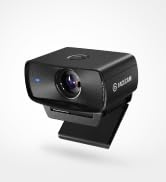
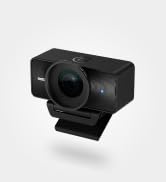
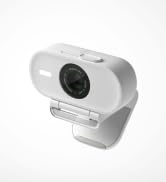
Super-sharp detail. Oh-so smooth movement. Facecam Neo captures video in ways built-in laptop webcams can’t, so you look like real life.
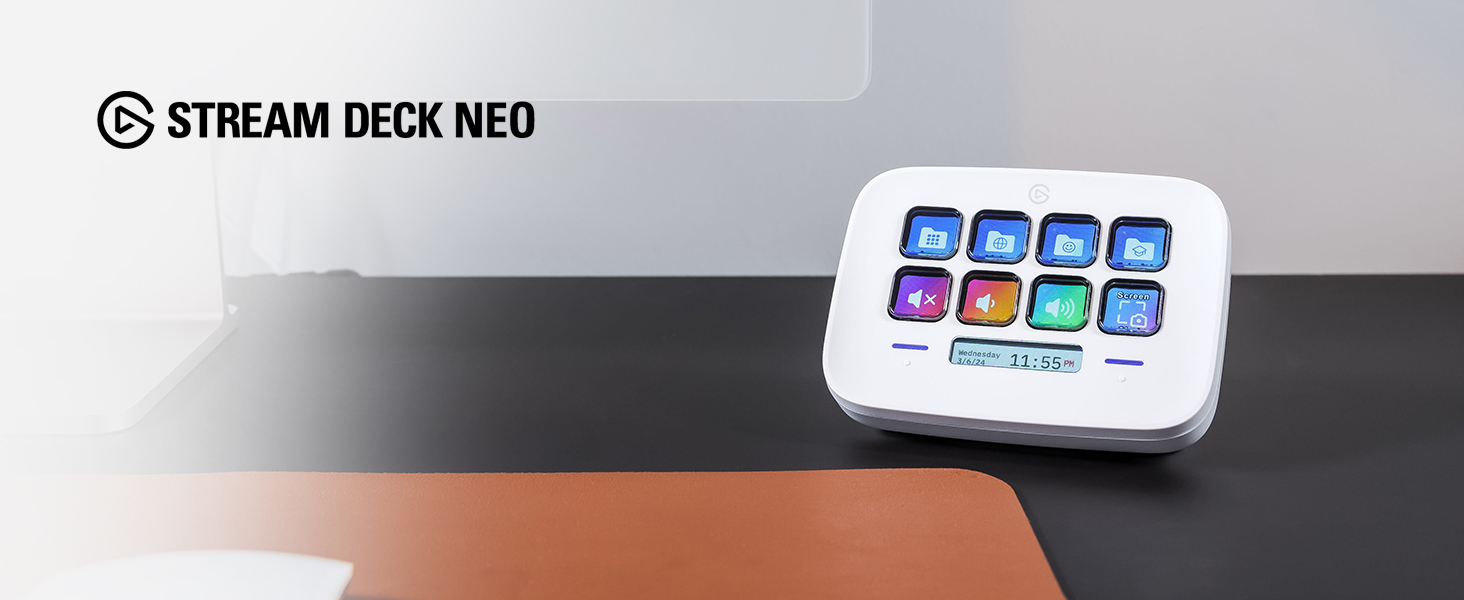
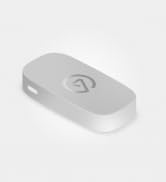
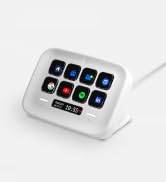
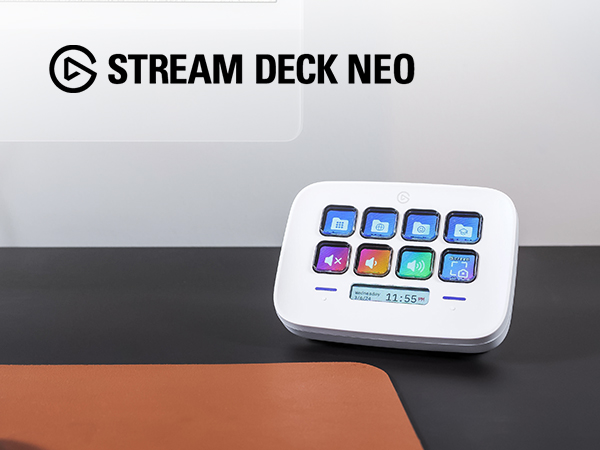
At the heart of your setup, Stream Deck Neo makes everyday tasks fast and fun. Just drag and drop actions onto its eight customizable keys.
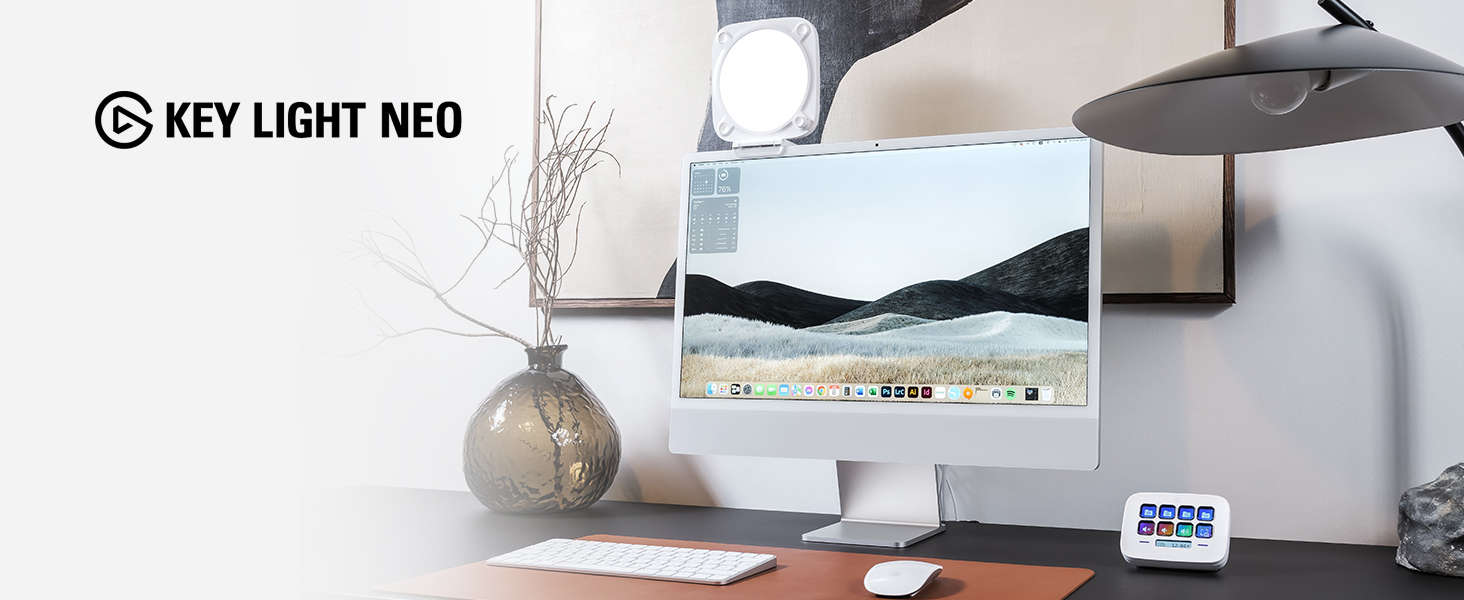
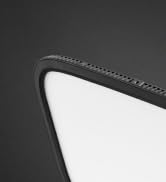
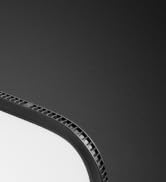
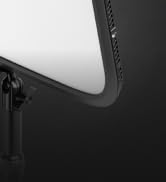
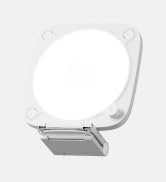
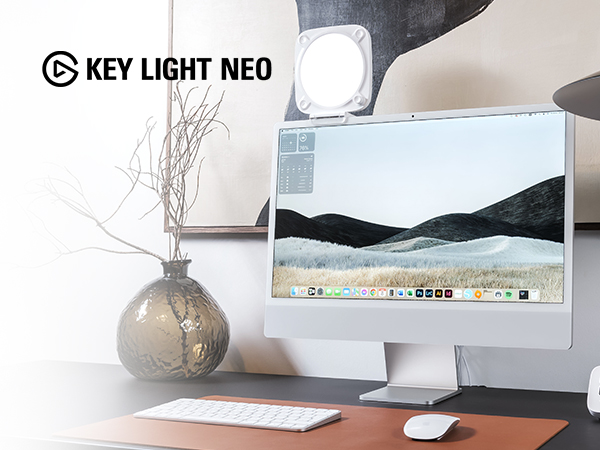
A compact LED panel that mounts to your monitor, Key Light Neo casts a soft, even glow that flatters skin tones without straining the eyes.
hero-video
Merchant Video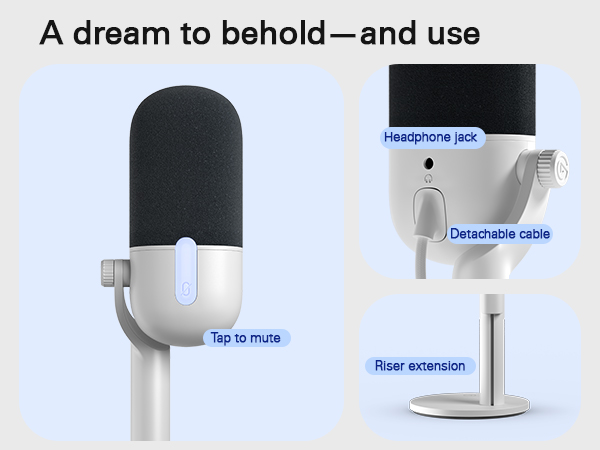
Sound incredible no matter your setup or skills
Merchant VideoSound incredible no matter your setup or skills
Voice Focus—AI-powered noise cancellation that makes your voice shine in any meeting, video call, or recording. It eliminates background noise and echo, ensuring you sound crystal-clear, natural, and distraction-free.
*Voice Focus is built into Wave Link—no setup needed. Just download from the Elgato website and sound your best.
How quickly can I get set up?
Get started in as little as a few seconds. Just plug in and select Wave Neo as your microphone. It’s as easy as that—there’s no additional setup or equipment needed.
Do I need an Elgato microphone connected to use Wave Link?
Pretty much. The only exception is with Stream Deck +. Wave Link needs an Elgato Mic to perform its low-latency audio mixing. Compatible devices include Wave:1, Wave:3, Wave Neo, Wave XLR, and XLR Dock for Stream Deck +.
How far should it be from my mouth?
For best performance, place Wave Neo 10–20cm (4–8in) from your mouth. A simple way to measure this is by extending your hand in front of your face, fingers up. The ideal position is where your thumb touches your mouth.
Which part do I speak into?
Always speak into the front, not the top, of Wave Neo—aiming your voice just above the mute button. Ensure the microphone is positioned upright in front of your mouth, not horizontally.
Can I hear my voice when using headphones?
No, Wave Neo’s headphone jack is made for listening to your system audio, not voice monitoring.
Technical Specifications
| Capsule | Condenser |
|---|---|
| Polar pattern | Cardioid |
| Sample rate | 24 Bit/48 kHz, 24 Bit/96 kHz |
| Frequency response | 20 Hz - 20 kHz |
| Sensitivity | 23 dBFS (min gain) | 7 dBFS (max gain) |
| Max SPL | 120 dB |
| Dynamic range | 94 dB |
| Interface | USB-C (digital), 3.5 mm stereo jack (headphones) |
| Dimensions (WDH) | 92 x 92 x 282 mm / 3.6 x 3.6 x 11.1 in (with riser) | 92 x 92 x 182 mm / 3.6 x 3.6 x 7.2 in (without riser) |
| Weight | 520 g / 18.4 oz (with riser) | 450 g / 15.8 oz (without riser) |
| Supported mounting threads | 1/4", 5/8", 3/8" |
| System requirements | Windows 10 (64-bit) or newer / macOS 13 or newer / iPadOS 17 or newer / USB 2.0 Type A |
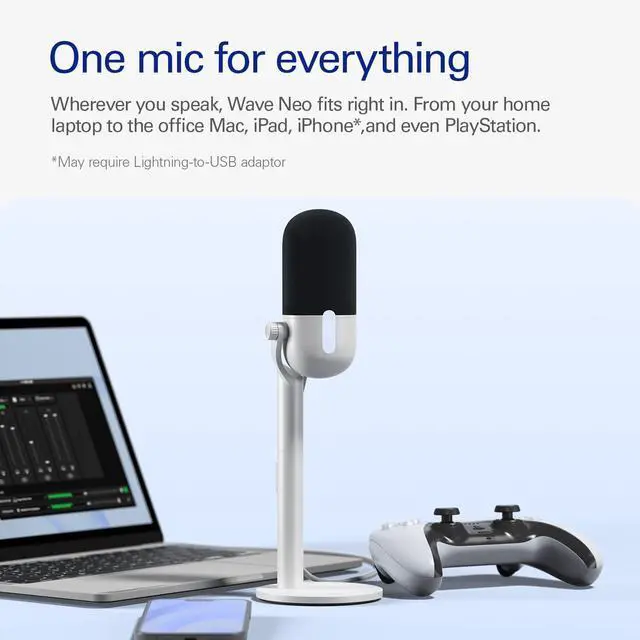
| Connectivity | PC, Mac, PS4, PS5, iPad, iPhone* (*Requires Lightning-to-USB adaptor) |
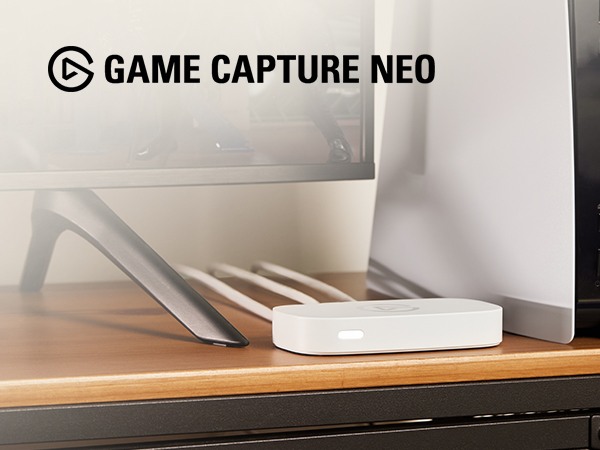
Got an iPad or a laptop? With Game Capture Neo, that’s all you need to stream or record your console adventures in full HD—on Twitch, YouTube, anywhere.
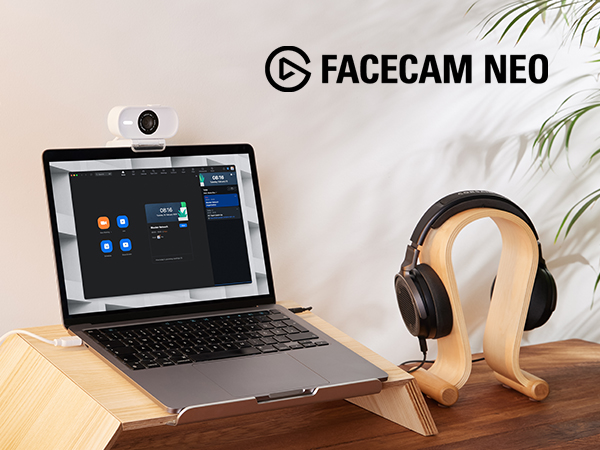
Super-sharp detail. Oh-so smooth movement. Facecam Neo captures video in ways built-in laptop webcams can’t, so you look like real life.
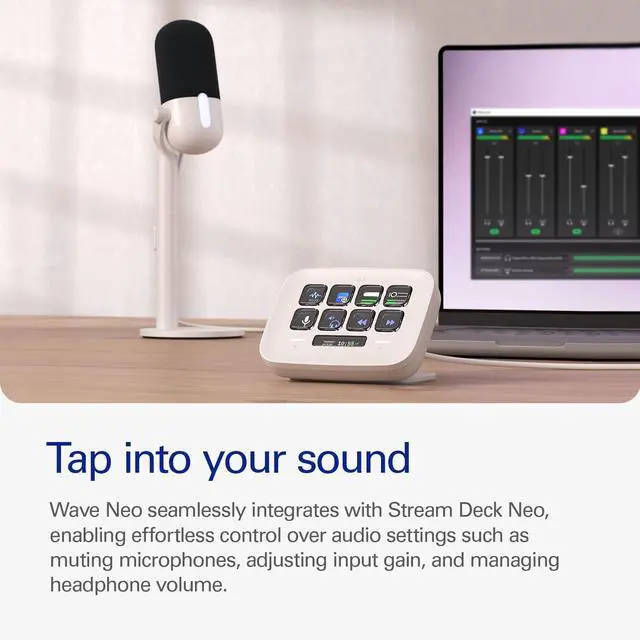
At the heart of your setup, Stream Deck Neo makes everyday tasks fast and fun. Just drag and drop actions onto its eight customizable keys.
A compact LED panel that mounts to your monitor, Key Light Neo casts a soft, even glow that flatters skin tones without straining the eyes.
Stream Deck
Audio
Mic Arms
Cameras
Capture
Lighting
Meet Neo
Stream Deck x Photoshop
At your fingertips
Audio Controller