









Download our software to upgrade the mixer and resolve the audio echo issue.
Upgrade Steps: 1. Connect the mixer to your computer;
2. Download the upgrade software from the homepage of the pupgsis website;
3. Follow the video tutorial to complete the upgrade.
By installing the latest software updates, you can effectively eliminate echo during calls, ensuring crystal-clear voice quality. For live broadcasts, the upgraded audio mixer transmits only your microphone input, blocking any system sounds (such as notification alerts).
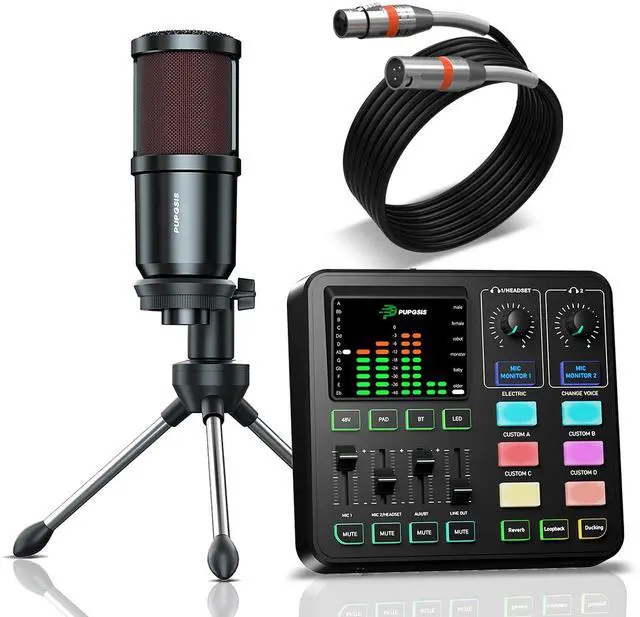
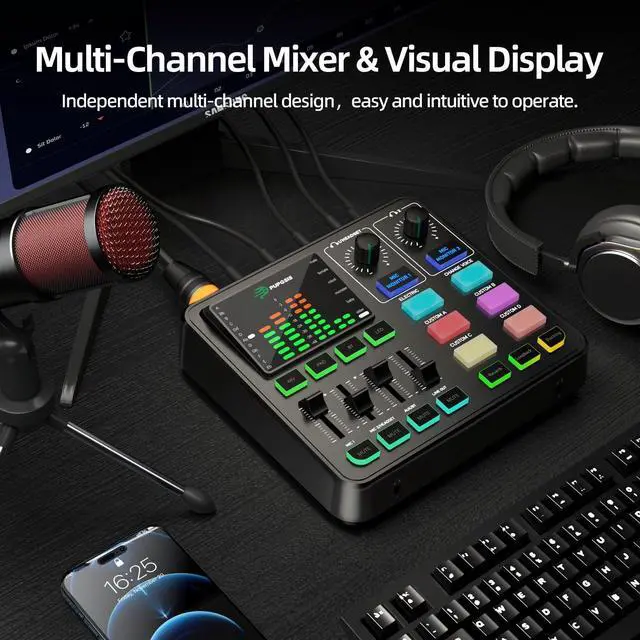
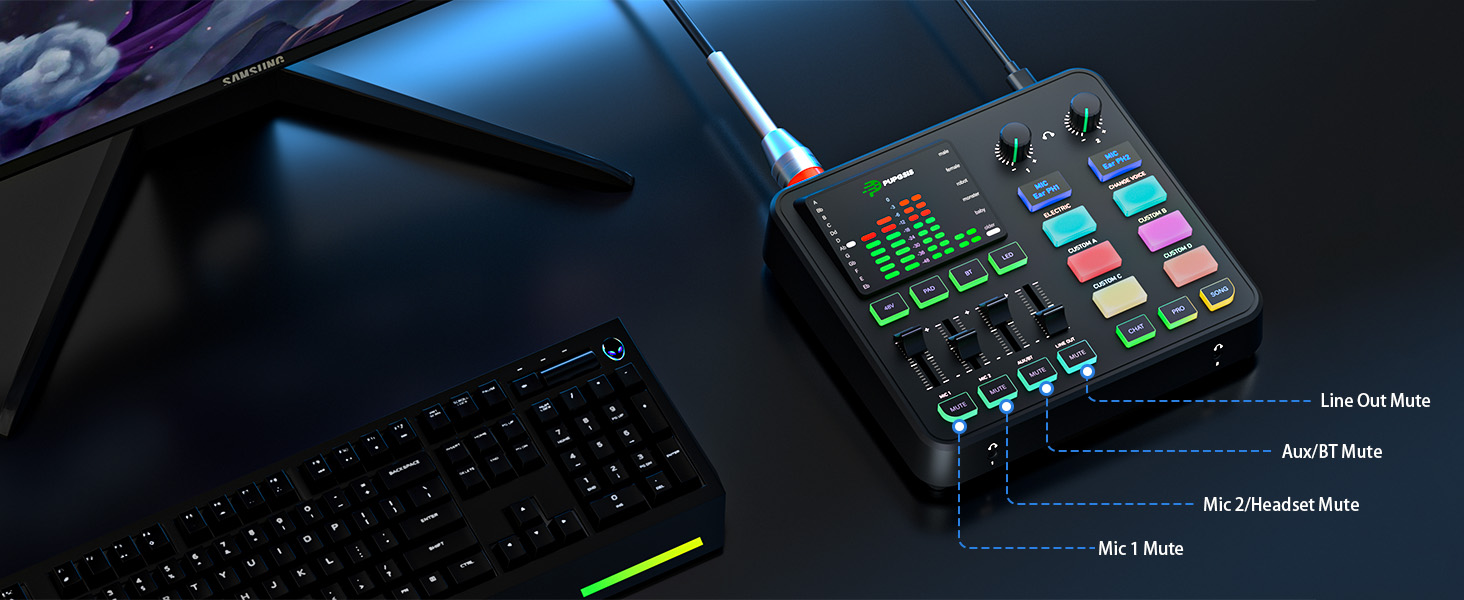
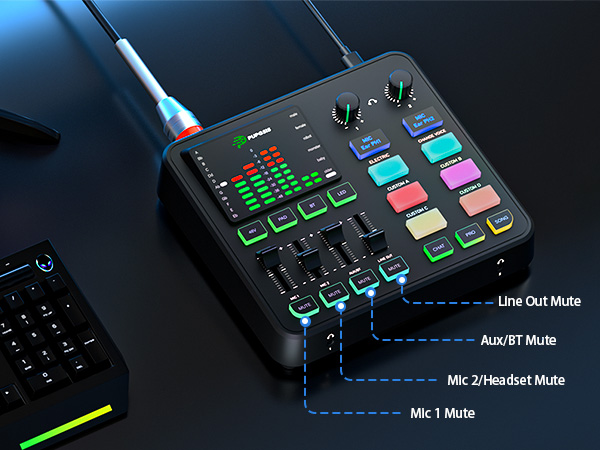
Introduction to the fully functional buttons.
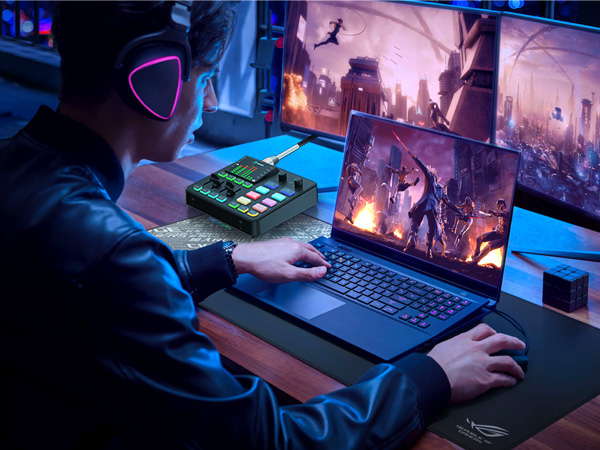
Rich features to meet all your gaming live streaming needs.
Provides an easy mute/unmute option to prevent awkward moments
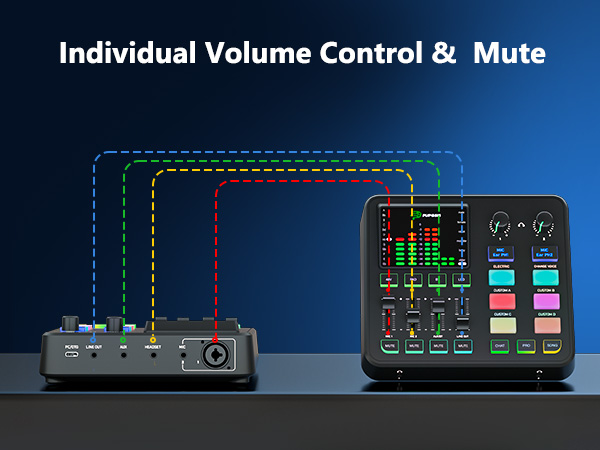
Offers easier and more user-friendly audio control for your streaming
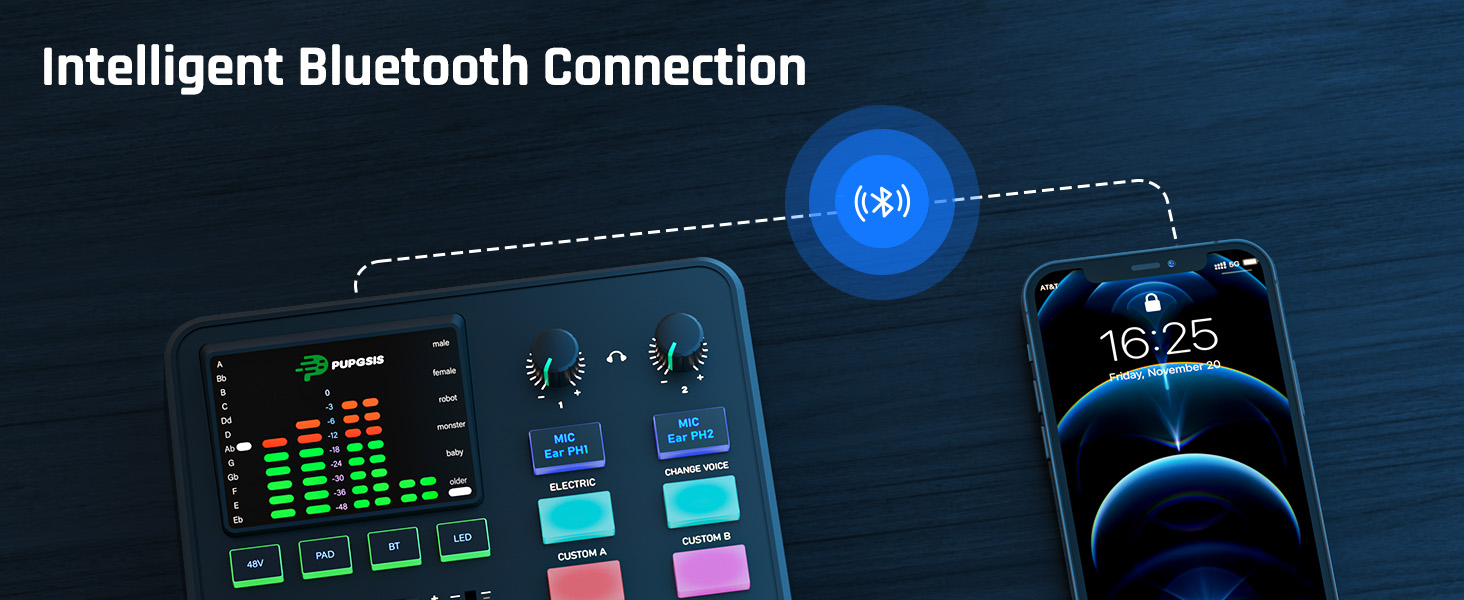
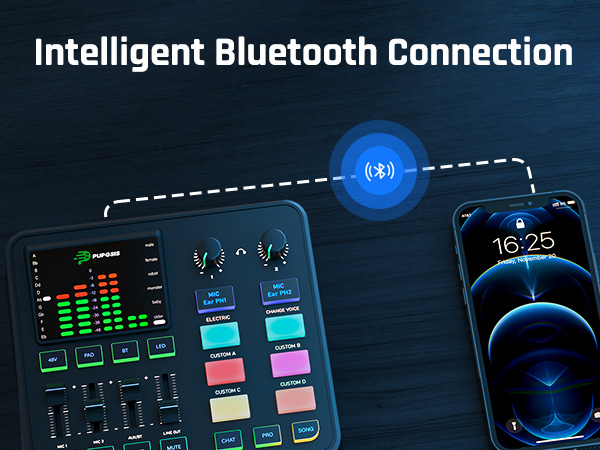
Fast and stable wireless audio input, eliminate cables and space constraints
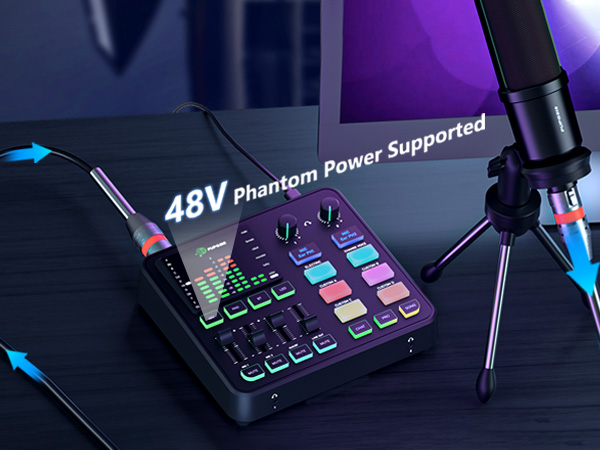
Delivers clear, stable and high-fidelity audio
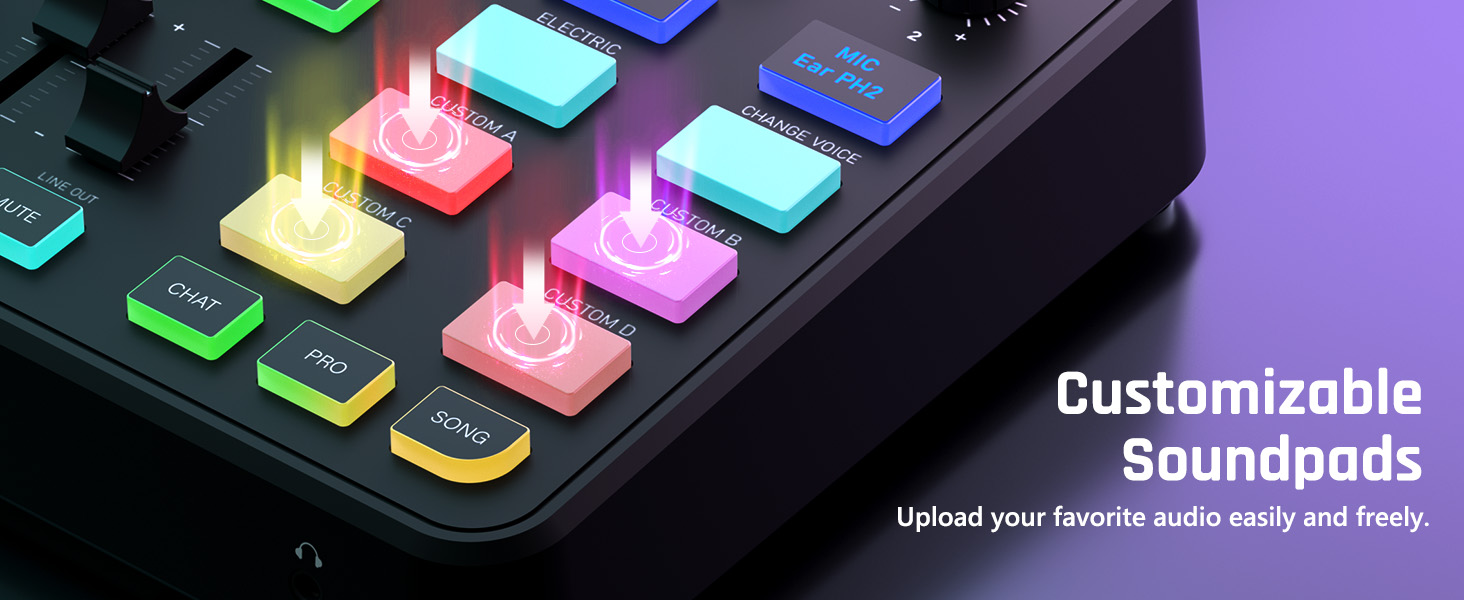
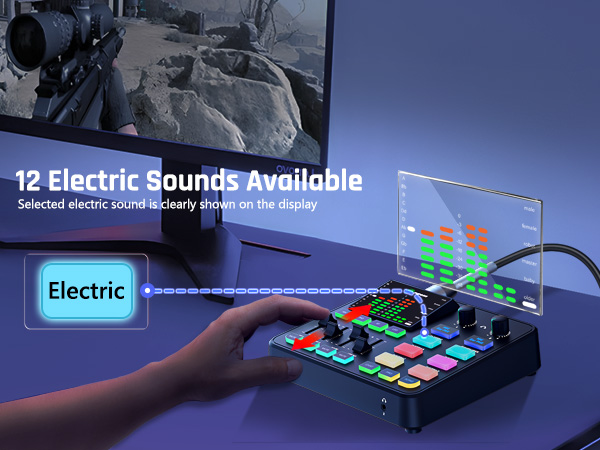
Add customized sound effects to enhance the atmosphere as needed
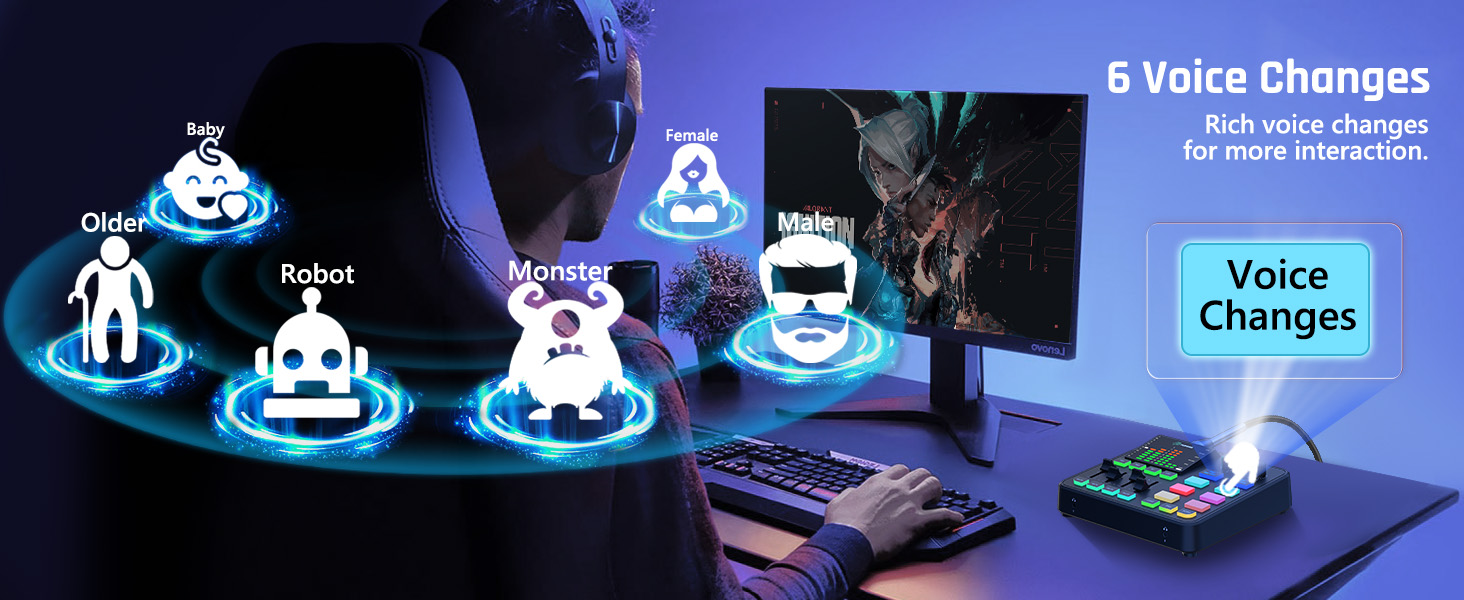
Change your output style and earn more likes
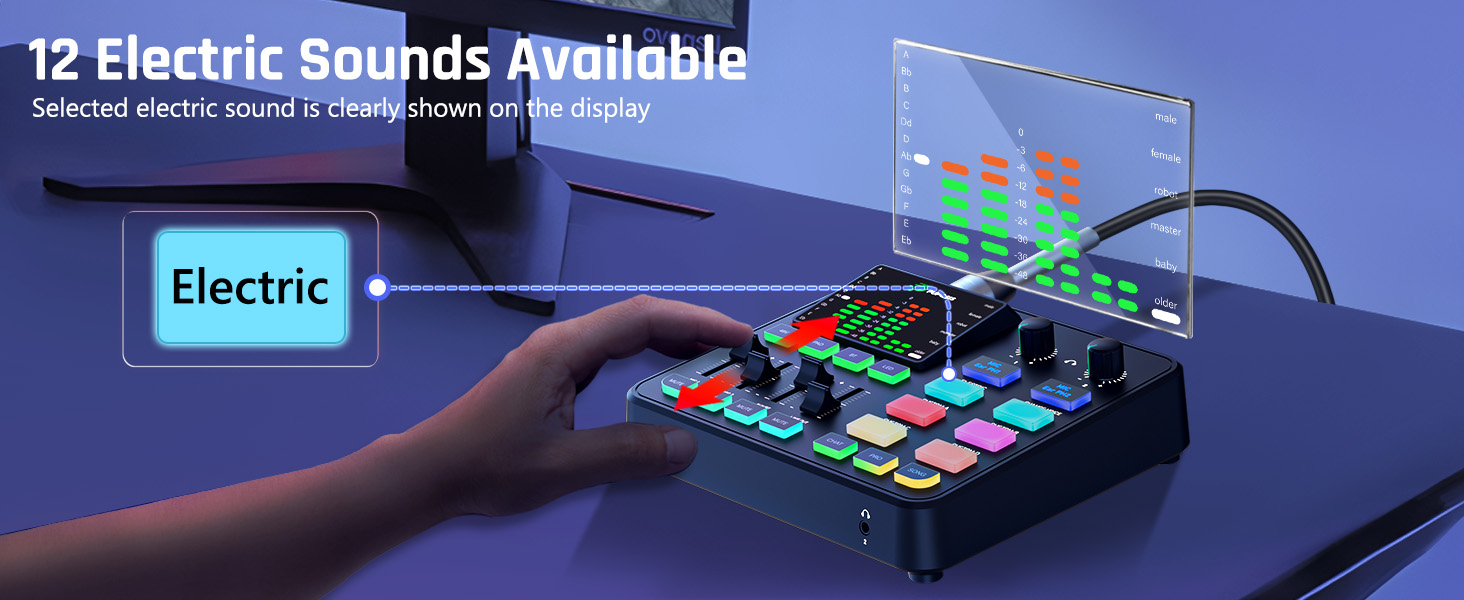
Explore a wider range of sound tones


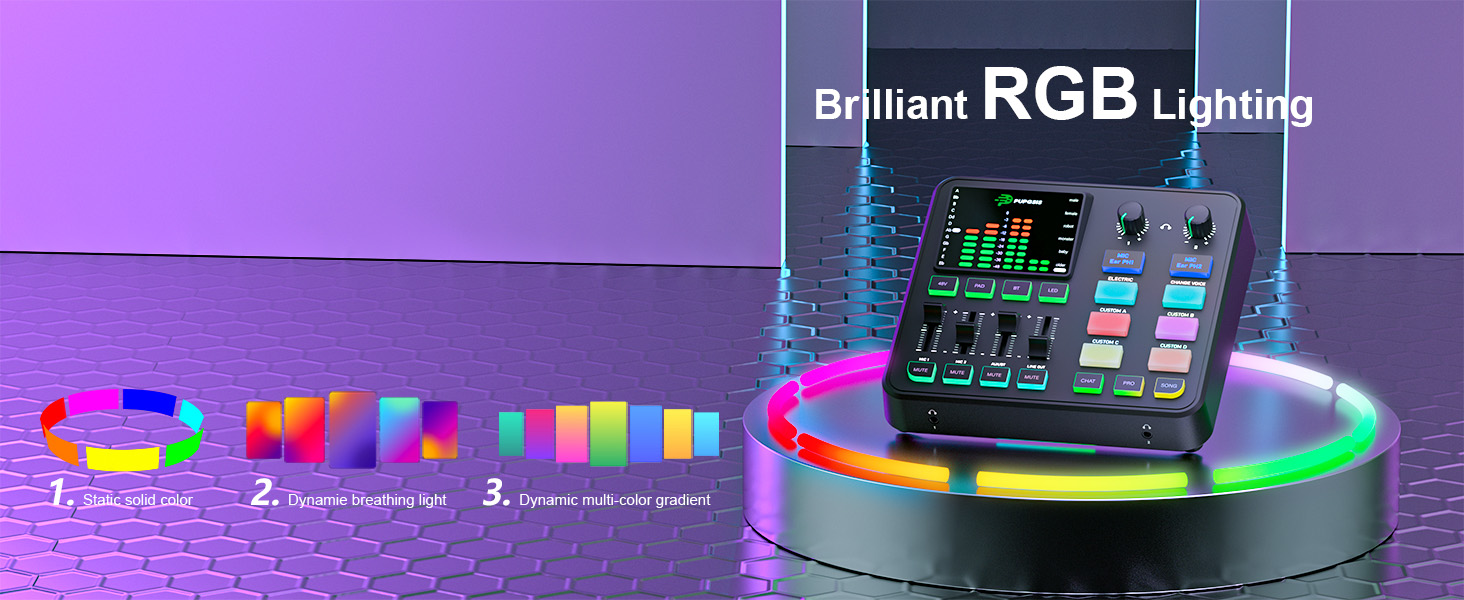
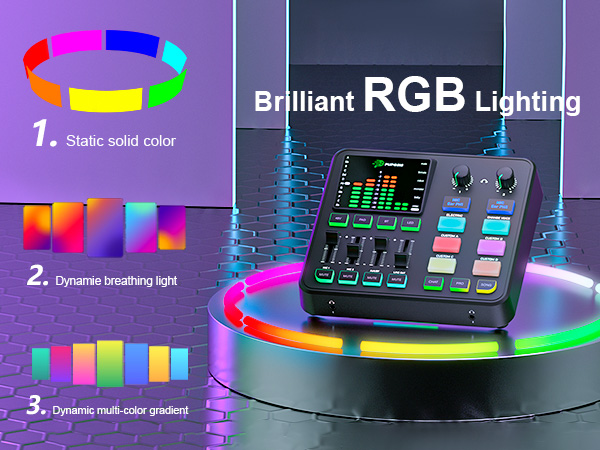
Select from 10 colors to complement various live themes
Monitoring of the microphone can be turned off individually
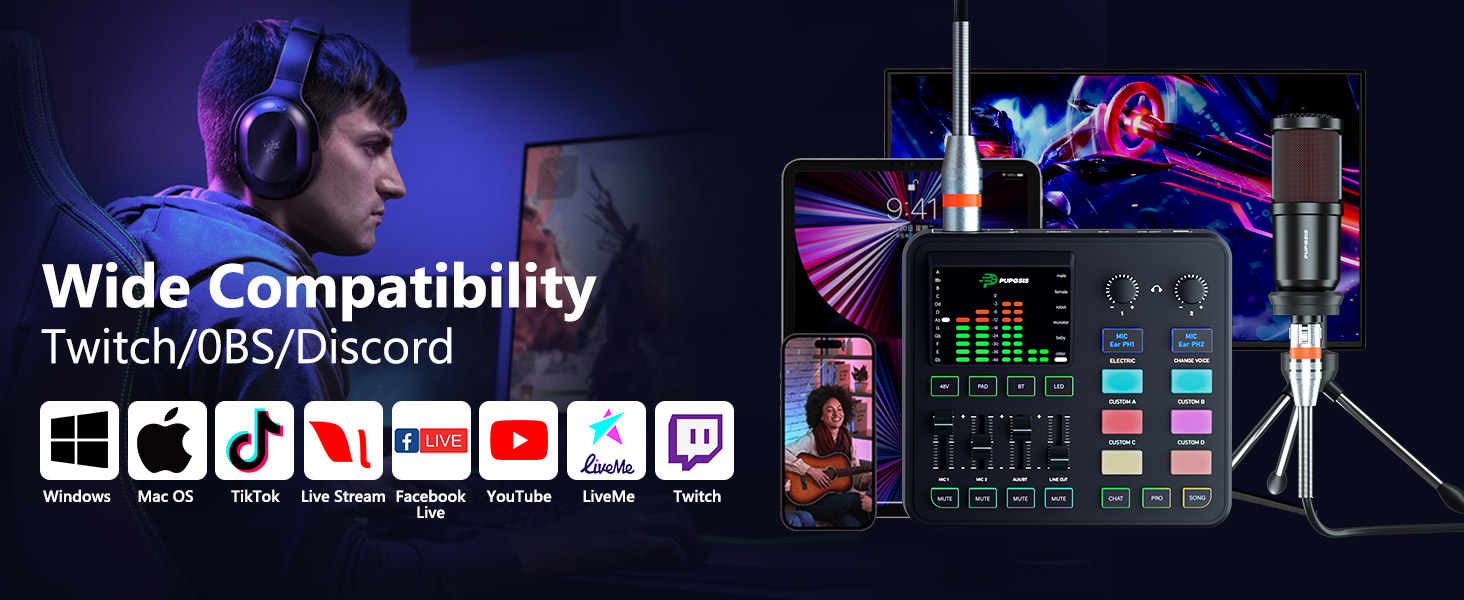
Support for use on different devices and different softwares

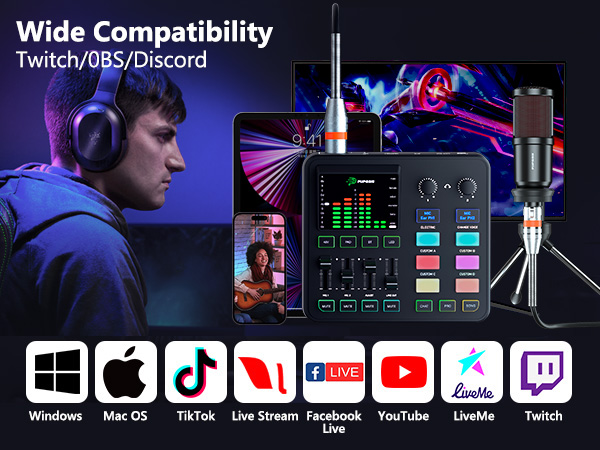
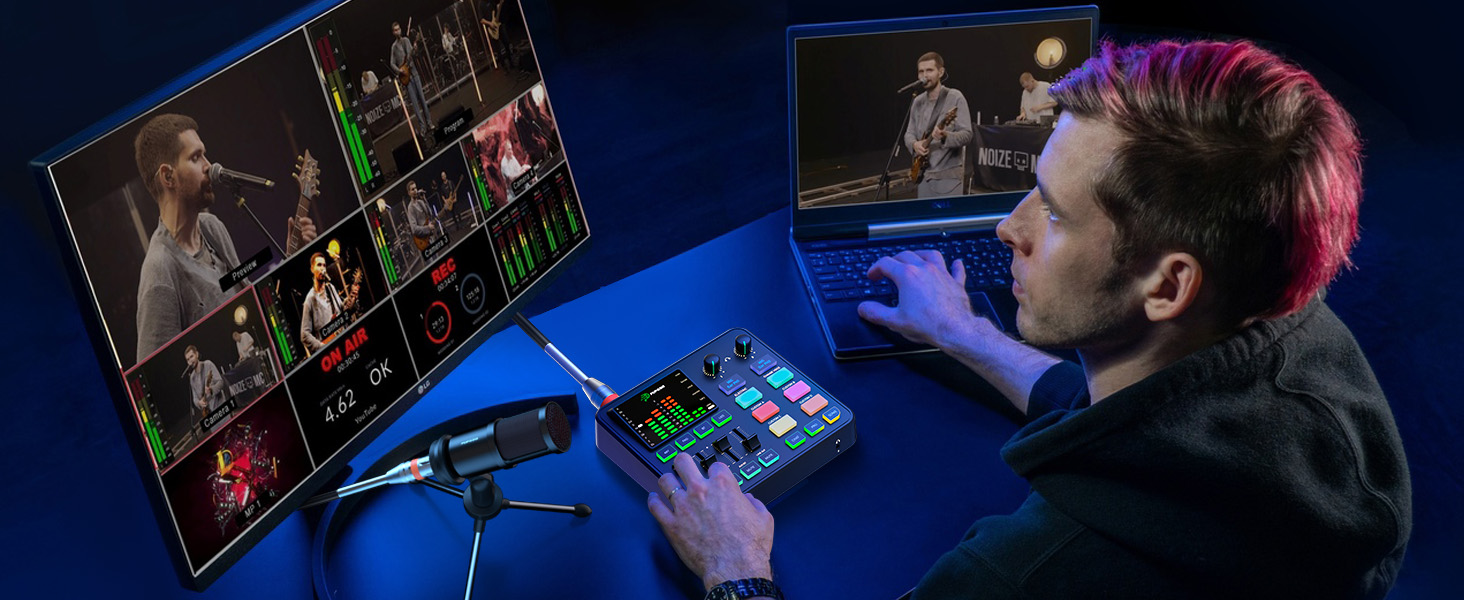
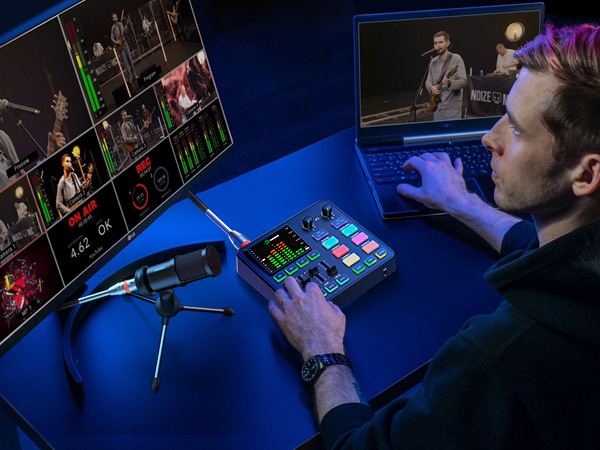
For Live Streaming
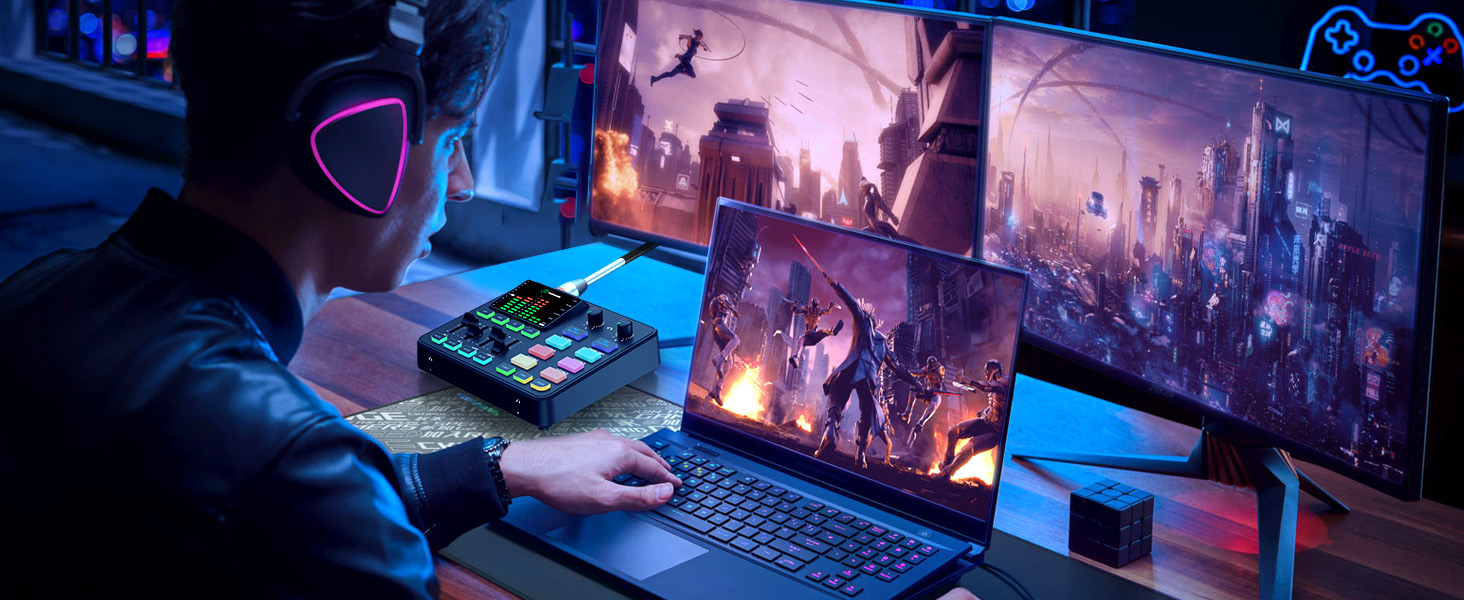
For Gaming Streaming
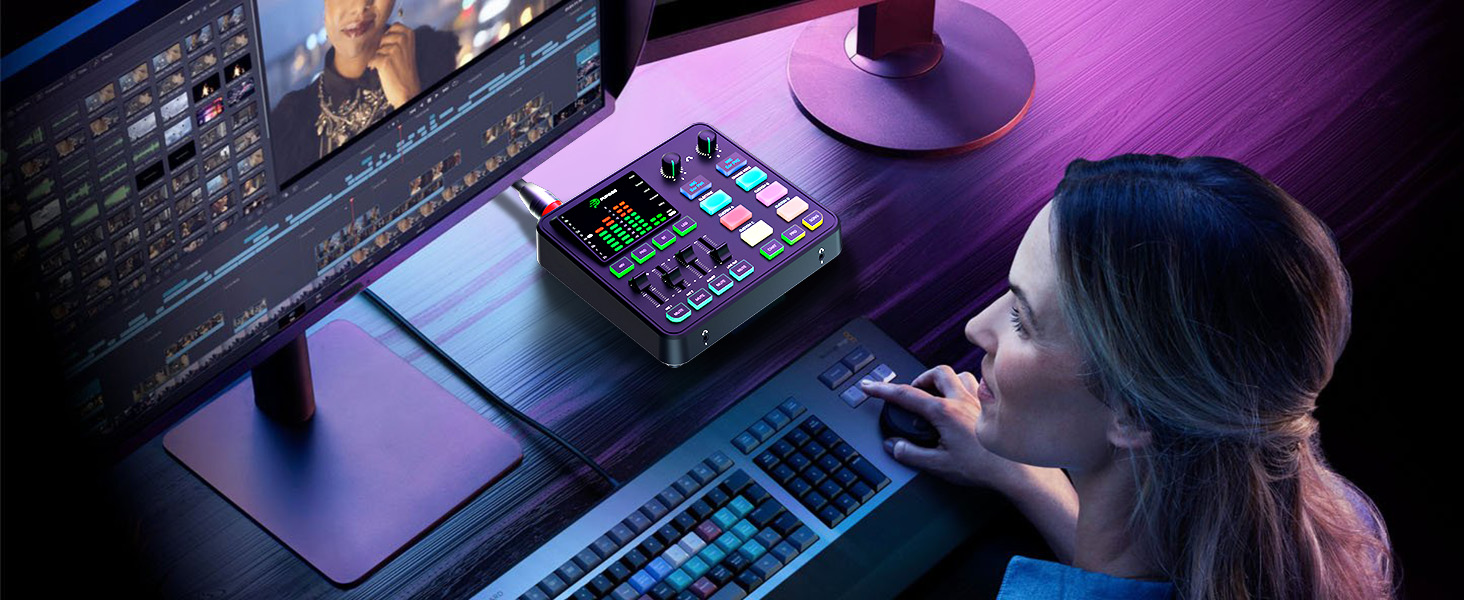
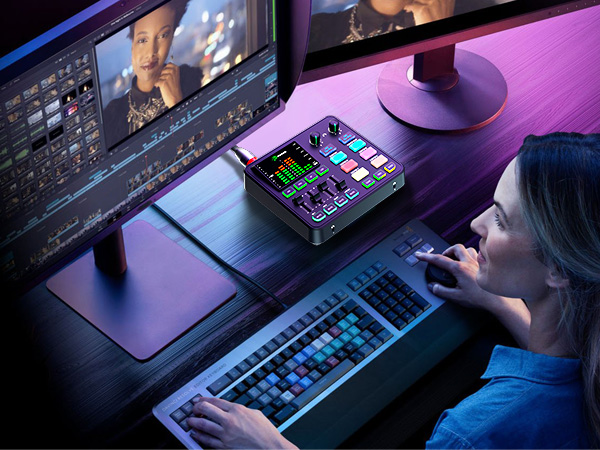
For Content Creation
Foe Podcast Recordings
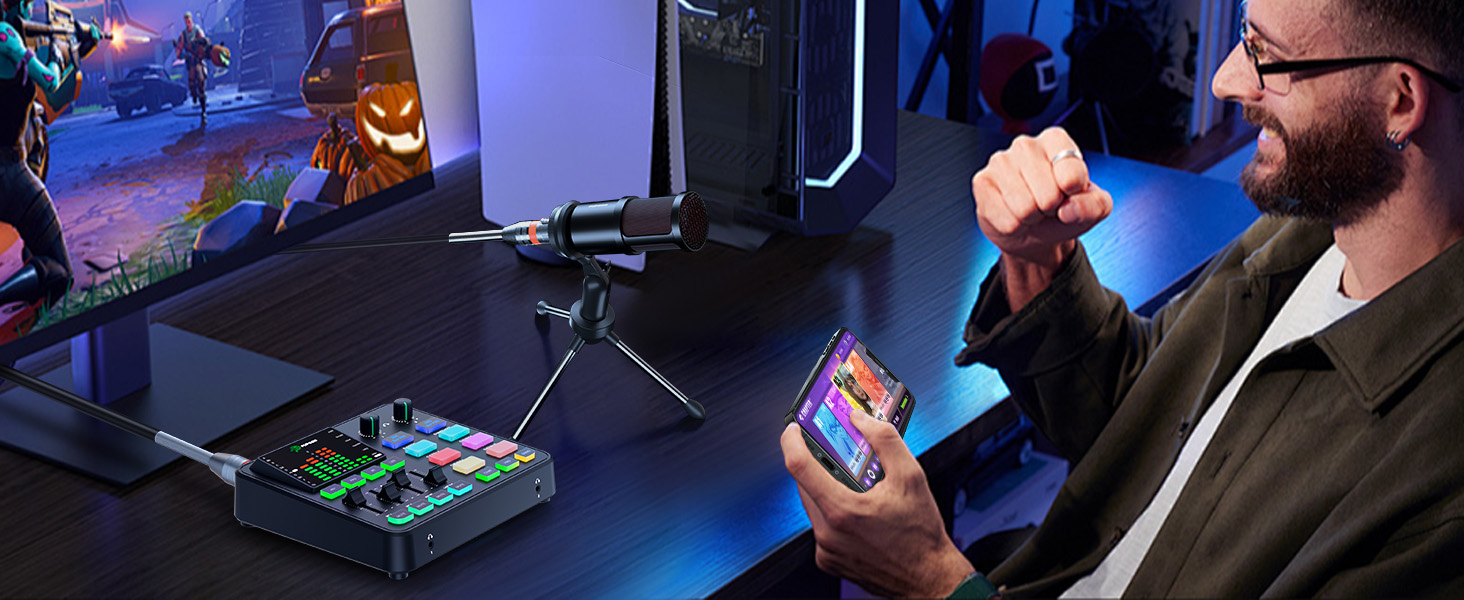
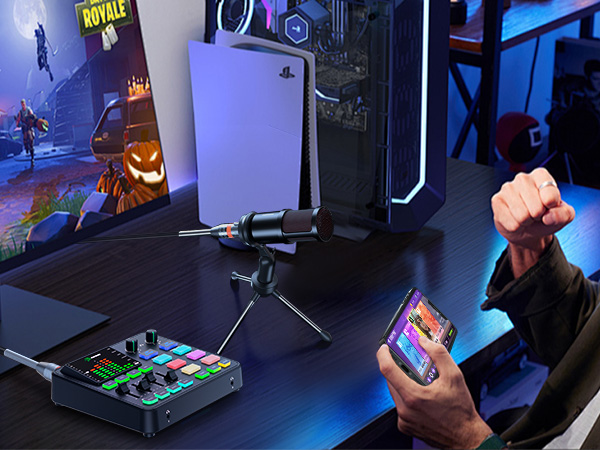
For Mobile Games

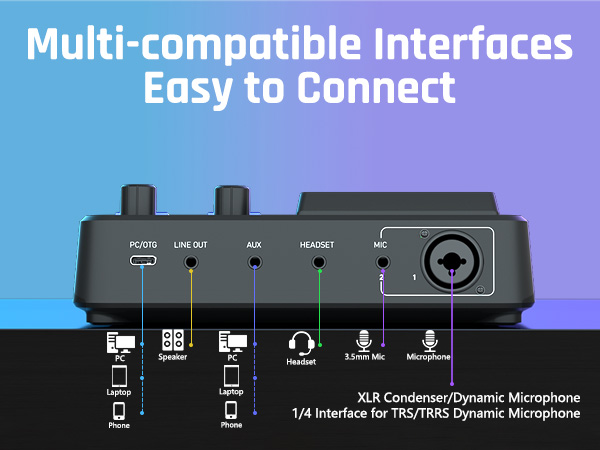
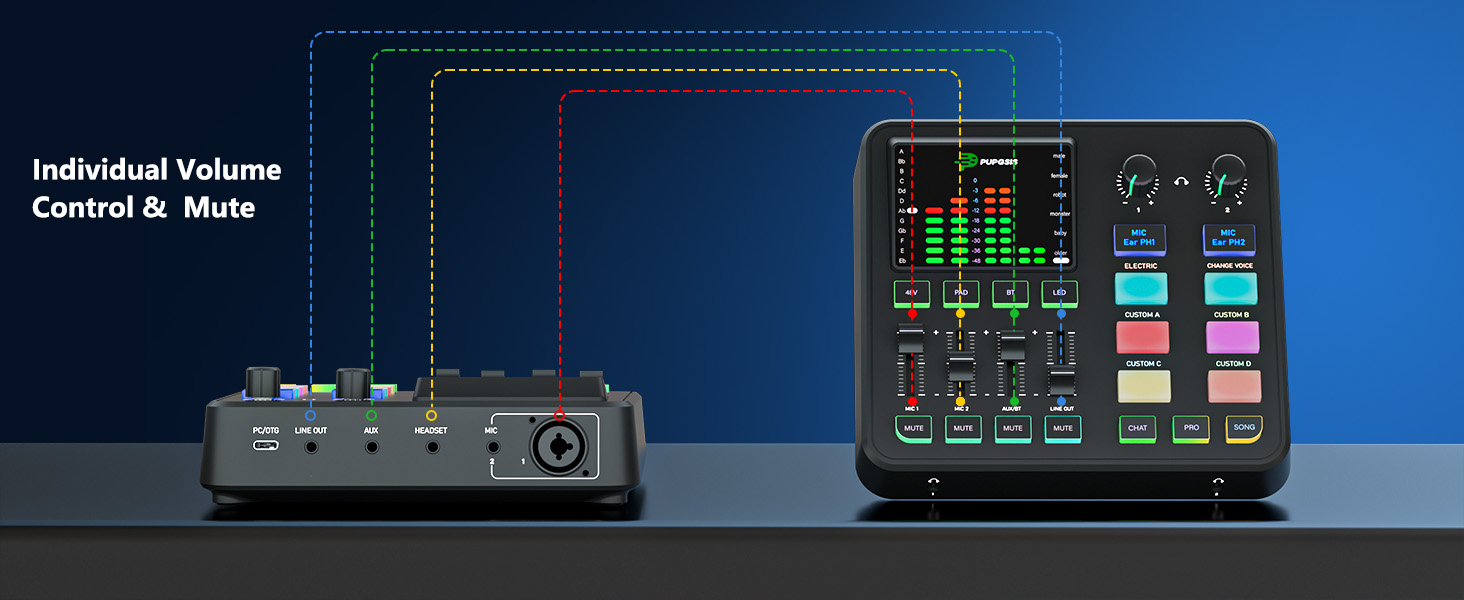
PC/OTG Connector
Connect to your computer/cell phone for power supply.
LINE OUT Connector
Connect to a speaker to output audio.
AUX Connector
Connect to your phone/tablet/computer to input an auxiliary audio source.
HEADSET Connector
Connect to the headset for recording or monitoring.
MIC 2 Connector
Connect to a microphone with a 3.5mm TRS audio cable
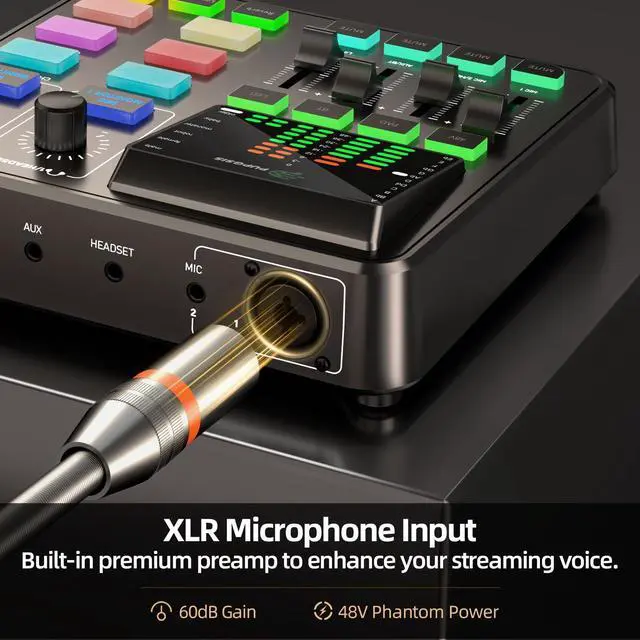
MIC 1 Connector
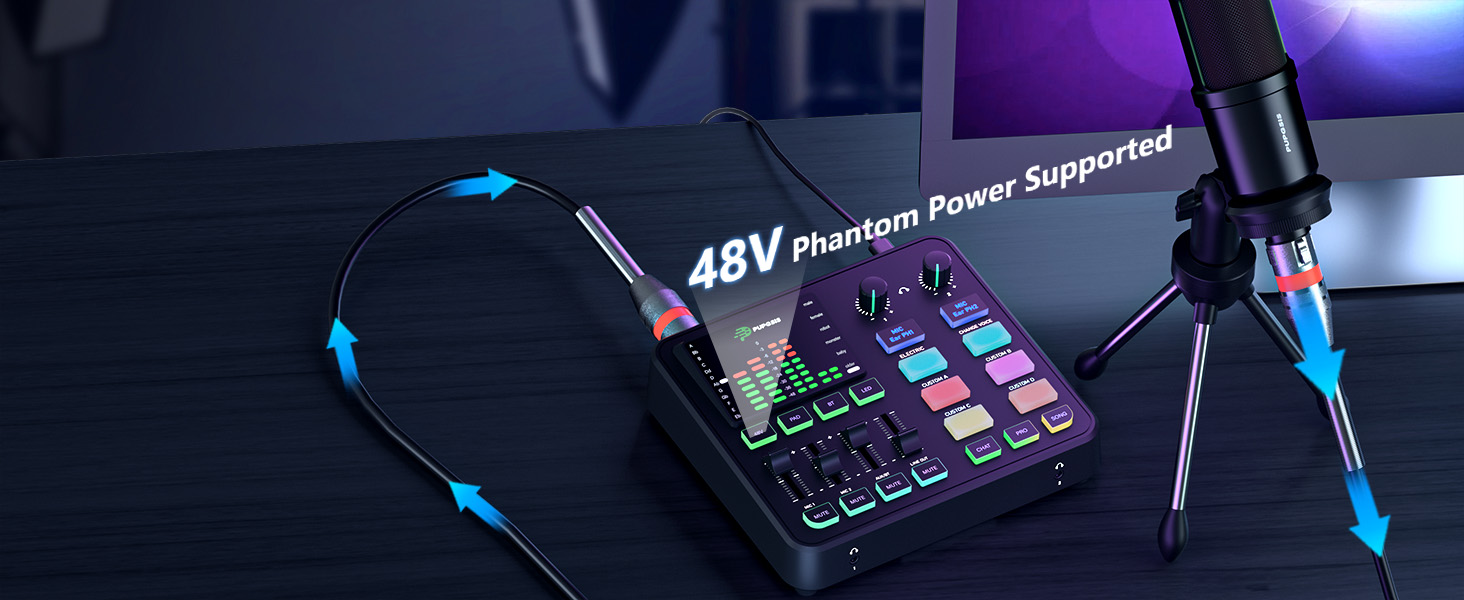
Connect to the XLR dynamic or condenser microphone, 6.35mm dynamic microphone
