here!
here!
I’m your shopping assistant for PC builds, upgrades, and everything tech.
Got questions? Ask away!
Start a conversation
here!
I’m your shopping assistant for PC builds, upgrades, and everything tech.
Got questions? Ask away!
Start a conversation



Any questions? Ask CelesteSM will help you find out quickly.
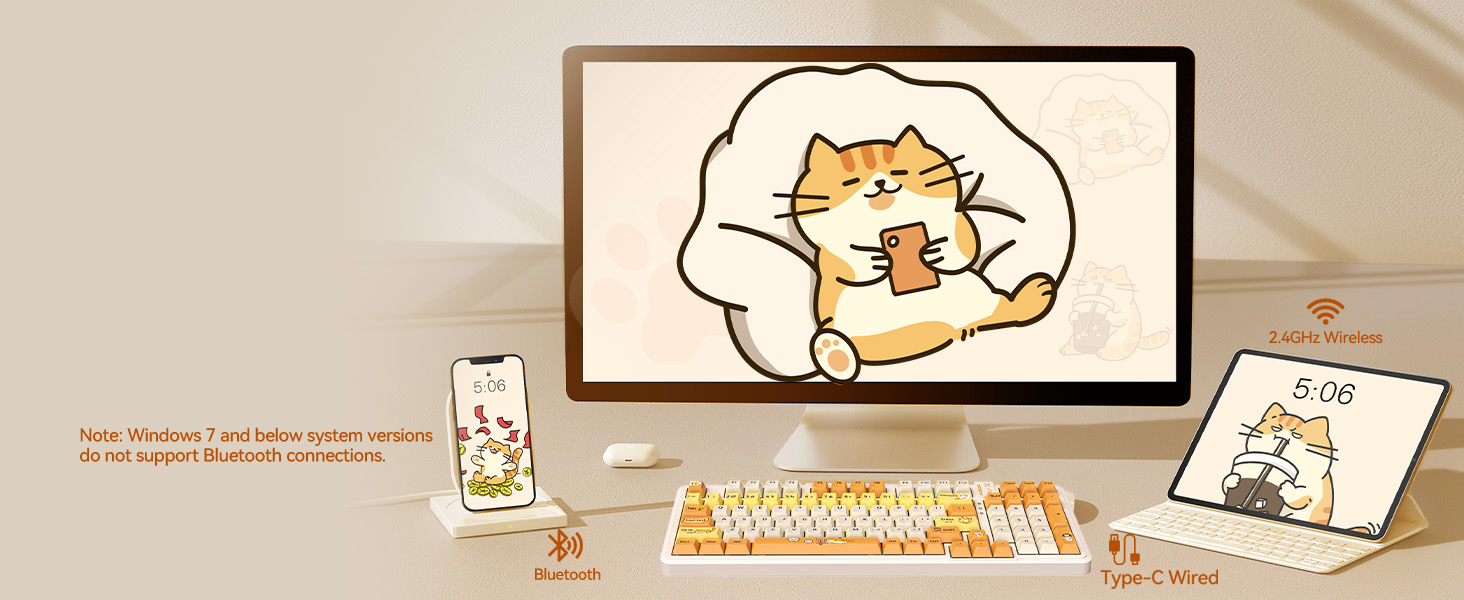
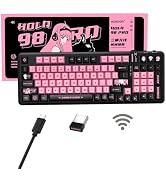
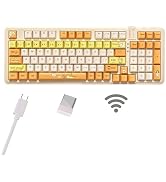
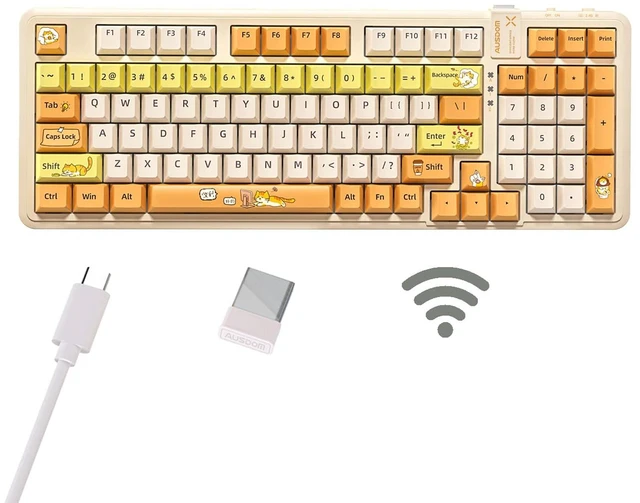
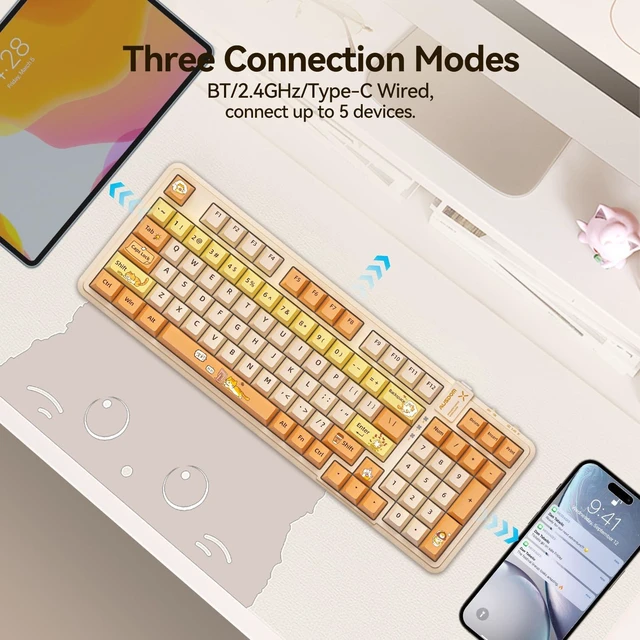
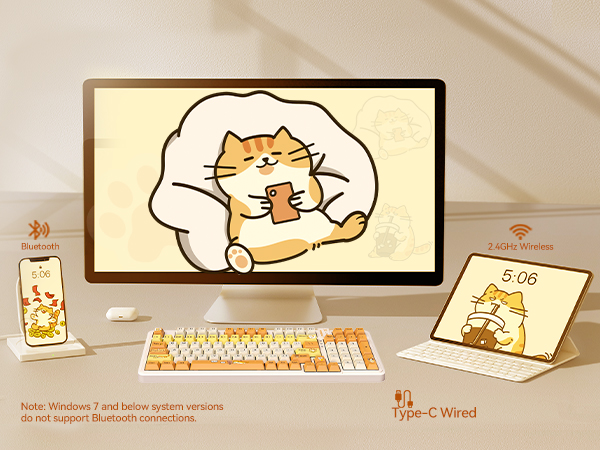
Bluetooth/2.4G/Wired
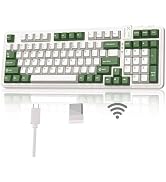
5 devices can be connected simultaneously, including 3 Bluetooth devices.
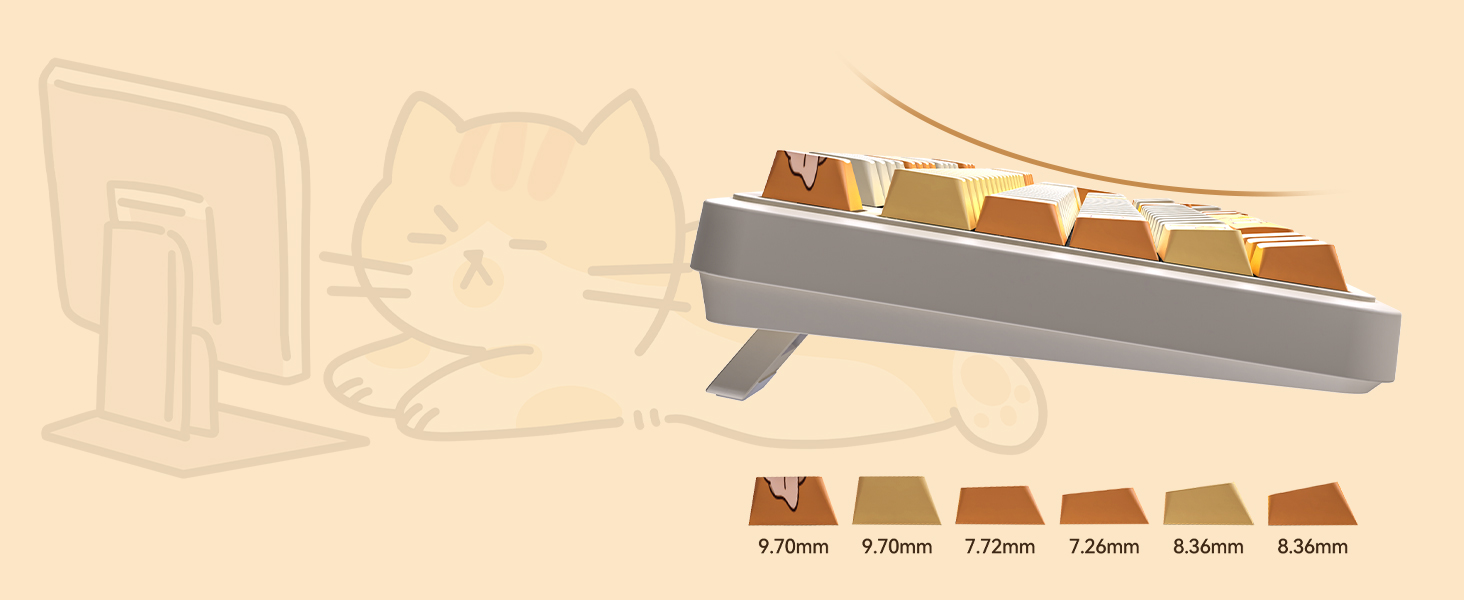
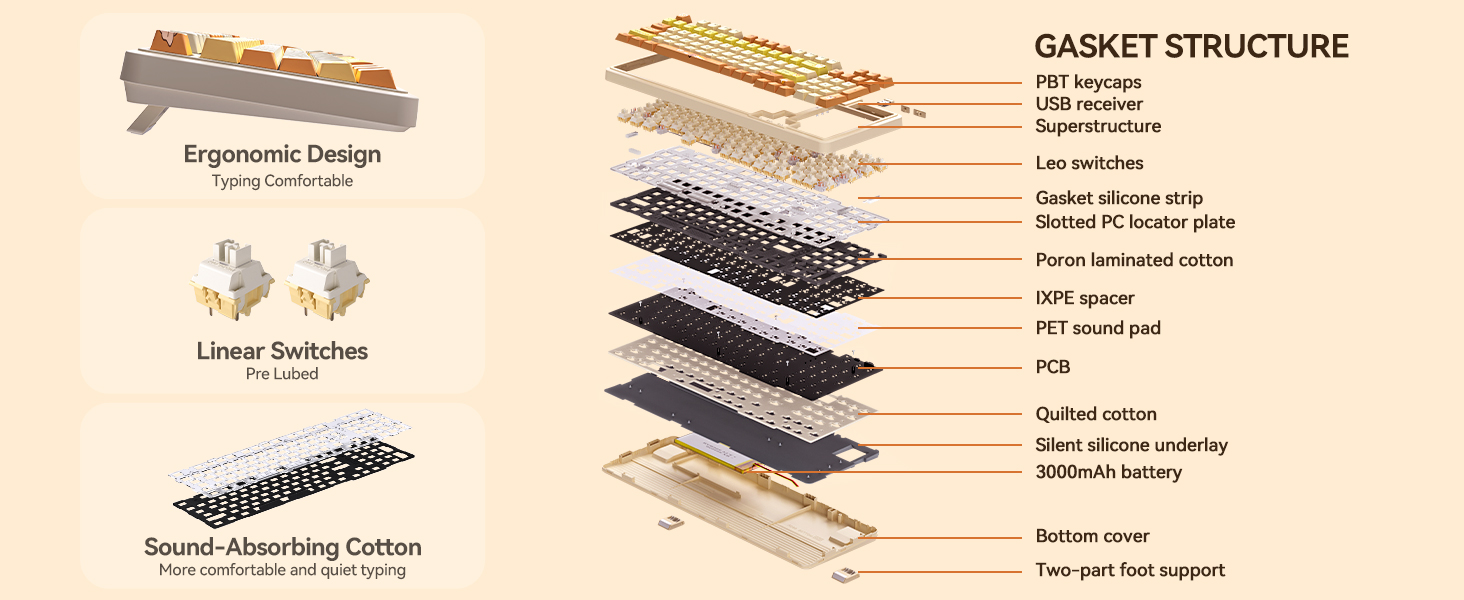
Pre-lubricated Keycaps
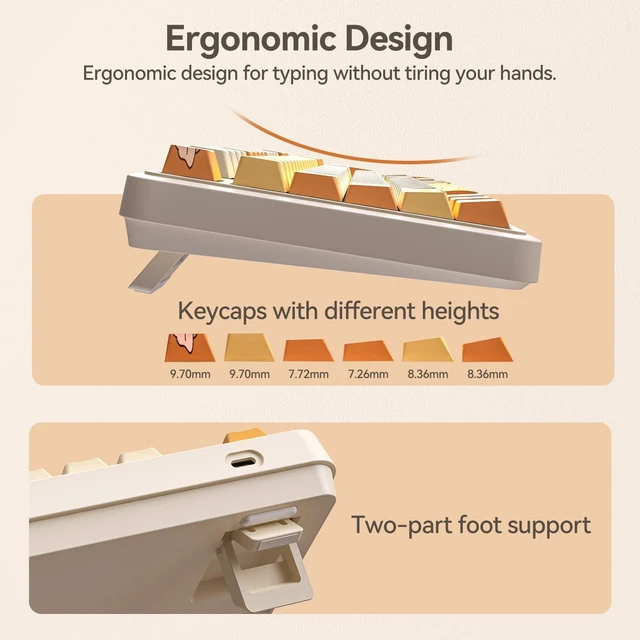
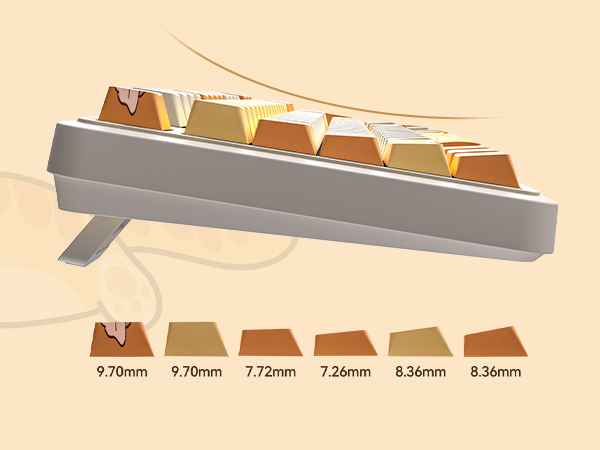
Adjustable foot support and keycaps with different heights keep your typing hands from getting tired
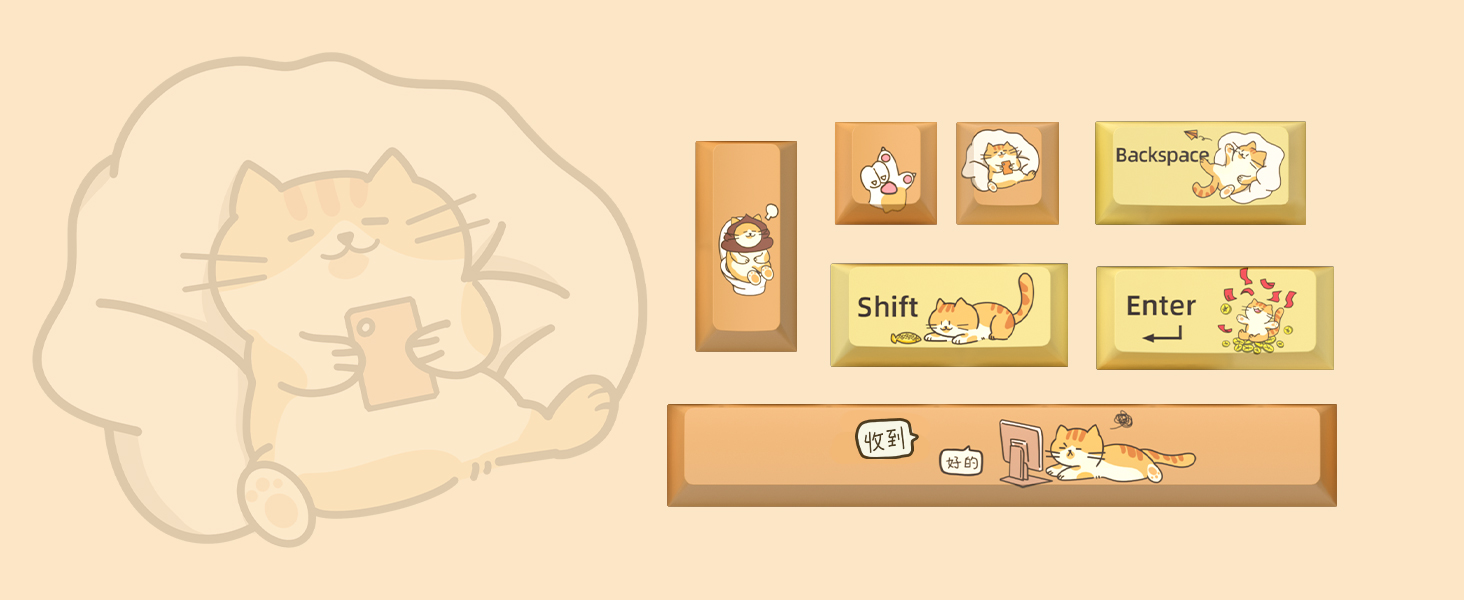
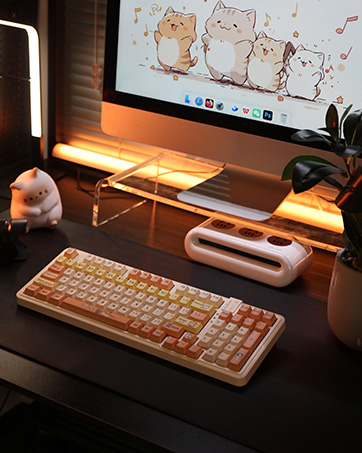
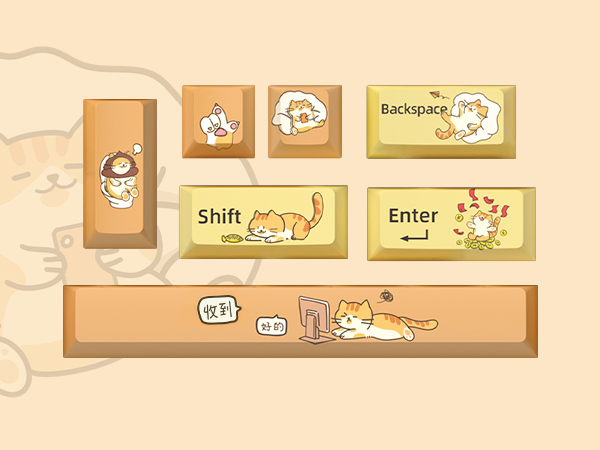
Lovely and Interesting
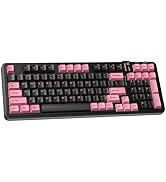
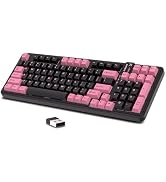
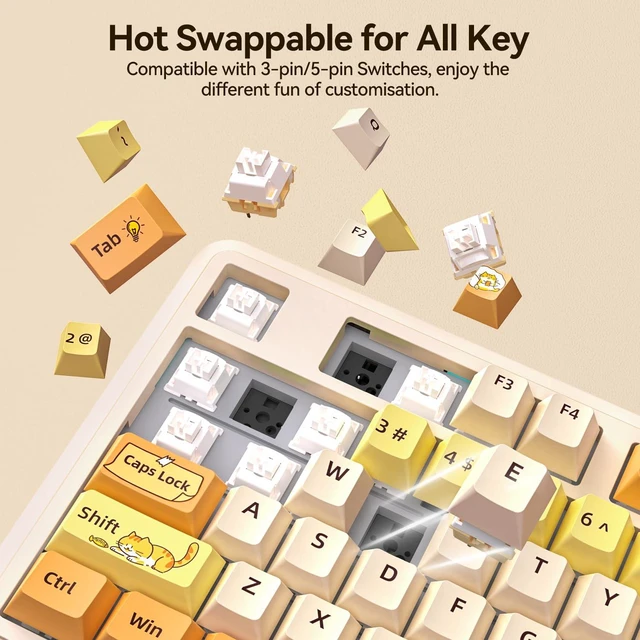
Funny cat print keycaps bring more fun to your life and work.
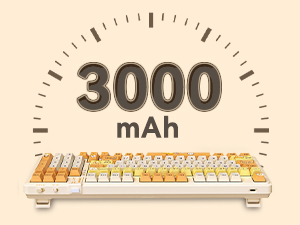
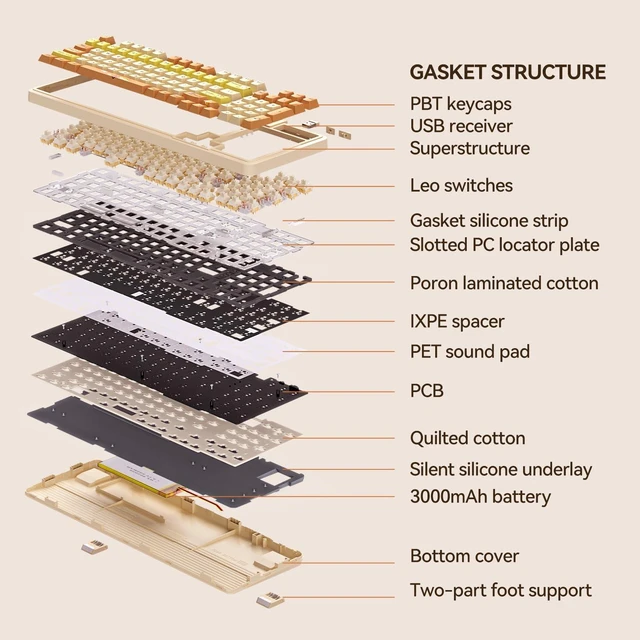
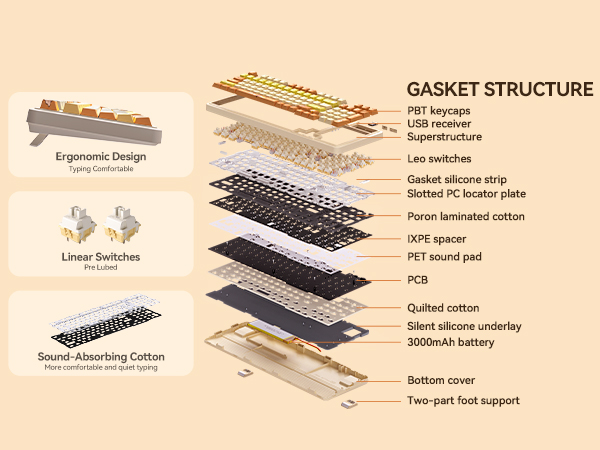
The built-in 3000 mAh high-capacity battery lasts for about 220 hours with the backlight off. No need to worry about battery life when typing.
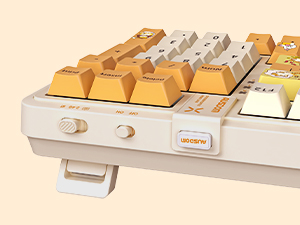
Built-in independent keyboard switches as well as connection mode switch. The switch needs to be turned on before use.
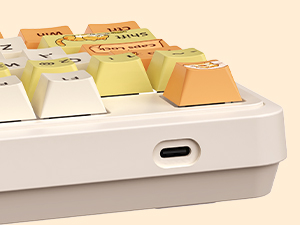
The Type-C connector allows you to charge the keyboard at the same time when using the wired connection mode.
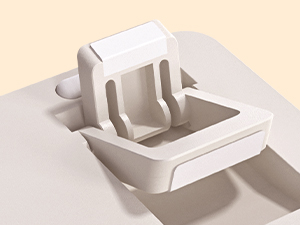
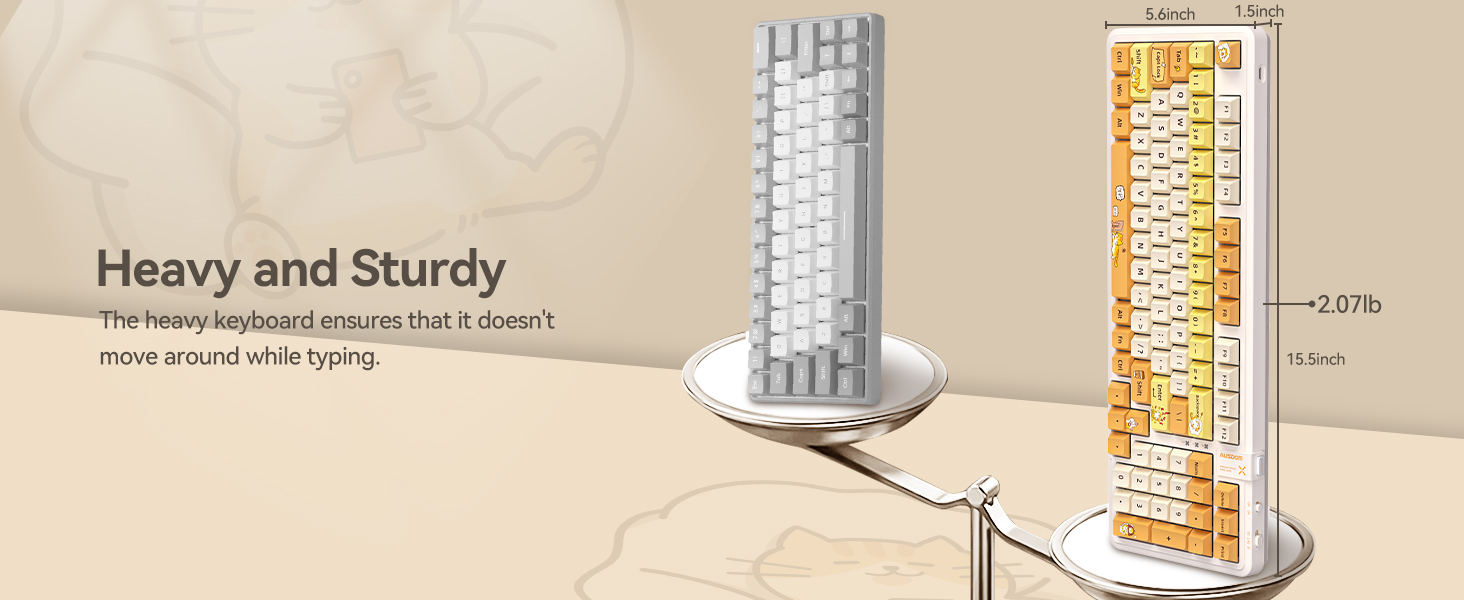
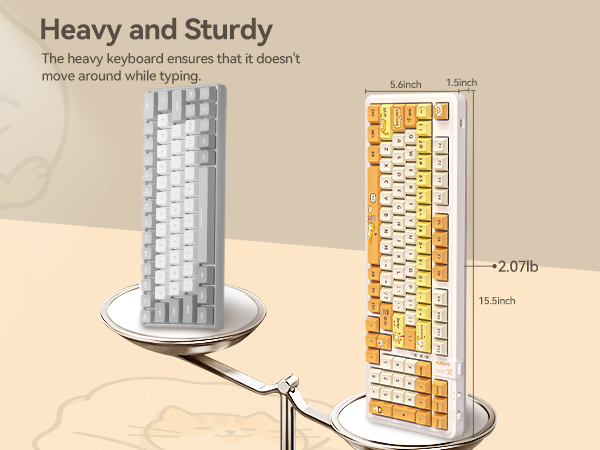
The bottom of the foot support features non-slip silicone, easily securing the keyboard from moving while typing.
Why is there no response when using the keyboard after plugging in the USB port or connecting the number Bluetooth?
To use the keyboard, you need to first turn the switch on the side of the keyboard on and cross the other button to the appropriate connection.
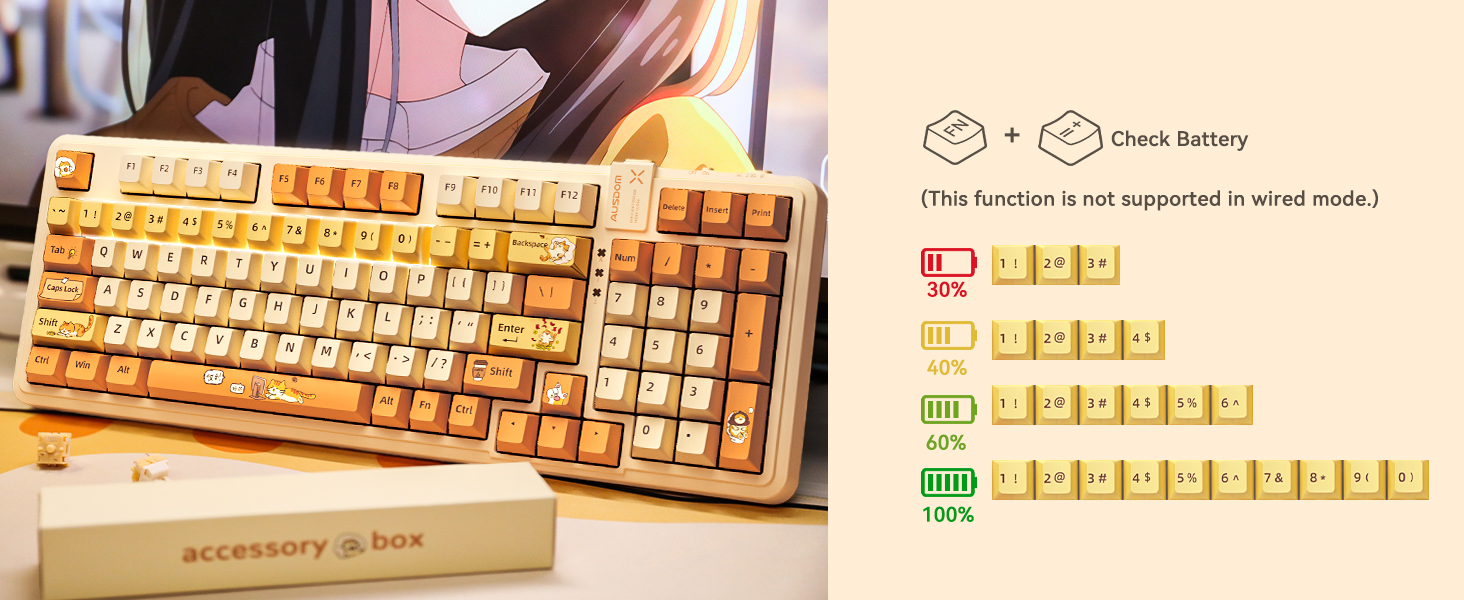
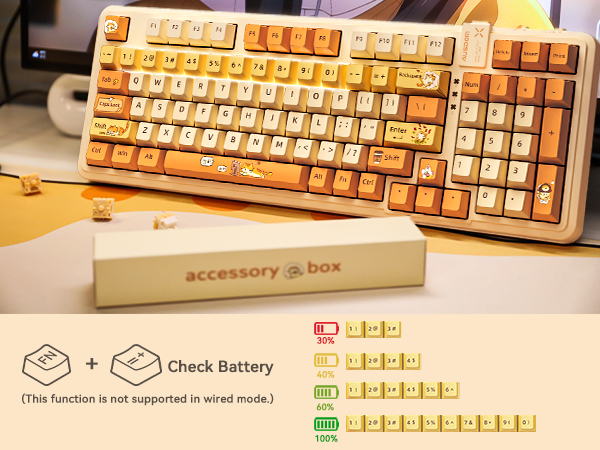
Why don't I see the power display on the keyboard after I press FN + "+=" key?
When checking the battery level, you need to make sure that the backlight effect has been turned on and that you are using it in Bluetooth mode connection or 2.4G mode connection.
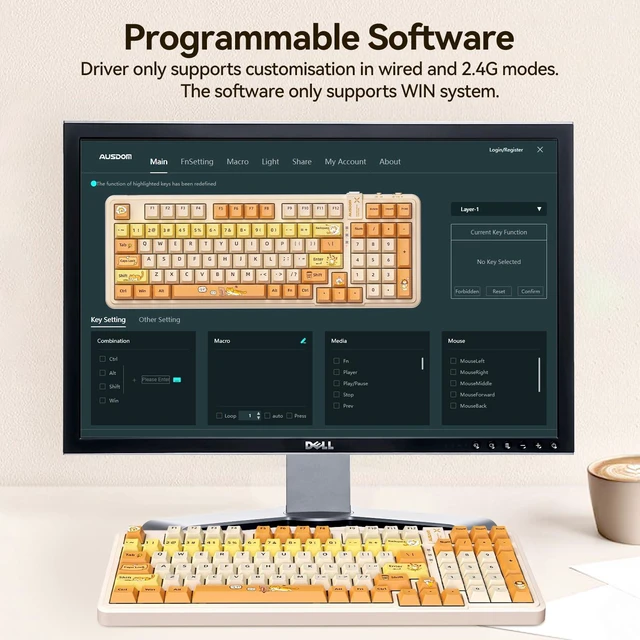
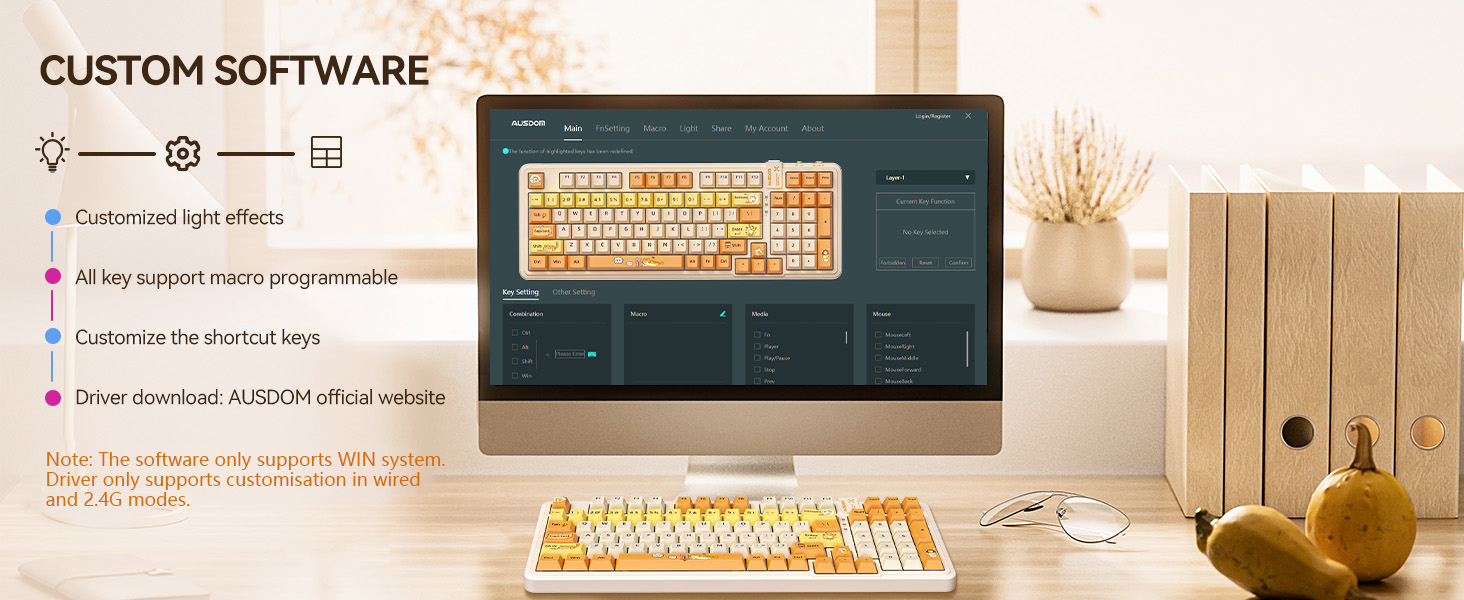
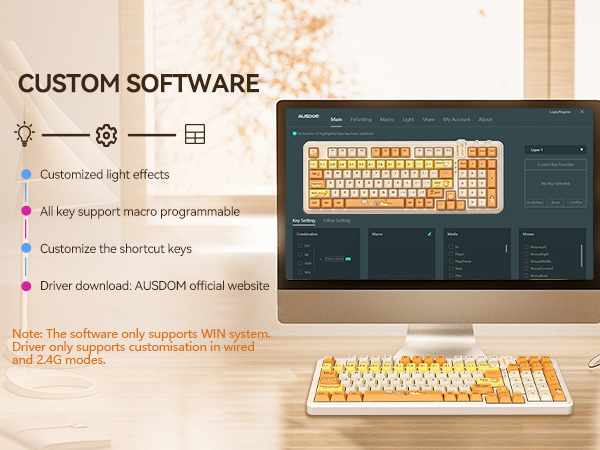
Why doesn't the program recognize my keyboard when I open the custom driver?
Custom programs are only supported for use in wired and 2.4G modes.
How do I download the macro function programme?
Go to the brand's official website, according to the following way can be downloaded: SUPPORT----Software Download---AUSDOM 98PRO Macro Driver.
5 devices can be connected simultaneously, including 3 Bluetooth devices.
Adjustable foot support and keycaps with different heights keep your typing hands from getting tired
Funny cat print keycaps bring more fun to your life and work.
The built-in 3000 mAh high-capacity battery lasts for about 220 hours with the backlight off. No need to worry about battery life when typing.
Built-in independent keyboard switches as well as connection mode switch. The switch needs to be turned on before use.
The Type-C connector allows you to charge the keyboard at the same time when using the wired connection mode.
The bottom of the foot support features non-slip silicone, easily securing the keyboard from moving while typing.
Why is there no response when using the keyboard after plugging in the USB port or connecting the number Bluetooth?
To use the keyboard, you need to first turn the switch on the side of the keyboard on and cross the other button to the appropriate connection.
Why don't I see the power display on the keyboard after I press FN + "+=" key?
When checking the battery level, you need to make sure that the backlight effect has been turned on and that you are using it in Bluetooth mode connection or 2.4G mode connection.
Why doesn't the program recognize my keyboard when I open the custom driver?
Custom programs are only supported for use in wired and 2.4G modes.
How do I download the macro function programme?
Go to the brand's official website, according to the following way can be downloaded: SUPPORT----Software Download---AUSDOM 98PRO Macro Driver.