






![Avantree HT5009 Plus - [2025 Upgraded] Wireless Headphones for TV Watching with Transmitter & Cha...](//c1.neweggimages.com/sellingpilot/modules/product/a-plus/e2fb0ae693c7528617efb24e80a896ae318dcd724c652f3dd003ca7cfd3c62d8.jpg)
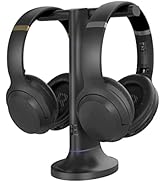
Wireless Headphones for TV
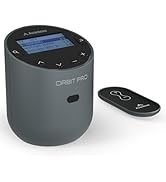
![Avantree Oasis Plus 2 - [2025 Version] Bluetooth Transmitter for TV with Remote Volume Control, a...](//c1.neweggimages.com/sellingpilot/modules/product/a-plus/5ba8f4151951fabc38df36eb71eb1e68226a6f8dbff19f0f7eee885ab5572a5f.jpg)
![Avantree Audikast 3 [2024 Version] - Bluetooth 5.3 Transmitter for TV with aptX-Adaptive & Low La...](//c1.neweggimages.com/sellingpilot/modules/product/a-plus/8bd3c909be0f2e0f315a8da4dc007be2c2a0076efc96cfc28733baa0a7bbf205.jpg)
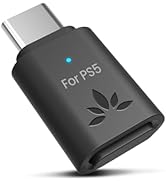
Bluetooth Transmitters
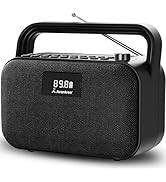
FM Radio and Speakers
Who Are We?
Avantree is a global provider of niche wireless audio solutions that focus not just on "surviving," but thriving.
What Do We Do?
At Avantree, we create products that offer users unique audio experiences such as social listening options and customized hearing profiles. We aim to meet consumers right where they're at by designing devices that provide high-quality sound and satisfy user needs.
Why Do We Do It?
We believe that everyone deserves to enjoy and experience life to the fullest - even those without "perfect" hearing. We seek to create excellent products that cater to this belief.
![Avantree HT5009 Plus - [2025 Upgraded] Wireless Headphones for TV Watching with Transmitter & Cha...](http://c1.neweggimages.com/sellingpilot/modules/product/a-plus/e2fb0ae693c7528617efb24e80a896ae318dcd724c652f3dd003ca7cfd3c62d8.jpg)
![Avantree Oasis Plus 2 - [2025 Version] Bluetooth Transmitter for TV with Remote Volume Control, a...](http://c1.neweggimages.com/sellingpilot/modules/product/a-plus/5ba8f4151951fabc38df36eb71eb1e68226a6f8dbff19f0f7eee885ab5572a5f.jpg)
![Avantree Audikast 3 [2024 Version] - Bluetooth 5.3 Transmitter for TV with aptX-Adaptive & Low La...](http://c1.neweggimages.com/sellingpilot/modules/product/a-plus/8bd3c909be0f2e0f315a8da4dc007be2c2a0076efc96cfc28733baa0a7bbf205.jpg)

Before you buy, please note:
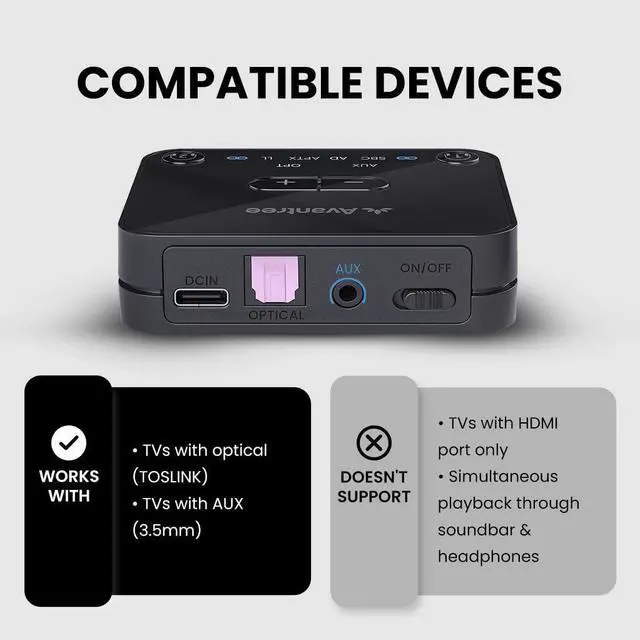
- COMPATIBILITY NOTICE Only Works with TVs that have Optical (TOSLINK) or 3.5mm AUX audio outputs. Not compatible with HDMI ARC/eARC-only TVs.
- Before Purchase: Confirm your TV has an Optical or AUX port.
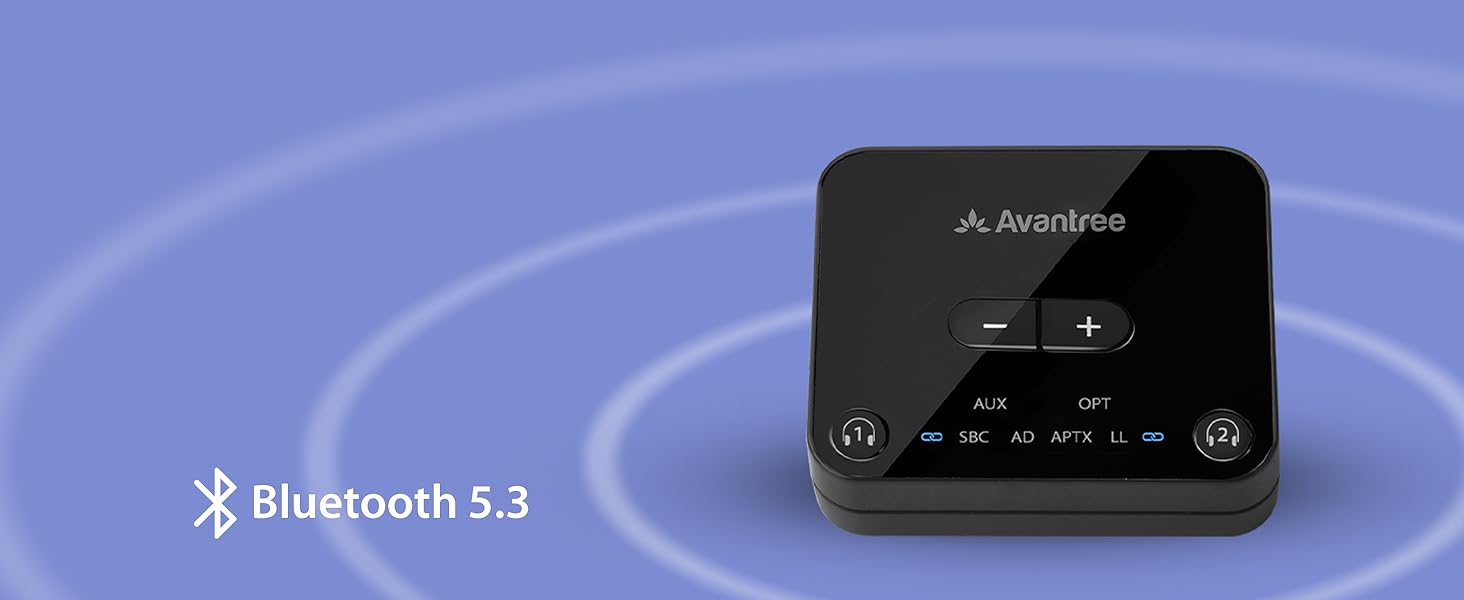

Specifications
Setting Up Your Audikast
Plug & Power
Connect to your TV’s audio output port and plug the Audikast into a power source, then turn it on.
Pair
On first use, the Audikast will enter pairing mode automatically. Put your headphones in pairing mode as well to connect them.(Not just turn it on)

Key Success Tips 1
Please disable your phone's Bluetooth before starting the pairing process to prevent any interference.

Key Success Tips 2
Make sure the headphones are in pairing mode - this solves 95% of setup problems.
Can Audikast 3 work with my TV?
The Audikast 3 works only with TVs that have optical (TOSLINK) or 3.5mm AUX audio output ports.
It does not support HDMI ARC/eARC, RCA-only, or Bluetooth-only TVs.
Before purchase, please check your TV’s audio output settings to ensure compatibility.
What devices is the Audikast 3 compatible with?
Works with TVs, computers, or audio systems that have optical (TOSLINK) or 3.5mm AUX output ports.
Transmits to Bluetooth headphones, earbuds, or speakers.
Not compatible with hearing aids, smartphones or other Bluetooth transmitters.
How do I pair my Bluetooth headphones with the Audikast 3?
1.Connect the Audikast 3 to your TV and a power source, and turn it on.
2.Put your headphones into pairing mode (not just power on).
3.Audikast 3 and headphones will auto pair. The pairing light on Audikast 3 will turn solid when pair is successful.
Why is there no sound from TV to my headphonse?
1. Check if the TV audio format is set to PCM. 2. Turn off Bluetooth on your phone and computer.
Can this product be updated in the future?
Yes. Firmware updates are available via our website to keep your device up to date with the latest features and fixes.
Comparison Table
 Avantree Audikast 3 |  Avantree Orbit Pro | 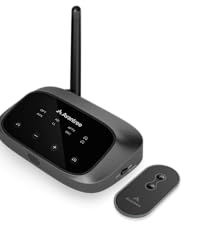 Avantree Oasis Plus 2 |  Avantree Audikast 4 | |
|---|---|---|---|---|
Customer Reviews | — | — | — | — |
Price | — | — | — | — |
Bluetooth Version | Bluetooth 5.3 | Bluetooth 5.0 | Bluetooth 5.3 | Bluetooth 5.4 |
Transmitter / Receiver | Transmitter | Transmitter & Receiver | Transmitter | Transmitter |
Audio Input | Optical /AUX | HDMI/Optical /AUX | Optical /AUX | Optical /AUX |
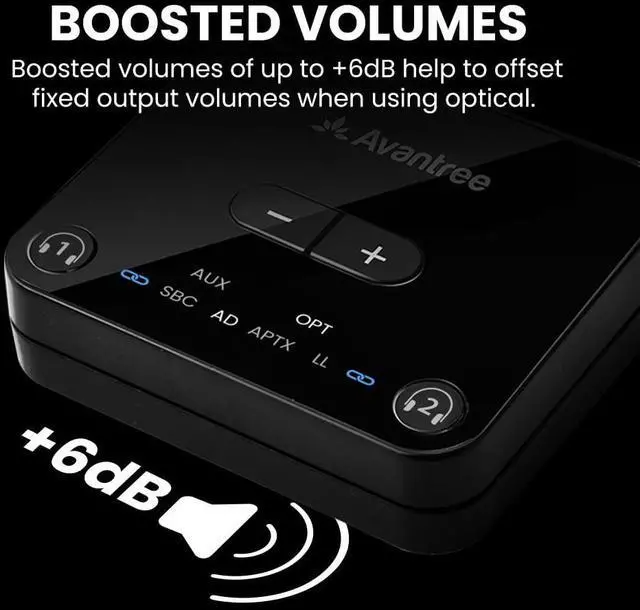
Optical Volume Boost | +6dB | +5dB | +6dB | - |
Dual Link to Connect 2 Devices | ? | ? | ? | Auracast to many |
aptX-Adaptive Codec Support | ? | - | ? | ? |
Before you buy, please note:
- COMPATIBILITY NOTICE Only Works with TVs that have Optical (TOSLINK) or 3.5mm AUX audio outputs. Not compatible with HDMI ARC/eARC-only TVs.
- Before Purchase: Confirm your TV has an Optical or AUX port.
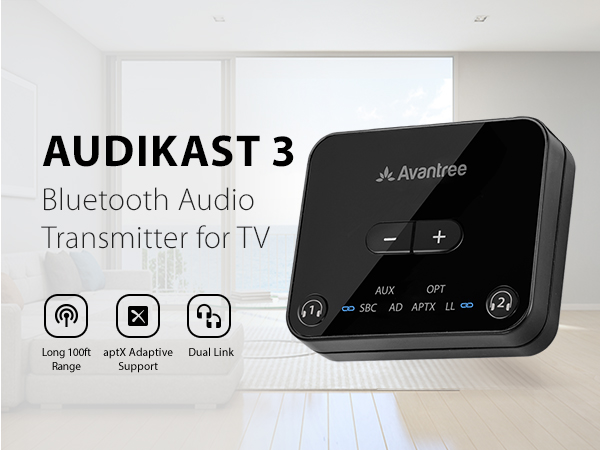
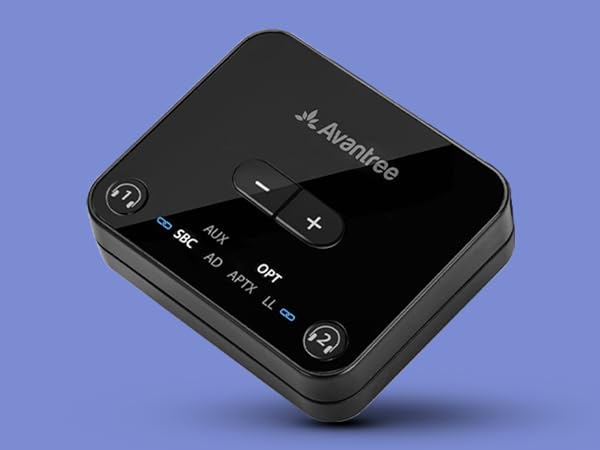
Stable Connection
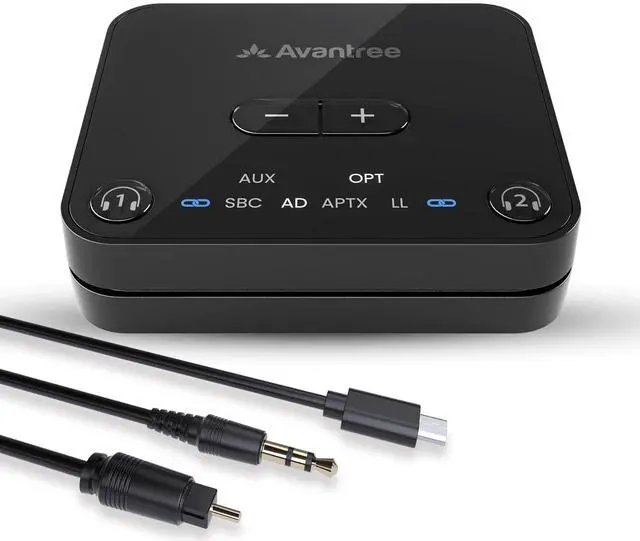
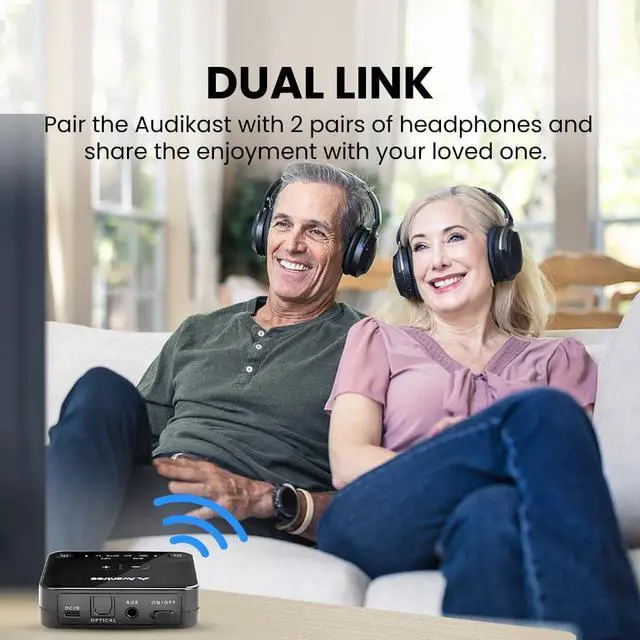
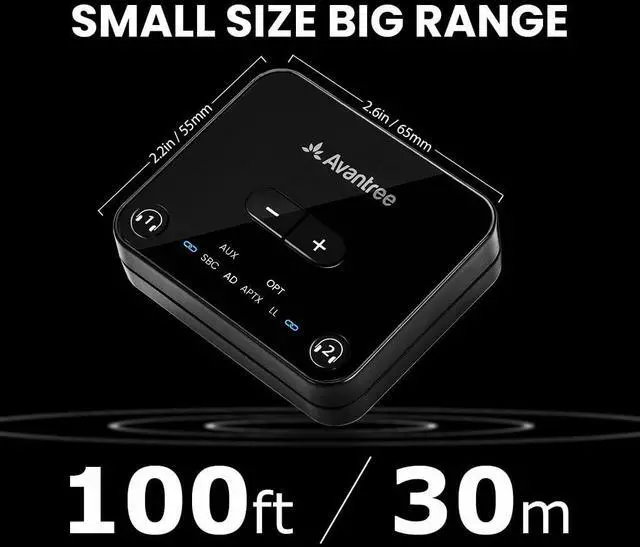
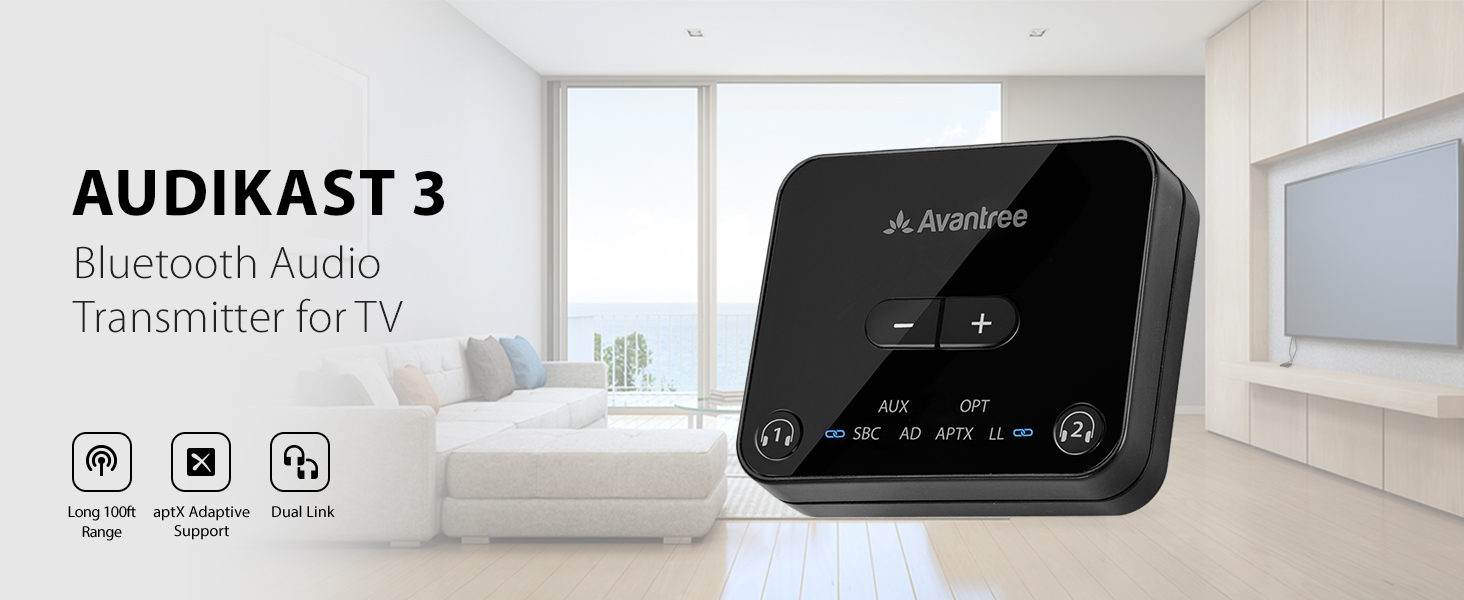
Connect 2 headphones simultaneously and enjoy stable connections up to 100ft / 30m away.
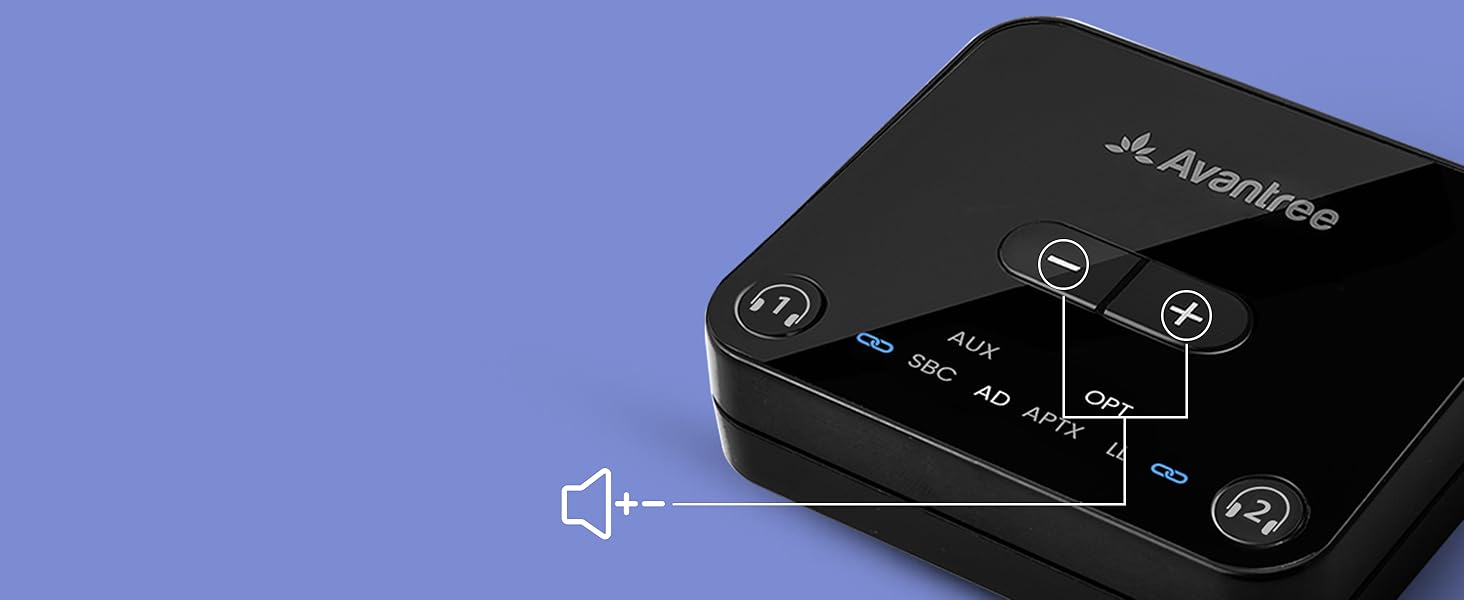
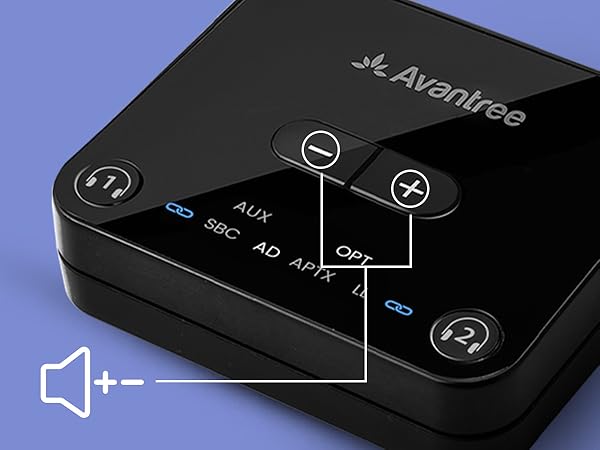
Volume Controls
Adjust volume levels directly from the transmitter if desired.
Clear Indicators
Easily check your pairing, connection, and codec statuses with the intuitive LEDs.
Specifications
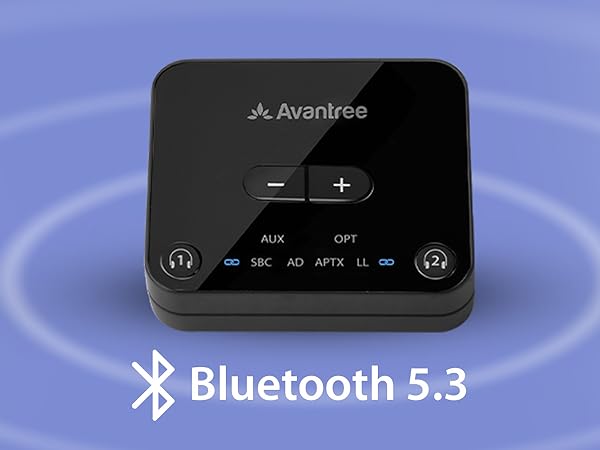
| Bluetooth Version | v5.3 |
|---|---|
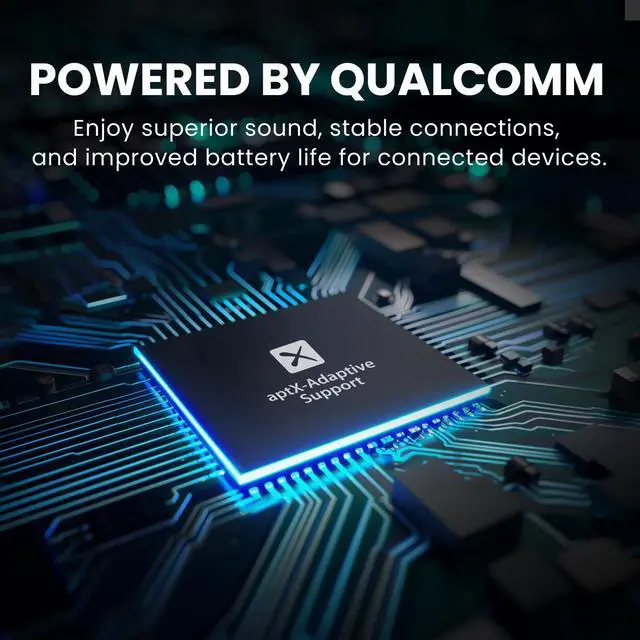
| Bluetooth Chipset | QCC3056 |
| Supported Audio Codecs | aptX-Adaptive, aptX, SBC |
| Supported Bluetooth Profiles | A2DP, AVRCP |
| Supported Audio Output | Optical /AUX |
| Optical Audio Format | PCM / LPCM |
| Operating Range | Up to 100ft / 30M |
| Rated Input | 5V/500mA~2A |
| Product Dimensions | 6.5cm x 5.5cm x 1.5cm |
| Compatible device | Bluetooth headphones & speakers, including AirPods, Bose, and more |
| Incompatible Devices | Certain models of hearing aids, including Philips HearLink |
| Low Latency Compatible Devices | Avantree Aria Pro, Aria Me, Audition 3, and more, including any aptX-Adaptive or aptX-Low Latency supporting devices |
| Compatible TVs: | TVs with Optical (TOSLINK) or 3.5mm AUX audio output ports |
| Not Compatible TVs: | TVs with only HDMI ARC/eARC or Bluetooth audio outputs |
Setting Up Your Audikast
Plug & Power
Connect to your TV’s audio output port and plug the Audikast into a power source, then turn it on.
Pair
On first use, the Audikast will enter pairing mode automatically. Put your headphones in pairing mode as well to connect them.(Not just turn it on)
Key Success Tips 1
Please disable your phone's Bluetooth before starting the pairing process to prevent any interference.
Key Success Tips 2
Make sure the headphones are in pairing mode - this solves 95% of setup problems.
Can Audikast 3 work with my TV?
The Audikast 3 works only with TVs that have optical (TOSLINK) or 3.5mm AUX audio output ports.
It does not support HDMI ARC/eARC, RCA-only, or Bluetooth-only TVs.
Before purchase, please check your TV’s audio output settings to ensure compatibility.
What devices is the Audikast 3 compatible with?
Works with TVs, computers, or audio systems that have optical (TOSLINK) or 3.5mm AUX output ports.
Transmits to Bluetooth headphones, earbuds, or speakers.
Not compatible with hearing aids, smartphones or other Bluetooth transmitters.
How do I pair my Bluetooth headphones with the Audikast 3?
1.Connect the Audikast 3 to your TV and a power source, and turn it on.
2.Put your headphones into pairing mode (not just power on).
3.Audikast 3 and headphones will auto pair. The pairing light on Audikast 3 will turn solid when pair is successful.
Why is there no sound from TV to my headphonse?
1. Check if the TV audio format is set to PCM. 2. Turn off Bluetooth on your phone and computer.
Can this product be updated in the future?
Yes. Firmware updates are available via our website to keep your device up to date with the latest features and fixes.
Comparison Table
Avantree Audikast 3 | Avantree Orbit Pro | Avantree Oasis Plus 2 | Avantree Audikast 4 |
|---|---|---|---|
| Customer Reviews | |||
| — | — | — | — |
| Price | |||
| — | — | — | — |
| Bluetooth Version | |||
| Bluetooth 5.3 | Bluetooth 5.0 | Bluetooth 5.3 | Bluetooth 5.4 |
| Transmitter / Receiver | |||
| Transmitter | Transmitter & Receiver | Transmitter | Transmitter |
| Audio Input | |||
| Optical /AUX | HDMI/Optical /AUX | Optical /AUX | Optical /AUX |
| Optical Volume Boost | |||
| +6dB | +5dB | +6dB | - |
| Dual Link to Connect 2 Devices | |||
| ? | ? | ? | Auracast to many |
| aptX-Adaptive Codec Support | |||
| ? | - | ? | ? |
Wireless Headphones for TV
Bluetooth Transmitters
FM Radio and Speakers
Who Are We?
Avantree is a global provider of niche wireless audio solutions that focus not just on "surviving," but thriving.
What Do We Do?
At Avantree, we create products that offer users unique audio experiences such as social listening options and customized hearing profiles. We aim to meet consumers right where they're at by designing devices that provide high-quality sound and satisfy user needs.
Why Do We Do It?
We believe that everyone deserves to enjoy and experience life to the fullest - even those without "perfect" hearing. We seek to create excellent products that cater to this belief.