





You Should Know
Stable Connection
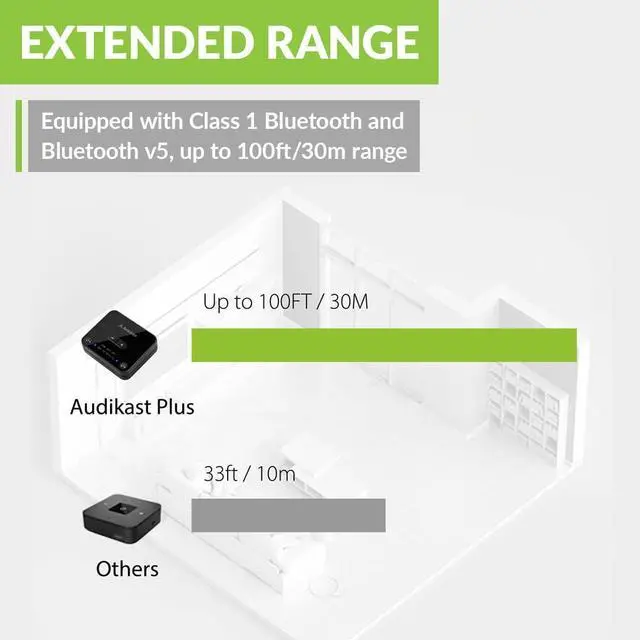
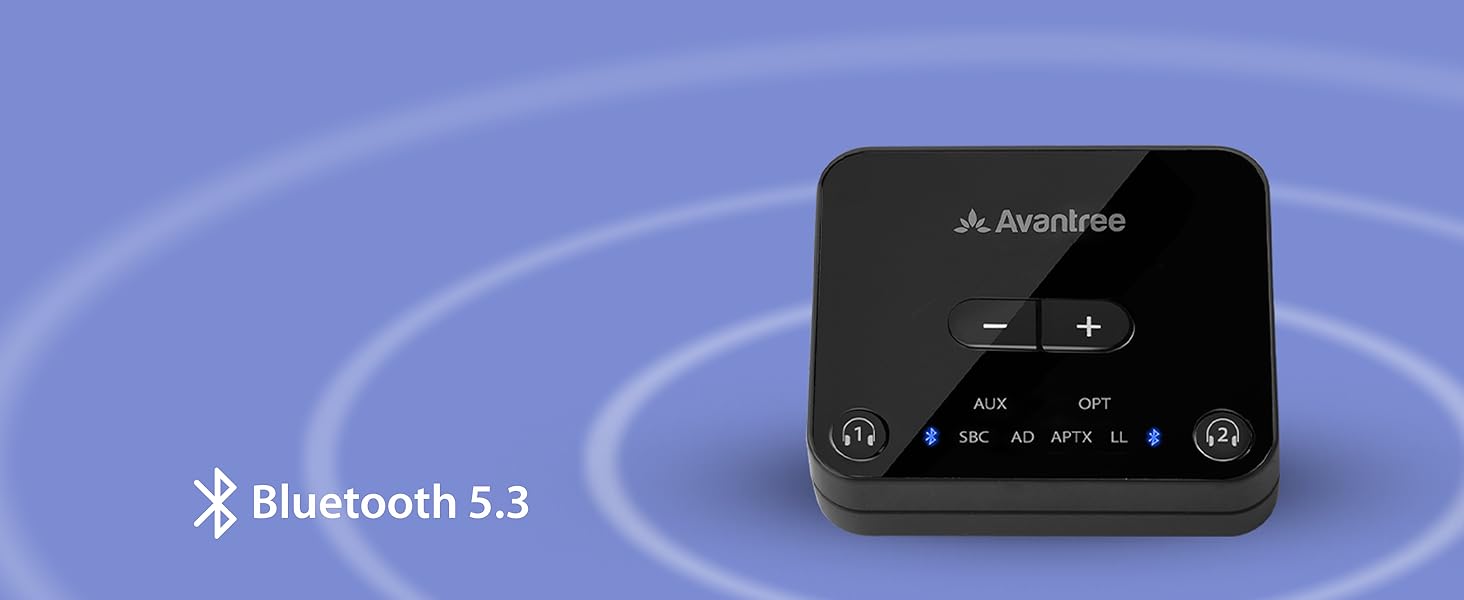
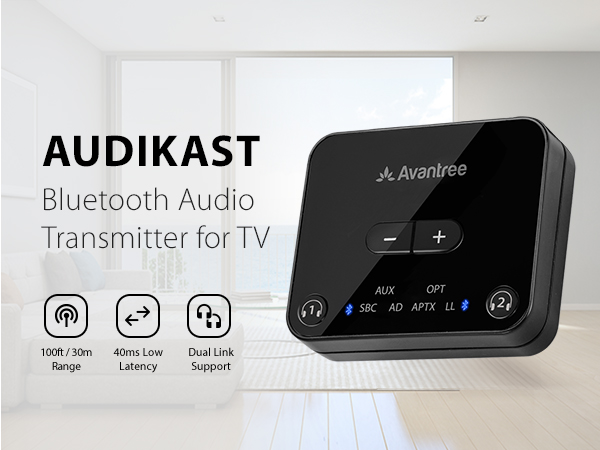
Outputs a powerful Bluetooth 5.3 signal within 100ft / 30m and connects to 2 devices simultaneously.
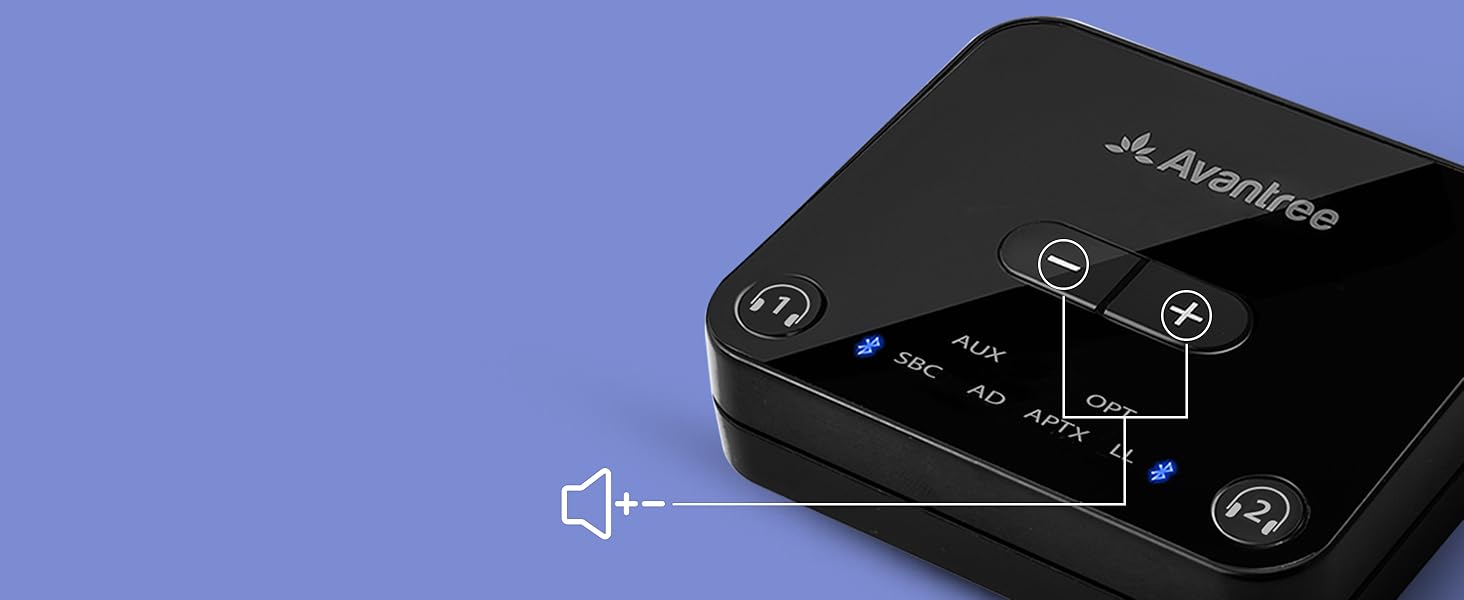
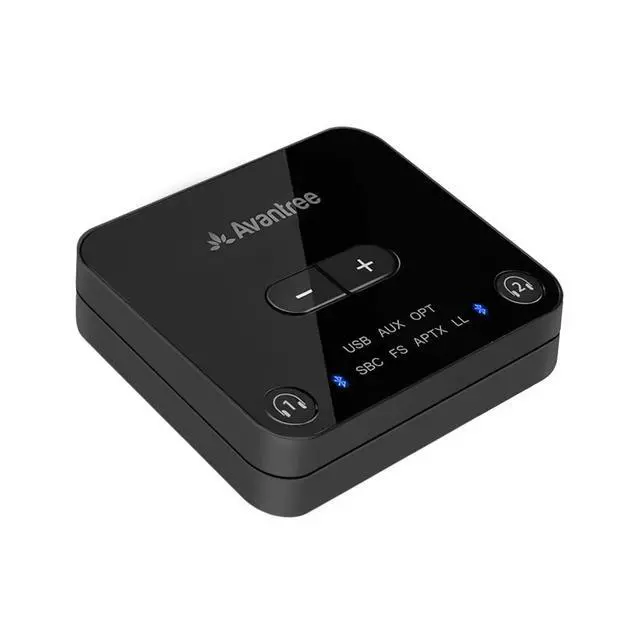
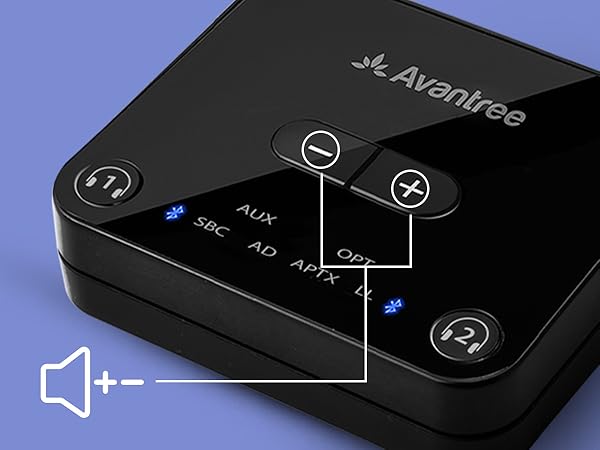
Volume Controls
Simply for your convenience. (Requires devices with Audio/Video Remote Control profile support).

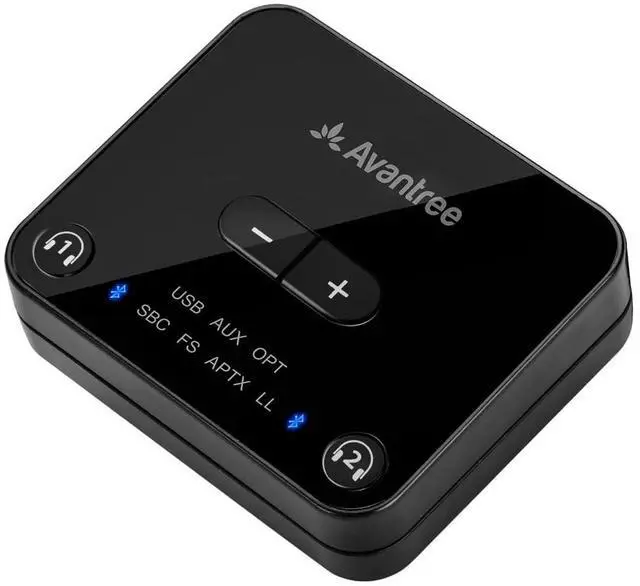
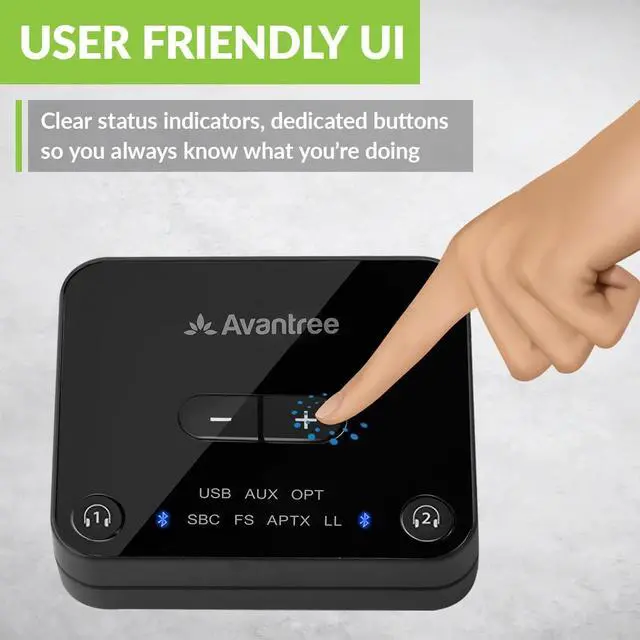
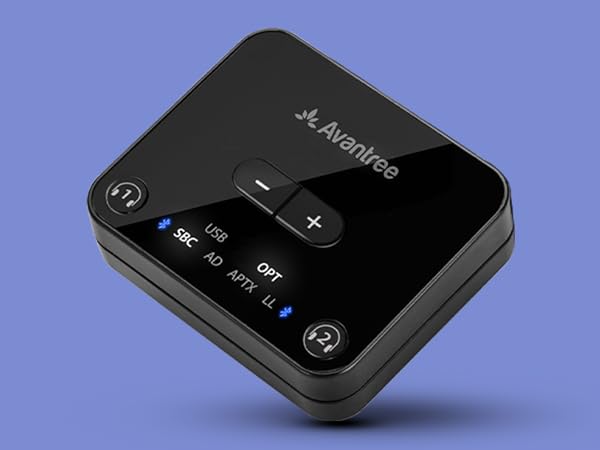
Clear Indicators
Light-up LEDs provide a clear, visible indication of your pairing status.
Specifications
Setup Your Audikast Transmitter
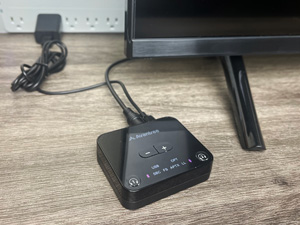
Plug In
- Connect the transmitter to power using the USB cable.
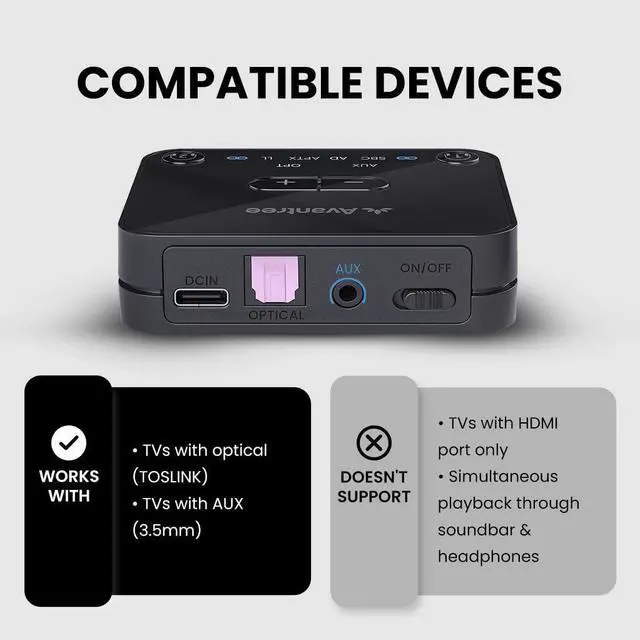
- Connect to TV's audio output with Optical, AUX, or AUX to RCA cable.
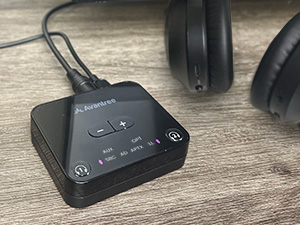
Pairing
- First-time: Automatically enters pairing mode.
- Subsequent: Press and hold the headphone icon until LED flashes red&blue.
Put headphone in pairing mode.
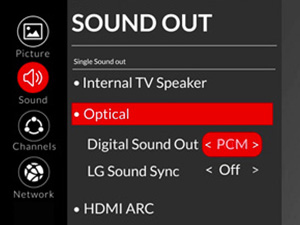
TV Setup
For Optical connection only: Change TV audio settings to “PCM / Stereo” to ensure sound output.
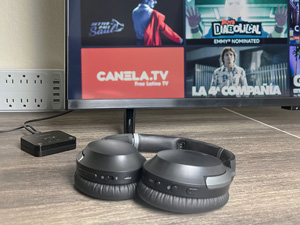
Play
Sit back, relax, and enjoy!
What range can I expect?
Audikast reaches up to 100ft / 30m in open space, but the range may vary due to obstacles, interference, headphone reception, and the number of devices connected to the transmitter.
Can I have audio through my TV’s speakers and wireless headphones at the same time?
It depends on whether your TV can output audio to two devices simultaneously. If not, we offer products for simultaneous TV audio on an external speaker and Bluetooth headphones.
I have a wall-mounted TV and cannot reach the audio-out ports in the back. Will this work with an HDMI-connected TV box?
This transmitter doesn’t have an HDMI port. However, by using the Audikast with our Avantree Hax05, an HDMI audio extractor, you can easily resolve this issue.
What devices are compatible with the Avantree Audikast Plus Bluetooth 5.3 Audio Transmitter?
The Avantree Audikast Plus is compatible with most Bluetooth headphones, speakers, and soundbars supporting aptX, aptX Low Latency, aptX-Adaptive, or SBC codecs. It can connect to two devices, but performance may vary by brand.
Comparison Table
 Avantree Audikast |  Avantree Orbit Pro |  Avantree Oasis Plus 2 | 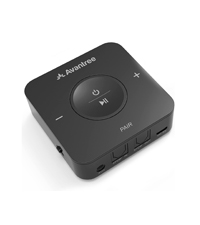 Avantree 417 | |
|---|---|---|---|---|
Customer Reviews | — | — | — | — |
Price | — | — | — | — |
Bluetooth Version | Bluetooth 5.3 | Bluetooth 5.0 | Bluetooth 5.4 | Bluetooth 5.0 |
Transmitter / Receiver | Transmitter | Transmitter & Receiver | Transmitter | Transmitter & Receiver |
Optical Volume Boost | +6dB | +5dB | - | - |
AUX Enhanced Noise Reduction | v | v | v | — |
Dual Link to Connect 2 Devices | v | v | v | - |
aptX-Adaptive Codec Support | v | - | - | - |
Passthrough to Soundbar | - | v | v | - |
Remote Volume Control | - | v | v | - |


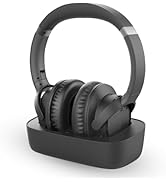
![Avantree HT5009 Plus - [2025 Upgraded] Wireless Headphones for TV Watching with Transmitter & Cha...](//c1.neweggimages.com/sellingpilot/modules/product/a-plus/e2fb0ae693c7528617efb24e80a896ae318dcd724c652f3dd003ca7cfd3c62d8.jpg)
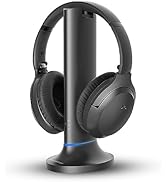
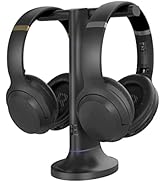
Wireless Headphones for TV
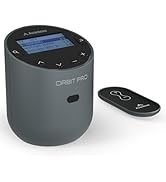
![Avantree Oasis Plus 2 - [2025 Version] Bluetooth Transmitter for TV with Remote Volume Control, a...](//c1.neweggimages.com/sellingpilot/modules/product/a-plus/5ba8f4151951fabc38df36eb71eb1e68226a6f8dbff19f0f7eee885ab5572a5f.jpg)
![Avantree Audikast 3 [2024 Version] - Bluetooth 5.3 Transmitter for TV with aptX-Adaptive & Low La...](//c1.neweggimages.com/sellingpilot/modules/product/a-plus/8bd3c909be0f2e0f315a8da4dc007be2c2a0076efc96cfc28733baa0a7bbf205.jpg)

Bluetooth Transmitters
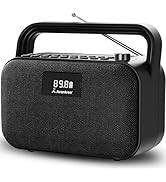
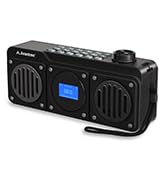
FM Radio and Speakers
Who Are We?
Avantree is a global provider of niche wireless audio solutions that focus not just on "surviving," but thriving.
What Do We Do?
At Avantree, we create products that offer users unique audio experiences such as social listening options and customized hearing profiles. We aim to meet consumers right where they're at by designing devices that provide high-quality sound and satisfy user needs.
Why Do We Do It?
We believe that everyone deserves to enjoy and experience life to the fullest - even those without "perfect" hearing. We seek to create excellent products that cater to this belief.
![Avantree HT5009 Plus - [2025 Upgraded] Wireless Headphones for TV Watching with Transmitter & Cha...](http://c1.neweggimages.com/sellingpilot/modules/product/a-plus/e2fb0ae693c7528617efb24e80a896ae318dcd724c652f3dd003ca7cfd3c62d8.jpg)
![Avantree Oasis Plus 2 - [2025 Version] Bluetooth Transmitter for TV with Remote Volume Control, a...](http://c1.neweggimages.com/sellingpilot/modules/product/a-plus/5ba8f4151951fabc38df36eb71eb1e68226a6f8dbff19f0f7eee885ab5572a5f.jpg)
![Avantree Audikast 3 [2024 Version] - Bluetooth 5.3 Transmitter for TV with aptX-Adaptive & Low La...](http://c1.neweggimages.com/sellingpilot/modules/product/a-plus/8bd3c909be0f2e0f315a8da4dc007be2c2a0076efc96cfc28733baa0a7bbf205.jpg)
You Should Know
| Compatible Devices | All Bluetooth headphones & earbuds, including AirPods, Bose, and more |
|---|---|
| Low Latency Compatible Devices | Avantree Aria Pro, Aria Me, Audition 3, and more, including any aptX-Adaptive or aptX-Low Latency supporting devices (please reach out for more recommendations if needed!) |
| Incompatible Devices | Certain models of hearing aids, including Philips HearLink |
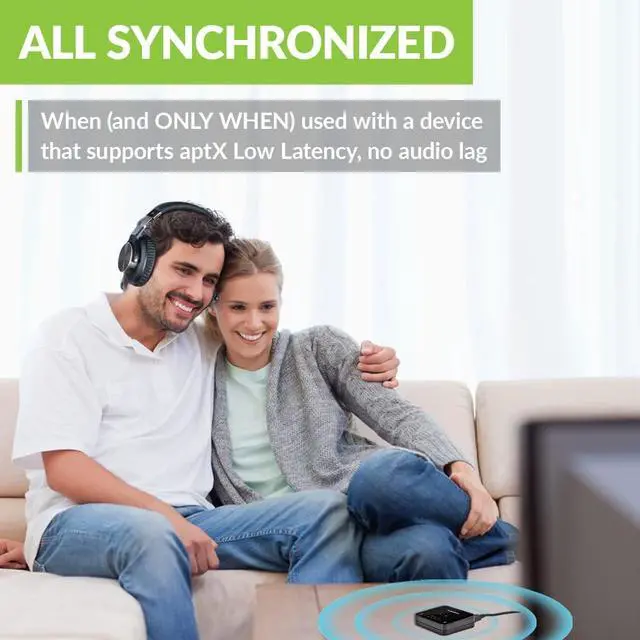
| Note 1 | Not all aptX versions support low latency. Double-check that your device supports either aptX-Adaptive or aptX-Low Latency to avoid audio delays. |
| Note 2 | Before pairing with the transmitter, turn off your phone's Bluetooth for best results. |
| Note 3 | If you experience audio distortion, please reach out; our newest firmware update will resolve the issue. |
Stable Connection
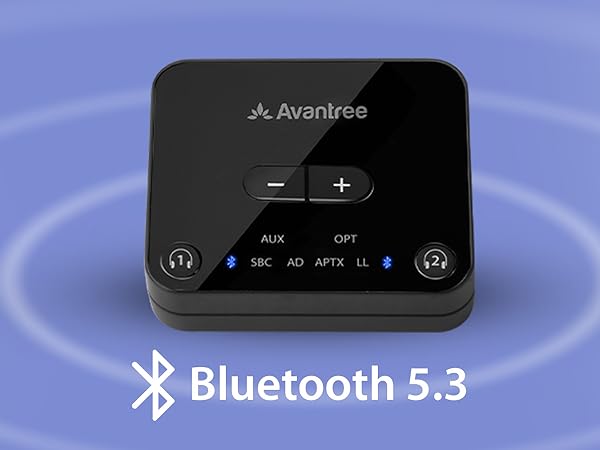
Outputs a powerful Bluetooth 5.3 signal within 100ft / 30m and connects to 2 devices simultaneously.
Volume Controls
Simply for your convenience. (Requires devices with Audio/Video Remote Control profile support).
Clear Indicators
Light-up LEDs provide a clear, visible indication of your pairing status.
Specifications
| Bluetooth version | Bluetooth 5.3 |
|---|---|
| Bluetooth profile | A2DP, AVRCP |
| Supported Codec | aptX-adaptive, aptX Low Latency, aptX, SBC |
| Audio format in OPT mode | PCM / LPCM |
| Operating range | Up to 100ft / 30M |
| Rated Input | DC5.0V/500mA~2A |
| Product dimension | 6.5cm * 5.5cm * 1.5cm |
Setup Your Audikast Transmitter
Plug In
- Connect the transmitter to power using the USB cable.
- Connect to TV's audio output with Optical, AUX, or AUX to RCA cable.
Pairing
- First-time: Automatically enters pairing mode.
- Subsequent: Press and hold the headphone icon until LED flashes red&blue.
Put headphone in pairing mode.
TV Setup
For Optical connection only: Change TV audio settings to “PCM / Stereo” to ensure sound output.
Play
Sit back, relax, and enjoy!
What range can I expect?
Audikast reaches up to 100ft / 30m in open space, but the range may vary due to obstacles, interference, headphone reception, and the number of devices connected to the transmitter.
Can I have audio through my TV’s speakers and wireless headphones at the same time?
It depends on whether your TV can output audio to two devices simultaneously. If not, we offer products for simultaneous TV audio on an external speaker and Bluetooth headphones.
I have a wall-mounted TV and cannot reach the audio-out ports in the back. Will this work with an HDMI-connected TV box?
This transmitter doesn’t have an HDMI port. However, by using the Audikast with our Avantree Hax05, an HDMI audio extractor, you can easily resolve this issue.
What devices are compatible with the Avantree Audikast Plus Bluetooth 5.3 Audio Transmitter?
The Avantree Audikast Plus is compatible with most Bluetooth headphones, speakers, and soundbars supporting aptX, aptX Low Latency, aptX-Adaptive, or SBC codecs. It can connect to two devices, but performance may vary by brand.
Comparison Table
Avantree Audikast | Avantree Orbit Pro | Avantree Oasis Plus 2 | Avantree 417 |
|---|---|---|---|
| Customer Reviews | |||
| — | — | — | — |
| Price | |||
| — | — | — | — |
| Bluetooth Version | |||
| Bluetooth 5.3 | Bluetooth 5.0 | Bluetooth 5.4 | Bluetooth 5.0 |
| Transmitter / Receiver | |||
| Transmitter | Transmitter & Receiver | Transmitter | Transmitter & Receiver |
| Optical Volume Boost | |||
| +6dB | +5dB | - | - |
| AUX Enhanced Noise Reduction | |||
| v | v | v | — |
| Dual Link to Connect 2 Devices | |||
| v | v | v | - |
| aptX-Adaptive Codec Support | |||
| v | - | - | - |
| Passthrough to Soundbar | |||
| - | v | v | - |
| Remote Volume Control | |||
| - | v | v | - |
Wireless Headphones for TV
Bluetooth Transmitters
FM Radio and Speakers
Who Are We?
Avantree is a global provider of niche wireless audio solutions that focus not just on "surviving," but thriving.
What Do We Do?
At Avantree, we create products that offer users unique audio experiences such as social listening options and customized hearing profiles. We aim to meet consumers right where they're at by designing devices that provide high-quality sound and satisfy user needs.
Why Do We Do It?
We believe that everyone deserves to enjoy and experience life to the fullest - even those without "perfect" hearing. We seek to create excellent products that cater to this belief.