






Since our foundation in 2014, we've been dedicated to building consumer electronic devices and accessories with leading technological innovations.
We focus on HD Video& Audio accessories, Hub, Data Storage and Ethernet connection. We has steadily grown into a brand trusted by over 20 million users in more than 60 countries.
BENFEI is committed to providing high-quality products, friendly design and premium service to our customers.
![BENFEI DisplayPort to DisplayPort 6 Feet Cable [8K@30Hz, Aluminum Shell, Nylon Braided], DP to DP...](//c1.neweggimages.com/sellingpilot/modules/product/a-plus/8a301b74308e17ebb78363d4e8ffac36e2e0f42806bcf9f0c74b7325f1e1a998.jpg)
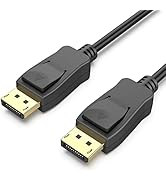
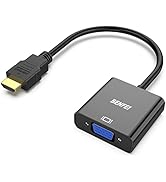
HD Video & Audio Accessories
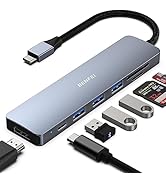
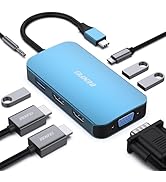
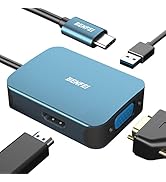
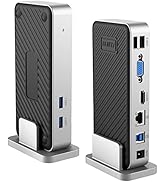
HUB & Dock Station
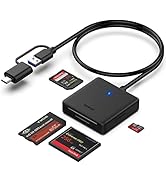
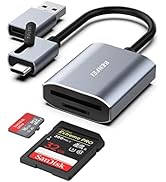
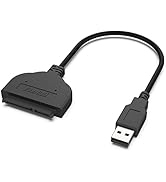
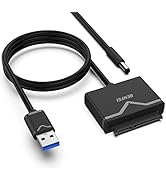
Data Storage
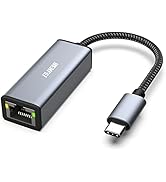
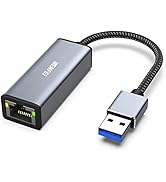
Ethernet Connecttion
![BENFEI DisplayPort to DisplayPort 6 Feet Cable [8K@30Hz, Aluminum Shell, Nylon Braided], DP to DP...](http://c1.neweggimages.com/sellingpilot/modules/product/a-plus/8a301b74308e17ebb78363d4e8ffac36e2e0f42806bcf9f0c74b7325f1e1a998.jpg)
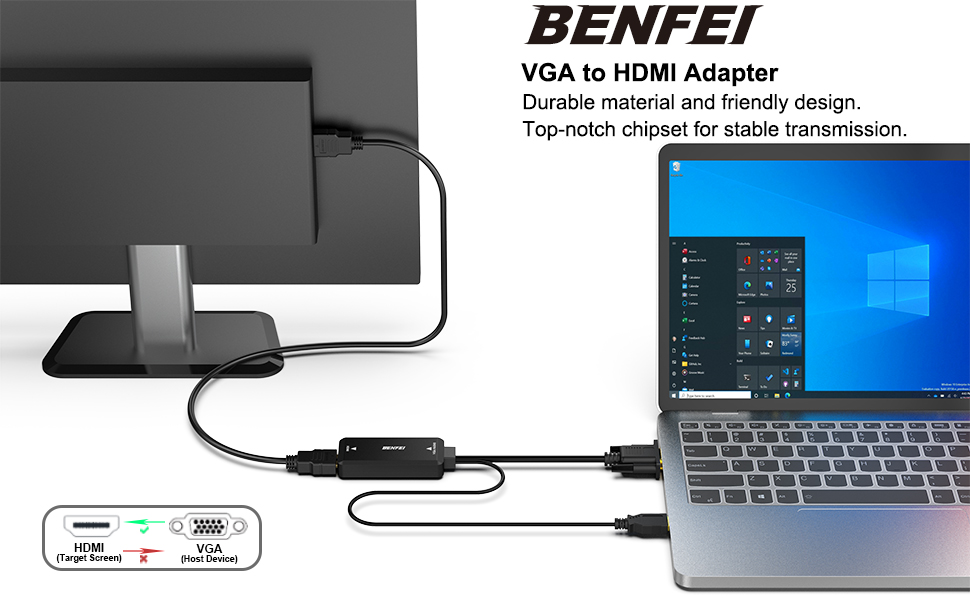
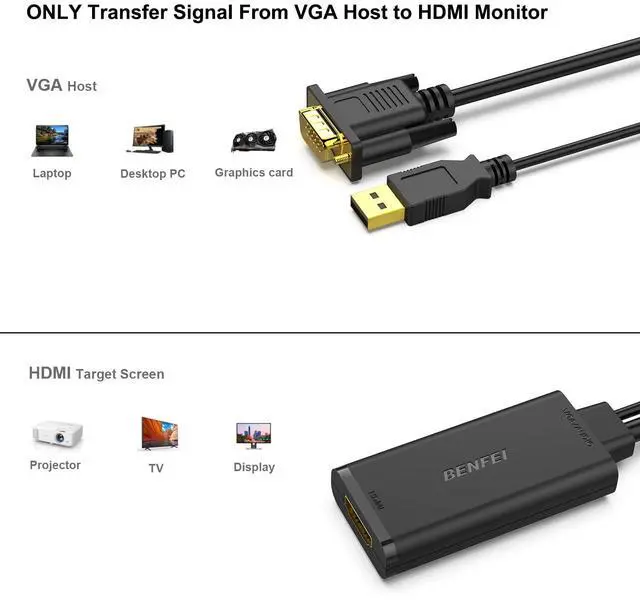
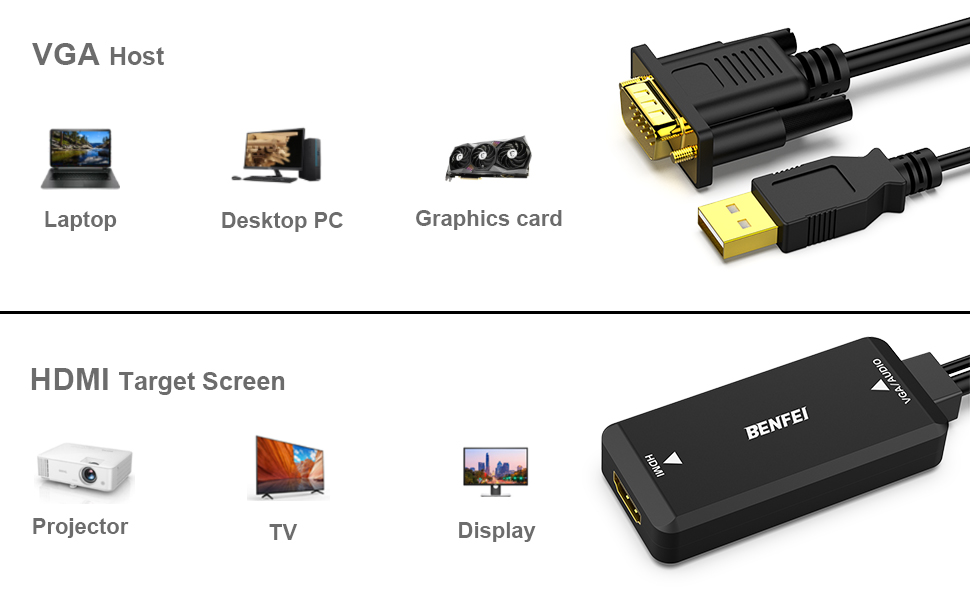
Uni-Directional VGA Source to HDMI Monitor
Stable Signal, Reliable Connection,Scaler Resolution
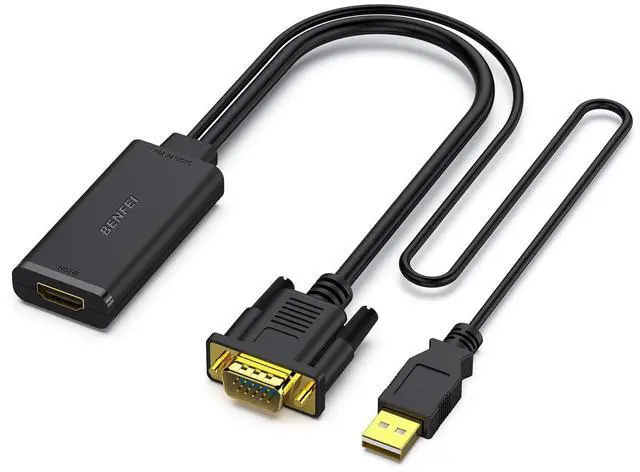
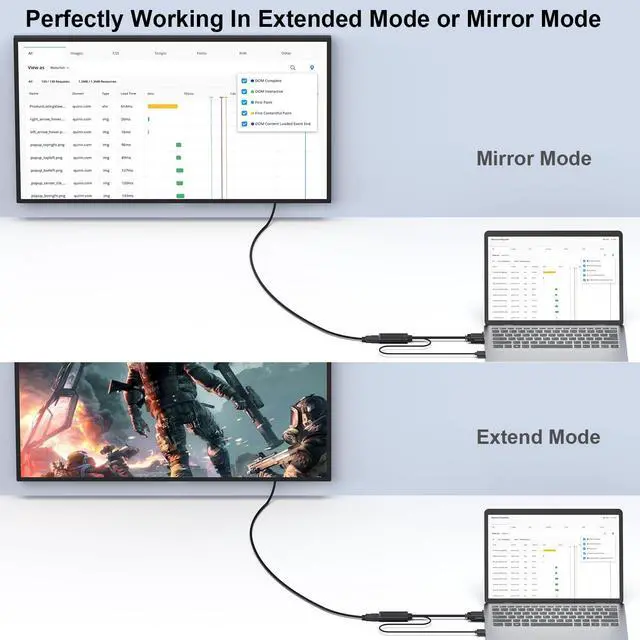
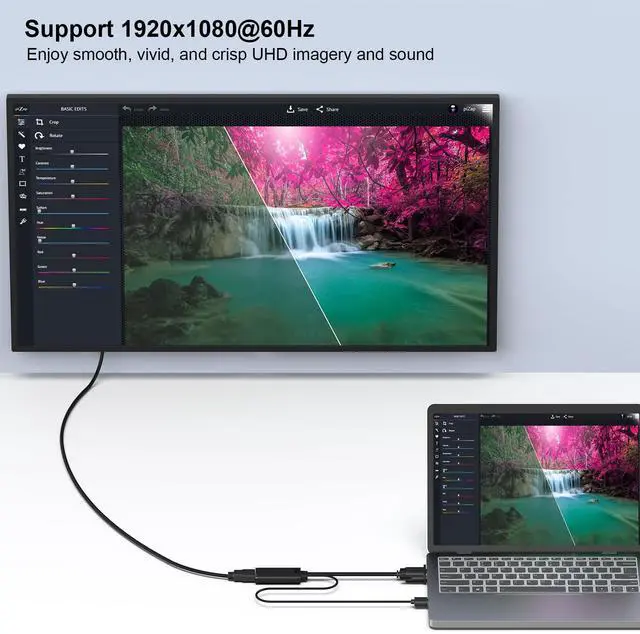
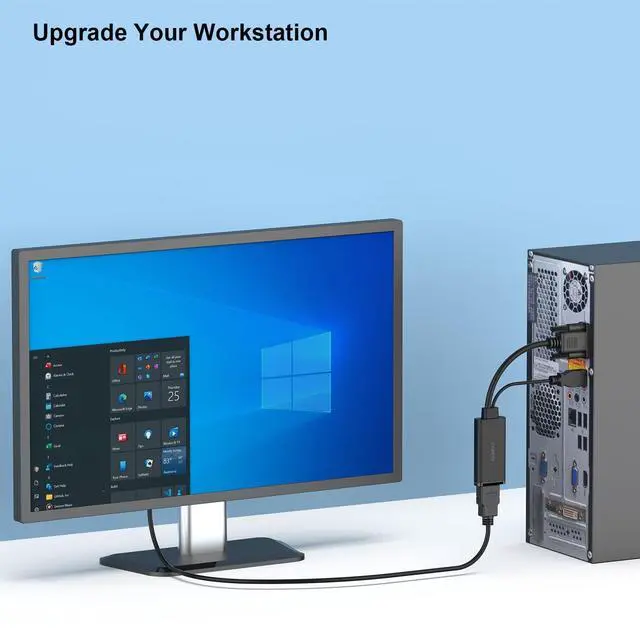
- The Benfei VGA to HDMI Adapter provides a cost-effective and easy solution for connecting a desktop, laptop, or other legacy computer with VGA port to a HDMI display such as monitor, projector or TV.
HD Video Resolution and Audio Support
- Video resolution support includes 640x480, 800x600, 1024x768, 1152x864, 1280x720, 1280x768, 1280x800, 1280x960, 1280x1024, 1360x768, 1360x1024, 1366x768, 1400x1050, 1440x900, 1600x1200, 1680x1050, and HD 1920x1080. An integrated USB cable provides digital audio support and extra power when needed.
Digital USB Audio
- The audio signal is embedded with hdmi video
- Connect the USB cable to the source computer usb port
- Select the USB audio on the playback tab of the sound menu in Windows
- Select the input audio from HDMI Display menu
Specification
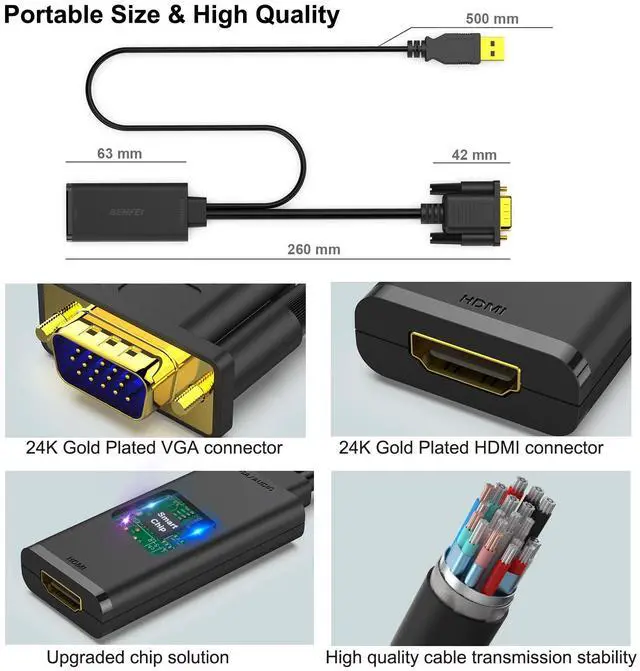
- Host Output: VGA HD15 15pin male
- Display Input: HDMI 19-pin female (HDMI Cable is sold separately, please refer to the following table)
- Audio output: USB 2.0 male
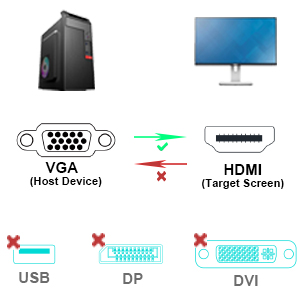
Widely Usage
- Compatible with computer, pc, desktop, laptop or other devices with VGA port;
Note: This adpater is used to connect the VGA source to the HDMI Display, it could not work in the opposite direction. For the HDMI source to VGA Monitor solution, please see the table in the following.
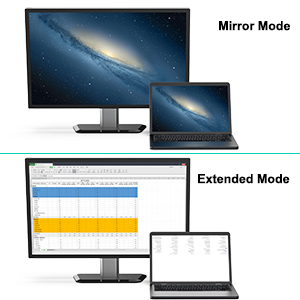
Crystal Clear Image
- Supports resolutions up to 1920 x 1080 @ 60Hz (1080p Full HD), including 720p and 1600x1200 for HD monitors or projectors.
- Support Audio output if the OS is Windows
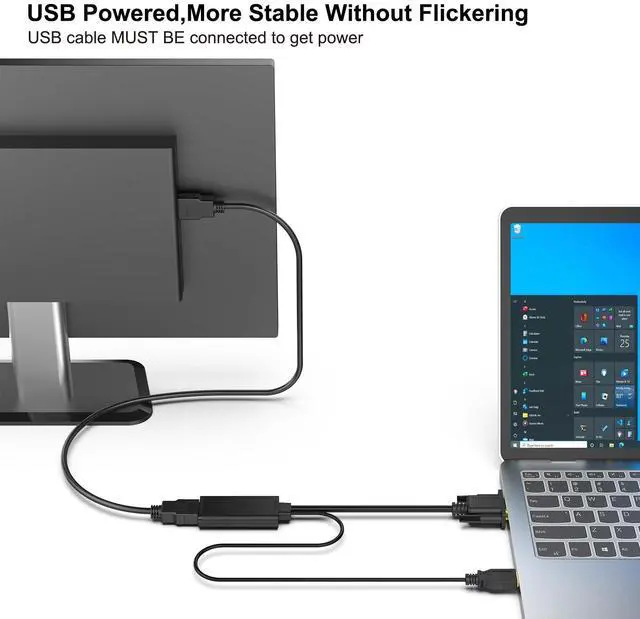
Note: When the OS is not Windows, no audio output. For all the OS, please ensure the USB is connected with external power supply. The VGA source could not supply enough power for the Chipset, so the external power supply from USB is required.
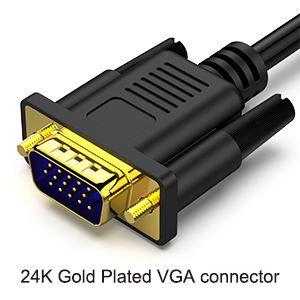
Ultra Durable
- Gold-plated connectors resist corrosion, provide rigidity, and improve the signal performance
- Reinforced joint to ensure the durability
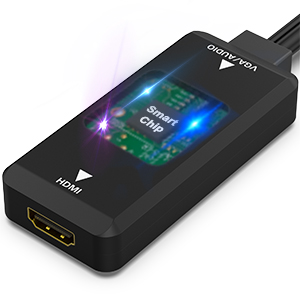
Enhanced Solution Design
- Adopt high performace chipset to achieve the better compatibility and avoid signal inteference
- Adopt Advanced PCBA solution(4 layers PCB Board) to gurrante the solution durability
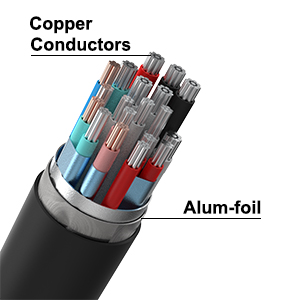
Multi Shielded Cable
- Features tin-plated pure copper cable and multiple shieldings, providing premium stereo audio and protection against RFI and EMI.
Easy to use
- Just plug in and play, no any software installation.
How to USE
- Connect the VGA cord to VGA Source
- Connect the USB cord to the external power supply or USB 3.0 slot in the video source
Note: When the OS is not Windows, no audio output. For all the OS, please ensure the USB is connected with external power supply. The VGA source could not supply enough power for the Chipset, so the external power supply from USB is required.
- Connect the HDMI cable to the HDMI Slot (HDMI Cable is sold separately)
Important Note
- This cable is used to connect the VGA source to the HDMI Display, it could not work in the opposite direction.
- For the HDMI source to VGA Monitor solution, please see the table in the following.
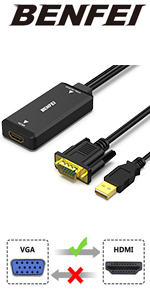 VGA Source to HDMI Monitor Adapte | 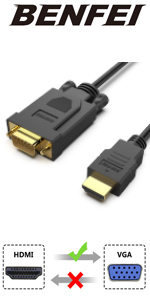 HDMI Source to VGA Monitor Cable |  HDMI Source to VGA Monitor Adapter |  VGA Source to HDMI Monitor Cable with Audio | 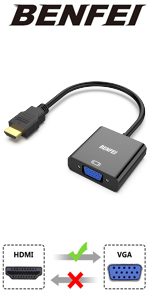 HDMI Source to VGA Monitor Adapter | |
|---|---|---|---|---|---|
| Customer Reviews | — | — | — | — | — |
| Price | — | — | — | — | — |
| Video Mirror Direction | VGA Source to HDMI Monitor | HDMI Source to VGA Monitor | HDMI Source to VGA Display | VGA Source to HDMI Monitor | HDMI Source to VGA Monitor |
| Audio Support | Yes | No | Yes | Yes | No |
| Input | VGA Male | HDMI Male | HDMI Female | VGA Male | HDMI Male |
| Output | HDMI Female | VGA Male | VGA Male | HDMI Male | VGA Female |
| Bi-directional | No | No | No | No | No |
| Length | 25 cm | 1.8 Meter | 23 cm | 1.8 Meter | 23 cm |
Uni-Directional VGA Source to HDMI Monitor
Stable Signal, Reliable Connection,Scaler Resolution
- The Benfei VGA to HDMI Adapter provides a cost-effective and easy solution for connecting a desktop, laptop, or other legacy computer with VGA port to a HDMI display such as monitor, projector or TV.
HD Video Resolution and Audio Support
- Video resolution support includes 640x480, 800x600, 1024x768, 1152x864, 1280x720, 1280x768, 1280x800, 1280x960, 1280x1024, 1360x768, 1360x1024, 1366x768, 1400x1050, 1440x900, 1600x1200, 1680x1050, and HD 1920x1080. An integrated USB cable provides digital audio support and extra power when needed.
Digital USB Audio
- The audio signal is embedded with hdmi video
- Connect the USB cable to the source computer usb port
- Select the USB audio on the playback tab of the sound menu in Windows
- Select the input audio from HDMI Display menu
Specification
- Host Output: VGA HD15 15pin male
- Display Input: HDMI 19-pin female (HDMI Cable is sold separately, please refer to the following table)
- Audio output: USB 2.0 male
Widely Usage
- Compatible with computer, pc, desktop, laptop or other devices with VGA port;
Note: This adpater is used to connect the VGA source to the HDMI Display, it could not work in the opposite direction. For the HDMI source to VGA Monitor solution, please see the table in the following.
Crystal Clear Image
- Supports resolutions up to 1920 x 1080 @ 60Hz (1080p Full HD), including 720p and 1600x1200 for HD monitors or projectors.
- Support Audio output if the OS is Windows
Note: When the OS is not Windows, no audio output. For all the OS, please ensure the USB is connected with external power supply. The VGA source could not supply enough power for the Chipset, so the external power supply from USB is required.
Ultra Durable
- Gold-plated connectors resist corrosion, provide rigidity, and improve the signal performance
- Reinforced joint to ensure the durability
Enhanced Solution Design
- Adopt high performace chipset to achieve the better compatibility and avoid signal inteference
- Adopt Advanced PCBA solution(4 layers PCB Board) to gurrante the solution durability
Multi Shielded Cable
- Features tin-plated pure copper cable and multiple shieldings, providing premium stereo audio and protection against RFI and EMI.
Easy to use
- Just plug in and play, no any software installation.
How to USE
- Connect the VGA cord to VGA Source
- Connect the USB cord to the external power supply or USB 3.0 slot in the video source
Note: When the OS is not Windows, no audio output. For all the OS, please ensure the USB is connected with external power supply. The VGA source could not supply enough power for the Chipset, so the external power supply from USB is required.
- Connect the HDMI cable to the HDMI Slot (HDMI Cable is sold separately)
Important Note
- This cable is used to connect the VGA source to the HDMI Display, it could not work in the opposite direction.
- For the HDMI source to VGA Monitor solution, please see the table in the following.
VGA Source to HDMI Monitor Adapte | HDMI Source to VGA Monitor Cable | HDMI Source to VGA Monitor Adapter | VGA Source to HDMI Monitor Cable with Audio | HDMI Source to VGA Monitor Adapter | |
|---|---|---|---|---|---|
| Customer Reviews | — | — | — | — | — |
| Price | — | — | — | — | — |
| Video Mirror Direction | VGA Source to HDMI Monitor | HDMI Source to VGA Monitor | HDMI Source to VGA Display | VGA Source to HDMI Monitor | HDMI Source to VGA Monitor |
| Audio Support | Yes | No | Yes | Yes | No |
| Input | VGA Male | HDMI Male | HDMI Female | VGA Male | HDMI Male |
| Output | HDMI Female | VGA Male | VGA Male | HDMI Male | VGA Female |
| Bi-directional | No | No | No | No | No |
| Length | 25 cm | 1.8 Meter | 23 cm | 1.8 Meter | 23 cm |
Since our foundation in 2014, we've been dedicated to building consumer electronic devices and accessories with leading technological innovations.
We focus on HD Video& Audio accessories, Hub, Data Storage and Ethernet connection. We has steadily grown into a brand trusted by over 20 million users in more than 60 countries.
BENFEI is committed to providing high-quality products, friendly design and premium service to our customers.
HD Video & Audio Accessories
HUB & Dock Station
Data Storage
Ethernet Connecttion