






Sondery - for Music Players
All Sondery brand products feature something different, high quality and find crafted by music lovers and for music players.



Sondery MetroTune - Metronome Function

Using Metronome
Start/Pause Metronome
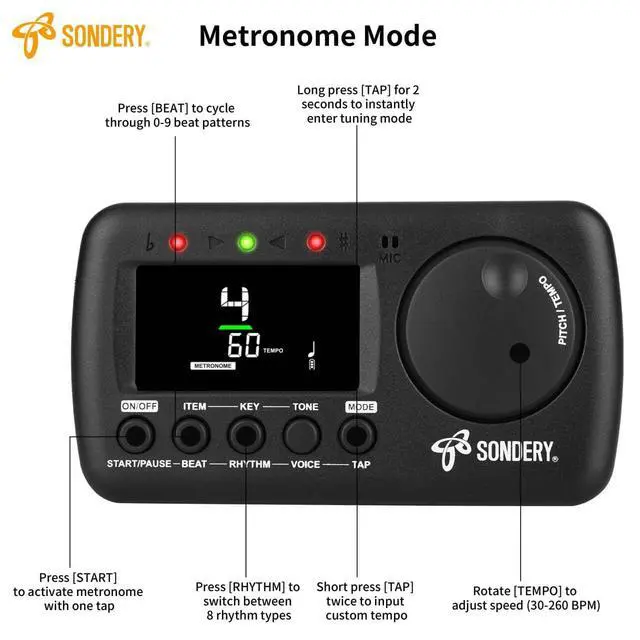
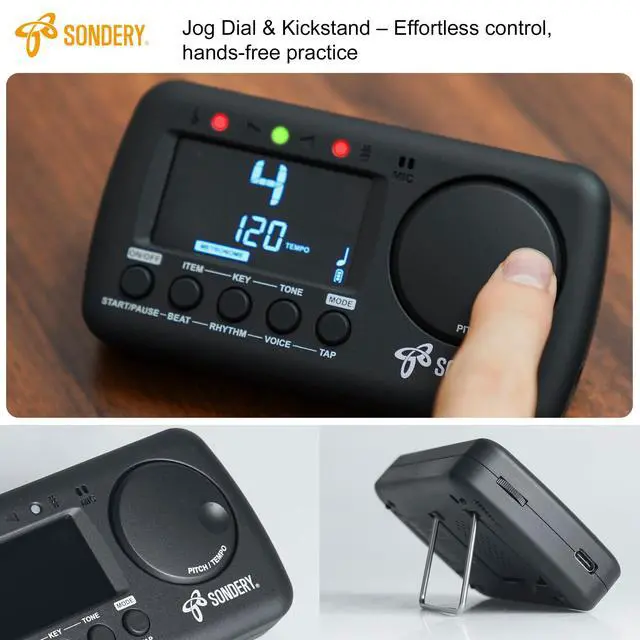
Press button ‘START/PAUSE’ to start metronome, another press the button to pause metronome. When the metronome started, center green meters will
flash accordingly. The 3 LED indicators will also flash. 1 green indicator and 2 red indicators light up for accent beat, and only 1 green indicator lights up
other weak beats.
Tempo
Turn the wheel ‘TEMPO’ clockwise or counter-clockwise to choose different tempo. The tempo ranges from 30 beats per minute to 260 beats per minute.
Beat
Press button ‘BEAT’ to choose a beat. The beat options includes 0, 1, 2, 3, 4, 5, 6, 7, 8, 9.
Rhythm
Press button ‘RHYTHM’ to choose different time value ( rhythm ). There are 8 different time values.
Voice
The metronome also has a woman voice counting function. Press button ‘VOICE’ to turn on voice counting.
Tap
When you have your own tempo to input, just continuously press button ‘TAP’ to record your tempo. Each 2 presses sets the tempo.
Sondery MetroTune - Tune Function

How to Tune
Tuning Signal Input Ways
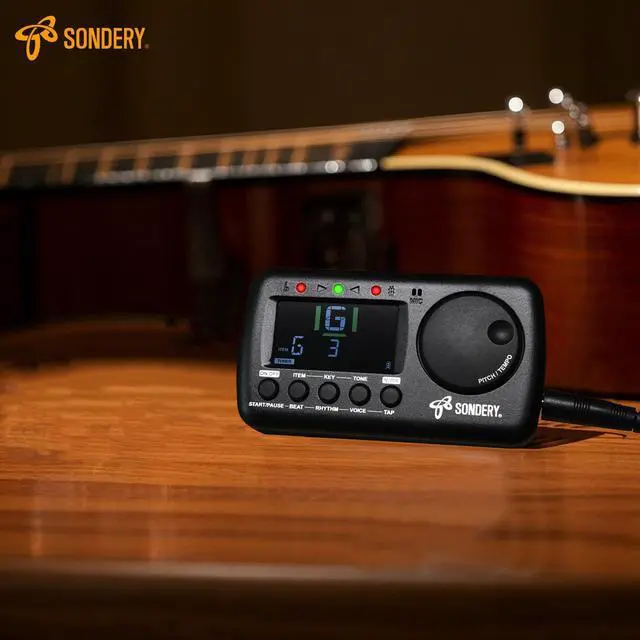
· Using internal MIC. If you want to use the internal MIC, do not plug any cable into the INPUT jack. Place your instrument as close as possible to your device, so there is no other sound is detected when you play your instrument and tune.
· Using external cable. You can use enclosed piezo pickup cable, insert into the INPUT jack and clip onto your instrument. Or, you can use your own instrument cable, like guitar cable etc., to link your instrument to the INPUT jack of the device. When using your own instrument cable, please note that only 6.35mm or 1/4inch gauge, mono cable is allowed.
Tuner Function

Tuning Process Panel Shows
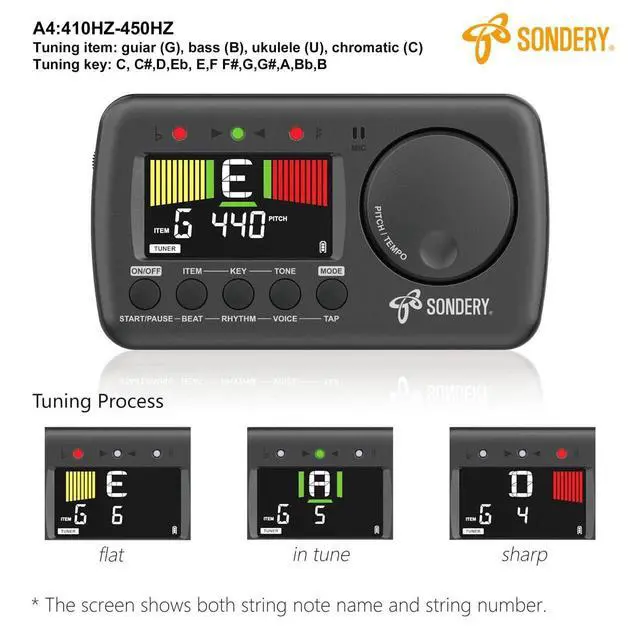
When the tuner detects a signal, the screen shows a note name of the detected signal, and a positive or negative digit of CENT away from IN
TUNE when under C ( chromatic ) or under KEY tuning, or a digit of string number when under G ( guitar ), B ( bass guitar ), or U ( ukulele ) tuning.
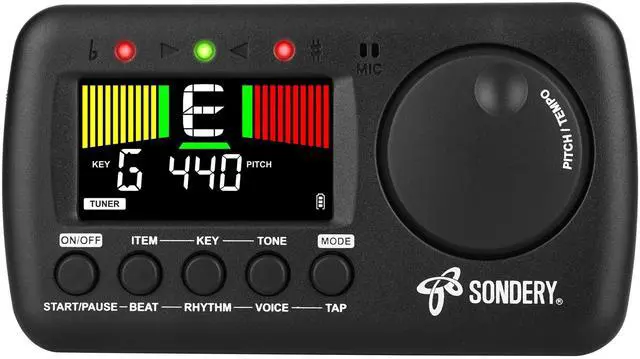
The different color tuning meters will show up. The LED indicators will also light up accordingly.
· Left yellow meters show, left red LED indicator lights up, ( negative digit of cent ): FLAT.
· Center green meters show, center green LED indicator lights up, ( digit of cent ranging from -3 to 3 ): IN TUNE.
· Right green meters show, right red LED indicator lights up, ( positive digit of cent ): SHARP.
Charging

How to Charge
To charge, please use the enclosed Type-C USB charging cable to connect with 5V USB sources including USB adapter, power bank or computer.
ONLY use USB A to USB C charge cable as enclosed or similar to charge your device!!! ( NO USB C to USB C cable. )

Sondery MetroTune - Metronome Function
Using Metronome
Start/Pause Metronome
Press button ‘START/PAUSE’ to start metronome, another press the button to pause metronome. When the metronome started, center green meters will
flash accordingly. The 3 LED indicators will also flash. 1 green indicator and 2 red indicators light up for accent beat, and only 1 green indicator lights up
other weak beats.
Tempo
Turn the wheel ‘TEMPO’ clockwise or counter-clockwise to choose different tempo. The tempo ranges from 30 beats per minute to 260 beats per minute.
Beat
Press button ‘BEAT’ to choose a beat. The beat options includes 0, 1, 2, 3, 4, 5, 6, 7, 8, 9.
Rhythm
Press button ‘RHYTHM’ to choose different time value ( rhythm ). There are 8 different time values.
Voice
The metronome also has a woman voice counting function. Press button ‘VOICE’ to turn on voice counting.
Tap
When you have your own tempo to input, just continuously press button ‘TAP’ to record your tempo. Each 2 presses sets the tempo.
Sondery MetroTune - Tune Function
How to Tune
Tuning Signal Input Ways
· Using internal MIC. If you want to use the internal MIC, do not plug any cable into the INPUT jack. Place your instrument as close as possible to your device, so there is no other sound is detected when you play your instrument and tune.
· Using external cable. You can use enclosed piezo pickup cable, insert into the INPUT jack and clip onto your instrument. Or, you can use your own instrument cable, like guitar cable etc., to link your instrument to the INPUT jack of the device. When using your own instrument cable, please note that only 6.35mm or 1/4inch gauge, mono cable is allowed.
Tuner Function
Tuning Process Panel Shows
When the tuner detects a signal, the screen shows a note name of the detected signal, and a positive or negative digit of CENT away from IN
TUNE when under C ( chromatic ) or under KEY tuning, or a digit of string number when under G ( guitar ), B ( bass guitar ), or U ( ukulele ) tuning.
The different color tuning meters will show up. The LED indicators will also light up accordingly.
· Left yellow meters show, left red LED indicator lights up, ( negative digit of cent ): FLAT.
· Center green meters show, center green LED indicator lights up, ( digit of cent ranging from -3 to 3 ): IN TUNE.
· Right green meters show, right red LED indicator lights up, ( positive digit of cent ): SHARP.
Charging
How to Charge
To charge, please use the enclosed Type-C USB charging cable to connect with 5V USB sources including USB adapter, power bank or computer.
ONLY use USB A to USB C charge cable as enclosed or similar to charge your device!!! ( NO USB C to USB C cable. )
| Tuning item | chromatic, guitar, bass, ukulele |
| Tuning key | C, C#, D, Eb, E, F, F#, G, G#, A, Bb, B |
| Pitch range | 410Hz - 450Hz |
| Frequency range | A0 (27.5Hz0 - C8 (4186Hz) |
| Cent display | -50 -- +50 cent |
| Tuning tolerance | +-0.5 cent |
| Pickup method | internal mic, pickup cable |
| Metronome tempo | 30bpm - 260bpm |
| Beat | 0, 1, 2, 3, 4, 5, 6, 7, 8, 9 |
| Rhythm | 8 different time values |
| Connection | ¼ input jack, ? inch stereo output jack |
| Power | 3.7V / 600mA Li battery |
| Screen | high definition colors screen |
| Enclosure | manual, pickup cable, USB type-C charging cable |
Sondery - for Music Players
All Sondery brand products feature something different, high quality and find crafted by music lovers and for music players.
Great Sondery Metronome
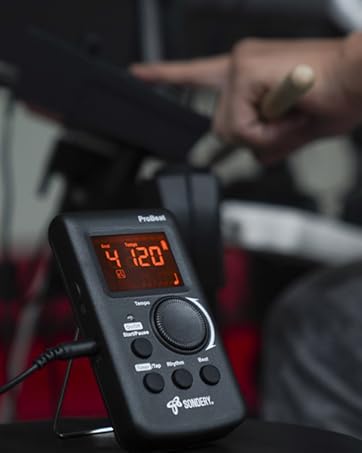
Sondery probeat
In the world of music, rhythm is the pulse of the soul, and precise timing is the pursuit of every musician.
Great Sondery Accessories
Mini guitar amp With Wireless
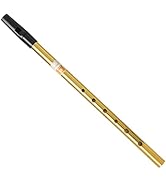
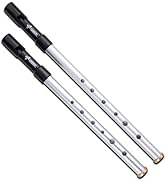
Irish Tin Whistle
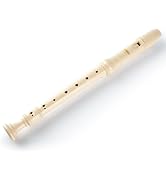
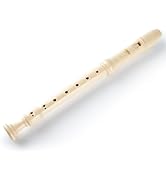
Soprano Recorder Instrument