





Premium Controller Headset Stand with RGB Multi-Color Light Modes

Watch it in action!
RGB Controller Headset Stand
Merchant Video
Eye-Catching RGB Lighting
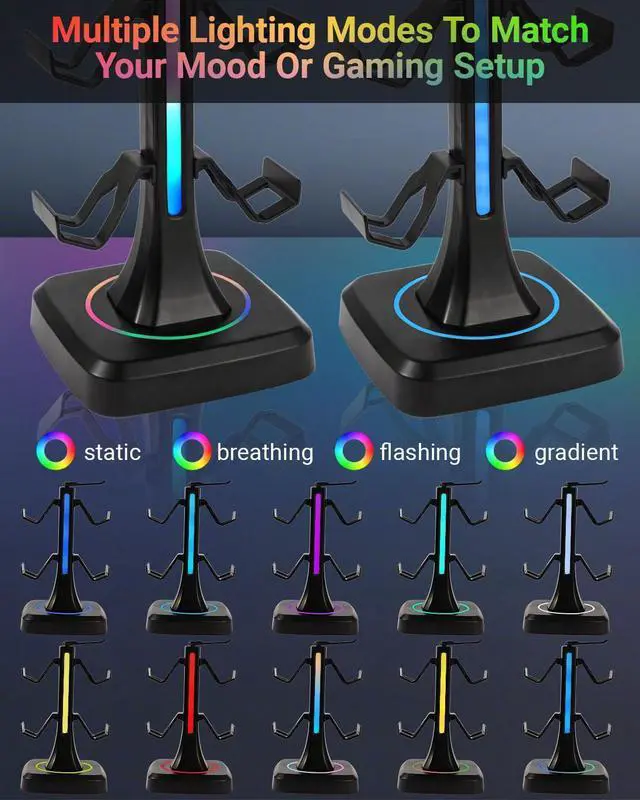
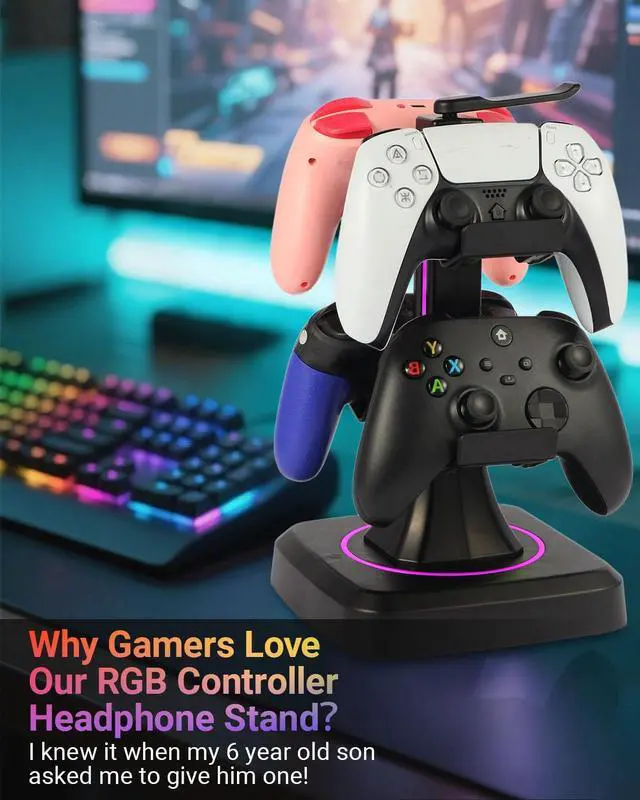
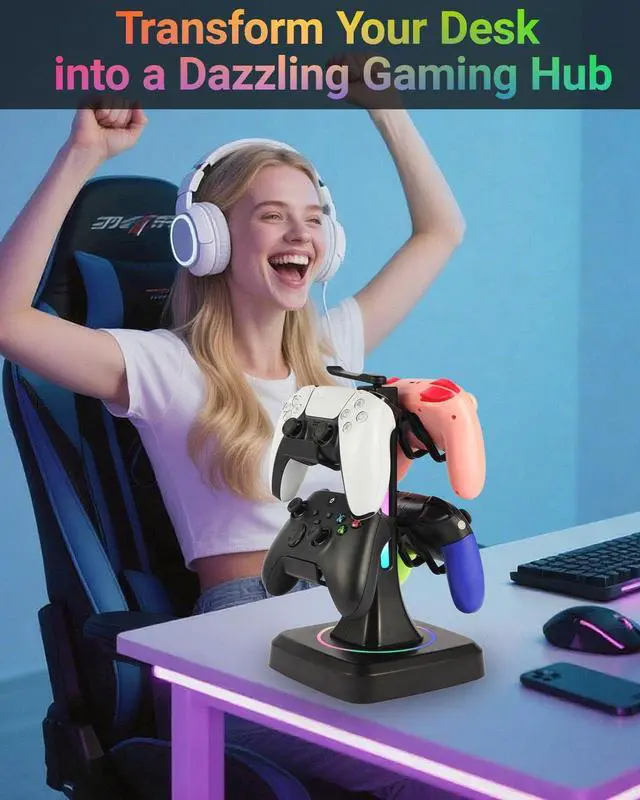
Plug and play,Transform your desk with dazzling lights! Choose lighting modes—to match your setup’s style and create the perfect gaming atmosphere.

All-in-One Gaming Stand
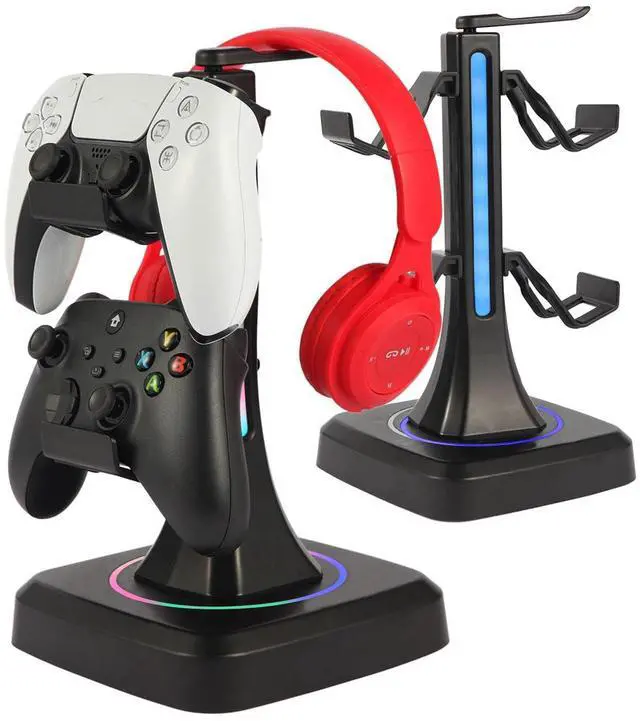
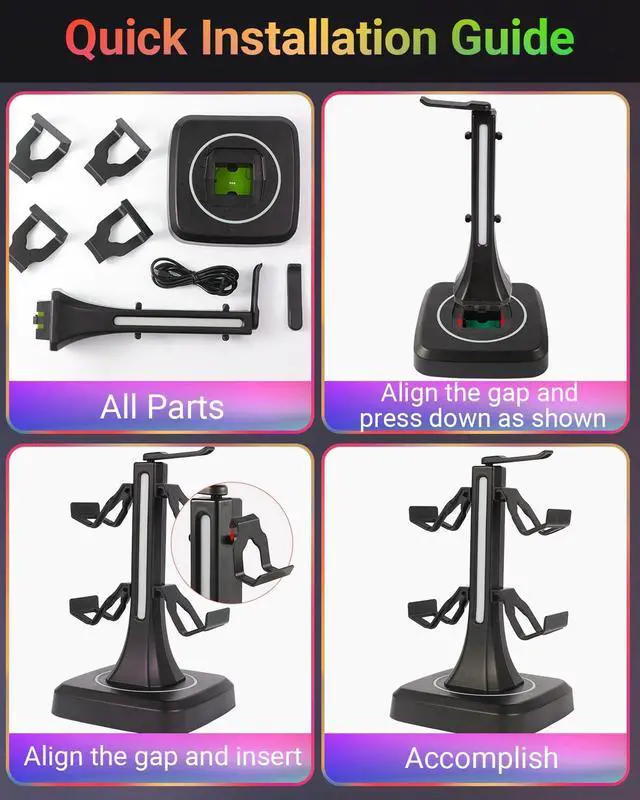
Declutter your game station! This sleek stand holds up to 4 controllers or 2 controllers and 1 headset, keeping your gear organized and always ready.

Stable & Durable Build
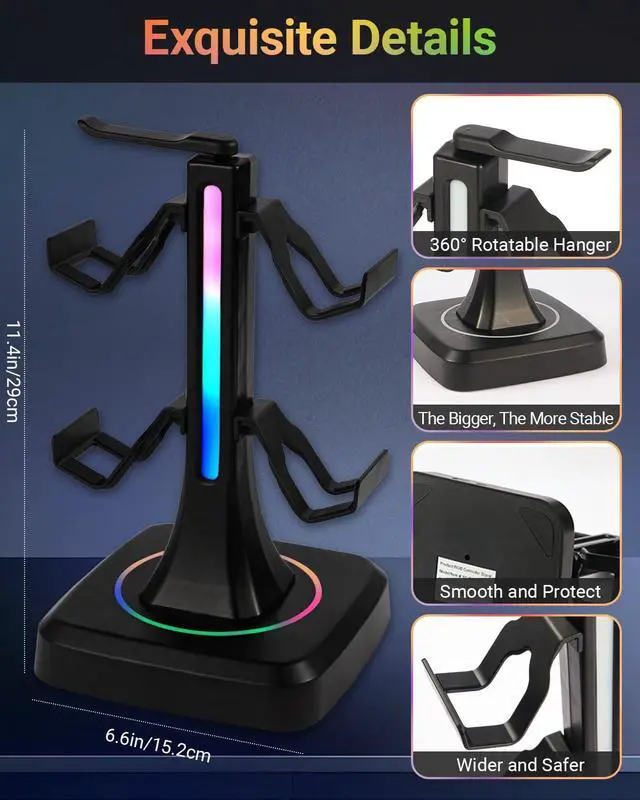
Made with a weighted base and anti-slip pads, this controller stand stays firmly in place. High-quality material ensures long-lasting durability.

Touch-Control
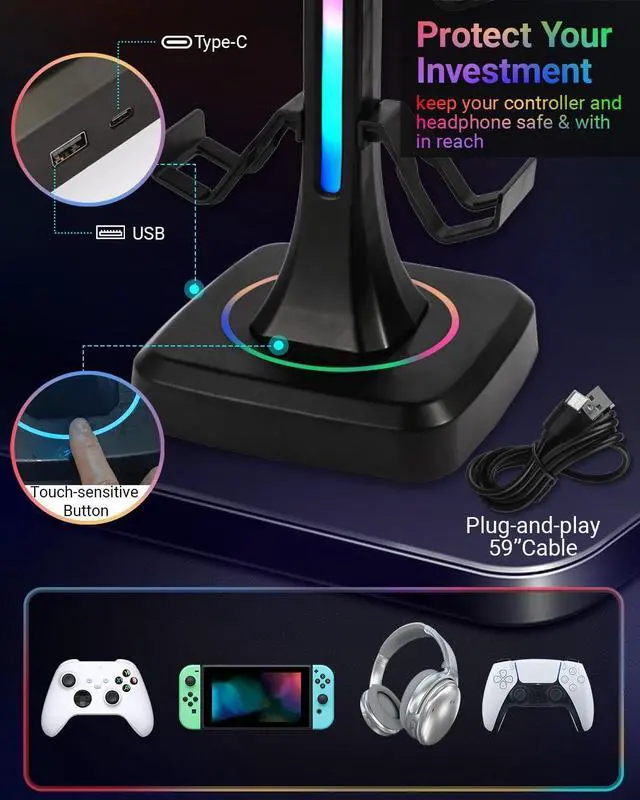
Easily switch stunning lighting modes with a smart touch sensor—One simple tap lets you cycle through vibrant colors to match your gaming mood.


How is it powered? Does it need batteries?
No batteries needed! Just plug the included USB cable into a power source (PC, console, power bank, or USB adapter), and the RGB lighting will turn on.
Is this controller station a good gift for gamer?
Absolutely. It keeps gaming area organized and It looks sleek and modern on his desk. Great gift for your familes,friends...
Does this headset stand support charging?
No, this headset stand does not support charging. It is designed to organize your controllers, headset, and phone while adding stylish RGB lighting. It’s powered via USB only for the light effects.
How does the controller holder change the lighting modes?
It features a touch-sensitive button on the base. Just tap once to cycle through the 10 RGB lighting modes—solid colors, breathing effects, and more. No software or app required.
What should I do in case of the stand won't light up?
Don't worry.We have conducted a full inspection before shipment. In case it doesn't light up, you can check it first: 1. Replace the data cable. 2. Press the On/Off button for about 5 seconds.

Qpfctwil
Game Peripherals Station

At Qpfctwil,we are passionate gamers who understand that the right eripherals that blend functionality with style.Now our product range mainly includes controller headset holders. Founded with a vision to enhance every gaming experience, we specialize in creating high-quality gaming pand innovative designed to keep your gaming space organized and immersive.
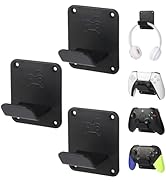
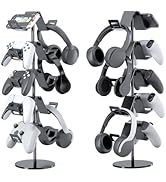
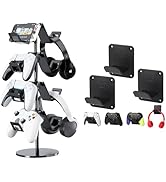
Controller Holders
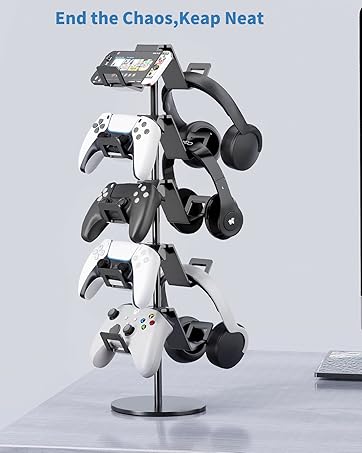
5 tier controller stand
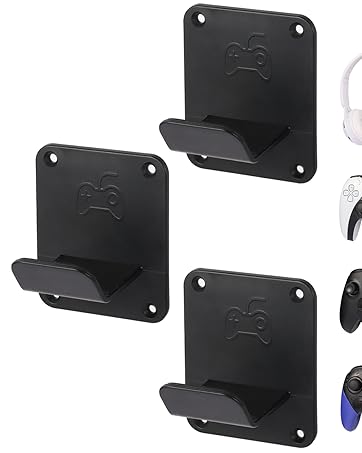
3 Pack Wall Mount
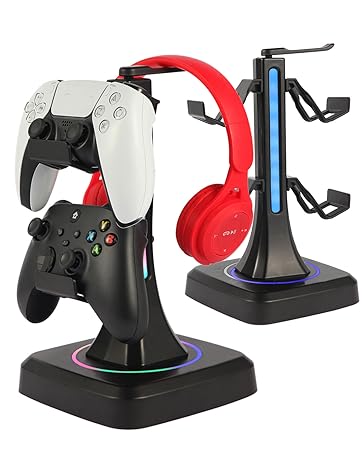
RGB Controller Stand

Premium Controller Headset Stand with RGB Multi-Color Light Modes

Watch it in action!
RGB Controller Headset Stand
Merchant VideoEye-Catching RGB Lighting
Plug and play,Transform your desk with dazzling lights! Choose lighting modes—to match your setup’s style and create the perfect gaming atmosphere.
All-in-One Gaming Stand
Declutter your game station! This sleek stand holds up to 4 controllers or 2 controllers and 1 headset, keeping your gear organized and always ready.
Stable & Durable Build
Made with a weighted base and anti-slip pads, this controller stand stays firmly in place. High-quality material ensures long-lasting durability.
Touch-Control
Easily switch stunning lighting modes with a smart touch sensor—One simple tap lets you cycle through vibrant colors to match your gaming mood.

| Compatibility | Most popular gaming controllers and headsets |
|---|---|
| Mounting Type: | Desktop |
| Weight: | 21.88oz |
| Size: | 6.6*6.6*11.4inches |
| Color: | Black |
| Material: | ABS |
| Design: | Gaming storage with RGB Lighting |
| What’s in the box | 1 RGB Headset Controller Stand+1 USB-Type C Cable+1 User Manual |

How is it powered? Does it need batteries?
No batteries needed! Just plug the included USB cable into a power source (PC, console, power bank, or USB adapter), and the RGB lighting will turn on.
Is this controller station a good gift for gamer?
Absolutely. It keeps gaming area organized and It looks sleek and modern on his desk. Great gift for your familes,friends...
Does this headset stand support charging?
No, this headset stand does not support charging. It is designed to organize your controllers, headset, and phone while adding stylish RGB lighting. It’s powered via USB only for the light effects.
How does the controller holder change the lighting modes?
It features a touch-sensitive button on the base. Just tap once to cycle through the 10 RGB lighting modes—solid colors, breathing effects, and more. No software or app required.
What should I do in case of the stand won't light up?
Don't worry.We have conducted a full inspection before shipment. In case it doesn't light up, you can check it first: 1. Replace the data cable. 2. Press the On/Off button for about 5 seconds.
Qpfctwil
Game Peripherals Station
At Qpfctwil,we are passionate gamers who understand that the right eripherals that blend functionality with style.Now our product range mainly includes controller headset holders. Founded with a vision to enhance every gaming experience, we specialize in creating high-quality gaming pand innovative designed to keep your gaming space organized and immersive.
Controller Holders
5 tier controller stand
3 Pack Wall Mount
RGB Controller Stand