





Ideal Gifts for Senior Gamers
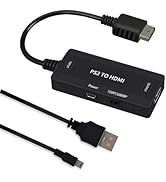
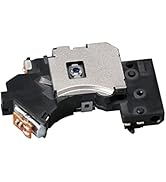
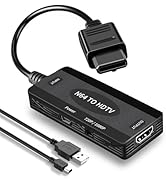
 Xbox Controller Adapter |  PS2Laser Replacement Lens |  PS2 to HDMI Adapter |  N64 to HDMI Converter |  64G Retro Game Console |  PS5 Slim/PS5 Stand Coolin |  PS5 Slim/PS5 Stand Coolin | |
|---|---|---|---|---|---|---|---|
Customer Reviews | — | — | — | — | — | — | — |
Price | — | — | — | — | — | — | — |
1 Compatible with | Xbox Controller Adapter Win11 | PS2 Slim 70000/90000 Series | HDMI Converter forPlayStation2 | Nintendo 64/Gamecube/NGC/SFC | 64G Retro Game Console 20000+ | Cooling Station for PS5/P5Slim | Cooling Stand for PS5/P5Slim |
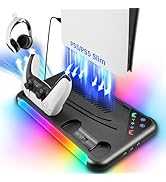
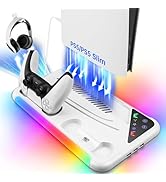
2 Special Function | Xbox ControllerAdapter XSX/XB1 | PS2 Slim Laser Replacement | Easy to Connect & Easy Use | Connect N64 AV Port to HDMI | 23 Pre-Installed Emulators | 5200PRM Quiet Cooling Stand | 3 Fan Speed & 8 RGB Light |
3 Gift purpose | Comfortable Gaming Experience | Ideal Gifts for Senior Gamers | Support HDTV,Monitor,Projector | Ideal Gifts for Senior Gamers | Ideal Gift for All Ages | Great Gift for Gamer | Great Gift for Gamer |
4 Duarable Material | Original IC Chip2.4Gbroadband | Original PS2 Slim Laser Lens | Support 4:3/16:9 Screen | Zero lag & Original Audio | Built-in 2 Wireless Controller | 3 Fan Speed & 8 RGB Light | 5200PRM Quiet Cooling Stand |
5 Unique value to buy | SignalTransmissionRange6Meter | Easy Install and Use | True YPbPr HD Signal Output | Gold-Plated Connectors | Support 2 Person/Connect to TV | ForP5 Original Edge Controller | ForP5 Original Edge Controller |
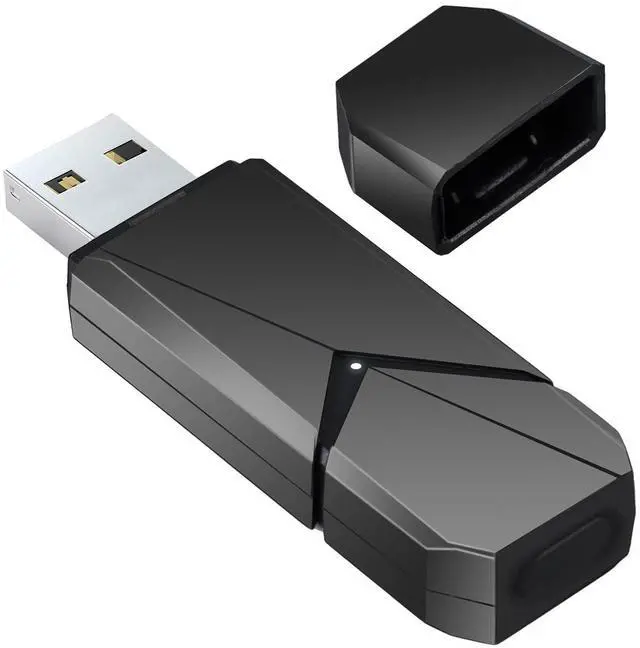
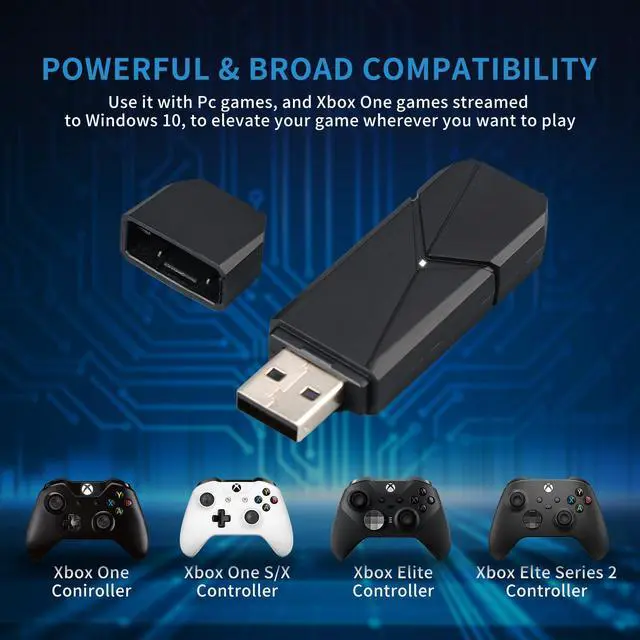
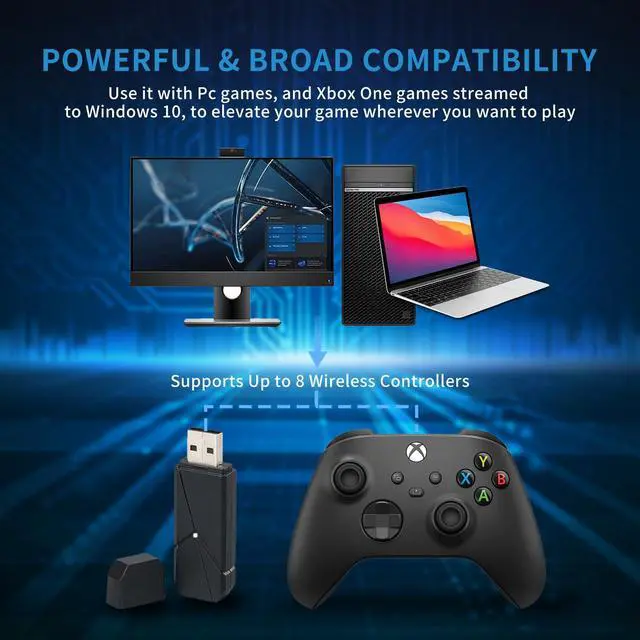
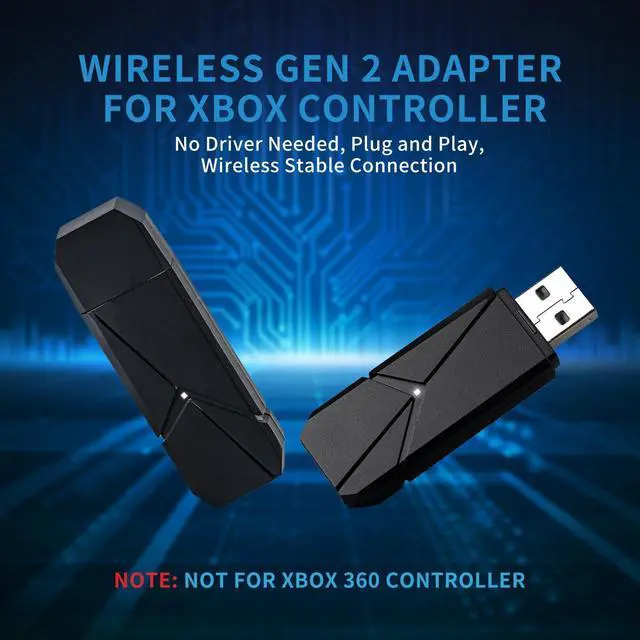
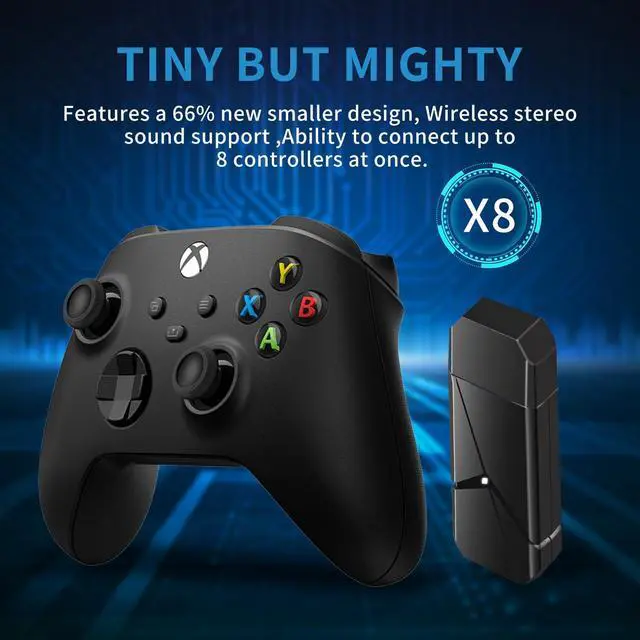
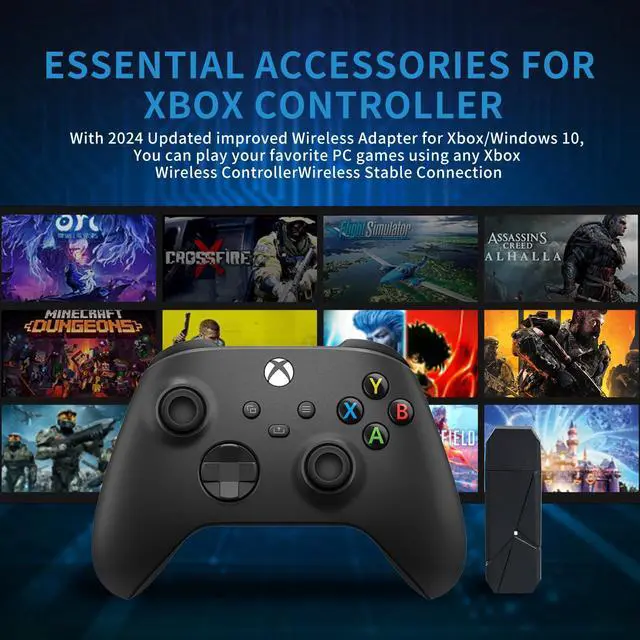
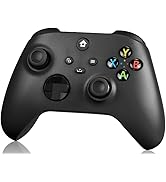
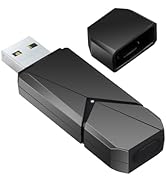
Wireless Adapter for Xbox One Controller and Xbox Series X/S/,Windows 11/10/8/7

How to Connect the XB Wireless Controller to the PC?

Download Driver Suitable for Your System

ls the xbox wireless adapter plug-and-play?
Yes, lt is easy to use. lf you have disabled Windows automatic updates, then you need to download the drivers manually.
ls the xbox wireless adapter compatible with the xbox 360 controller?
No,It isn't
ls the wireless adapter compatible with other third-party XBOX controllers?
No,It isn't
ls the wireless adapter compatible with Bluetooth headset?
This xbox wireless adapter is only suitable for Microsoft's official Bluetooth headsets, doesn't support third-party wireless Bluetooth headsets
What is the reception range of the wireless adapter?
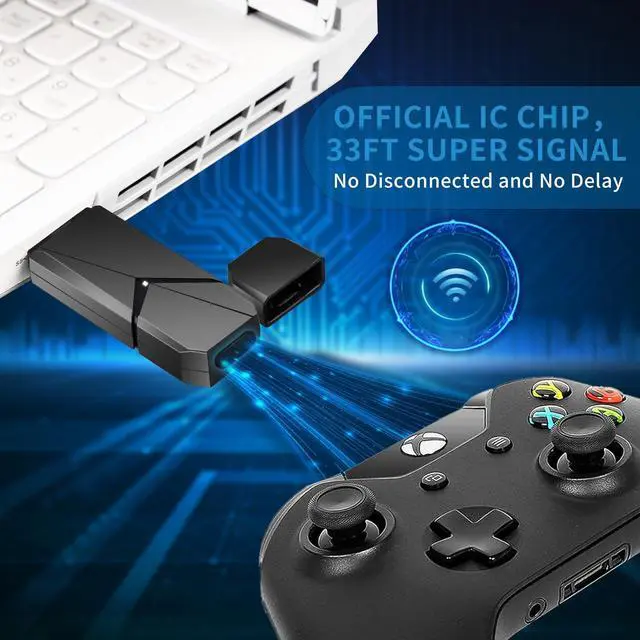
The wireless transmission range is 33 feet and the signalis stable, so you won't be bothered by signal problems during normal gaming.
How to Fix XB Wireless Adapter XB ACC Driver is Unavailable Bug?
1. Go to Microsoft catalog update website (there is website in the user manual), search "Xb Wireless Aadpter" in search box. Find the version file corresponding to your windows (a driver that does not match your windows will cause adapter to not work), downloaded file to a memorable folder.
2. Going back to Device Manager, right click "XB ACC" and choose "Update Driver." Select "Browse my computer for driver software." Browse for the folder that you extracted the driver to in step 1. Then choose next.
3. After successful driver update, unplug and replug device into your computer. Then hold down black button on the side, which should now start slowly blinking. Hold down button on your X One wireless controller for syncing, and two should link up .
Controller won’t connect to the adapter:(or adapter was working but isn’t responding now). Controller frequently disconnects from the adapter:
If your controller disconnects frequently from the Xb Wireless Adapter for Windows, this is typically due to environmental issues, such as no line of sight (between the controller and adapter) or a heavy amount of interference, such as from metallic objects and other Wireless devices. Try these suggestions to improve the connection between your controller and adapter:
1. Make sure you're within optimal range of the adapter (6 meters or less).
2. Use the USB extender to bring the adapter closer to your controller. Ensure you have good line of sight between your adapter and your controller. Use the USB extender to help if needed.
3. Move the adapter away from metal and do not set it directly on a metal surface.



Ideal Gifts for Senior Gamers
Xbox Controller Adapter | PS2Laser Replacement Lens | PS2 to HDMI Adapter | N64 to HDMI Converter | 64G Retro Game Console | PS5 Slim/PS5 Stand Coolin | PS5 Slim/PS5 Stand Coolin |
|---|---|---|---|---|---|---|
| Customer Reviews | ||||||
| — | — | — | — | — | — | — |
| Price | ||||||
| — | — | — | — | — | — | — |
| 1 Compatible with | ||||||
| Xbox Controller Adapter Win11 | PS2 Slim 70000/90000 Series | HDMI Converter forPlayStation2 | Nintendo 64/Gamecube/NGC/SFC | 64G Retro Game Console 20000+ | Cooling Station for PS5/P5Slim | Cooling Stand for PS5/P5Slim |
| 2 Special Function | ||||||
| Xbox ControllerAdapter XSX/XB1 | PS2 Slim Laser Replacement | Easy to Connect & Easy Use | Connect N64 AV Port to HDMI | 23 Pre-Installed Emulators | 5200PRM Quiet Cooling Stand | 3 Fan Speed & 8 RGB Light |
| 3 Gift purpose | ||||||
| Comfortable Gaming Experience | Ideal Gifts for Senior Gamers | Support HDTV,Monitor,Projector | Ideal Gifts for Senior Gamers | Ideal Gift for All Ages | Great Gift for Gamer | Great Gift for Gamer |
| 4 Duarable Material | ||||||
| Original IC Chip2.4Gbroadband | Original PS2 Slim Laser Lens | Support 4:3/16:9 Screen | Zero lag & Original Audio | Built-in 2 Wireless Controller | 3 Fan Speed & 8 RGB Light | 5200PRM Quiet Cooling Stand |
| 5 Unique value to buy | ||||||
| SignalTransmissionRange6Meter | Easy Install and Use | True YPbPr HD Signal Output | Gold-Plated Connectors | Support 2 Person/Connect to TV | ForP5 Original Edge Controller | ForP5 Original Edge Controller |
Wireless Adapter for Xbox One Controller and Xbox Series X/S/,Windows 11/10/8/7

How to Connect the XB Wireless Controller to the PC?

Download Driver Suitable for Your System

ls the xbox wireless adapter plug-and-play?
Yes, lt is easy to use. lf you have disabled Windows automatic updates, then you need to download the drivers manually.
ls the xbox wireless adapter compatible with the xbox 360 controller?
No,It isn't
ls the wireless adapter compatible with other third-party XBOX controllers?
No,It isn't
ls the wireless adapter compatible with Bluetooth headset?
This xbox wireless adapter is only suitable for Microsoft's official Bluetooth headsets, doesn't support third-party wireless Bluetooth headsets
What is the reception range of the wireless adapter?
The wireless transmission range is 33 feet and the signalis stable, so you won't be bothered by signal problems during normal gaming.
How to Fix XB Wireless Adapter XB ACC Driver is Unavailable Bug?
1. Go to Microsoft catalog update website (there is website in the user manual), search "Xb Wireless Aadpter" in search box. Find the version file corresponding to your windows (a driver that does not match your windows will cause adapter to not work), downloaded file to a memorable folder.
2. Going back to Device Manager, right click "XB ACC" and choose "Update Driver." Select "Browse my computer for driver software." Browse for the folder that you extracted the driver to in step 1. Then choose next.
3. After successful driver update, unplug and replug device into your computer. Then hold down black button on the side, which should now start slowly blinking. Hold down button on your X One wireless controller for syncing, and two should link up .
Controller won’t connect to the adapter:(or adapter was working but isn’t responding now). Controller frequently disconnects from the adapter:
If your controller disconnects frequently from the Xb Wireless Adapter for Windows, this is typically due to environmental issues, such as no line of sight (between the controller and adapter) or a heavy amount of interference, such as from metallic objects and other Wireless devices. Try these suggestions to improve the connection between your controller and adapter:
1. Make sure you're within optimal range of the adapter (6 meters or less).
2. Use the USB extender to bring the adapter closer to your controller. Ensure you have good line of sight between your adapter and your controller. Use the USB extender to help if needed.
3. Move the adapter away from metal and do not set it directly on a metal surface.
TECTINTER Official Store
TECTINTER Official Store--Dog
TECTINTER Official Store--PS5
TECTINTER Official Store--PS2