






Stop Paying Too Much For Ink
High-Quality Printing and Reliable Results

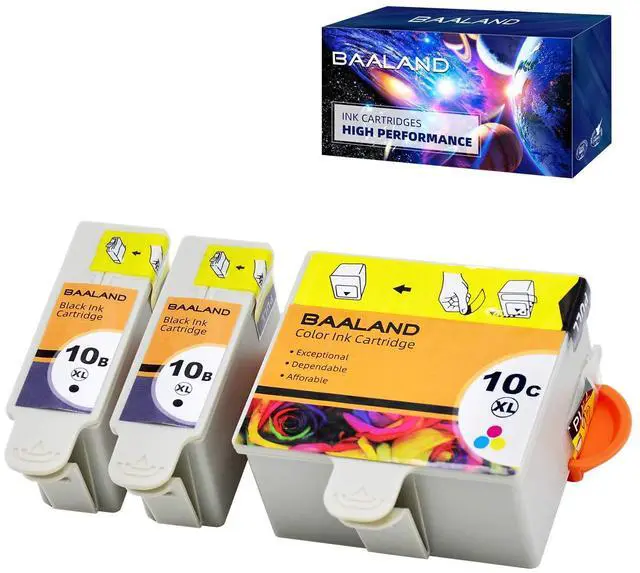
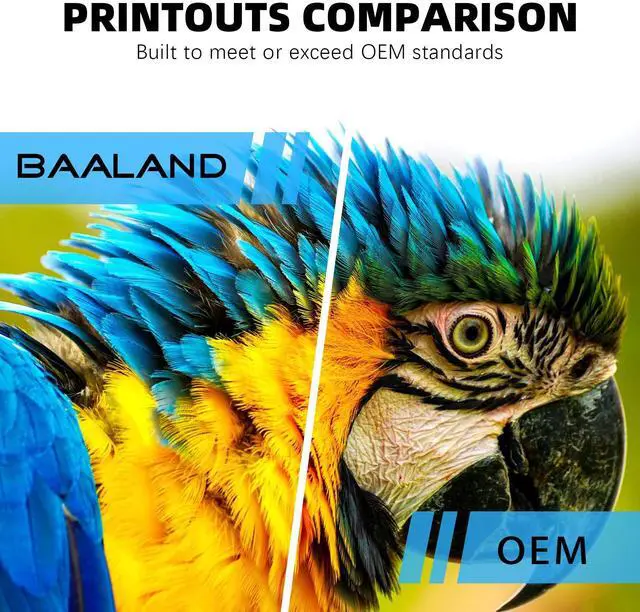
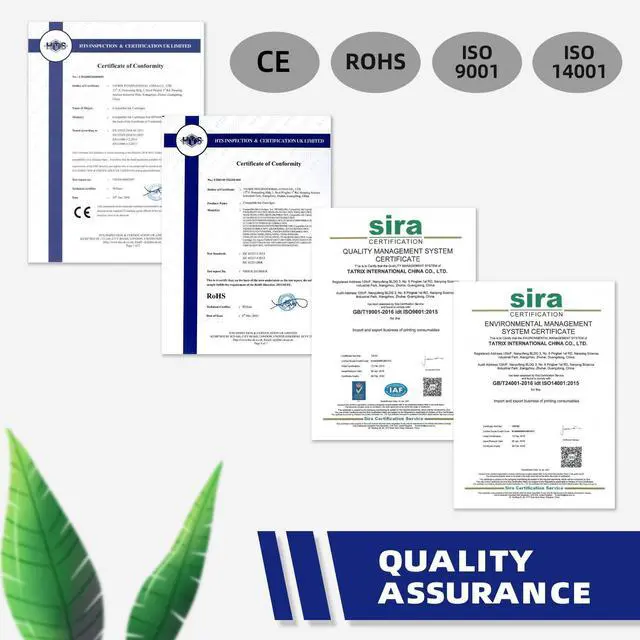
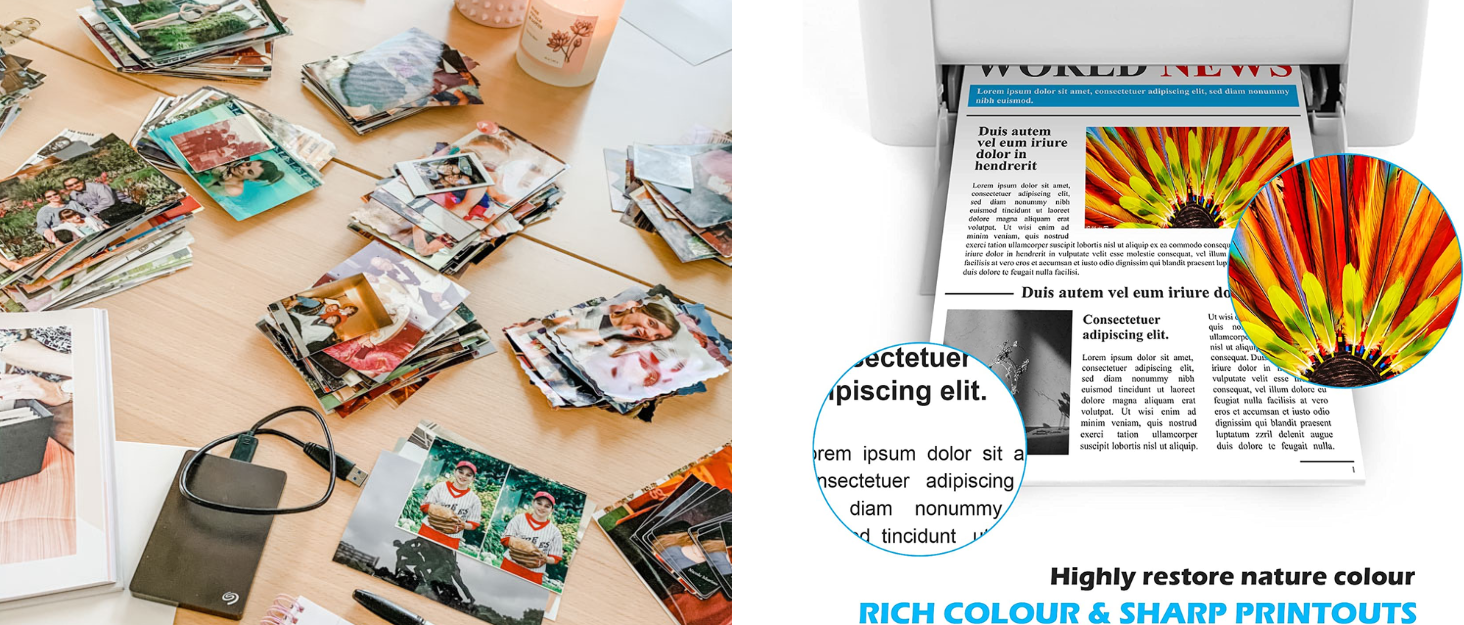
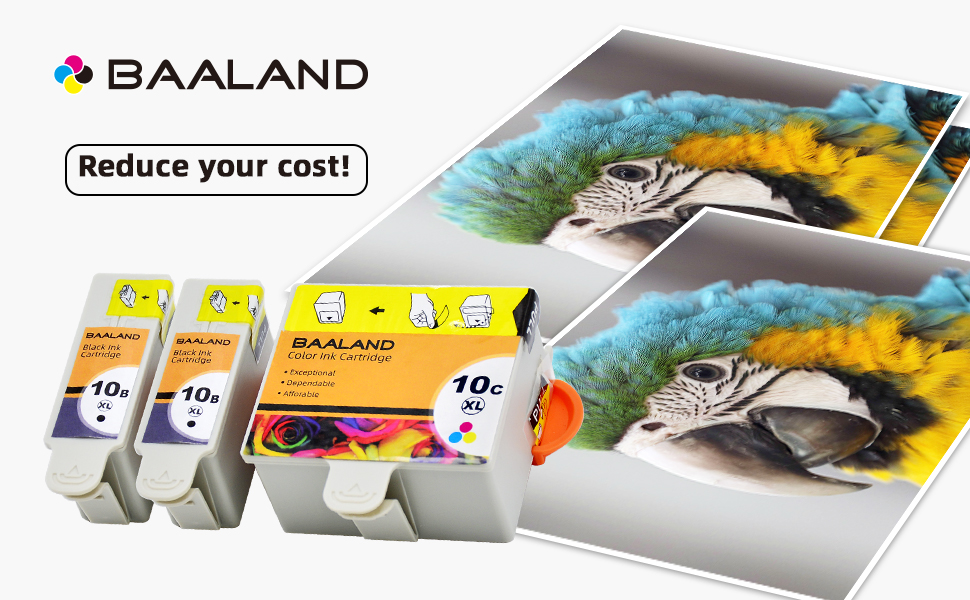
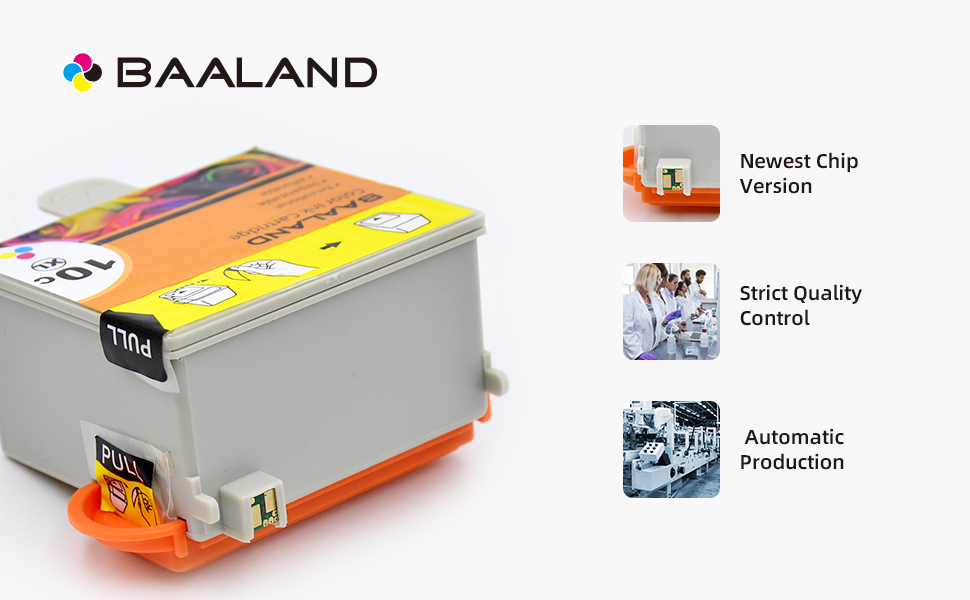
BAALAND is a US-based brand that put maximum effort into quality control to produce reliable, high quality cartridges that work smoothly with one’s printer and last longer. This is why we quality test our ink twice; at manufacturing and again before our inventory is shipped to 's warehouses for fulfillment. We provide vivid prints that match the performance of original ink, with lifelike images, vivid colors, and clear detailed text
How did we get our start?
BAALAND was founded in 2017 with a simple mission: to provide high-quality, compatible ink cartridges to customers at affordable costs.
What makes our products unique?
Wallet-friendly with high-quality replacements
How can I reach out to you if i have questions in using your product??
Our CS team is available 24/7 for any questions by clicking on our store name ( GoodPartners) above the bullet section, and clicking on '? a question' on the top-right side.

How to Install
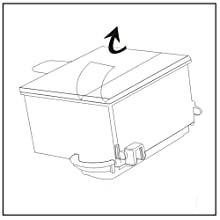
STEP 1:
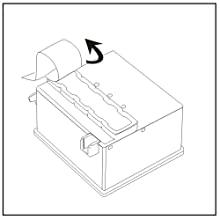
Remove the Yellow Label marked "PULL" from the top cover very carefully. Please be sure the Yellow Label was torn off completely without any remains
*Meanwhile please be sure that the rest Label must in the right place without any loosening. Otherwise, it will affect the normal use of the ink cartridge
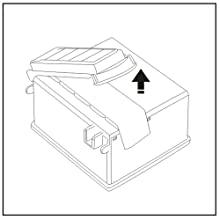
STEP 2:
Take off the orange protective nozzle cap carefully
STEP 3:
Remove the protective film from the nozzle carefully
NOTICE:
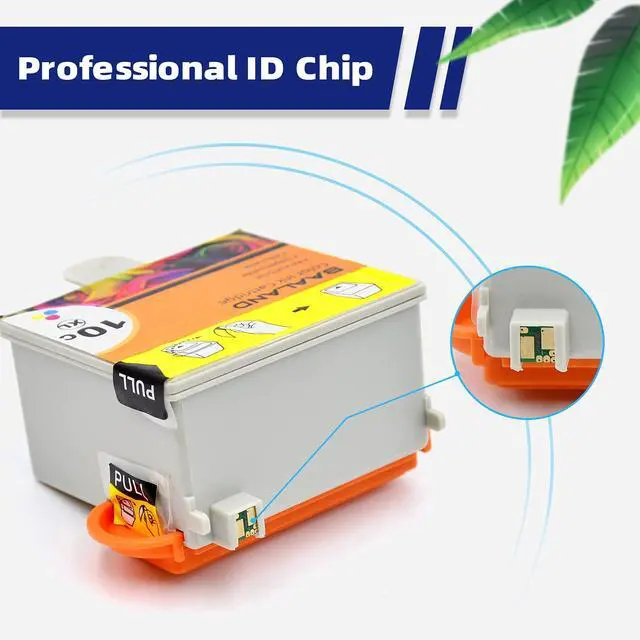
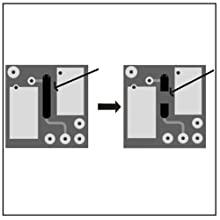
If the printer prompts" Black/ Color ink cartridge is not installed" or "cartridge needs need to be replaced", please take the cartridge out of the printer and using a blade to cut off the black carbon line on the chip, then reinstall it, it will work well.
Warm Tips:
- If the printer shows a message such as "NO INK" or "Non-Original", please click “Start” or “OK”. This is normal for compatible cartridges.
- Please perform nozzle cleaning if broken lines or missing colors appear---Through your printer panel or the software.
- It is recommended that the printer be turned on once a week at least to avoid the nozzles from clogging.
- If the cartridge gives you an error message, please remove the cartridge and turn off the printer for about 30 seconds. Then turn on the and re-install our cartridges.
- After installing, if the ink level monitor on the printer reads empty, please reinstall the cartridge. It may take a few attempts. Cartridge performance is unaffected even without an ink level monitor.
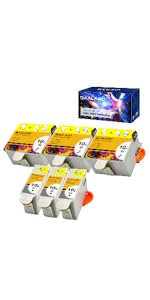 KD-10 (3B, 3C) | 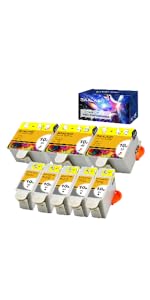 KD-10 (5B, 3C) | 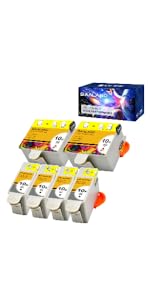 KD-10 (4B, 2C) | 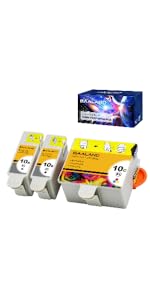 KD-10 (2B, 1C) | 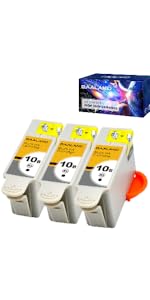 KD-10 (3B) | 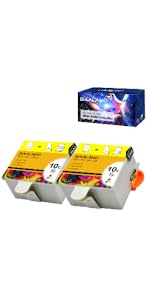 KD-10 (2C) | |
|---|---|---|---|---|---|---|
| Customer Reviews | — | — | — | — | — | — |
| Price | — | — no data | — no data | — | — | — |
| With Latest Chip | ? | ? | ? | ? | ? | ? |
| Show Accurate Ink Volume | ? | ? | ? | ? | ? | ? |
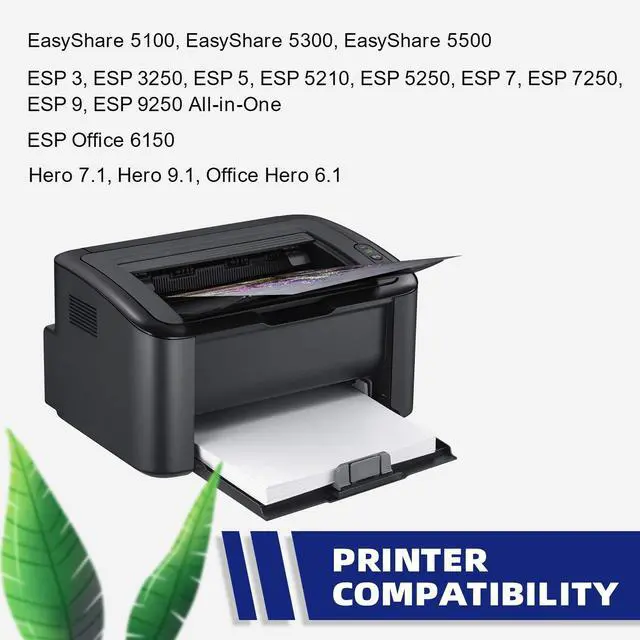
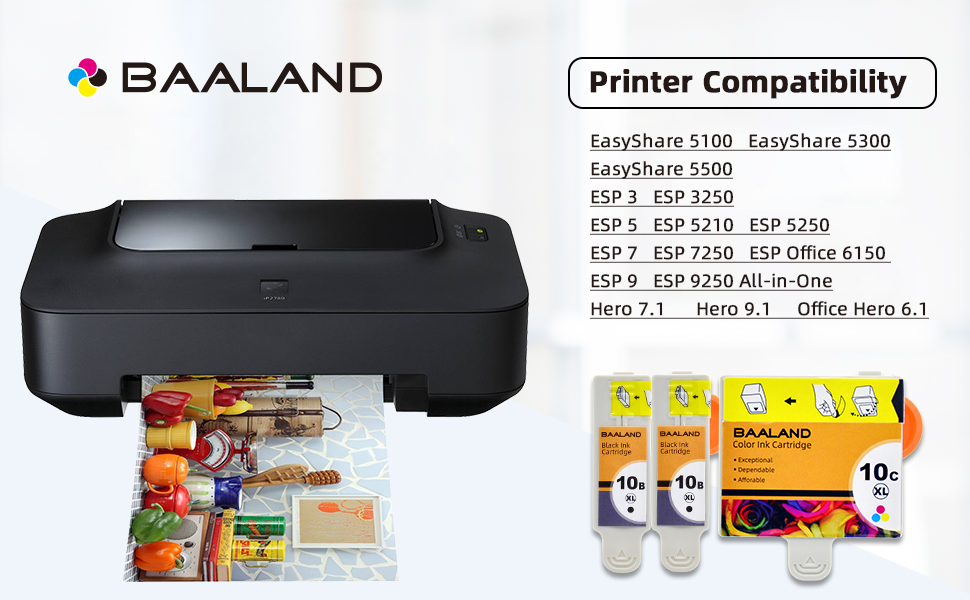
| Compatible Kodak Printers | EasyShare 5100, EasyShare 5300, EasyShare 5500, ESP 3, ESP 3250, ESP 5, ESP 5210, ESP 5250, ESP 7, ESP 7250, ESP 9, ESP 9250 All-in-One, ESP Office 6150, Hero 7.1, Hero 9.1, Office Hero 6.1 | EasyShare 5100, EasyShare 5300, EasyShare 5500, ESP 3, ESP 3250, ESP 5, ESP 5210, ESP 5250, ESP 7, ESP 7250, ESP 9, ESP 9250 All-in-One, ESP Office 6150, Hero 7.1, Hero 9.1, Office Hero 6.1 | EasyShare 5100, EasyShare 5300, EasyShare 5500, ESP 3, ESP 3250, ESP 5, ESP 5210, ESP 5250, ESP 7, ESP 7250, ESP 9, ESP 9250 All-in-One, ESP Office 6150, Hero 7.1, Hero 9.1, Office Hero 6.1 | EasyShare 5100, EasyShare 5300, EasyShare 5500, ESP 3, ESP 3250, ESP 5, ESP 5210, ESP 5250, ESP 7, ESP 7250, ESP 9, ESP 9250 All-in-One, ESP Office 6150, Hero 7.1, Hero 9.1, Office Hero 6.1 | EasyShare 5100, EasyShare 5300, EasyShare 5500, ESP 3, ESP 3250, ESP 5, ESP 5210, ESP 5250, ESP 7, ESP 7250, ESP 9, ESP 9250 All-in-One, ESP Office 6150, Hero 7.1, Hero 9.1, Office Hero 6.1 | EasyShare 5100, EasyShare 5300, EasyShare 5500, ESP 3, ESP 3250, ESP 5, ESP 5210, ESP 5250, ESP 7, ESP 7250, ESP 9, ESP 9250 All-in-One, ESP Office 6150, Hero 7.1, Hero 9.1, Office Hero 6.1 |
How to Install
STEP 1:
Remove the Yellow Label marked "PULL" from the top cover very carefully. Please be sure the Yellow Label was torn off completely without any remains
*Meanwhile please be sure that the rest Label must in the right place without any loosening. Otherwise, it will affect the normal use of the ink cartridge
STEP 2:
Take off the orange protective nozzle cap carefully
STEP 3:
Remove the protective film from the nozzle carefully
NOTICE:
If the printer prompts" Black/ Color ink cartridge is not installed" or "cartridge needs need to be replaced", please take the cartridge out of the printer and using a blade to cut off the black carbon line on the chip, then reinstall it, it will work well.
Warm Tips:
- If the printer shows a message such as "NO INK" or "Non-Original", please click “Start” or “OK”. This is normal for compatible cartridges.
- Please perform nozzle cleaning if broken lines or missing colors appear---Through your printer panel or the software.
- It is recommended that the printer be turned on once a week at least to avoid the nozzles from clogging.
- If the cartridge gives you an error message, please remove the cartridge and turn off the printer for about 30 seconds. Then turn on the and re-install our cartridges.
- After installing, if the ink level monitor on the printer reads empty, please reinstall the cartridge. It may take a few attempts. Cartridge performance is unaffected even without an ink level monitor.
KD-10 (3B, 3C) | KD-10 (5B, 3C) | KD-10 (4B, 2C) | KD-10 (2B, 1C) | 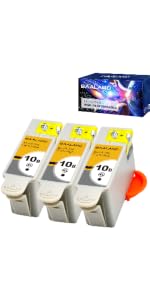 KD-10 (3B) | KD-10 (2C) | |
|---|---|---|---|---|---|---|
| Customer Reviews | — | — | — | — | — | — |
| Price | — | — no data | — no data | — | — | — |
| With Latest Chip | ? | ? | ? | ? | ? | ? |
| Show Accurate Ink Volume | ? | ? | ? | ? | ? | ? |
| Compatible Kodak Printers | EasyShare 5100, EasyShare 5300, EasyShare 5500, ESP 3, ESP 3250, ESP 5, ESP 5210, ESP 5250, ESP 7, ESP 7250, ESP 9, ESP 9250 All-in-One, ESP Office 6150, Hero 7.1, Hero 9.1, Office Hero 6.1 | EasyShare 5100, EasyShare 5300, EasyShare 5500, ESP 3, ESP 3250, ESP 5, ESP 5210, ESP 5250, ESP 7, ESP 7250, ESP 9, ESP 9250 All-in-One, ESP Office 6150, Hero 7.1, Hero 9.1, Office Hero 6.1 | EasyShare 5100, EasyShare 5300, EasyShare 5500, ESP 3, ESP 3250, ESP 5, ESP 5210, ESP 5250, ESP 7, ESP 7250, ESP 9, ESP 9250 All-in-One, ESP Office 6150, Hero 7.1, Hero 9.1, Office Hero 6.1 | EasyShare 5100, EasyShare 5300, EasyShare 5500, ESP 3, ESP 3250, ESP 5, ESP 5210, ESP 5250, ESP 7, ESP 7250, ESP 9, ESP 9250 All-in-One, ESP Office 6150, Hero 7.1, Hero 9.1, Office Hero 6.1 | EasyShare 5100, EasyShare 5300, EasyShare 5500, ESP 3, ESP 3250, ESP 5, ESP 5210, ESP 5250, ESP 7, ESP 7250, ESP 9, ESP 9250 All-in-One, ESP Office 6150, Hero 7.1, Hero 9.1, Office Hero 6.1 | EasyShare 5100, EasyShare 5300, EasyShare 5500, ESP 3, ESP 3250, ESP 5, ESP 5210, ESP 5250, ESP 7, ESP 7250, ESP 9, ESP 9250 All-in-One, ESP Office 6150, Hero 7.1, Hero 9.1, Office Hero 6.1 |
Stop Paying Too Much For Ink
High-Quality Printing and Reliable Results
BAALAND is a US-based brand that put maximum effort into quality control to produce reliable, high quality cartridges that work smoothly with one’s printer and last longer. This is why we quality test our ink twice; at manufacturing and again before our inventory is shipped to 's warehouses for fulfillment. We provide vivid prints that match the performance of original ink, with lifelike images, vivid colors, and clear detailed text
How did we get our start?
BAALAND was founded in 2017 with a simple mission: to provide high-quality, compatible ink cartridges to customers at affordable costs.
What makes our products unique?
Wallet-friendly with high-quality replacements
How can I reach out to you if i have questions in using your product??
Our CS team is available 24/7 for any questions by clicking on our store name ( GoodPartners) above the bullet section, and clicking on '? a question' on the top-right side.