

Your Browsing History
- Free 30-day Returns
$399.99

Meet Your Seller

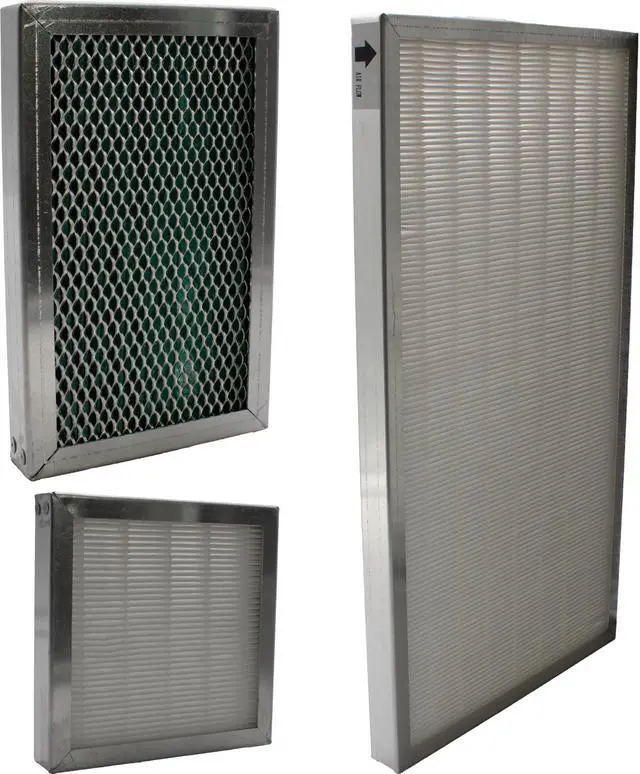
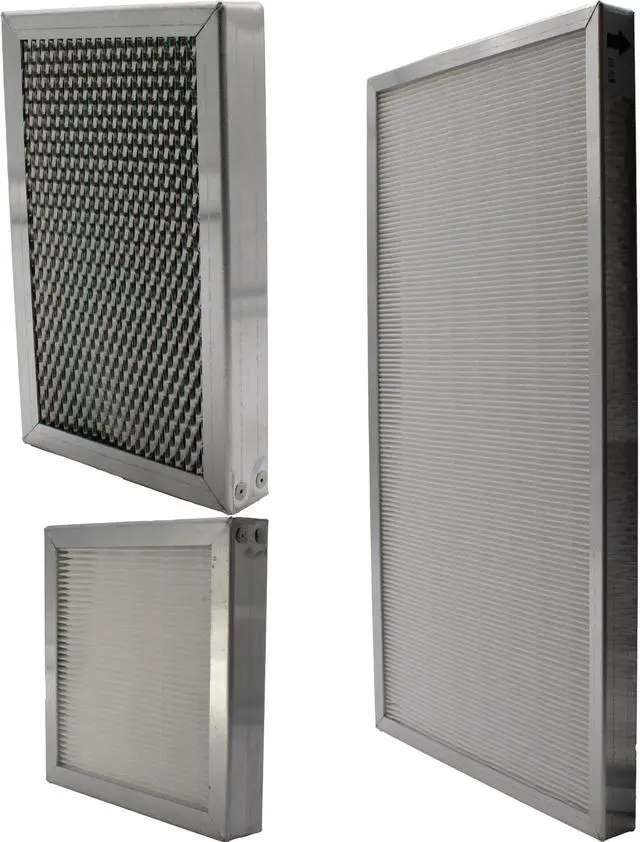
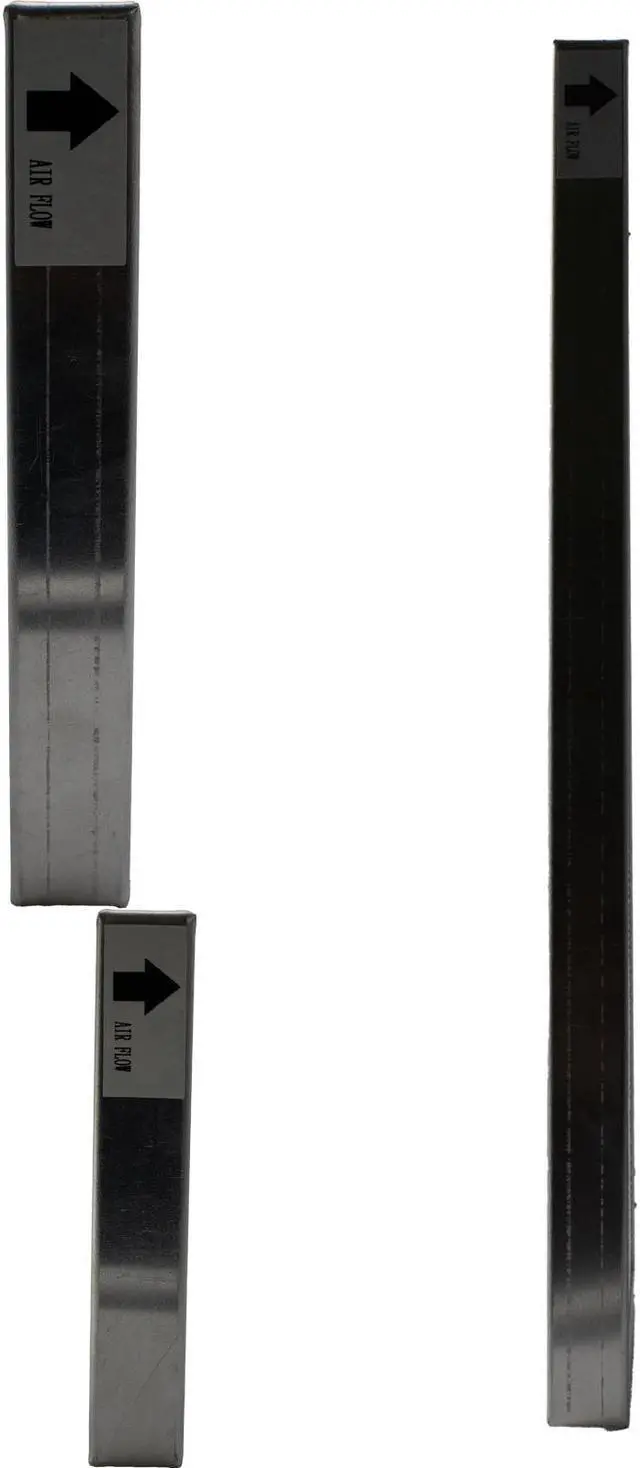
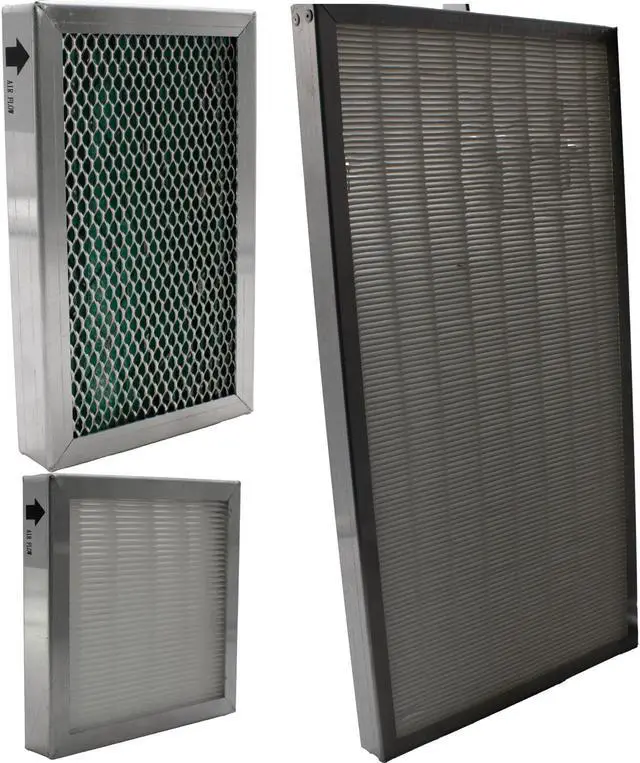
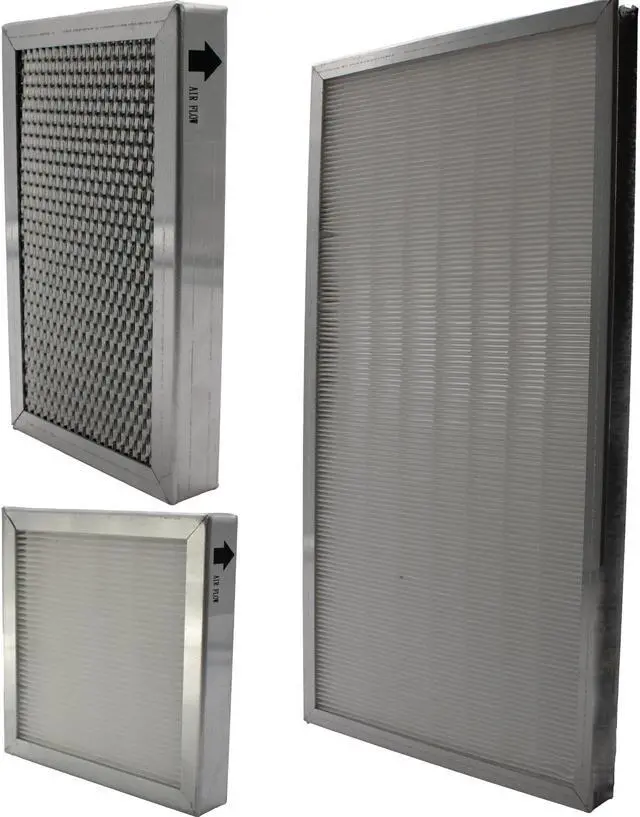
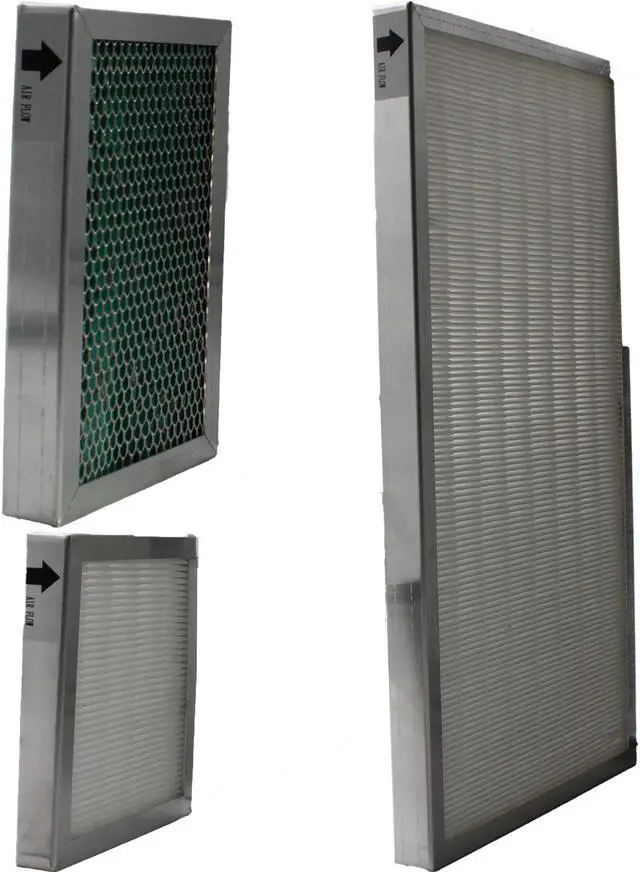
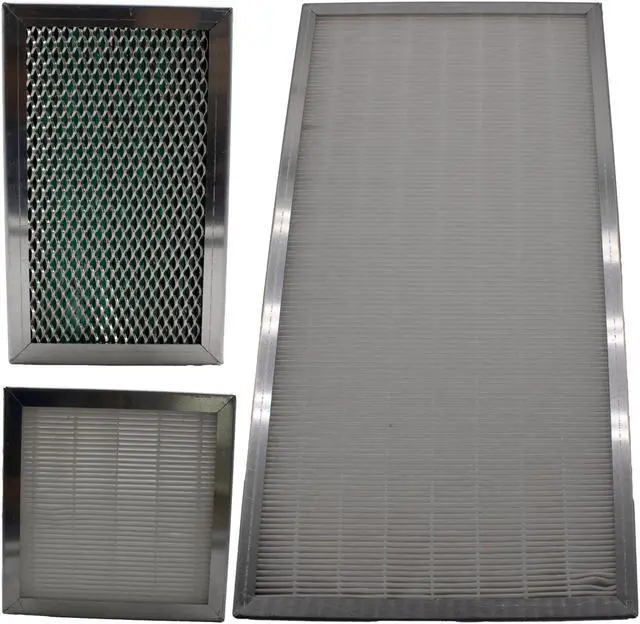


Replacement Dust Filter Set for Barco DP1200, DP1500, DP2000 Projectors - Dust and Particle Protection for Prolonged Projector Life - OEM Part R9854470
- Replacement Dust Filter Set for Barco DP1200, DP1500, DP2000 Projectors - Dust and Particle Protection for Prolonged Projector Life - OEM Part R9854470
+
+
Overview
Specs
Reviews

Any questions? Our AI mode will help you find out quickly.
Try me now
A projectors air filter prevents dust from accumulating on the optical elements inside the projector. The air filter plays a crucial role in preventing dust accumulation on the projector's optical components. Should the filter become clogged with dust particles it will reduce the cooling fans effectiveness and will result in internal heat buildup, adversely affecting the life of the projector. If you are replacing your lamp, it is a good time to replace your filter. Manufacturers suggest cleaning the filter every 3 months and replacing the filter when changing the lamp to ensure optimal performance.
Many projectors have a filter warning icon or message that will appear on the screen, when this occurs replace the filter immediately. If you do not have a filter warning icon or message, or simply are not sure, remove the filter and inspect it visually. If there is any buildup, it is too much! Protect your projector and bulb life by regularly changing filters as well as by keeping the projector free from overall dust and debris.
This R9854470 6 Projector filter kit contains all three replacement filters required for the following
Barco projector models:
DP-1500, DP-2000, FLM HD14, FLM HD18, FLM R20+, FLM-HD20, FLM-R22+
Individual Filter Dimensions:
Filter 1: 420 mm x 220mm x 25mm (this kit includes 6 pcs of this filter)
Filter 2: 140 mm x 140mm x 25mm (this kit includes 6 pcs of this filter)
Filter 3: 175 mm x 108mm x 25mm (this kit includes 6 pcs of this filter)
Many projectors have a filter warning icon or message that will appear on the screen, when this occurs replace the filter immediately. If you do not have a filter warning icon or message, or simply are not sure, remove the filter and inspect it visually. If there is any buildup, it is too much! Protect your projector and bulb life by regularly changing filters as well as by keeping the projector free from overall dust and debris.
This R9854470 6 Projector filter kit contains all three replacement filters required for the following
Barco projector models:
DP-1500, DP-2000, FLM HD14, FLM HD18, FLM R20+, FLM-HD20, FLM-R22+
Individual Filter Dimensions:
Filter 1: 420 mm x 220mm x 25mm (this kit includes 6 pcs of this filter)
Filter 2: 140 mm x 140mm x 25mm (this kit includes 6 pcs of this filter)
Filter 3: 175 mm x 108mm x 25mm (this kit includes 6 pcs of this filter)
Warranty & Returns
Warranty, Returns, And Additional Information
Warranty
- Please contact the Seller directly for warranty information. Warranty information may also be found on the Manufacturer's website.
- CONTACT
Return Policies
- Return for refund within: 30 days
- Return for replacement within: 60 days
- This item is covered by Jaspertronics, LLC Return Policy
Manufacturer Contact Info
- For a directory of all our manufacturers, please click below.
- Manufacturers Directory
LOADING...