



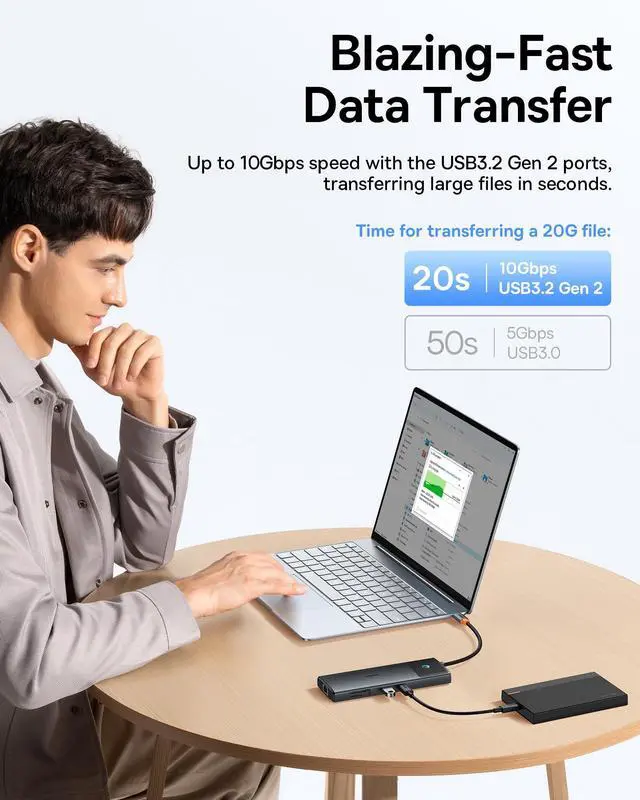
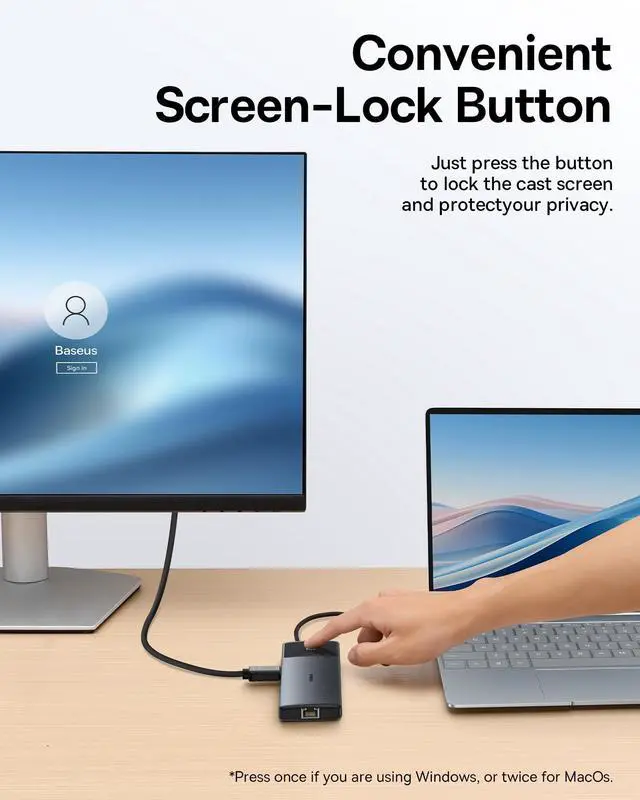
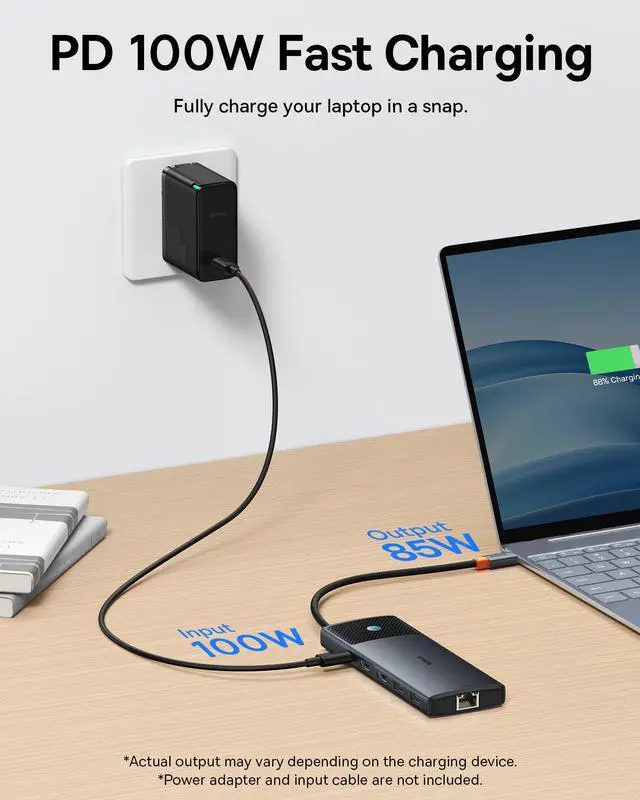



Baseus is rooted in our core value, "Based on User." We are dedicated to creating minimalist, easy-to-use products with high-quality textures that cater to all user preferences. With over a decade of experience in consumer electronics, our focus on innovation and creativity has earned us numerous patents, international design awards, and a diverse product range.




Spacemate(WIN) Docking Station

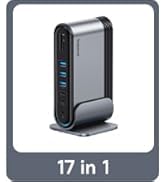
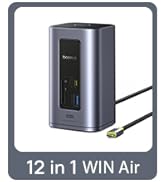
Multi-Screen Docking Station
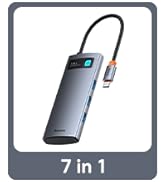
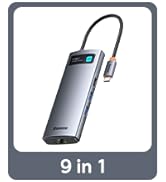
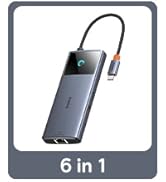
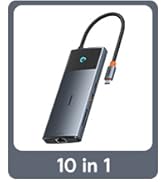
Portable USB C HUB
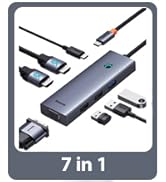
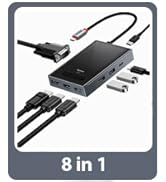
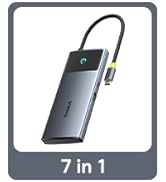
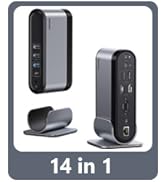
Multi-display Laptop Dock

NOTE: Please make sure your laptop come with Thunderbolt 3/4/5 or full function USB C Port(support DP ALT Mode+Charging+Data transfer protocol).


What’s the requirement for using this product?
Make sure the Type-C port of your device is full-featured (with charging, data transfer and DP Alt Mode function). Some functions, for example, mirroring or extending screen cannot be used if it is not full-featured.
Why is the product hot during operation?
It is normal for the HUB to generate heat in the process of operation. The HUB has a built-in chip. The more types and quantity of interfaces a HUB has, the stronger processing power and more heat the chip delivers.
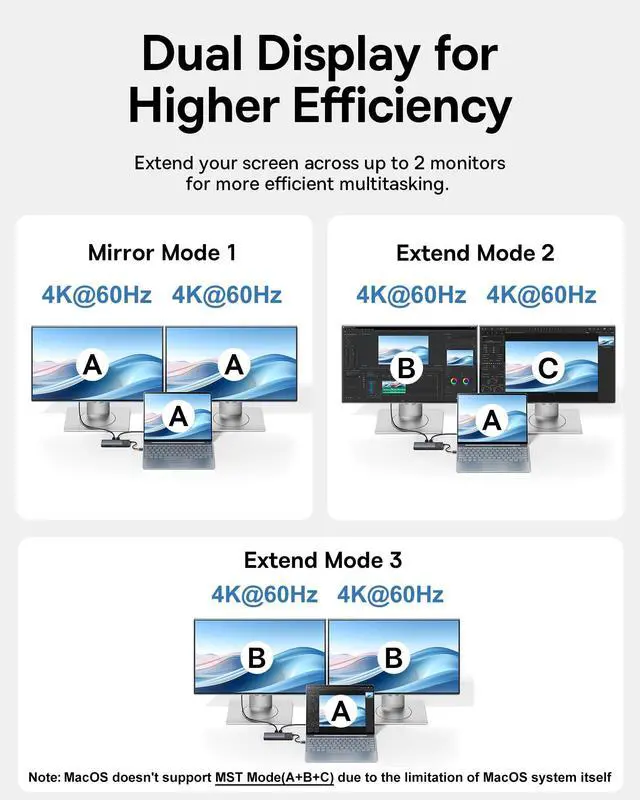
Why there‘s only mirror mode when connecting two monitors for MacBook?
Since macOS only support SST (Single-Stream Transport), for Mac OS users, this HUB only supports non-mirrored mode. It is the Mac OS system restriction.
Why is the resolution not up to as the advertised?
The actual resolution ratio depends on the hardware of the connected device, if the connected device (laptop, HDMI cable, display) can't meet the promoted resolution ratio of this product, then it can't project with the highest resolution ratio.

NOTE: Please make sure your laptop come with Thunderbolt 3/4/5 or full function USB C Port(support DP ALT Mode+Charging+Data transfer protocol).

Not support ultrawide (21:9 or 32:9) resolutions


What’s the requirement for using this product?
Make sure the Type-C port of your device is full-featured (with charging, data transfer and DP Alt Mode function). Some functions, for example, mirroring or extending screen cannot be used if it is not full-featured.
Why is the product hot during operation?
It is normal for the HUB to generate heat in the process of operation. The HUB has a built-in chip. The more types and quantity of interfaces a HUB has, the stronger processing power and more heat the chip delivers.
Why there‘s only mirror mode when connecting two monitors for MacBook?
Since macOS only support SST (Single-Stream Transport), for Mac OS users, this HUB only supports non-mirrored mode. It is the Mac OS system restriction.
Why is the resolution not up to as the advertised?
The actual resolution ratio depends on the hardware of the connected device, if the connected device (laptop, HDMI cable, display) can't meet the promoted resolution ratio of this product, then it can't project with the highest resolution ratio.
Baseus is rooted in our core value, "Based on User." We are dedicated to creating minimalist, easy-to-use products with high-quality textures that cater to all user preferences. With over a decade of experience in consumer electronics, our focus on innovation and creativity has earned us numerous patents, international design awards, and a diverse product range.
Spacemate(WIN) Docking Station
Multi-Screen Docking Station
Portable USB C HUB
Multi-display Laptop Dock