here!
here!
I’m your shopping assistant for PC builds, upgrades, and everything tech.
Got questions? Ask away!
Start a conversation
here!
I’m your shopping assistant for PC builds, upgrades, and everything tech.
Got questions? Ask away!
Start a conversation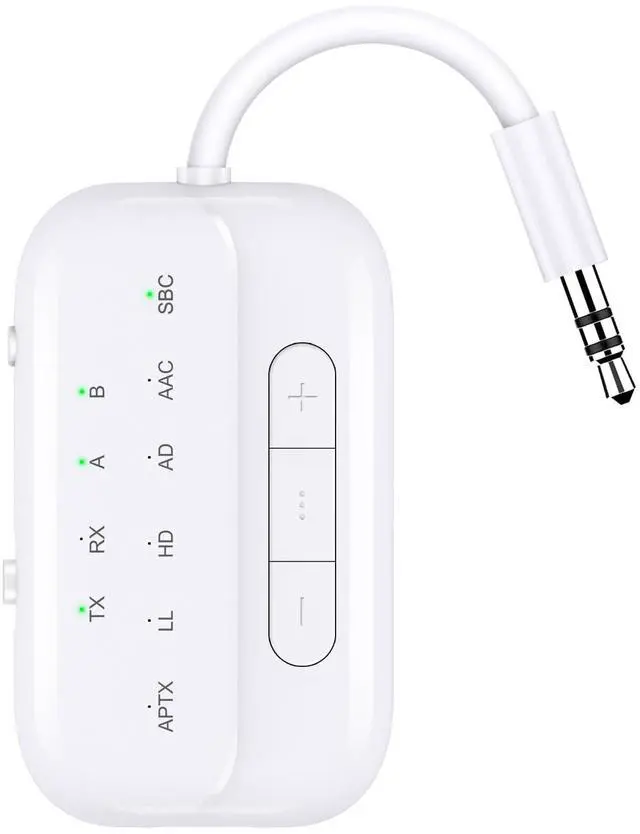
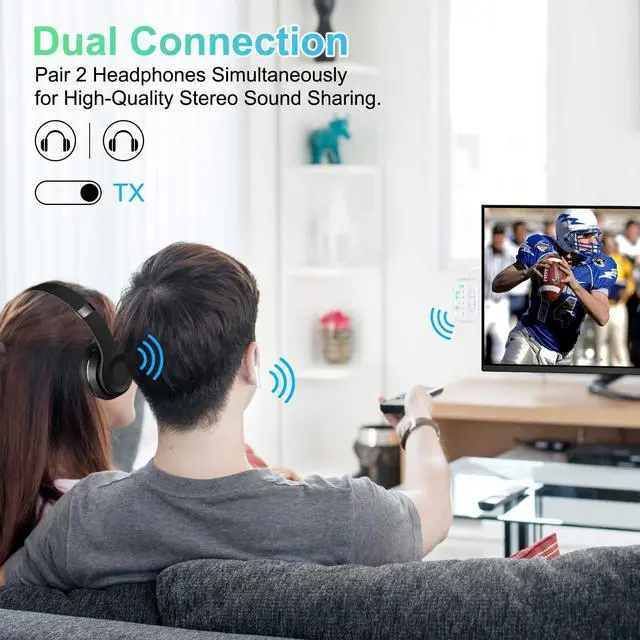
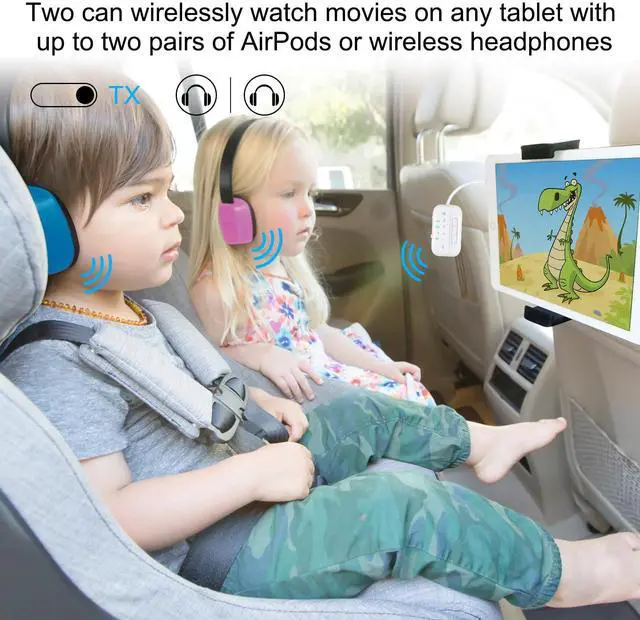
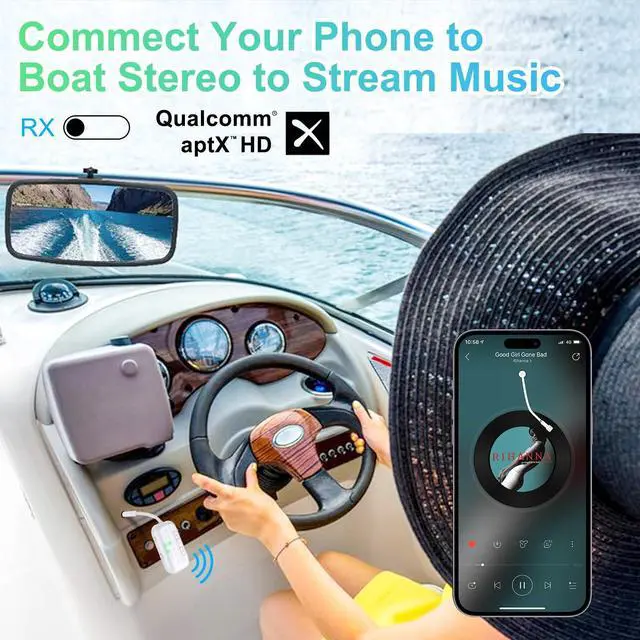
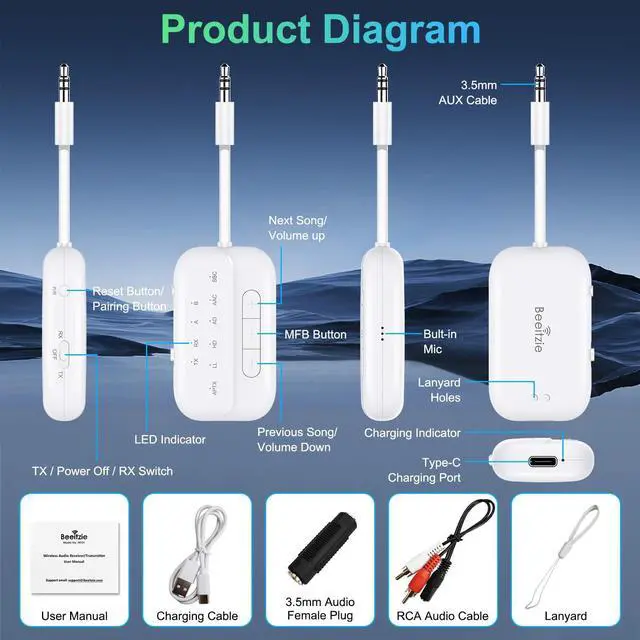



Any questions? Ask CelesteSM will help you find out quickly.
Before You Buy, Please Note: B101 Bluetooth Transmitter is not suitable for live music, musical instruments, or karaoke. We do not recommend using it for electronic pianos or guitars that require 2.4G transmission for audio synchronization. It is also not compatible with hearing aids.
Before You Buy, Please Note: B101 Bluetooth Transmitter is not suitable for live music, musical instruments, or karaoke. We do not recommend using it for electronic pianos or guitars that require 2.4G transmission for audio synchronization. It is also not compatible with hearing aids.
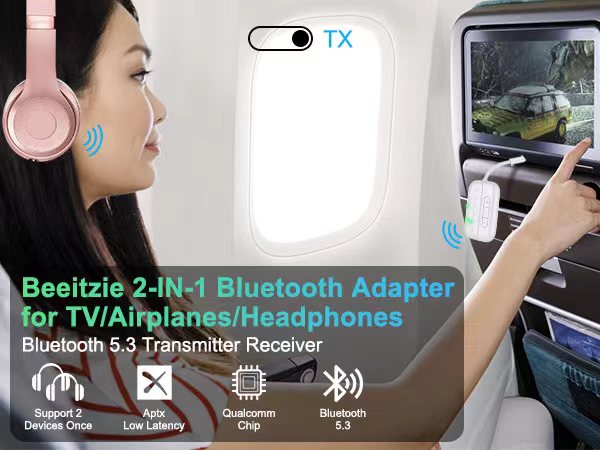
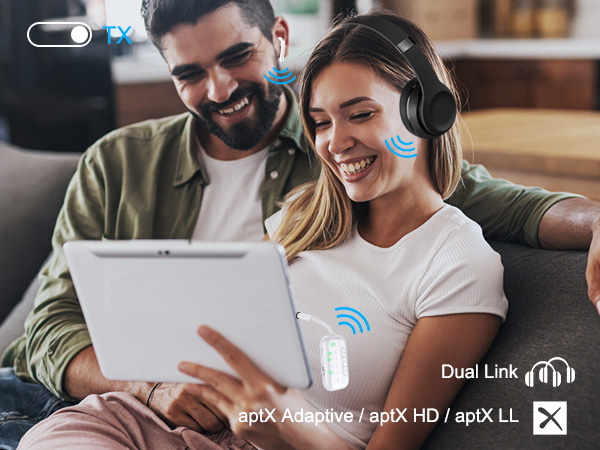
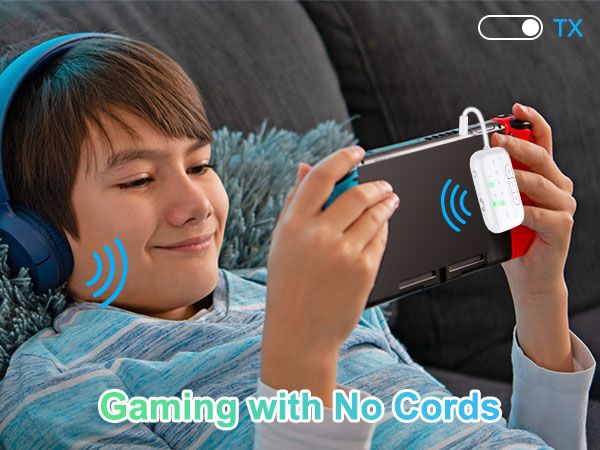
| Before You Buy Please Note: | The B101 Bluetooth Transmitter is not suitable for live music, musical instruments, or karaoke. We do not recommend using it for electronic pianos or guitars that require 2.4G transmission for audio synchronization. Additionally, it is not compatible with hearing aids. |
|---|---|
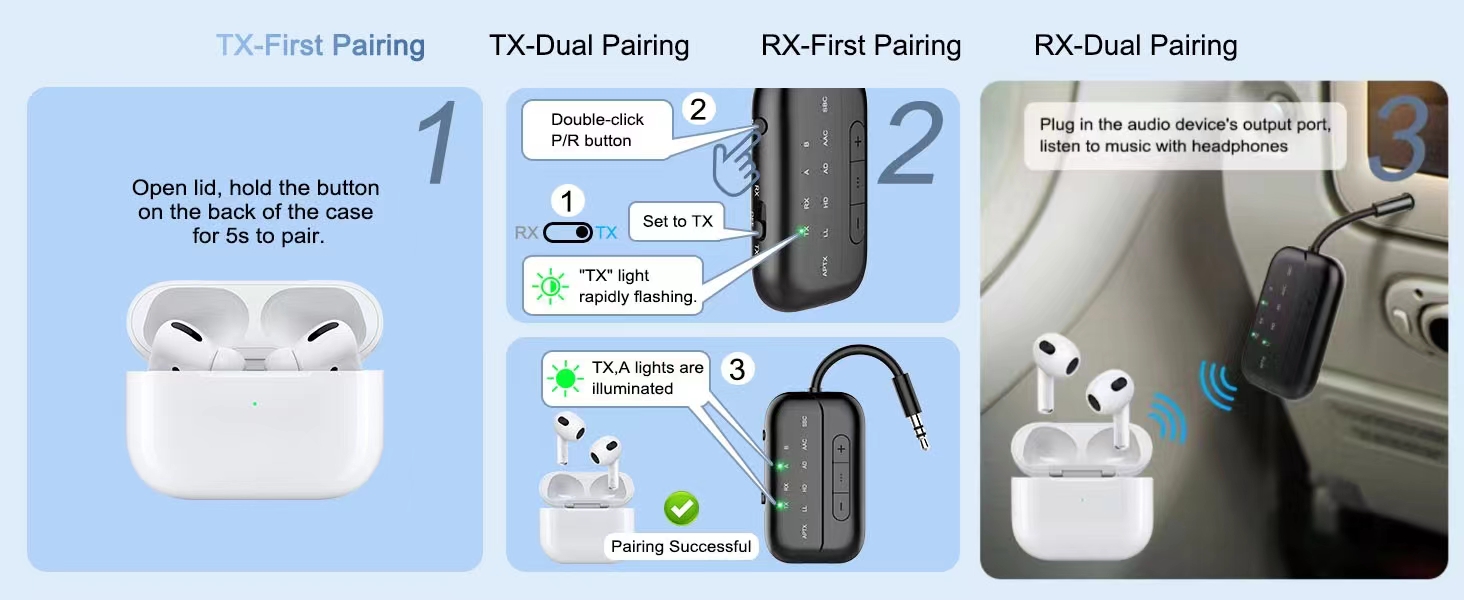
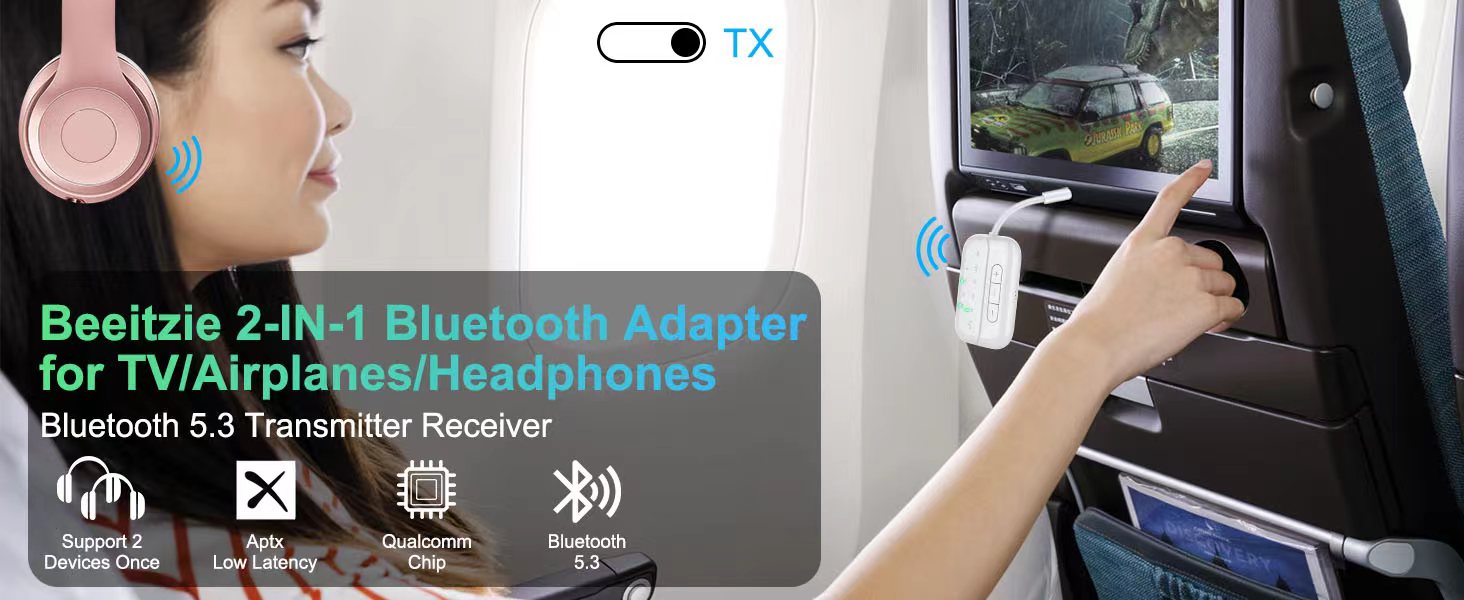
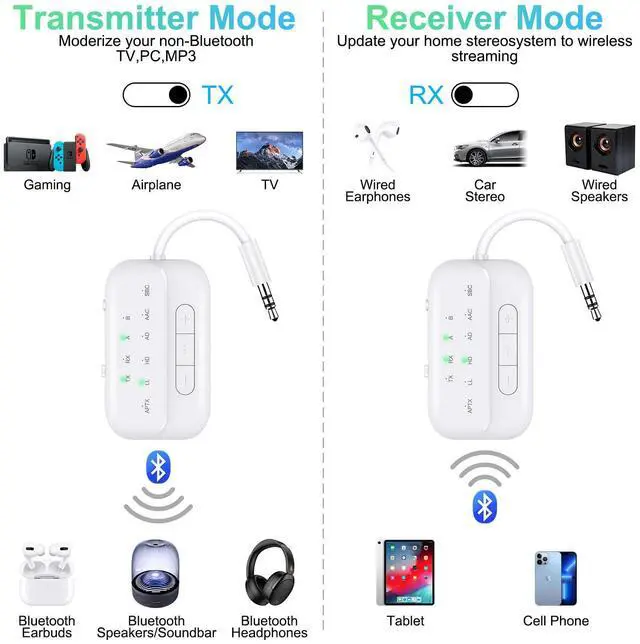
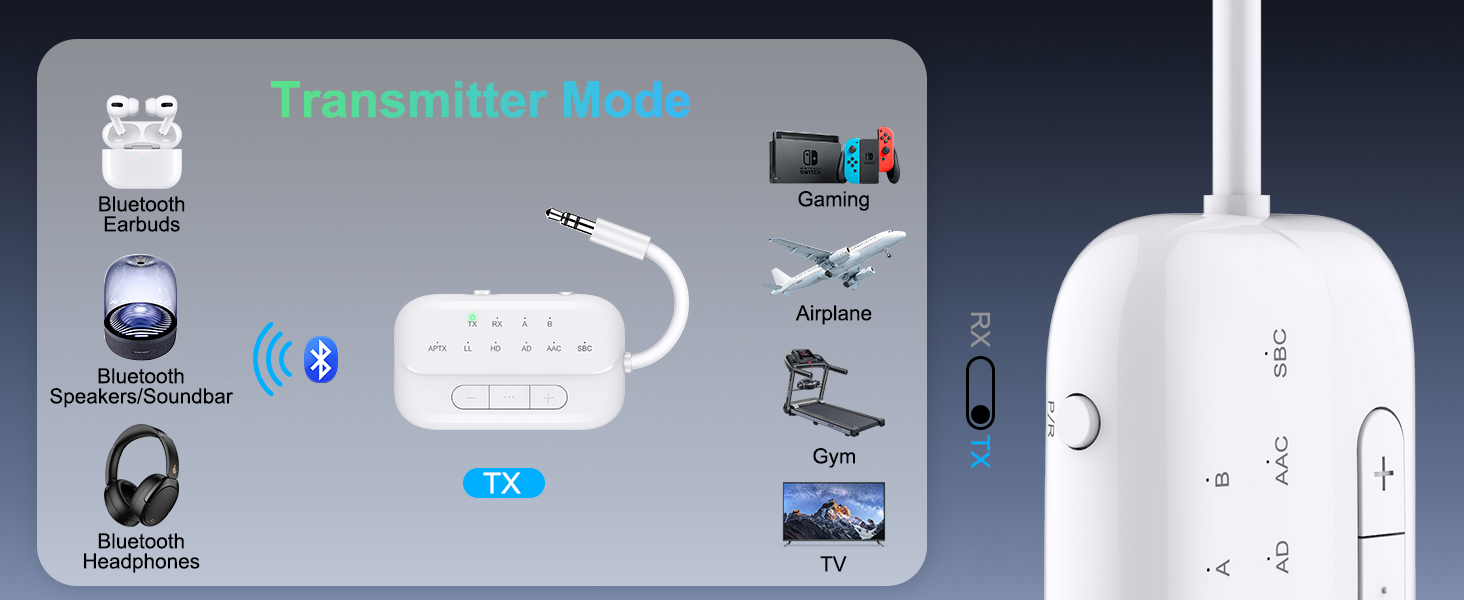
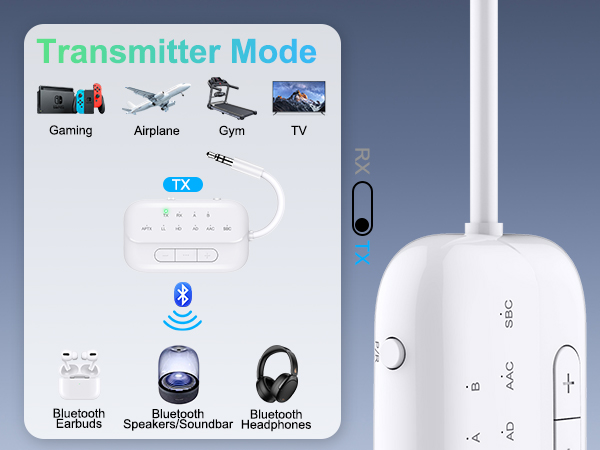
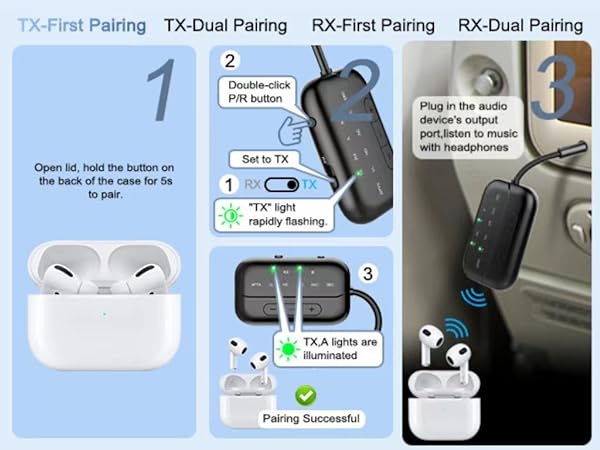
| How to connet to you TV? | 1.Open your Bluetooth headphones or speaker and set it to Bluetooth pairing mode 2.Set the B101 to "TX" mode, double-click the "P/R" button to enter pairing mode; the "TX" indicator light will flash rapidly. When the "TX" and "A" indicator lights are on simultaneously, pairing is successful. 3.Insert the 3.5mm audio cable from the device into the TV's audio output jack. If your TV lacks an audio output jack, use the RCA audio cable from the packaging, inserting it into the TV's audio output jack |
| No sound from TV? | Please ensure that the aux cable is securely plugged into the "AUDIO OUT" or headphone jack on your TV, and confirm that both devices are successfully paired. Then, adjust the TV's sound settings from "TV speaker" to "Audio out." |
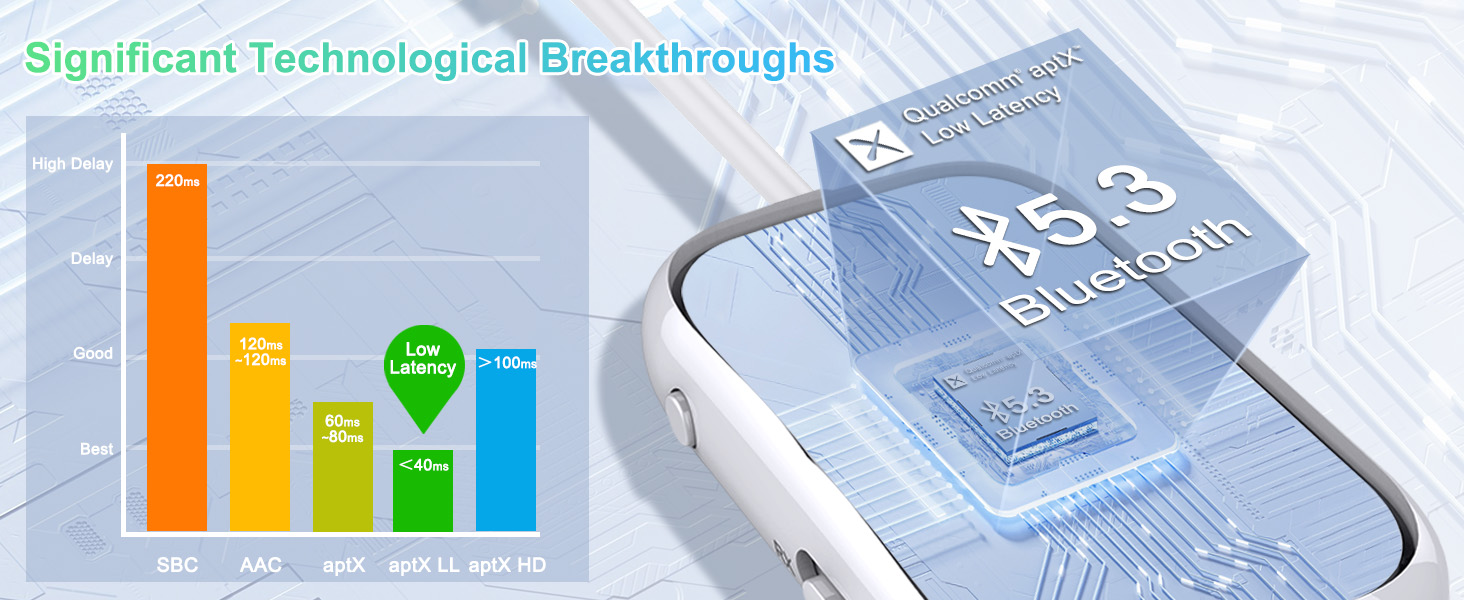
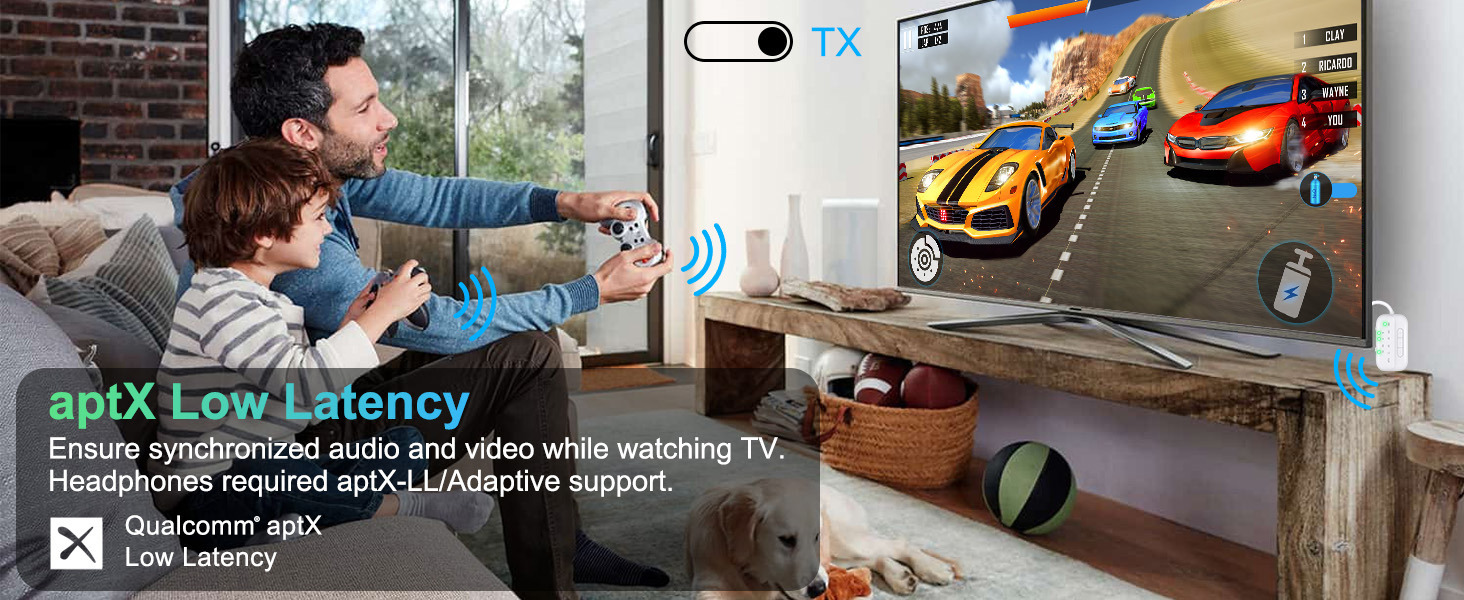
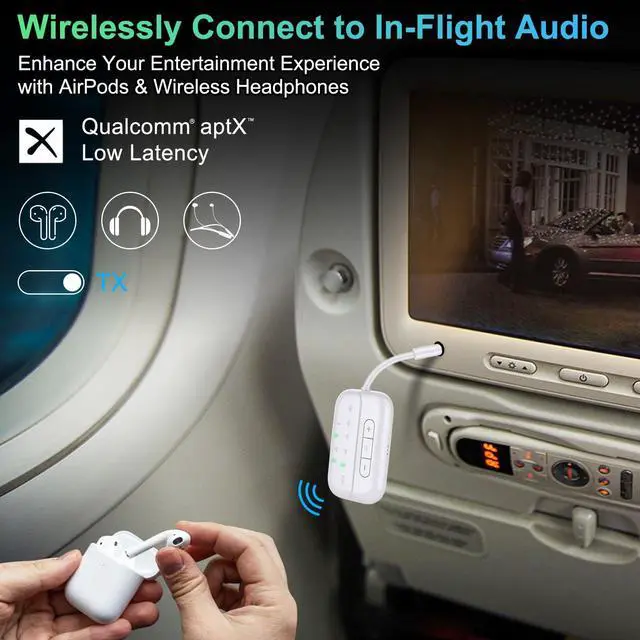
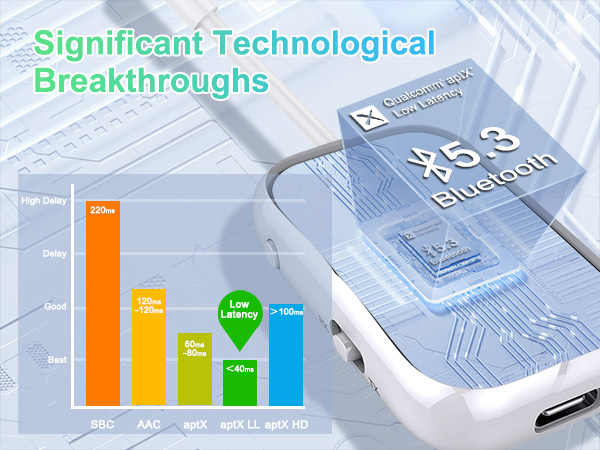
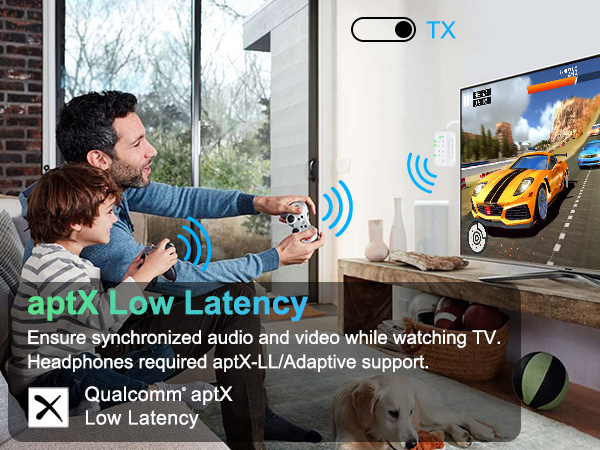
| aptX low latency in TX mode? | The airplane Bluetooth adapter features support for aptX-LL low-latency decoding technology (<40ms) in TX mode,if you encounter significant delays, please first check the audio source and ensure that your device also supports aptX-LL. |
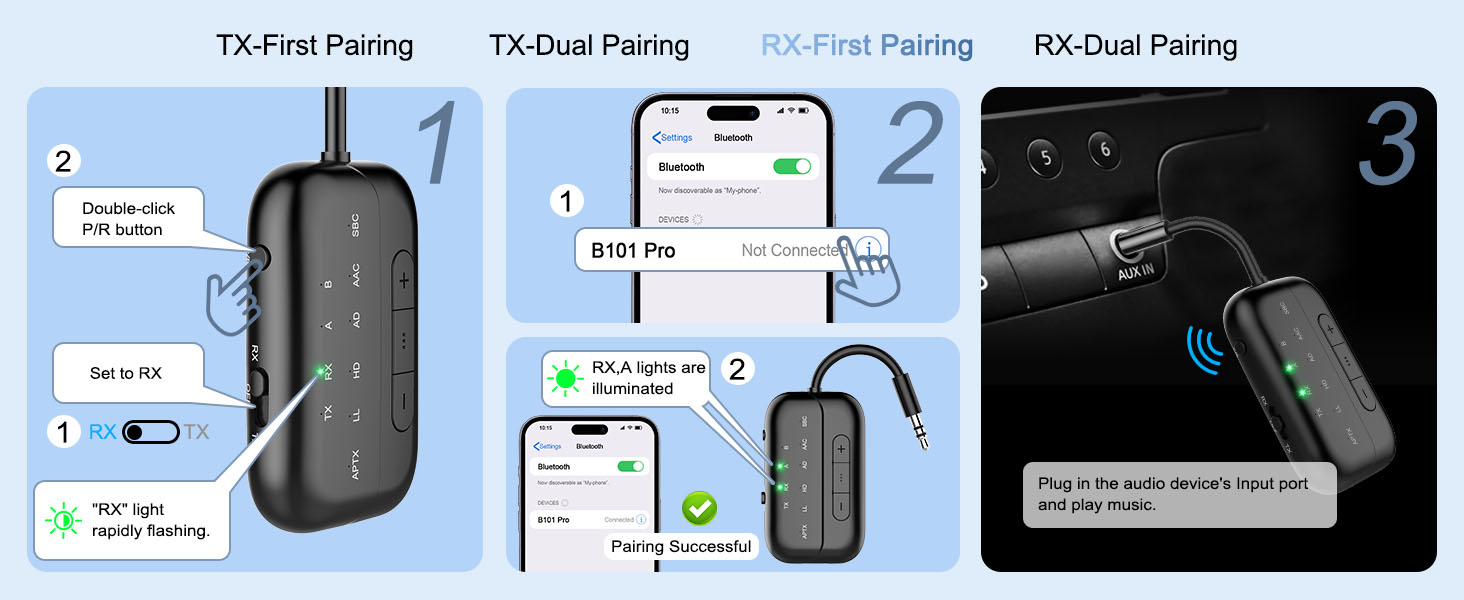
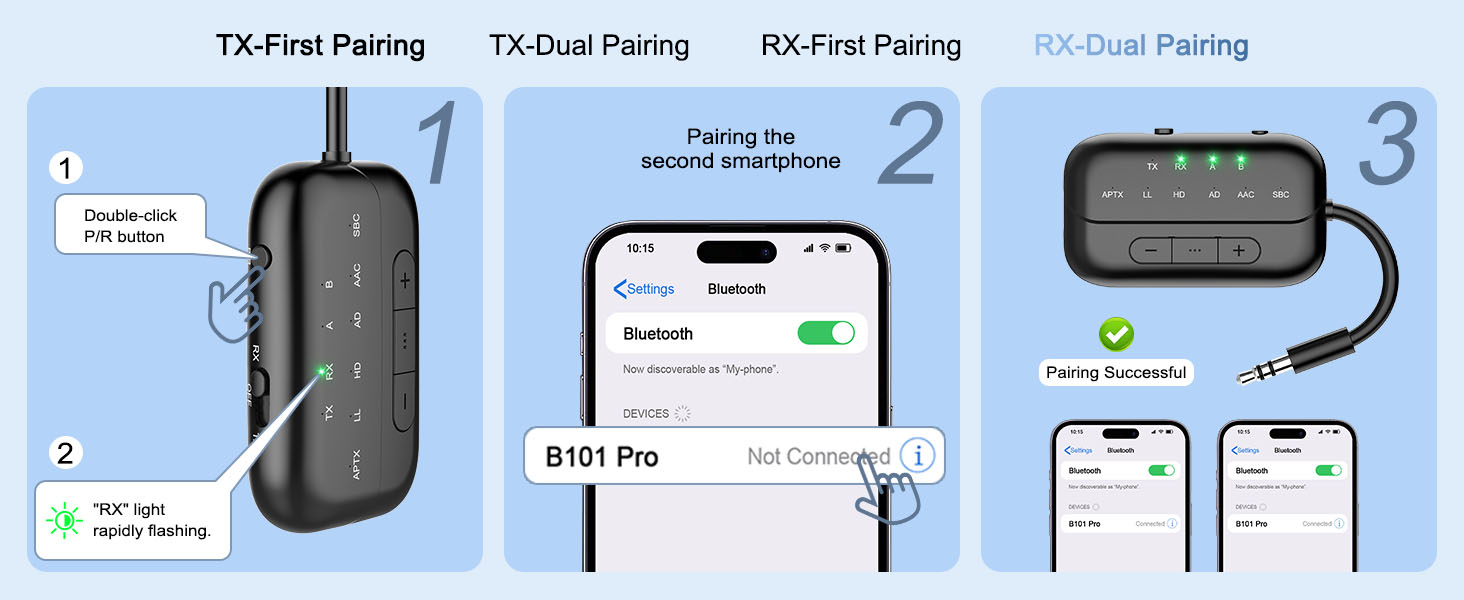
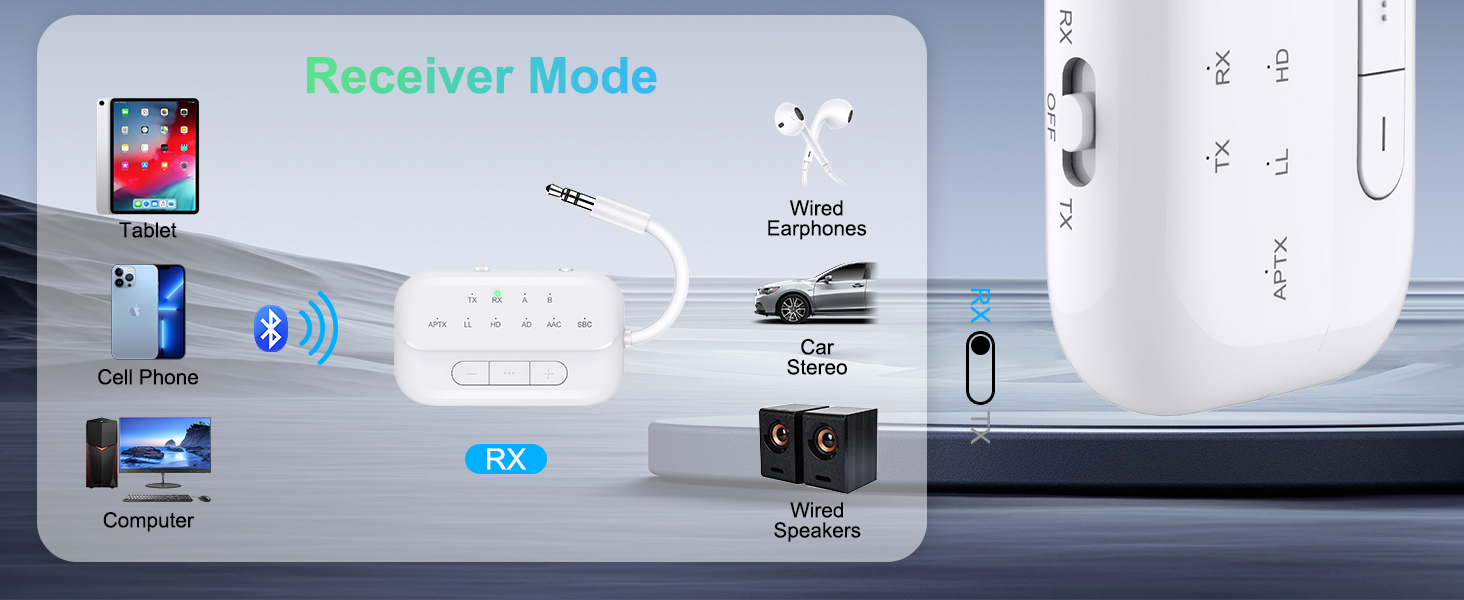
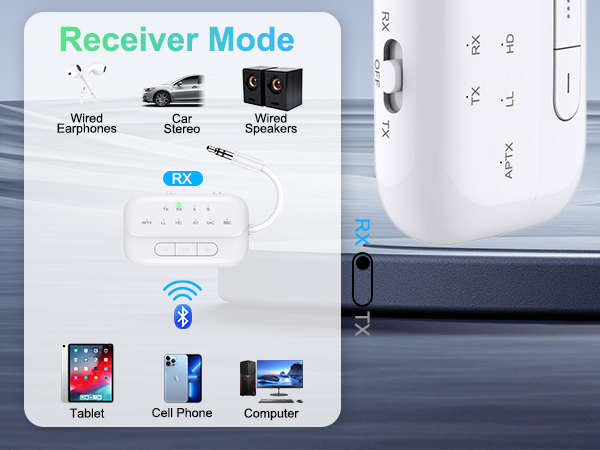
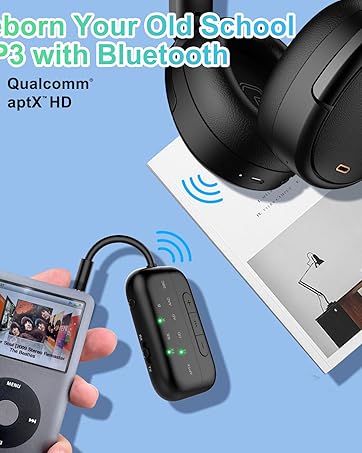
| Delay in RX mode? | If you notice delay, please long-press the "P/R" button for 1 second to enter low-latency game mode and improve the delay. |
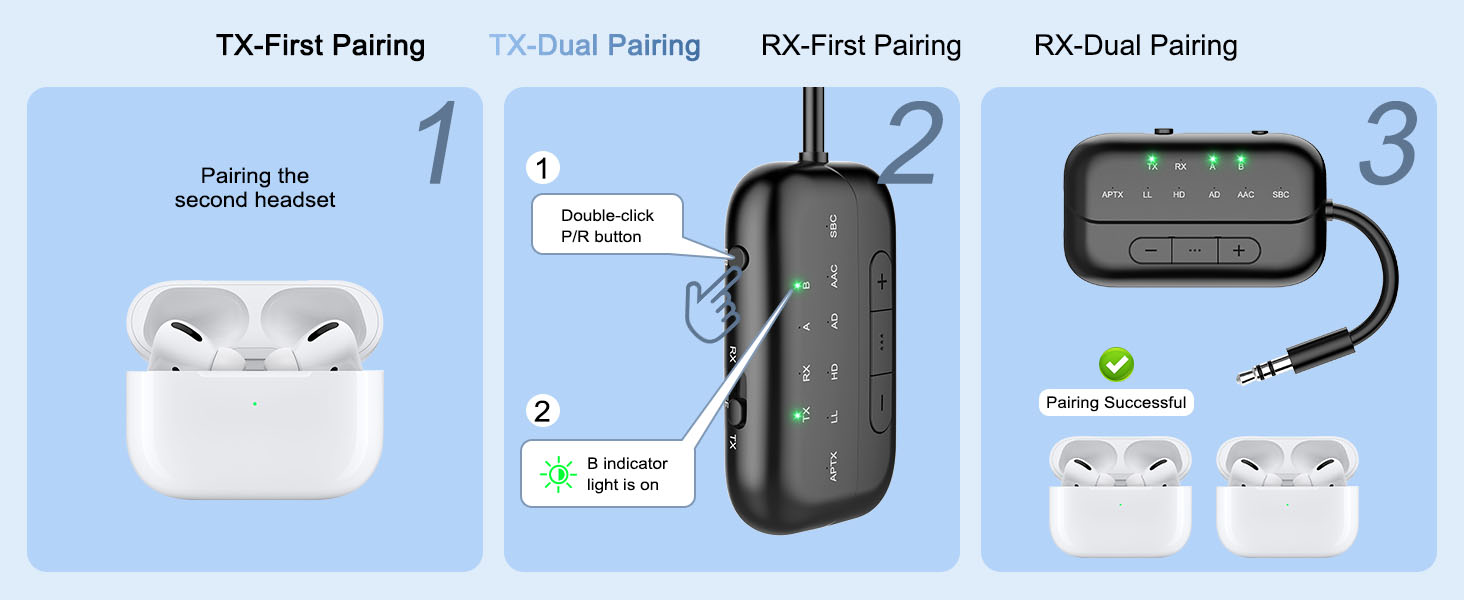
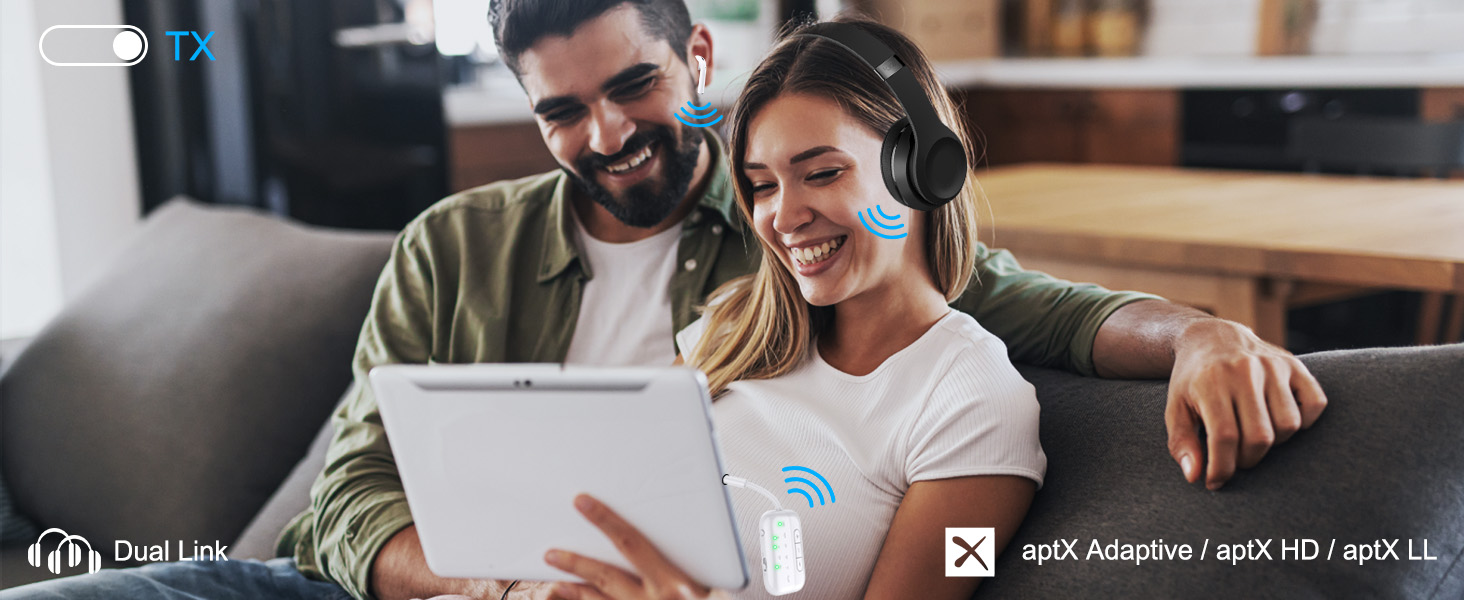
| Does it fit AirPods 3 &Pro 2? | Certainly! You can use these, as well as all other versions of AirPods, with Bluetooth transmitters. Ensure your AirPods are updated to the latest firmware version. If you encounter difficulties connecting one or both earpieces, try resetting both the AirPods and the B101 transmitter, then pair them again. To reset the B101, power on and press the "P/R" button for 8 seconds until all lights illuminate, indicating a successful reset. |
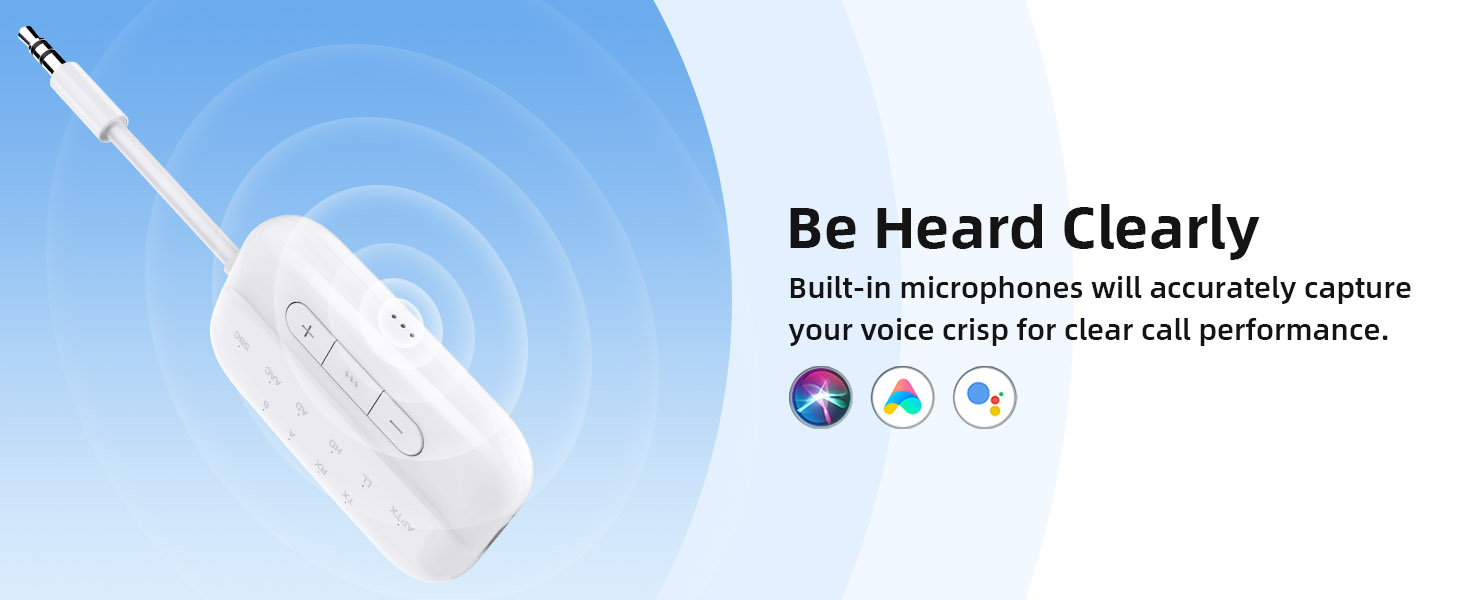
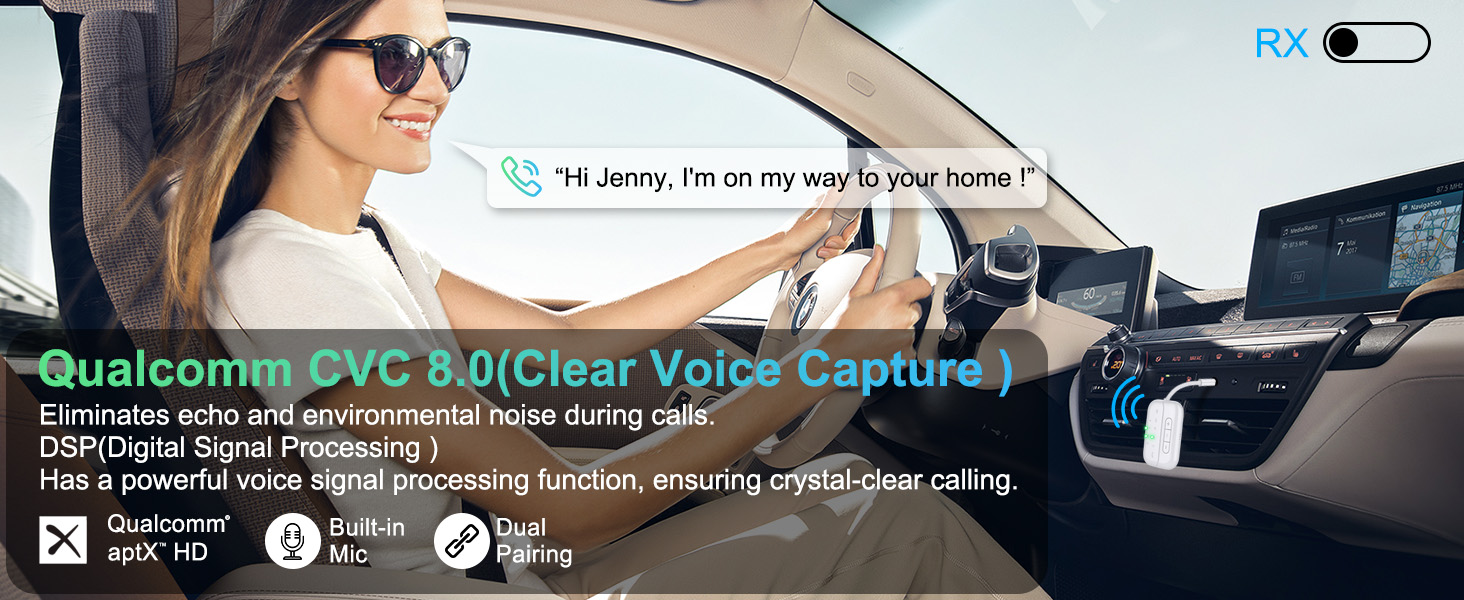
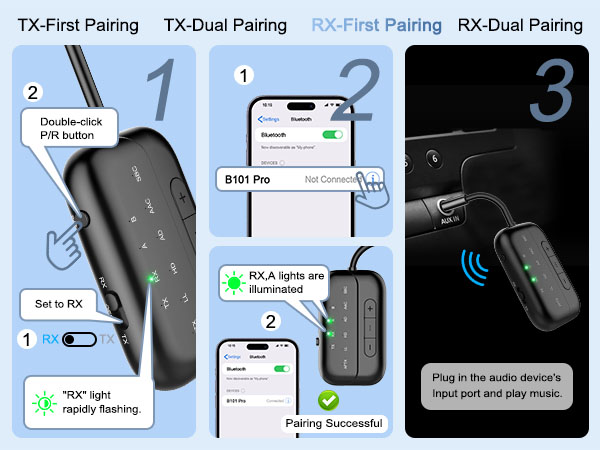
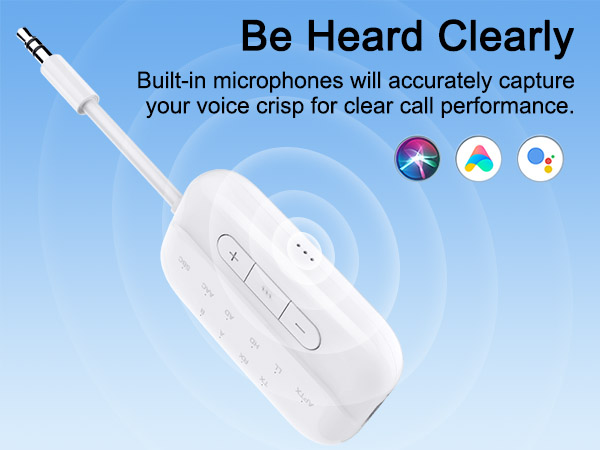
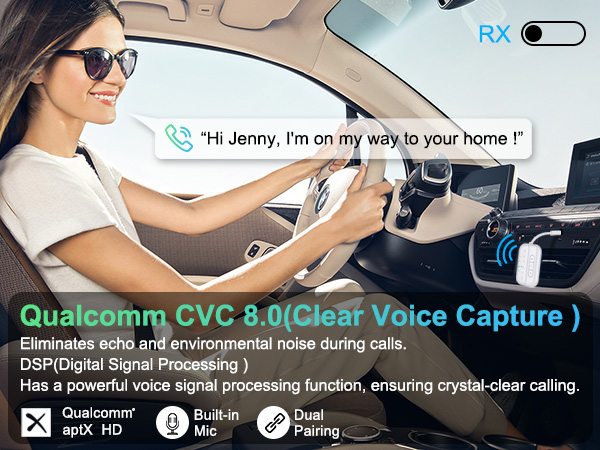
| Supports hands-free calling. | In RX mode, B101 supports hands-free calling. Single click the multifunction button to answer or end calls, long press to reject, and double-click to redial. For optimal call quality, stay close to the microphone opening. |
| Supports voice assistant. | In RX mode, press and hold the "... " button for 2 seconds to activate the voice assistant. |
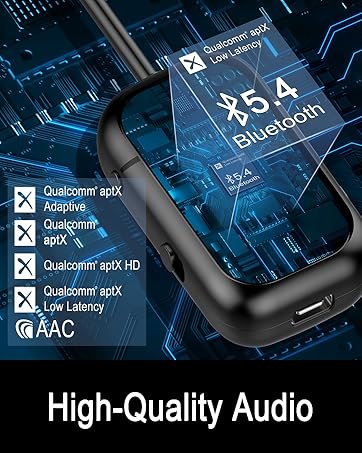
| How to switch audio codecs? | Double-click the button "..." to toggle between different audio codecs. The audio indicator light corresponds to illuminating aptX, LL (aptX Low Latency), HD (aptX HD), AD (aptX Adaptive), and SBC. Note: If your Bluetooth device does not support aptX Low Latency/aptX HD/aptX Adaptive, the indicator lights for LL, HD, AD on the B101 will not illuminate. |
| How to reset the B101? | When the device is powered on, press and hold the "P/R" key for 8 seconds. All LED lights will illuminate simultaneously, indicating a successful reset. |
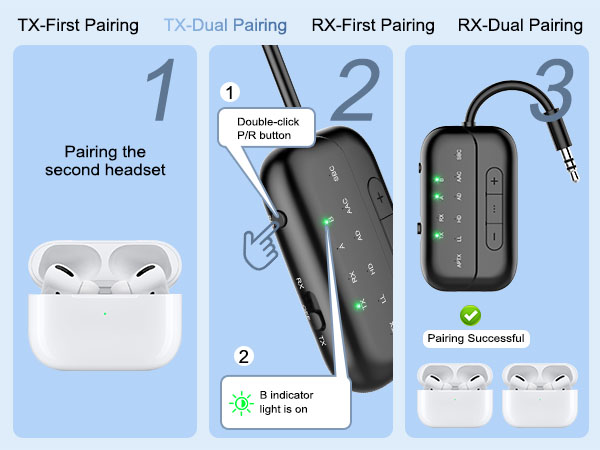
| How to pair AirPods with B101? | Step 1: Place the AirPods in the charging case. Open the lid. Press and hold the button on the back of the charging case until the case's light flashes white. Step 2: Set the B101 to "TX" mode,Double-click the "P/R" button to enter pairing mode. The TX indicator light will flash rapidly. When both the "TX"and "A" indicator lights are on simultaneously, pairing is successful. |
| What's in the box? | 1 x Bluetooth Transmitter Receiver; 1 x USB charging cable (21.5 inches); 1 x 3.5mm Audio Female Plug; 1 x RCA Audio Cable (9 inches); 1 x User Manual; 1 x Lanyard. |
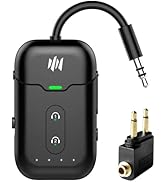
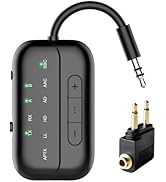
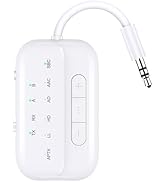
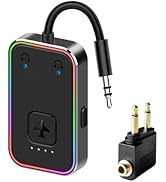
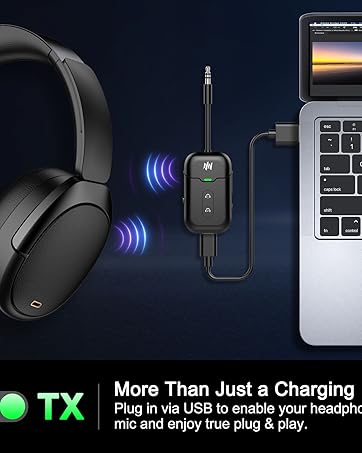
bluetooth transmitter receiver for airplanes,wireless audio transmitter and receiver,bluetooth tv transmitter,airplane bluetooth transmitter bluetooth transmitter for tv, bluetooth transmitter for headphones, bluetooth adapter for airplane, bluetooth transmitter for airplane, aux bluetooth adapter, 3.5mm aux jack bluetooth audio adapter, bluetooth aux adapter, bluetooth adapter for car stereo,bluetooth audio adapter, wireless audio adapter aptx low latency, bluetooth adadpter, bluetooth receiver, bluetooth transmitter and receiver, bluetooth 5.3 adapter, bluetooth adapter for tv,audio Connect Air in-Flight Bluetooth Wireless Audio Transmitter Adapter for up to 2 AirPods/Other Headphones,Premium Bluetooth Wireless Audio Transmitter for AirPods or Wireless Headphones - Use with Any 3.5mm/RCA audio jack for In-Flight, TV, Gym and Tablets,Gaming Consoles,Bluetooth Audio Transceiver,Dual Link AptX Adaptive, Low Latency for Flight, Travel
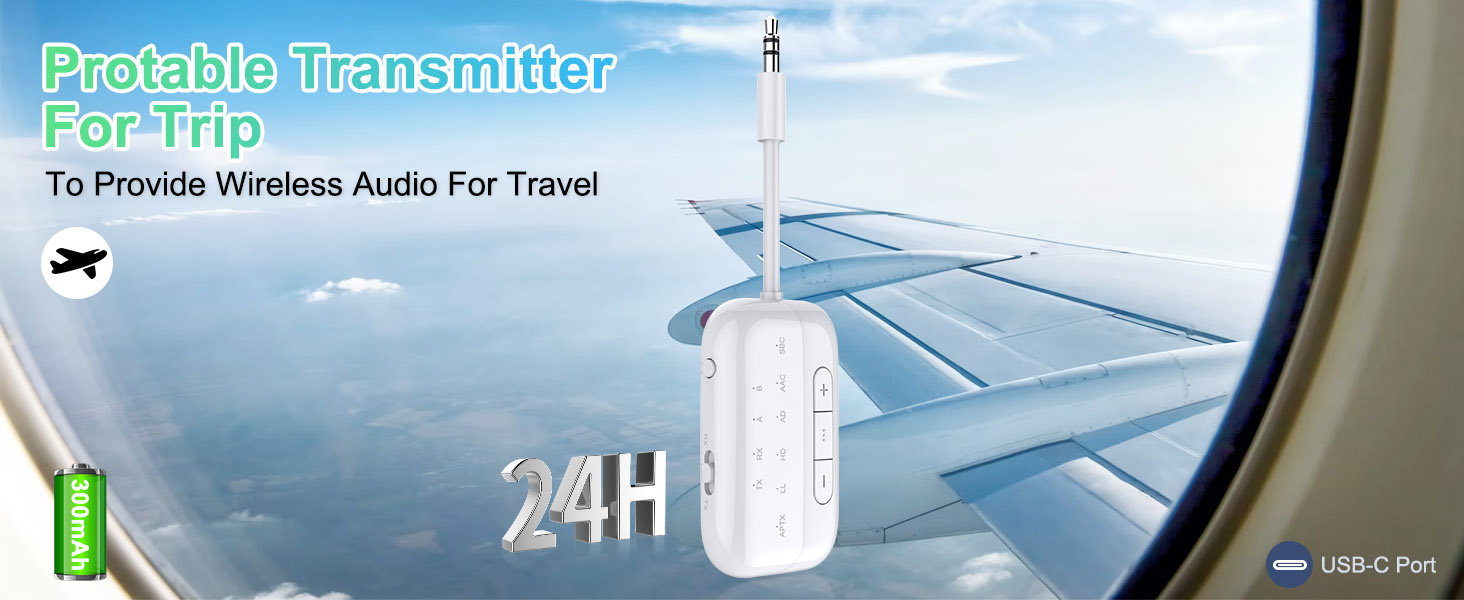
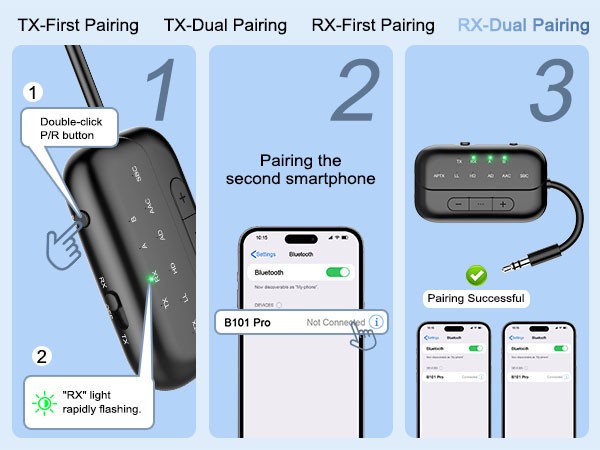
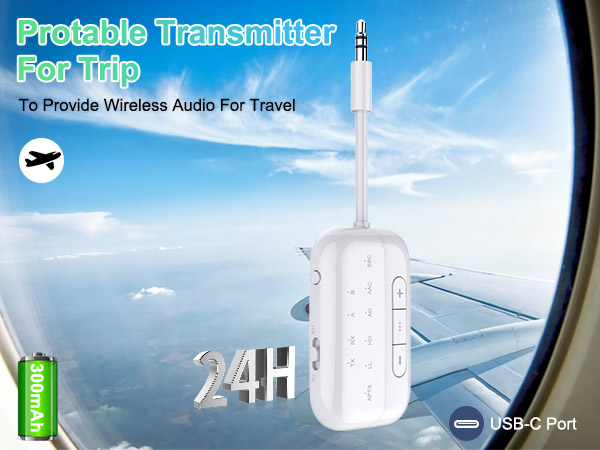
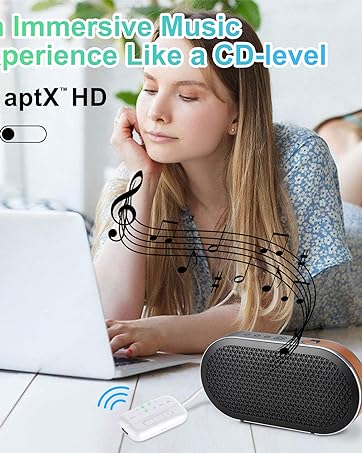
| Special Feature | 2-In-1 Bluetooth Transmitter Receiver,Bluetooth 5.3 & Qualcomm Core,Lower Latency & Hifi Stereo,Flexible Audio Plug,Simple Setup And Quick Pairing,Cords-Free Airplane Travel,Volume Control, Rca For Tv,Enhanced Mic, Hands-Free Calling, Helpful Daily Use Tips: 1. AirPods must be placed inside the AirPod case to enter pairing mode. 2.Most issues can be resolved by powering the device off and then back on or by long pressing the P/R button for 8 seconds to restore factory settings., Simple Setup and Quick Pairing:The airplane Bluetooth Audio Transceiver provides a user-friendly setup process. It includes a "RESET" button, addressing 99% of reconnection and compatibility issues effectively. Simply long-pressing "P/R" for 8 seconds resets the pairing and clears all historical data. Moreover, double-click on "P/R" activates the pairing mode, ensuring swift and hassle-free connections |
| Brand | Beeitzie |
| Connectivity Technology | Bluetooth Transmitter Bluetooth Receiver |
| Power Source | Battery Powered |
| Material | Plastic |
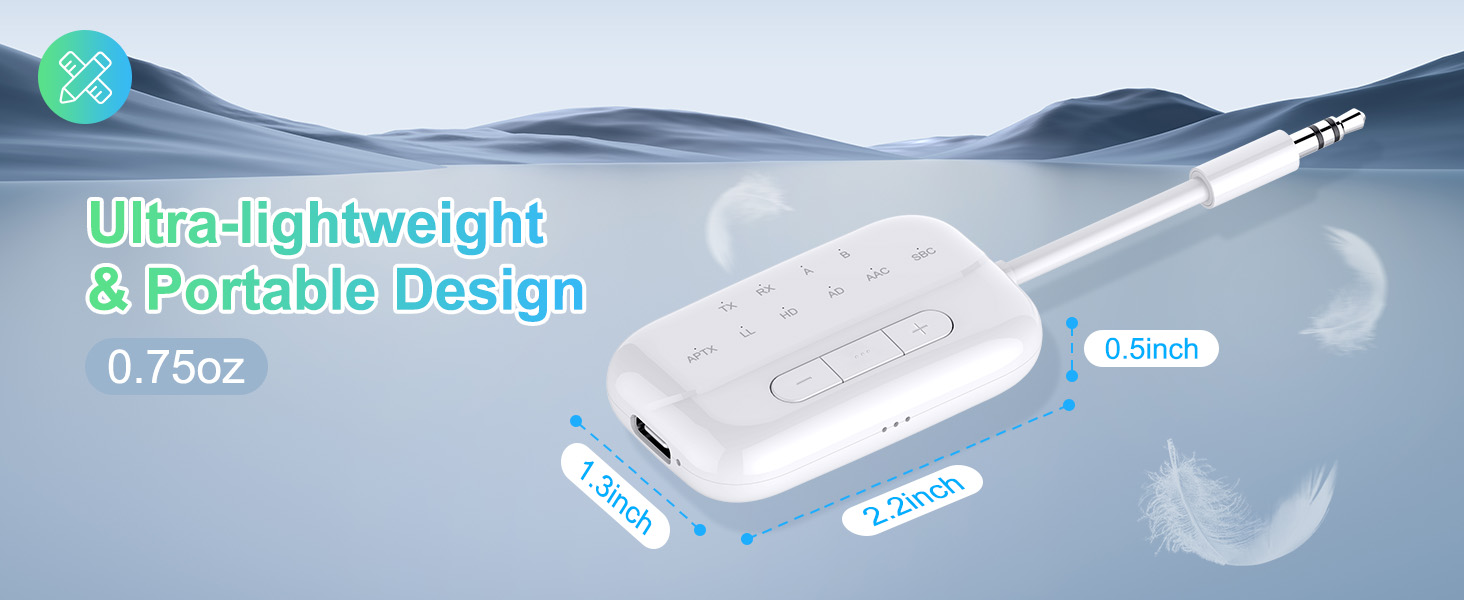
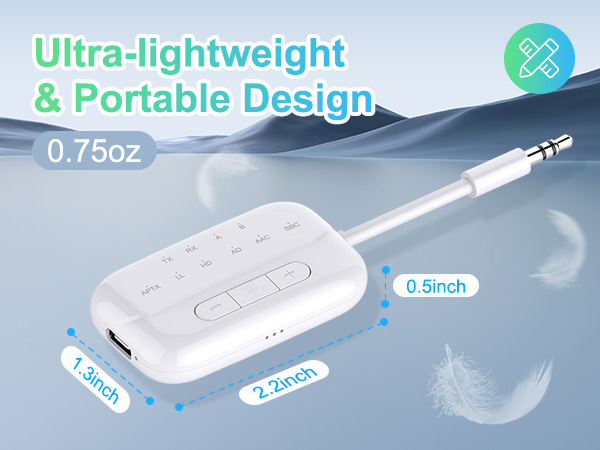
| Product Dimensions | 4.53 x 1.38 x 0.47 inches |
| Item Weight | 0.317 ounces |
| Item model number | B101 |
| Batteries | 1 Lithium Ion batteries required. (included) |
| Date First Available | November 13, 2023 |
| Manufacturer | Beeitzie |