
 Holiday Shipping Details & Extended Holiday Returns




hero-video
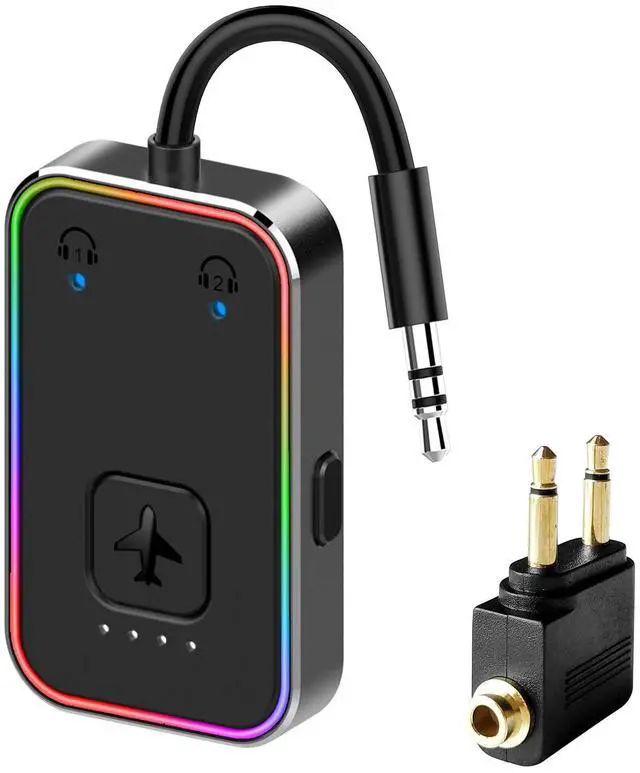
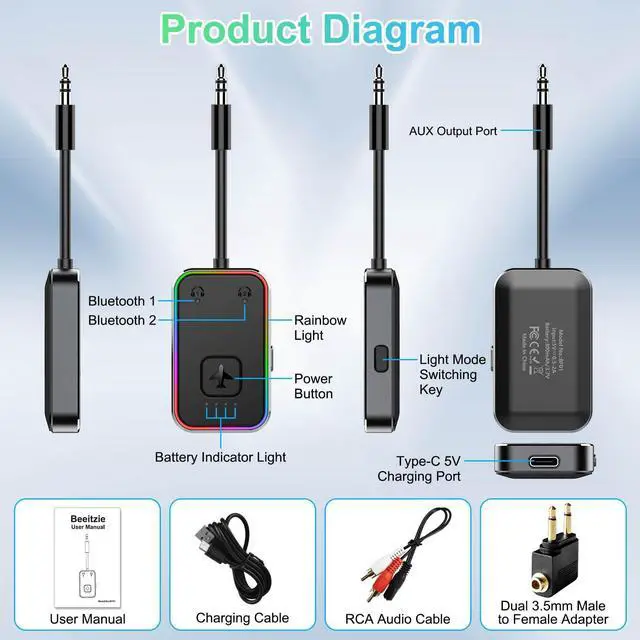
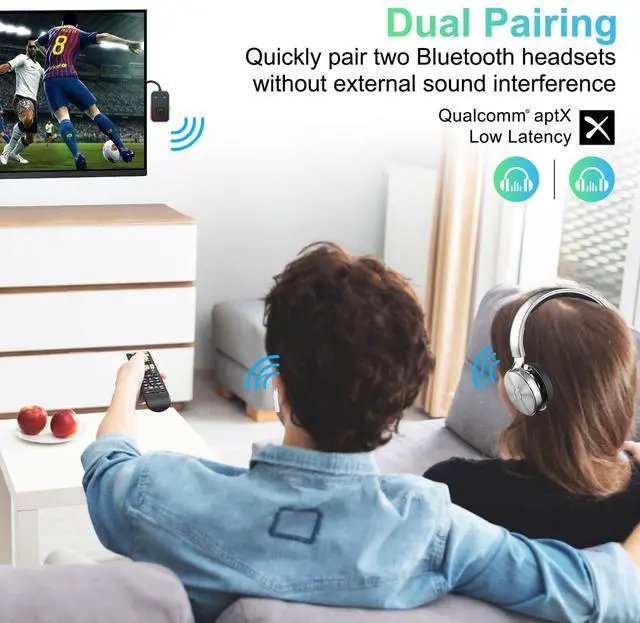
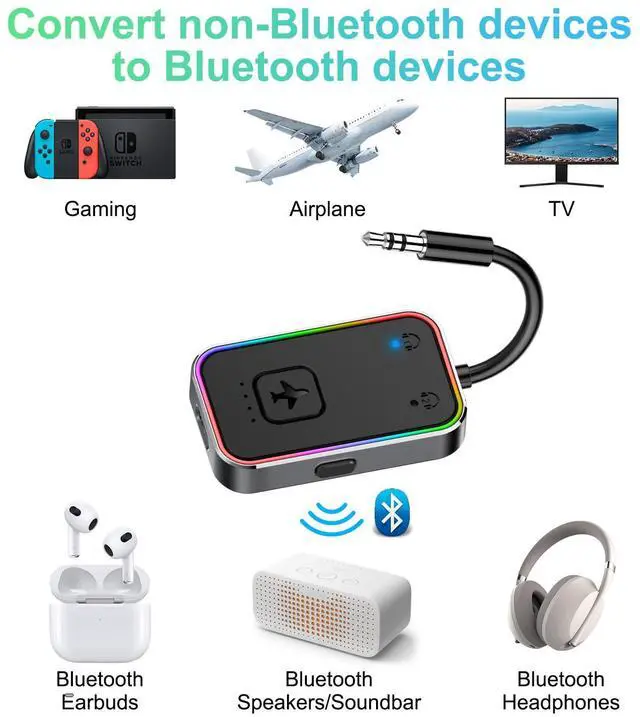
Merchant Video- Before You Buy, Please Note:Does not work as a receiver and will only pair with your Bluetooth audio devices (not your phone). Headphones must support aptX-Adaptive / Low Latency in order to utilize the Relay's low latency functionality.


How to fix Bluetooth interruption during use?
Reset the transmitter (long press the on/off key for 8s) and the paired Bluetooth device and pair it again.
Note: The device only has a transmitting function, not a receiving function, so it can't connect with mobile phones.
The device is not playable?
A. Make sure the connected device works normally.
B. Clear Bluetooth pairing and repair Bluetooth.
C.Check that the audio cable is plugged in correctly.
The device is not chargeable?
A. Please unplug the charging cable and plug it in again.
B.Try another charger.
Bluetooth headphones can't connect to the device?
A. Ensure your headphones and transmitter have unpaired
and are not connected to other devices before recon-
necting.
Haven't been able to connect?
A. Please try again when fully charged.
B. Reset your earphones (see manual) and Bluetooth
transmitter (press power button thrice in power-on state),
then connect.
hero-video
Merchant Video- Before You Buy, Please Note:Does not work as a receiver and will only pair with your Bluetooth audio devices (not your phone). Headphones must support aptX-Adaptive / Low Latency in order to utilize the Relay's low latency functionality.


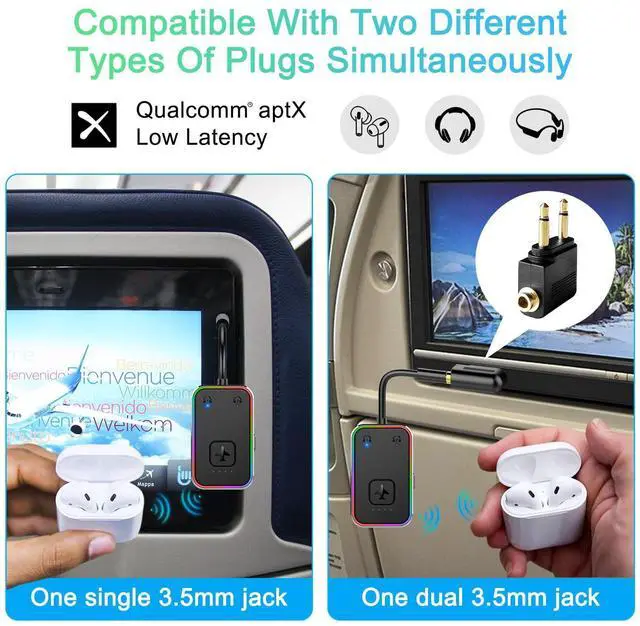
One single 3.5mm jack
One dual 3.5mm jack


How to fix Bluetooth interruption during use?
Reset the transmitter (long press the on/off key for 8s) and the paired Bluetooth device and pair it again.
Note: The device only has a transmitting function, not a receiving function, so it can't connect with mobile phones.
The device is not playable?
A. Make sure the connected device works normally.
B. Clear Bluetooth pairing and repair Bluetooth.
C.Check that the audio cable is plugged in correctly.
The device is not chargeable?
A. Please unplug the charging cable and plug it in again.
B.Try another charger.
Bluetooth headphones can't connect to the device?
A. Ensure your headphones and transmitter have unpaired
and are not connected to other devices before recon-
necting.
Haven't been able to connect?
A. Please try again when fully charged.
B. Reset your earphones (see manual) and Bluetooth
transmitter (press power button thrice in power-on state),
then connect.