




 here!
here!
I’m your shopping assistant for PC builds, upgrades, and everything tech.
Got questions? Ask away!
Start a conversation
here!
I’m your shopping assistant for PC builds, upgrades, and everything tech.
Got questions? Ask away!
Start a conversation Top Rated
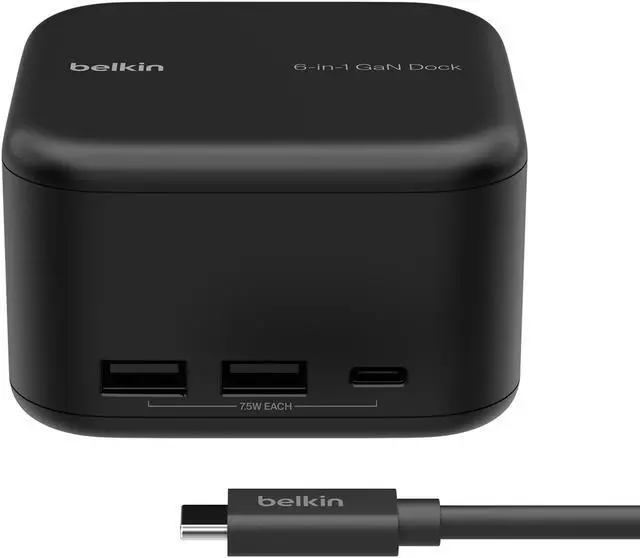
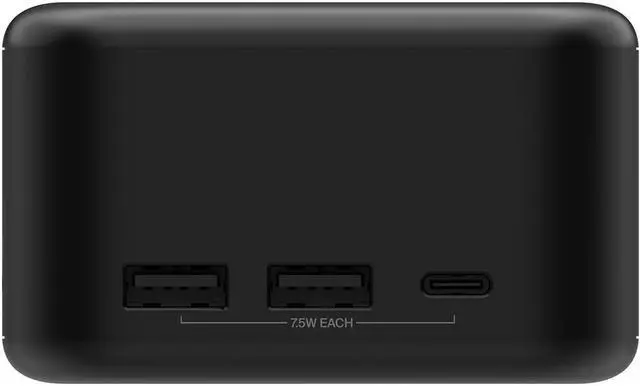
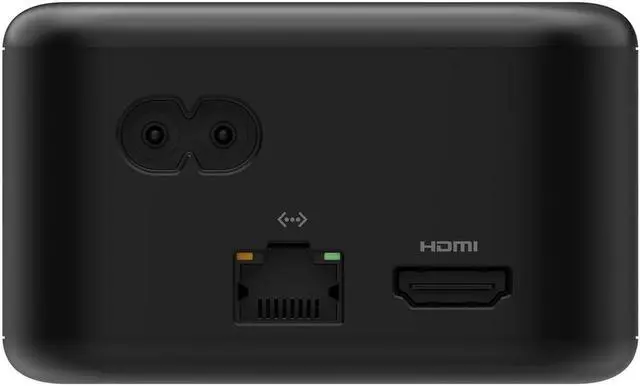
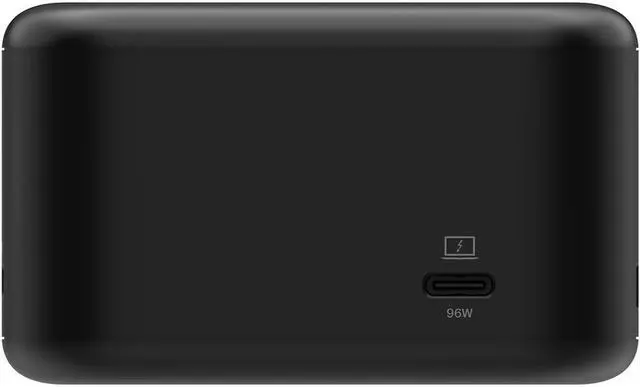



Any questions? Ask CelesteSM will help you find out quickly.
Expand a USB-C Workspace
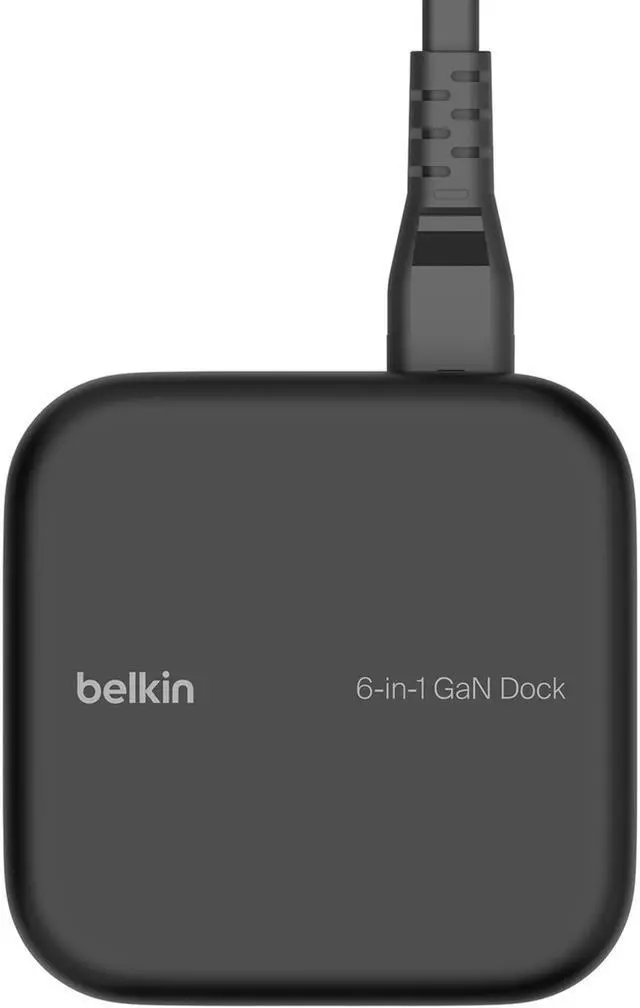
Belkin USB-C docking products can help organize connections around a compatible computer or tablet. Port selection, video support, data speeds, charging or power-delivery capability, host requirements, included cables, warranty information, and product condition vary by listing. Review the product title and specification table for the exact configuration included.
Choose a dock by matching it to your computer and workspace. Confirm the host device USB-C capabilities, the number and type of displays, required USB accessories, network connection, memory-card needs, and charging requirements. Display and charging support depend on the host device as well as the dock, so verify compatibility on the individual listing.
Compare the Details That Matter
Each Belkin dock listing represents a specific model and package. Before ordering, confirm the model number, host connection, ports, video support, data speeds, power input and delivery, operating-system requirements, included cables or adapters, warranty information, and condition shown in that listing.


