













Model Number: A8388
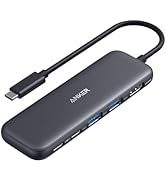
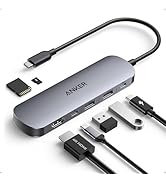
Anker 565 USB-C Hub (11-in-1) Give Your Laptop an Extra 11 Ports
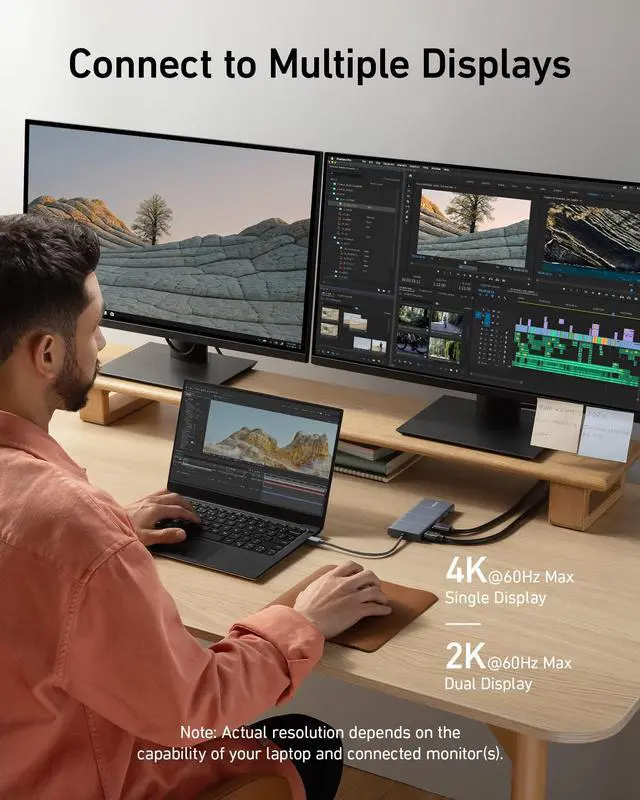
Expand Your Port Options: A total of 11 ports give you access to high-speed file transfer, powerful pass-through charging, dual-monitor display, USB connectivity, Ethernet, and audio connectivity—all from a single compact hub.
Note: The USB-A and USB-C ports with mouse, keyboard, and 10 Gbps icons are data-transfer ports only and do not support charging or media display.
Supported Display Modes
Only Windows laptops support displaying different content to multiple screens.
For Windows Laptops: 1. The two connected monitors and your laptop's screen all display different content. 2. The two connected monitors show the same content, while your laptop's screen shows something else. 3.The two connected monitors and your laptop's screen all show the same content.
For MacBooks: 1.The two connected monitors show the same content, while your laptop's screen shows something else.2.The two connected monitors and your laptop's screen all display the same content.
Note:
1.Switching between display modes can be done in your laptop's settings.
2. If you cannot detect the dock after updating to macOS Ventura, please follow these steps: Privacy & Security > Allow accessories to connect.


Model Number: A8388
Anker 565 USB-C Hub (11-in-1) Give Your Laptop an Extra 11 Ports
Expand Your Port Options: A total of 11 ports give you access to high-speed file transfer, powerful pass-through charging, dual-monitor display, USB connectivity, Ethernet, and audio connectivity—all from a single compact hub.
Note: The USB-A and USB-C ports with mouse, keyboard, and 10 Gbps icons are data-transfer ports only and do not support charging or media display.
Supported Display Modes
Only Windows laptops support displaying different content to multiple screens.
For Windows Laptops: 1. The two connected monitors and your laptop's screen all display different content. 2. The two connected monitors show the same content, while your laptop's screen shows something else. 3.The two connected monitors and your laptop's screen all show the same content.
For MacBooks: 1.The two connected monitors show the same content, while your laptop's screen shows something else.2.The two connected monitors and your laptop's screen all display the same content.
Note:
1.Switching between display modes can be done in your laptop's settings.
2. If you cannot detect the dock after updating to macOS Ventura, please follow these steps: Privacy & Security > Allow accessories to connect.
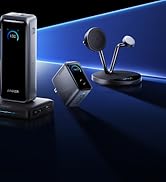
Anker Smart Display Charger
Power to Drive Your Prime
Pro Fast Charging in a Nano
Get Powered Up Now
Best Sellers
Highly Rated
