







Aoyvsktv specializes in manufacturing KVM switch HDMI, USB switch, PoE Splitter, USB C dcoking station and a series of products related to audio and video conversion, data transmission, etc.
With an independent R&D team, we focus on high-quality HDMI products and computer peripherals device.
Our products are suitable for home, office, meeting, malls, schools, TV stations and more.
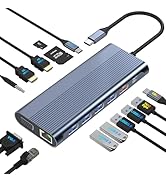
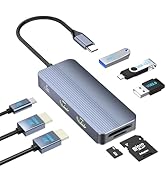
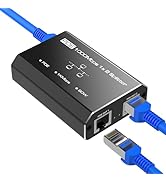
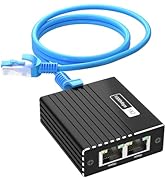
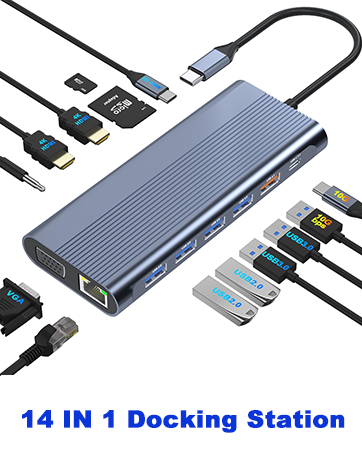
Docking Station/ LAN Splitter
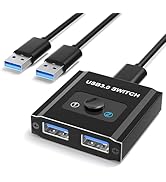
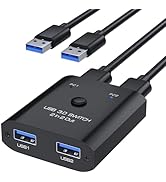
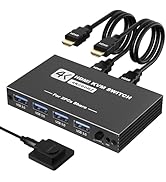
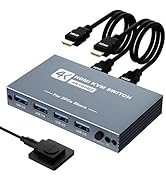
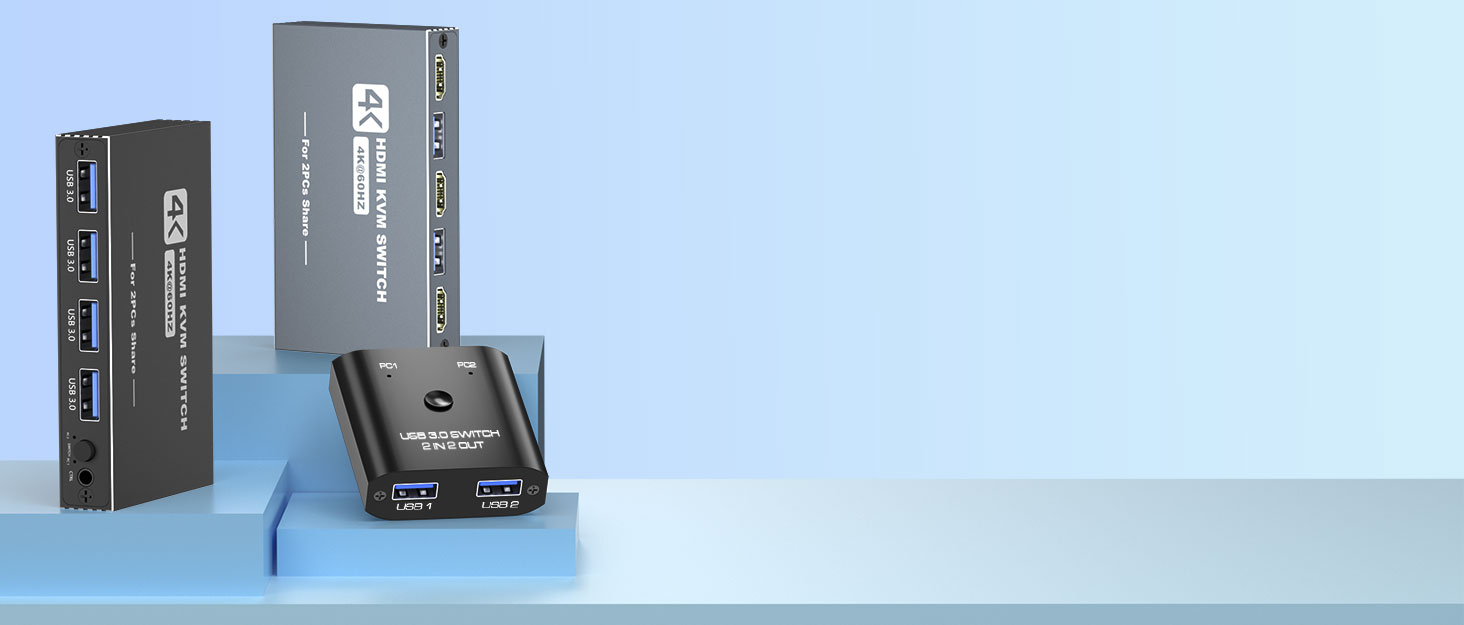
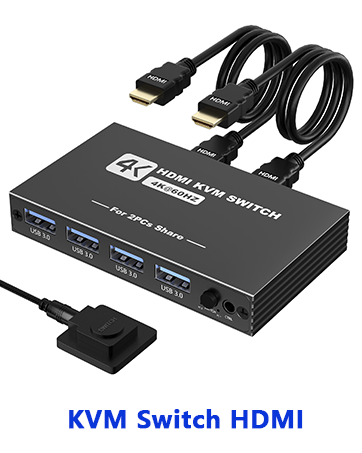
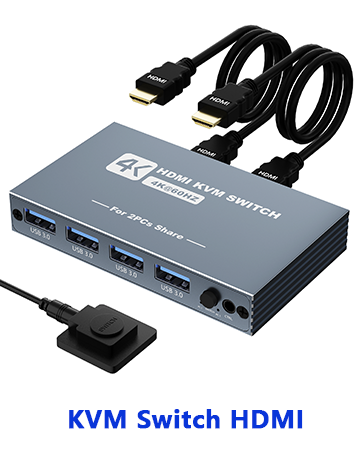
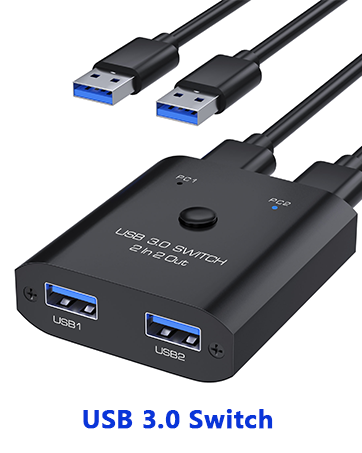
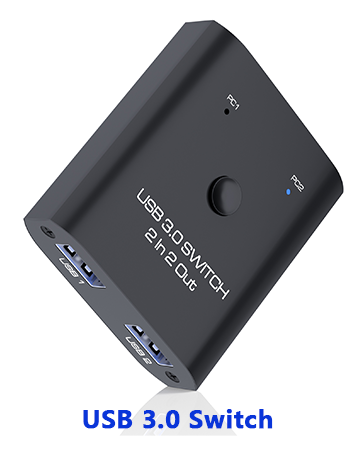
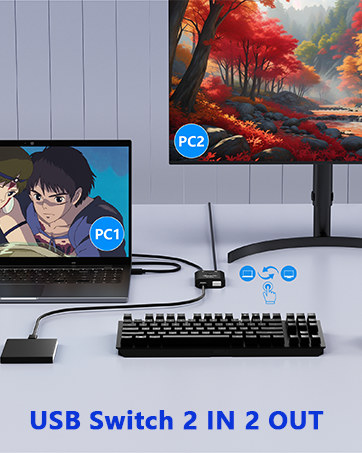
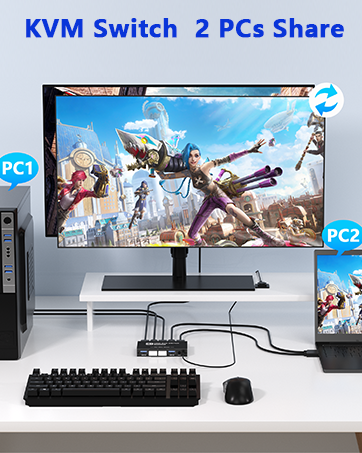
USB Switch/KVM Switch
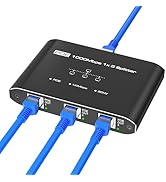
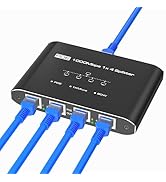
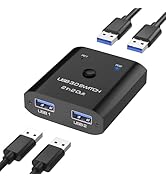
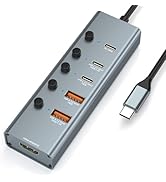
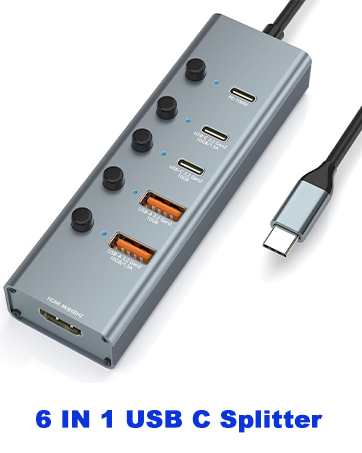
PoE Splitter/USB C Hub


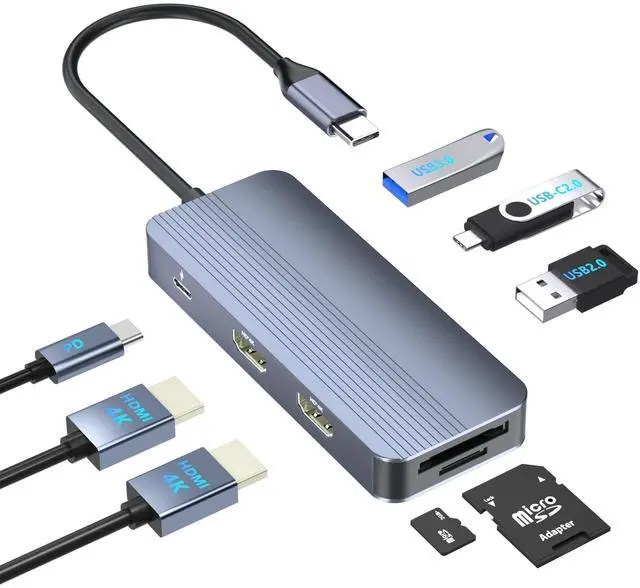
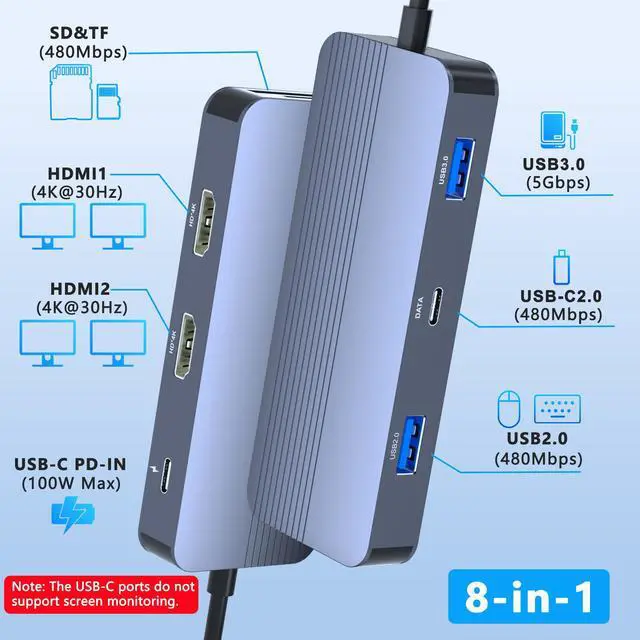
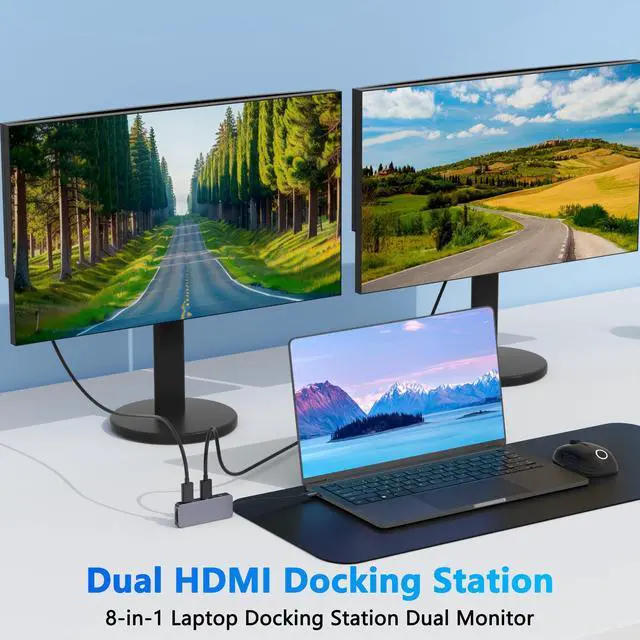
8 IN1 Docking Station Dual Monitor
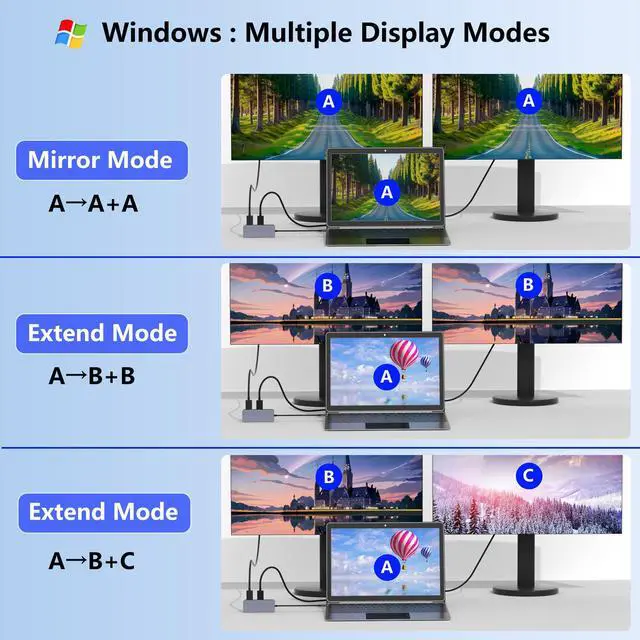
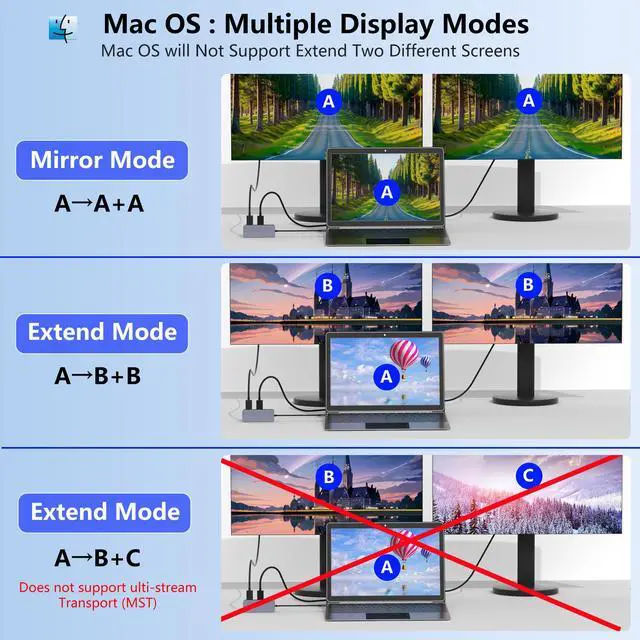
For Windows: it support mirror mode(A?AA) and extended mode(ABB, ABC mode).
For macOS, only support AAA and ABB mode, not support extend 2 different screens.
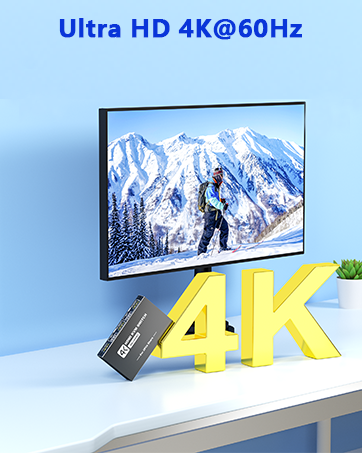
Please make sure the laptop and HDMI cable support 4K@30Hz that the adapter reach a 4K@30Hz resolution.

Important Compatibility Notice: Please check your laptop type-c Port if it's Thunderbolt 3 , Thunderbolt 4 or displayport output mode(DP ALT mode) or not before purchase.
What is USB-C DP ALT Mode?
DP Alt Mode allows USB-C ports to transfer dataideo via multiple interfaces, including the increasingly popular DisplayPort video interface. USB-C ports capable of transferring DisplayPort signals are either called USB-C DisplayPort or DP Alt Mode. They allow you to connect video sources (e.g. PCs, Blu-Ray players, etc.) and display devices (e.g. TVs, projectors, etc.) that support DisplayPort to each other via their USB-C ports to broadcast high-definition video.
But now not all USB-C ports feature DisplayPort Alt Mode functionality.
How do I know if my device supports DisplayPort over USB-C?
The best method to decipher whether your device supports DisplayPort over USB-C is to check either the product specs on the manufacturer’s official website or to check websites with in-depth product reviews and/or information. Within those sites you’ll be able to find detailed breakdowns of each port on the device.
Basically, Thunderbolt 3, Thunderbolt 4, and USB C 3.1 Gen 2 (or above) support video output. If you are not sure, you are welcome to ask us for a device compatibility check before purchase..


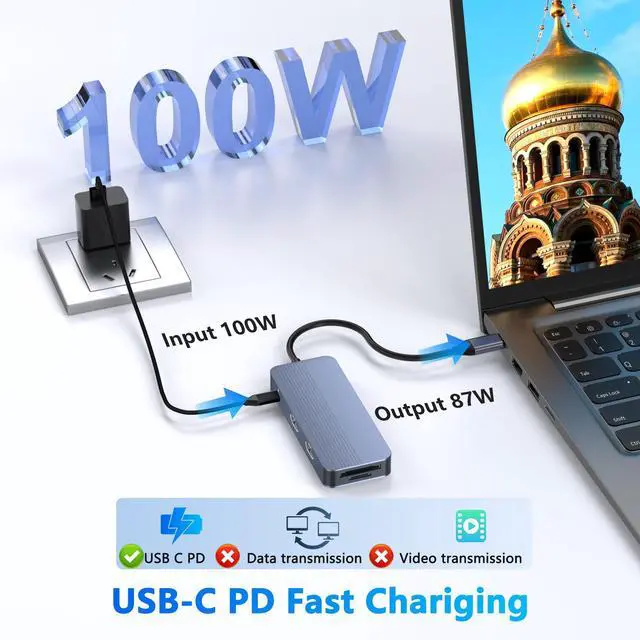
Please Note: When connecting two monitors for extended display, please ensure your laptop has sufficient power supply. If the laptop's power is insufficient, the display may become unstable. To ensure proper video signal output, please use an additional power adapter to charge your laptop.


8 IN1 Docking Station Dual Monitor
For Windows: it support mirror mode(A?AA) and extended mode(ABB, ABC mode).
For macOS, only support AAA and ABB mode, not support extend 2 different screens.
Please make sure the laptop and HDMI cable support 4K@30Hz that the adapter reach a 4K@30Hz resolution.

Important Compatibility Notice: Please check your laptop type-c Port if it's Thunderbolt 3 , Thunderbolt 4 or displayport output mode(DP ALT mode) or not before purchase.
What is USB-C DP ALT Mode?
DP Alt Mode allows USB-C ports to transfer dataideo via multiple interfaces, including the increasingly popular DisplayPort video interface. USB-C ports capable of transferring DisplayPort signals are either called USB-C DisplayPort or DP Alt Mode. They allow you to connect video sources (e.g. PCs, Blu-Ray players, etc.) and display devices (e.g. TVs, projectors, etc.) that support DisplayPort to each other via their USB-C ports to broadcast high-definition video.
But now not all USB-C ports feature DisplayPort Alt Mode functionality.
How do I know if my device supports DisplayPort over USB-C?
The best method to decipher whether your device supports DisplayPort over USB-C is to check either the product specs on the manufacturer’s official website or to check websites with in-depth product reviews and/or information. Within those sites you’ll be able to find detailed breakdowns of each port on the device.
Basically, Thunderbolt 3, Thunderbolt 4, and USB C 3.1 Gen 2 (or above) support video output. If you are not sure, you are welcome to ask us for a device compatibility check before purchase..


Please Note: When connecting two monitors for extended display, please ensure your laptop has sufficient power supply. If the laptop's power is insufficient, the display may become unstable. To ensure proper video signal output, please use an additional power adapter to charge your laptop.


Aoyvsktv specializes in manufacturing KVM switch HDMI, USB switch, PoE Splitter, USB C dcoking station and a series of products related to audio and video conversion, data transmission, etc.
With an independent R&D team, we focus on high-quality HDMI products and computer peripherals device.
Our products are suitable for home, office, meeting, malls, schools, TV stations and more.
Docking Station/ LAN Splitter
USB Switch/KVM Switch
PoE Splitter/USB C Hub