


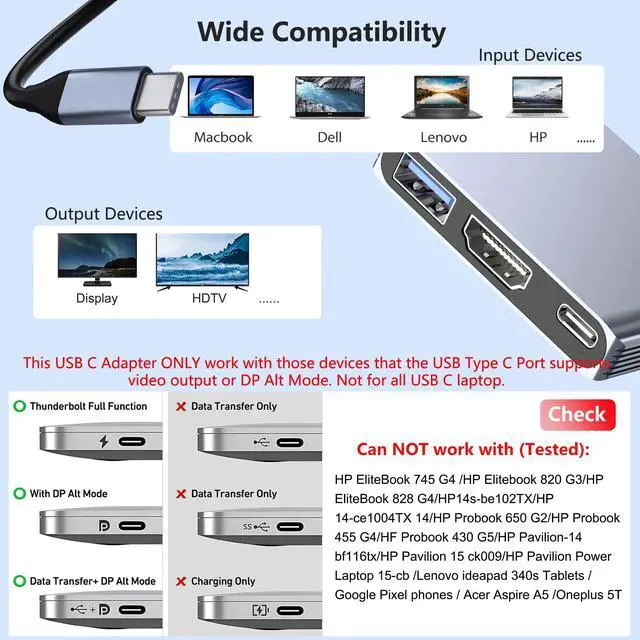


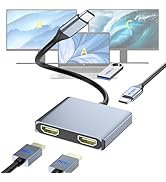
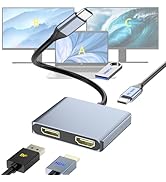
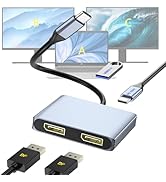
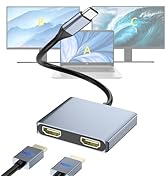
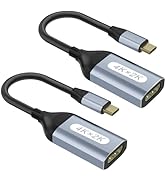
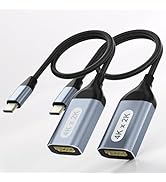

HDMI Adapter Compatible Standards: Smartphones need to support USB3.1 Type C and DPALT mode. Your computer must support USB3.1 Gen2 or Thunderbolt 3.
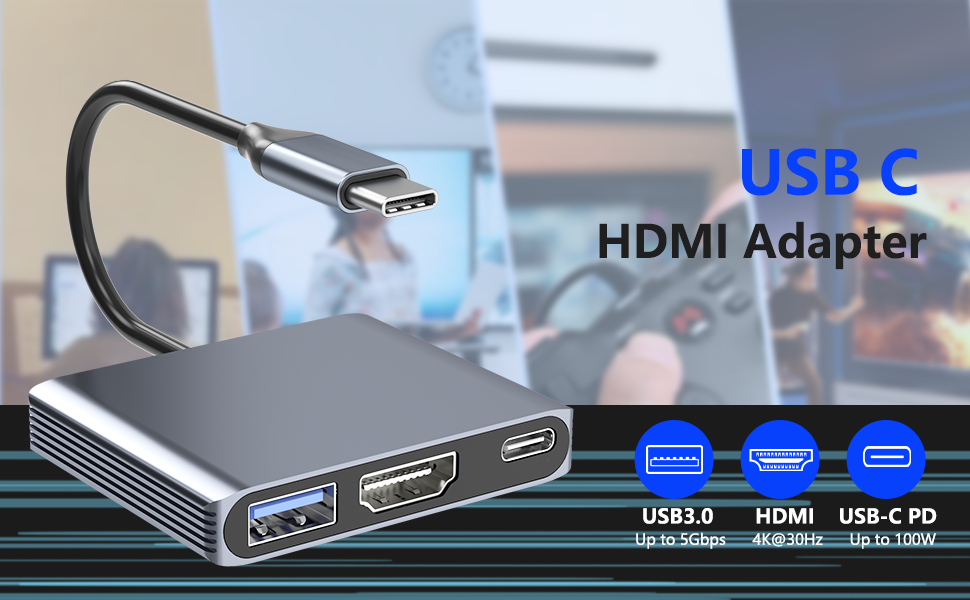
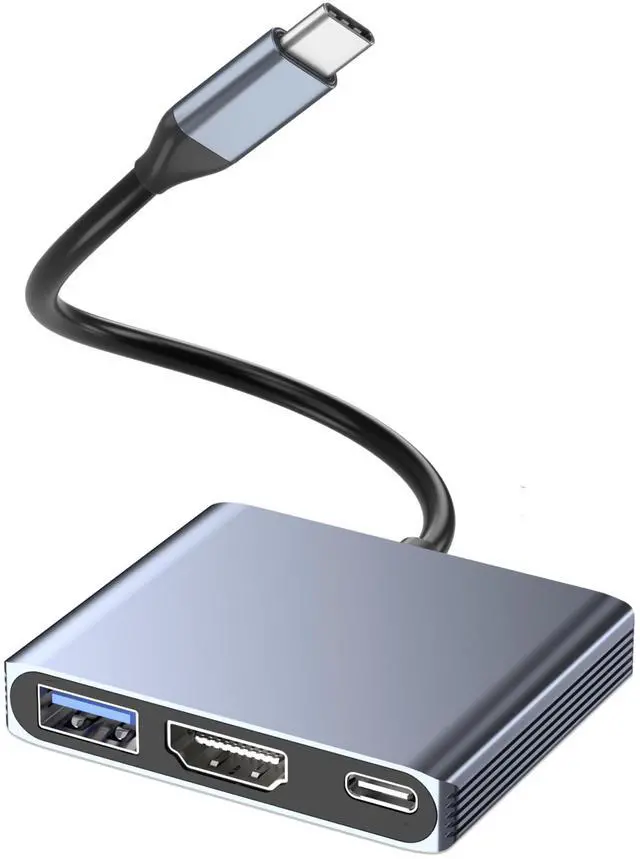
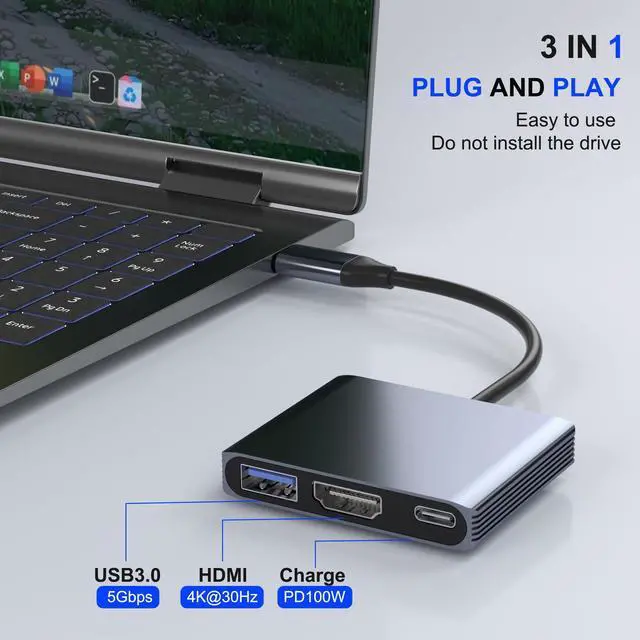
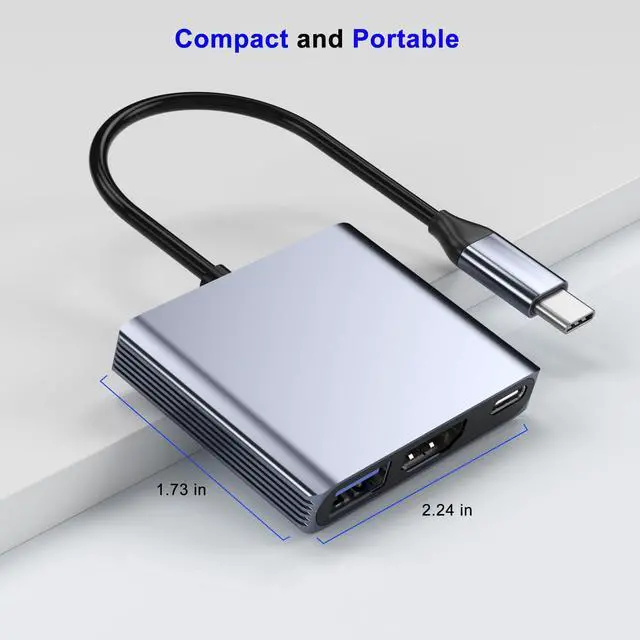
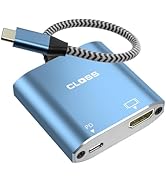
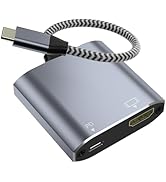
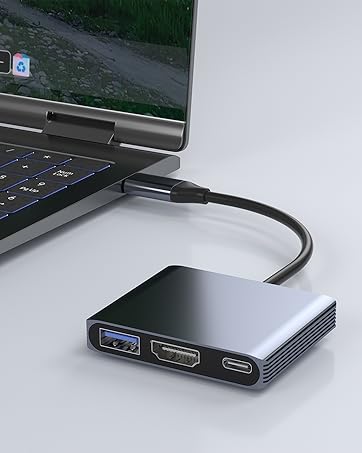
3 IN 1 TYPE-C to HDMI 4K@30Hz + USB3.0 + PD100W Adapter Multiports
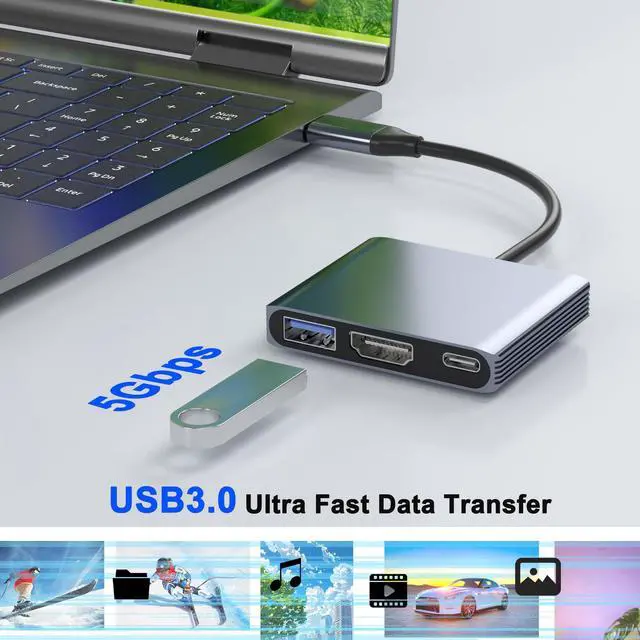
USB 3.0 Data Port
The USB 3.0 port delivers peak data transfer speeds of up to 5 Gbps, allowing you to transfer HD movies in seconds. It is compatible with USB flash drives, mice, keyboards, external hard drives, and most other USB-enabled devices.
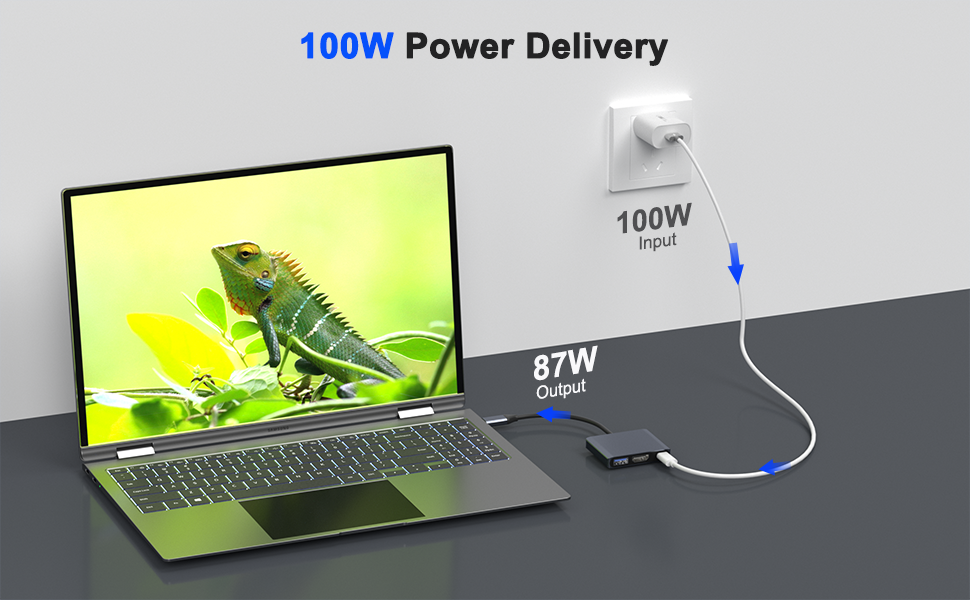
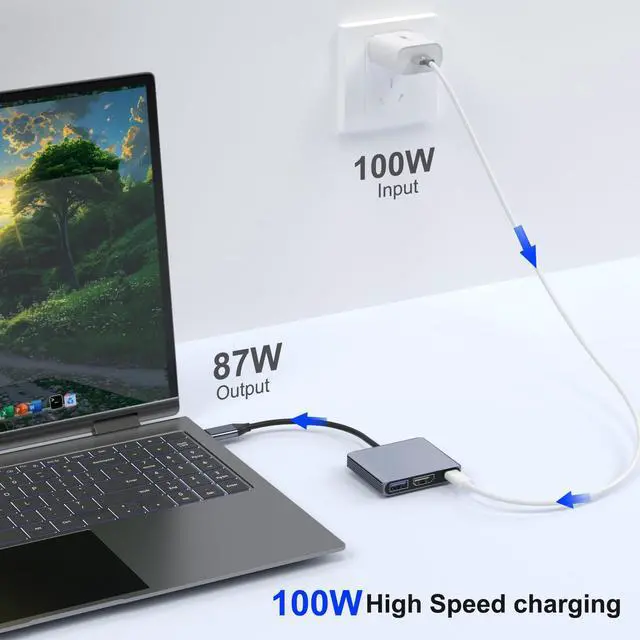
100W USB-C PD Fast Charging Port
The USB-C port supports fast charging up to 100W max, enabling rapid charging for compatible devices via the USB-C male port (charging only).
Note: Actual charging speed may vary depending on the device, cable, and charger used.
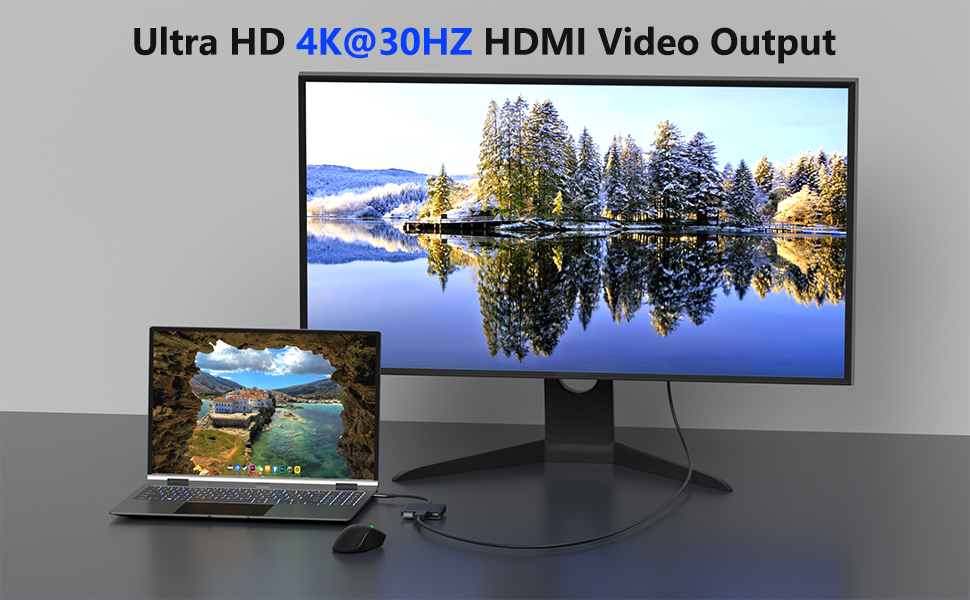
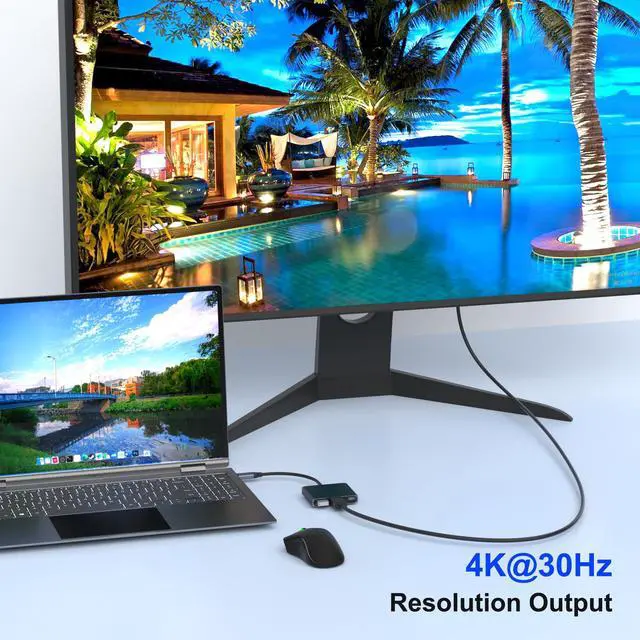
4K@30Hz HDMI Port
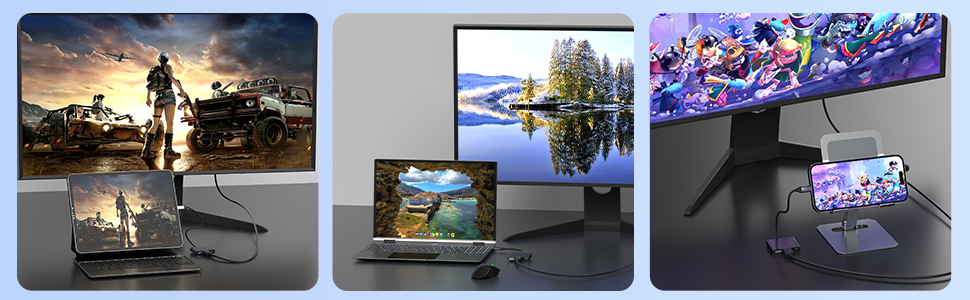
This HDMI port supports 4K@30Hz video and audio output, making it compatible with HDMI-enabled monitors, projectors, and TVs for seamless screen extension or mirroring.
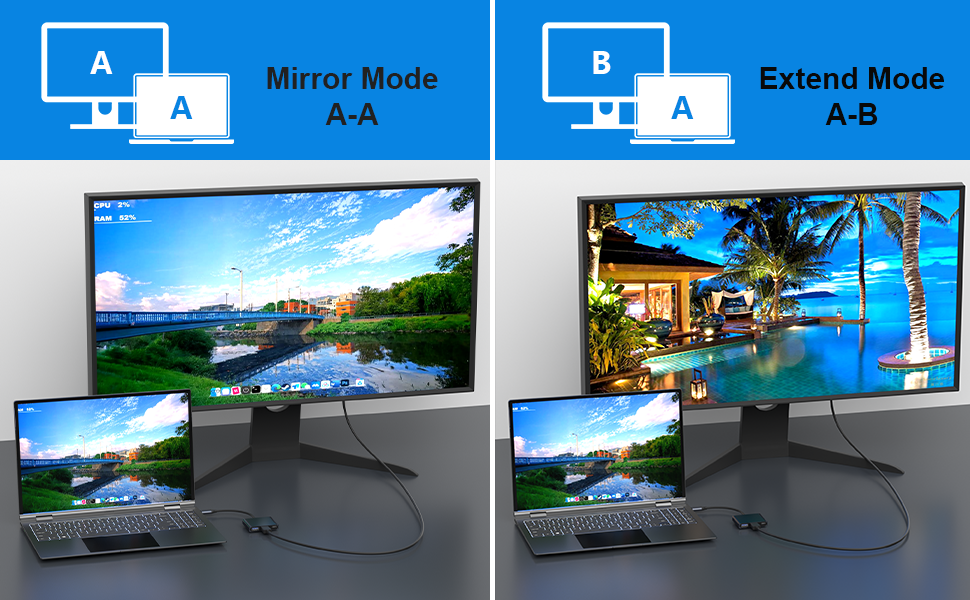
How to Set Up Your Display
On a Mac:
- Go to Apple menu > System Preferences > Displays.
- In the Arrangement tab, check "Mirror Displays" to duplicate, or uncheck it to extend.
On Windows:
- Press the Windows key + P.
- Choose Duplicate (to mirror) or Extend (for more space).
If your monitor isn't working (Windows laptops): lease update your BIOS and graphics driver from your laptop maker's website.
HDMI Adapter Compatible Standards: Smartphones need to support USB3.1 Type C and DPALT mode. Your computer must support USB3.1 Gen2 or Thunderbolt 3.
3 IN 1 TYPE-C to HDMI 4K@30Hz + USB3.0 + PD100W Adapter Multiports
USB 3.0 Data Port
The USB 3.0 port delivers peak data transfer speeds of up to 5 Gbps, allowing you to transfer HD movies in seconds. It is compatible with USB flash drives, mice, keyboards, external hard drives, and most other USB-enabled devices.
100W USB-C PD Fast Charging Port
The USB-C port supports fast charging up to 100W max, enabling rapid charging for compatible devices via the USB-C male port (charging only).
Note: Actual charging speed may vary depending on the device, cable, and charger used.
4K@30Hz HDMI Port
This HDMI port supports 4K@30Hz video and audio output, making it compatible with HDMI-enabled monitors, projectors, and TVs for seamless screen extension or mirroring.
How to Set Up Your Display
On a Mac:
- Go to Apple menu > System Preferences > Displays.
- In the Arrangement tab, check "Mirror Displays" to duplicate, or uncheck it to extend.
On Windows:
- Press the Windows key + P.
- Choose Duplicate (to mirror) or Extend (for more space).
If your monitor isn't working (Windows laptops): lease update your BIOS and graphics driver from your laptop maker's website.
| ?Apple | iPhone 15/16 Pro / Pro Max; MacBook Pro (Late 2016~2023), MacBook Air (Late 2018~2023), MacBook (Early 2015~2017); iMac (Mid 2017 and newer), iMac Pro, Mac mini (2023 / 2020 / 2018), iPad Pro (2022 / 2021 / 2020 / 2018), iPad mini 6, iPad Air 5 / 4 |
| ?Laptop | Acer, Dell Latitude 7373/7280/7480/5570/5490/5400 (2019), XPS 13 / 15 / 17, Insiron 5570, Inspiron 13 7000 2-in-1; HP: Envy 13 x360 2019/2018, Spectre 13/x360 |
| ?Chromebook | Google Chromebook Pixel (2015), Pixelbook, Pixel Slate, Asus Chromebook |
| ?Phones | Samsung Galaxy S24 Ultra/S24/S23 Ultra/S23/S22 Ultra/S21/S20/S20/S20 Ultra/S10e/S10/S10+/Note 20/Note 9, S8/S8+/ S9/S9+; HTC 10/U Ultra/U11/U11+/U12+, Asus ZenFone/ ROG Phone and more |
| ??!!Samsung!! | !! Not compatible with Galaxy A/ Tab A series. Galaxy A01/ A02/ A02S / A03 / A03S / A5 / A7 / A8 / A9 / A10/ A10e / A12 / A13 / A14 / A20 / A20E / A21 / A21s / A22 / A23 / A24 / A30 / A31 / A32 / A40 / A50 / A51 / A53 / A54 / A70 / A71, Samsung S6 / S7 / J6 / J7 / M20 / M30, Galaxy Tab S3 / Tab A / 10.1 / 10.5 |
| ??!!Phones!! | iPhone 15/ 16e (USB 2.0), OnePlus 2 / 6 / 6T, ALL Motorola Phones, LG Stylo, iPhone (Lightning), Pixel 3, ???????? ???? 9 / M8 Lite |
| ??!!Others!! | ALL Lightning Devices, GoPro, Dock, MacBook Air 7.2, Fire TV, AsusVivobook S513E, Surface Dock 2, Surface Pro, Asus VivoBook, Pixel Phones, Steam Deck |
| ??!!NOT Support!! | Does not support charging;Does not support dual monitors, the adapter can only extend to 1 single monitor. |
Built for reliability and effortless use, CLOSS empowers your work, entertainment, and creativity with seamless clarity.
USB-C Converter
USB-C Adapter
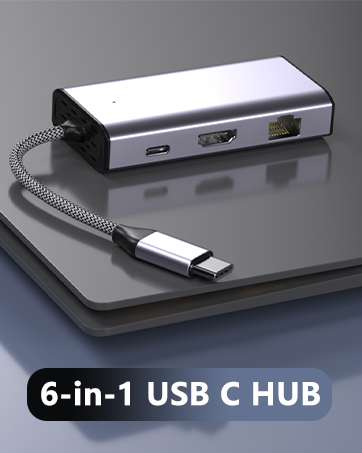
3 IN 1 USB C HUB
HDMI(4K30Hz)+USB3.0+PD 100W
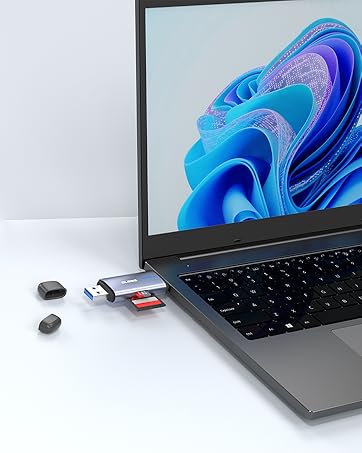
TF Card Reader
USB C & USB A 3.0
