




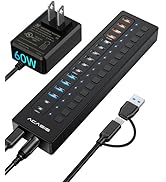
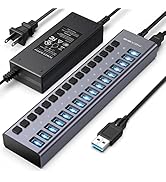
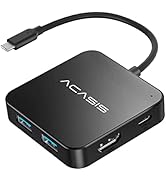
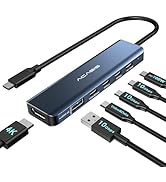
USB HUB
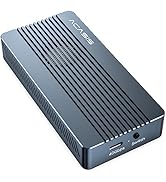
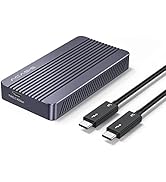
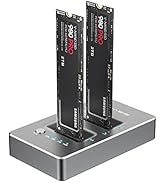
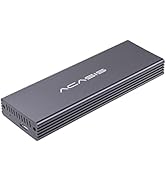
SSD Enclosure
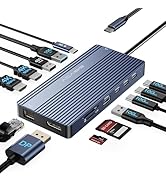
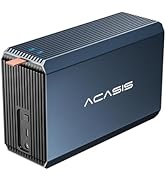
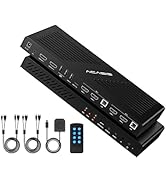
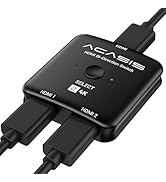
NEW PRODUCTS

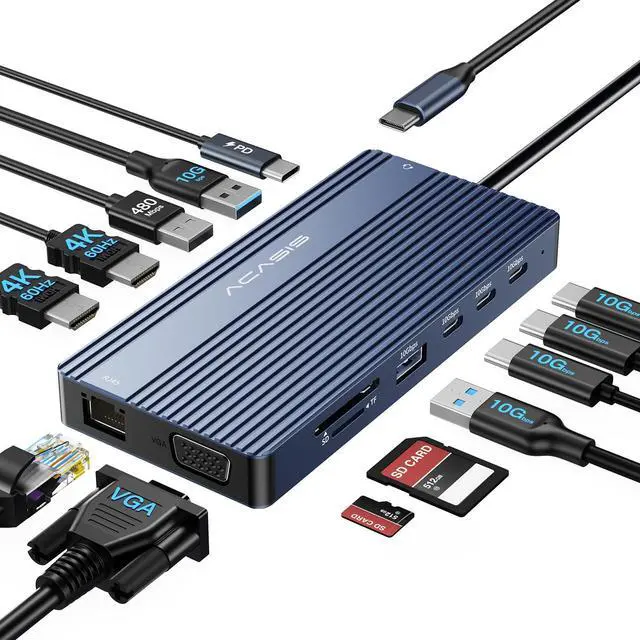
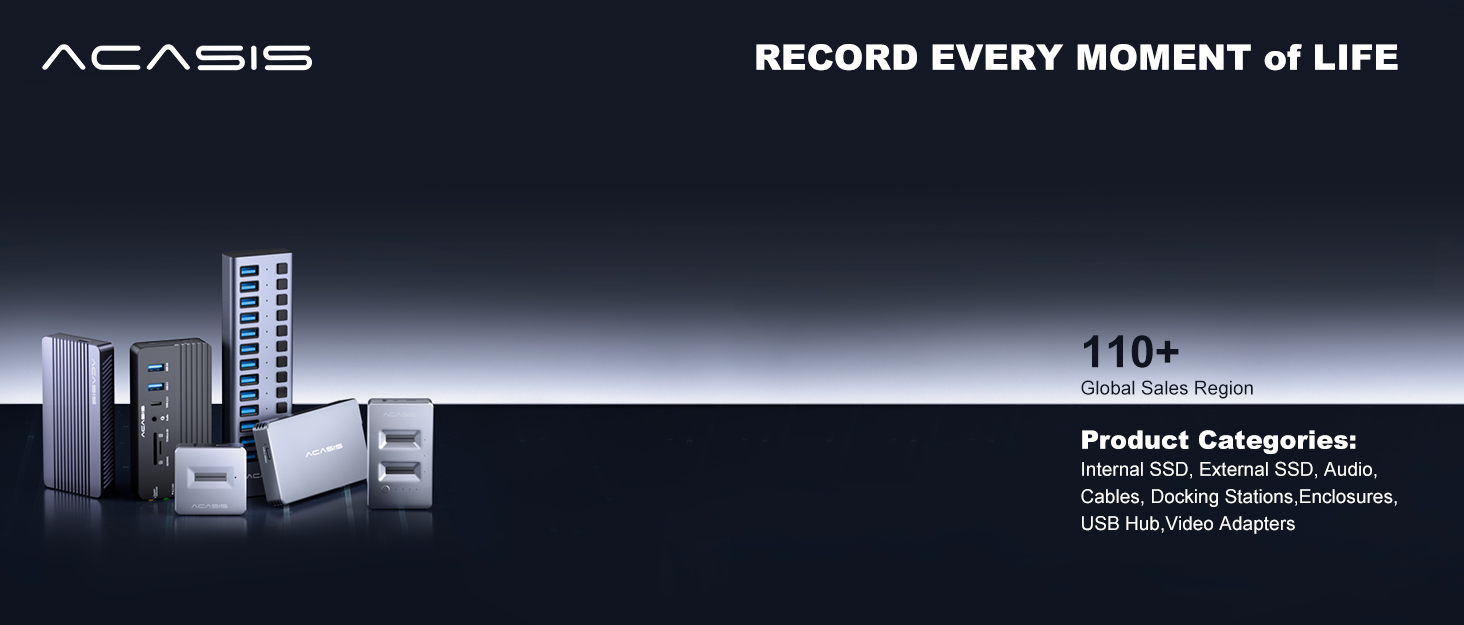
ACASIS develop and market a wide range of computer accessories & peripherals, including SSD Enclosues, USB Hubs, USB Docking Station, Capture Card and more. To make top products, we have established a professional team including top designer, top engineer and professional after-sales team.
Our vision is to bring a better using experience for digital products users. Keep working to supply a wide range of well-designed, superior quality products.



Why can't the docking station connect to a computer?
Please make sure your device has a Thunderbolt 3/4 /USBC3.1 or above port that supports “Power Delivery, DisplayRon, Alt Mode”, a full-featured USBC port that supports Display+Charge+Data Transfer Protocol.
Why does it disconnect during use?
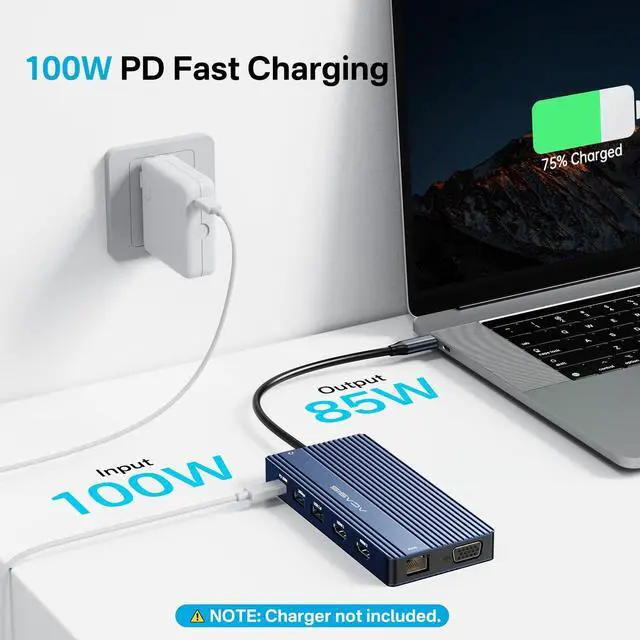
It requires 5-10w of external power consumption to work properly, and can be connected to a PD power supply to replenish power for the docking station, in order to prevent the ports from breaking the chain due to insufficient power.
Detailed introduction to split screen mode
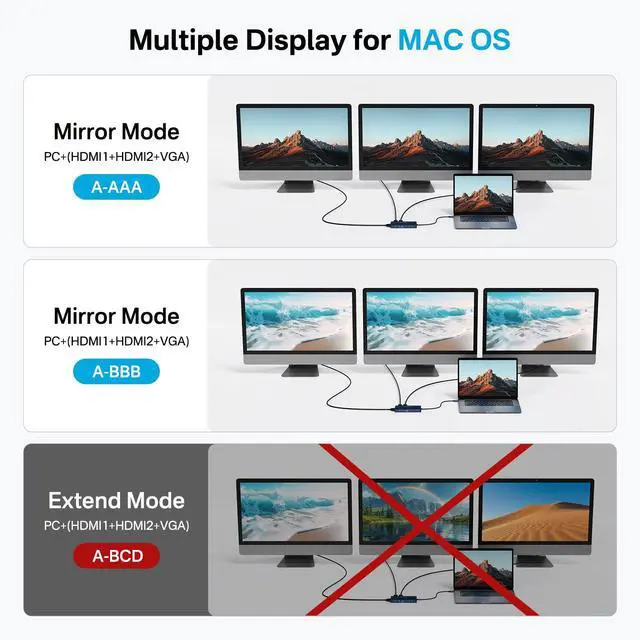
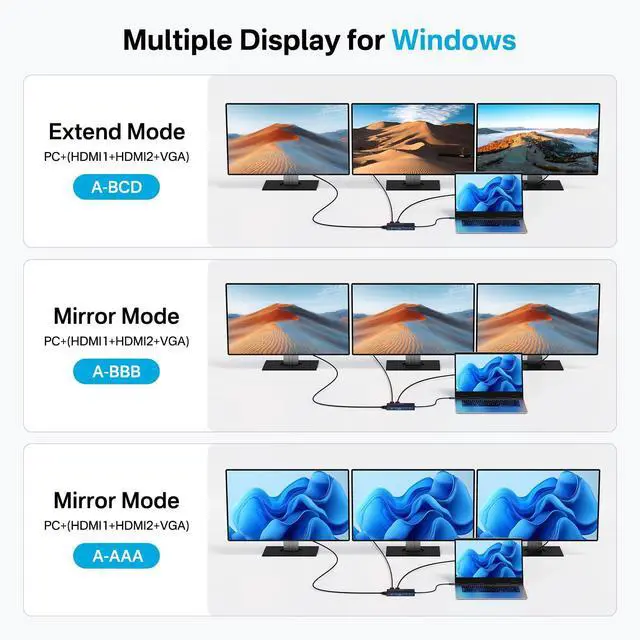
All Mac devices support only Mirror Mode:AA, AAA, AAAA and Extended Mode:AB, ABB, ABBB. A+B+C or A+B+C+D are not supported (windows laptops only).
What is the PD interface?
The PD (charging port) only supports power supply and does not support screen expansion function or data transmission.
Resolution cannot reach 4K@60HZ
The screen resolution is only optimal if your laptop is a DP1.4 source, make sure that your device supports 4K display (both external screen and laptop) and that you are using a cable with HDMI 2.0 or higher specification.


Comparison
 USB C Docking Station VGA |  USB C Docking Station DP |  USB C Hub 10Gbps |  USB C Hub 10Gbps | |
|---|---|---|---|---|
Customer Reviews | — | — | — | — |
Price | — | — | — | — |
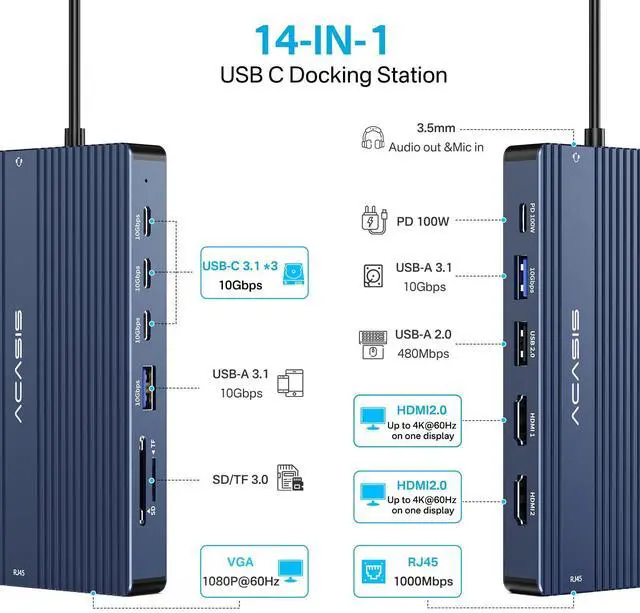
video interface | VGA+2HDMI | DP+2HDMI | HDMI | HDMI |
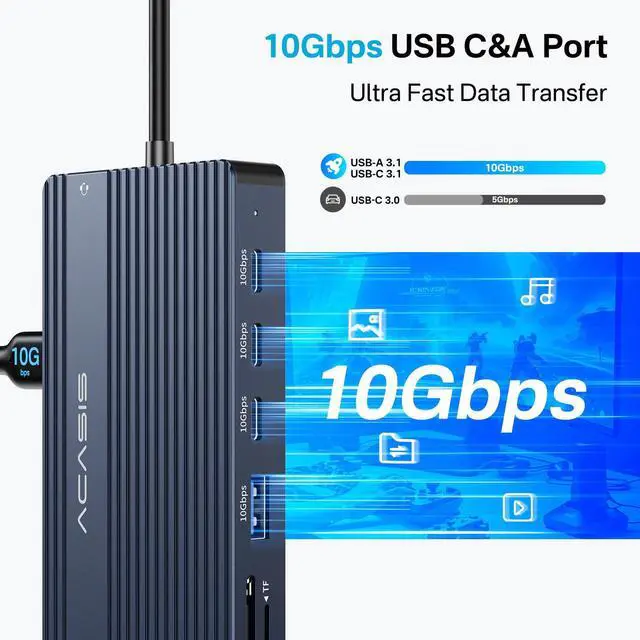
speed | 10G | 10G | 10G | 10G |
number of interfaces | 14 | 14 | 6 | 6 |
brand | ACASIS | ACASIS | ACASIS | ACASIS |
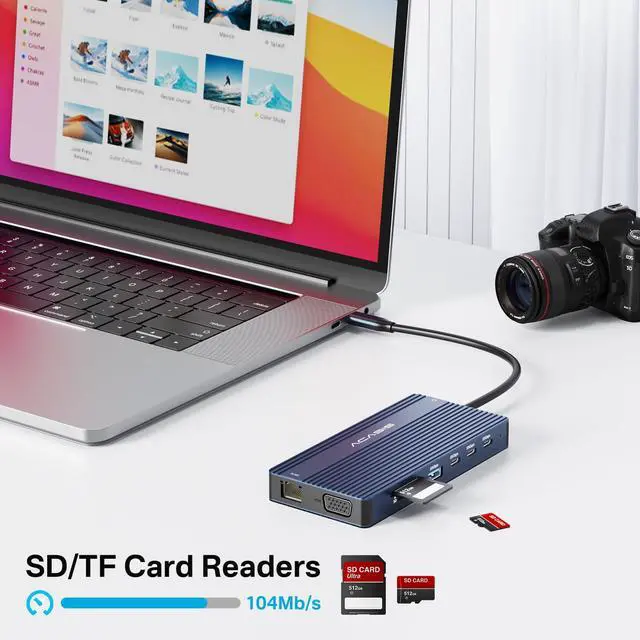
SD/TF+RJ45+MIC/AUDIO+PD | Yes | Yes | No | No |
1


Why can't the docking station connect to a computer?
Please make sure your device has a Thunderbolt 3/4 /USBC3.1 or above port that supports “Power Delivery, DisplayRon, Alt Mode”, a full-featured USBC port that supports Display+Charge+Data Transfer Protocol.
Why does it disconnect during use?
It requires 5-10w of external power consumption to work properly, and can be connected to a PD power supply to replenish power for the docking station, in order to prevent the ports from breaking the chain due to insufficient power.
Detailed introduction to split screen mode
All Mac devices support only Mirror Mode:AA, AAA, AAAA and Extended Mode:AB, ABB, ABBB. A+B+C or A+B+C+D are not supported (windows laptops only).
What is the PD interface?
The PD (charging port) only supports power supply and does not support screen expansion function or data transmission.
Resolution cannot reach 4K@60HZ
The screen resolution is only optimal if your laptop is a DP1.4 source, make sure that your device supports 4K display (both external screen and laptop) and that you are using a cable with HDMI 2.0 or higher specification.


Comparison
USB C Docking Station VGA | USB C Docking Station DP | USB C Hub 10Gbps | USB C Hub 10Gbps |
|---|---|---|---|
| Customer Reviews | |||
| — | — | — | — |
| Price | |||
| — | — | — | — |
| video interface | |||
| VGA+2HDMI | DP+2HDMI | HDMI | HDMI |
| speed | |||
| 10G | 10G | 10G | 10G |
| number of interfaces | |||
| 14 | 14 | 6 | 6 |
| brand | |||
| ACASIS | ACASIS | ACASIS | ACASIS |
| SD/TF+RJ45+MIC/AUDIO+PD | |||
| Yes | Yes | No | No |
USB HUB
SSD Enclosure
NEW PRODUCTS
ACASIS develop and market a wide range of computer accessories & peripherals, including SSD Enclosues, USB Hubs, USB Docking Station, Capture Card and more. To make top products, we have established a professional team including top designer, top engineer and professional after-sales team.
Our vision is to bring a better using experience for digital products users. Keep working to supply a wide range of well-designed, superior quality products.