






RuntoGOL TV Docking Station for Switch and Switch OLED
 Switch Dock+HDMI Cord |  Only Switch Dock |  Switch Dock+USB-C Charger |  Steam Deck Dock |  Premium Switch 2 Dock |  Switch Dock+USB-C Charger | |
|---|---|---|---|---|---|---|
Customer Reviews | — | — | — | — | — | — |
Price | — | — | — | — | — | — |
With HDMI Cable | HDMI Cable | None | HDMI Cable | None | None | HDMI Cable |
With USB-C Cable | USB-C Cable | None | None | None | None | None |
With Power supply | None | None | Included 15V/2.6A Power | None | None | Included 15V/2.6A Power |
Application | Switch / Switch OLED | Switch / Switch OLED | Switch / Switch OLED | Steam Deck/ROG Ally /Legion Go | Switch / Switch OLED | Switch / Switch OLED |
Support for working with case | Not supported with case | Not supported with case | Not supported with case | support with case | support with case | Supported with case |


Anti-Scratch Switch Screen
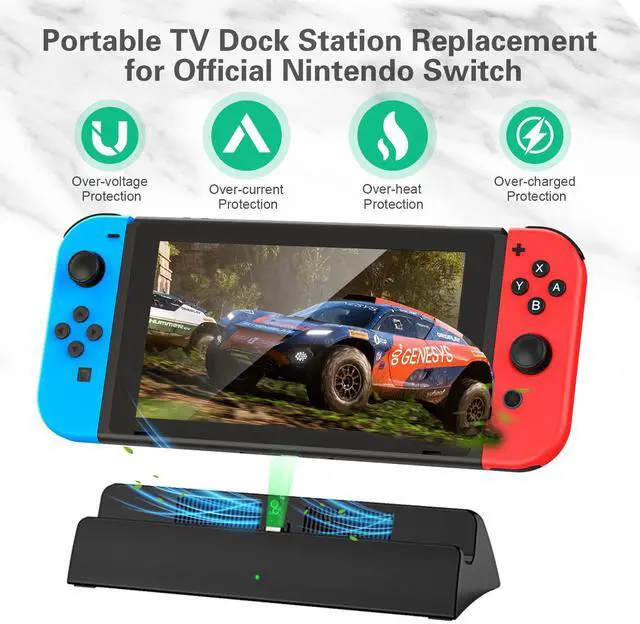
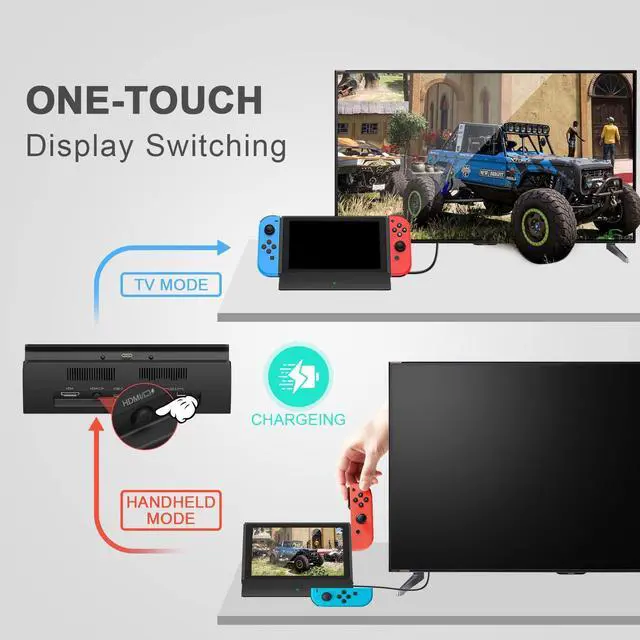
Designed with a certain tilt angle, the switch screen is less likely to be scratched or damaged during use than with the original switch dock.

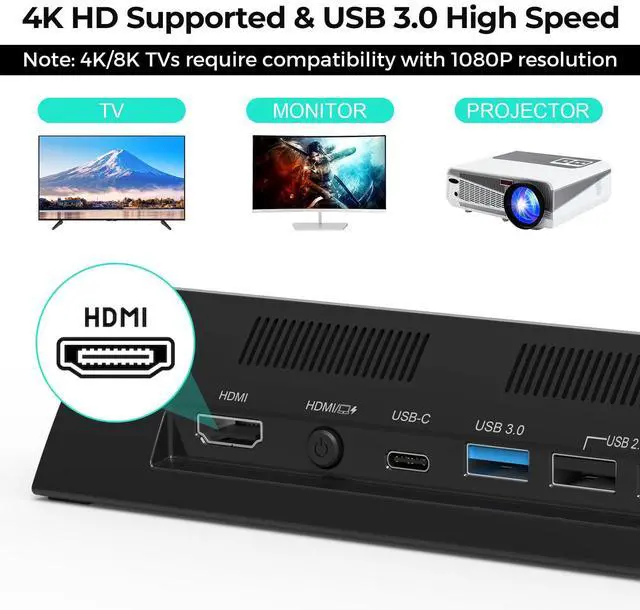
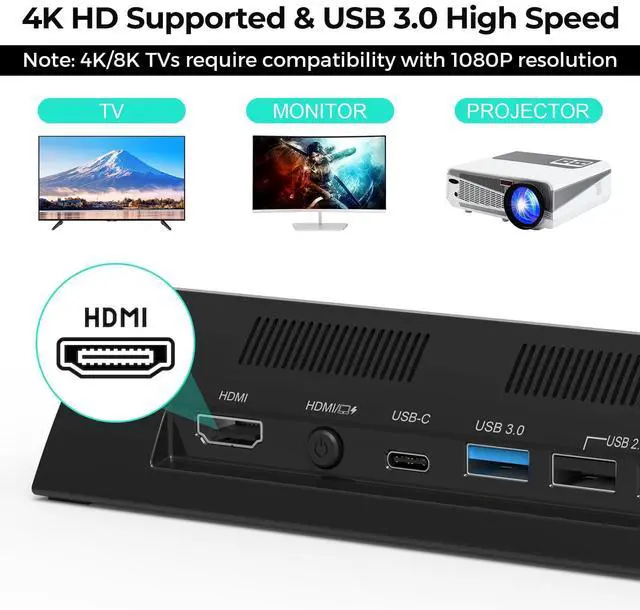
4K/1080P HD Display Supported
The switch docking station for tv is designed with 1*HDMI video output port,Supports 1080P/4K HDMI video output (Switch only supports 1080P)

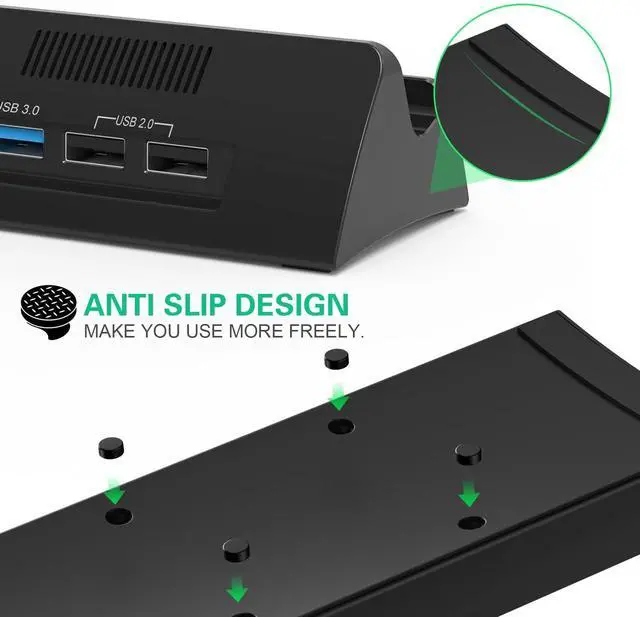
Non-Slip Mat
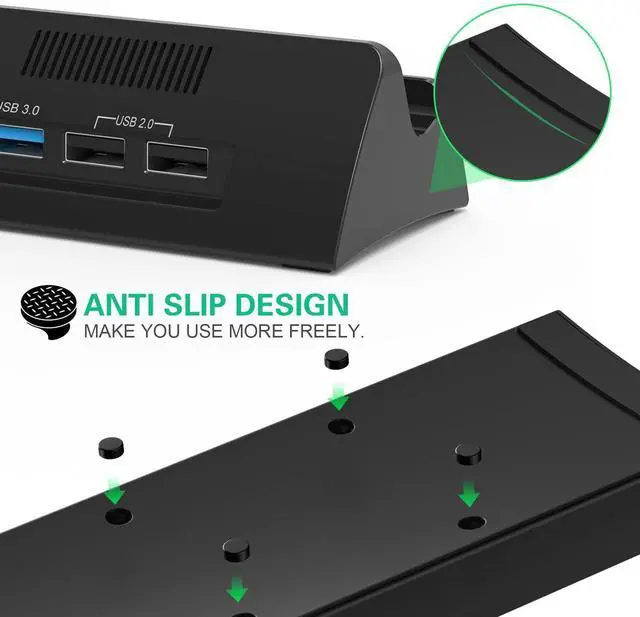
The rubberized non-slip pads on the bottom of this switch TV dock ensure that the switch dock won't easily fall and damage the nintendo switch.

Easy to Carry
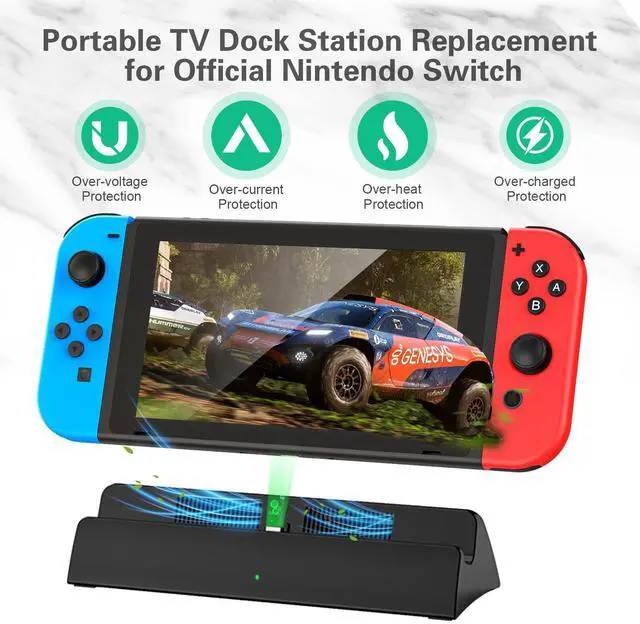
The switch docking station is more portable and lighter than the official nintendo switch dock. Easy to carry around while traveling or going out

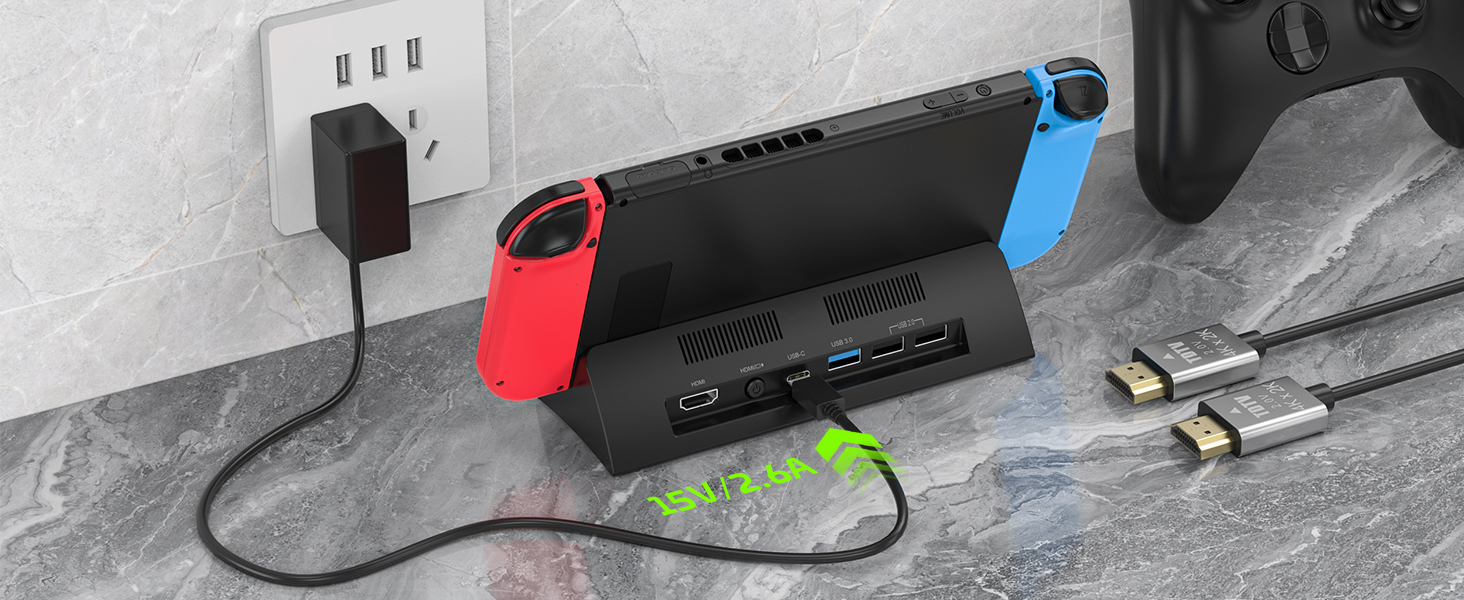
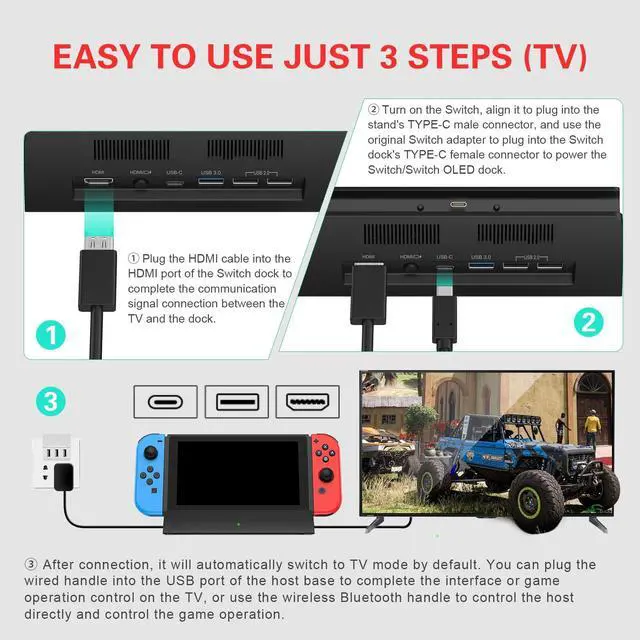
Plug in Power Supply
Powered by 39W USB-C power adapter(AC Power Adapter not Included)
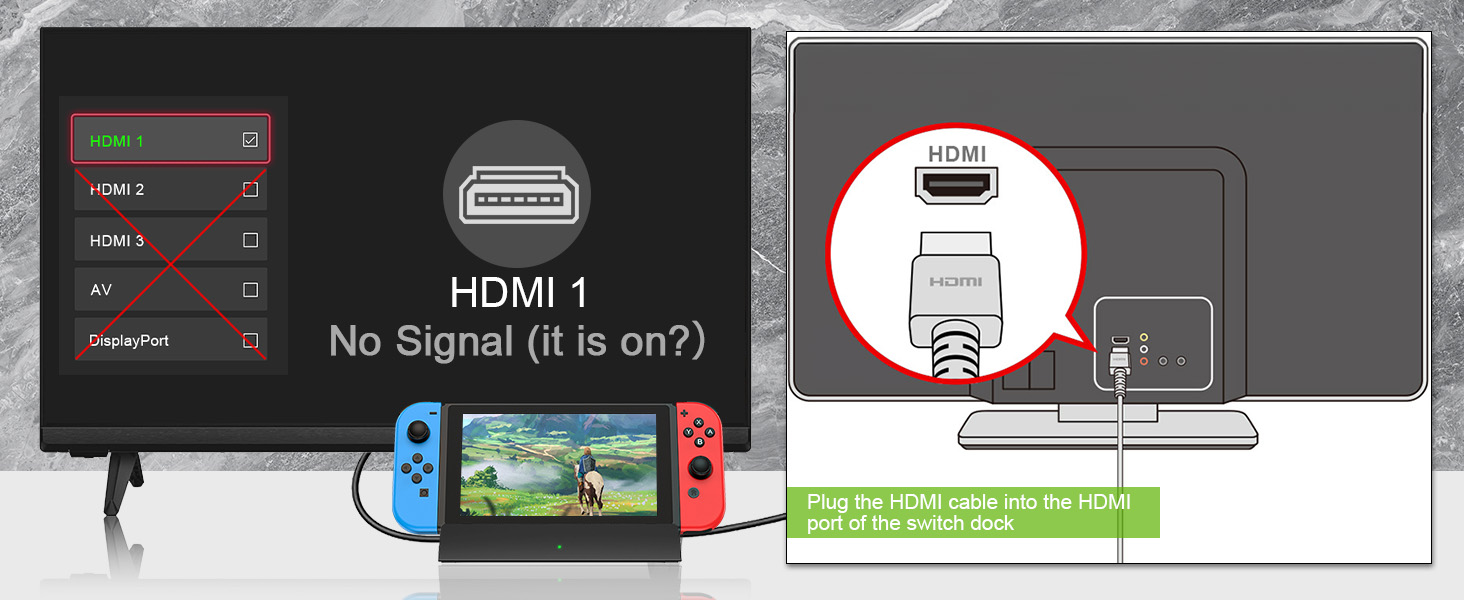
Select HDMI Source
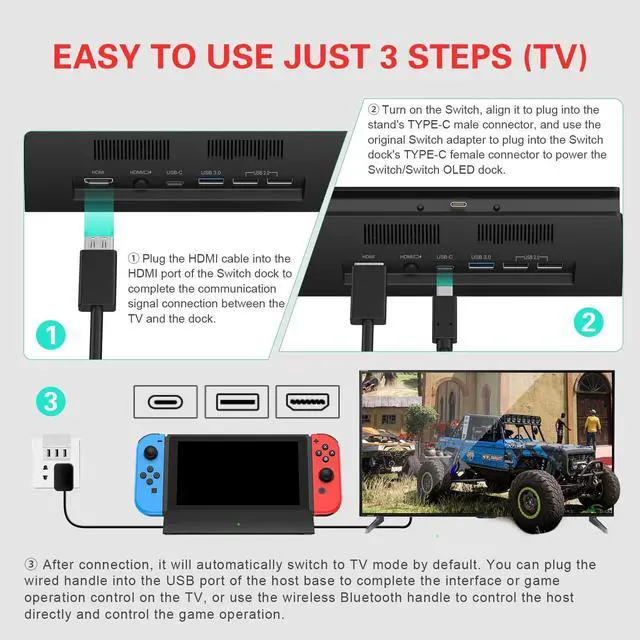
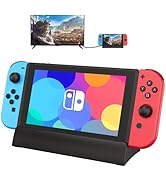
Connect to the connector of your TV's HDMI cable and select the appropriate HDMI source on your TV.
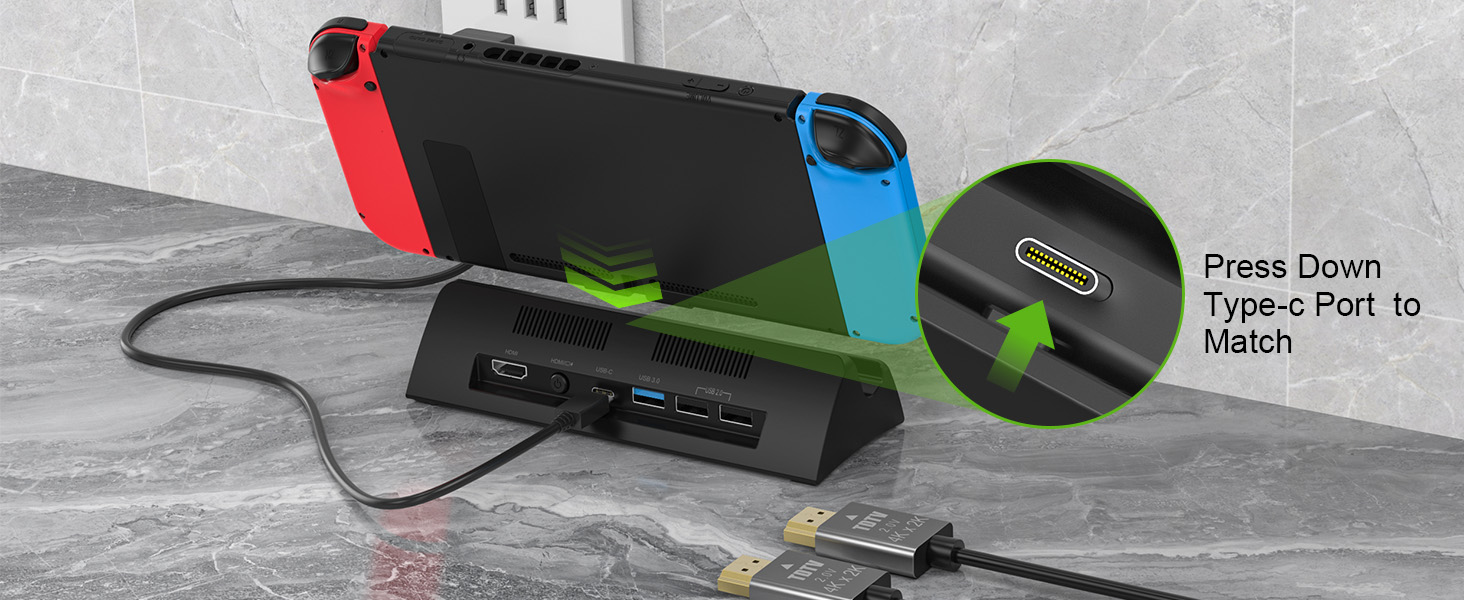
Plug into USB-C Port
Firmly press the USB-C port on the switch and dock,that it is fully inserted into the USB port
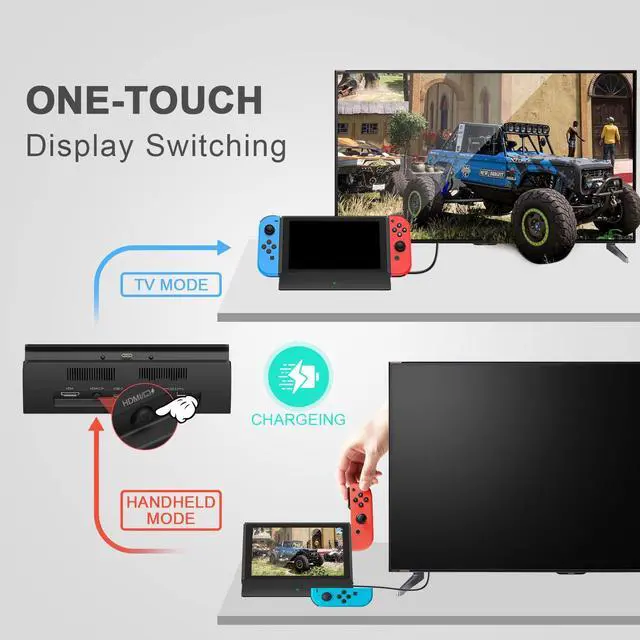
How do I connect my TV using a Switch or Switch OLED dock?(Not supported work with protective cover)
My switch has a protective cover and before using this switch dock, Do I have to remove the switch protective cover?
Yes, you must remove the protective cover of the switch before use to ensure that the switch dock is working properly.
What comes with the switch dock?
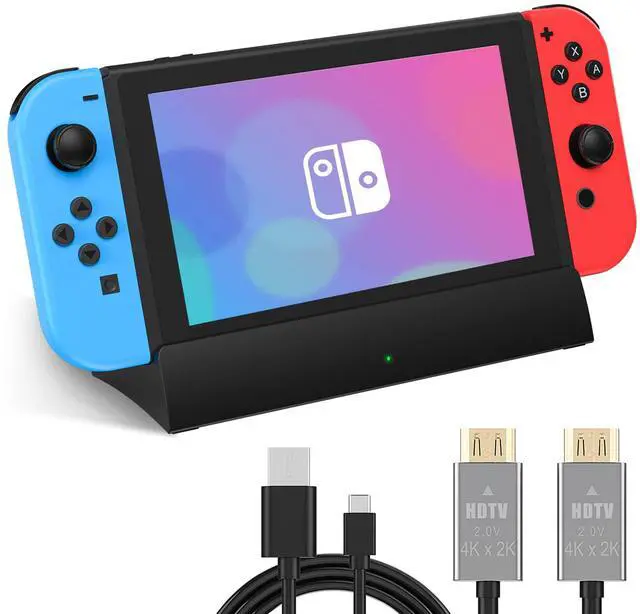
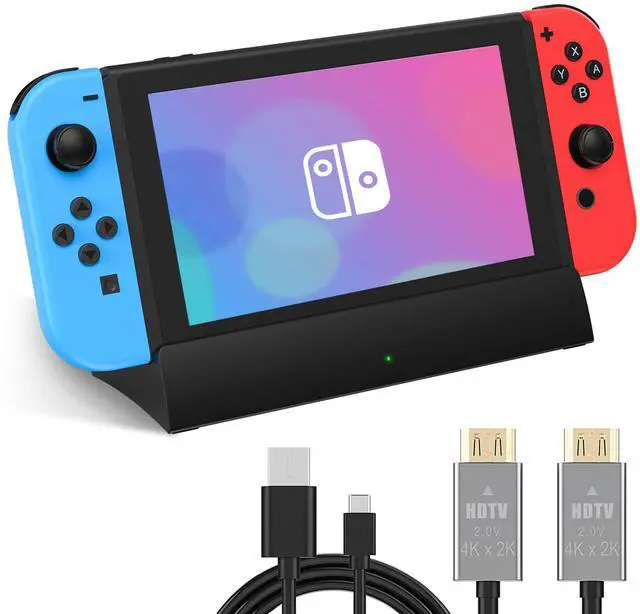
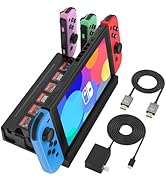
1 x Switch Docking Station
1 x User Manual
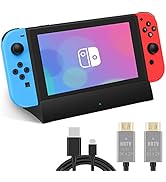
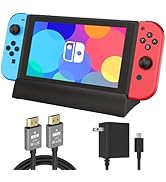
1x HDMI Cable
1x USB Type C Cable
NOTE: AC Power Adapter not Included
After a few days' use,The switch dock is connected to the TV and doesn't work, what can I do?
Re-plugging the original AC power adapter,Wait for about 1 min.Then re-plug in the 39W AC power adapter,connect the HDMI cable and then select the corresponding TV HDMI signal source
When the switch dock is operating, Switch/Switch OLED power becomes low.
The power supply is not powerful enough, please use a 39W power adapter.
The Switch/Switch OLED does not turn on after using the switch dock?
Please don't worry, your switch/switch OLED is not broken, please long press the switch main unit power on/off button for more than 12 seconds, the Switch/Switch OLED will be back on.
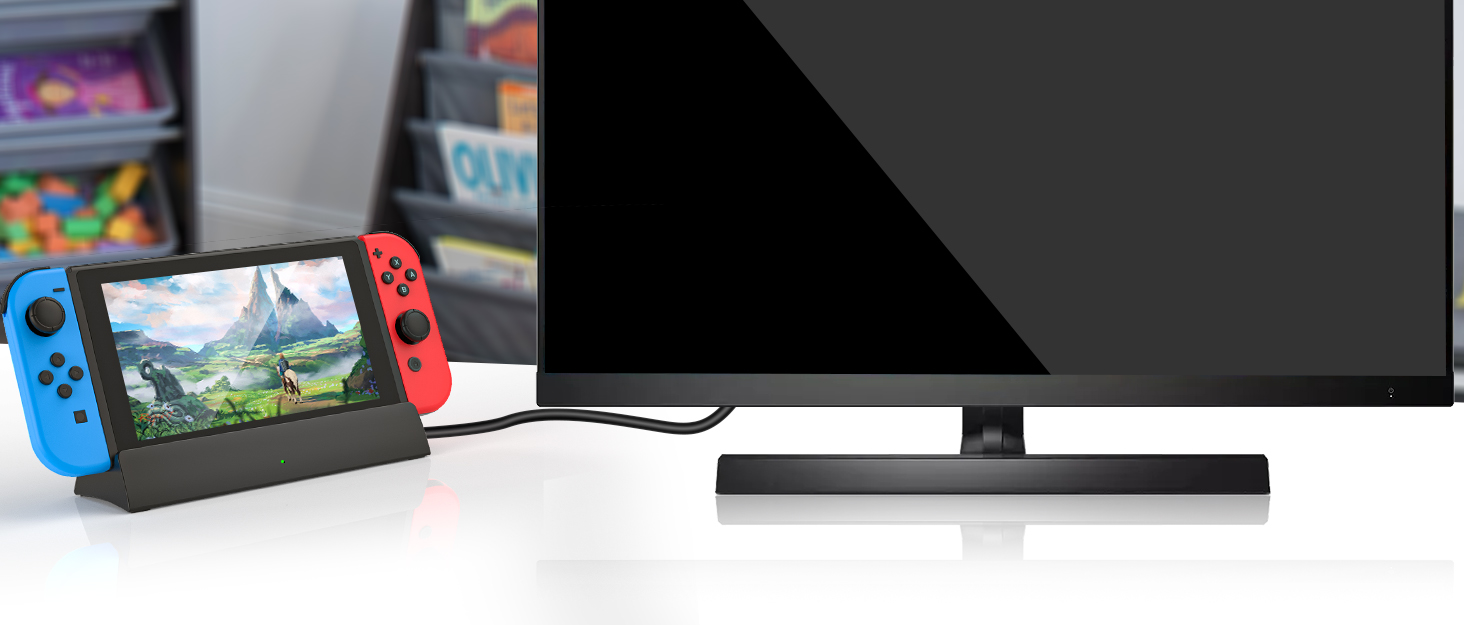
Switch Dock

RuntoGOL is a professional electronic accessory supplier dedicated to taking customer feedback to continuously improve and refine our products.
Each product under the RuntoGOL brand has been carefully designed to provide gaming enthusiasts with a more convenient and joyful gaming product experience.
Switch Docking Station
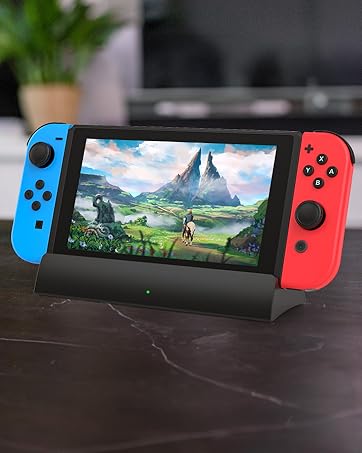
Switch Docking Station for TV
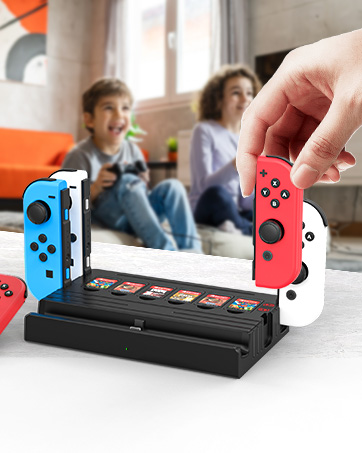
Switch Docking Station
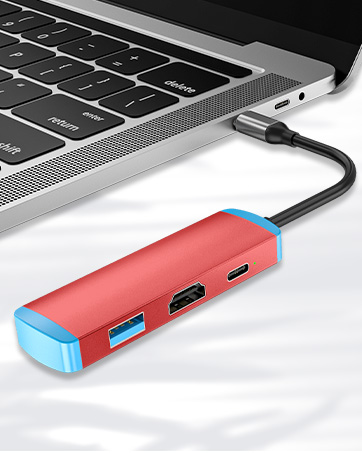
Switch TV Dock
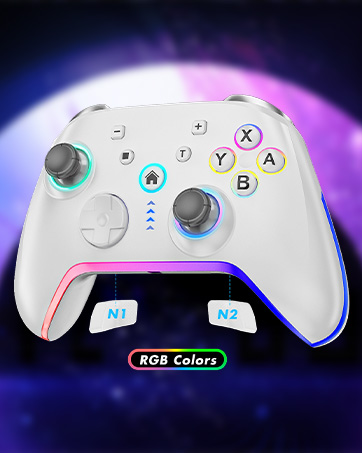
Switch Pro Controller
RuntoGOL TV Docking Station for Switch and Switch OLED
Switch Dock+HDMI Cord | Only Switch Dock | Switch Dock+USB-C Charger | Steam Deck Dock | Premium Switch 2 Dock | Switch Dock+USB-C Charger |
|---|---|---|---|---|---|
| Customer Reviews | |||||
| — | — | — | — | — | — |
| Price | |||||
| — | — | — | — | — | — |
| With HDMI Cable | |||||
| HDMI Cable | None | HDMI Cable | None | None | HDMI Cable |
| With USB-C Cable | |||||
| USB-C Cable | None | None | None | None | None |
| With Power supply | |||||
| None | None | Included 15V/2.6A Power | None | None | Included 15V/2.6A Power |
| Application | |||||
| Switch / Switch OLED | Switch / Switch OLED | Switch / Switch OLED | Steam Deck/ROG Ally /Legion Go | Switch / Switch OLED | Switch / Switch OLED |
| Support for working with case | |||||
| Not supported with case | Not supported with case | Not supported with case | support with case | support with case | Supported with case |


Anti-Scratch Switch Screen
Designed with a certain tilt angle, the switch screen is less likely to be scratched or damaged during use than with the original switch dock.
4K/1080P HD Display Supported
The switch docking station for tv is designed with 1*HDMI video output port,Supports 1080P/4K HDMI video output (Switch only supports 1080P)

Non-Slip Mat
The rubberized non-slip pads on the bottom of this switch TV dock ensure that the switch dock won't easily fall and damage the nintendo switch.
Easy to Carry
The switch docking station is more portable and lighter than the official nintendo switch dock. Easy to carry around while traveling or going out


How do I connect my TV using a Switch or Switch OLED dock?(Not supported work with protective cover)
Plug in Power Supply
Powered by 39W USB-C power adapter(AC Power Adapter not Included)
Select HDMI Source
Connect to the connector of your TV's HDMI cable and select the appropriate HDMI source on your TV.
Plug into USB-C Port
Firmly press the USB-C port on the switch and dock,that it is fully inserted into the USB port
My switch has a protective cover and before using this switch dock, Do I have to remove the switch protective cover?
Yes, you must remove the protective cover of the switch before use to ensure that the switch dock is working properly.
What comes with the switch dock?
1 x Switch Docking Station
1 x User Manual
1x HDMI Cable
1x USB Type C Cable
NOTE: AC Power Adapter not Included
After a few days' use,The switch dock is connected to the TV and doesn't work, what can I do?
Re-plugging the original AC power adapter,Wait for about 1 min.Then re-plug in the 39W AC power adapter,connect the HDMI cable and then select the corresponding TV HDMI signal source
When the switch dock is operating, Switch/Switch OLED power becomes low.
The power supply is not powerful enough, please use a 39W power adapter.
The Switch/Switch OLED does not turn on after using the switch dock?
Please don't worry, your switch/switch OLED is not broken, please long press the switch main unit power on/off button for more than 12 seconds, the Switch/Switch OLED will be back on.
Switch Dock
RuntoGOL is a professional electronic accessory supplier dedicated to taking customer feedback to continuously improve and refine our products.
Each product under the RuntoGOL brand has been carefully designed to provide gaming enthusiasts with a more convenient and joyful gaming product experience.
Switch Docking Station
Switch Docking Station for TV
Switch Docking Station
Switch TV Dock
Switch Pro Controller