







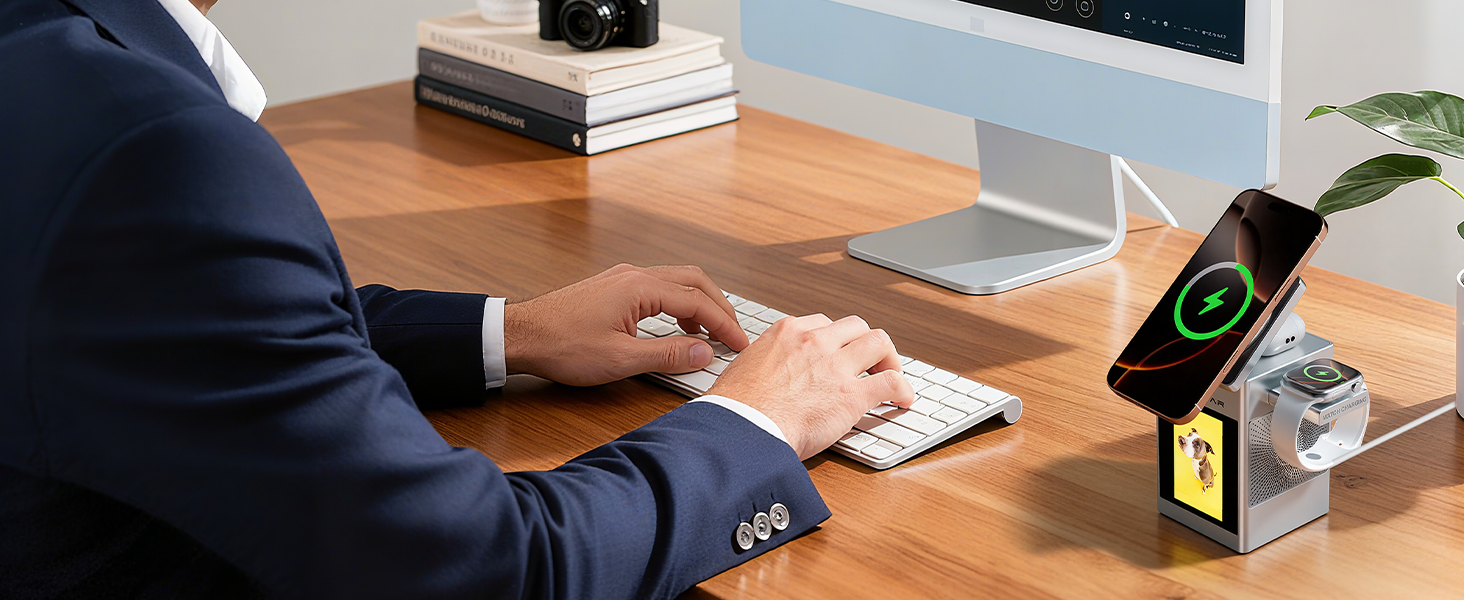
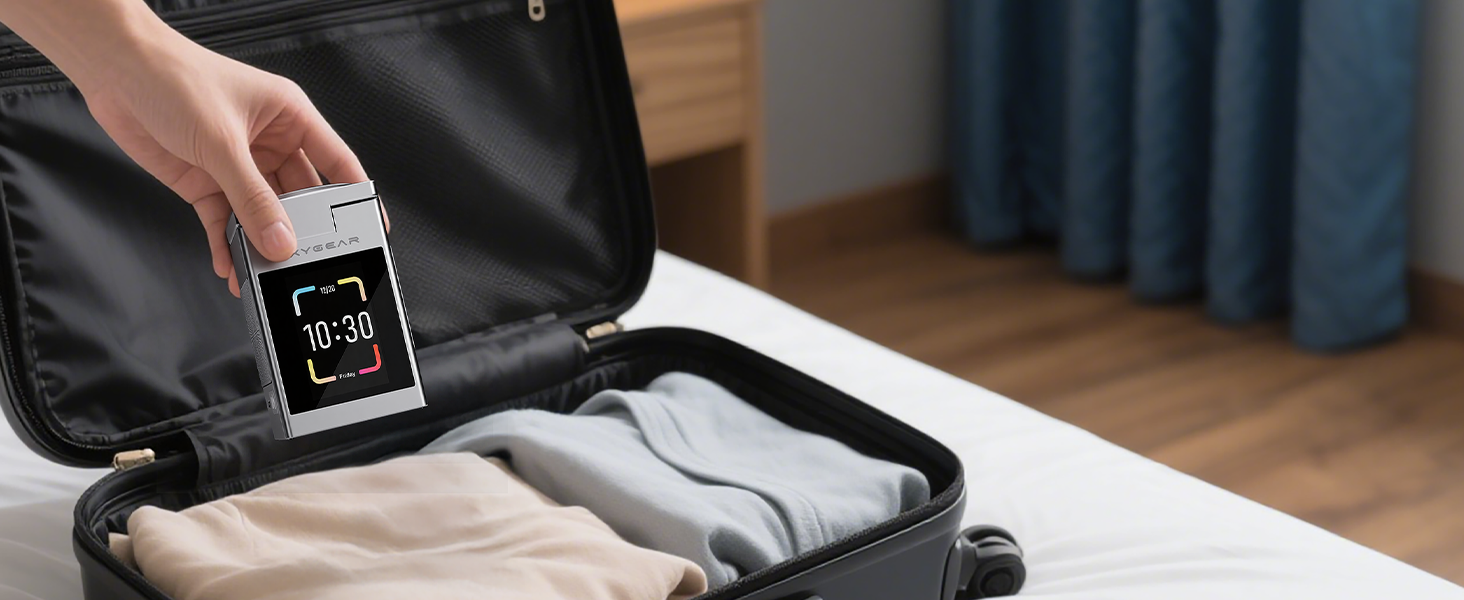

Can I charge multiple devices at once?
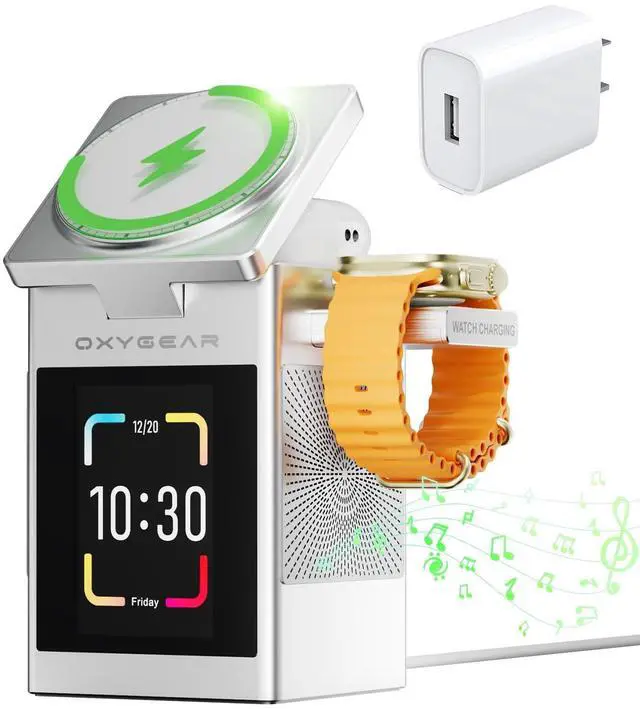
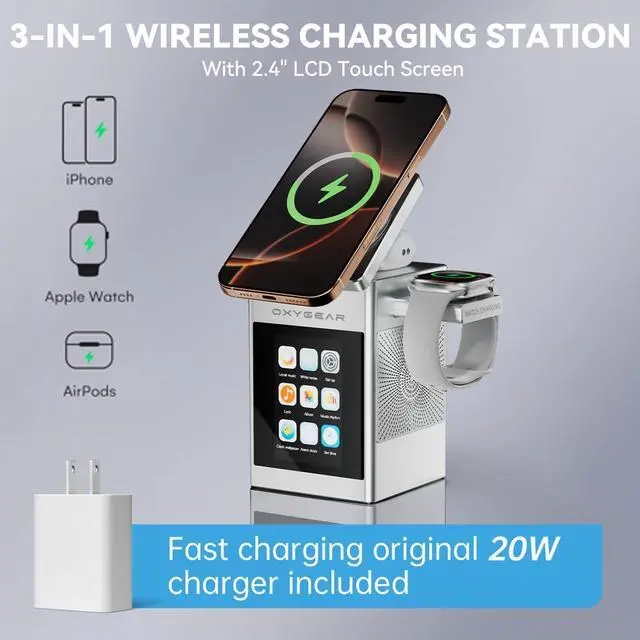
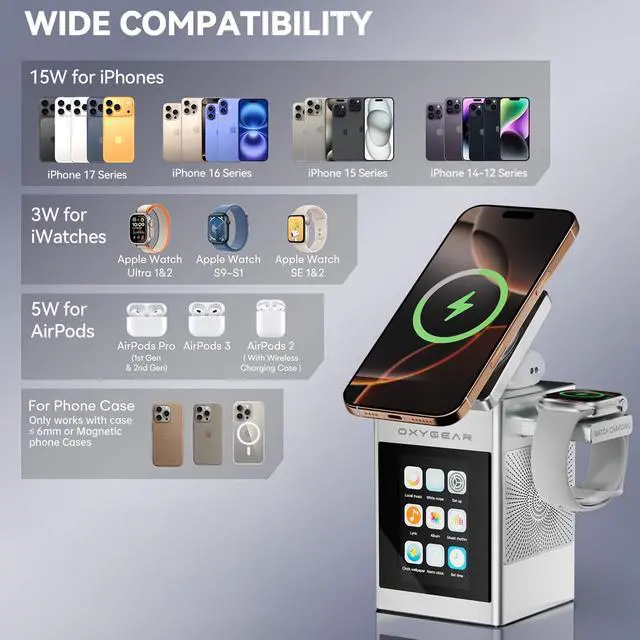
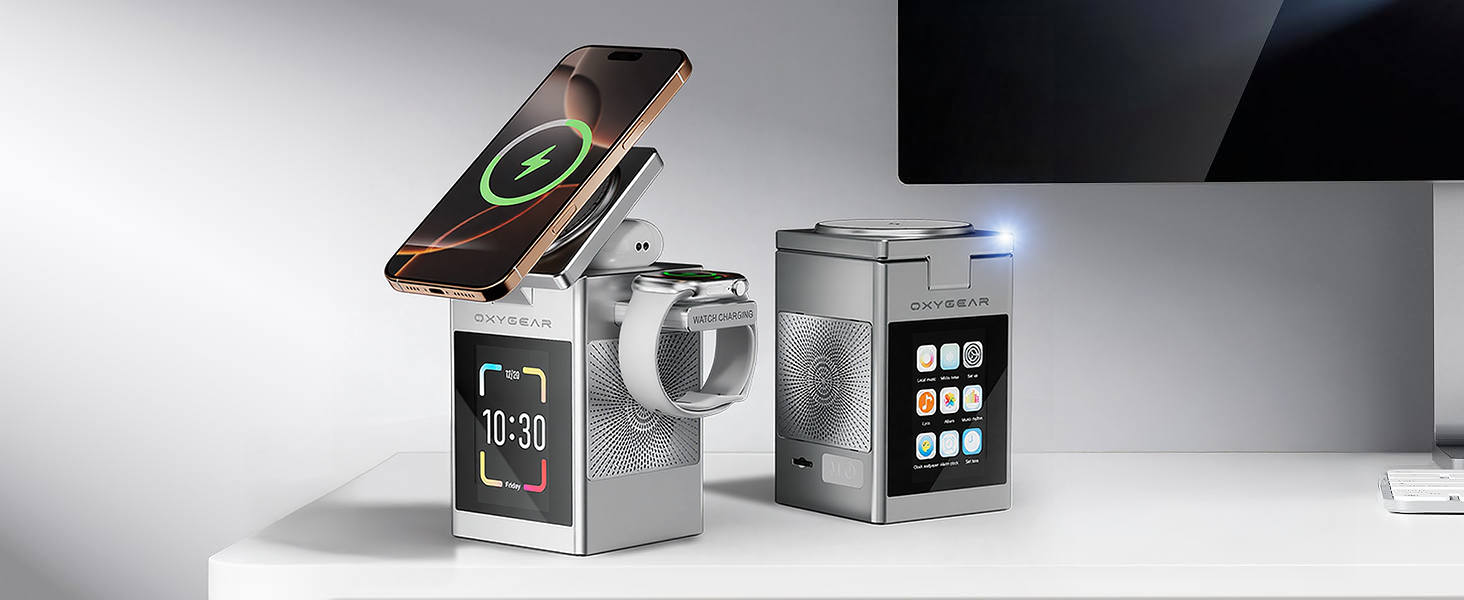
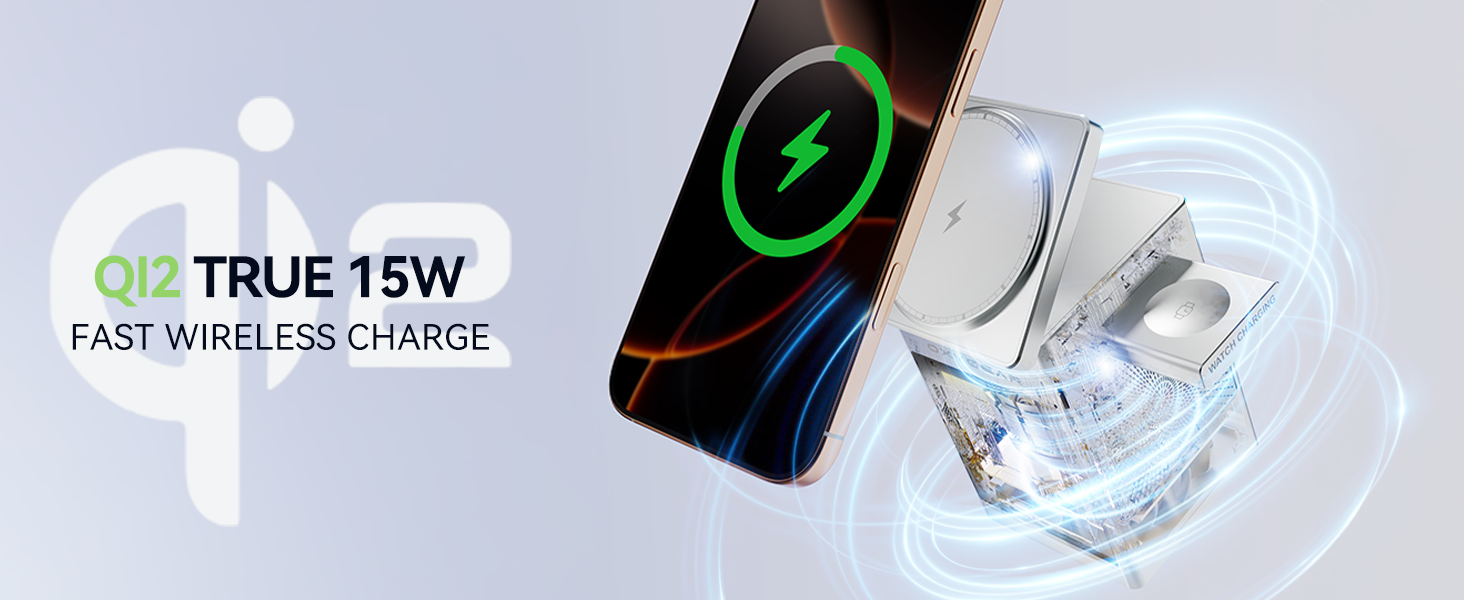
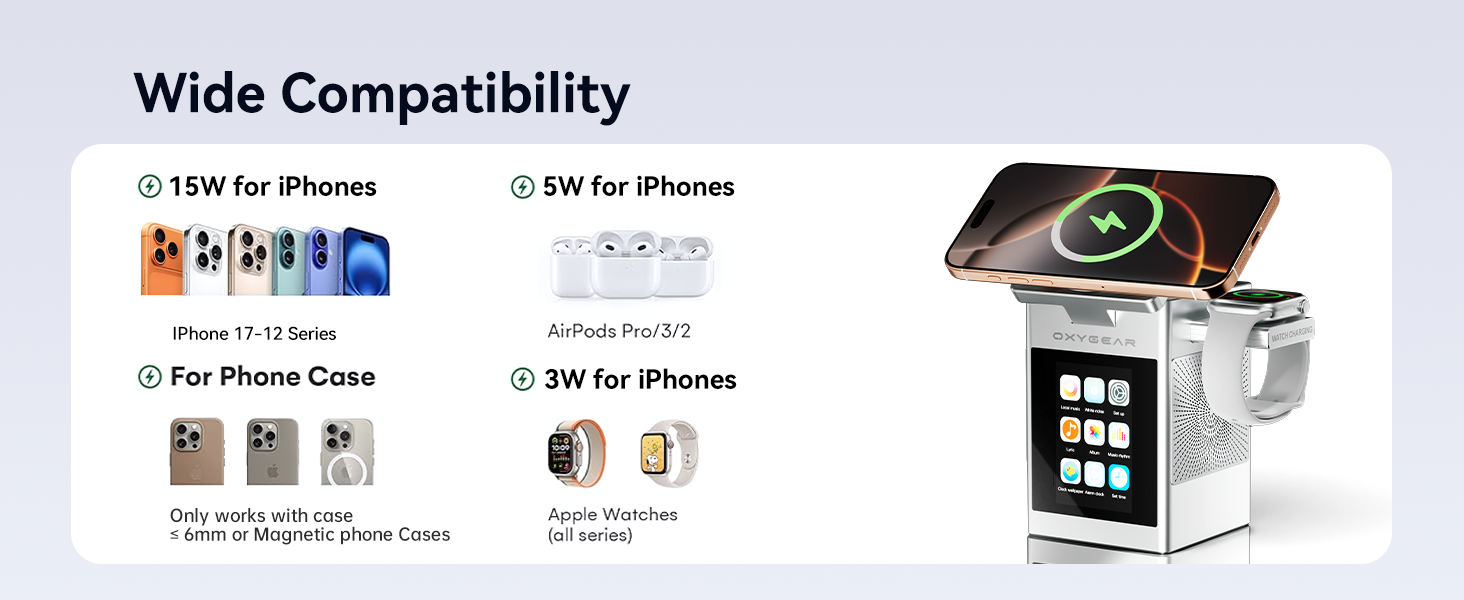
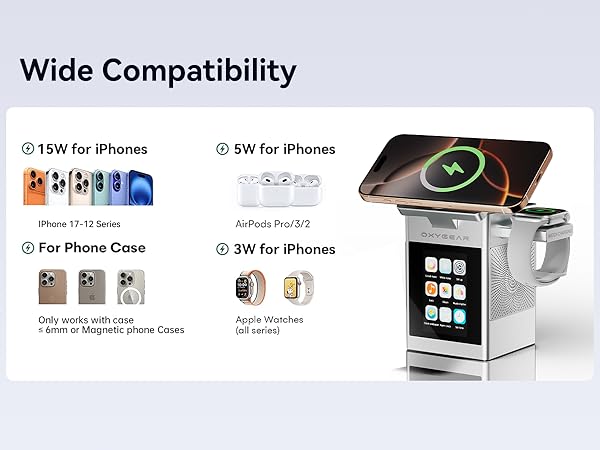
Yes, you can charge phone, smartwatch and earbuds simultaneously. Recommend use the original 20W power adapter for fast charging your devices.
Can this charger hold a large phone securely while it charges?
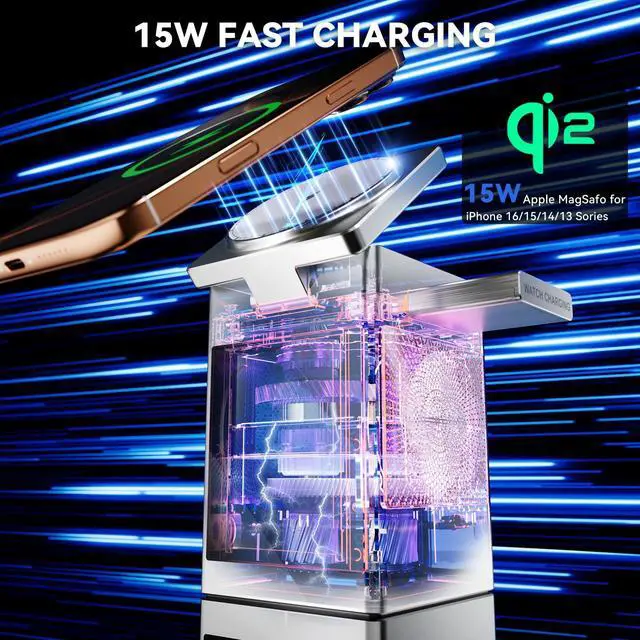
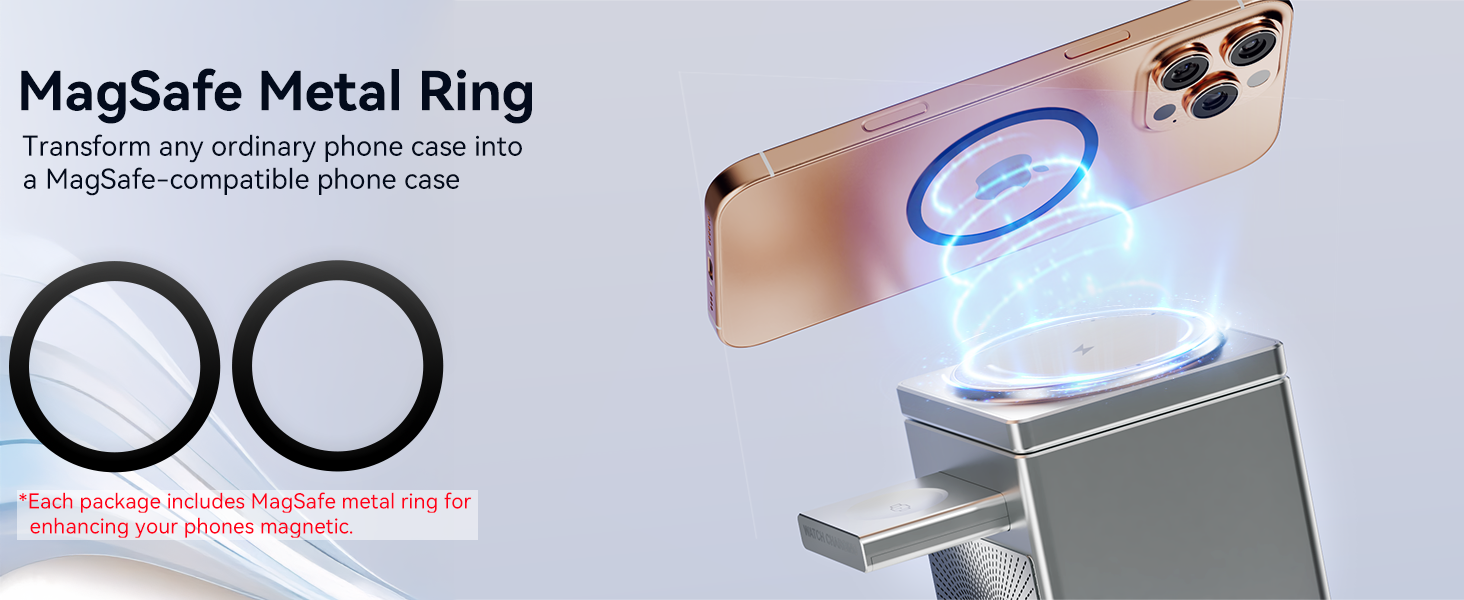
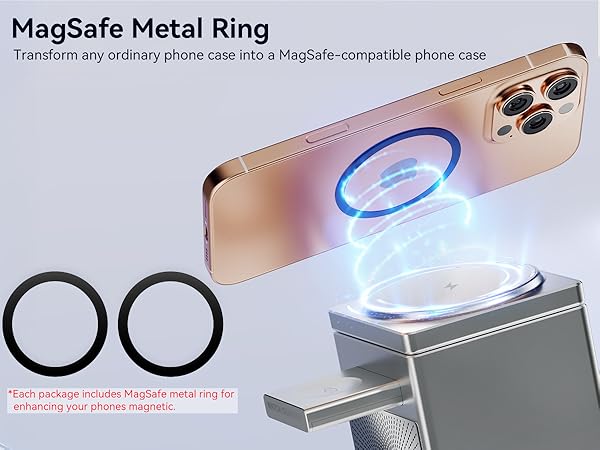
Yes. It is MagSafe charger features a powerful N52 magnet, strong enough to securely hold and charge large phones (e.g., iPhone 16 Pro Max). A metal ring is also included to add magnetic compatibility to any phone.
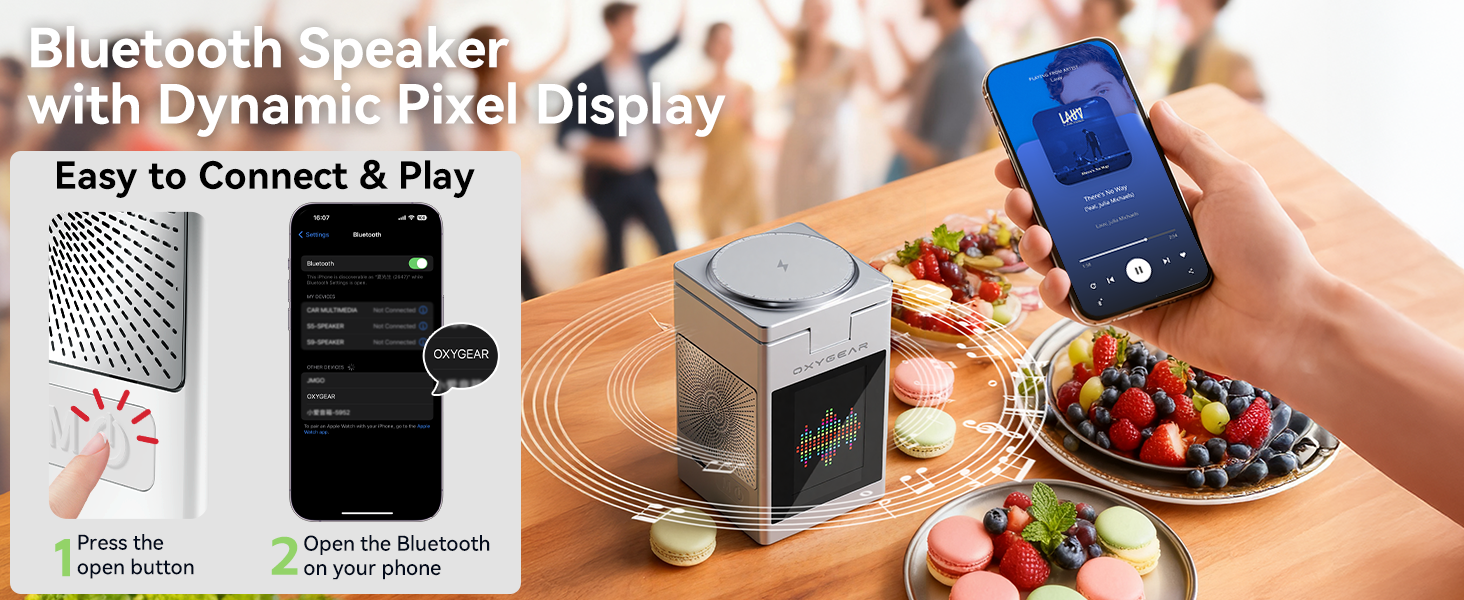
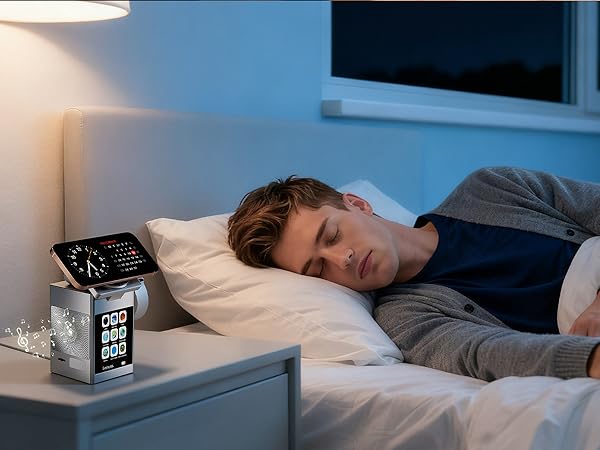
How to connect the Bluetooth speaker?
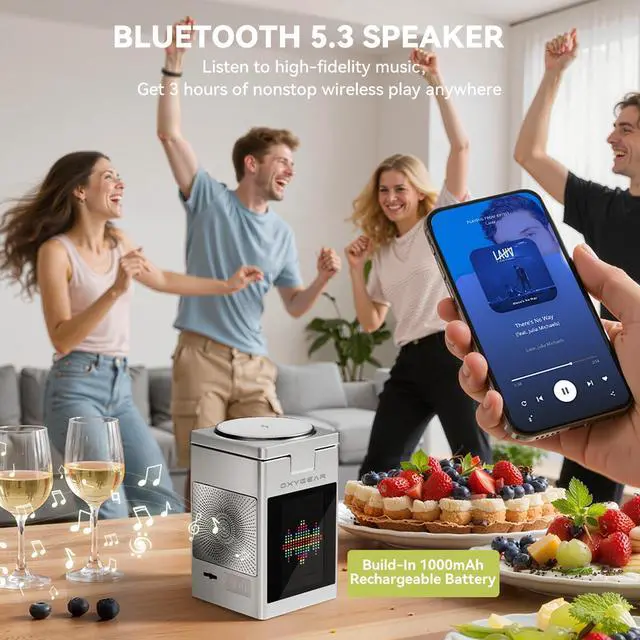
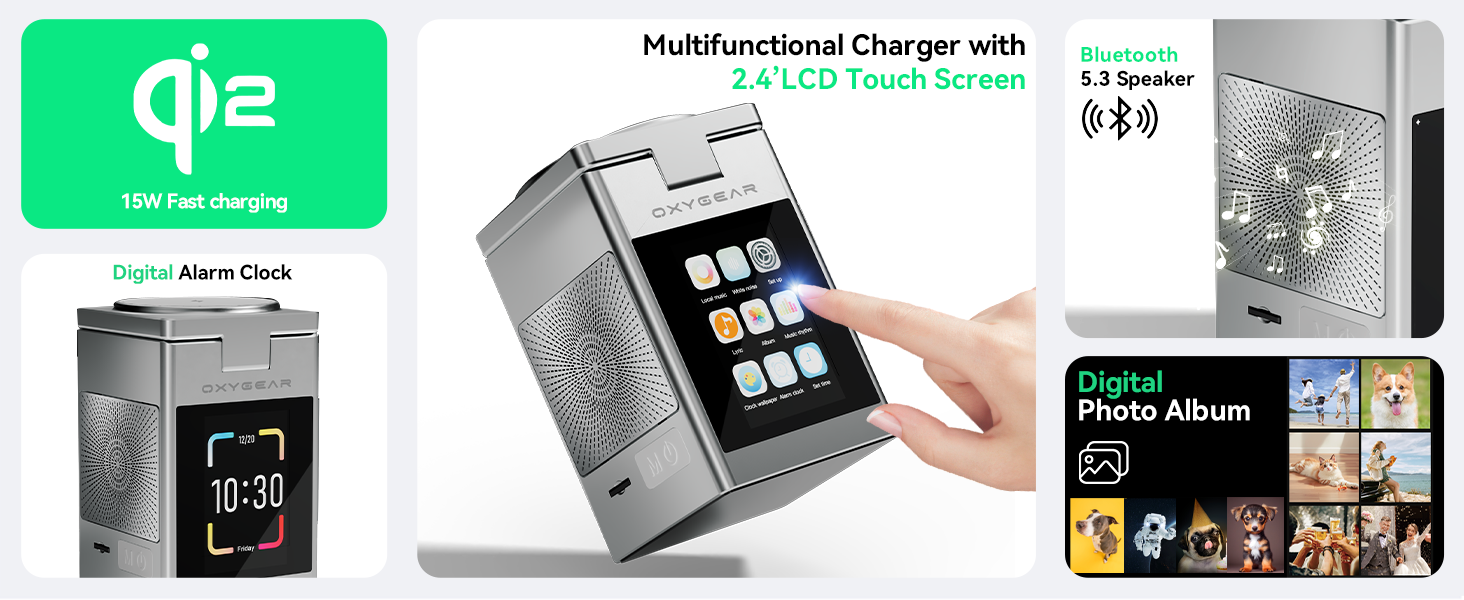
Connect via Bluetooth "OXYGEAR" to play your music. The speaker has a built-in rechargeable battery, so you can enjoy music wirelessly anywhere for non-stop more than 3 hours.
How to insert photos into this charging station?
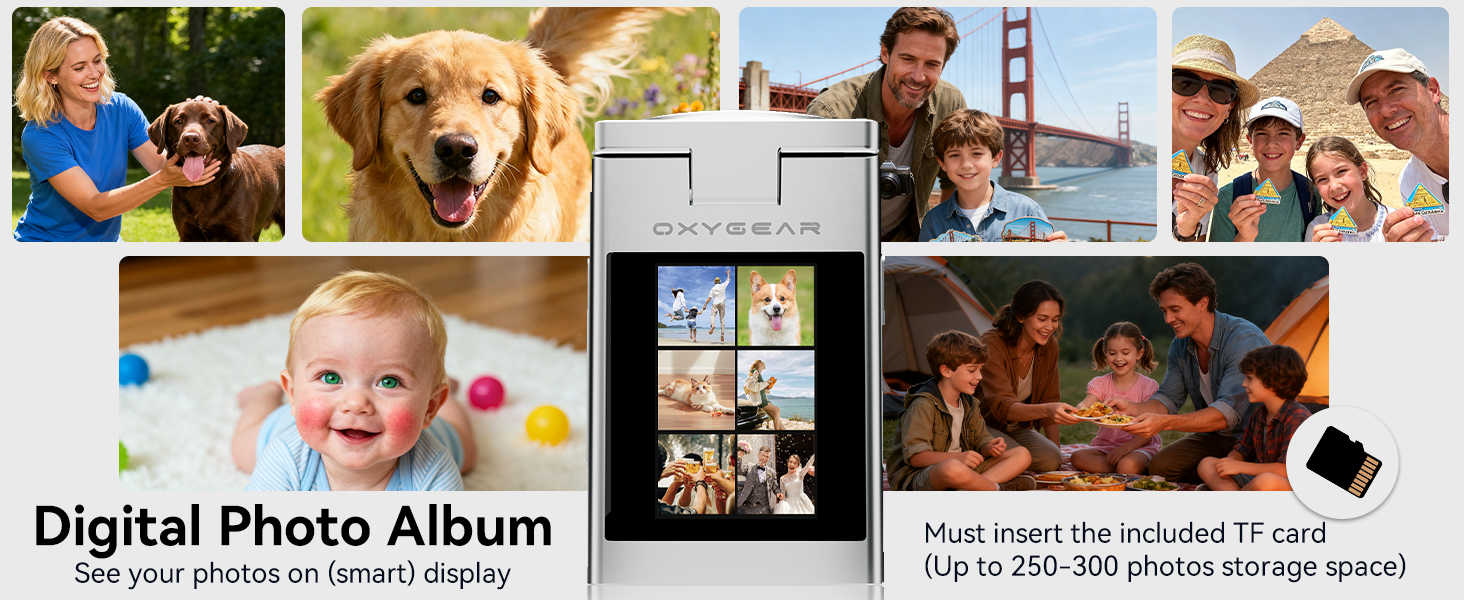
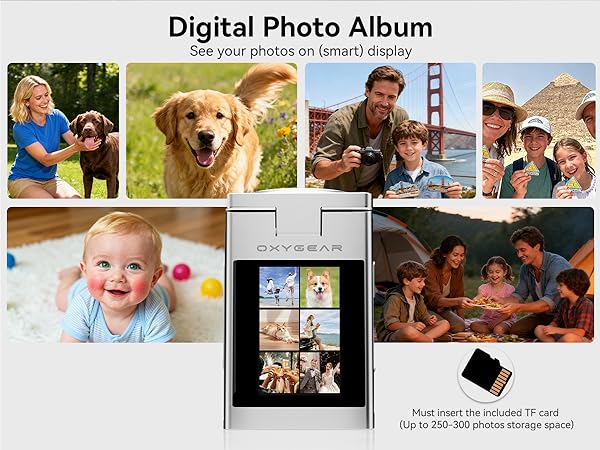
Each package includes a TF card with enough space for 250-300 photos. Insert it into your PC to add your own photos. For maximum space, we recommend deleting the pre-loaded photos first.
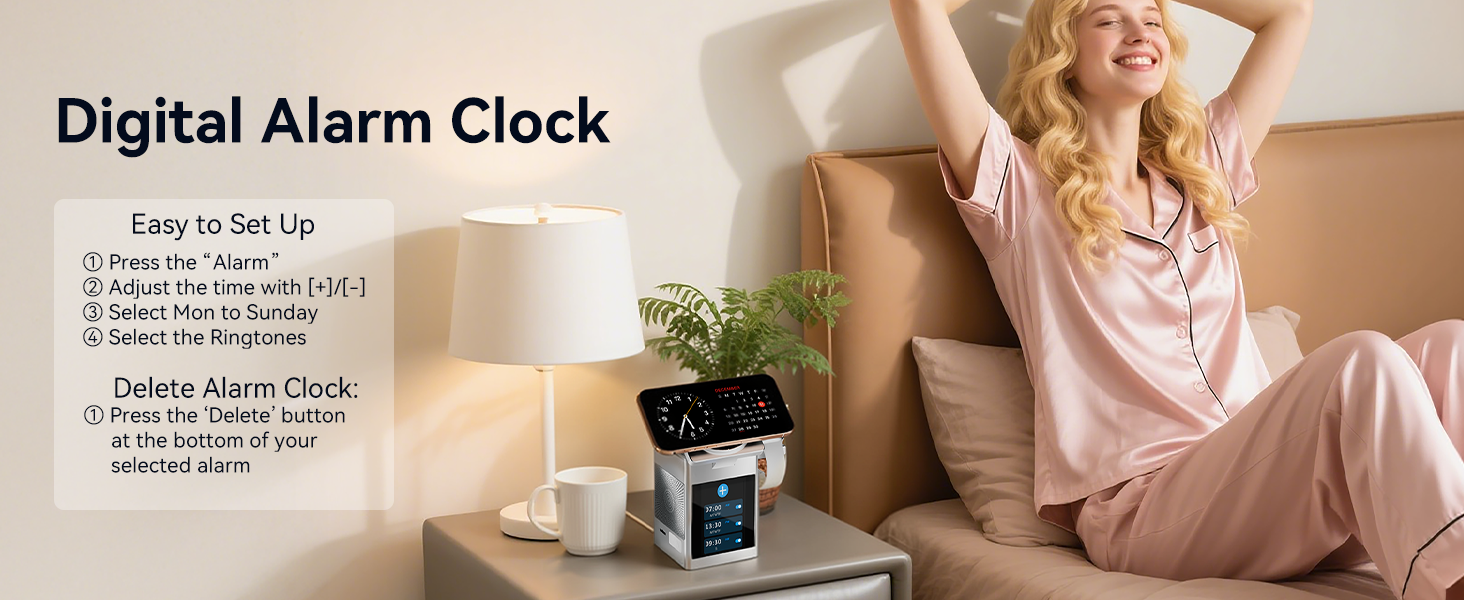
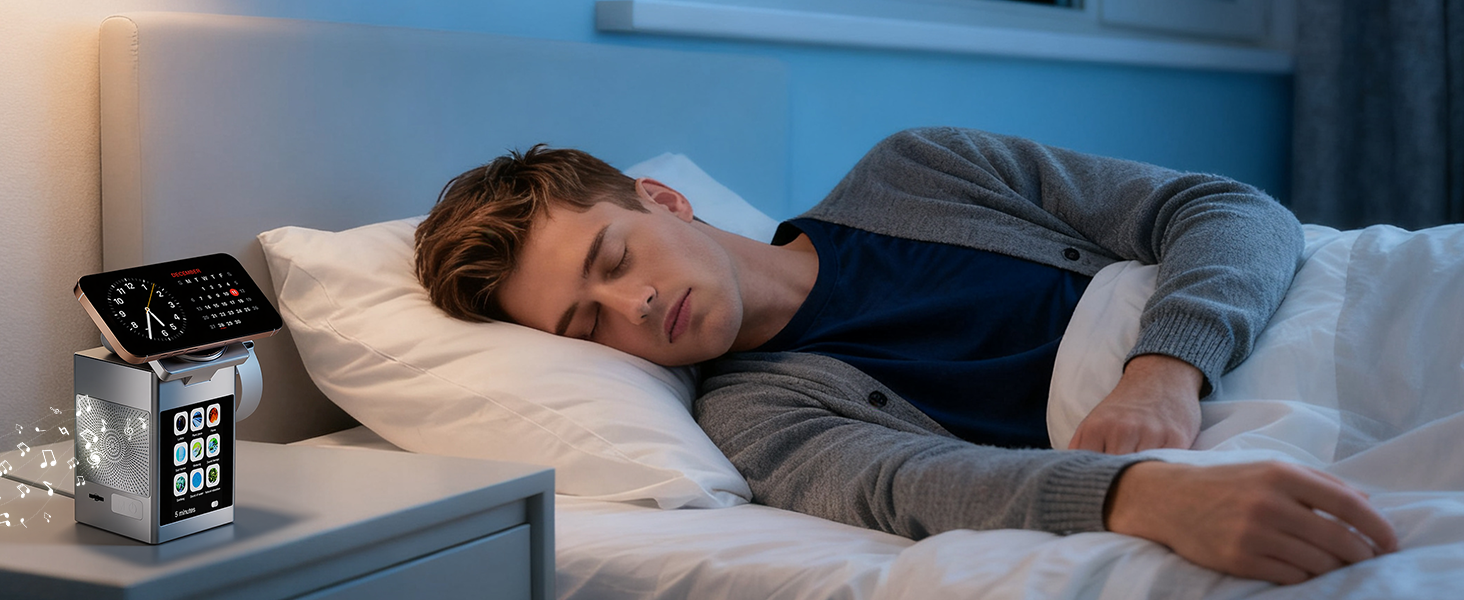
How to set up the digital alarm clock?
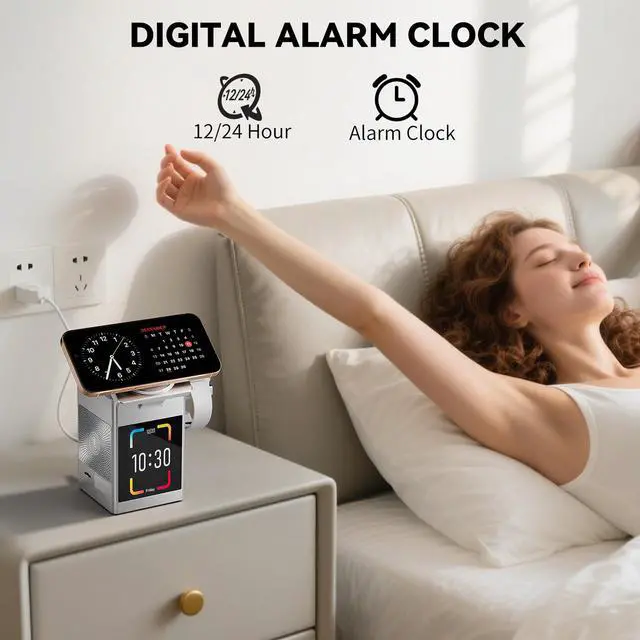
To set the alarm, touch the "Alarm" button, then use the [+]/[-] keys to adjust the time. Next, select the days (Mon-Sun) and a ringtone. Your alarm will then be active.
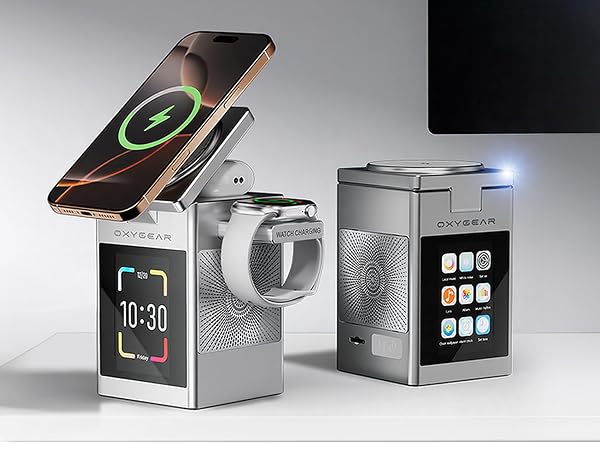




Can I charge multiple devices at once?
Yes, you can charge phone, smartwatch and earbuds simultaneously. Recommend use the original 20W power adapter for fast charging your devices.
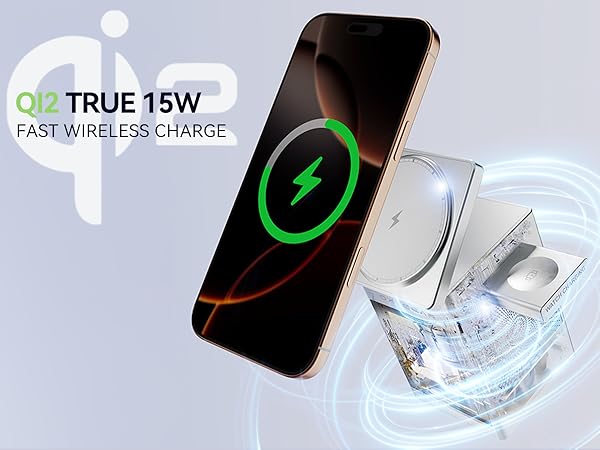
Can this charger hold a large phone securely while it charges?
Yes. It is MagSafe charger features a powerful N52 magnet, strong enough to securely hold and charge large phones (e.g., iPhone 16 Pro Max). A metal ring is also included to add magnetic compatibility to any phone.
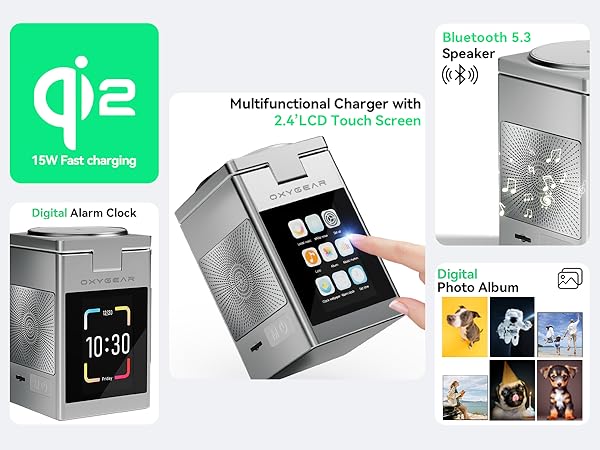
How to connect the Bluetooth speaker?
Connect via Bluetooth "OXYGEAR" to play your music. The speaker has a built-in rechargeable battery, so you can enjoy music wirelessly anywhere for non-stop more than 3 hours.
How to insert photos into this charging station?
Each package includes a TF card with enough space for 250-300 photos. Insert it into your PC to add your own photos. For maximum space, we recommend deleting the pre-loaded photos first.
How to set up the digital alarm clock?
To set the alarm, touch the "Alarm" button, then use the [+]/[-] keys to adjust the time. Next, select the days (Mon-Sun) and a ringtone. Your alarm will then be active.