





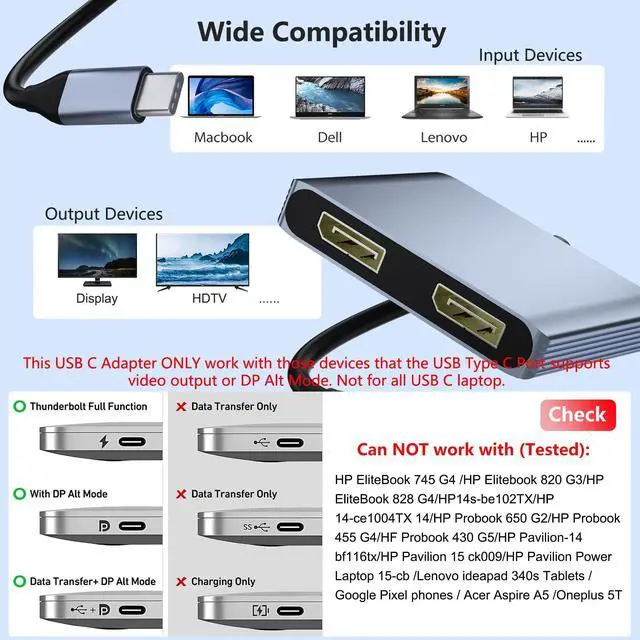


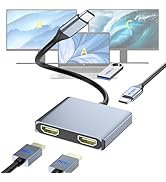
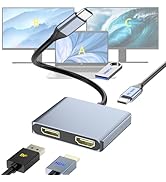
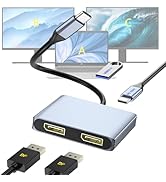
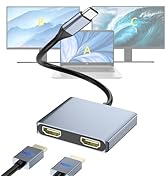
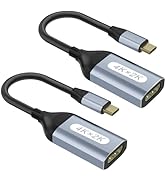
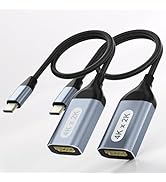
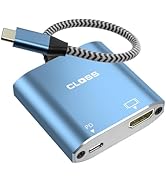
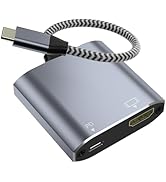

Compatibility Note:
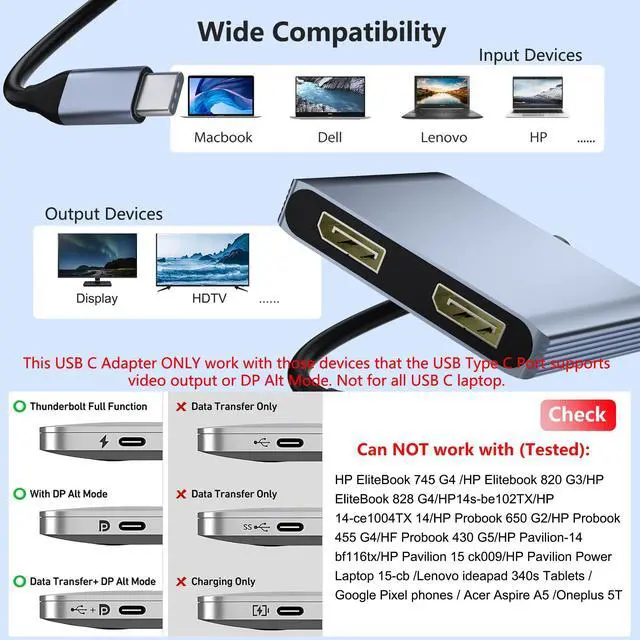
Not all USB-C laptops are supported. Please verify that your laptop's USB-C port supports video output. Typically, Thunderbolt 3, Thunderbolt 4, and USB-C 3.1 Gen 2 (or higher) support this function.
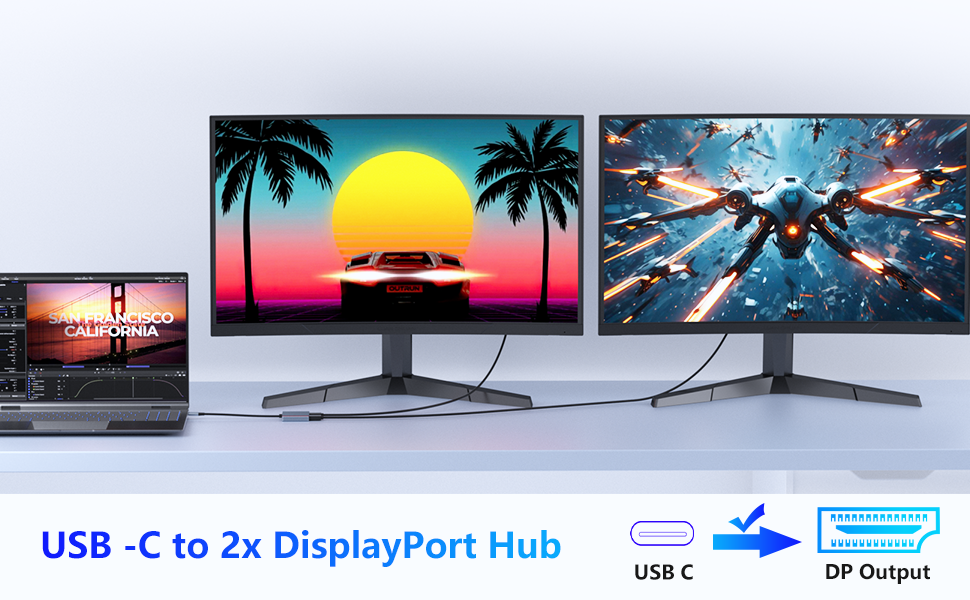
USB-C to Dual DisplayPort Adapter
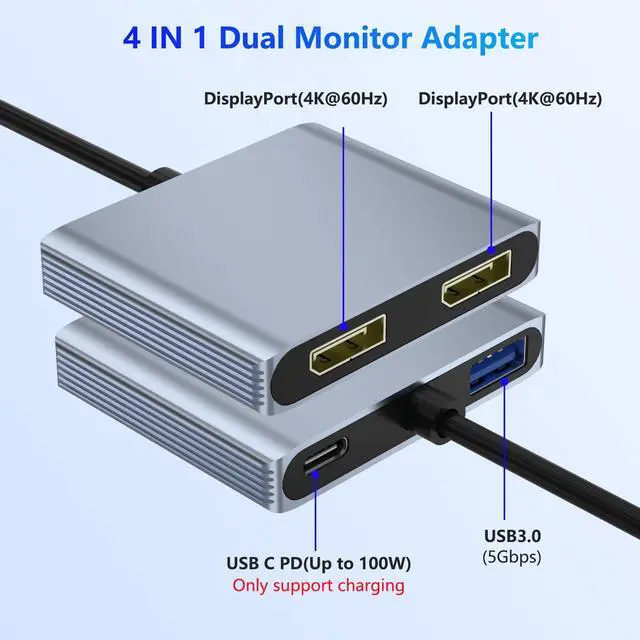
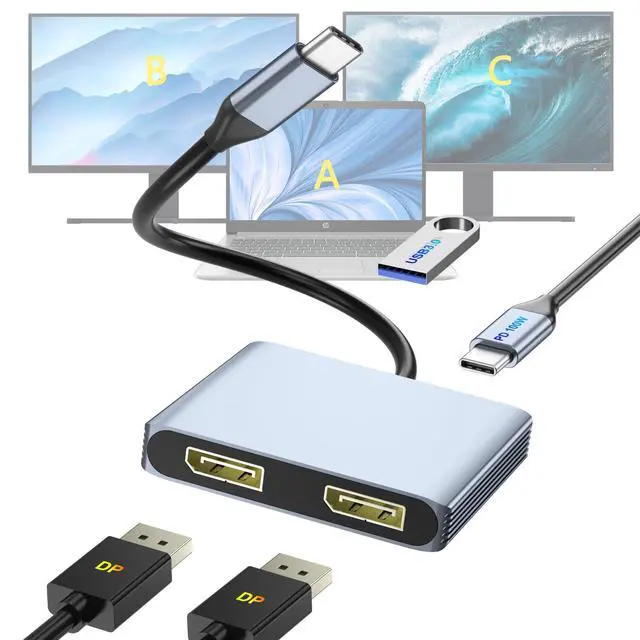
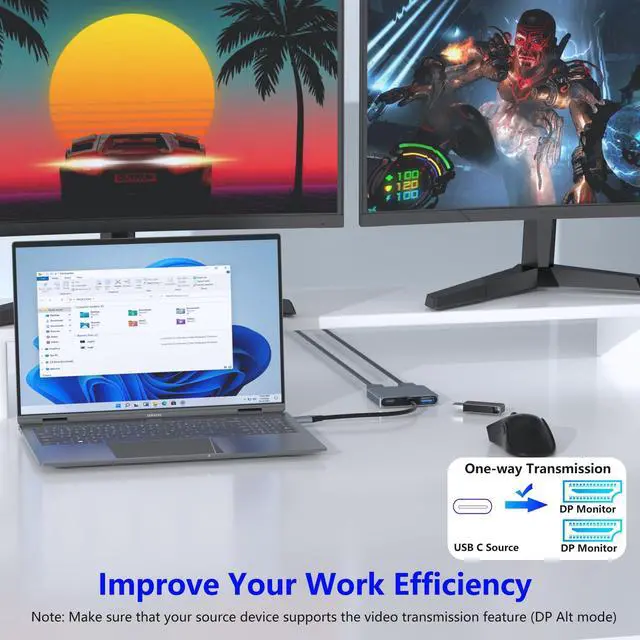
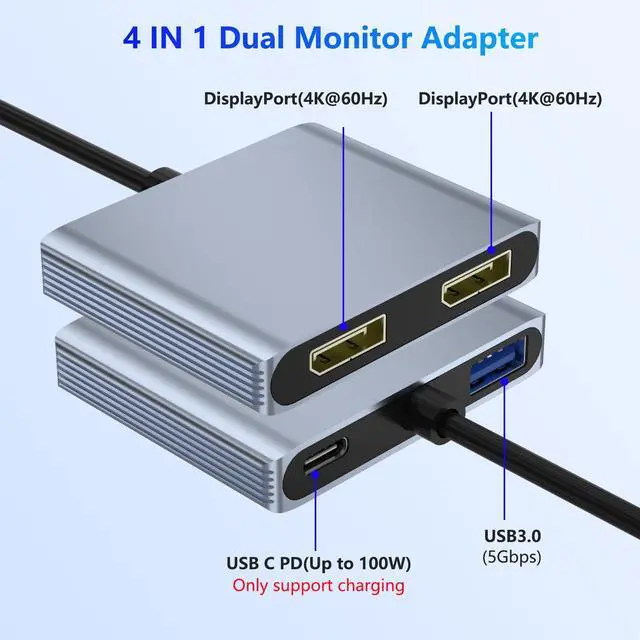
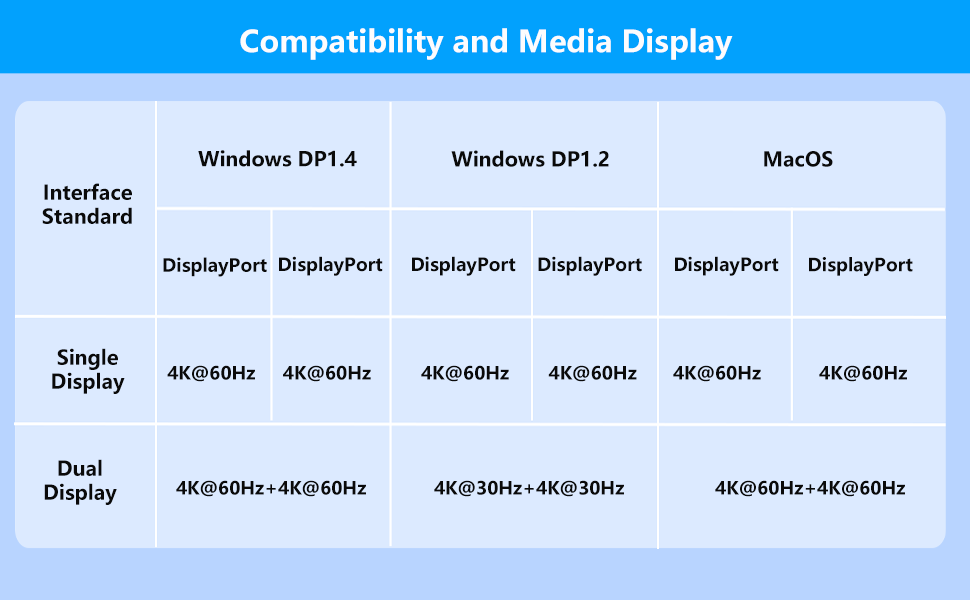
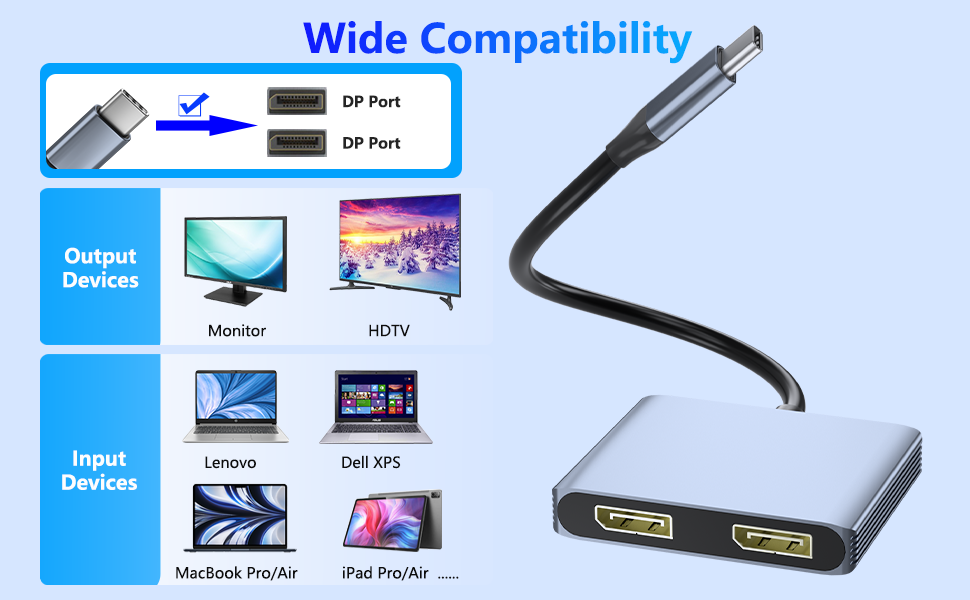
This 4-in-1 dual monitor adapter lets you connect your laptop to two DisplayPort monitors. It supports dual 4K@60Hz output for a smooth viewing experience.
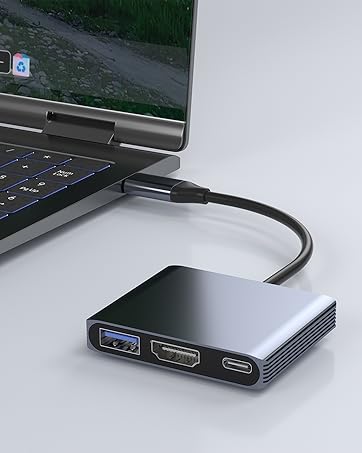
The USB-C (PD) port can charge your laptop, and the USB 3.0 port can connect peripherals like keyboards, mice, and more.
Dual 4K@60Hz Display
This adapter supports resolutions up to 4K@60Hz via DisplayPort MST technology, including 1440p and 1080p at 60Hz.

For Windows:
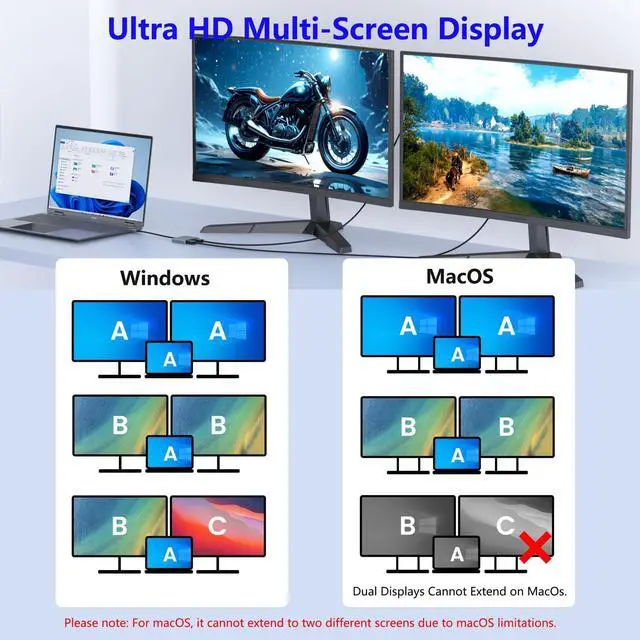
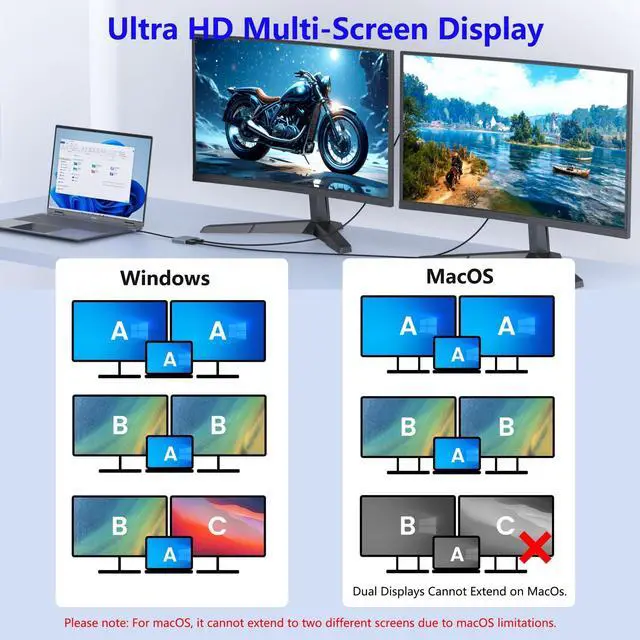
This adapter supports mirror mode (duplicate display) and extended mode (multi-screen workspace).
How to set up Extended Mode in Windows:
Right-click the desktop ? Select Display settings (or Intel/NVIDIA/AMD graphics control panel).
Configure multiple displays ? Choose Extend these displays.
For macOS:
Supports mirror mode and extended mode (single extended display only).
How to set up Extended Mode in macOS:
Go to System Settings ? Displays.
Uncheck Mirror Displays ? Arrange screens as needed.
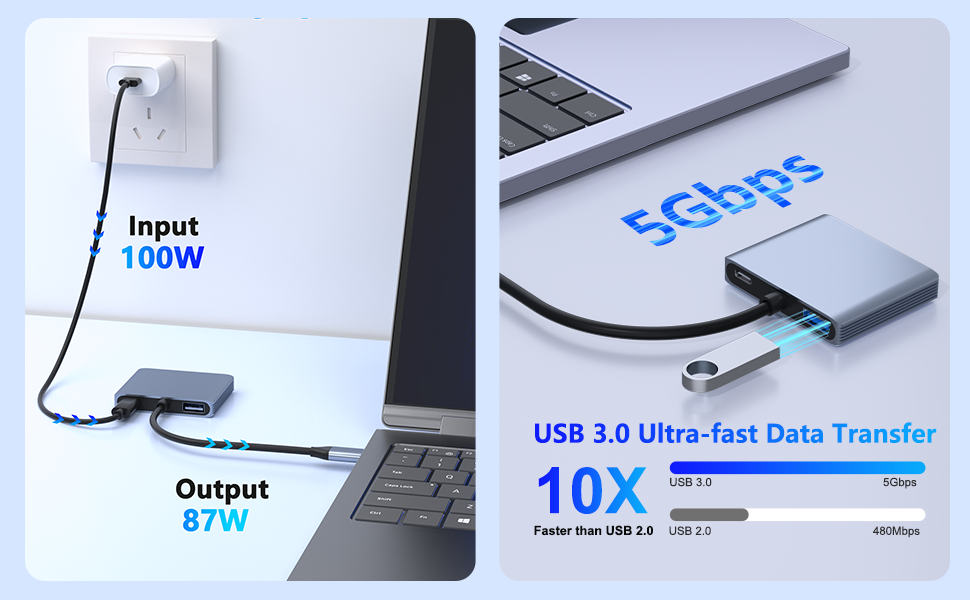
100W Power Delivery
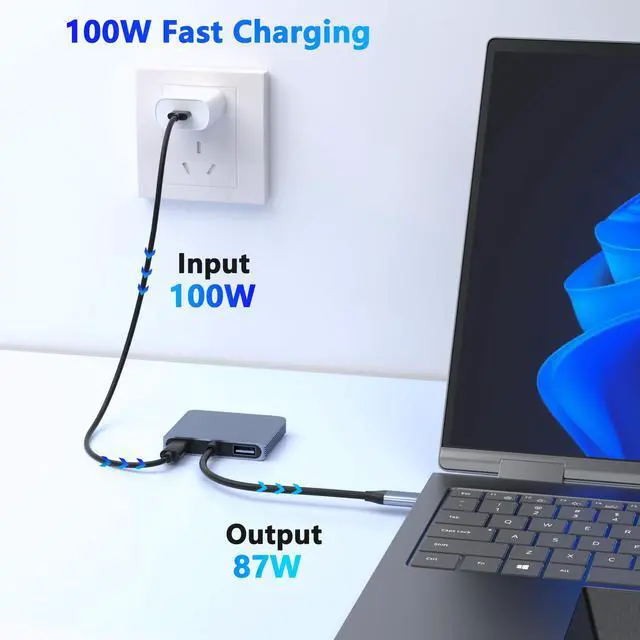
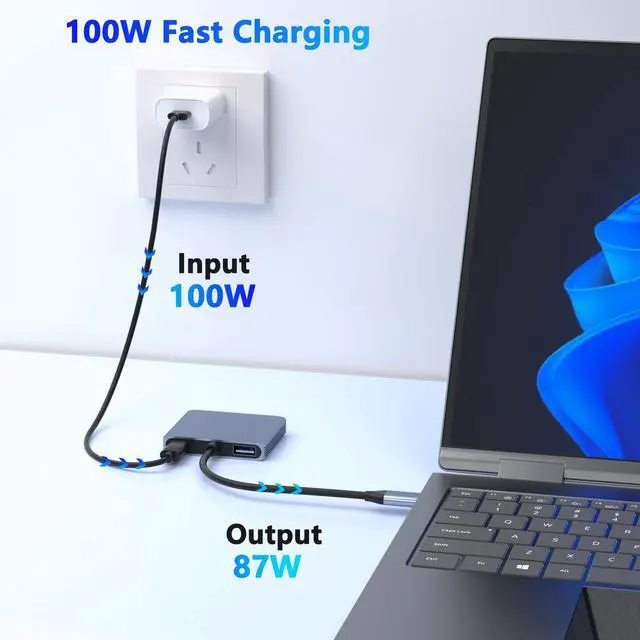
The USB-C port delivers up to 100W PD charging, keeping your laptop powered during use.
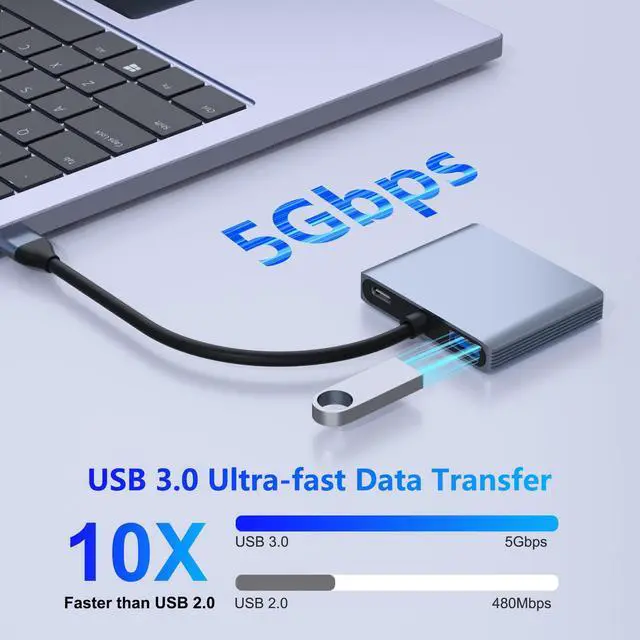
5Gbps High-Speed Data Transfer
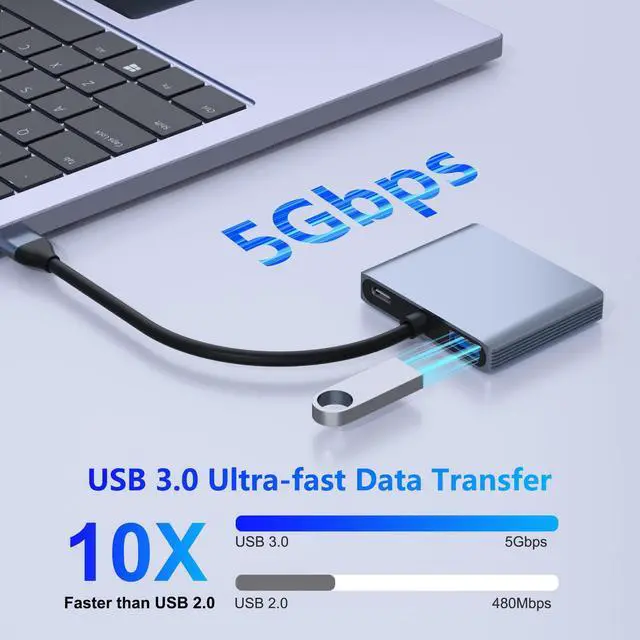
The USB 3.0 port provides fast and stable data transfer for connected devices.
Premium Aluminum Alloy Design
Built with high-quality aluminum alloy, this dual-monitor docking station ensures efficient heat dissipation and a sleek, modern look.
Please Note
To achieve the best 4K@60Hz resolution, please use a 4K monitor and an HDMI 2.1 cable.
It is normal for the dual-display DP adapter to generate heat after extended use, the outer casing dissipates heat to protect the internal circuit board.
On MacOS, only SST is supported, so it cannot extend to two different screens.
On Windows, it supports up to 4K resolution when one DP port outputs, and it supports 1080P when two ports output at the same time.
 DisplayPort Splitter for Dual Monitors, 4K@60Hz USB-C to DisplayPort Adapter,... |  USB C to DisplayPort and HDMI Adapter 4-in-1 with 100W PD & USB 3.0 Support S... |  USB C to Dual HDMI Adapter, HDMI Splitter for Dual Monitors Support C to 2 HD... | |
|---|---|---|---|
| Customer Reviews | — | — | — |
| Price | — | — | — no data |
| Input Port | USB C | USB C | USB C |
| Output Port | 2*DP | DP & HDMI | 2*HDMI |
| Other Function | PD Charging+USB3.0 | PD Charging+USB3.0 | PD Charging+USB3.0 |
Compatibility Note:
Not all USB-C laptops are supported. Please verify that your laptop's USB-C port supports video output. Typically, Thunderbolt 3, Thunderbolt 4, and USB-C 3.1 Gen 2 (or higher) support this function.
USB-C to Dual DisplayPort Adapter
This 4-in-1 dual monitor adapter lets you connect your laptop to two DisplayPort monitors. It supports dual 4K@60Hz output for a smooth viewing experience.
The USB-C (PD) port can charge your laptop, and the USB 3.0 port can connect peripherals like keyboards, mice, and more.
Dual 4K@60Hz Display
This adapter supports resolutions up to 4K@60Hz via DisplayPort MST technology, including 1440p and 1080p at 60Hz.
For Windows:
This adapter supports mirror mode (duplicate display) and extended mode (multi-screen workspace).
How to set up Extended Mode in Windows:
Right-click the desktop ? Select Display settings (or Intel/NVIDIA/AMD graphics control panel).
Configure multiple displays ? Choose Extend these displays.
For macOS:
Supports mirror mode and extended mode (single extended display only).
How to set up Extended Mode in macOS:
Go to System Settings ? Displays.
Uncheck Mirror Displays ? Arrange screens as needed.
100W Power Delivery
The USB-C port delivers up to 100W PD charging, keeping your laptop powered during use.
5Gbps High-Speed Data Transfer
The USB 3.0 port provides fast and stable data transfer for connected devices.
Premium Aluminum Alloy Design
Built with high-quality aluminum alloy, this dual-monitor docking station ensures efficient heat dissipation and a sleek, modern look.
Please Note
To achieve the best 4K@60Hz resolution, please use a 4K monitor and an HDMI 2.1 cable.
It is normal for the dual-display DP adapter to generate heat after extended use, the outer casing dissipates heat to protect the internal circuit board.
On MacOS, only SST is supported, so it cannot extend to two different screens.
On Windows, it supports up to 4K resolution when one DP port outputs, and it supports 1080P when two ports output at the same time.
DisplayPort Splitter for Dual Monitors, 4K@60Hz USB-C to DisplayPort Adapter,... | USB C to DisplayPort and HDMI Adapter 4-in-1 with 100W PD & USB 3.0 Support S... | USB C to Dual HDMI Adapter, HDMI Splitter for Dual Monitors Support C to 2 HD... | |
|---|---|---|---|
| Customer Reviews | — | — | — |
| Price | — | — | — no data |
| Input Port | USB C | USB C | USB C |
| Output Port | 2*DP | DP & HDMI | 2*HDMI |
| Other Function | PD Charging+USB3.0 | PD Charging+USB3.0 | PD Charging+USB3.0 |
Built for reliability and effortless use, CLOSS empowers your work, entertainment, and creativity with seamless clarity.
USB-C Converter
USB-C Adapter
3 IN 1 USB C HUB
HDMI(4K30Hz)+USB3.0+PD 100W
TF Card Reader
USB C & USB A 3.0
