















How to Install Driver of macOS
Note - macOS requires ‘Screen Recording’ permission for the DisplayLink software to work. Granting this permission enables sending data from your computer over USB to the HDMI outputs. No data, images, or pixels are being stored or recorded.
Installing DisplayLink Manager on macOS
Merchant VideoWill this docking station (UD-3900) work with my computer?
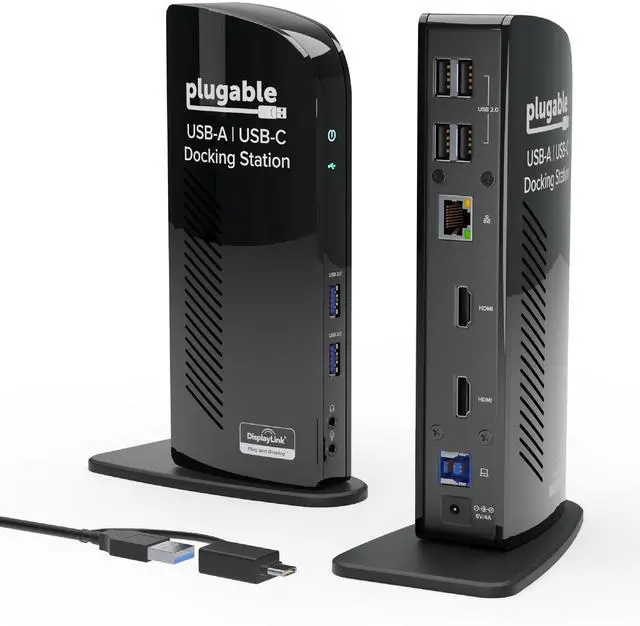
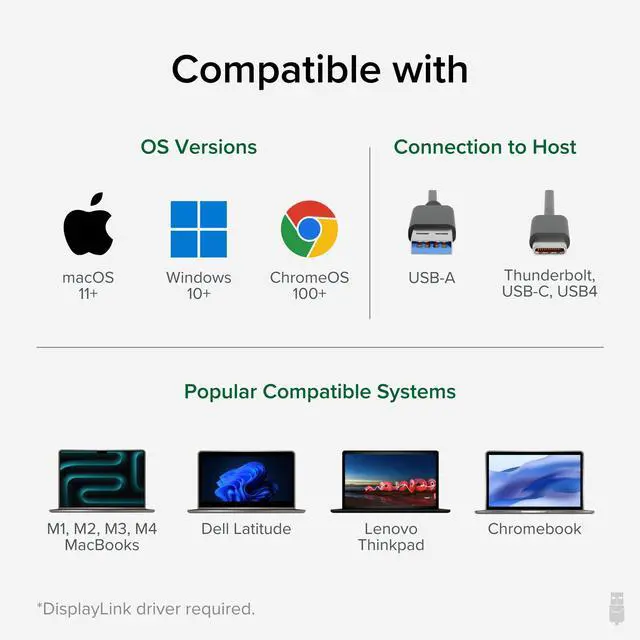
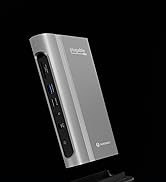
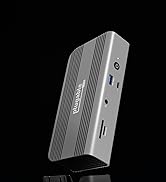
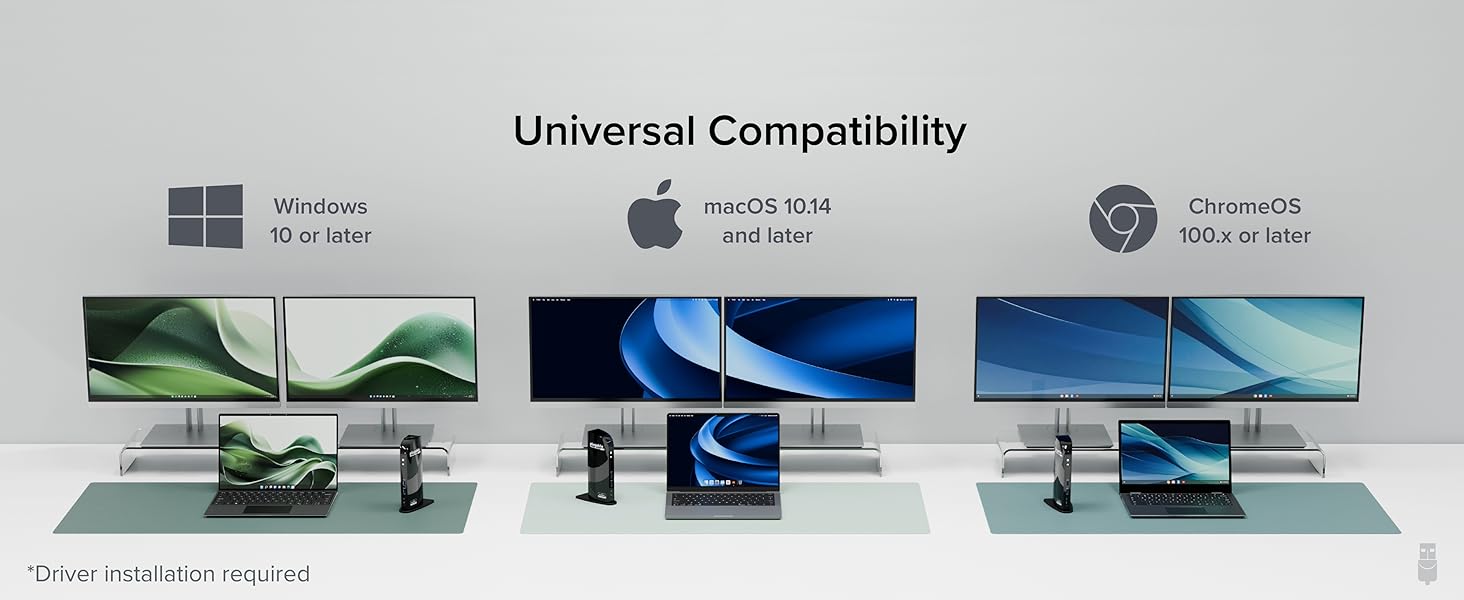
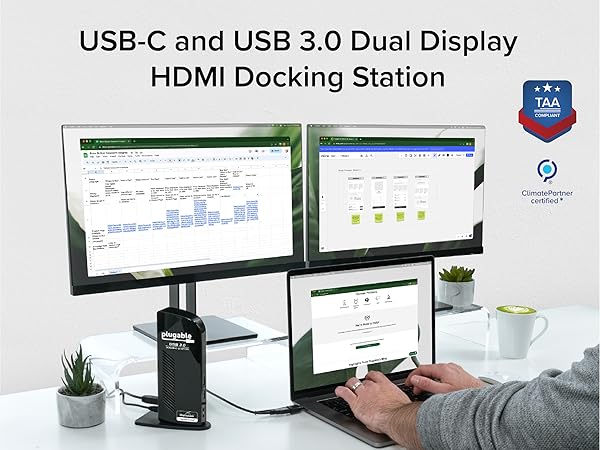
Modern computers running Windows, macOS, or ChromeOS with an available USB-A or USB-C port are compatible with the UD-3900 docking station.
Do I need to install software or drivers in order to use the UD-3900 docking station?
Yes. A DisplayLink driver is needed for Windows and macOS to enable displays (auto-install on Windows, manual on Mac). On macOS, 'Screen Recording' allows the driver to send display data via USB, enabling external displays; no data is stored.
Is this docking station compatible with M1 / M2 / M3 / M4 /M5 Mac laptops?
Yes. All Apple Mac laptops with M1 / M2 / M3 / M4 / M5 processors that are running macOS 11 or later are compatible with a DisplayLink Manager App installation (see video above)
Are my monitors compatible with the UD-3900 docking station?
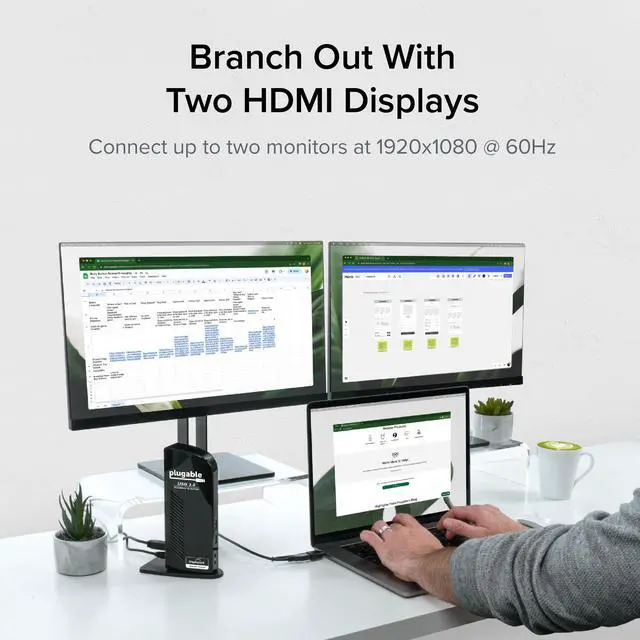
Ensure your monitors support both up to 1920x1200 resolution and a 60Hz refresh rate, and are equipped with HDMI video input ports. No 4K or support for DisplayPort.
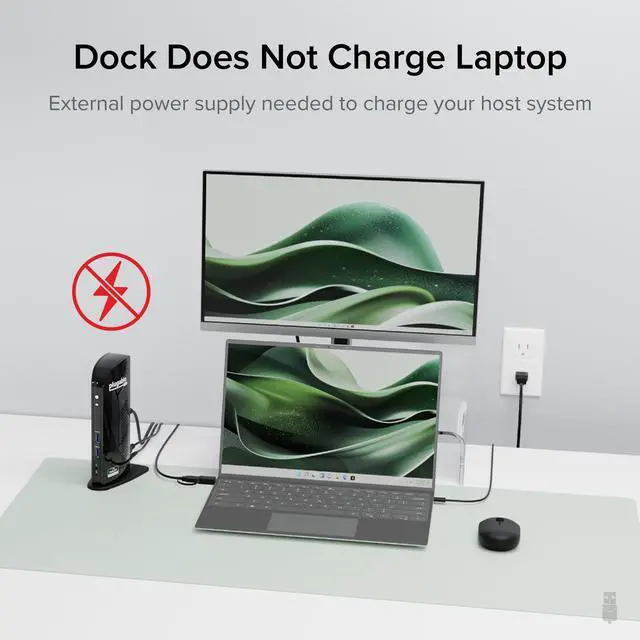
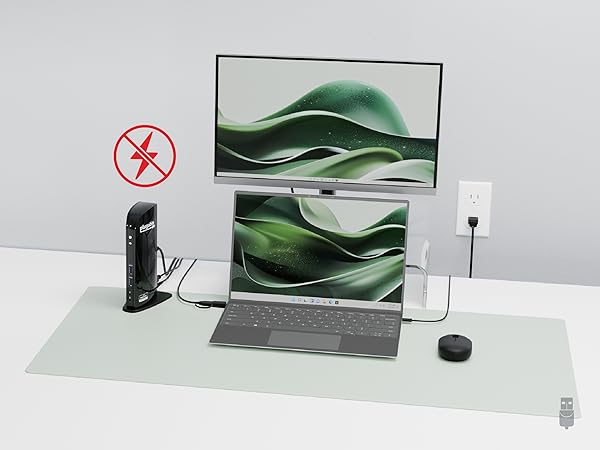
Does the UD-3900 charge my computer?
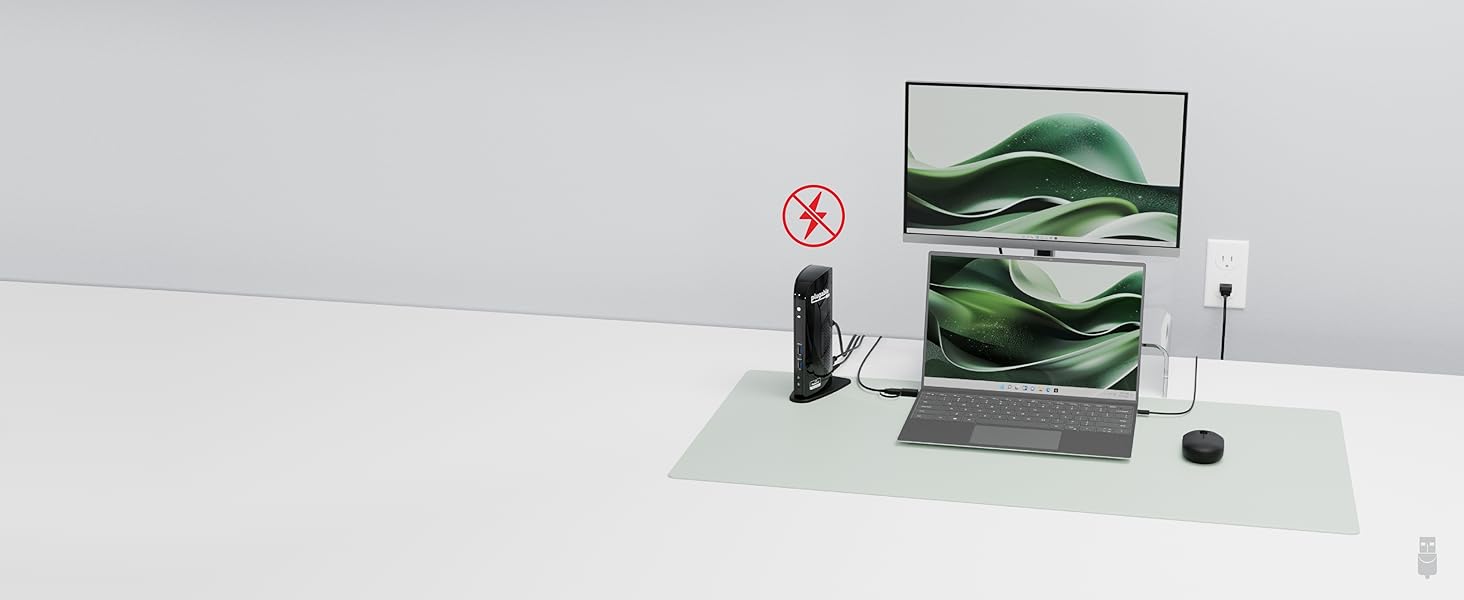
No, the UD-3900 does not charge the host computer. You must connect an external power source to the computer in order to charge while using the UD-3900.
Plugable Docking Stations
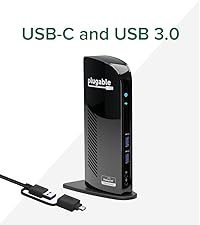 UD-3900 | 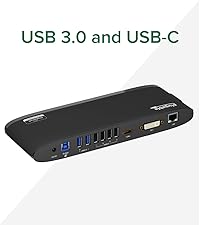 UD-3900H | 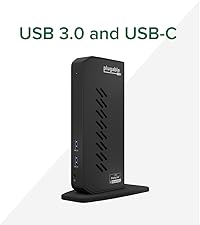 UD-6950Z | 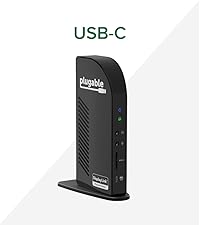 UD-ULTC4K | 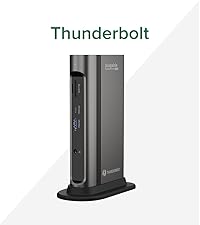 TBT4-UDZ | |
|---|---|---|---|---|---|
Customer Reviews | — | — | — | — | — |
Price | — | — | — | — | — |
Maximum number of displays | 2 | 2 | 2 | 3 | 4 |
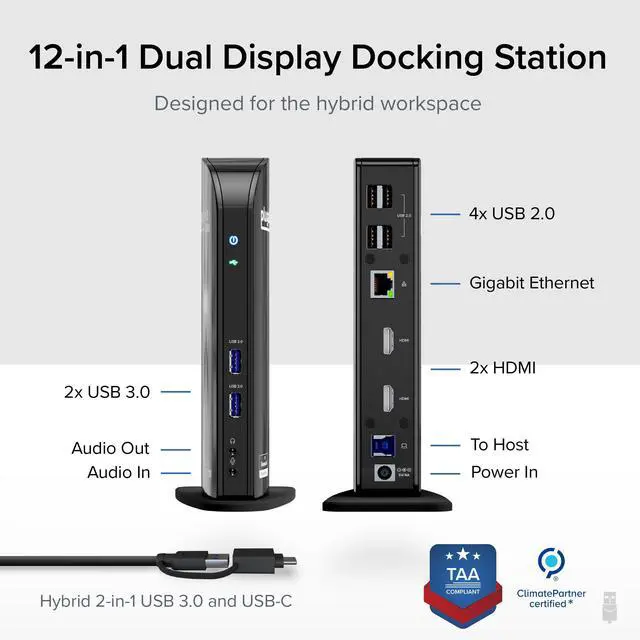
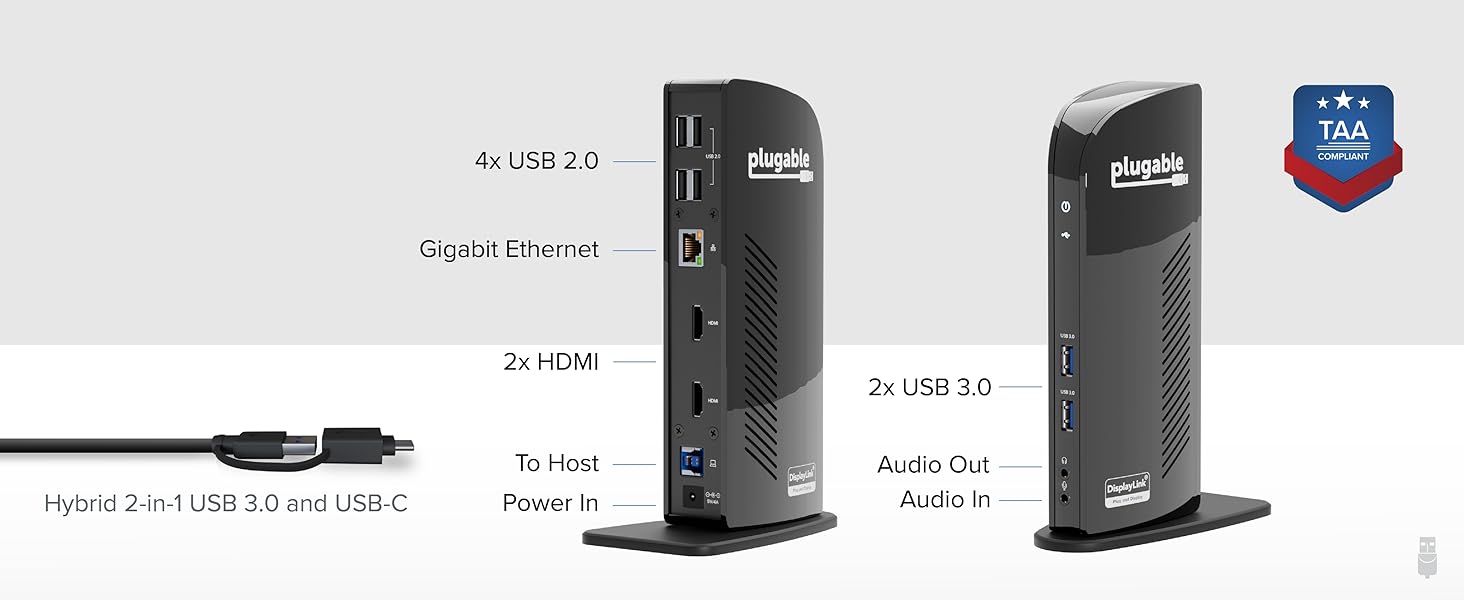
Video Ports | 2x HDMI | 1x HDMI 1.3, 1x DVI | 2x HDMI 2.0 or DisplayPort 1.2 | 3x HDMI 2.0 or DisplayPort 1.2 | 2x DisplayPort, 2x HDMI |
Max Resolutions Supported | 2x 1920x1200 @ 60Hz | 2x 1920x1200 @ 60Hz | 2x 4K @ 60Hz | 3x 4K @ 60Hz | 4x 4K @ 60Hz (Windows only) |
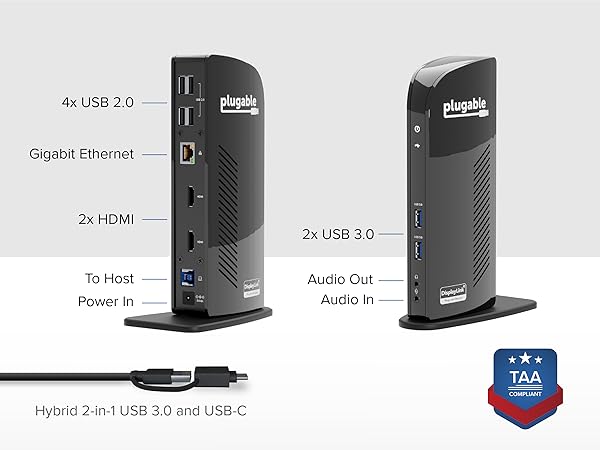
# of USB Ports | 6 | 6 | 6 | 5 | 7 |
USB Port Specifications | 2x USB 3.0, 4x USB 2.0 | 2x USB 3.0, 4x USB 2.0 | 6x USB 3.0 | 1x USB-C, 4x USB 3.0 | 1x USB-C,1x USB 2.0,5x USB 3.0 |
Laptop Charging | No | No | No | Yes - 100W (96W Certified) | Yes - 100W (98W Certified) |
Laptop Connection | USB 3.0,USB4,USB-C,Thunderbolt | USB 3.0,USB4,USB-C,Thunderbolt | USB 3.0,USB4,USB-C,Thunderbolt | USB4, TB4/3, USB-C | USB4, TB4/3, USB-C |
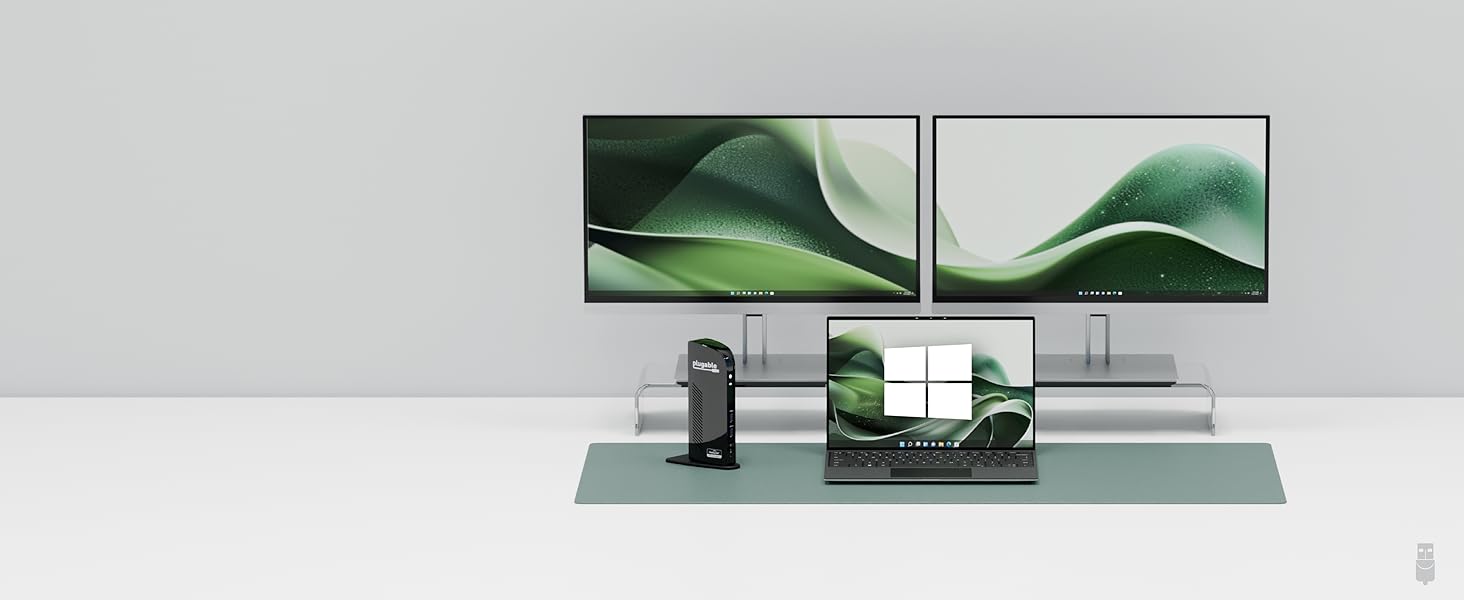
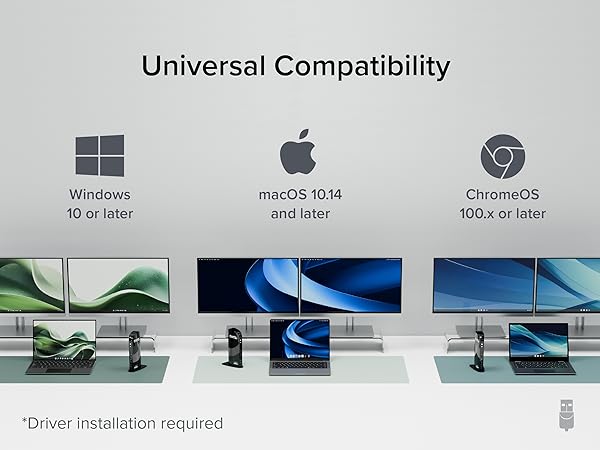
HP Spectre, HP ProBook, Dell Latitude, Dell XPS, Lenovo ThinkPad, Lenovo Yoga
With Driver Installation
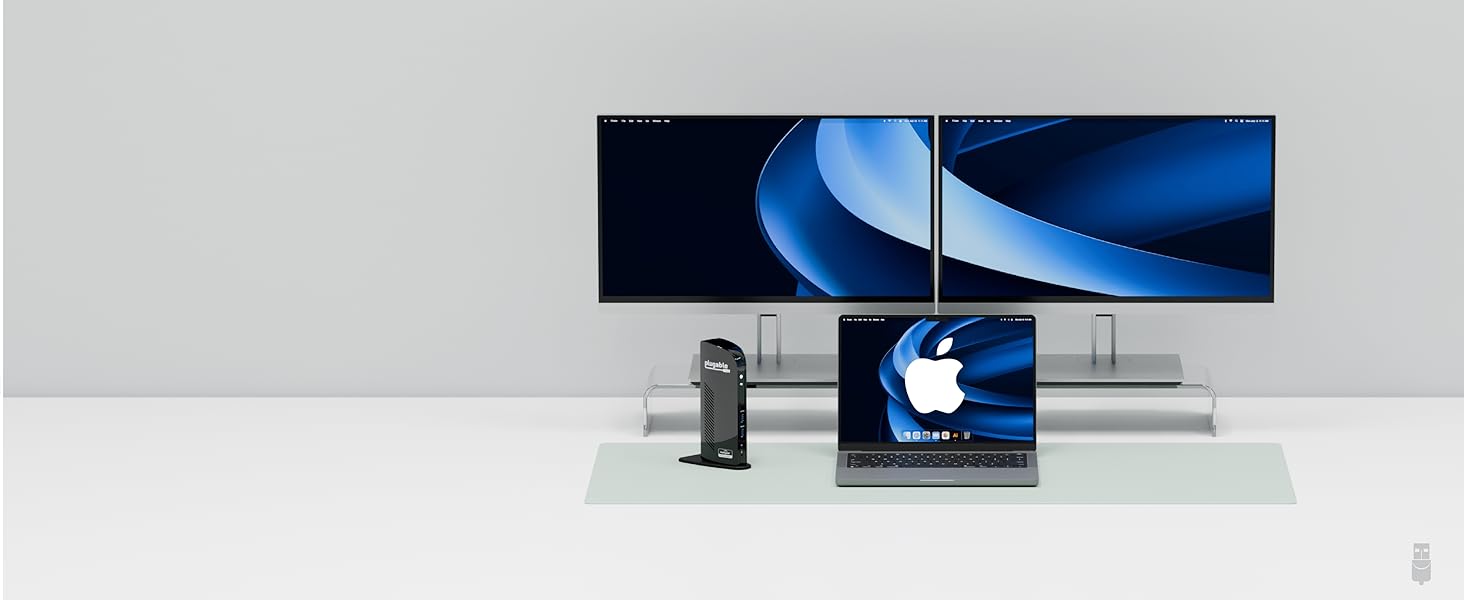
MacBook Air, MacBook Pro, iMac (incl base M1, M2, M3, M4, M5, and all Pro/Max series)
*macOS 10.14+
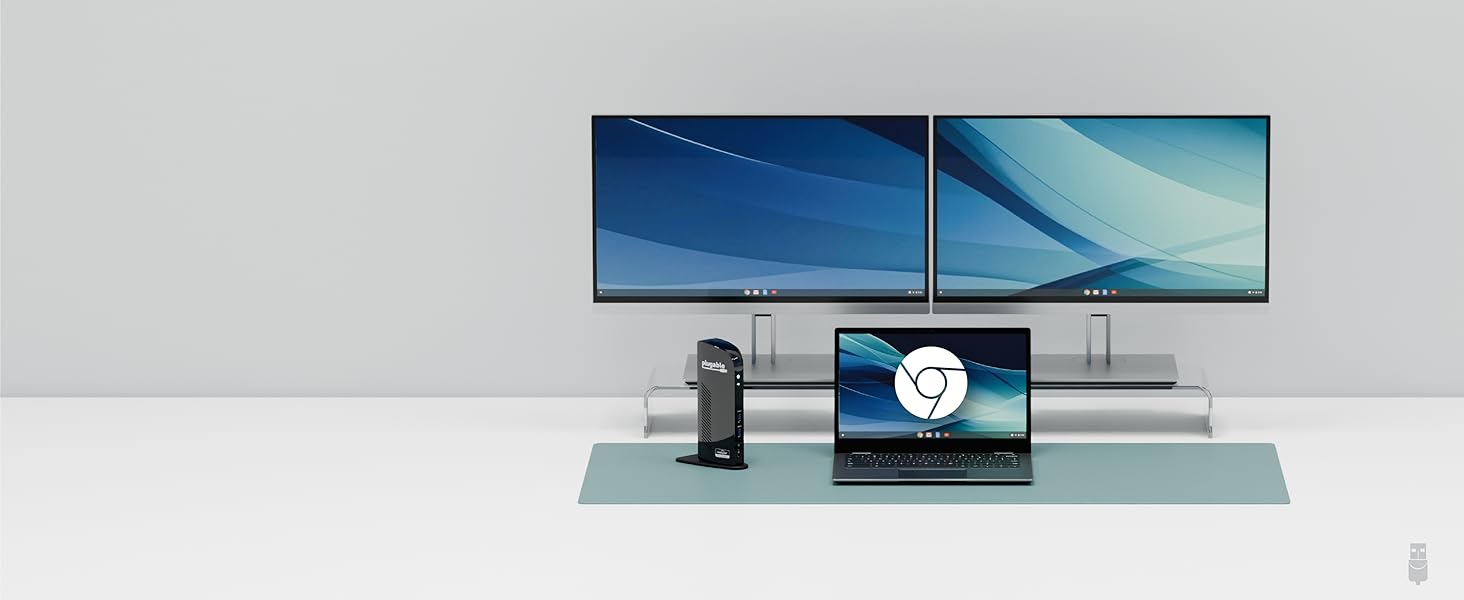
Asus CX1 HP x360 Acer C936 Lenovo IdeaPad Slim *ChromeOS 100.x+
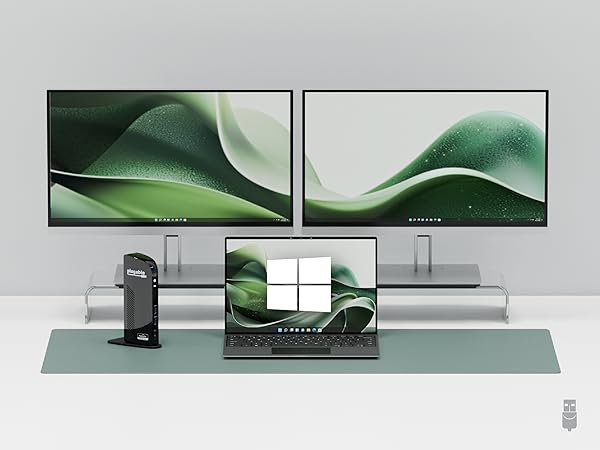
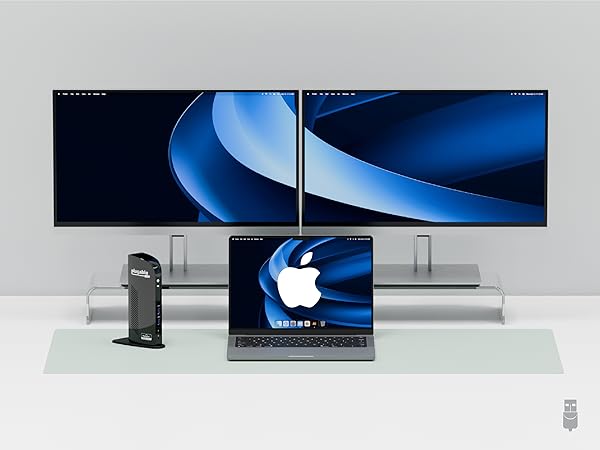
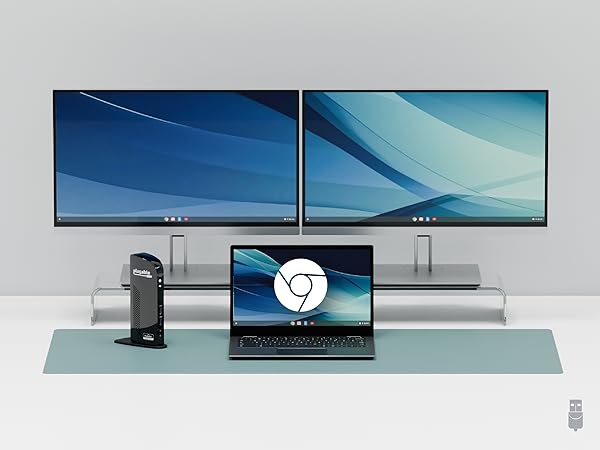

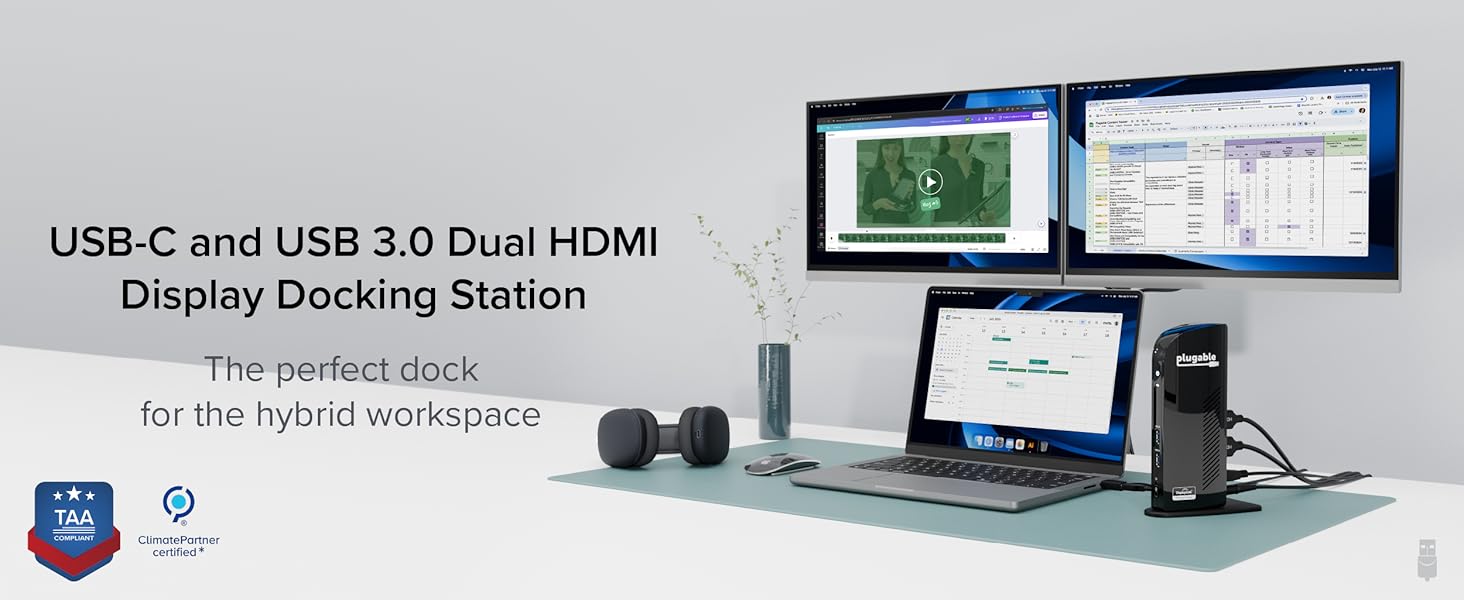
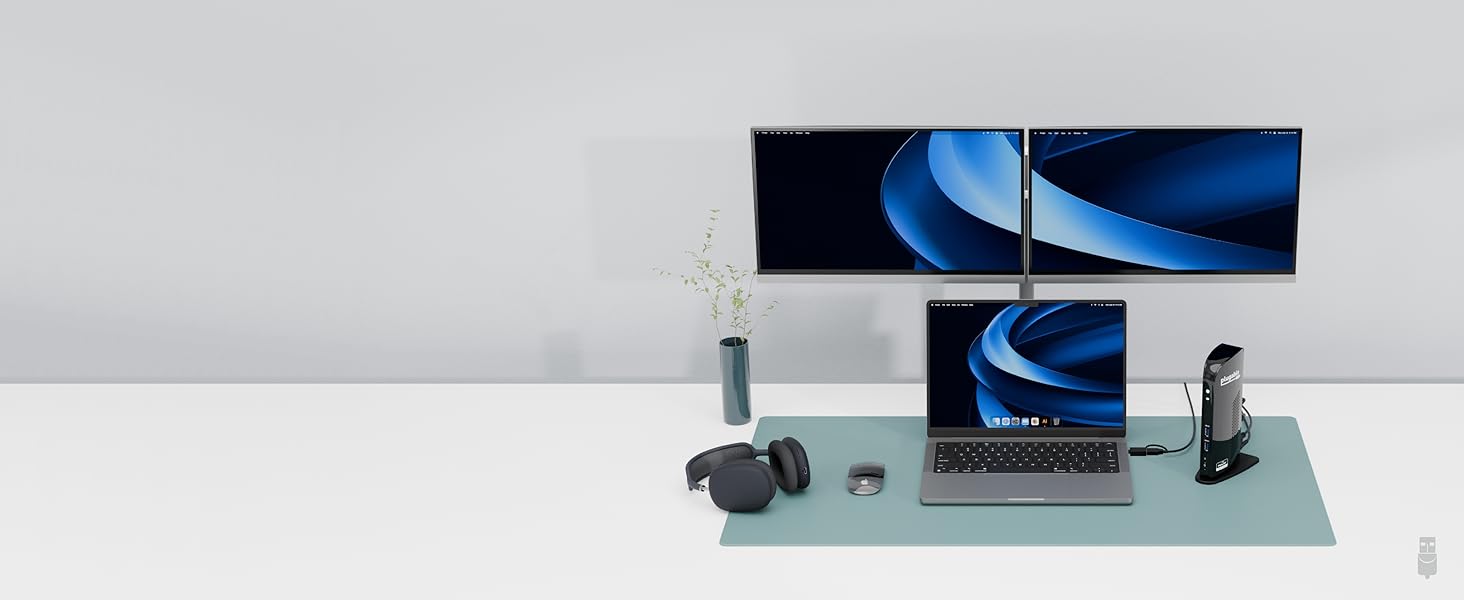
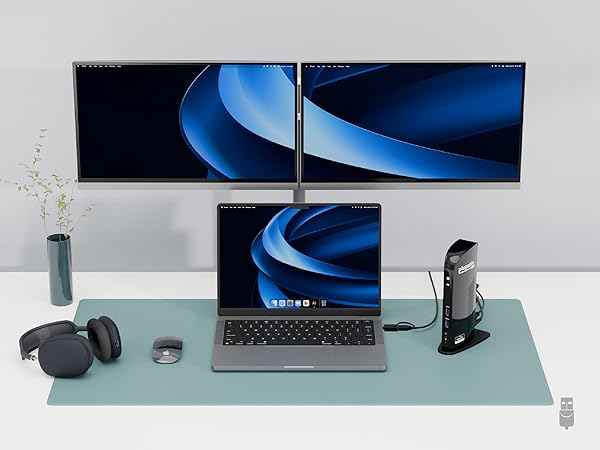
Connect up to 2x displays at up to 1920x1080 @ 60Hz
This dock does not provide laptop charging
Installing DisplayLink Manager on macOS
Merchant VideoHow to Install Driver of macOS
Note - macOS requires ‘Screen Recording’ permission for the DisplayLink software to work. Granting this permission enables sending data from your computer over USB to the HDMI outputs. No data, images, or pixels are being stored or recorded.
Will this docking station (UD-3900) work with my computer?
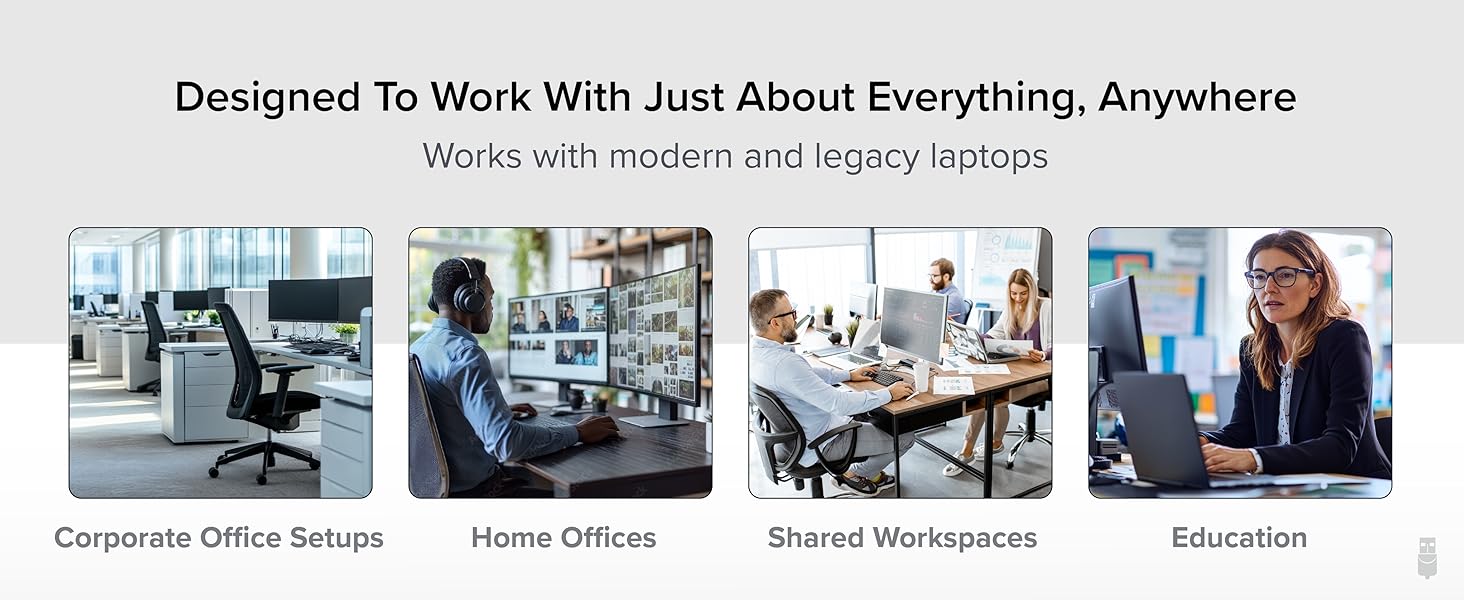
Modern computers running Windows, macOS, or ChromeOS with an available USB-A or USB-C port are compatible with the UD-3900 docking station.
Do I need to install software or drivers in order to use the UD-3900 docking station?
Yes. A DisplayLink driver is needed for Windows and macOS to enable displays (auto-install on Windows, manual on Mac). On macOS, 'Screen Recording' allows the driver to send display data via USB, enabling external displays; no data is stored.
Is this docking station compatible with M1 / M2 / M3 / M4 /M5 Mac laptops?
Yes. All Apple Mac laptops with M1 / M2 / M3 / M4 / M5 processors that are running macOS 11 or later are compatible with a DisplayLink Manager App installation (see video above)
Are my monitors compatible with the UD-3900 docking station?
Ensure your monitors support both up to 1920x1200 resolution and a 60Hz refresh rate, and are equipped with HDMI video input ports. No 4K or support for DisplayPort.
Does the UD-3900 charge my computer?
No, the UD-3900 does not charge the host computer. You must connect an external power source to the computer in order to charge while using the UD-3900.
Plugable Docking Stations
UD-3900 | UD-3900H | UD-6950Z | UD-ULTC4K | TBT4-UDZ |
|---|---|---|---|---|
| Customer Reviews | ||||
| — | — | — | — | — |
| Price | ||||
| — | — | — | — | — |
| Maximum number of displays | ||||
| 2 | 2 | 2 | 3 | 4 |
| Video Ports | ||||
| 2x HDMI | 1x HDMI 1.3, 1x DVI | 2x HDMI 2.0 or DisplayPort 1.2 | 3x HDMI 2.0 or DisplayPort 1.2 | 2x DisplayPort, 2x HDMI |
| Max Resolutions Supported | ||||
| 2x 1920x1200 @ 60Hz | 2x 1920x1200 @ 60Hz | 2x 4K @ 60Hz | 3x 4K @ 60Hz | 4x 4K @ 60Hz (Windows only) |
| # of USB Ports | ||||
| 6 | 6 | 6 | 5 | 7 |
| USB Port Specifications | ||||
| 2x USB 3.0, 4x USB 2.0 | 2x USB 3.0, 4x USB 2.0 | 6x USB 3.0 | 1x USB-C, 4x USB 3.0 | 1x USB-C,1x USB 2.0,5x USB 3.0 |
| Laptop Charging | ||||
| No | No | No | Yes - 100W (96W Certified) | Yes - 100W (98W Certified) |
| Laptop Connection | ||||
| USB 3.0,USB4,USB-C,Thunderbolt | USB 3.0,USB4,USB-C,Thunderbolt | USB 3.0,USB4,USB-C,Thunderbolt | USB4, TB4/3, USB-C | USB4, TB4/3, USB-C |


Find Your Docking Station

Shop for Mac

Shop for Windows


Shop Universal Compatability


Shop for Business