










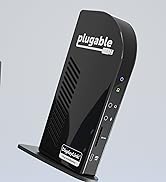




UD-3900Z
Merchant Video


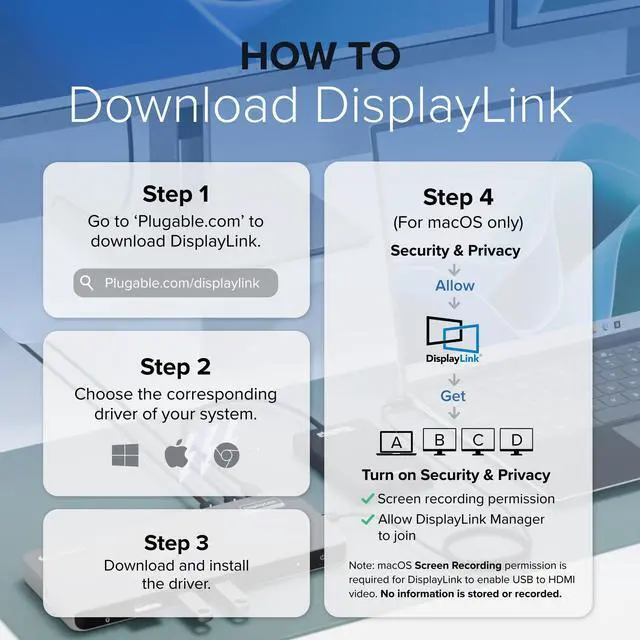
How to Install DisplayLink Driver for macOS
The UD-3900Z docking station uses DisplayLink technology to enable dual HDMI displays (up to 1920x1080 @ 60Hz) on macOS, including M1, M2, and newer Mac models that normally support only one external display.
Note - macOS requires ‘Screen Recording’ permission for the DisplayLink software to work. Granting this permission enables sending data from your computer over USB to the HDMI outputs. No data, images, or pixels are being stored or recorded.
UD-3900Z Divers for Mac OS
Merchant Video

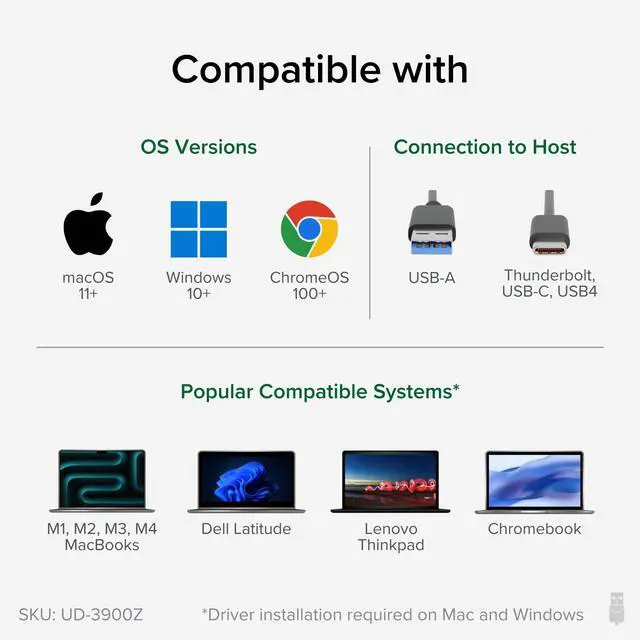
Will this docking station (UD-3900Z) work with my computer?
Works with most Windows, macOS, and ChromeOS systems with USB-A or USB-C. DisplayLink driver required for displays; on macOS, the driver must be installed manually.
Do I need to install software or drivers in order to use the UD-3900Z docking station?
DisplayLink software installation is required for macOS to enable display functionality. Windows Update provided drivers allow plug and play support in Windows. No installation required for ChromeOS.
Are my monitors compatible with the UD-3900Z docking station?
Monitors up to 1920x1200 resolution and a 60Hz refresh rate that have an HDMI video input port are compatible with the UD-3900Z.
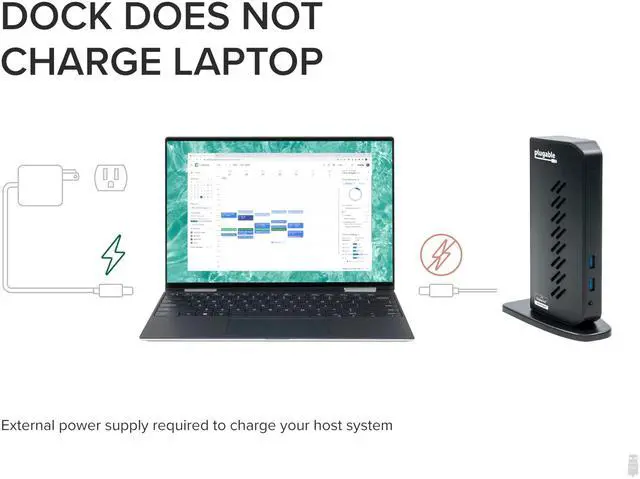
Does the UD-3900Z charge my computer?
No, the UD-3900Z does not charge the host computer. You must connect an external power source to the computer in order to charge while using the UD-3900Z.
Can I watch protected video content from Netflix, Hulu, or Prime on this docking station?
Unfortunately not. DisplayLink docks don’t support HDCP, which is required for protected content from services like Netflix or Hulu.
Plugable Docking Stations
 UD-3900Z | 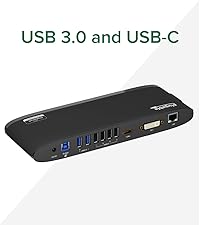 UD-3900H | 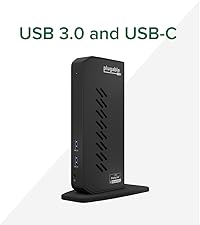 UD-6950Z |  UD-3900 | |
|---|---|---|---|---|
Customer Reviews | — | — | — | — |
Price | — | — | — | — |
Max Displays per Dock | 2 | 2 | 2 | 2 |
Video Ports | 2x HDMI | 1x HDMI, 1x DVI | 2x HDMI 2.0,2x DisplayPort 1.2 | 2x HDMI |
Max Resolutions Supported | 2x 1920x1200 @ 60Hz | 2x 1920x1200 @ 60Hz | 2x 4K 60Hz | 2x 1920x1200 @ 60Hz |
USB Port Specifications | 2x USB 3.0 front, 4x USB 2.0 | 2x USB 3.0, 4x USB 2.0 rear | 2x USB 3.0 front, 4x rear | 2x USB 3.0 front, 4x USB 2.0 |
Laptop Charging | None | None | None | None |
Laptop Connection | USB 3.0,USB4,USB-C,Thunderbolt | USB 3.0,USB4,USB-C,Thunderbolt | USB 3.0, USB-C, USB4, TB3, TB4 | USB 3.0,USB4,USB-C,Thunderbolt |
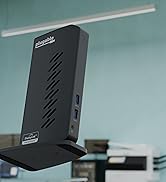
Form Factor | Vertical | Horizontal | Vertical | Vertical |
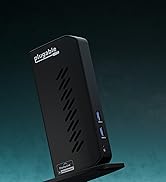
UD-3900Z
Merchant VideoCrisp and Clear
2K 60Hz
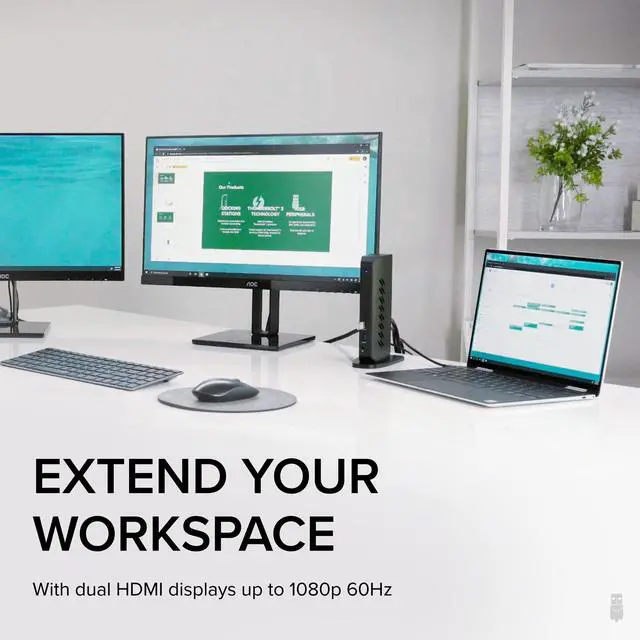
Multitask across two extended HD screens at up to 2K 60Hz
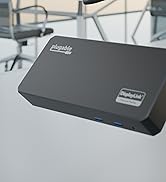
DisplayLink
Compatibility
Built on DisplayLink for better compatibility. Even extends screens on M1, M2, M3, M4 MacBooks.
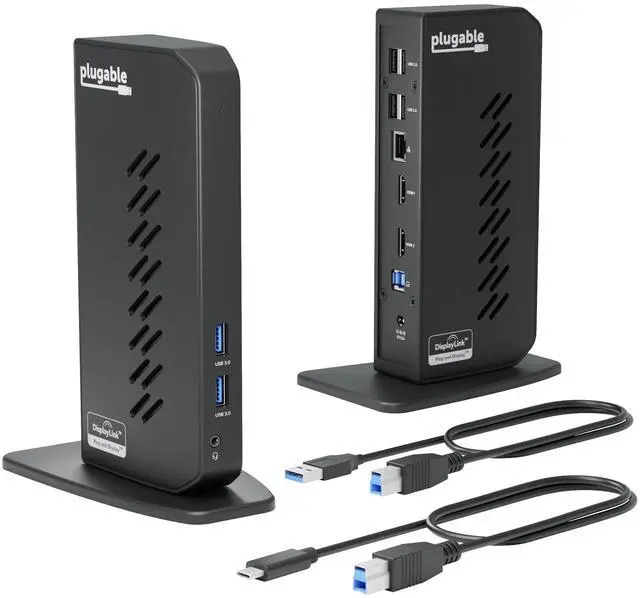
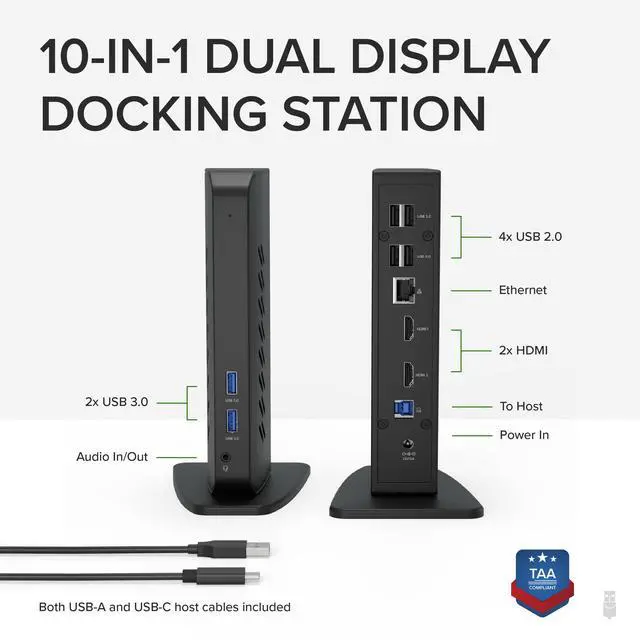
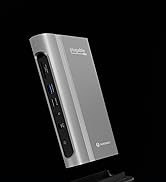
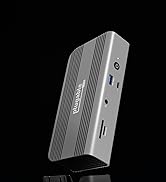
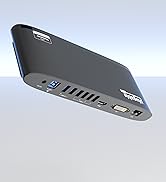
2x HDMI
2x USB 3.0 (5Gbps)
4x USB 2.0 (480Mbps)
Audio Jack & Gigabit Ethernet


UD-3900Z Divers for Mac OS
Merchant VideoHow to Install DisplayLink Driver for macOS
The UD-3900Z docking station uses DisplayLink technology to enable dual HDMI displays (up to 1920x1080 @ 60Hz) on macOS, including M1, M2, and newer Mac models that normally support only one external display.
Note - macOS requires ‘Screen Recording’ permission for the DisplayLink software to work. Granting this permission enables sending data from your computer over USB to the HDMI outputs. No data, images, or pixels are being stored or recorded.


Will this docking station (UD-3900Z) work with my computer?
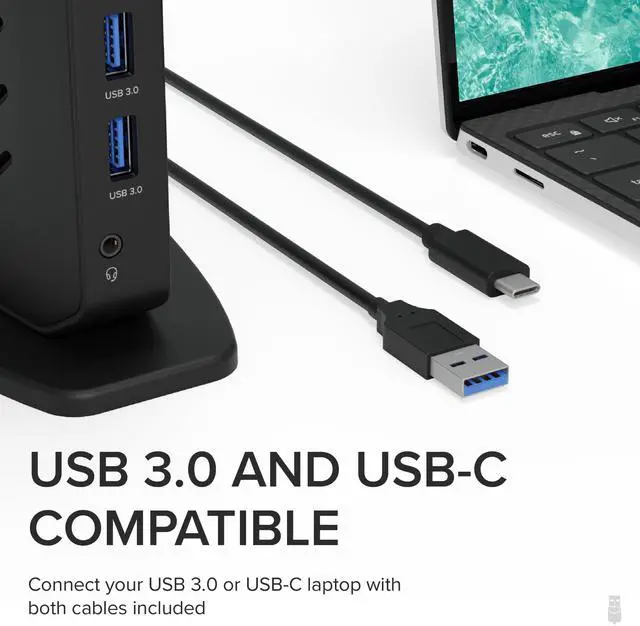
Works with most Windows, macOS, and ChromeOS systems with USB-A or USB-C. DisplayLink driver required for displays; on macOS, the driver must be installed manually.
Do I need to install software or drivers in order to use the UD-3900Z docking station?
DisplayLink software installation is required for macOS to enable display functionality. Windows Update provided drivers allow plug and play support in Windows. No installation required for ChromeOS.
Are my monitors compatible with the UD-3900Z docking station?
Monitors up to 1920x1200 resolution and a 60Hz refresh rate that have an HDMI video input port are compatible with the UD-3900Z.
Does the UD-3900Z charge my computer?
No, the UD-3900Z does not charge the host computer. You must connect an external power source to the computer in order to charge while using the UD-3900Z.
Can I watch protected video content from Netflix, Hulu, or Prime on this docking station?
Unfortunately not. DisplayLink docks don’t support HDCP, which is required for protected content from services like Netflix or Hulu.
Plugable Docking Stations
UD-3900Z | UD-3900H | UD-6950Z | UD-3900 |
|---|---|---|---|
| Customer Reviews | |||
| — | — | — | — |
| Price | |||
| — | — | — | — |
| Max Displays per Dock | |||
| 2 | 2 | 2 | 2 |
| Video Ports | |||
| 2x HDMI | 1x HDMI, 1x DVI | 2x HDMI 2.0,2x DisplayPort 1.2 | 2x HDMI |
| Max Resolutions Supported | |||
| 2x 1920x1200 @ 60Hz | 2x 1920x1200 @ 60Hz | 2x 4K 60Hz | 2x 1920x1200 @ 60Hz |
| USB Port Specifications | |||
| 2x USB 3.0 front, 4x USB 2.0 | 2x USB 3.0, 4x USB 2.0 rear | 2x USB 3.0 front, 4x rear | 2x USB 3.0 front, 4x USB 2.0 |
| Laptop Charging | |||
| None | None | None | None |
| Laptop Connection | |||
| USB 3.0,USB4,USB-C,Thunderbolt | USB 3.0,USB4,USB-C,Thunderbolt | USB 3.0, USB-C, USB4, TB3, TB4 | USB 3.0,USB4,USB-C,Thunderbolt |
| Form Factor | |||
| Vertical | Horizontal | Vertical | Vertical |


Find Your Docking Station

Shop for Mac

Shop for Windows


Shop Universal Compatability


Shop for Business