




Fast 100W Power Delivery
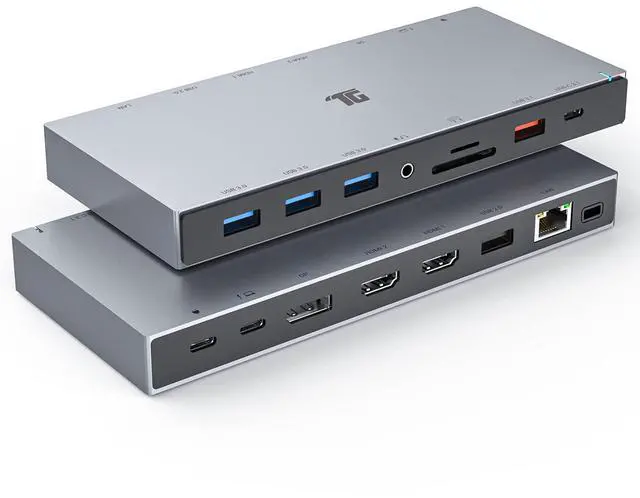
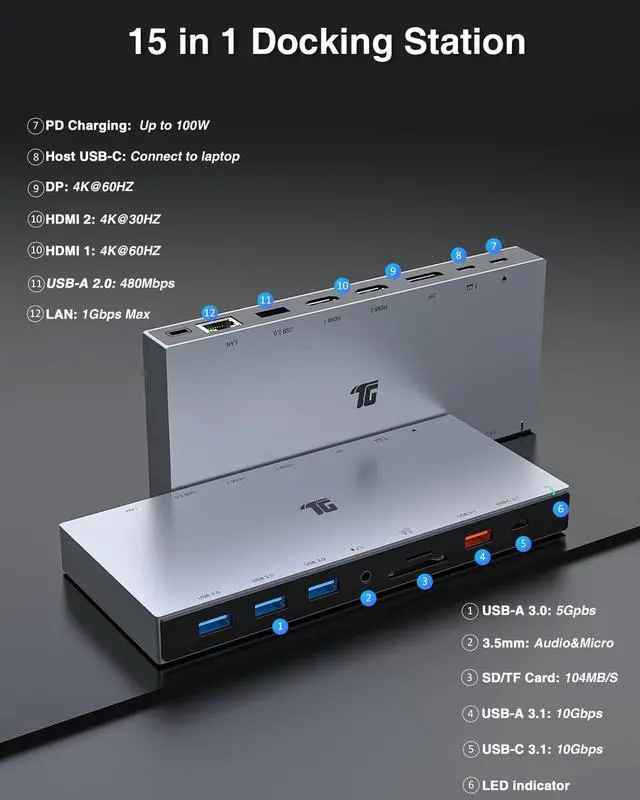
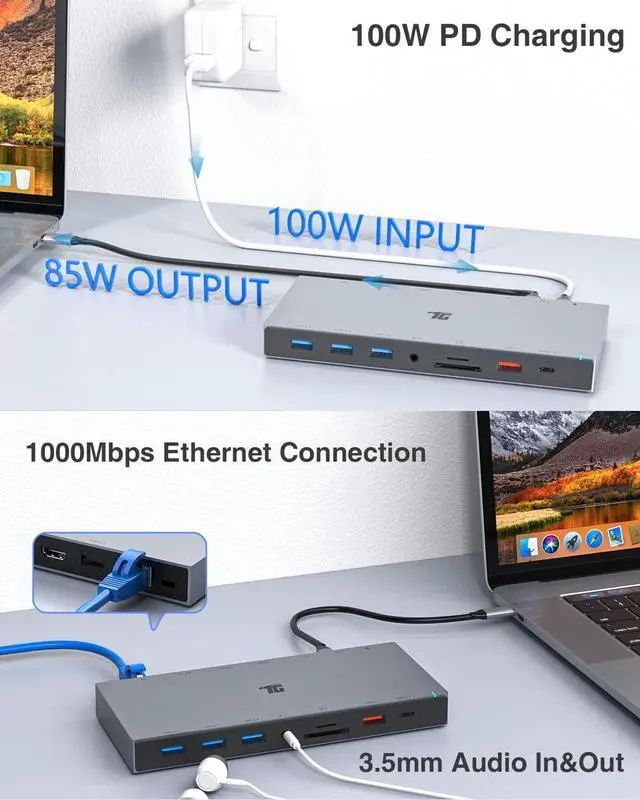
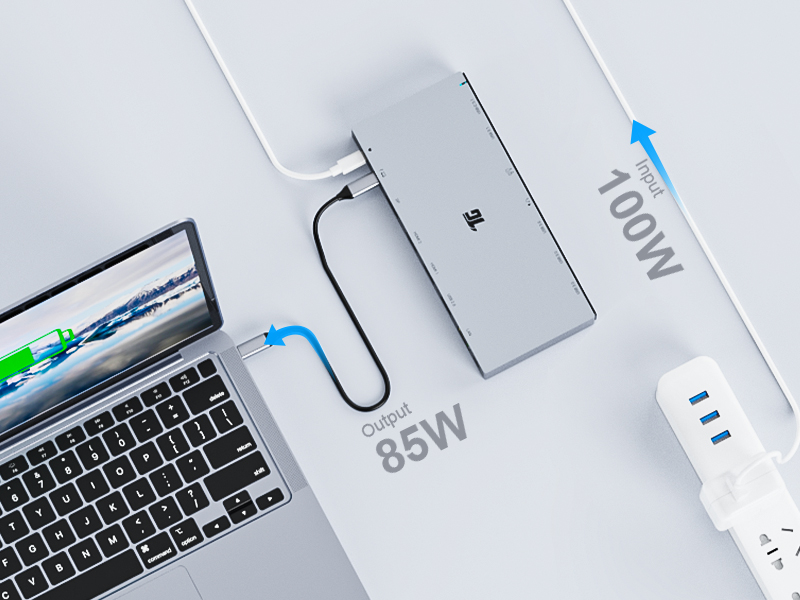
Support up to 100W PD charging, and this Dock quickly charges MacBook or other Window laptops with the USB-C Port.
Stable network Connection
Equipped with a Gigabit Ethernet port, It provides a more stable and faster-wired network connection than wireless connection.
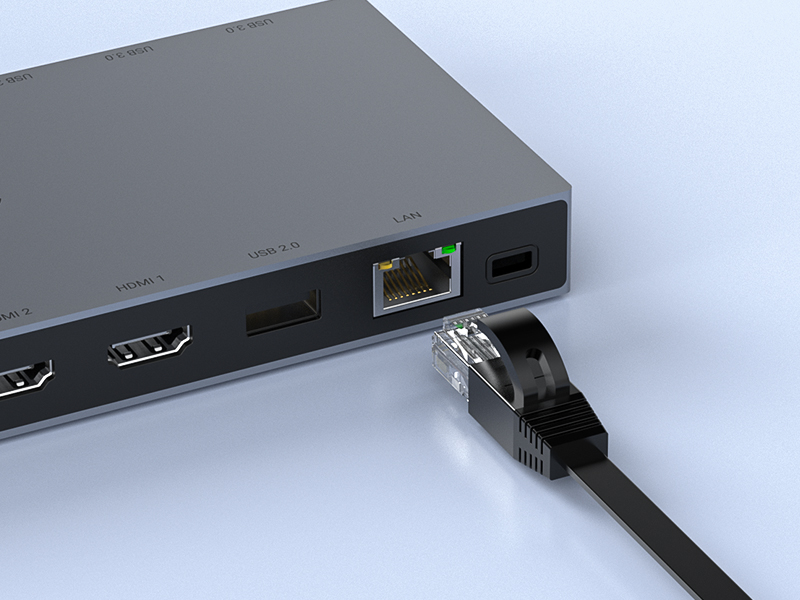
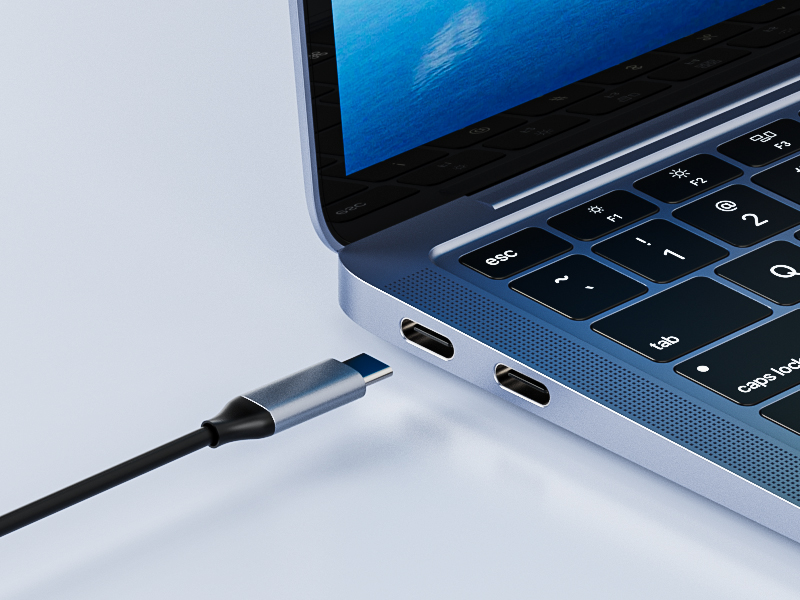
Plug and Play
No driver installation required. The dock expands the various devices just with a USB-C Port.
Mare sure that laptop's USB-C support Thunderbolt 3/4 or Display Alt mode(Video Output/Power Delivery/Data Transfer).
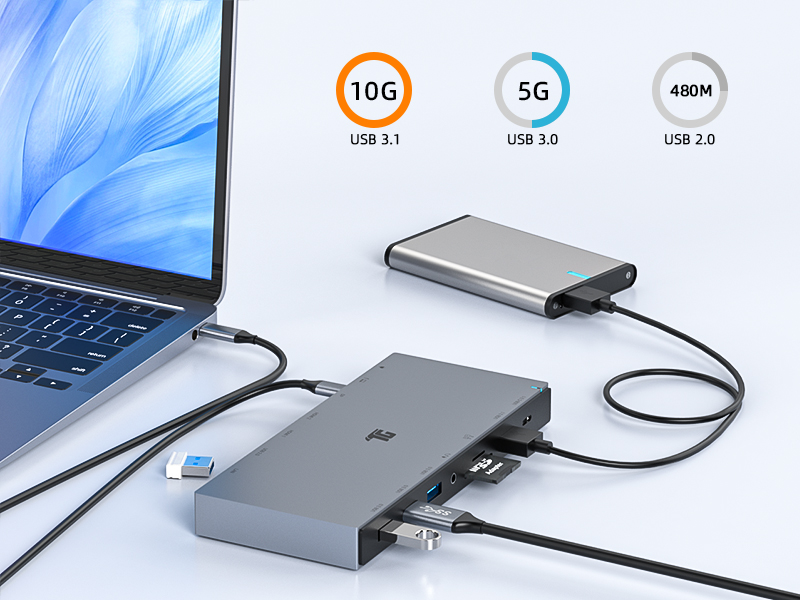
Speedy Data Transfer
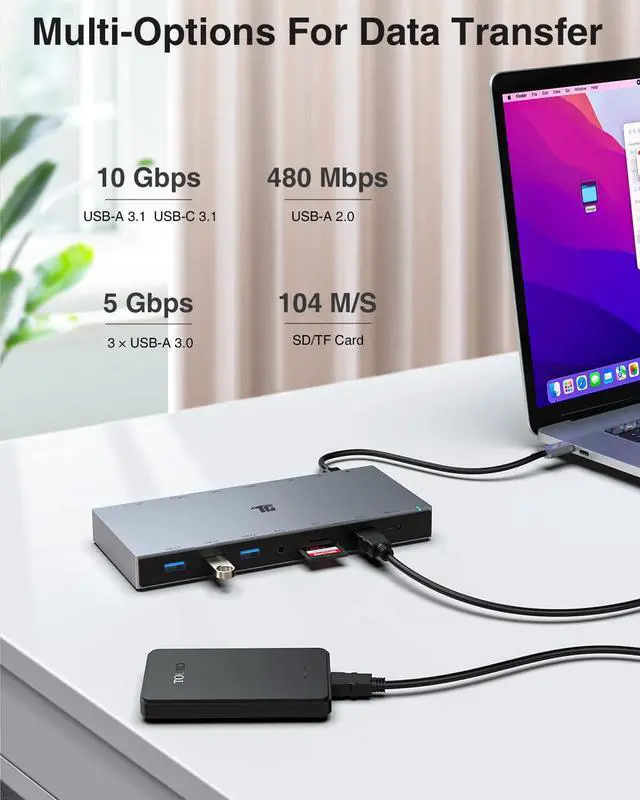
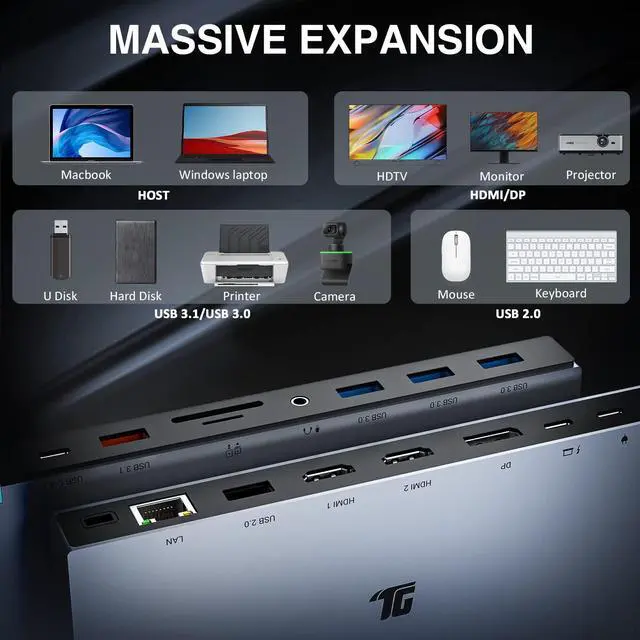
2 x USB 3.1 ports / 3 x USB 3.0 ports for accessories (external hard drive or USB peripherals etc.)
1 x USB 2.0 port for accessories (wireless adapter, keyboard, and mouse, etc.)
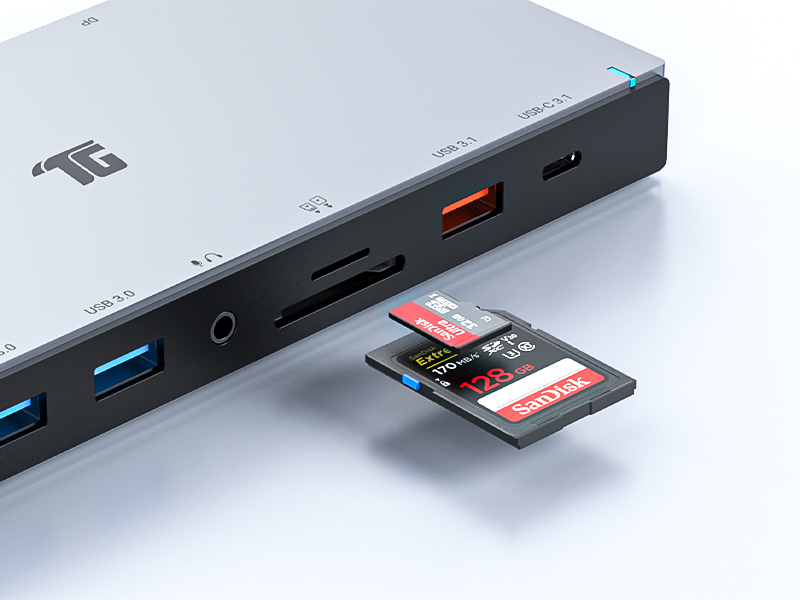
Universal SD/TF Compatibility
The SD and TF card slots support almost memory card formats on the market and can be used at the same time.

3.5mm Audio in&out
Support audio in&out function. The 3.5mm Audio devices can be attached to your laptop.

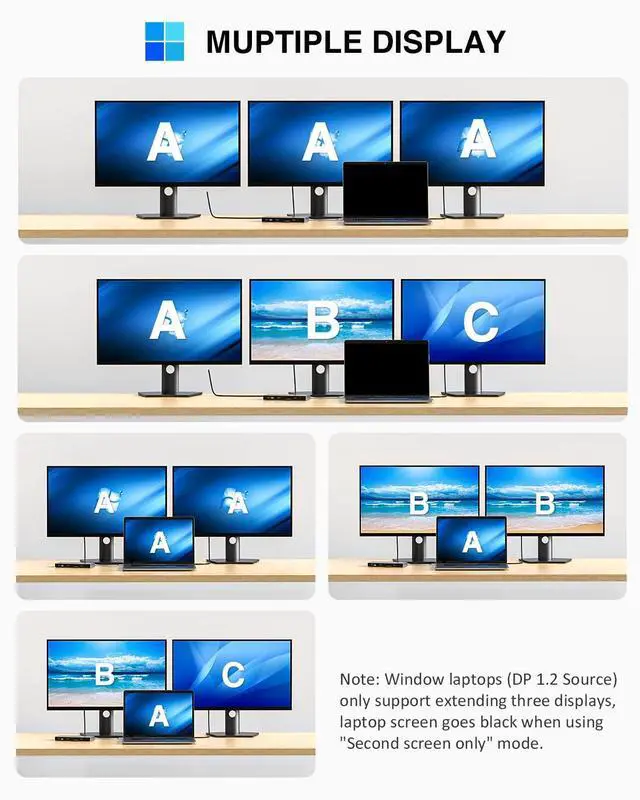
Three Modes for Window Laptops(DP1.2 source)
- Mirror Mode: two extended monitors and laptop screen are the same content.
- Extend Mode: two extended monitors are different from laptop screen.
- Triple Display Mode: three extended monitors and laptop screen stays off.

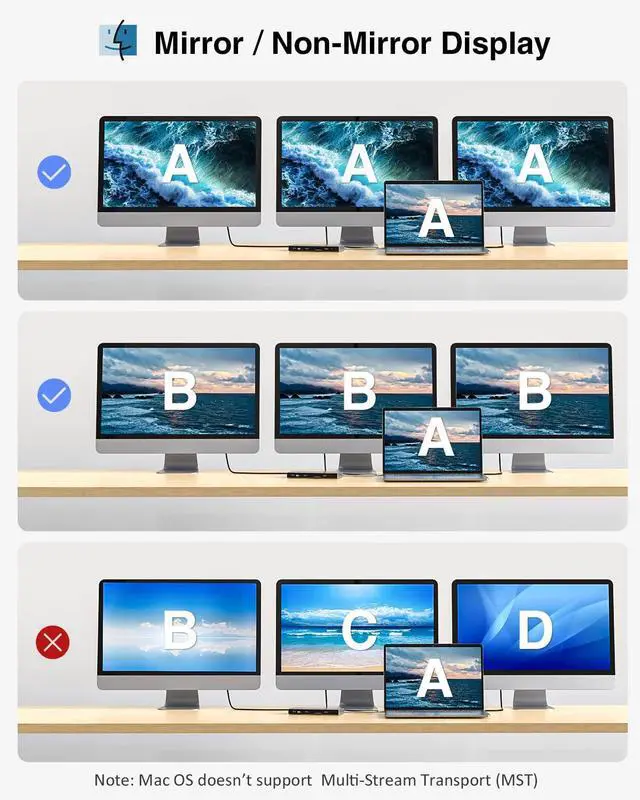
Two Modes for Mac Os
- Mirror Mode: three extended monitors and laptop screen are the same content.
- Extend Mode: three extended monitors are the same content and different from laptop screen.

Why can't I get HDMI/DP resolution to 4K@60Hz?
For 4K@60Hz display, please ensure your Windows laptop supports DP 1.4 source and uses the HDMI1/DP port individually.
Does this dock work well with my laptop?
This Dock is compatible with laptops equipped with a full-featured USB-C port[support DisplayPort Alt Mode and Power Delivery]. To determine the laptop compatibility, please check out your laptop's user manual.
Is it necessary to install the driver in use?
No. Plug and play. Please ensure that the laptop's power adapter connects to the Dock's PD charging port when plugging any external hard drives or high-consumption devices into the Dock.
Why the maximum input power is 85W?
The Dock would take up 15W power to keep itself working normally, and it would not affect the charging function of the laptop.
Why does Wireless device get lag/delay after connecting to the Dock?
The Dock may have a USB 3.0 interference in use, affecting the normal function of your Bluetooth device. Ensure that the Bluetooth device connects to the USB-A 2.0 port.


Elevate Digital Capabilities
At Tiergrade, we design and manufacture our products with great passion and technological innovation to provide customers with connection possibilities and working convenience.
Tiergrade has been developing practical electronic accessories with high-quality material and advanced technology since 2016. We think we are lucky to be able to bring solid products and tech service to our customers.
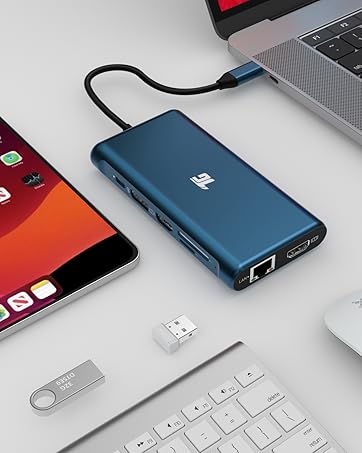
USB C Hubs & Docking Station
Turn your device’s USB-C port into multiple ports, allowing you to transfer data in seconds and stream media in unrivaled clarity.
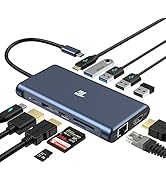
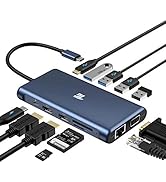
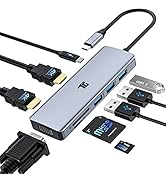
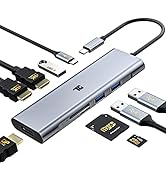
Tiergrade Hub Collection
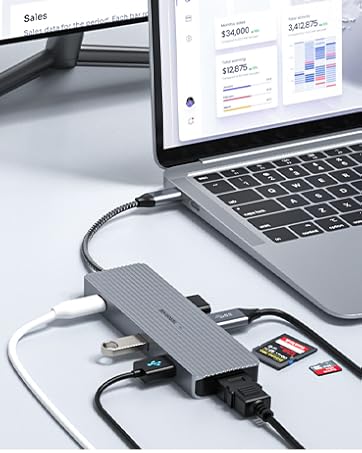
An Easier Way to Access File
- Portable - USB C Hubs
- Stable - Docking Stations
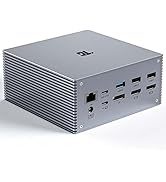
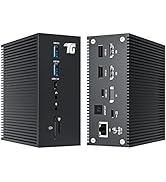
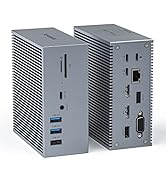
Tiergrade Docking Station


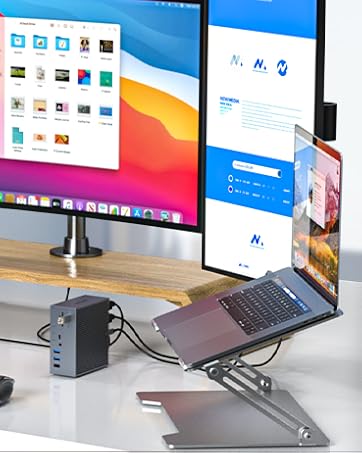
Elevate Digital Capabilities
At Tiergrade, we design and manufacture our products with great passion and technological innovation to provide customers with connection possibilities and working convenience.
Tiergrade has been developing practical electronic accessories with high-quality material and advanced technology since 2016. We think we are lucky to be able to bring solid products and tech service to our customers.
USB C Hubs & Docking Station
Turn your device’s USB-C port into multiple ports, allowing you to transfer data in seconds and stream media in unrivaled clarity.
Tiergrade Hub Collection
An Easier Way to Access File
- Portable - USB C Hubs
- Stable - Docking Stations
Tiergrade Docking Station


Fast 100W Power Delivery
Support up to 100W PD charging, and this Dock quickly charges MacBook or other Window laptops with the USB-C Port.
Stable network Connection
Equipped with a Gigabit Ethernet port, It provides a more stable and faster-wired network connection than wireless connection.
Plug and Play
No driver installation required. The dock expands the various devices just with a USB-C Port.
Mare sure that laptop's USB-C support Thunderbolt 3/4 or Display Alt mode(Video Output/Power Delivery/Data Transfer).


Speedy Data Transfer
2 x USB 3.1 ports / 3 x USB 3.0 ports for accessories (external hard drive or USB peripherals etc.)
1 x USB 2.0 port for accessories (wireless adapter, keyboard, and mouse, etc.)
Universal SD/TF Compatibility
The SD and TF card slots support almost memory card formats on the market and can be used at the same time.
3.5mm Audio in&out
Support audio in&out function. The 3.5mm Audio devices can be attached to your laptop.
Three Modes for Window Laptops(DP1.2 source)
- Mirror Mode: two extended monitors and laptop screen are the same content.
- Extend Mode: two extended monitors are different from laptop screen.
- Triple Display Mode: three extended monitors and laptop screen stays off.
Two Modes for Mac Os
- Mirror Mode: three extended monitors and laptop screen are the same content.
- Extend Mode: three extended monitors are the same content and different from laptop screen.

Why can't I get HDMI/DP resolution to 4K@60Hz?
For 4K@60Hz display, please ensure your Windows laptop supports DP 1.4 source and uses the HDMI1/DP port individually.
Does this dock work well with my laptop?
This Dock is compatible with laptops equipped with a full-featured USB-C port[support DisplayPort Alt Mode and Power Delivery]. To determine the laptop compatibility, please check out your laptop's user manual.
Is it necessary to install the driver in use?
No. Plug and play. Please ensure that the laptop's power adapter connects to the Dock's PD charging port when plugging any external hard drives or high-consumption devices into the Dock.
Why the maximum input power is 85W?
The Dock would take up 15W power to keep itself working normally, and it would not affect the charging function of the laptop.
Why does Wireless device get lag/delay after connecting to the Dock?
The Dock may have a USB 3.0 interference in use, affecting the normal function of your Bluetooth device. Ensure that the Bluetooth device connects to the USB-A 2.0 port.