




 here!
I’m your shopping assistant for PC builds, upgrades, and everything tech.
Got questions? Ask away!
Start a conversation
here!
I’m your shopping assistant for PC builds, upgrades, and everything tech.
Got questions? Ask away!
Start a conversation




Any questions? Ask CelesteSM will help you find out quickly.
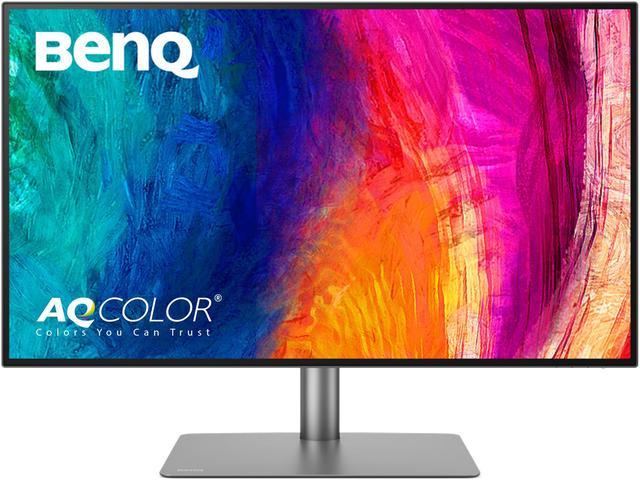
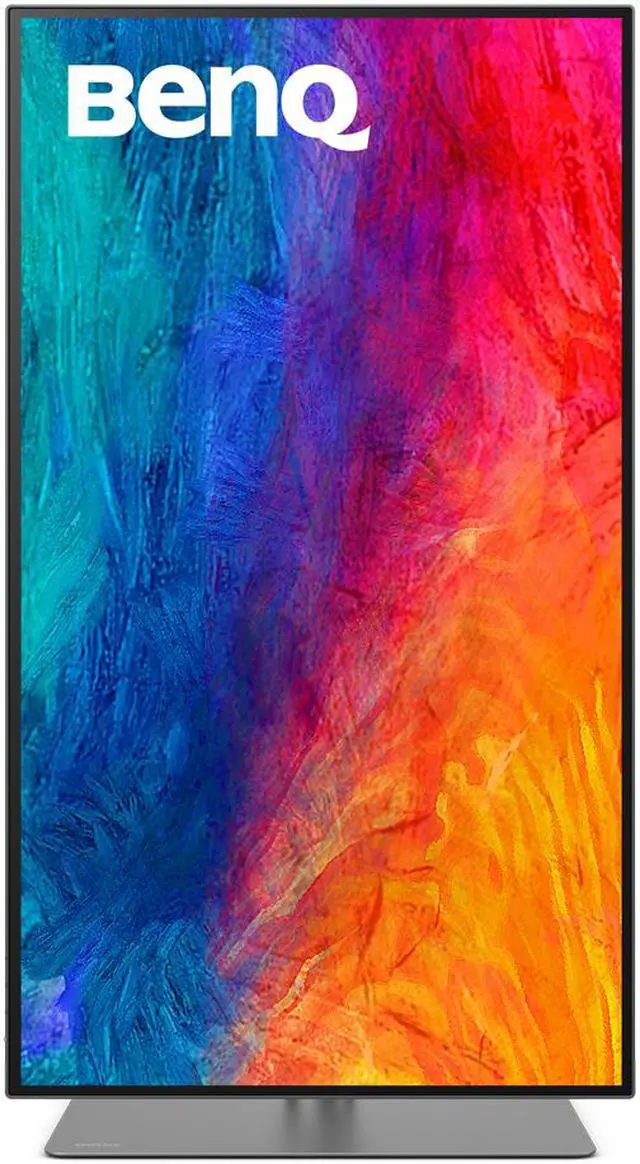
The BenQ PD3225U is a 32-inch 4K UHD IPS monitor designed for color-critical creative work, with 98% P3, 99% sRGB and Rec.709 coverage, factory calibration, and Delta E average of 2 or less. It suits designers, photographers, and video editors who want accurate color and Thunderbolt 3 connectivity.
| Attribute | Value |
|---|---|
| Best For | Graphic design and photo/video editing, with wide-gamut color, factory calibration, and Thunderbolt 3 connectivity |
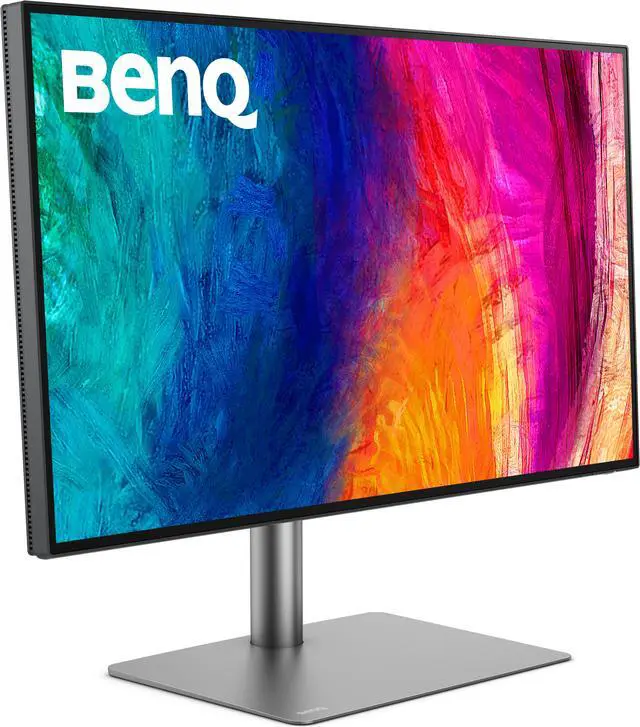
| Panel And Resolution | 32-inch display (31.5-inch viewable) with a flat IPS panel, 3840 × 2160 4K UHD resolution, 16:9 aspect ratio, anti-glare screen, 178° horizontal and vertical viewing angles, and 0.182 mm pixel pitch |
| Refresh Rate And Response | 60 Hz refresh rate and 5 ms response time |
| Color And HDR | 98% P3, 99% Rec.709, and 99% sRGB coverage; 1.07 billion colors, 400 cd/m² brightness, 2000:1 contrast, HDR10, and DisplayHDR 400 certification. Factory calibration report and average Delta E ≤ 2 support color-critical work |
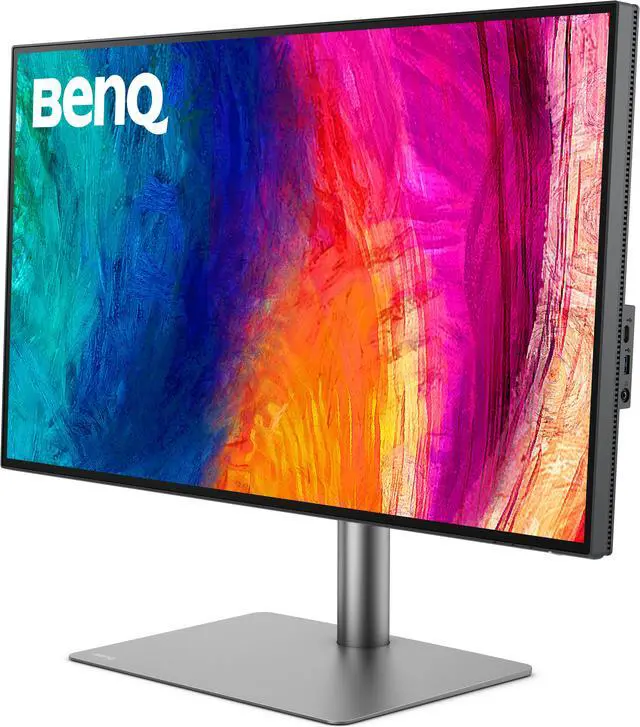
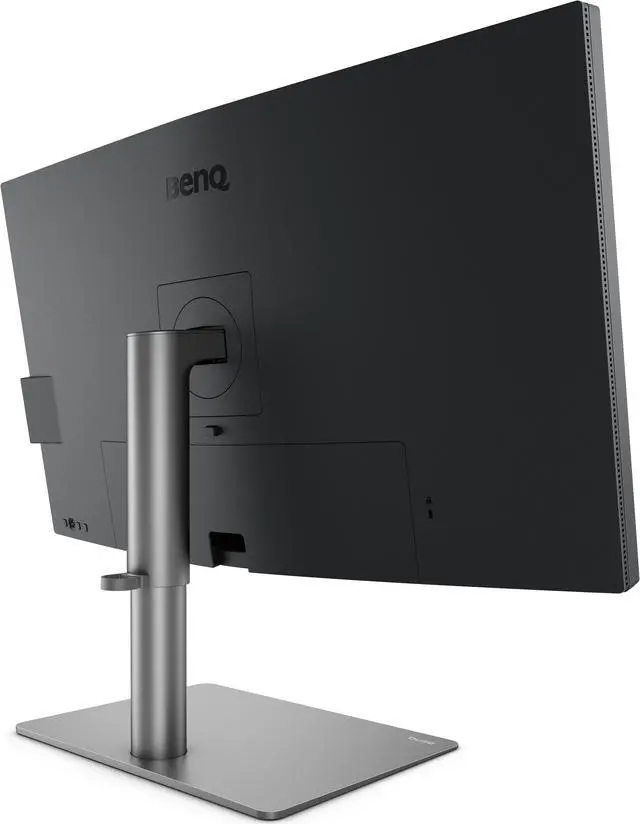
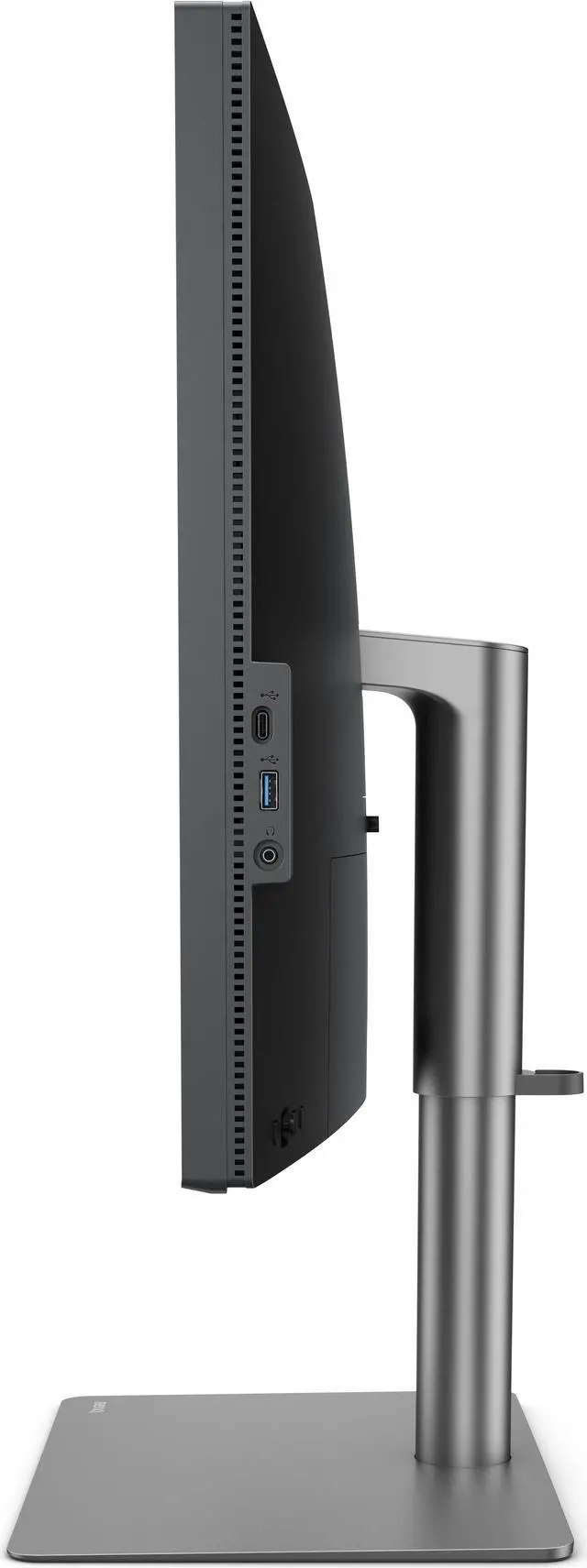
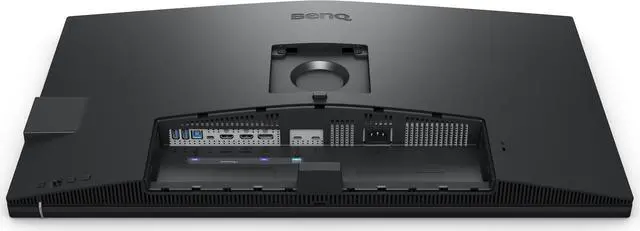
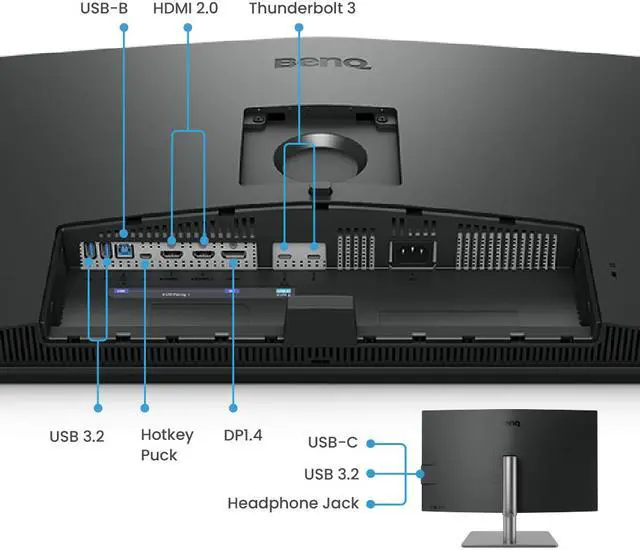
| Ports And Connectivity | 2 HDMI 2.0, 1 DisplayPort 1.4, and Thunderbolt 3 with 85W power delivery, DisplayPort Alt Mode, and data; a second Thunderbolt 3 port provides 15W power delivery. Also includes USB Type-B upstream, USB-C downstream, 3 USB 3.2 downstream ports, and a headphone connection |
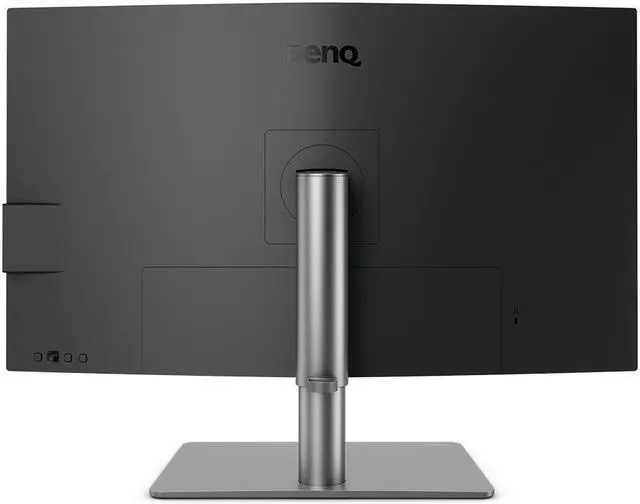
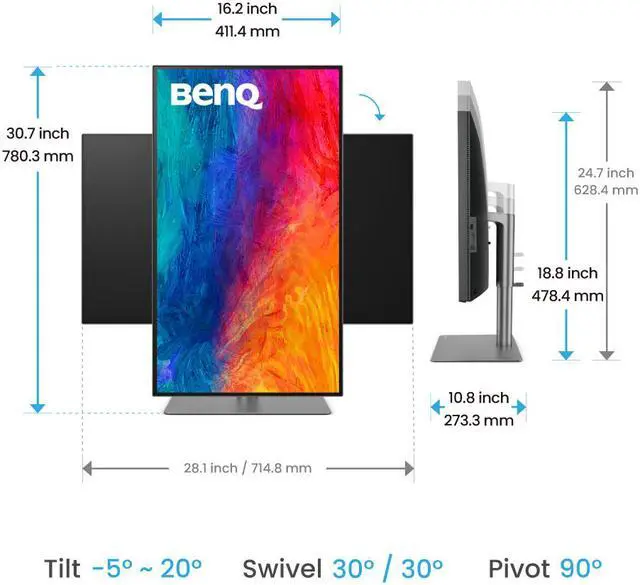
| Stand And Mounting | Height-adjustable stand with 150 mm of travel, -5° to 20° tilt, 30° swivel in each direction, and 90° pivot; compatible with 100 × 100 mm VESA mounts |
| Audio | Built-in stereo speakers rated at 2 × 2.5 W |
| Power | 100–240 VAC power supply; power consumption is 32 W typical, 230 W maximum, and under 0.5 W in sleep mode |
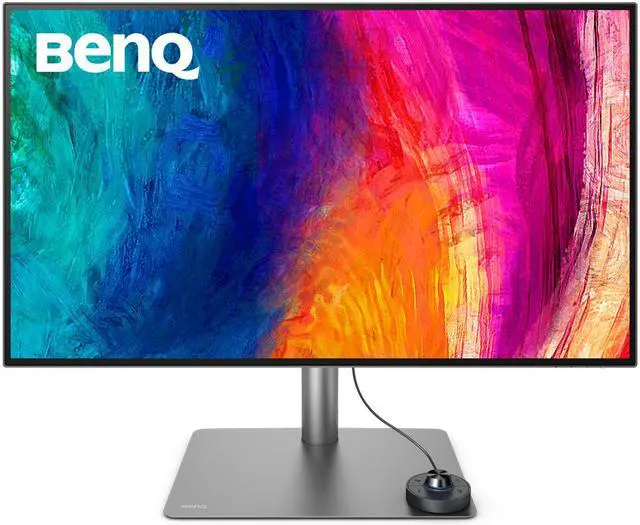
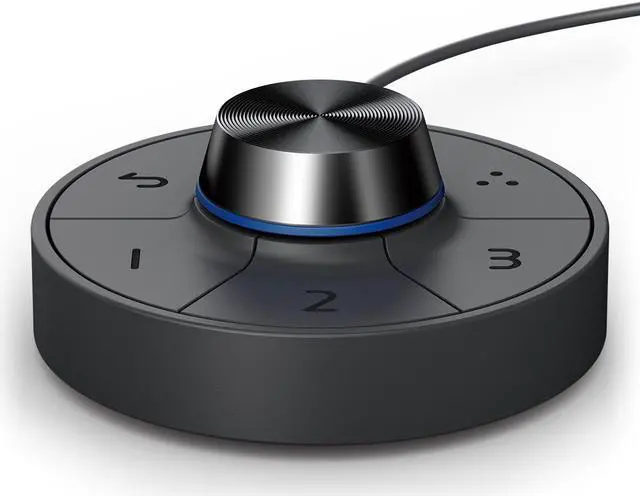
| Features And Controls | Includes KVM switch, ICCsync, uniformity technology, PIP/PBP, DualView, Auto Pivot, Flicker-free Technology, Low Blue Light, and Hotkey Puck G2; supports Animation, Darkroom, Black & White, and CAD/CAM modes |
| Physical Specifications | Dark gray cabinet; 18.10 lb with stand and 14.60 lb without stand. Dimensions are 18.83–24.74 × 28.14 × 10.76 inches with stand and 16.20 × 28.14 × 2.95 inches without stand |
| Model Identifiers | BenQ PD3225U |
Q: BenQ PD3225U vs. PD3220U: what changed?
A: Both are 32-inch 4K creative monitors with Thunderbolt 3. Choose the PD3225U for its IPS Black panel with 2000:1 contrast, 98% Display P3 coverage, and Mac-oriented color tools; the PD3220U is the previous-generation option with a 1000:1 contrast rating and 95% P3 coverage.
Q: Should I get the BenQ PD3225U or the PD3205U for 4K creative work?
A: Both provide a 31.5-inch 4K workspace and 99% sRGB and Rec.709 coverage. Choose the PD3225U for IPS Black contrast, 98% P3 coverage, Thunderbolt 3 daisy chaining, and its broader Mac-focused color workflow; choose the PD3205U for a 4K workflow centered on sRGB and Rec.709.
Q: BenQ PD3225U or PD2725U: which 4K monitor fits a larger workspace?
A: Choose the PD3225U for a 32-inch workspace, 98% P3 coverage, 2000:1 contrast, and 85W laptop power delivery. The PD2725U provides a 27-inch 4K screen with 95% P3 coverage and 65W Thunderbolt 3 power delivery, making it the smaller-screen option in BenQ’s creative-monitor lineup.
Q: BenQ PD3225U vs. PD3226G: which is better for creative work and motion?
A: Choose the PD3225U for Mac-oriented color workflows, IPS Black contrast, and 98% P3 coverage. Choose the PD3226G when a 144Hz refresh rate and Thunderbolt 4 are priorities; it pairs a 32-inch 4K display with 95% P3 coverage.
Q: Is this monitor suitable for photo and video editing?
A: It is well suited to color-focused photo, video, and design work: it combines a 32-inch 4K IPS display with broad P3, sRGB, and Rec. 709 coverage, factory calibration documentation, and uniformity features. Its 60Hz refresh rate is less suited to buyers prioritizing high-refresh gaming.
Q: Can I connect a MacBook with one cable and charge it?
A: Yes. The monitor’s Thunderbolt 3 connection carries video and data and provides power delivery, so a compatible MacBook can use one cable for those functions. Check that the monitor’s power delivery meets your MacBook’s charging needs.
Q: Can I switch between two computers using the monitor?
A: Yes. The PD3225U includes a KVM switch, allowing you to use connected peripherals with different computers and switch between them. Connect each computer using the appropriate video and USB connections; the required connections depend on the computers and setup.
Q: Can it run a second 4K monitor in a daisy-chain setup?
A: The PD3225U supports Thunderbolt daisy-chaining for up to two 4K displays. Whether the full setup works depends on the connected computer’s display-output capabilities and the connection configuration.
Q: Is the BenQ PD3225U a suitable alternative to the Apple Studio Display for Mac photo or video work?
A: It is worth considering if you want a larger 32-inch 4K screen, Thunderbolt connectivity, and a wide-gamut color-focused display. A Reddit photographer reported using it for Photoshop after switching from an iMac, while a YouTube review discusses choosing it over the Studio Display for video editing. The displays are not identical, so compare their screen finish and features against your priorities.
Q: Is the PD3225U a worthwhile upgrade from the BenQ PD3205U?
A: Consider the PD3225U if its higher stated P3 coverage and 2000:1 contrast are useful for your work. A Reddit comparison discussion notes these as potential reasons to choose it; if you do not need those differences, the discussion suggests the older model may be sufficient. The supplied specifications list the PD3225U as a 32-inch 4K, 60Hz monitor.
Q: Is the PD3225U suitable for photo editing?
A: It may suit photographers who want a large 4K screen and broad color-gamut coverage: the supplied specifications list 98% P3 and 99% sRGB and Rec. 709, plus a factory calibration report. A Reddit user who identified as a professional photographer described choosing it for Photoshop and color-sensitive work. For critical color work, check whether its color modes and calibration meet your workflow.
Q: What is the screen-finish trade-off when using the PD3225U with a Mac?
A: A Reddit discussion describes the monitor’s matte finish as looking different from a MacBook’s Retina display, while noting that glossy and matte screens can differ in perceived vibrancy and reflection handling. If matching your Mac’s screen appearance is important, compare them in person if possible; the supplied product data identifies the PD3225U as anti-glare.


